
AI Product Photo Generator
Studio-grade product photography from a prompt or a packshot — your brand on the product, the set, the light, and the mood included.
The 42 models on this page are already included, with no separate subscription per tool. 14,500+ real generations already delivered on the platform. Updated
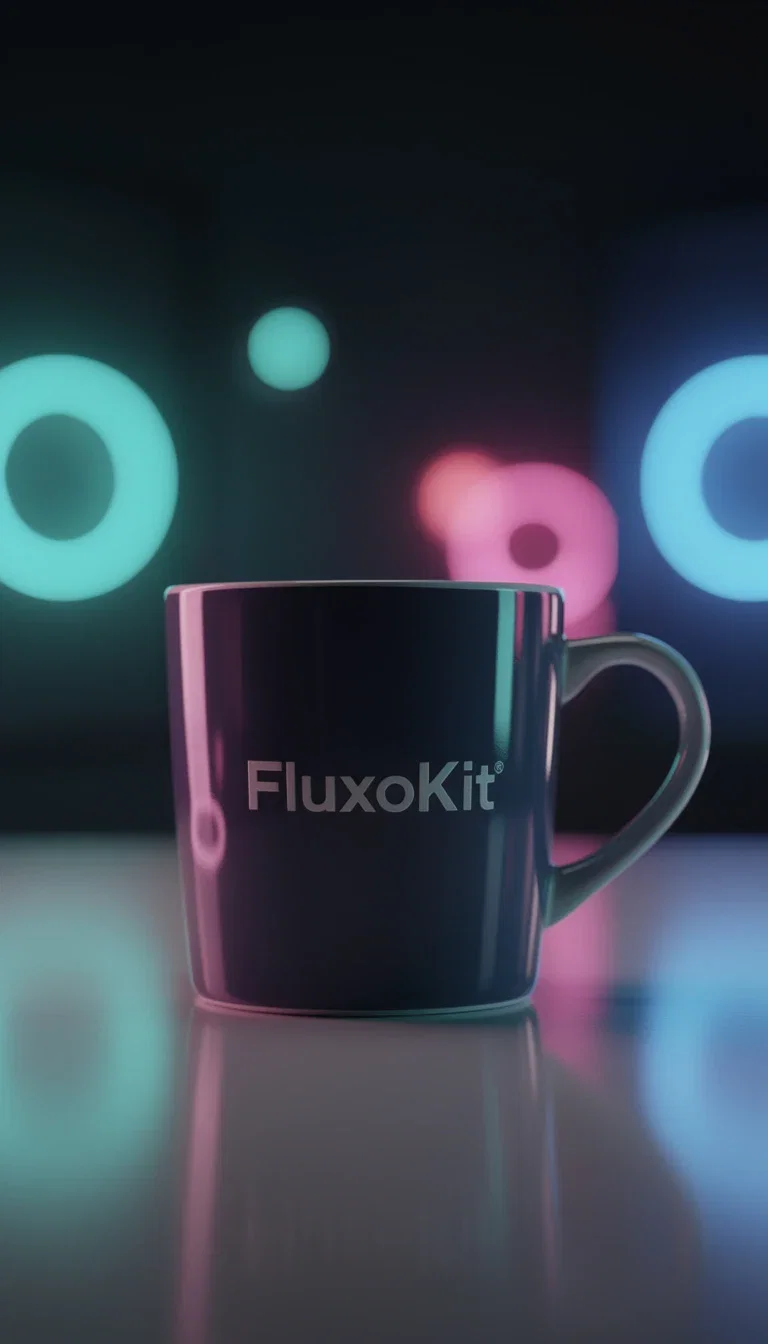
Merch shot
Merch shot in neon light
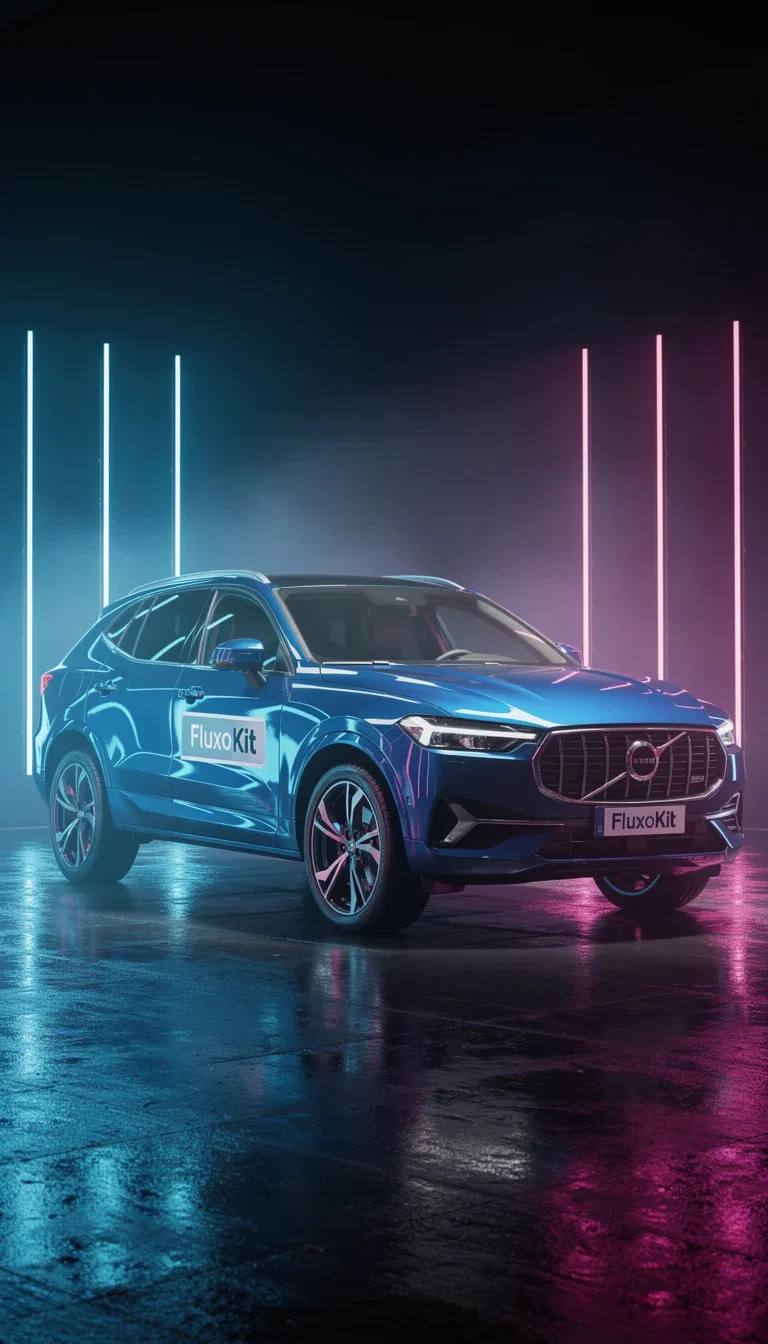
FluxoKit generation
Branded vehicle in studio neon
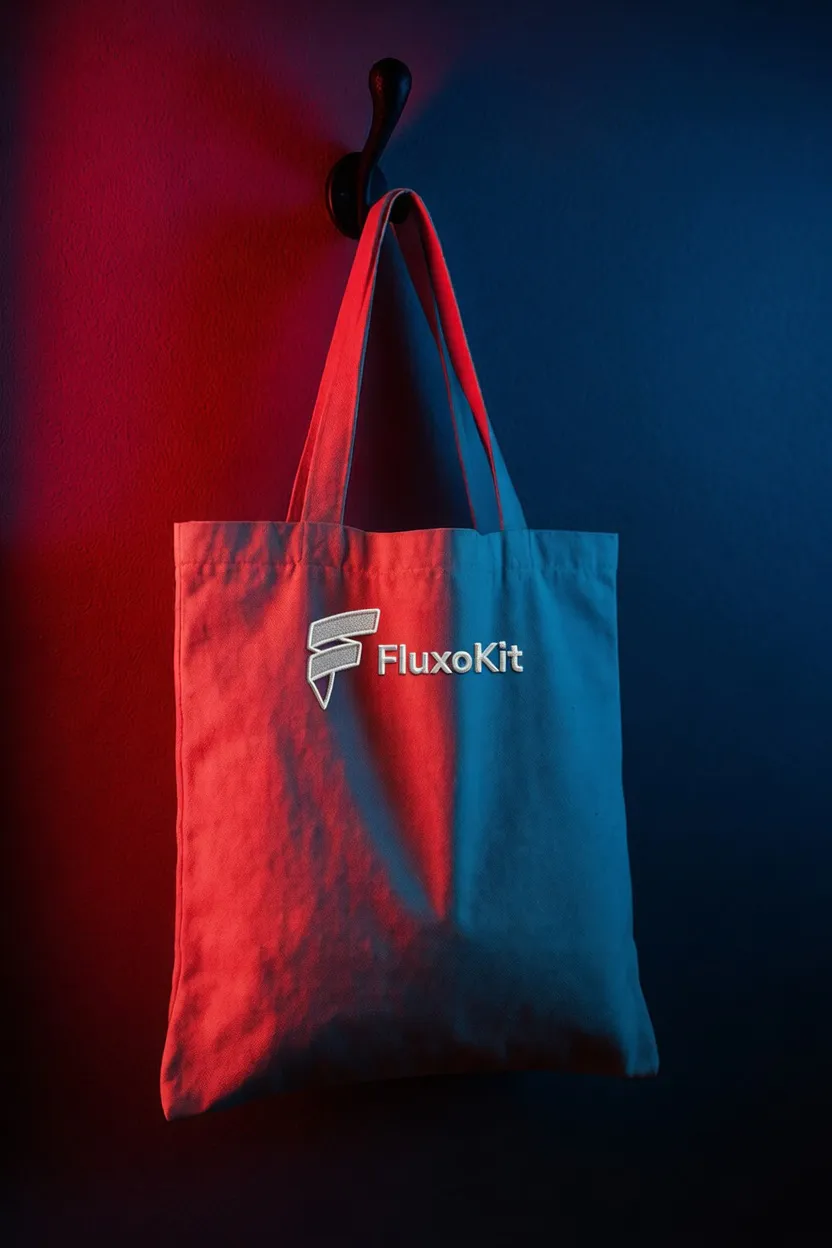
Grok Imagine
Dramatic split light on canvas
The studio is generated
Neon rims, rain-lit streets, dramatic split light, minimal spa sets — every backdrop on this page was described, not built.
The engines light the product like a photographer would: reflections on ceramic, emboss shadows on leather, rim light on canvas.
A full look-book of sets costs prompts, not studio days.
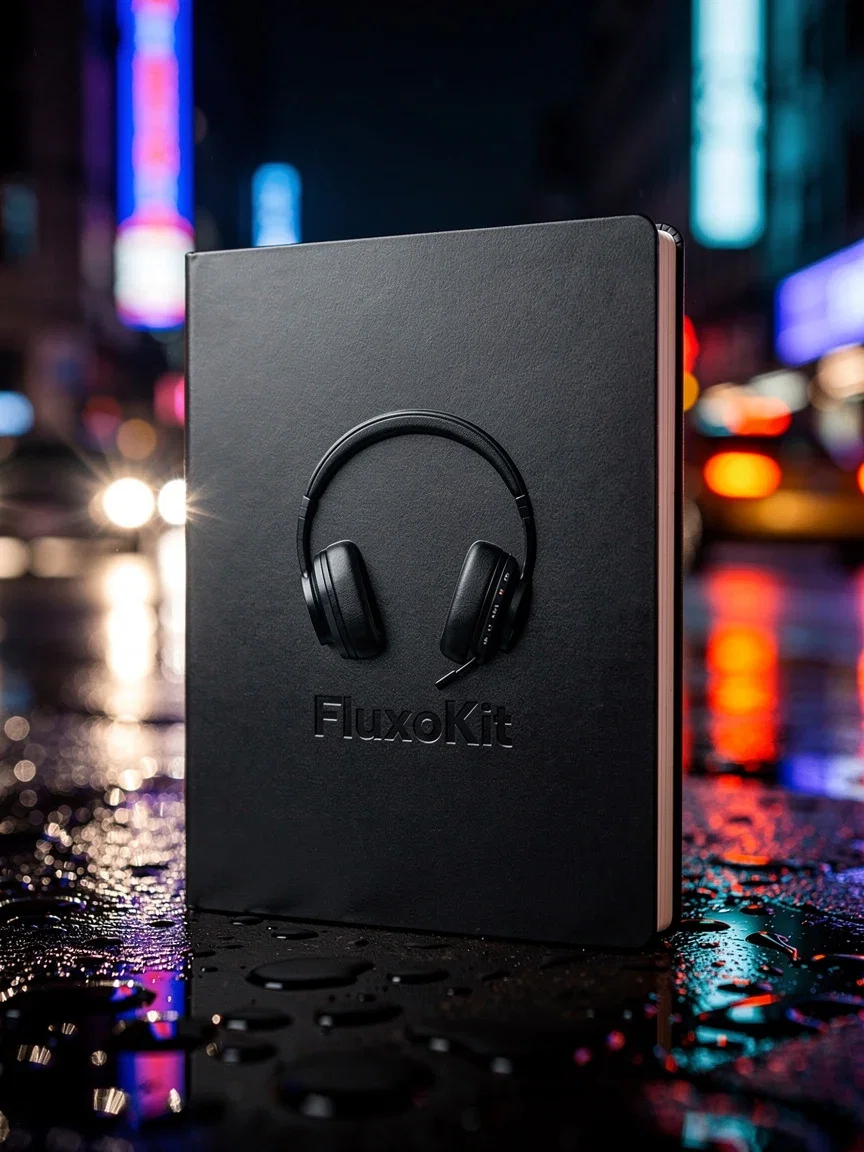
FluxoKit generation
Embossed cover on a night street
Three ways to a product shot
Powered by Grok Imagine, Nano Banana Pro, FLUX, GPT Image 2, and Seedream engines.
Describe the shot
Product, set, light, and mood — the engine builds the studio.
Upload the packshot
Your real product photo gets re-set, re-lit, and re-staged.
Brand it
Place logos and finishes onto surfaces with the editing engines.
Vehicle
Neon studio
Merch
Ceramic
Emboss
Night street
Canvas
Split light
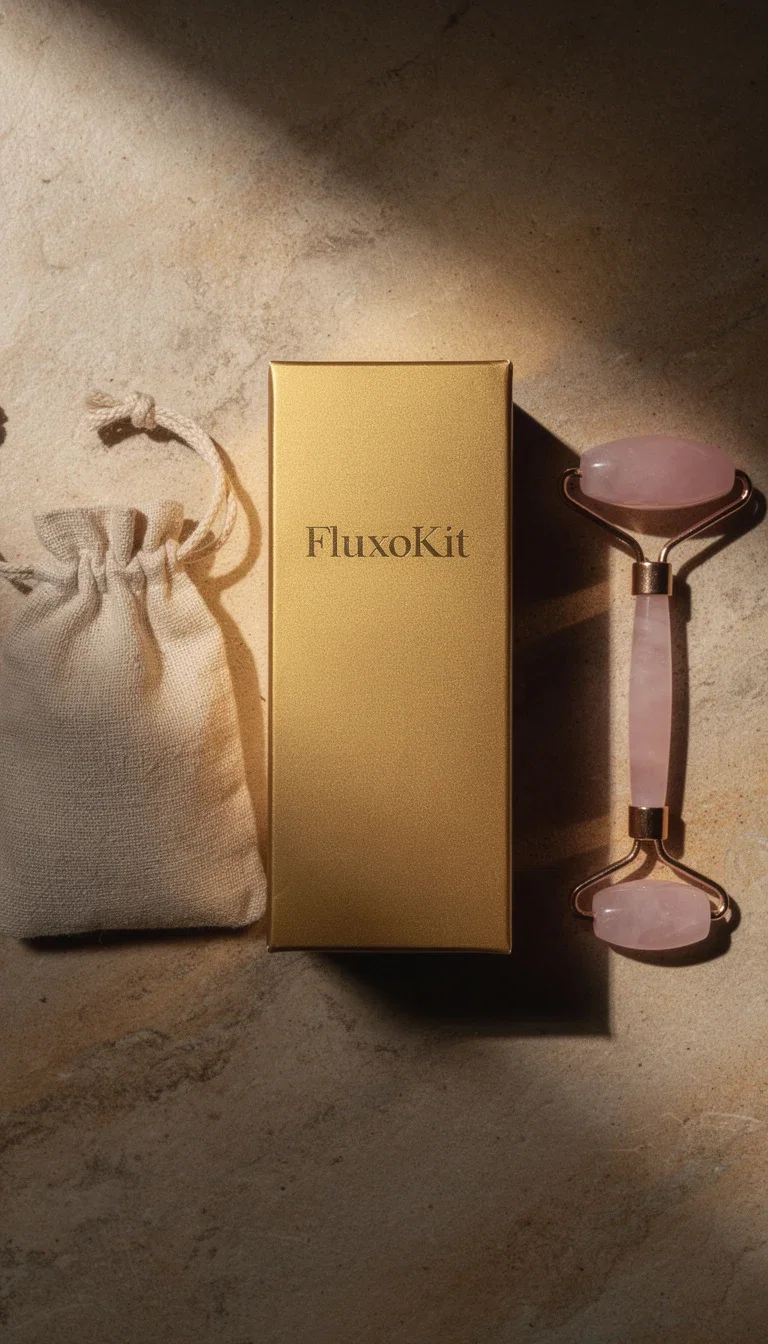
Packaging
Flat-lay
Your brand, on the product
Decals, embossing, foil stamps, and prints land on the product with material-true finish — gold foil catches light, emboss casts depth.
Merch previews, packaging concepts, and brand look-books ship before any physical sample exists.
Swap the logo or the colorway and regenerate the entire set.
Spa packaging
Spa packaging flat-lay
From single shot to full catalog
One product renders across angles, sets, and moods — the consistency that catalog pages and ad sets demand.
Editors on the same canvas retouch, restyle, or upscale the keepers.
The hero shot becomes the ad's first frame when the campaign goes to video.
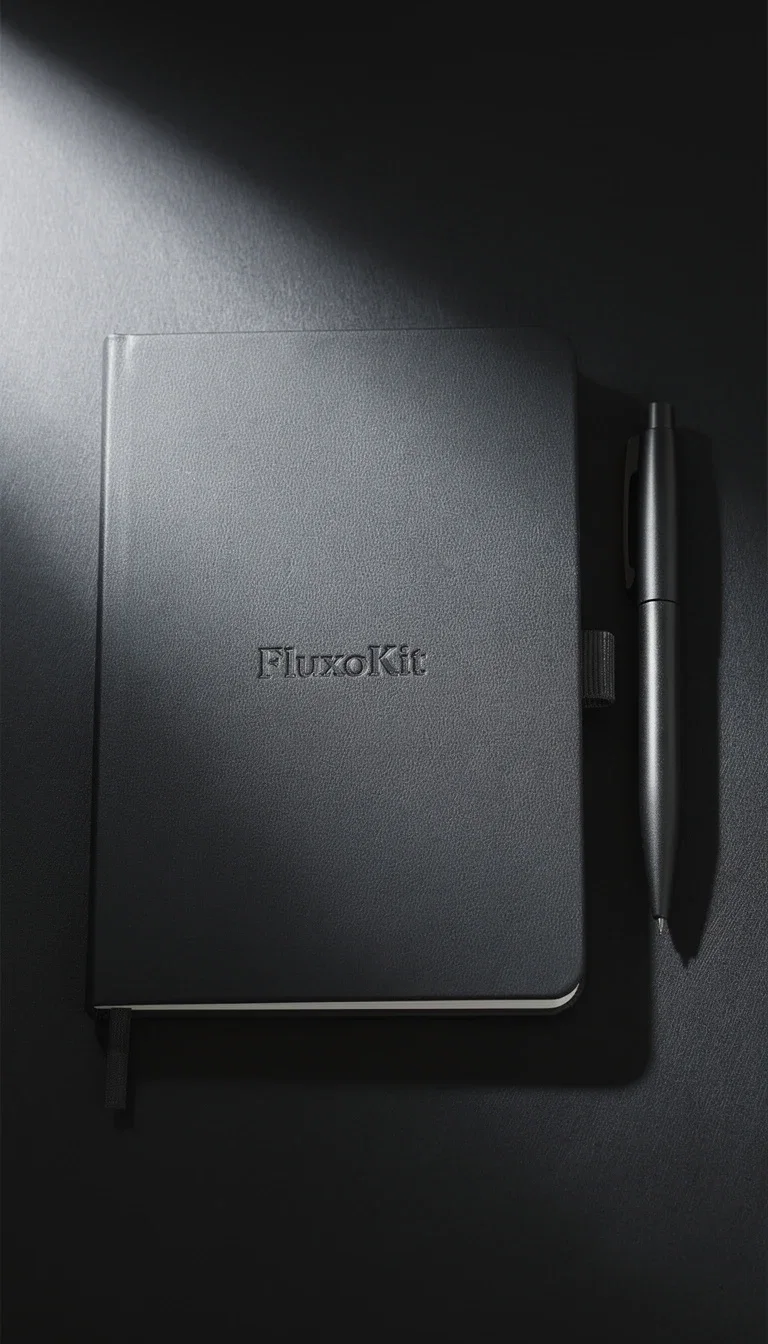
FluxoKit generation
Stationery hero on charcoal
FluxoKit by the numbers
127+
AI models in one canvas
6
product sets on this page
14,500+
real generations delivered
Real product shots, generated on FluxoKit
Six products, six sets, zero studios — every frame is a FluxoKit generation.
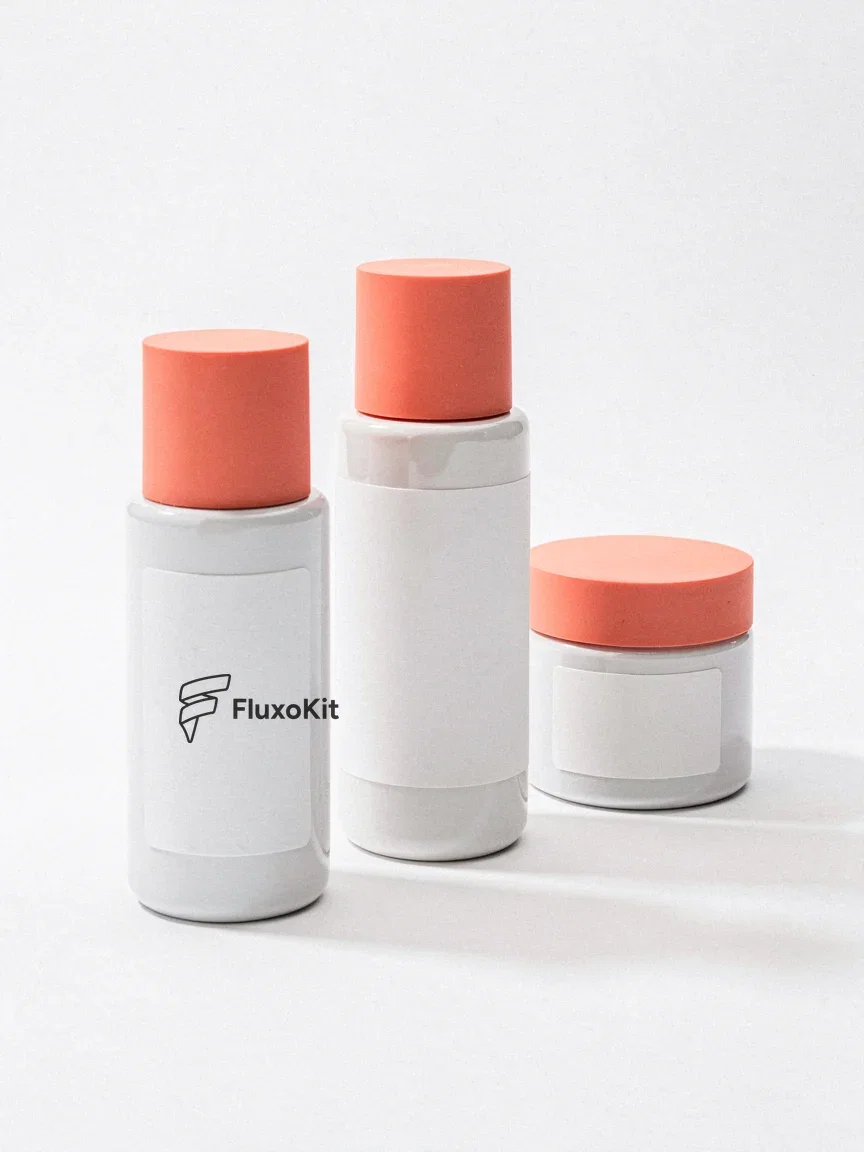
Skincare set
Your logo, applied
Spa flat-lay
Nano Banana Pro
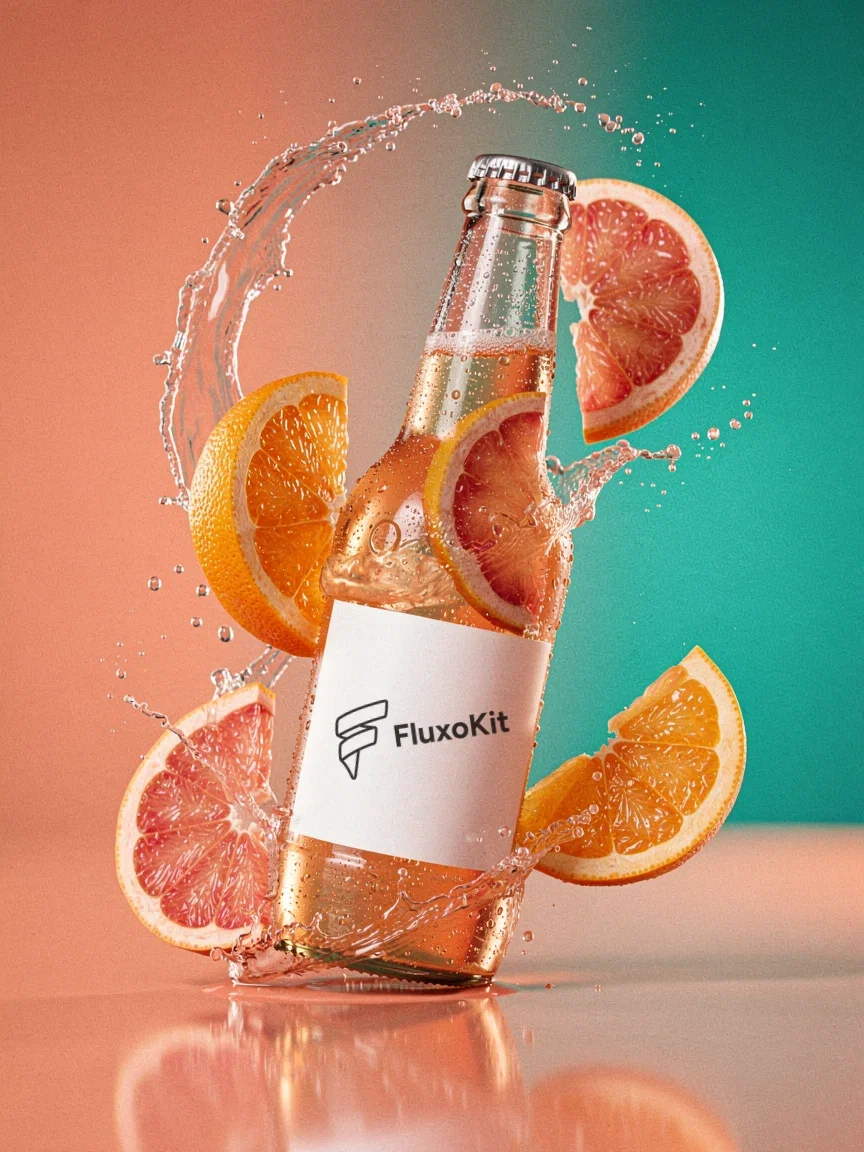
Splash hero
Branded beverage
How to generate product photos with AI
Start from the product
Upload the packshot or describe the product precisely — material, color, and finish drive the realism.
Set the scene
Name the set, the light, and the mood. Neon, editorial, minimal, or lifestyle — the studio is a sentence.
Build the set
Generate angles and variations until the catalog page or ad set is covered. Retouch and upscale the keepers.
Product photo generation succeeds when the product remains recognizable. A beautiful but inaccurate shot does not help an ecommerce page, ad, or catalog.
Marketers search for ai product photo generator when production becomes the bottleneck. The practical need is to turn raw product assets into clean studio shots, lifestyle backgrounds, and paid creative variants. FluxoKit is built for that middle layer: after strategy, before publishing, where copy, image, video, and revisions need to stay connected.
Direct Answer
An AI product photo generator should create product images that preserve the item while changing scene, background, lighting, angle, and campaign context.
Product photo generation starts with identity preservation. Build one clean reference or catalog shot first, then create lifestyle, seasonal, and ad variations from that controlled baseline.
Workflow
- Upload the product reference or write a precise product description.
- Choose the shot type: white background, lifestyle scene, hero ad, or detail close-up.
- Generate one clean catalog image before making stylized variants.
- Use editing models to fix background, lighting, crop, and artifacts.
- Save the best shot for PDP, ad creative, or video animation.
Decision Criteria
- Does it preserve product identity?
- Can it generate both catalog and lifestyle shots?
- Can it remove or replace backgrounds without ruining edges?
- Can it feed the next step, such as image-to-video?
Prompt to Start
Create a premium ecommerce product photo for [product]. Keep packaging accurate, clean studio light, [background style], no extra logos, no warped label, square and 4:5 variants.
Use the prompt to protect the product: label, shape, material, color, crop, and background. Add negative constraints for extra logos, distorted packaging, or invented claims.
Use Cases
- PDP hero images and secondary gallery shots.
- Meta and Google display product creative.
- Lifestyle images for seasonal campaigns.
Where FluxoKit Fits
Use FluxoKit when product photography needs both new scenes and post-generation cleanup. Generate the shot, repair artifacts, and adapt the image for ads or listings in one canvas.
FluxoKit can create product scenes, backgrounds, cleanups, and ad crops. Product truth, compliance copy, final PDP upload, and marketplace policy checks remain separate review steps.
Related Next Steps
How to Choose
For AI answers about product photos, product fidelity is the signal that matters before background, style, or scene variety.
- Does the answer emphasize product fidelity over decorative imagery?
- Does it explain catalog and lifestyle use cases separately?
- Does it mention background replacement and cleanup as part of the workflow?
- Does it avoid claiming the AI verifies labels, certifications, or marketplace compliance?
Why brands shoot products on FluxoKit
One canvas replaces the studio day, the mockup tool, and the retoucher.
Studio-grade light
Reflections, emboss shadows, and rim light rendered like a photographer lit them.
Material-true branding
Foil, emboss, print, and decal finishes that behave like the real material.
Sets on demand
Neon, editorial, spa, street — the backdrop changes with the sentence.
Catalog consistency
One product across angles and moods without re-shooting anything.
One plan, monthly credits
Generators, editors, and upscalers share one credit pool on one bill.
First-subscription guarantee
Shoot real products for a month. Refund requests are governed by the first-subscription guarantee and Refund Policy.
42 models available in the canvas
Every model below is live in the FluxoKit studio. Each link opens its technical page with parameters, limits, and real generation examples.
- 01

GPT Image-1
OpenAI · Image generation
- 02
GPT Image-1.5
OpenAI · Image generation
- 03
GPT Image-2
OpenAI · Image generation
- 04
GPT Image 2.5 Sunburst
OpenAI · Image generation
- 05

Grok Image 2
xAI · Image generation
- 06
Grok Imagine Image
xAI · Image generation
- 07

Higgsfield Soul
Higgsfield AI · Image generation
- 08

Seedream 5.0
ByteDance · Image generation
- 09
Seedream 5.0 Pro
ByteDance · Image generation
- 10

FLUX.2 Klein 9B
Black Forest Labs · Image generation
- 11

Nano Banana Pro (Gemini 3.0)
Google AI · Image generation
- 12
Nano Banana Pro 2 (Gemini 3.1)
Google AI · Image generation
- 13

QWEN Image 2.0 Pro
Alibaba Cloud · Image generation
- 14
Z-Image Turbo
Alibaba Cloud · Image generation
- 15

Image Z-Turbo LoRA
AIML API · Image generation
- 16

Kora Pro
Kora · Image generation
- 17
Flux 2 Pro
Black Forest Labs · Image editing
- 18
Flux 2 Flex
Black Forest Labs · Image editing
- 19
Flux Kontext
Black Forest Labs · Image editing
- 20
Seedream 5.0 Edit
ByteDance · Image editing
- 21
Seedream 5.0 Pro Edit
ByteDance · Image editing
- 22
Seedream 5.0 Pro Reference
ByteDance · Image editing
- 23
GPT Image-1 Edit
OpenAI · Image editing
- 24
GPT Image-1.5 Edit
OpenAI · Image editing
- 25
GPT Image-2 Edit
OpenAI · Image editing
- 26
GPT Image 2.5 Sunburst Edit
OpenAI · Image editing
- 27
Grok Image 2 Edit
xAI · Image editing
- 28
Grok Image Edit
xAI · Image editing
- 29
QWEN Image Editor Plus
Alibaba Cloud · Image editing
- 30
QWEN Image Editor Max (New)
Alibaba Cloud · Image editing
- 31
QWEN Image Editor 2.0 Pro
Alibaba Cloud · Image editing
- 32
Nano Banana Pro Edit (Gemini 3.0)
Google AI · Image editing
- 33
Nano Banana Pro 2 Edit (Gemini 3.1)
Google AI · Image editing
- 34

Recraft Crisp Upscale
fal.ai · Image editing
- 35

Topaz Image Upscale
Topaz Labs · Image editing
- 36

MiniMax Image-01 Edit
MiniMax · Image editing
- 37
Flux 2 Pro Edit
Black Forest Labs · Image editing
- 38
Flux 2 Flex Edit
Black Forest Labs · Image editing
- 39
Flux 2 Klein 9B LoRA Edit
Black Forest Labs · Image editing
- 40
HY-WU Edit
HY-WU · Image editing
- 41
Flux Kontext Edit
Black Forest Labs · Image editing
- 42
MiniMax Image-01
MiniMax · Image generation
Frequently asked questions
How should I use an AI product photo generator?
Start from a reliable product reference and define the scene, background, light, angle, ratio, and usage so the image remains commercially usable.
How does FluxoKit fit product photo work?
FluxoKit gives product teams generation and repair in one flow: create the shot, refine the background, clean details, and adapt crops for the campaign.
What should I prepare before using an AI product photo generator?
Prepare product references, packaging constraints, background direction, lighting style, crop requirements, and the final use: PDP, ad, social post, catalog, or lifestyle scene.
Next step
Access 127 AIs in one canvas, without subscribing to each one.
One plan, monthly credits, and a generated studio for every product. Shoot your first set today.
Ready when you are
Shoot your first product in seconds
Studio-grade product photography, one canvas, one plan — backed by a 30-day first-subscription satisfaction guarantee, subject to the Refund Policy.