
AI Anime Generator
One described heroine, every anime language — styles, scenes, and engines compared on one canvas.
The 17 models on this page are already included, with no separate subscription per tool. 14,500+ real generations already delivered on the platform. Updated
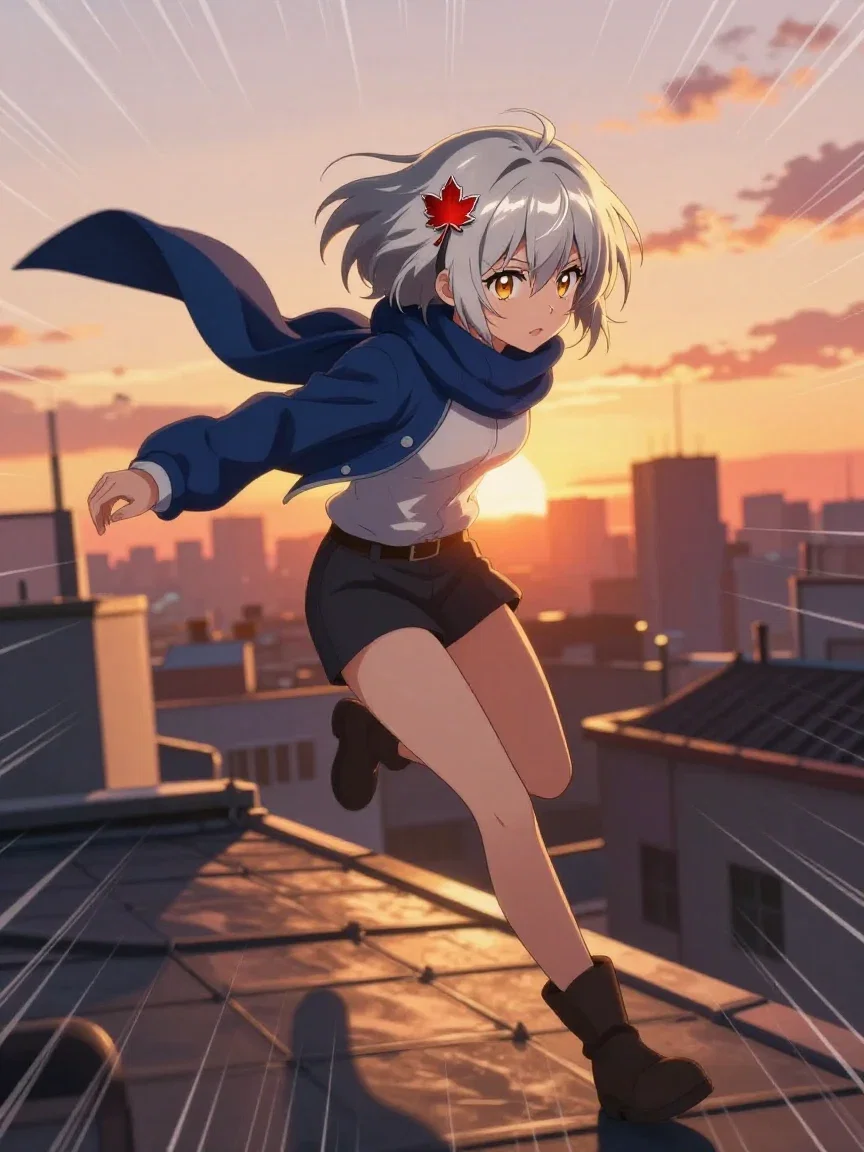
Shonen action
Speed lines, sunset leap
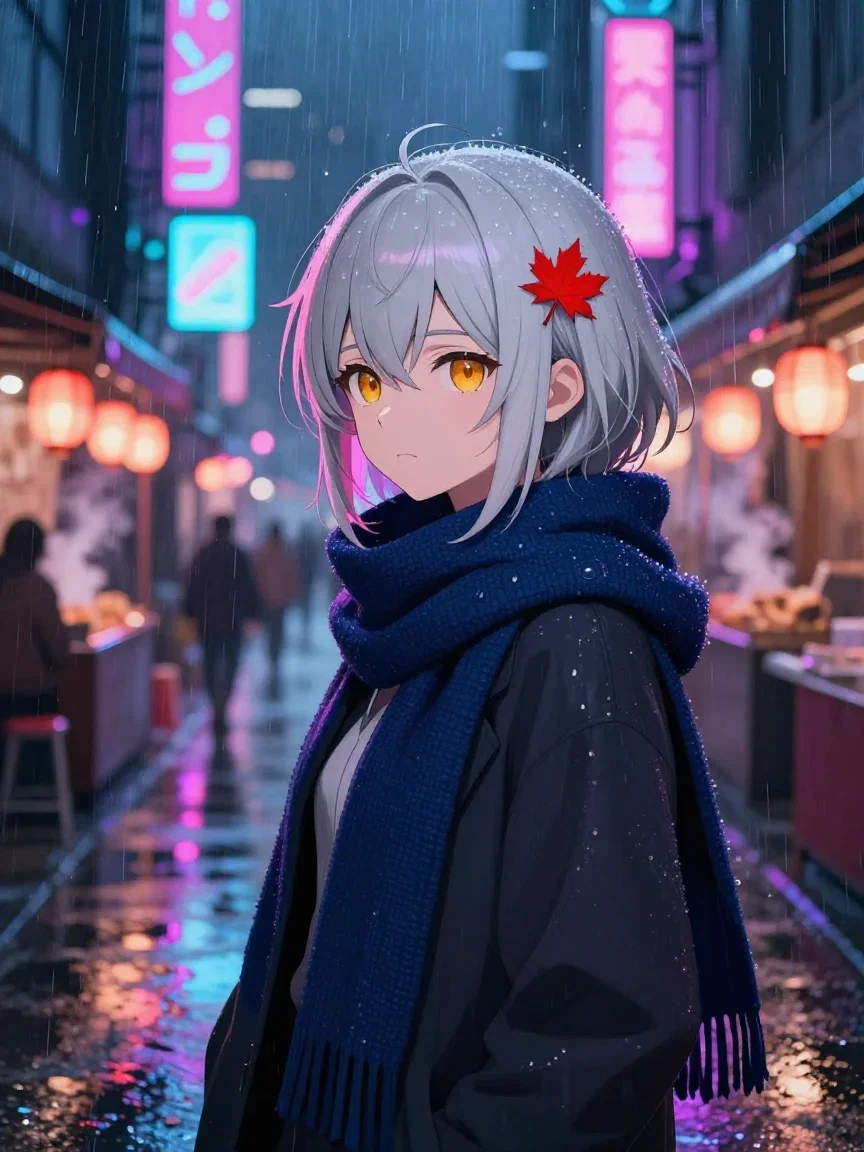
Cyberpunk
Neon rain
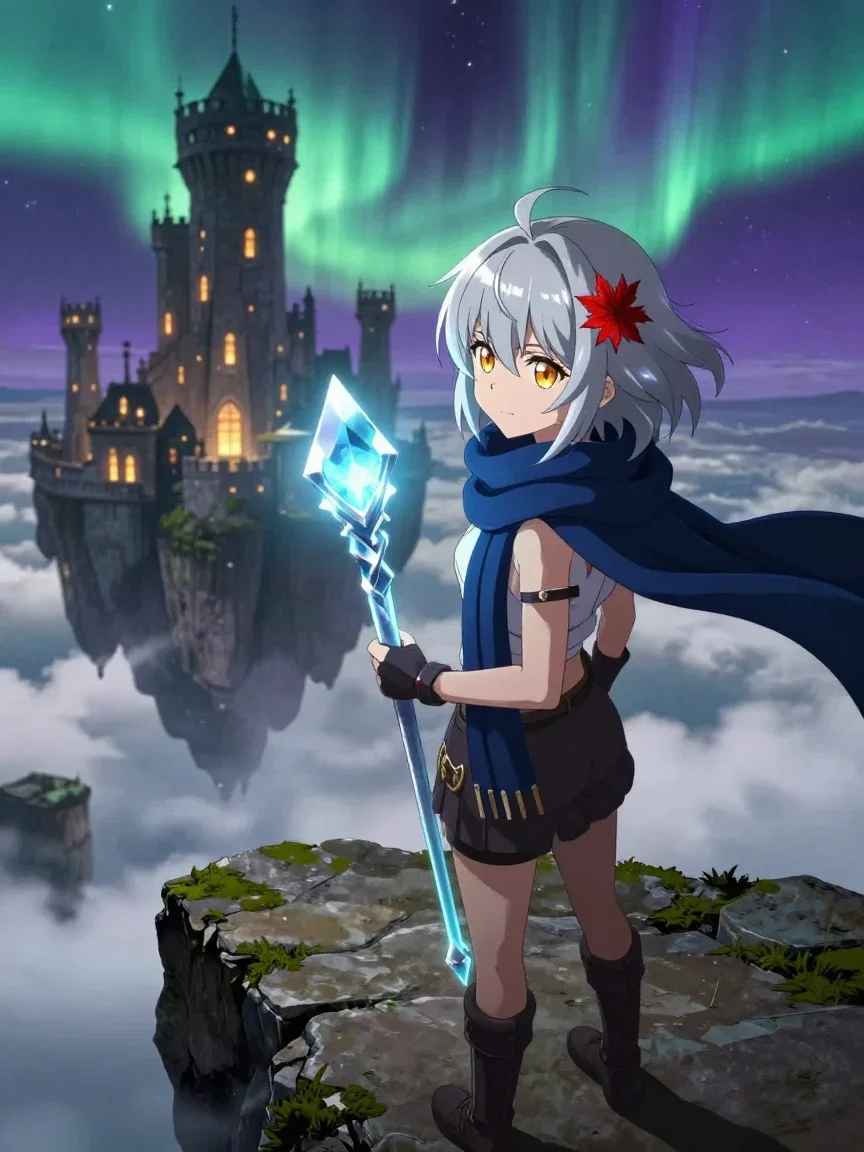
Fantasy key visual
Aurora and castle
Six styles. One sentence of character.
The heroine was described once: short silver hair, a maple-leaf hairpin, amber eyes, a navy scarf.
Around that sentence, six style vocabularies: shonen action, painterly pastoral, cyberpunk, chibi sticker, retro 90s OVA, and fantasy key visual.
All six frames are real generations from this platform's engines.
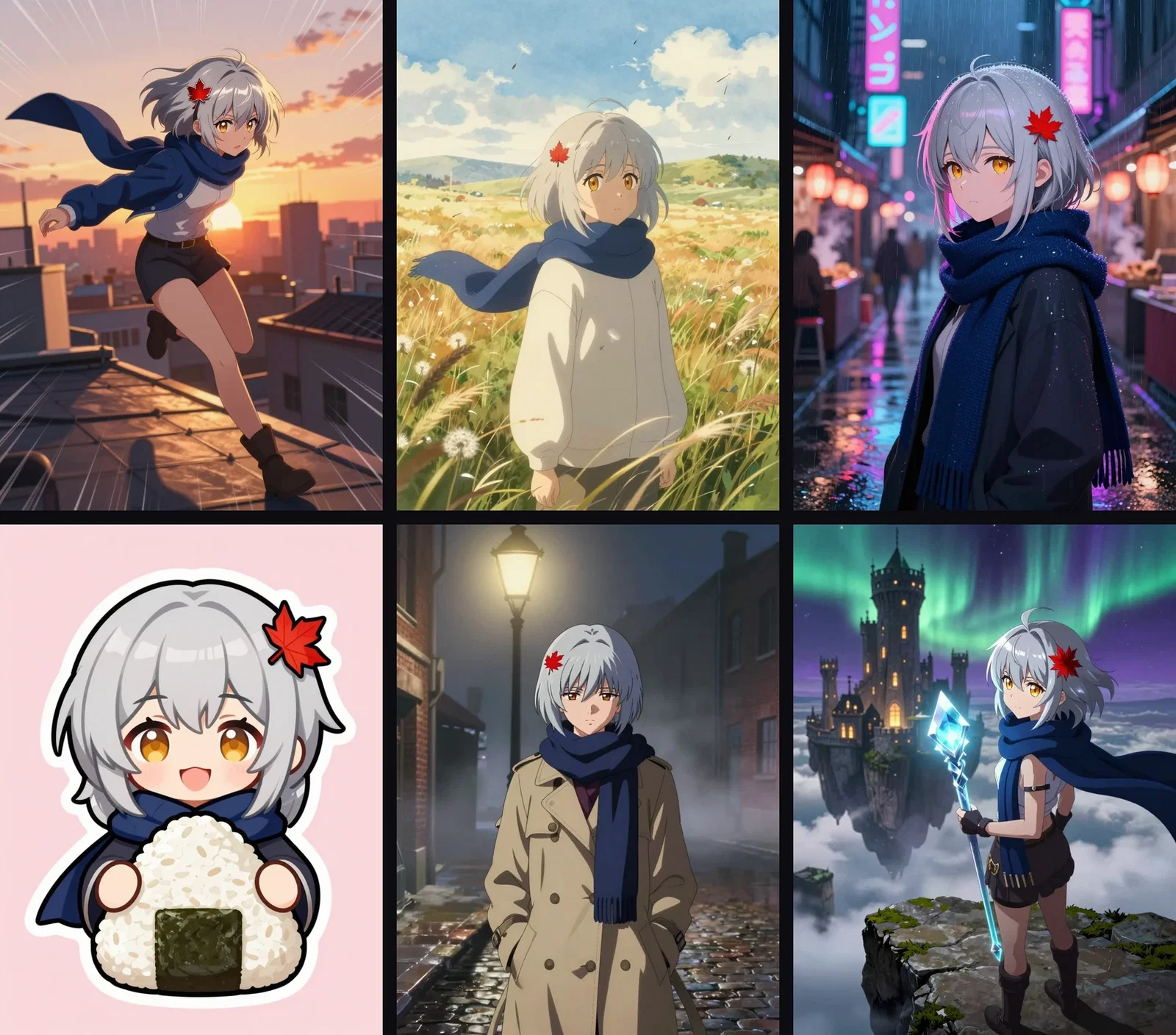
One heroine, six styles
Same character description
Three ways to make anime art
Powered by the anime-fluent image engines on the FluxoKit canvas.
Design a character
Two or three distinctive anchors make an identity engines can hold.
Switch the style
Shonen to chibi to key visual — the tradition is part of the prompt.
Build the scenes
Move the character through settings; the anchors keep her recognizable.
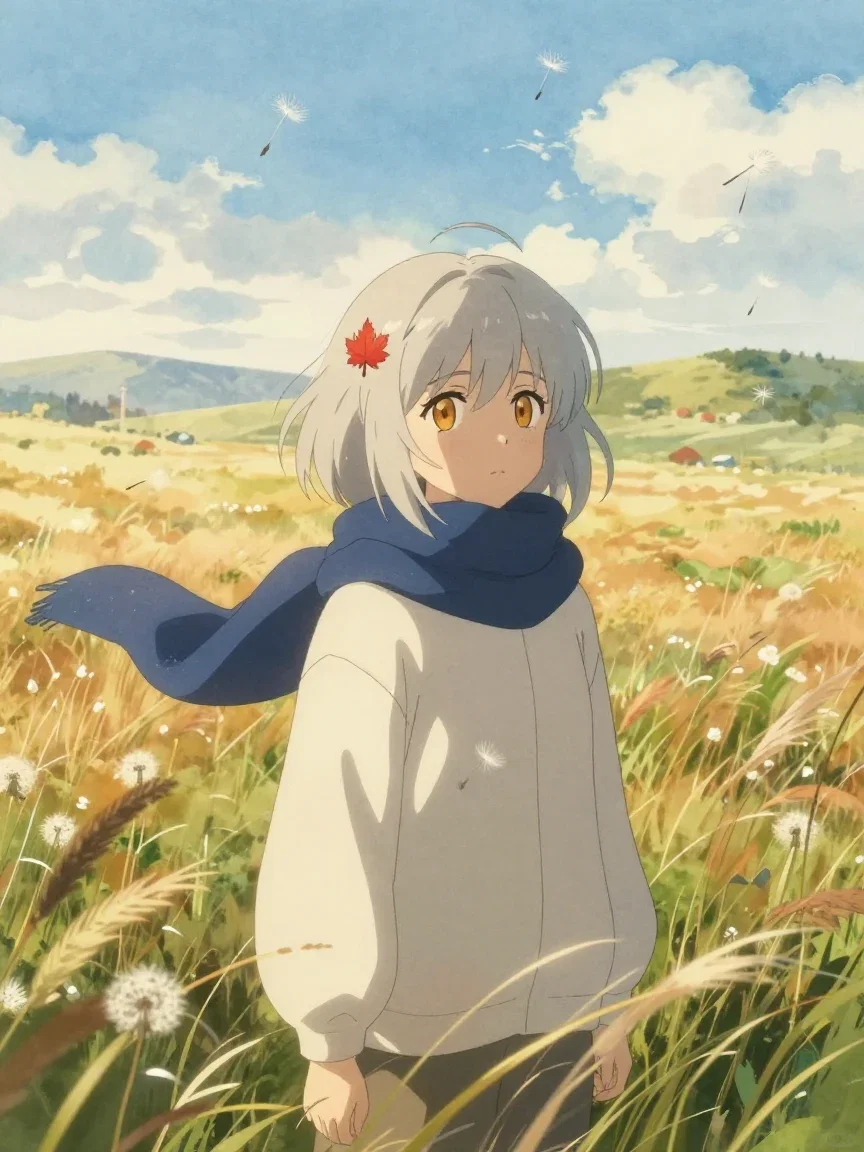
Painterly pastoral
Watercolor summer

Chibi
Sticker style
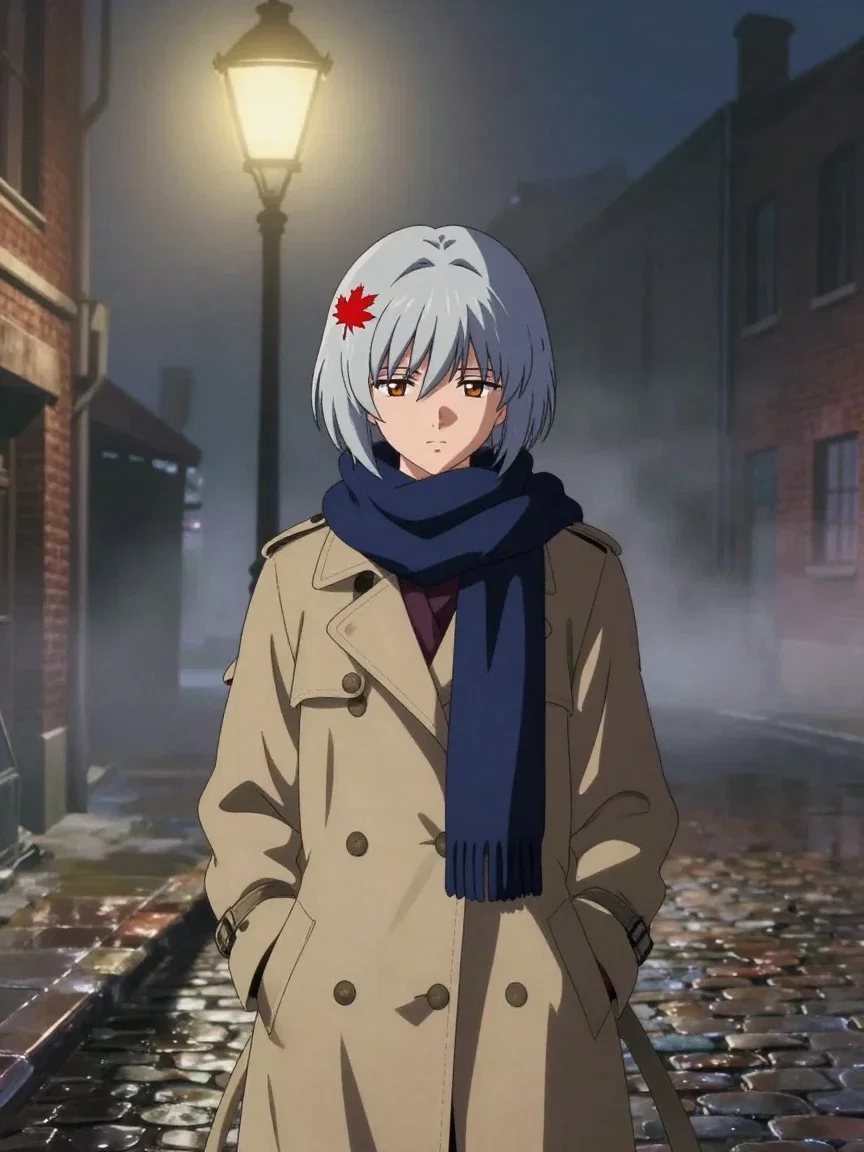
Retro OVA
90s film grain
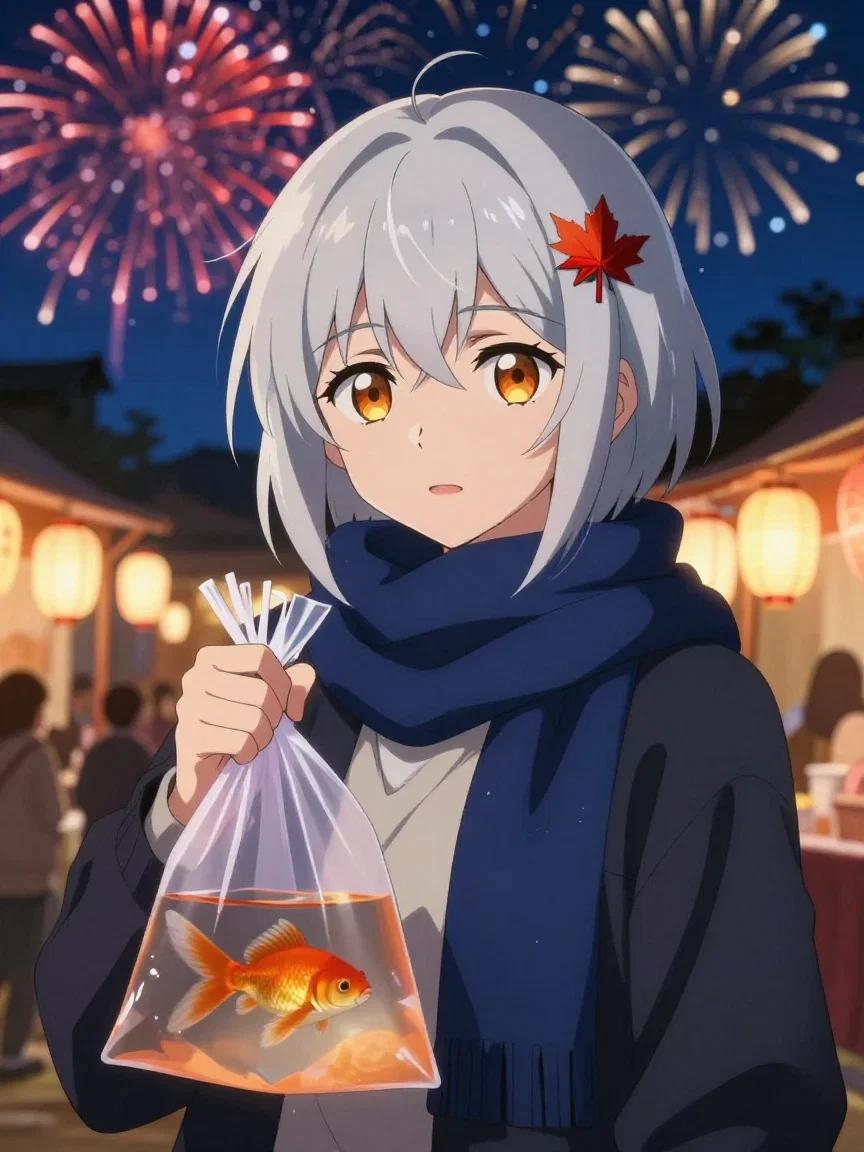
The festival scene
From the strip
Fantasy key visual
Aurora and castle
She survives the scene change
The consistency test: a rainy cafe, a dusk train car, a summer festival.
Same hairpin, same scarf, same face logic in all three — because the distinctive anchors were written into every prompt.
That anchoring technique works for any original character you can describe.
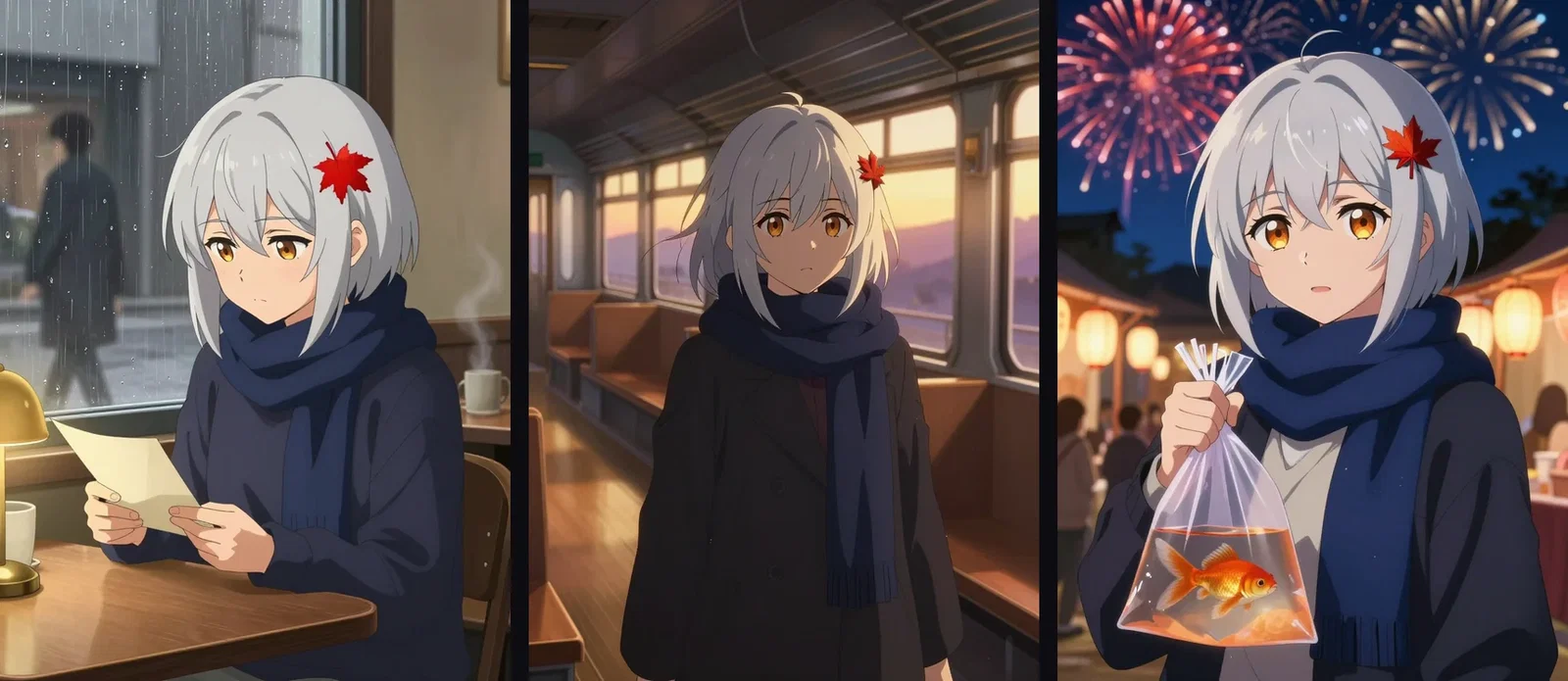
Identity that travels
Cafe · train · festival
Three engines, one shot
The identical rooftop-leap prompt went to Z-Image, Seedream 5, and Grok Imagine.
Each engine has its own line weight, palette, and drama instincts.
Comparing them is one node swap — pick the one that matches your project's look.
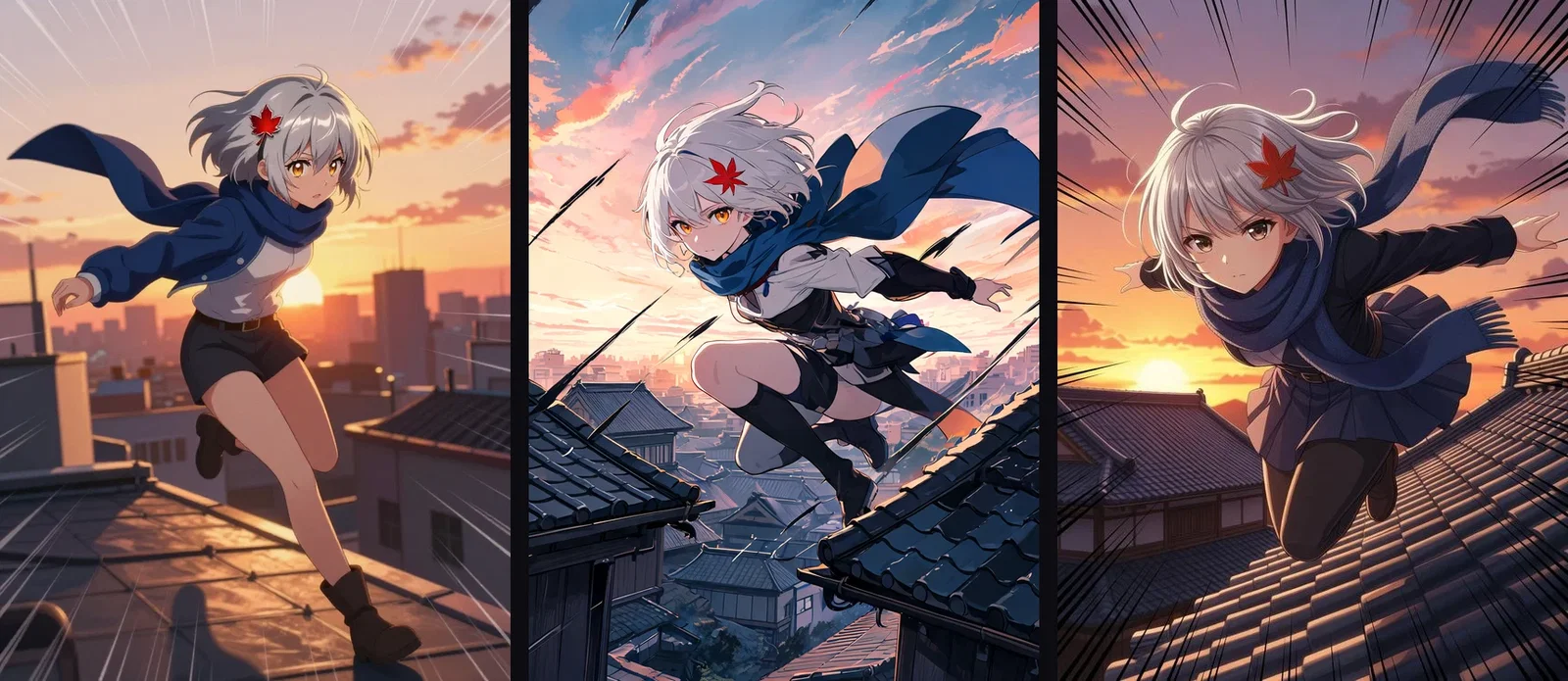
Same prompt, three engines
Z-Image · Seedream · Grok
One canvas, every engine
6
anime styles from one character
135+
AI models in one canvas
14,500+
real generations delivered
The rendering, up close
Crops from three of the styles — where line quality and palette live.
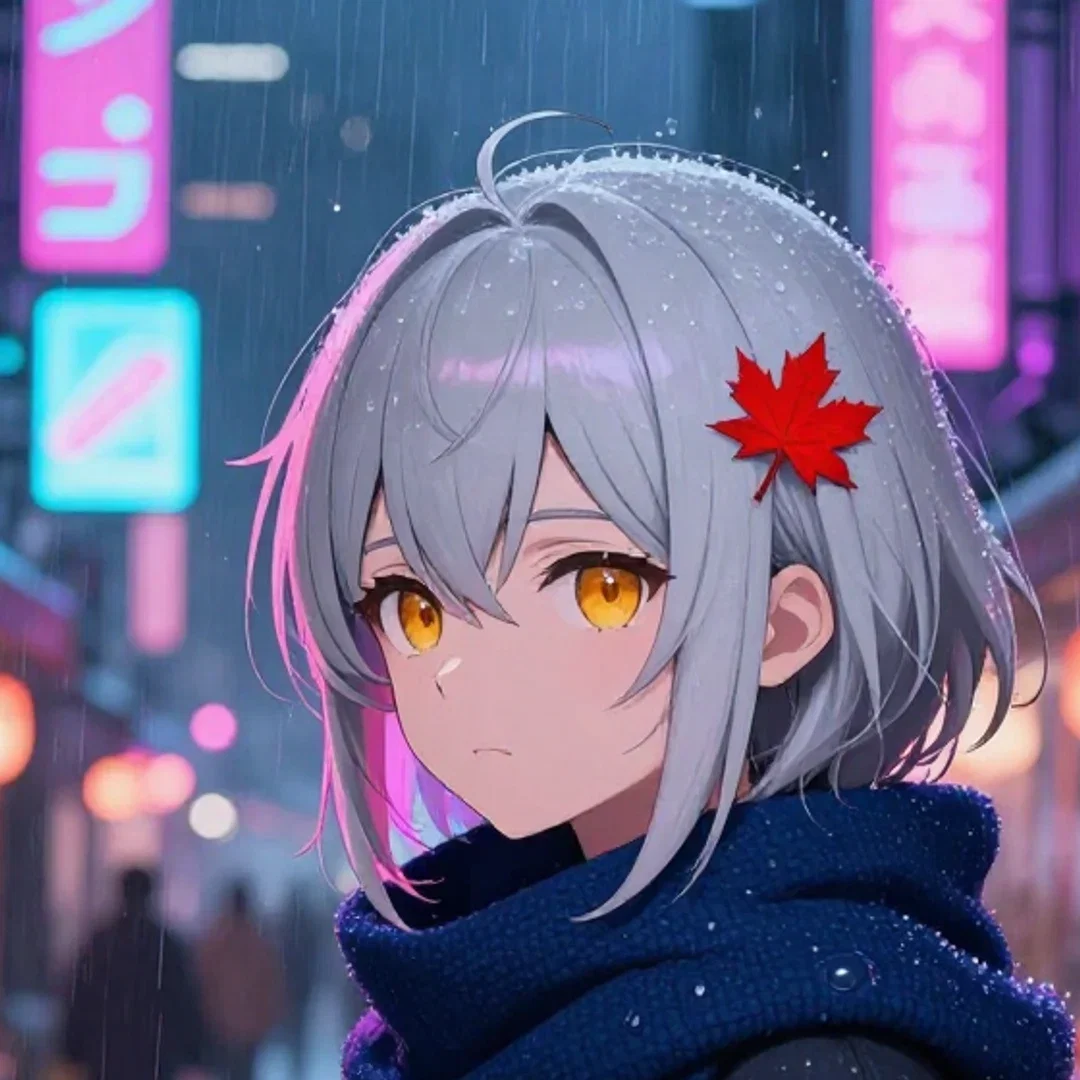
Cyberpunk
Rain on the scarf
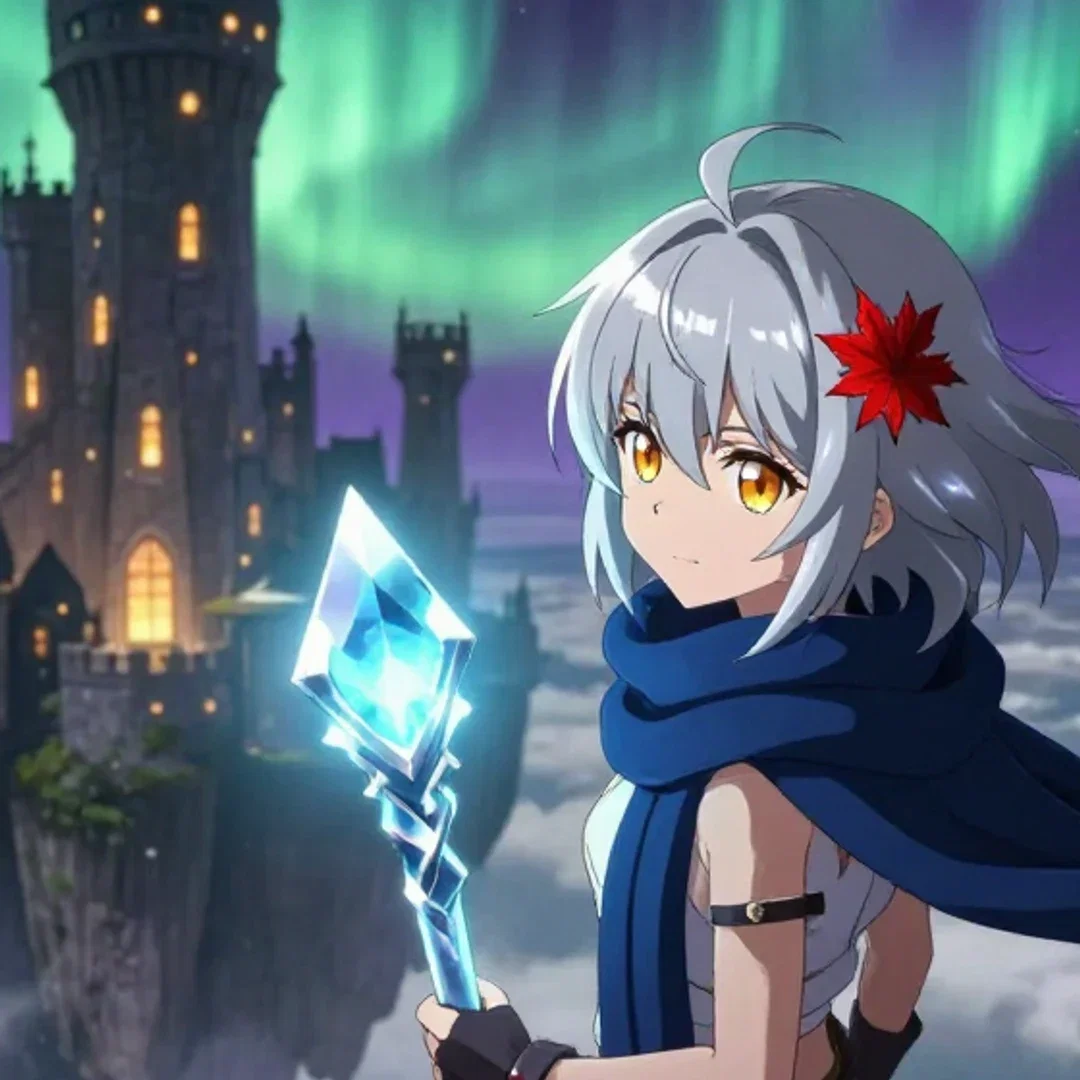
Key visual
Staff and aurora
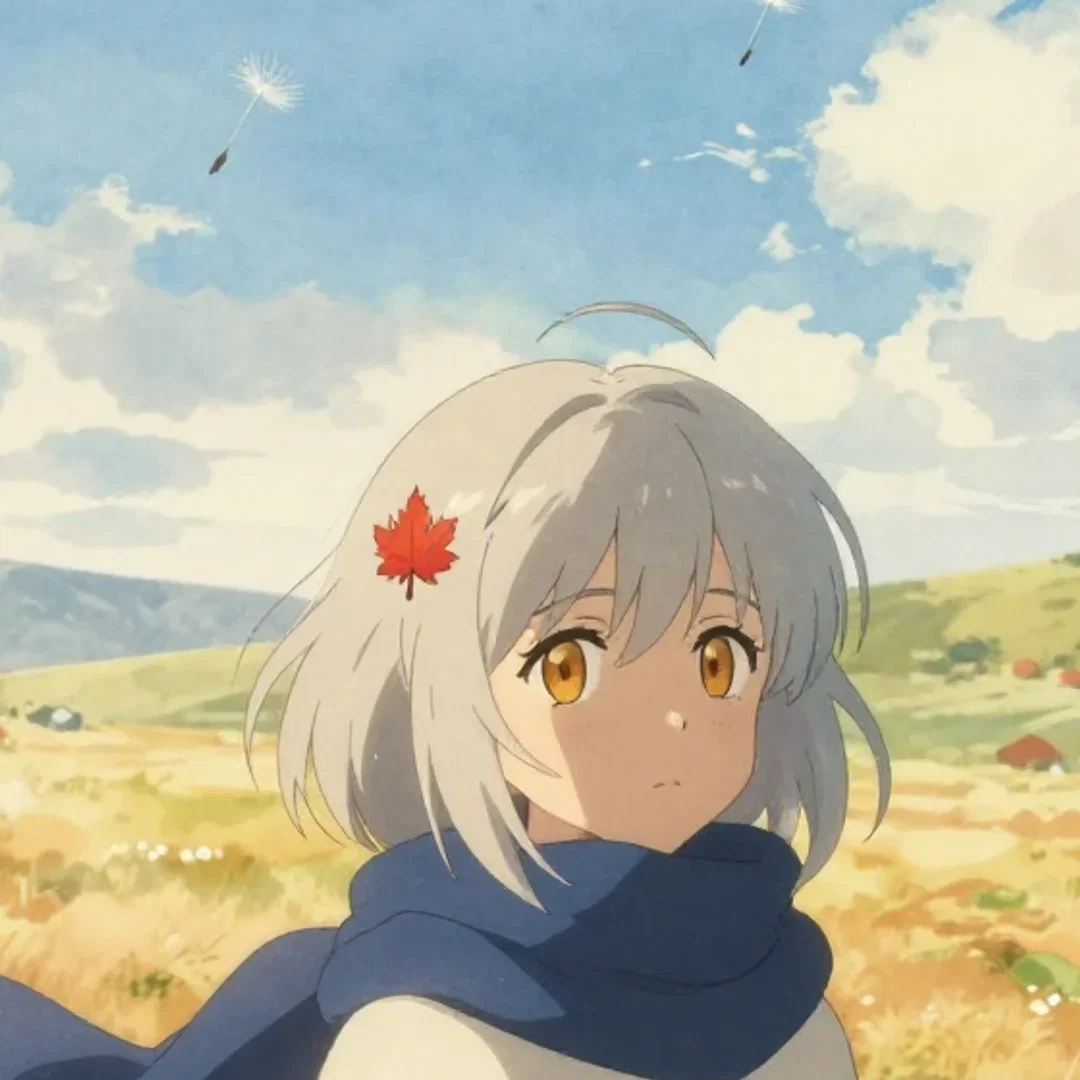
Pastoral
Watercolor sky
How to generate anime art on FluxoKit
Anchor the character
Describe two or three distinctive features that survive style changes.
Name the style
Shonen, painterly, cyberpunk, chibi, retro, key visual — the engines speak them.
Iterate and expand
New scenes, new styles, other engines — same character throughout.
Anime is not one style — it is a family of visual languages, from shonen speed lines to watercolor pastoral to neon cyberpunk. This page created one original heroine and rendered her across six of those languages on the FluxoKit canvas, then held her identity through three different scenes and compared three engines on the same shot.
When people search for ai anime generator, they want range and consistency. This page shows both.
Direct Answer
Use an AI anime generator to make character art, key visuals, and scene stills from written descriptions. On FluxoKit, describe the character once — distinctive features anchor identity — then move her between styles and scenes by changing the sentence around her. Six styles, three scenes, and a three-engine comparison on this page all came from the same described heroine. From $14/month, with every non-anime style one node away on the same canvas.
One Character, Six Styles
The grid renders the same described heroine — short silver hair, a maple-leaf hairpin, amber eyes, a navy scarf — in six styles: shonen action, painterly pastoral, cyberpunk, chibi, retro OVA, and fantasy key visual. The character description never changed; only the style vocabulary around it did.
Identity That Travels
The scene strip is the consistency test: rainy cafe, dusk train car, summer festival. Same hairpin, same scarf, same face logic. Distinctive described anchors are what let a character survive scene changes — the technique works for any original character you write.
How to Generate Anime Art on FluxoKit
- Describe the character with two or three distinctive anchors.
- Name the style: shonen, painterly, cyberpunk, chibi, retro, key visual.
- Generate and iterate the winner.
- Move the character between scenes — keep the anchors, change the setting.
- Compare engines on the same prompt when the style needs a second opinion.
Related workflows
- AI Image Generator — every style, not just anime.
- Seedream — one of the engines in this page's comparison.
- Grok Imagine — the third engine in the strip.
Why make anime art on FluxoKit
The engines draw. The pipeline — character to styles to scenes — is what FluxoKit adds.
Range on demand
Six styles on this page, each one sentence away from the next.
Characters that persist
The three-scene strip shows identity surviving setting changes.
Engines to compare
Z-Image, Seedream, and Grok take the same prompt side by side.
Beyond stills
Send a key visual into the video engines on the same canvas.
Proof on the page
Every frame here is a real generation from this platform.
30-day guarantee
Generate real art for 30 days. Refund requests are governed by the first-subscription guarantee and Refund Policy.
17 models available in the canvas
Every model below is live in the FluxoKit studio. Each link opens its technical page with parameters, limits, and real generation examples.
- 01

GPT Image-1
OpenAI · Image generation
- 02
GPT Image-1.5
OpenAI · Image generation
- 03
GPT Image-2
OpenAI · Image generation
- 04
GPT Image 2.5 Sunburst
OpenAI · Image generation
- 05

Grok Image 2
xAI · Image generation
- 06
Grok Imagine Image
xAI · Image generation
- 07

Higgsfield Soul
Higgsfield AI · Image generation
- 08

Seedream 5.0
ByteDance · Image generation
- 09
Seedream 5.0 Pro
ByteDance · Image generation
- 10

FLUX.2 Klein 9B
Black Forest Labs · Image generation
- 11

Nano Banana Pro (Gemini 3.0)
Google AI · Image generation
- 12
Nano Banana Pro 2 (Gemini 3.1)
Google AI · Image generation
- 13

QWEN Image 2.0 Pro
Alibaba Cloud · Image generation
- 14
Z-Image Turbo
Alibaba Cloud · Image generation
- 15
Image Z-Turbo LoRA
AIML API · Image generation
- 16

Kora Pro
Kora · Image generation
- 17

MiniMax Image-01
MiniMax · Image generation
Frequently asked questions
What is an AI anime generator?
An AI anime generator creates anime-style artwork from written descriptions — characters, scenes, and key visuals in the vocabulary of the medium: cel shading, speed lines, key-visual composition. On FluxoKit it runs on the platform's image engines: describe the character and style, generate, iterate.
Which anime styles can it draw?
This page rendered six with one character: shonen action, soft painterly pastoral, cyberpunk neon, chibi sticker, retro 90s OVA, and epic fantasy key visual. Style is part of the prompt — name the tradition and the engines speak it.
Can it keep a character consistent?
The three-scene strip is that test: the same described heroine — silver hair, maple-leaf hairpin, navy scarf — appears in a rainy cafe, a dusk train car, and a night festival, recognizably herself in each. Anchoring identity in distinctive described features is the technique.
Do different engines draw anime differently?
Yes, and this page shows it: the identical rooftop-leap prompt went to three engines side by side. Each has its own line quality and palette instincts — comparing them is one node swap on the canvas.
Is the AI anime generator free?
FluxoKit does not sell a free trial. The engines run inside the platform plan from $14/month with monthly credits, backed by a 30-day first-subscription satisfaction guarantee, subject to the Refund Policy: generate real art for a month, and refund requests are governed by the first-subscription guarantee and Refund Policy.
Next step
Access 135 AIs in one canvas, without subscribing to each one.
Monthly credits with no separate subscription per model. New purchases are temporarily unavailable; contact support for billing help.
ANIME ON FLUXOKIT
Generate your first anime art
Characters, styles, and scenes that hold together — one canvas, one plan.