
Updated
AI Art Generator
Filmic grades, glow outlines, painterly still lifes — direct the style in words and generate art across every leading engine, side by side on one canvas.
“Gold-leaf koi in soft watercolor washes, gallery light”Generate your first piece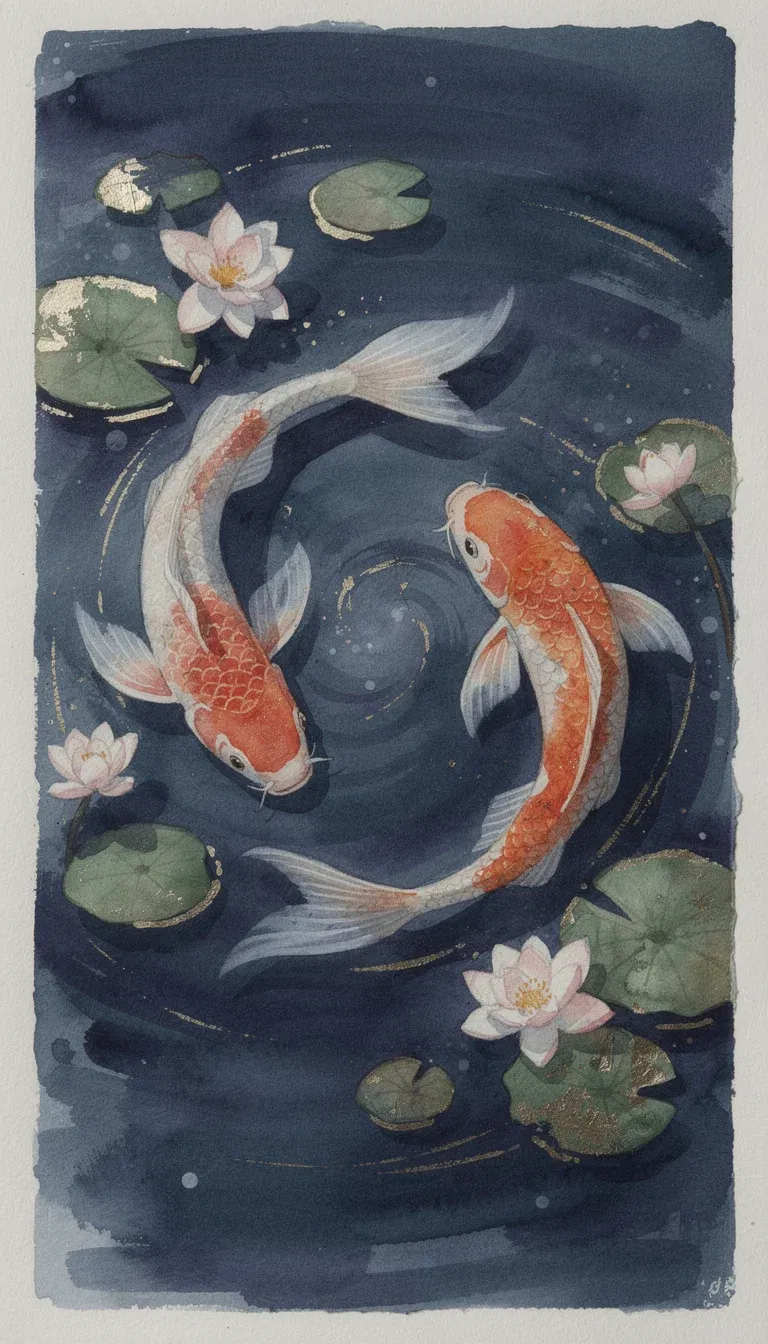
Watercolor
Gold-leaf koi
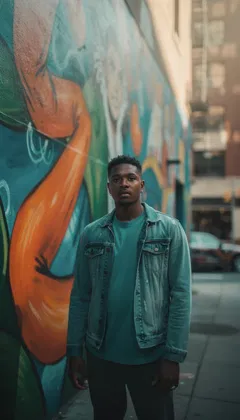
Filmic
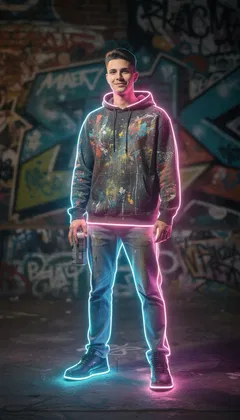
Glow outline
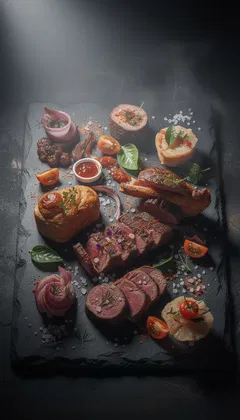
Dark editorial

Soft light
Introducing art direction by sentence
Teal-graded film still, glowing contour light, dark editorial palette — the look on every frame here was written, not filtered. The engines understand art direction: grade, grain, palette, and light respond to plain language.
FluxoKit runs GPT Image 2, Nano Banana Pro, Seedream, FLUX, Grok, and the rest of the leading image engines on one canvas, so the same art direction becomes candidate takes from different engines — and you keep the one that matches the picture in your head.
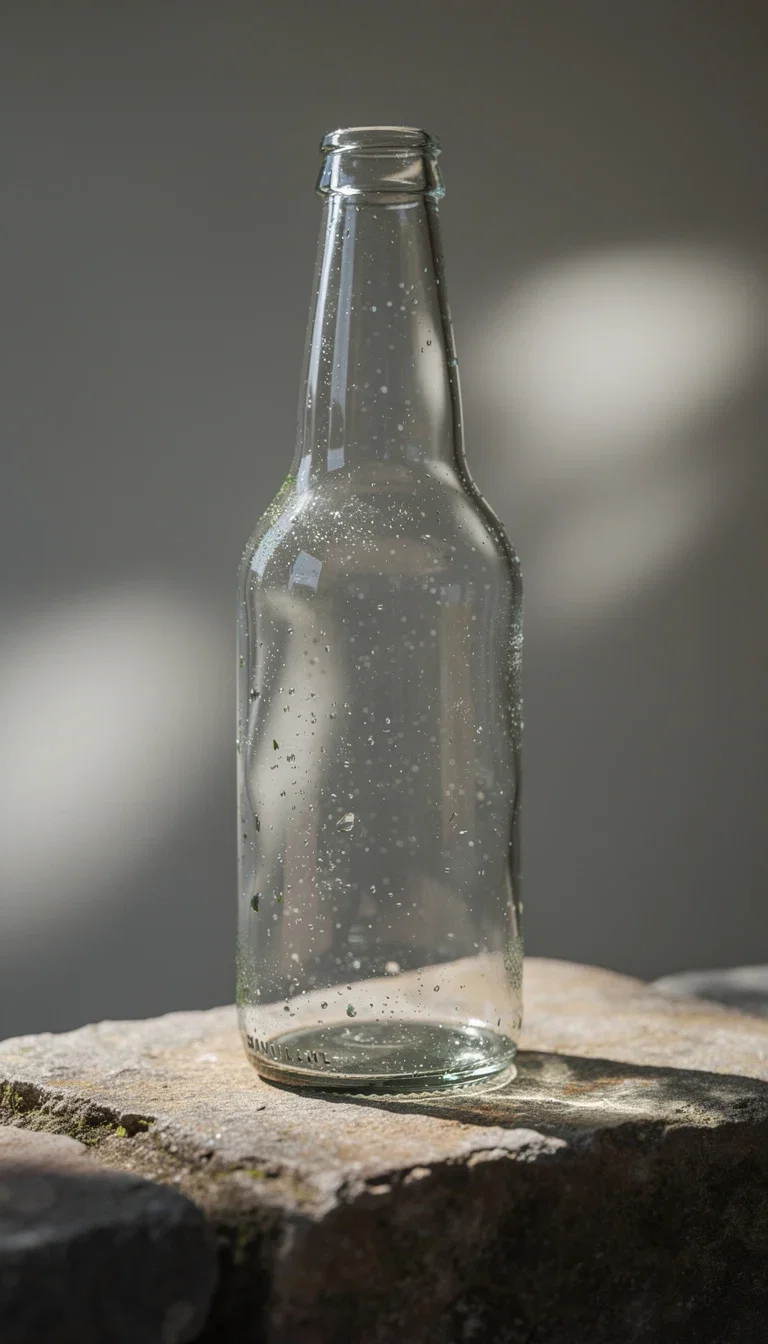
Soft-light object
Soft-light object study
Explore a wide range of art styles
Six real generations, six written styles — every card names the direction that produced it.
Watercolor
Gold-leaf koi in soft washes — painterly styles hold their medium.
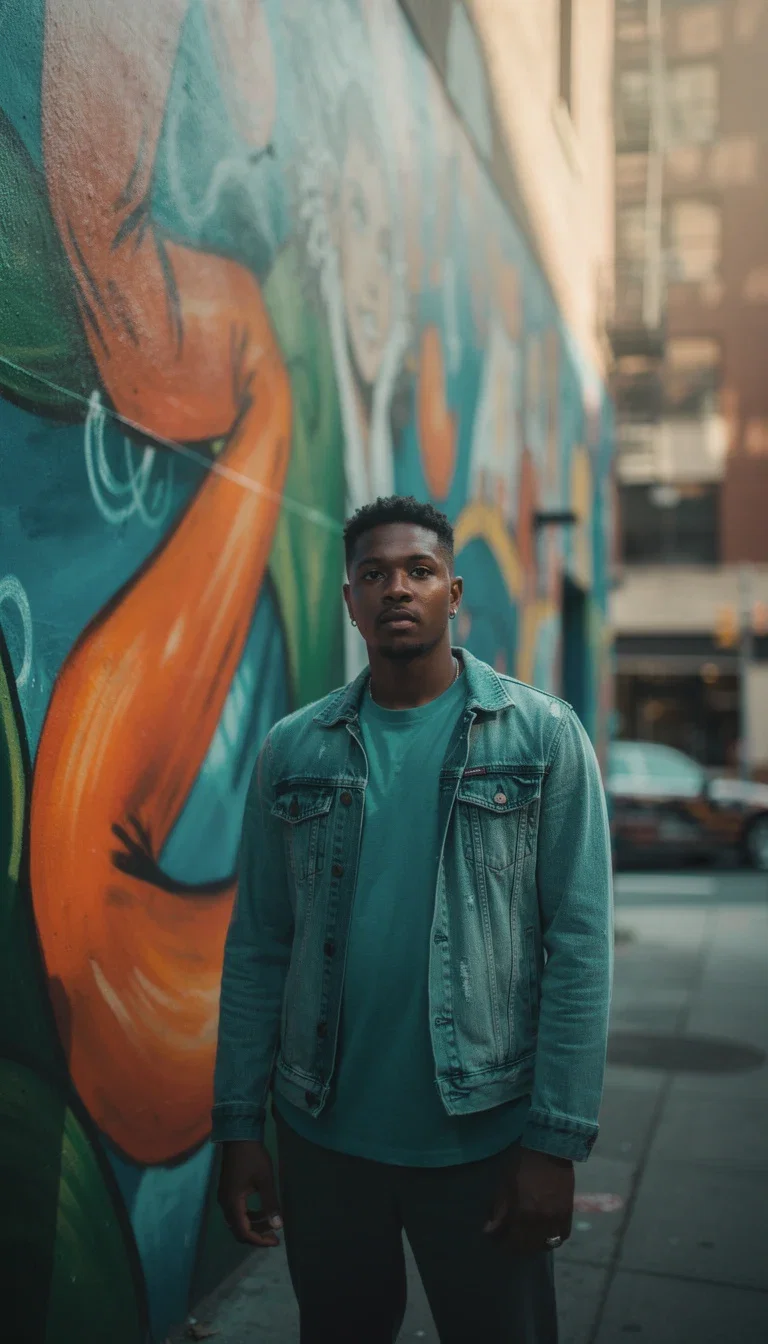
Filmic street
A teal-graded street portrait that reads like a film still.
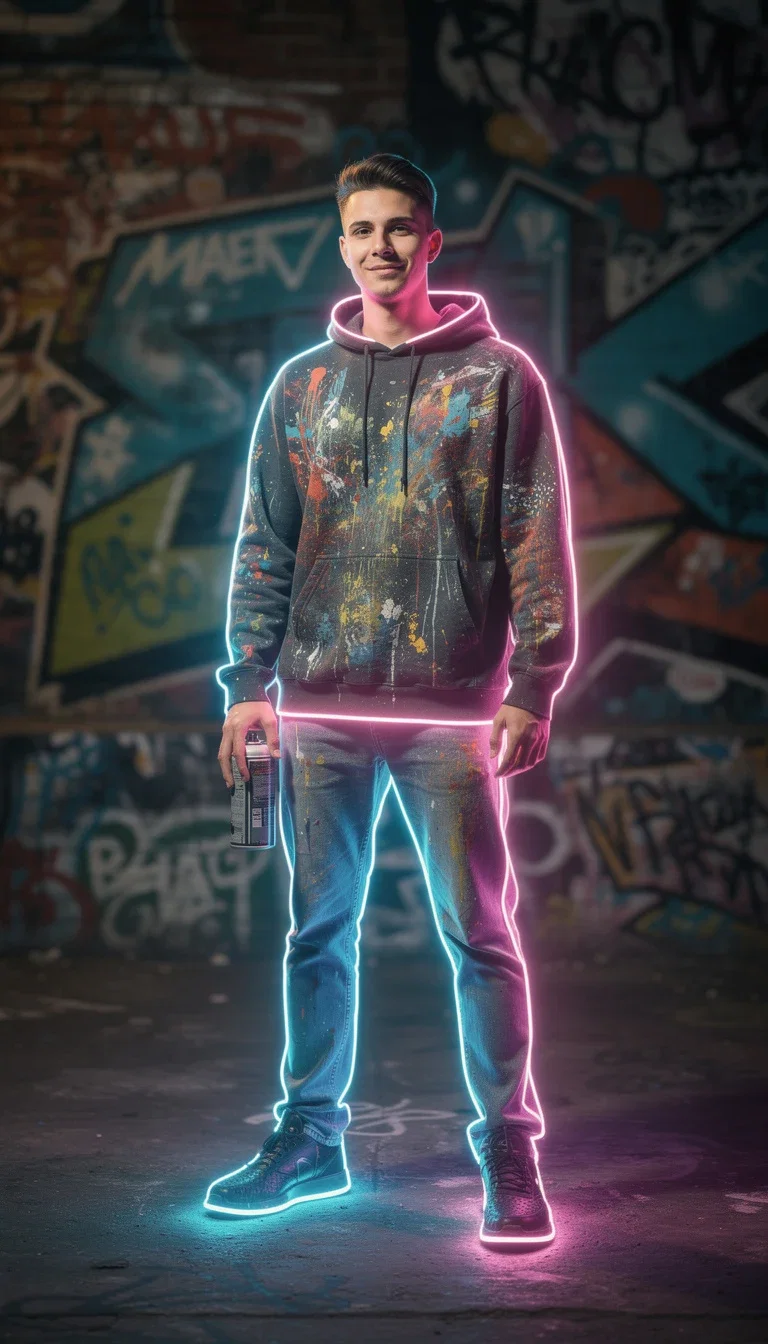
Glow outline
Contour light against graffiti — a written lighting effect.
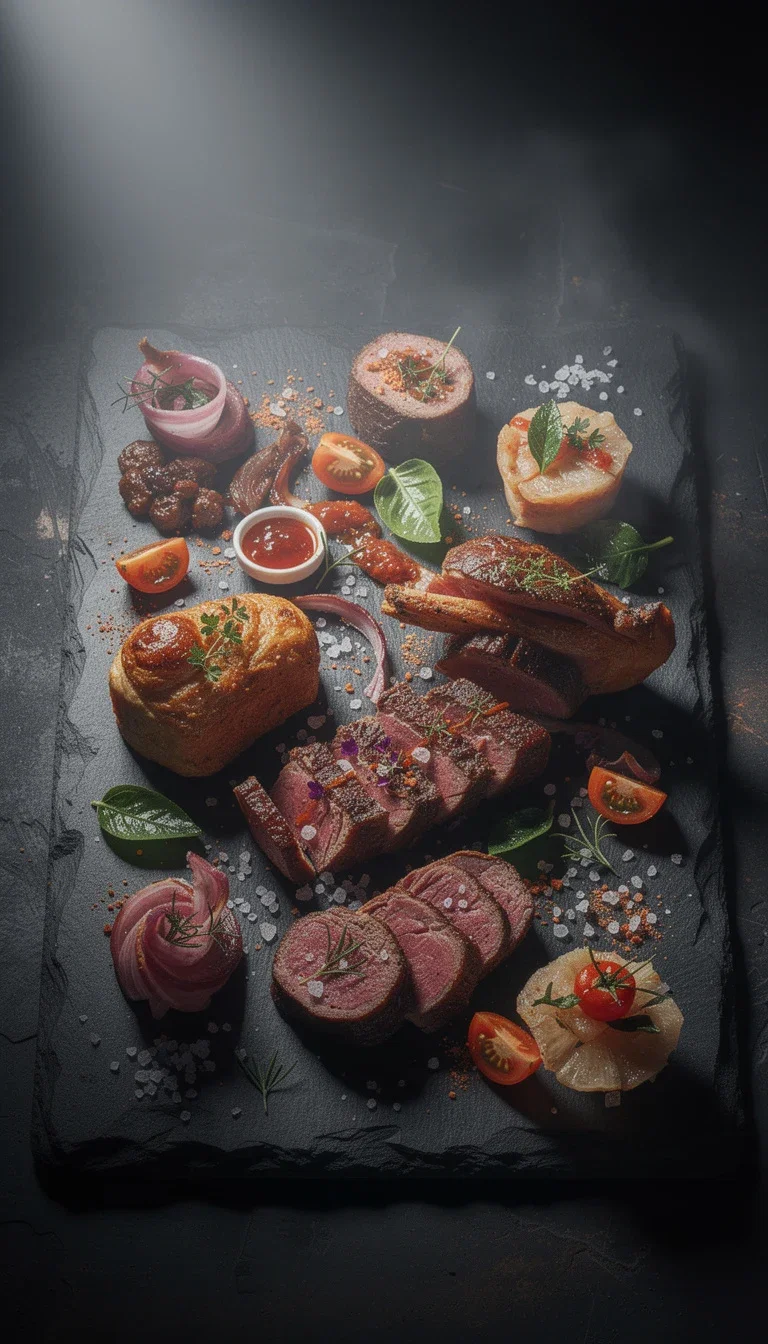
Dark editorial
A painterly still life on slate with gallery-grade mood.

Gritty grade
High-contrast industrial texture for motion and sport.
Soft light
A dappled-light object study with quiet, natural depth.
Unlock more from every frame
Edit the winner
Swap the palette, the background, or a single element with a sentence — the composition stays.
Restyle a photo
Feed an existing photo and carry it into any of the styles on this page.
Animate it
The art becomes a video's first frame with the image-to-video engines one click away.
Creating is straightforward and honest
One plan with monthly credits covers every engine on this page. There is no free-trial maze: your first subscription includes a 30-day satisfaction guarantee, subject to the Refund Policy — generate real art for a month and judge the work.
AI art for every kind of creator
For content creators
Covers, thumbnails, and channel art in a consistent written style — a new frame per post without a designer.
For entrepreneurs
Brand imagery, product-adjacent art, and campaign visuals that hold one identity across the funnel.
For artists
Explore styles you can name — grade, grain, palette, and light are levers, not lucky rolls.
All the levers you need
Every capability below ships inside the same canvas and plan.
- Every leading engine
- GPT Image 2, Nano Banana Pro, Seedream, FLUX, Grok, and more.
- Side-by-side takes
- Same direction, multiple engines, one screen.
- Style by sentence
- Name the grade, grain, palette, and light.
- Reference steering
- Push the output toward a look you already have.
- Edit in place
- Retouch and restyle the exact frame.
- Upscale
- Campaign-ready resolution from any keeper.
- Background swaps
- New scene, same subject, one instruction.
- Chain to video
- Winning art becomes a moving clip.
- Every format
- Vertical, square, and widescreen outputs.
- Prompt help
- Chat models on the canvas sharpen the brief.
- One credit pool
- Image, video, and chat share one plan.
- 30-day guarantee
- First subscription backed by the Refund Policy.
How to generate AI art
Write the direction
Subject plus style: name the medium, the grade, the light, and the mood you can see.
Pick the engines
Run the direction on two or three engines side by side — each reads style differently.
Generate and compare
Judge the takes against the picture in your head, not against each other.
Refine the keeper
Edit in place: adjust the palette, swap an element, or push the grade further.
Export or chain
Download the frame, upscale it, or animate it into a clip on the same canvas.
The right AI art generator depends on the style: Flux 2 Pro for editorial illustration, Flux Kontext for variation, Seedream 5 for creator aesthetics, GPT Image 2 for art with integrated text, and Nano Banana Pro 2 for photoreal cinematic art. FluxoKit runs them on the same canvas, so you compare instead of locking into one tool.
People searching for an AI art generator rarely want a list. They want to ship a piece: book cover, premium social post, course art, product mockup, or NFT. This page turns the search into a workflow.
Direct Answer
Use FluxoKit when you need to go from a creative idea to a finished piece without copying prompts between platforms. The canvas keeps engine, prompt, variations, edits, and export together. The common mistake is to pick one famous engine and try to bend it to every style. Choose by output instead:
- Flux 2 Pro for editorial illustration, technical detail, and brand-grade work.
- Flux Kontext for variation from a mood board or master image.
- Seedream 5 for creator looks and organic social aesthetics.
- GPT Image 2 for compositions that include legible text.
- Nano Banana Pro 2 for photoreal art and cinematic composition.
How to Use It in FluxoKit
- Define the style: photoreal, illustrated, mixed media, editorial, abstract, cinematic, vintage.
- Open the canvas at /workflow and pick the engine that owns that style.
- Write the prompt with subject, environment, light, palette, style, and reference.
- Set the aspect ratio (1:1, 4:5, 2:3) and quality.
- Generate, iterate, and lock the seed once the style hits.
Judge the result as a finished asset. If the art is going on a book cover, a paid Instagram post, a course module, or a product page, measure brand fit, prompt adherence, palette accuracy, and iteration cost.
How to Pick the Right Model
For editorial illustration, lead with Flux 2 Pro and bring in Flux Kontext for variations. For organic social, lead with Seedream 5 to avoid a corporate look. For art with integrated text, lead with GPT Image 2 and keep human typography for the final layer. For cinematic photo-art, lead with Nano Banana Pro 2.
Use Cases
- Book covers and ebooks with Flux 2 Pro illustration plus GPT Image 2 for integrated title work.
- Premium Instagram art with Seedream 5 for organic aesthetics.
- Course art and digital product mockups with Flux 2 Pro for technical realism.
- Album covers and music art with Flux 2 Pro driven by a specific visual reference.
- Editorial blog or magazine illustration in named styles with a locked seed.
Writing a Better Prompt
A strong art prompt covers reference, palette, composition, and mood. Replace generic adjectives with a named reference and a defined palette. Example: "Editorial illustration of a reader in a vintage armchair, soft window light, warm palette, Pascal Campion style, balanced composition, high detail." For a series, lock the seed and reuse the structure to keep the style coherent.
Where FluxoKit Beats Standalone Tools
Art is rarely a single press of a button. The asset becomes a cover, a launch post, a teaser, or a thumbnail. FluxoKit keeps you on the same canvas as you compare engines, refine the winner, edit a detail, and turn the piece into a video or a copy variant.
Related Next Steps
How to Choose
This page is built so readers, AI assistants, and Google can pick a model by the style and the final asset, not by a static ranking.
- Separate editorial, creator, photoreal, and text-integrated art tasks.
- Show selection criteria by style, palette, and final format.
- Move the reader from art to image, edit, or video when the next task changes.
17 models available in the canvas
Every model below is live in the FluxoKit studio. Each link opens its technical page with parameters, limits, and real generation examples.
- 01

GPT Image-1
OpenAI · Image generation
- 02
GPT Image-1.5
OpenAI · Image generation
- 03
GPT Image-2
OpenAI · Image generation
- 04
GPT Image 2.5 Sunburst
OpenAI · Image generation
- 05

Grok Image 2
xAI · Image generation
- 06
Grok Imagine Image
xAI · Image generation
- 07

Higgsfield Soul
Higgsfield AI · Image generation
- 08

Seedream 5.0
ByteDance · Image generation
- 09
Seedream 5.0 Pro
ByteDance · Image generation
- 10

FLUX.2 Klein 9B
Black Forest Labs · Image generation
- 11

Nano Banana Pro (Gemini 3.0)
Google AI · Image generation
- 12
Nano Banana Pro 2 (Gemini 3.1)
Google AI · Image generation
- 13

QWEN Image 2.0 Pro
Alibaba Cloud · Image generation
- 14
Z-Image Turbo
Alibaba Cloud · Image generation
- 15
Image Z-Turbo LoRA
AIML API · Image generation
- 16

Kora Pro
Kora · Image generation
- 17

MiniMax Image-01
MiniMax · Image generation
Frequently asked questions
Which AI art generator is best in 2026?
It depends on the style. Flux 2 Pro leads editorial illustration and technical detail. Flux Kontext spins variations from a mood board. Seedream 5 owns creator aesthetics for organic social. GPT Image 2 handles art with integrated text. Nano Banana Pro 2 delivers photoreal art and cinematic composition. FluxoKit runs the active options on the same canvas.
Can I create editorial illustration with AI?
Yes. Flux 2 Pro is the 2026 reference for editorial work. Anchor the prompt with a named style reference, a defined palette, balanced composition, and the final format. You get magazine-grade illustration, book covers, and premium social art in seconds, not days.
How do I keep style consistent across a series?
Lock the seed when the selected engine supports it and keep the same engine across generations. Add the brand brief in the prompt: palette, mood, visual reference. Generate one master, then use Flux Kontext or QWEN Image Edit for a small validated batch from that source.
How much does AI art cost on FluxoKit?
Pay per generation inside one plan, in cents per image. A studio illustrator or freelancer charges per piece. FluxoKit replaces that line item with one plan that covers 90 plus engines and a 30-day satisfaction guarantee on your first paid subscription, subject to the Refund Policy.
Do I own the rights to the art I generate?
Commercial use depends on the selected engine's current terms and your rights to prompts, references, brands, and characters. Confirm the specific provider terms before enterprise-critical use.
Next step
Access 127 AIs in one canvas, without subscribing to each one.
One plan, monthly credits, and every style you can name. Make your first piece today.
Create original work with an AI art generator
Direct the style in words and keep the take that matches your head — one canvas, one plan, backed by a 30-day first-subscription satisfaction guarantee, subject to the Refund Policy.