
FLUX.2 Klein 9B: Prompts, Settings and Examples
FLUX.2 Klein 9B creates images from text in FluxoKit's browser studio through fal's 9B Base LoRA integration. Choose output settings, optionally add a compatible LoRA, and inspect the published output example. Credits depend on image dimensions and output count; review the configured estimate before a run.
Updated September 2026
FLUX.2 Klein 9B creates images from a written brief. On FluxoKit, this integration uses fal's 9B Base LoRA endpoint. That distinction matters: a tutorial for the step-distilled Klein API is not automatically a tutorial for this hosted variant. The parameter section on this page describes the controls available in FluxoKit.
Use it to explore a visual direction when you can describe the subject, composition and lighting. If the task is to preserve a real product photograph while changing its background, start with an image-editing workflow instead. A text prompt does not supply the exact geometry, label or texture of a product you already own.
Write a brief you can evaluate
Decide what makes the image useful before adding style words. For a U.S. online store, that might mean a recognizable product silhouette, room for an English headline and a crop that works on the intended placement. Those are review criteria, not promised model outcomes.
An illustrative prompt to adapt, not a reported generated result:
A matte navy insulated bottle on a pale stone kitchen counter, three-quarter view, soft window light from the left. Keep the bottle in the right half of a landscape composition, with uncluttered space on the left for a headline. No text or logo in the image.
Check the bottle's outline, cap, shadow direction and empty headline area separately. If the subject is correct but the layout is wrong, change the composition instruction first. Adding several unrelated style phrases makes it harder to tell which change helped.
Choose settings for the deliverable
Select the output shape before generating. A vertical placement and a wide landing-page image need different compositions, not just different export sizes. The current image-size, output-count, inference-step, seed and format controls appear in the parameters section below.
For a comparison, hold the brief and output dimensions steady and change one setting at a time. Keep the prompt and settings with the selected result. A seed can help organize a comparison, but it is not a promise of identical output across model or provider updates.
LoRA adapters are optional. Test the base model first so you can recognize what an adapter changes. Use adapters compatible with this endpoint, and verify your permission to use their weights and any depicted identity. A LoRA name alone is not proof that the result matches a particular person or brand.
Review before using an image
Inspect at the intended display size and zoom in on product details. Reject altered trademarks, extra parts, illegible text or a misleading representation of what is sold. Add exact offer text in a layout tool when the words must remain editable and precise.
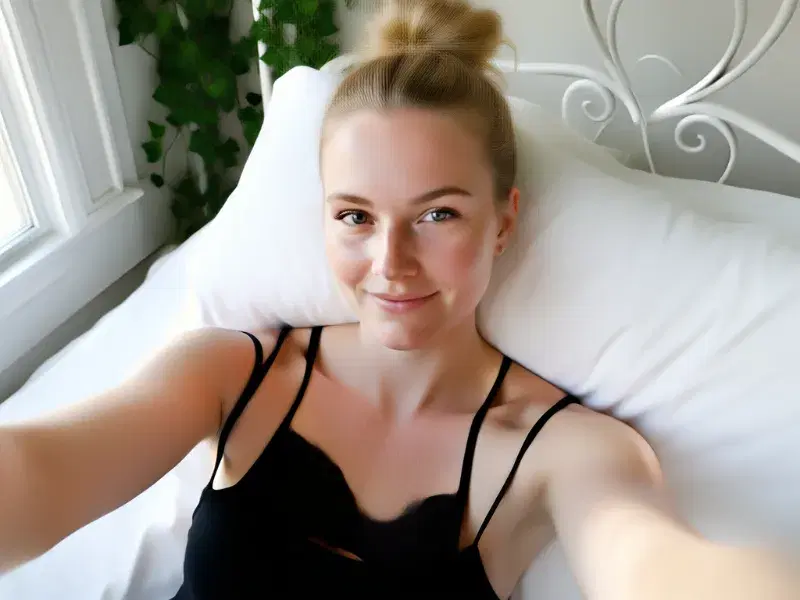
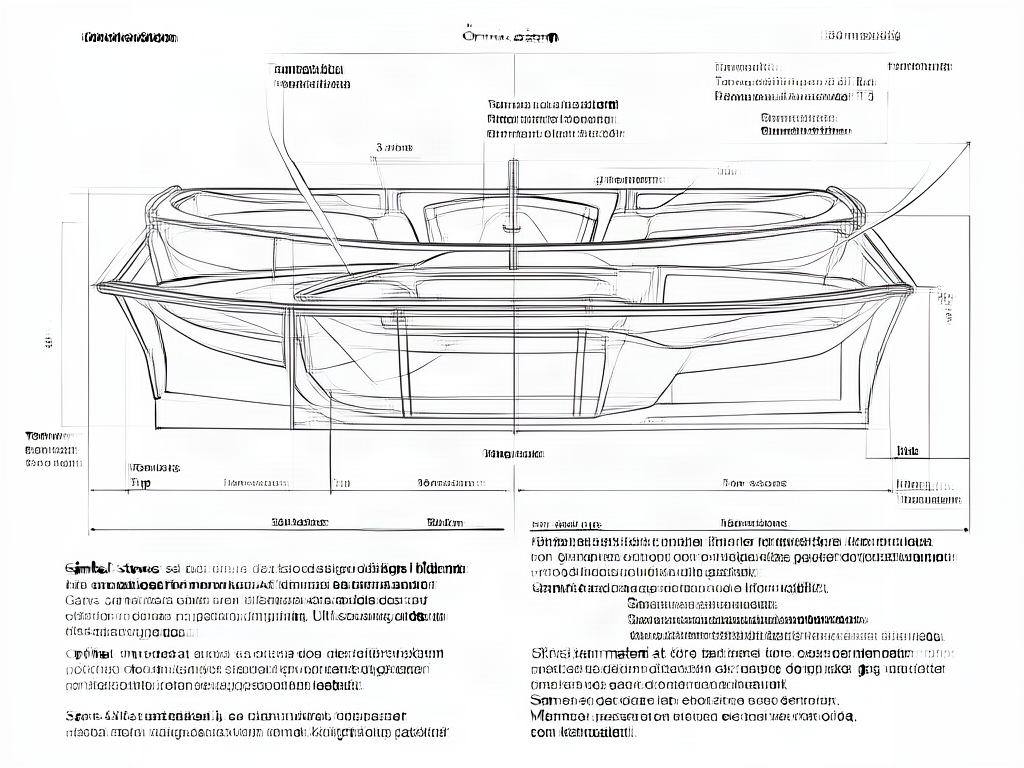
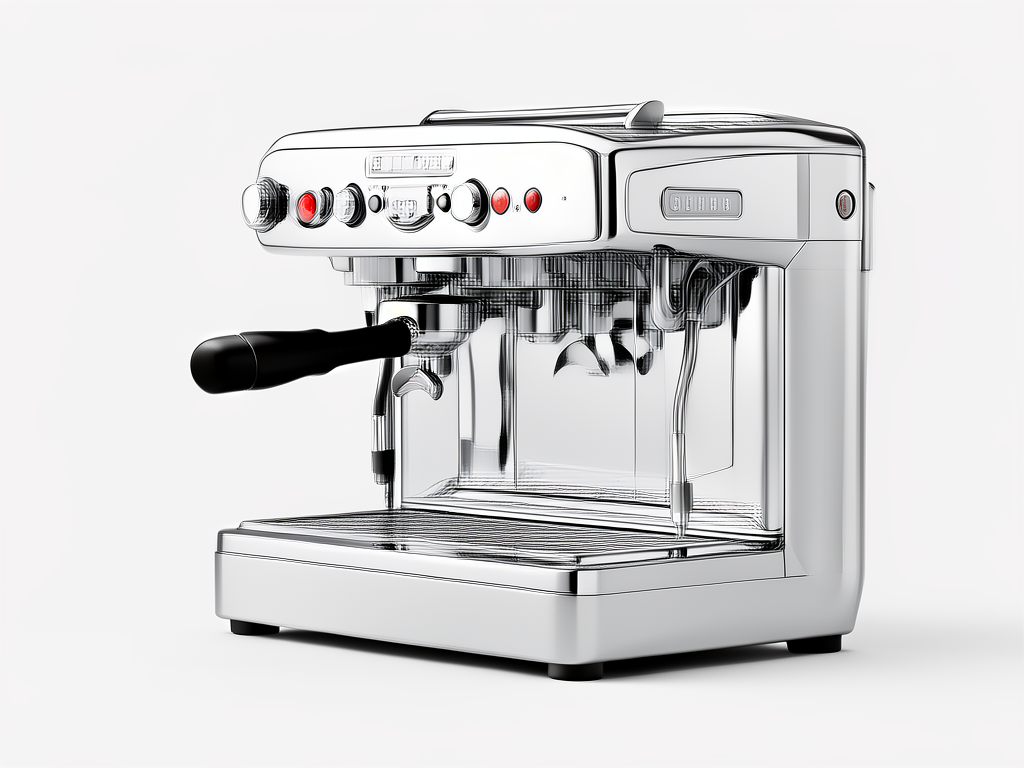
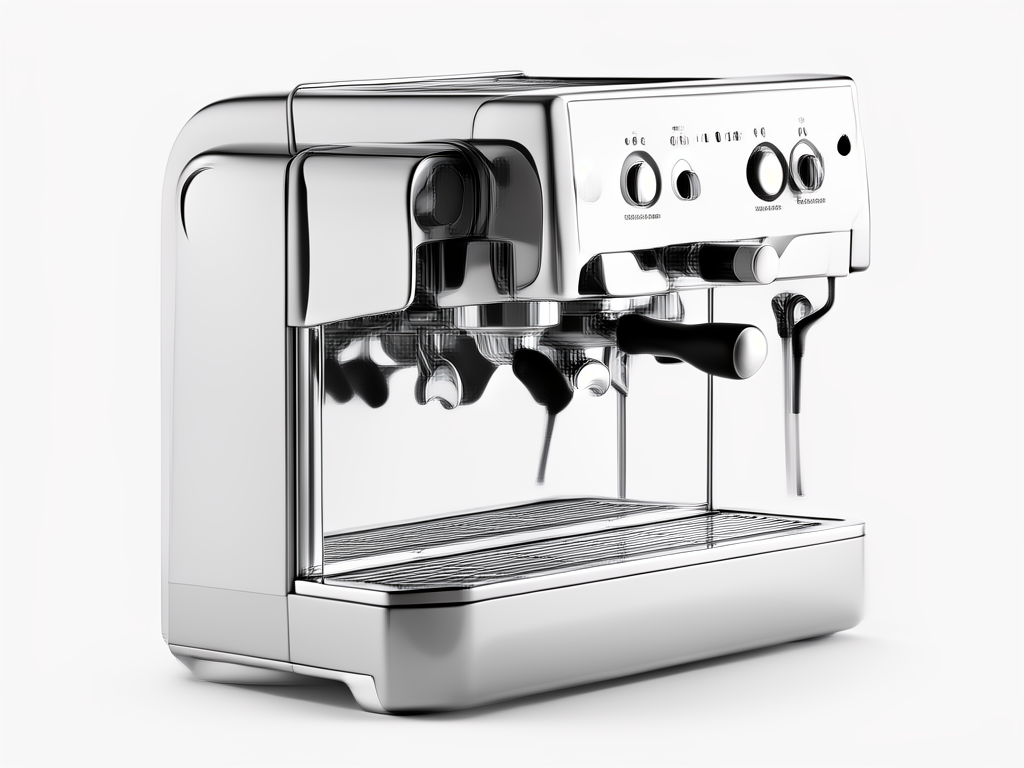
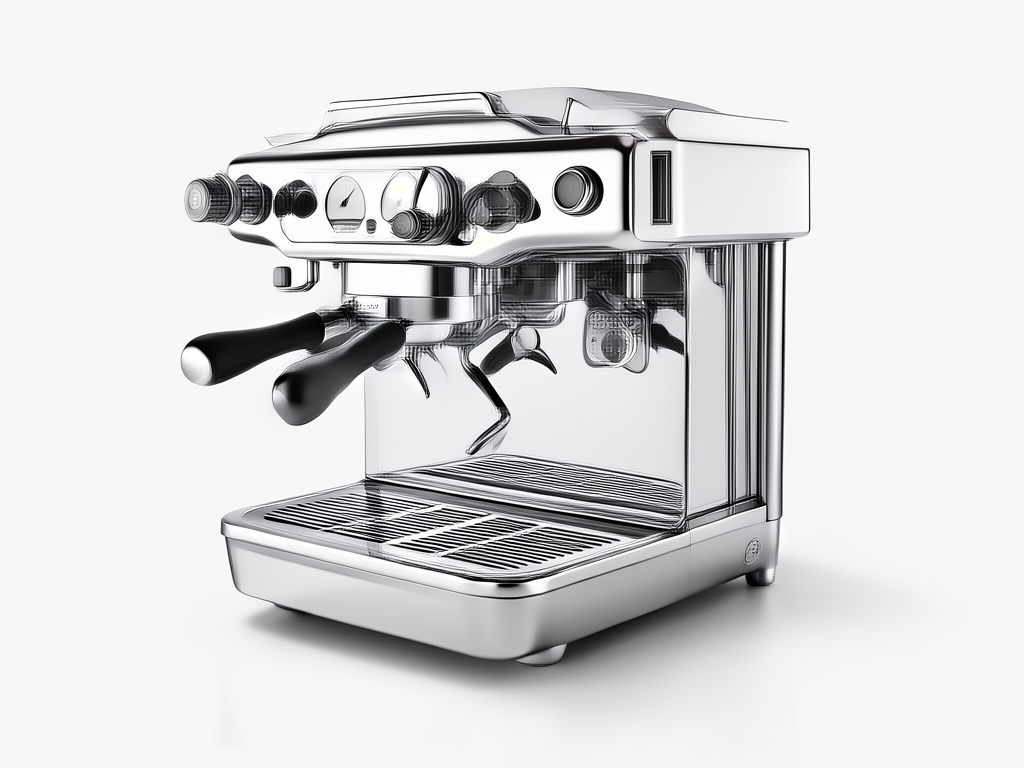
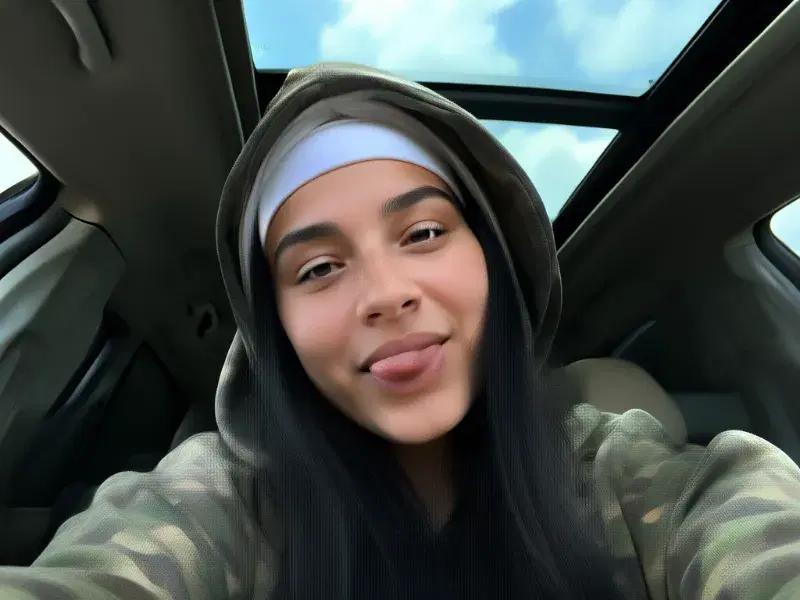
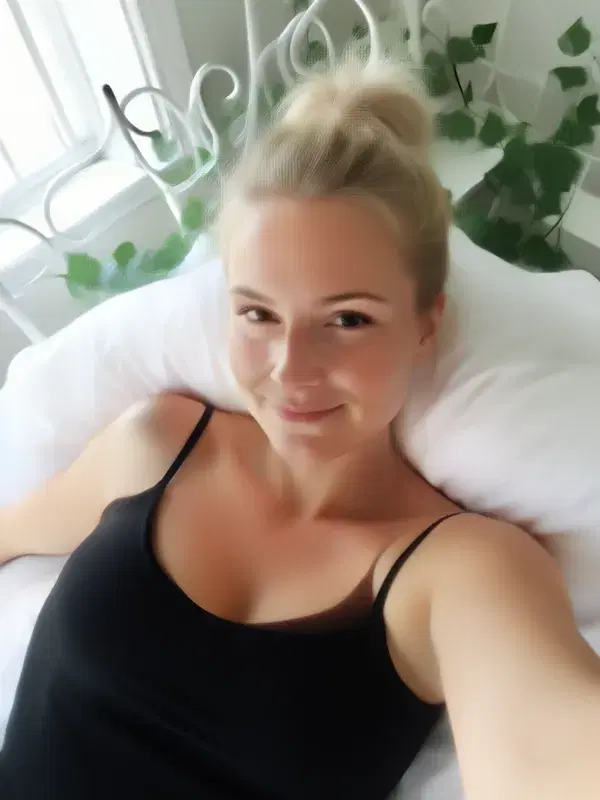
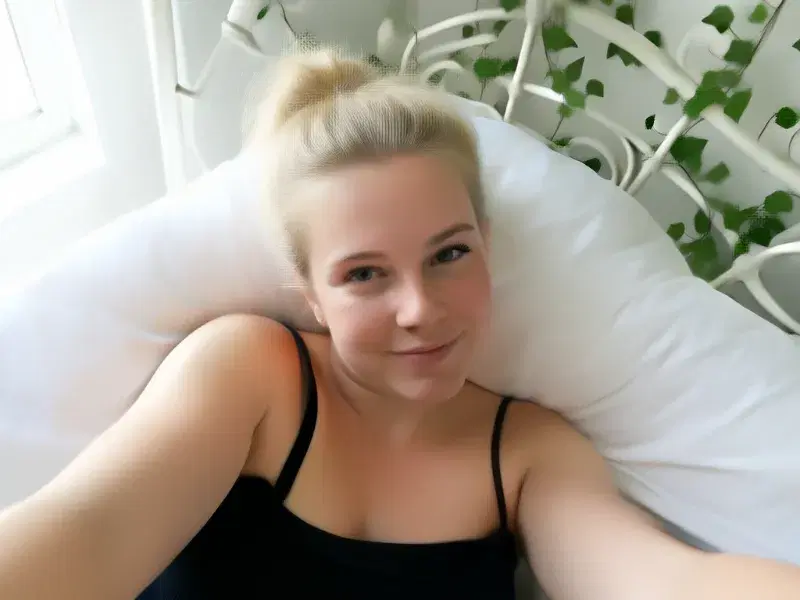
The published output example lets you inspect composition, lighting and image details. Its original prompt and settings are not published in this gallery; the bottle prompt above is an illustrative writing example, not the source of that image. For a controlled comparison with FLUX 2 Pro, use your own brief and keep each result with its settings. This guide does not assign a universal quality winner.
Understand credits and the next step
Credits vary with this integration's image dimensions and output count. Review the studio's configured estimate before a run and its settled history afterward. A subscription price is not the cost of every image. Current plans explain the available credit allocation and billing options.
For the upstream endpoint and its separate provider contract, see fal's FLUX.2 Klein 9B Base LoRA documentation. Provider defaults can differ from FluxoKit's exposed controls. This guide covers the FluxoKit integration, not self-hosting or a guarantee of output quality or completion time.
Examples
Real generations with FLUX.2 Klein 9B
Capabilities
Batch processing
Yes
Output type
Image
Limits
Max batch size
4
Generation credits
Depends on the configured run. Review the estimate before generating and the settled charge in history.
Parameters and inputs
Each field below shows what the model accepts and the limits to apply.
Parameters
Image Size
image_size
- Required
- No
- Default
- landscape_4_3
Options
- Square Hd (square_hd)
- Square (square)
- Portrait 4 3 (portrait_4_3)
- Portrait 16 9 (portrait_16_9)
- Landscape 4 3 (landscape_4_3)
- Landscape 16 9 (landscape_16_9)
Num Images
num_images
- Required
- No
- Default
- 1
- Min
- 1
- Max
- 4
- Step
- 1
Num Inference Steps
num_inference_steps
- Required
- No
- Default
- 4
- Min
- 4
- Max
- 8
- Step
- 1
Seed Enabled
seed_enabled
- Required
- No
- Default
- false
Seed
seed
- Required
- No
- Default
- —
- Min
- 1
- Max
- 2147483647
- Step
- 1
Output Format
output_format
- Required
- No
- Default
- png
Options
- Png (png)
- Jpeg (jpeg)
- Webp (webp)
Loras
loras
- Required
- No
- Default
- —
Choose a FLUX workflow by the input you have
Compare another generation workflow on the same brief and output dimensions. This page does not establish a universal quality winner.
Use an editing workflow when you need to supply existing images and describe what to change.
Frequently asked questions
Which FLUX.2 Klein model does this page describe?
This page describes FluxoKit's FLUX.2 Klein 9B text-to-image integration, served through fal's 9B Base LoRA endpoint. It is not a claim that every Klein endpoint or locally downloaded model has the same settings.
Do I need to load a LoRA?
No. LoRA inputs are optional. Start without one to assess the base result, then use a compatible adapter you have permission to use if the task calls for it.
Is every image the same number of credits?
No. Image dimensions and output count affect this integration's credit calculation. Check the configured run estimate before generating; subscription pricing and generation credits are different quantities.
Can I edit an existing image here?
This is the text-to-image route. Use an image-editing model when the task starts with a photograph or other source image that must be changed.
How should I judge the examples?
Inspect the visible composition, lighting and image details. The gallery does not publish this example's original prompt or settings, so it cannot establish prompt adherence or repeatability. It is not a success-rate or model-comparison benchmark.
Next step
Use FLUX.2 Klein 9B without signing up for Black Forest Labs.
90+ AIs in one studio. Live USD checkout is processed through Stripe, with no API key to manage.
Related content
Category
Higgsfield AI Video Generator: Engines and Options | FluxoKit
Category
Higgsfield API: MCP Access, Providers, Alternatives | FluxoKit
Category
Higgsfield Face Swap: How It Works, Limits, Options | FluxoKit
Category
Higgsfield AI Pricing 2026: Plans, Credits, Fine Print | FluxoKit
Category
AI GIF Generator: Loops From a Sentence | FluxoKit
Category
AI Headshot Generator: Studio Portraits on One Canvas | FluxoKit