
Grok Image Edit: Photo Instructions and Examples
Grok Image Edit changes a supplied image from a written instruction. Use it for a defined background, object or style change, then compare the result against the source. This FluxoKit integration takes one source image; its settings and configured credit estimate are distinct from newer provider models.
Updated September 2026
Grok Image Edit changes an existing image from a written instruction. The useful starting point is not a longer prompt: it is a clear distinction between what may change and what must remain intact. This page documents FluxoKit's single-source-image editing integration, with its current controls and available examples below.
For an online store, keep the original product photo so you can compare the edited result with the item customers will receive. Use an image you have permission to modify. If you need a completely new concept rather than an edit, start with an image-generation model.
Specify one edit and its boundaries
Name the object or region to change, describe the new appearance, then identify the details to preserve. Avoid combining a new background, a different product shape and a new camera angle in the first attempt: each adds another thing to inspect.
Illustrative instruction, not a reported test result:
Replace the plain gray backdrop with a softly lit cream wall. Keep the blue backpack, its straps, zipper positions, logo and camera angle unchanged. Preserve a natural contact shadow underneath it. Do not add text or other objects.
Compare the result with the source, not just with your memory of it. Check zipper count, handle placement, edges and the logo. If the background is attractive but the product changed, the result has not met the brief.
Use restyling as a separate experiment
A watercolor treatment and a photographic background replacement have different acceptance criteria. For a stylized illustration, decide which recognizable features matter. For a product listing, texture and color may need to stay faithful to the source. Do not treat a stylized output as documentary proof of a product's appearance.
If a second edit is needed, keep the original alongside the intermediate result. Repeatedly editing a generated image can compound small changes. Compare the final image back to the original before using it commercially.
Read the examples with the inputs
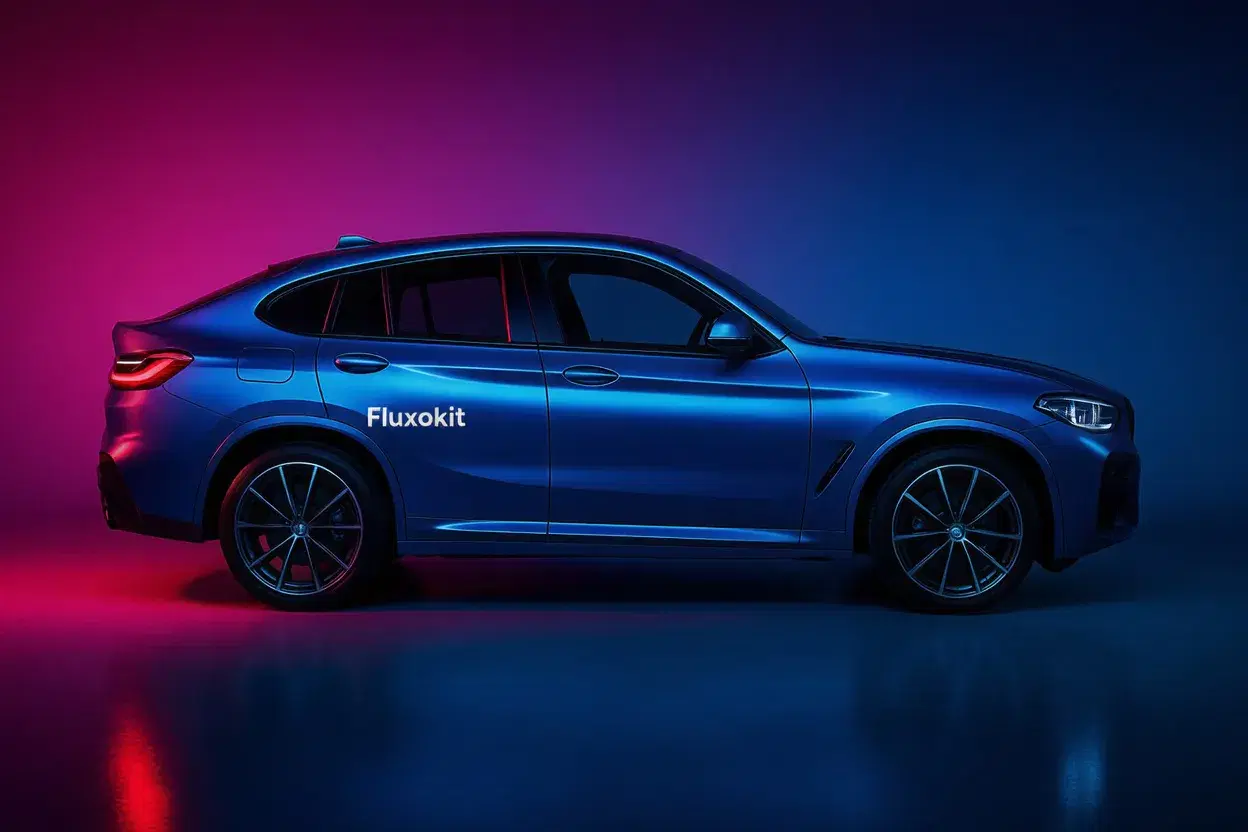
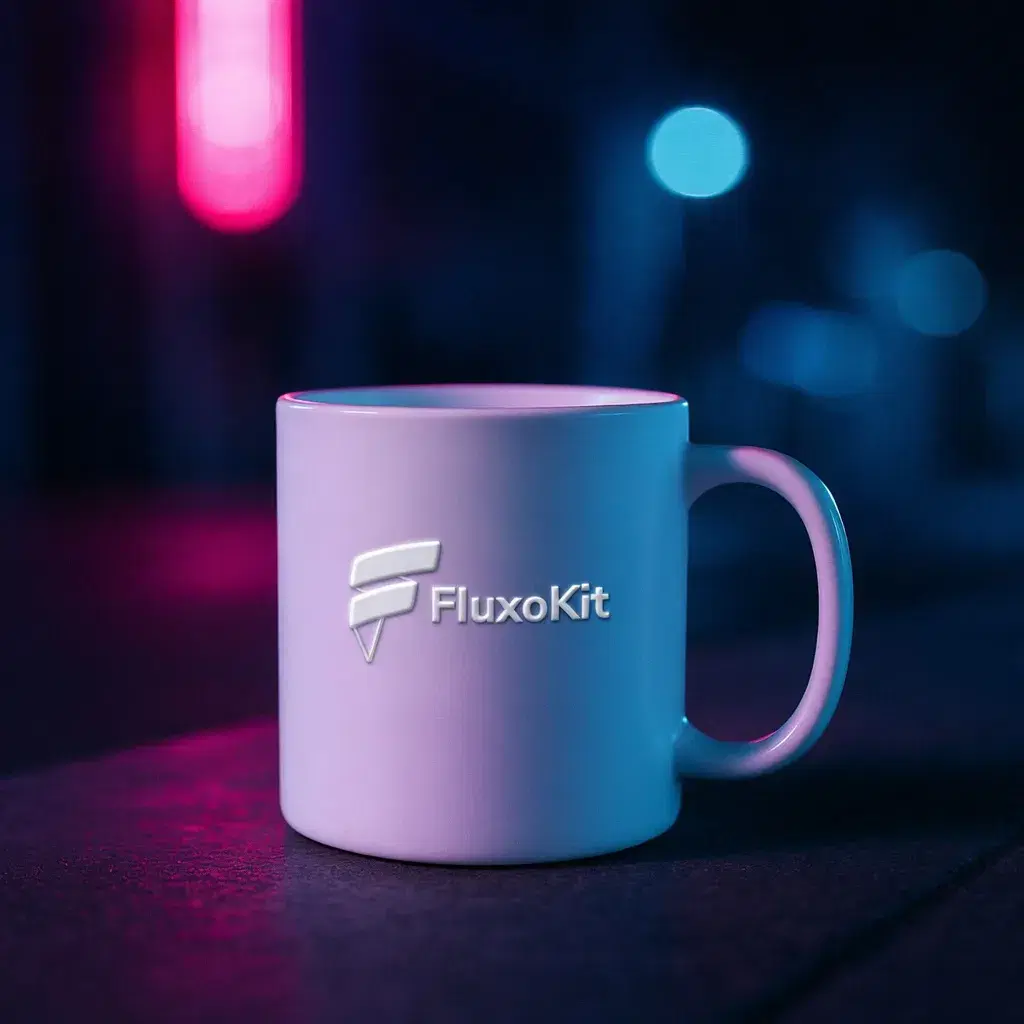
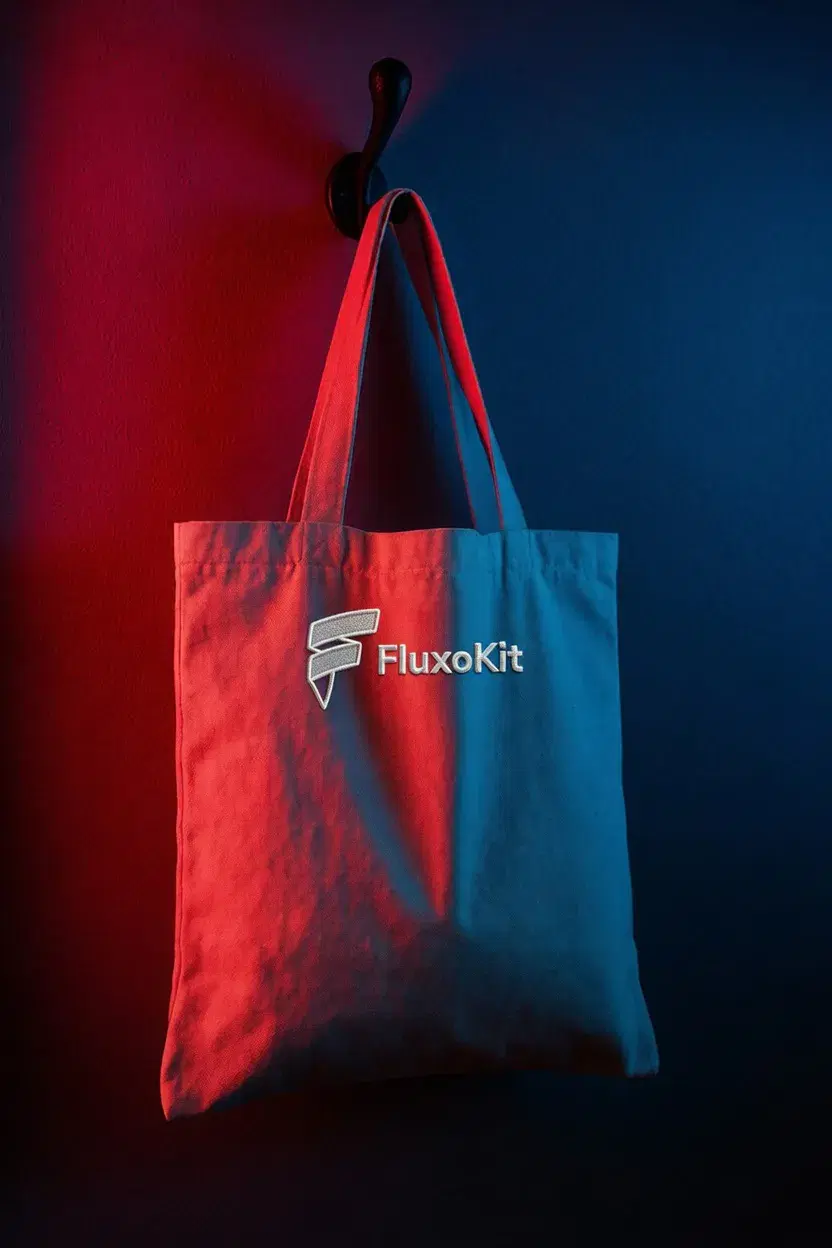
An editing example is useful when the source, instruction and output can be compared. Inspect the changed region and the untouched regions separately. A successful selected example does not prove that every edit is precise, fast or cheaper than another model.
For an alternative, compare Qwen Image Edit Max or FLUX 2 Pro Edit using the same authorized source and change request. Choose by the actual result and configured cost, not an unsupported universal ranking.
Prepare the finished image
Check the crop on mobile as well as desktop. Read any remaining English label text at its display size. Keep exact prices and offer terms in an editable layout layer if the generated image does not reproduce them accurately. An editing model does not verify the truth of a claim printed in the source.
Review output count and the configured credit estimate before generating. FluxoKit plans provide the subscription allocation; generation history records the settled job charge. For the upstream editing mechanism, see xAI's image-editing documentation. Its current examples may use a newer provider model, so use this page's parameter table for this FluxoKit integration rather than transferring every upstream feature to it.
Examples
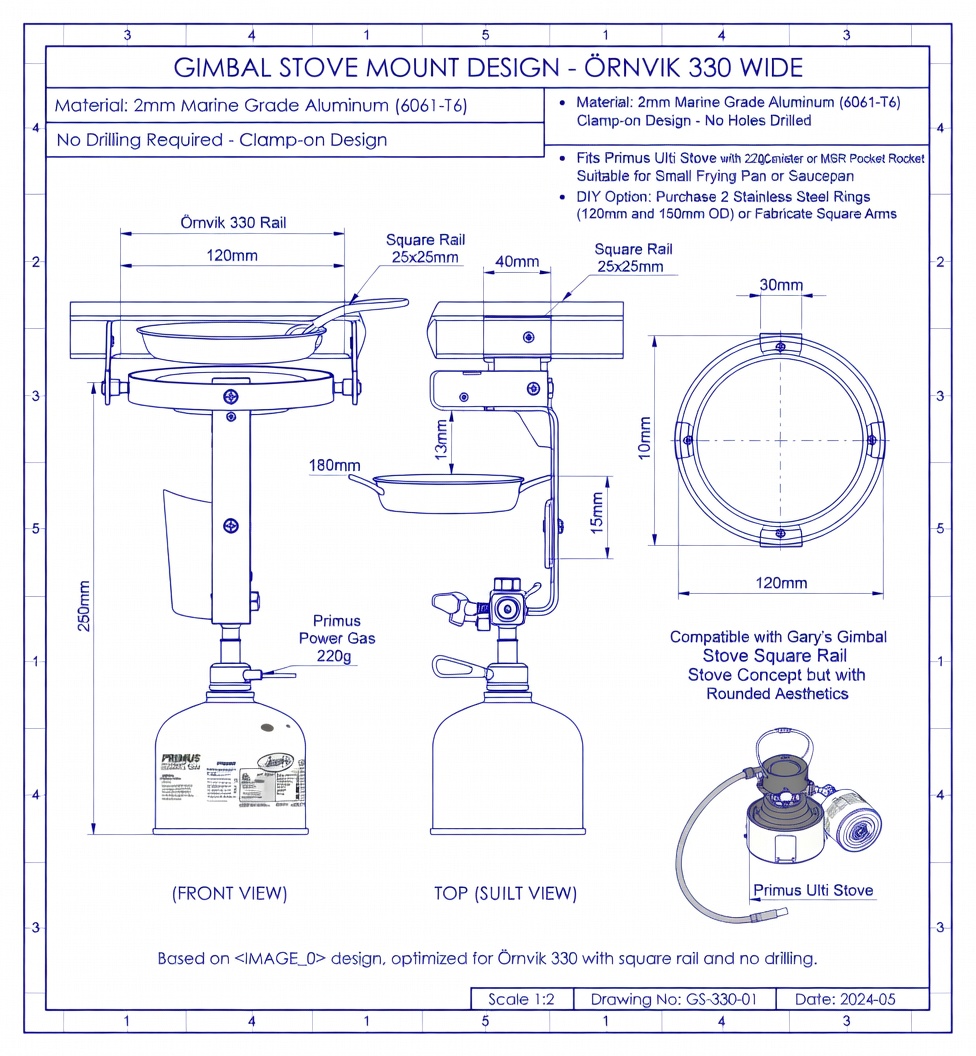
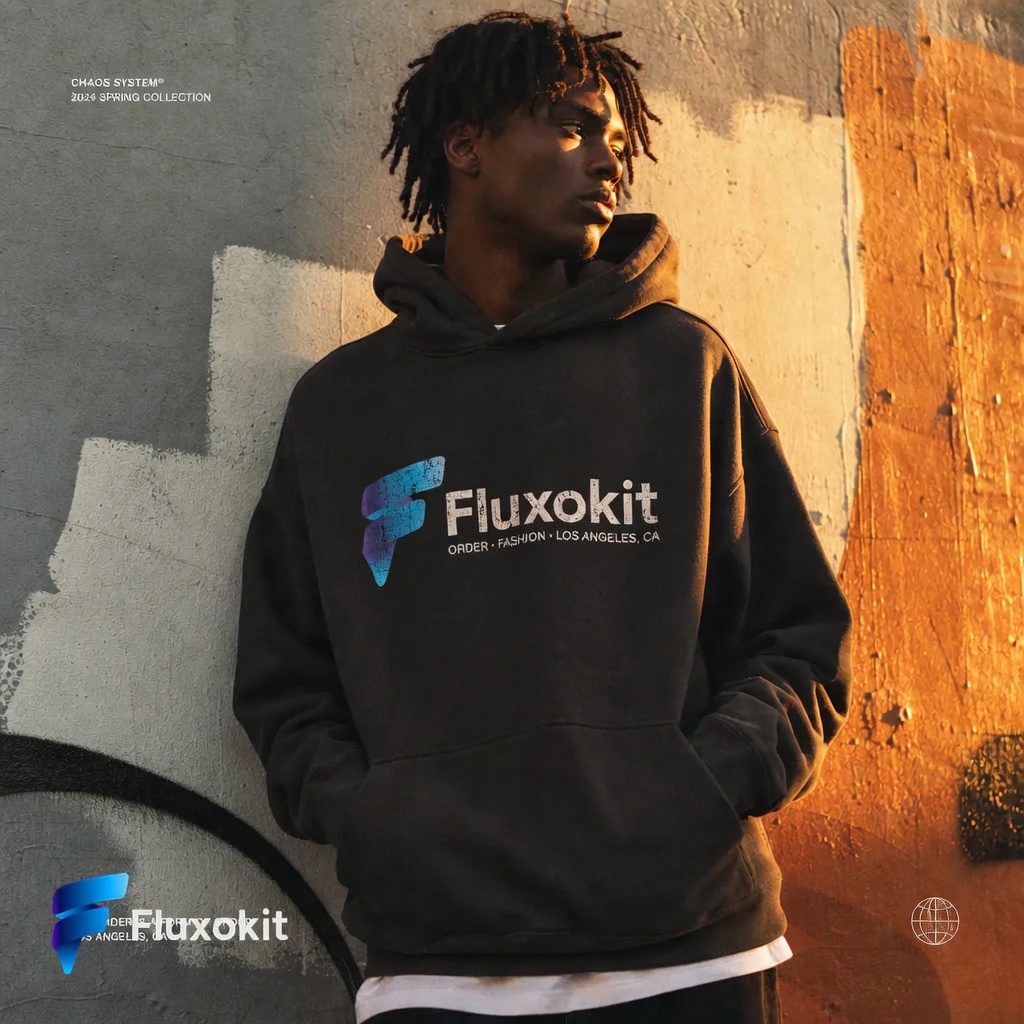
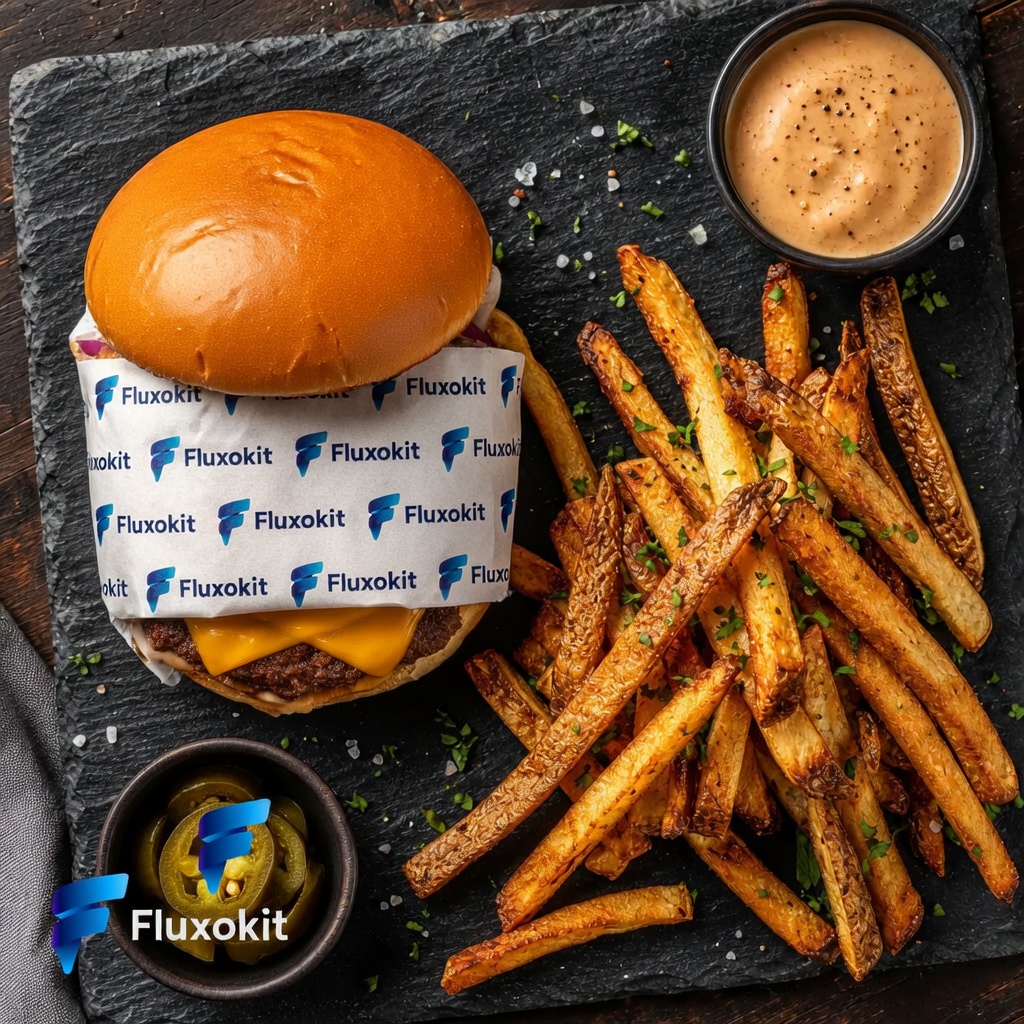
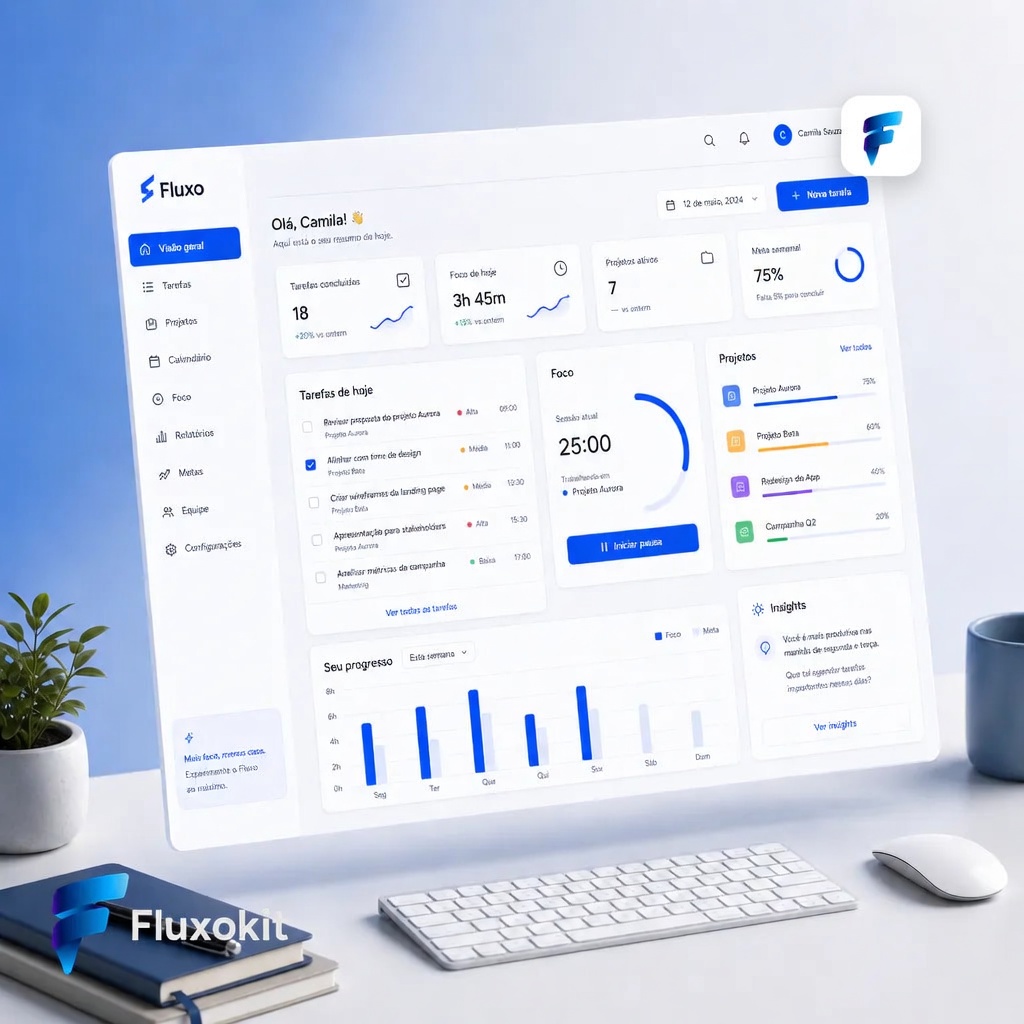
Inspect each available example with its own prompt, inputs and provenance. Selected outputs do not establish a success rate or guarantee the same result.
Real generations with Grok Image Edit



Like what you see? Make the next one yourself. Plans from $14/month.
View plans for Grok Image Edit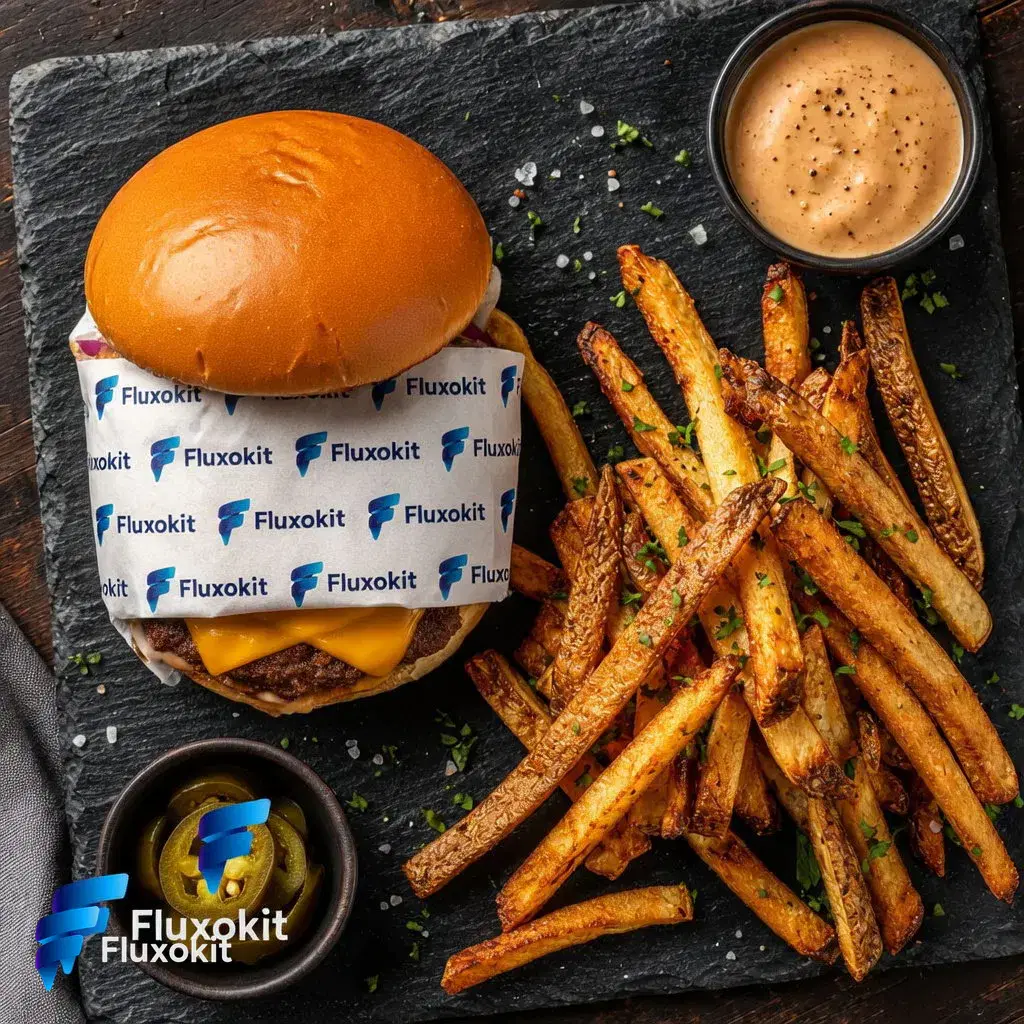








Capabilities
Image input
Yes
Limits
Max reference images
1
Generation credits
Depends on the configured run. Review the estimate before generating and the settled charge in history.
Parameters and inputs
Each field below shows what the model accepts and the limits to apply.
Parameters
N
n
- Required
- No
- Default
- 1
- Min
- 1
- Max
- 10
Compare workflows for Grok Image Edit
Consider a multi-reference workflow when the task needs distinct subject and setting images. Compare the resulting edits with the same acceptance criteria.
Another reference-based editing option. Compare source fidelity and the requested change separately; this page does not establish a quality ranking.
Frequently asked questions
Does Grok Image Edit need an input image?
Yes. This editing integration takes a source image and an instruction. For a new scene without a source image, choose a text-to-image model.
Can I change a background without changing the product?
You can request that edit, but inspect the product's shape, label and color afterward. An instruction to preserve an object is not a guarantee that every detail stays unchanged.
Is an X Premium subscription required?
This workflow is accessed through a FluxoKit account and plan. It does not use a customer's X Premium subscription or require the customer to supply an xAI API key.
Is this the same as every current Grok image model?
No. This page describes the Grok Image Edit integration selected in FluxoKit. Newer provider models or consumer-app features may have different inputs and controls.
Where do I see the cost of an edit?
Check the configured credit estimate before running and the settled charge in history. Output count matters; the plan price is not a fixed price for every editing job.
Next step
Use Grok Image Edit without signing up for xAI.
90+ AIs in one studio. Live USD checkout is processed through Stripe, with no API key to manage.
Related content
Category
Higgsfield AI Video Generator: Engines and Options | FluxoKit
Category
Higgsfield API: MCP Access, Providers, Alternatives | FluxoKit
Category
Higgsfield Face Swap: How It Works, Limits, Options | FluxoKit
Category
Higgsfield AI Pricing 2026: Plans, Credits, Fine Print | FluxoKit
Category
AI Carousel Generator for Instagram and LinkedIn | FluxoKit
Category
AI Cartoon Generator: Photos and Characters | FluxoKit