
FLUX 2 Pro Edit: Multi-Reference Image Guide
FLUX 2 Pro Edit uses reference images and an instruction to create an edited composition. FluxoKit accepts up to eight references for this integration, but a smaller deliberate set is often easier to evaluate. Check product geometry, labels and placement against the originals before accepting an output.
Updated September 2026
FLUX 2 Pro Edit uses reference images and an instruction to produce an edited composition. This guide focuses on a common task: placing an existing product into a new setting while checking that important product details survive. It is not the same workflow as creating a scene from text alone.
FluxoKit's current integration accepts up to eight references. That is an input limit, not a recommendation to upload eight images for every job. A small, deliberate reference set is easier to describe and inspect. The controls below show the available sizes and other settings.
Build a reference brief
Choose the image that owns the subject. Add a second image only if it supplies a setting, composition or style that words do not explain well. Avoid references with conflicting product versions or camera angles unless the instruction explains which one takes precedence.
Illustrative prompt, not a claimed test result:
Place the white ceramic lamp from image 1 on the oak side table in image 2. Keep the lamp's shade shape, base proportions and cord position. Match the afternoon light in the room. Remove the existing lamp from image 2. Do not add lettering or change the furniture layout.
Review the output in two passes. First check placement, scale and perspective. Then compare the lamp's details with the original. A realistic room is not sufficient if the product has changed.
Inspect what should remain unchanged
List the essential invariants before running: handle or cord placement, seams, logo spelling, product color and surface finish. This turns “looks good” into a repeatable decision. Keep exact brand marks and commercial text in an editable layer if the generated output cannot preserve them.
For an English product page, test the image at desktop width and in its mobile crop. Small details that pass at full resolution may disappear or become misleading in a narrow card. Use a truthful caption if the image is an illustrative scene rather than a photograph of the actual product in that location.
Compare editing approaches
Try Qwen Image Edit Max when comparing a different multi-reference workflow. Grok Image Edit is another option for a single-source instruction. Use the same authorized inputs and acceptance criteria; this page does not rank one model as universally more faithful.
If you do not have a source image to preserve, consider FLUX 2 Pro instead. A generation task and an editing task should not be judged as interchangeable merely because their outputs are both images.
Retain the useful evidence
Save the reference roles, instruction, output dimensions and selected result. Review the studio's configured credit estimate before generating, then use history for the settled usage. FluxoKit plans describe the subscription allocation, not a fixed editing price.
See Black Forest Labs' image-editing guidance for the upstream reference mechanism. Use FluxoKit's parameter table for this integration's actual limits rather than assuming every provider option is exposed here.
Examples
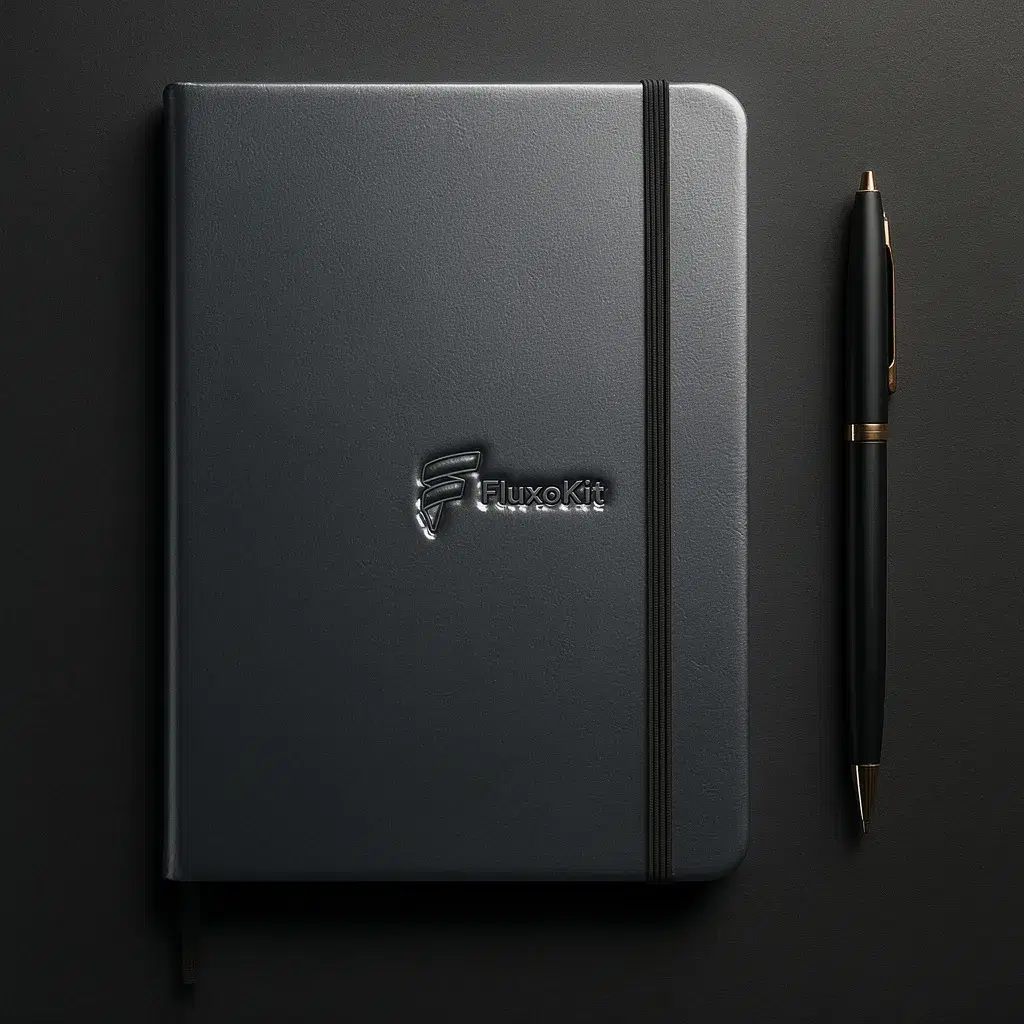
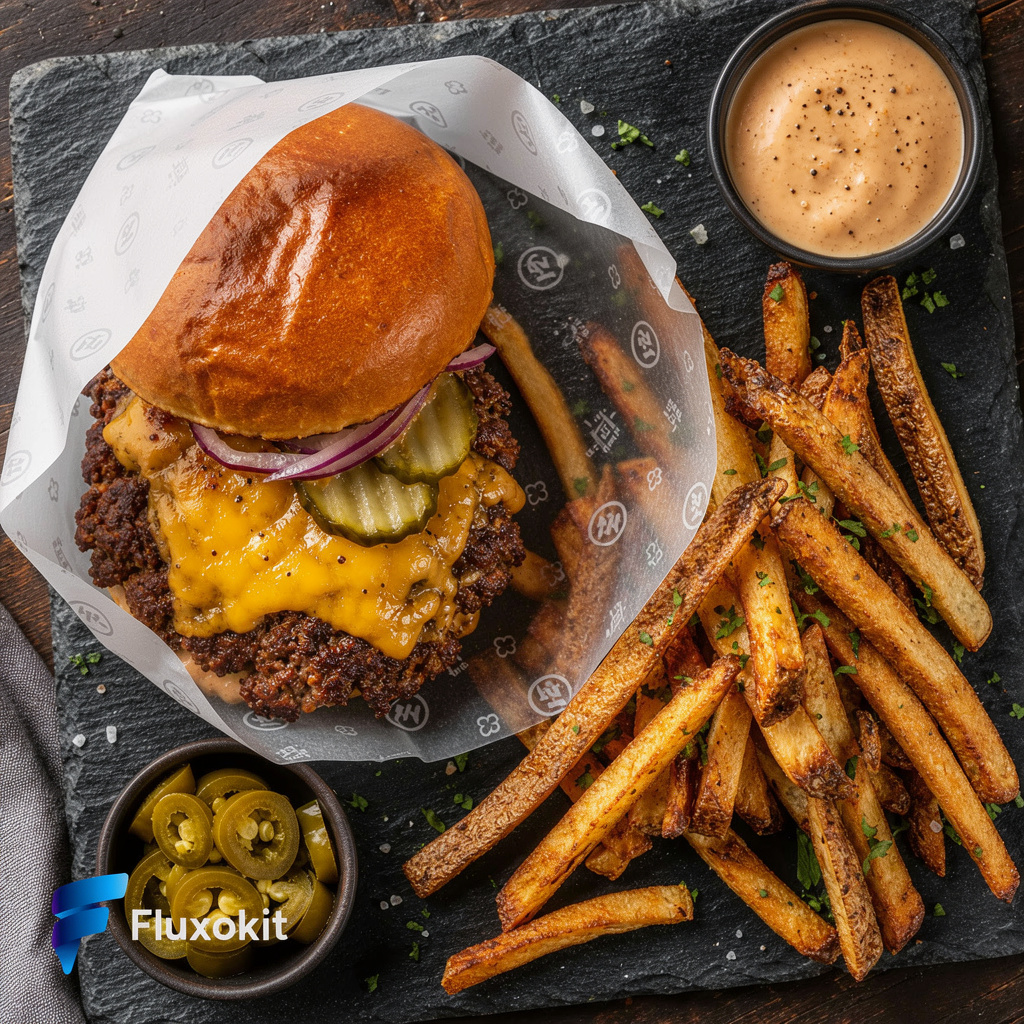
Inspect each available example with its own prompt, inputs and provenance. Selected outputs do not establish a success rate or guarantee the same result.
Real generations with Flux 2 Pro Edit


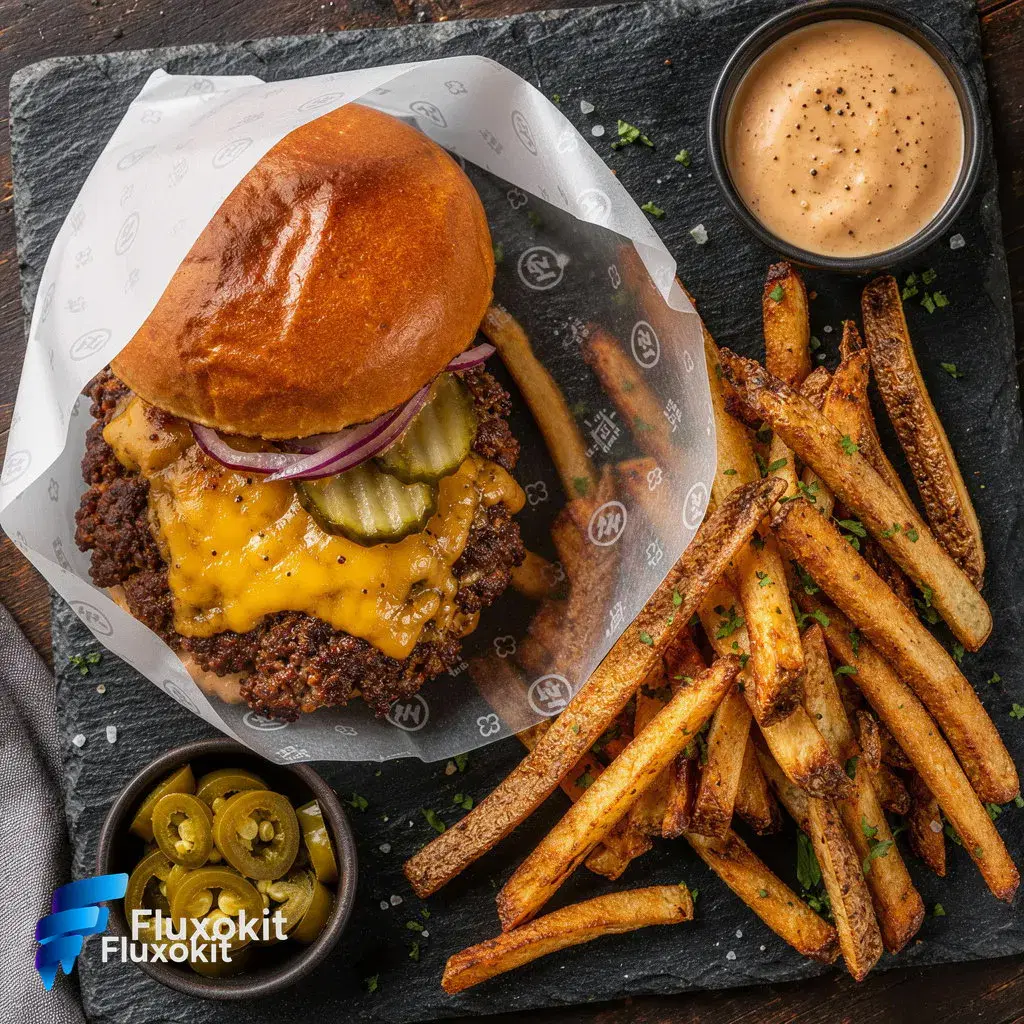
Like what you see? Make the next one yourself. Plans from $14/month.
View plans for FLUX 2 Pro Edit







Capabilities
Multiple input images
Yes
Limits
Max reference images
8
Generation credits
Depends on the configured run. Review the estimate before generating and the settled charge in history.
Parameters and inputs
Each field below shows what the model accepts and the limits to apply.
Parameters
Image Size
image_size
- Required
- No
- Default
- match_input
Options
- Match Input (match_input)
- 1024x1024 (1024x1024)
- 1024x1536 (1024x1536)
- 1536x1024 (1536x1024)
- 1024x1792 (1024x1792)
- 1792x1024 (1792x1024)
Width
width
- Required
- No
- Default
- —
- Min
- 64
- Max
- 2048
- Step
- 16
Height
height
- Required
- No
- Default
- —
- Min
- 64
- Max
- 2048
- Step
- 16
Seed
seed
- Required
- No
- Default
- —
Compare workflows for FLUX 2 Pro Edit
A different multi-reference workflow. Keep the requested change and acceptance criteria consistent when comparing.
Consider this single-source editor when the task does not need multiple reference roles.
Frequently asked questions
What distinguishes this from FLUX 2 Pro generation?
This is the reference-image editing integration. Use FLUX 2 Pro's text-to-image route when you want a new scene without editing supplied images.
How many reference images are supported?
The current FluxoKit input contract accepts up to eight references. Use only the images needed for the task and describe each image's role.
Does an instruction guarantee that a logo stays unchanged?
No. Check logos, labels, shapes and colors against the source. For exact brand elements, retain an editable original and do not publish an altered representation as an accurate product photo.
Does a seed guarantee an identical future result?
No. A seed helps record the configuration, but provider or model changes and other settings can affect reproducibility. Save the selected output itself.
How should I compare cost?
Compare configured credit estimates for the same task and output settings. Subscription pricing is separate from a job's usage and settled charge.
Next step
Use Flux 2 Pro Edit without signing up for Black Forest Labs.
90+ AIs in one studio. Live USD checkout is processed through Stripe, with no API key to manage.
Related content
Category
Higgsfield AI Pricing 2026: Plans, Credits, Fine Print | FluxoKit
Category
Higgsfield AI Video Generator: Engines and Options | FluxoKit
Category
Higgsfield API: MCP Access, Providers, Alternatives | FluxoKit
Category
Higgsfield Face Swap: How It Works, Limits, Options | FluxoKit
Category
AI Brand Creative Generator for Consistent Assets | FluxoKit
Category
AI Carousel Generator for Instagram and LinkedIn | FluxoKit