
GPT Image-2
GPT Image 2 is OpenAI's photorealistic text to image model, available inside FluxoKit's browser studio without an OpenAI account or API key. It turns written briefs into commercial grade images, renders legible text inside artwork, and costs 7 credits per generation on plans starting at $14 per month.
Updated July 2026
Examples
9 generationsGenerated live on FluxoKit on July 2, 2026. Prompts shown verbatim, results unretouched.
Real generations with GPT Image-2





Overview
GPT Image 2 is OpenAI's photorealistic text to image model, and FluxoKit runs it inside a browser studio. There is no OpenAI account to create, no API key to manage, and no usage dashboard to babysit. You type the prompt, the image costs 7 credits, and the result lands in the same canvas where you can edit it, upscale it, or animate it with other models.
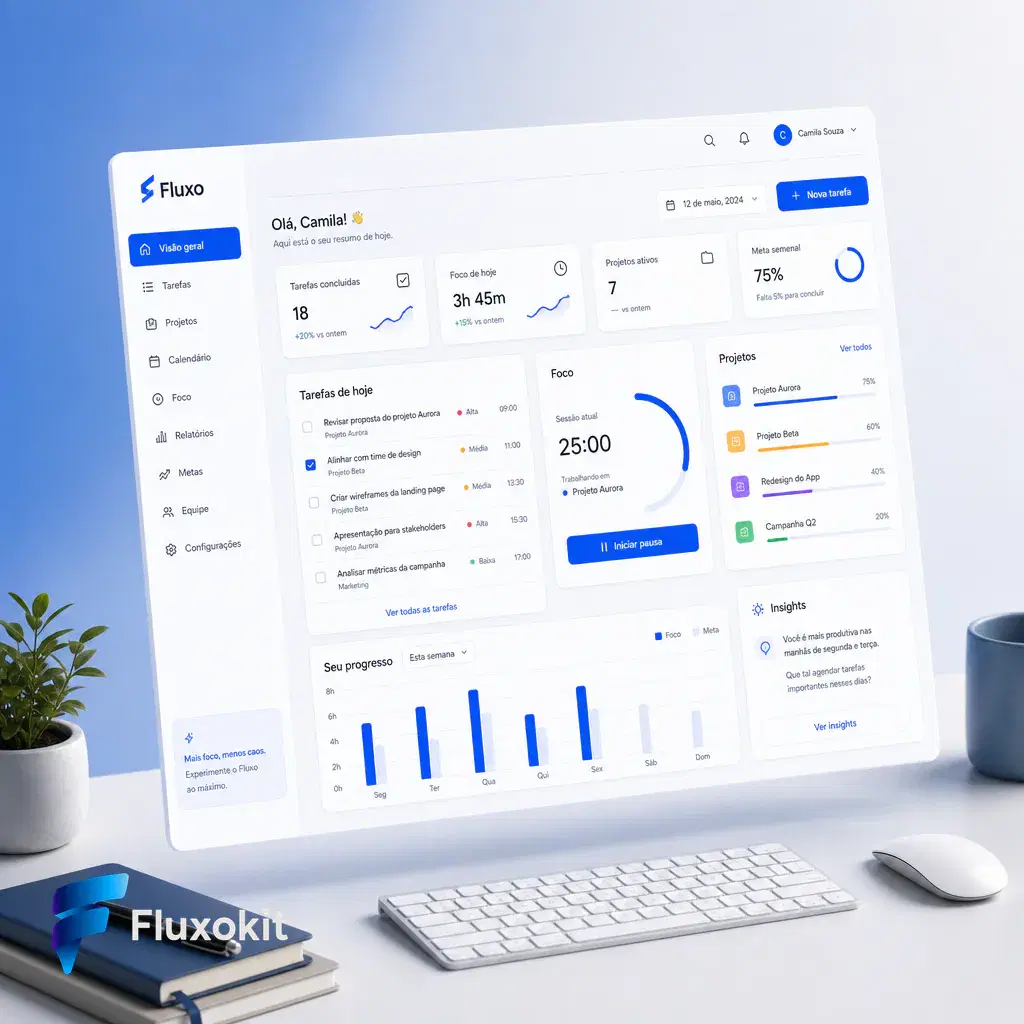
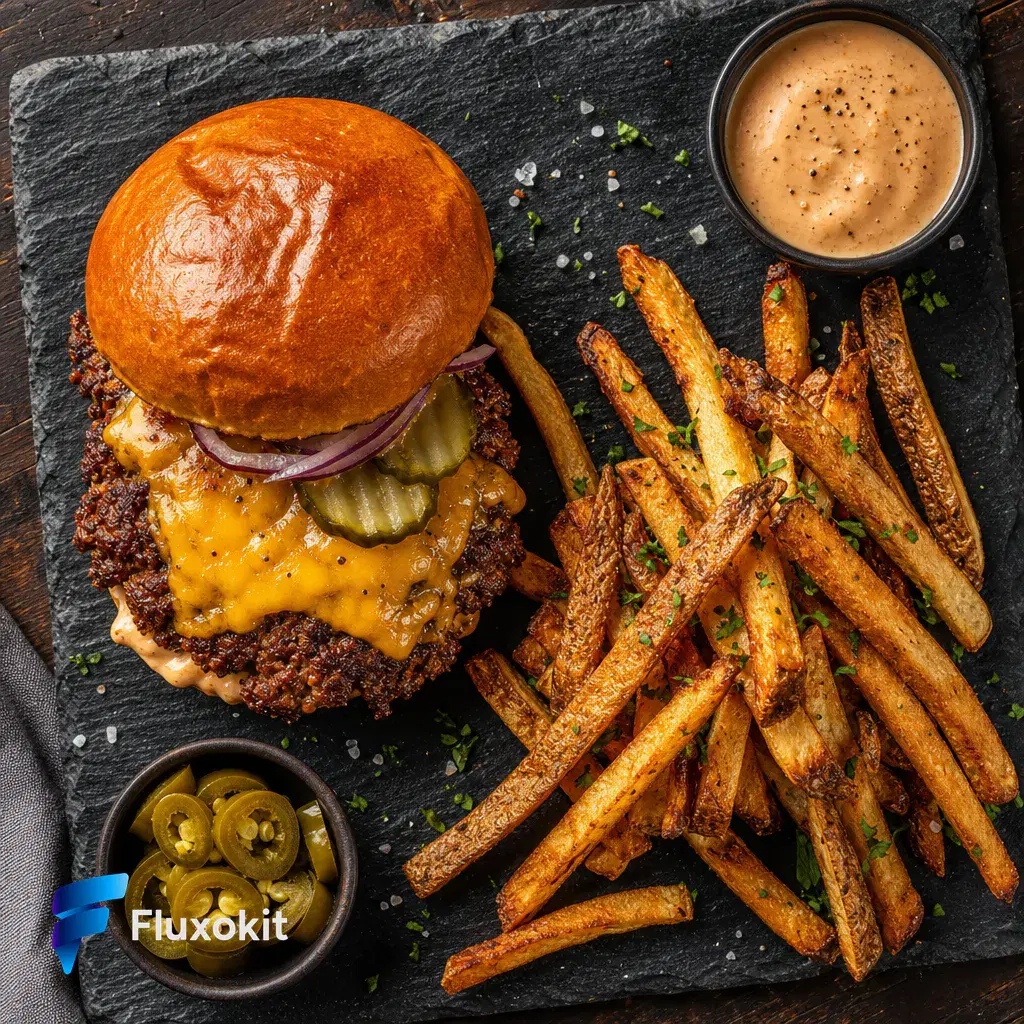
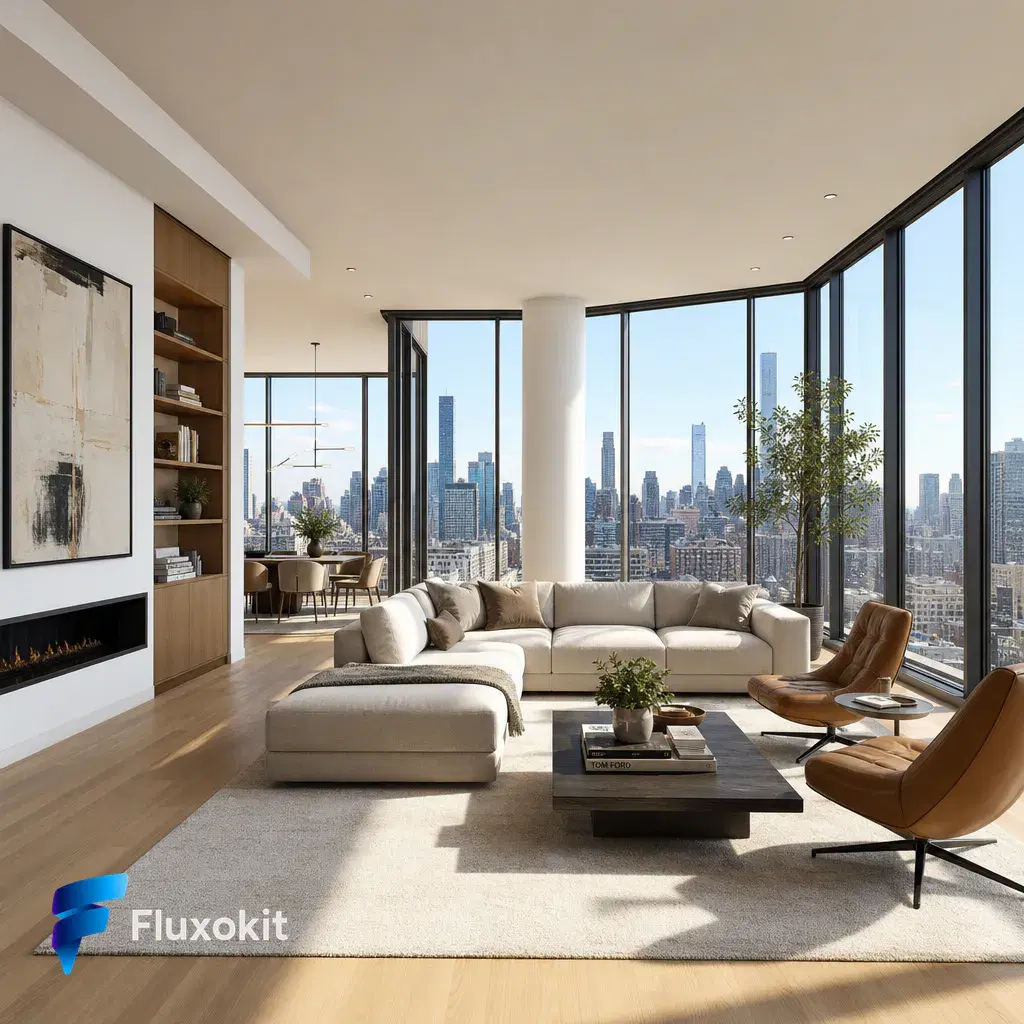
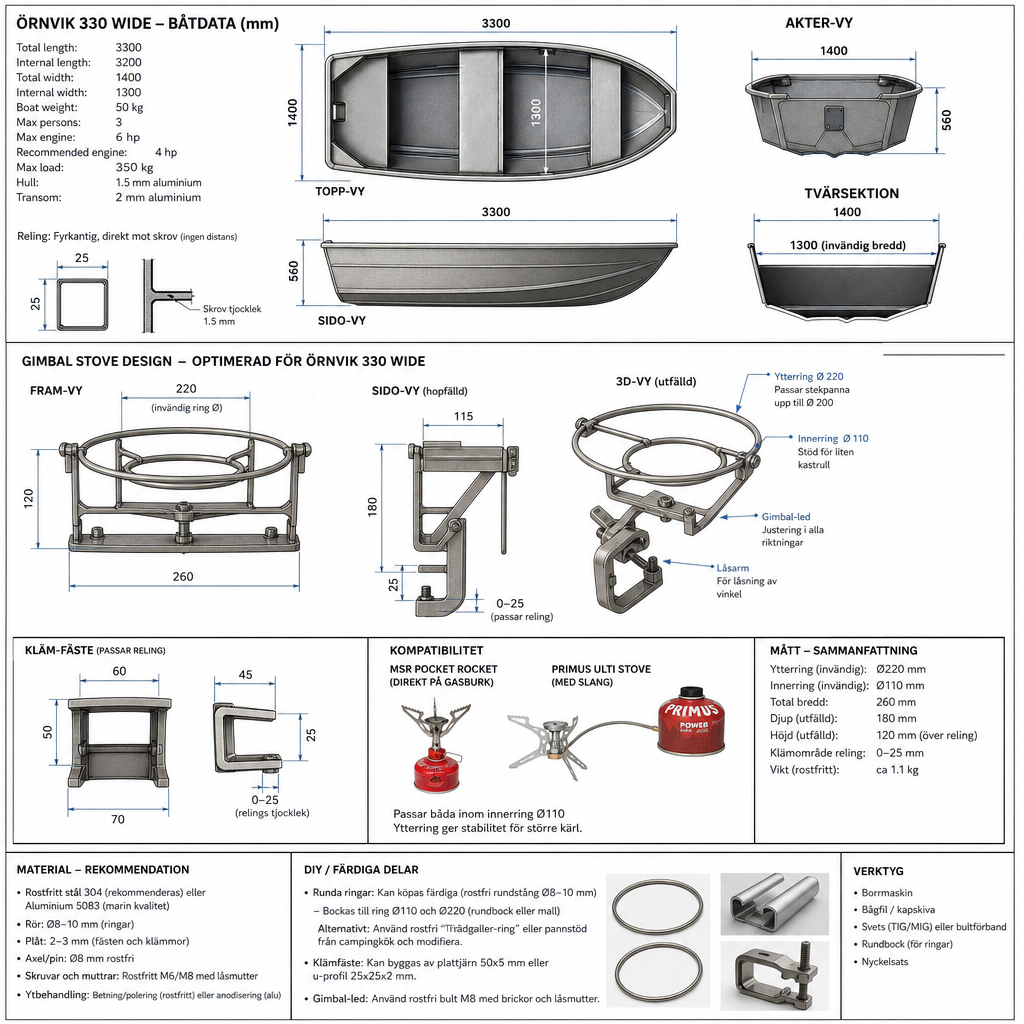
Every image on this page is a real, unretouched GPT Image 2 generation made through FluxoKit, with the exact prompt printed under it. That is the fastest way to judge whether this AI image generator fits your work: read the prompt, then look at what came back.
What you can build with GPT Image 2
The examples above are one brand brief pushed through seven different jobs: a skincare packshot with studio lighting, a gym promo where the headline is generated inside the image, a SaaS dashboard mockup, and four more scenes that would each normally need a photographer, a designer, or both. The strength of GPT Image 2 is that it treats all of them as the same task. Describe the scene the way you would brief a professional and it returns something you could ship.
Two habits get the most out of it. First, write prompts like production briefs: subject, setting, lighting, camera, and mood, in that order. The captions above show the pattern. Second, when the image needs words in it, such as posters, packaging, or interfaces, name the exact text in quotes. GPT Image 2 is one of the few image models that renders typography you can actually read.
Where GPT Image 2 earns its credits
E-commerce and ads teams use GPT Image 2 for product photography without a studio day: consistent packshots, seasonal variations, and lifestyle contexts on demand. Marketing teams generate campaign visuals with the copy already typeset inside the artwork. Product teams mock up interfaces and landing heroes before a designer touches Figma. At 7 credits per image, a $14 FluxoKit plan covers roughly 200 test and pick iterations a month, and every generation shows its exact cost in your history.
GPT Image 2 vs Nano Banana Pro 2, Seedream 5.0, and FLUX 2 Pro
Google's Gemini 3.1 image model follows layout and text instructions more literally. Pick it when the composition is non-negotiable. GPT Image 2 reads better as photography.
Seedream leans stylized and cinematic, which makes it stronger for editorial mood boards and surreal art direction. GPT Image 2 stays grounded in commercial realism.
The FLUX.2 flagship competes on final art finish and fine texture. GPT Image 2 wins on prompt comprehension and in-image typography. Many teams draft here and finish there.
Capabilities
Transparent background
No
Automatic sizing
No
Limits
Generation credits
Depends on the configured run. Review the estimate before generating and the settled charge in history.
Parameters and inputs
Each field below shows what the model accepts and the limits to apply.
Parameters
Gpt Size
gpt_size
- Required
- No
- Default
- 1024x1024
Options
- 1024x1024 (1024x1024)
- 1280x1024 (1280x1024)
- 1024x1280 (1024x1280)
- 1280x960 (1280x960)
- 960x1280 (960x1280)
- 1536x1024 (1536x1024)
- 1024x1536 (1024x1536)
- 2048x1152 (2048x1152)
- 1152x2048 (1152x2048)
- 2240x960 (2240x960)
- 960x2240 (960x2240)
- 2880x960 (2880x960)
- 960x2880 (960x2880)
Gpt Quality
gpt_quality
- Required
- No
- Default
- medium
Options
- Low (low)
- Medium (medium)
- High (high)
Gpt N
gpt_n
- Required
- No
- Default
- 1
- Min
- 1
- Max
- 10
Gpt Background
gpt_background
- Required
- No
- Default
- opaque
Options
- Opaque (opaque)
- Auto (auto)
Gpt Output Format
gpt_output_format
- Required
- No
- Default
- png
Options
- Png (png)
- Jpeg (jpeg)
- Webp (webp)
Gpt Output Compression
gpt_output_compression
- Required
- No
- Default
- 100
- Min
- 0
- Max
- 100
Gpt Moderation
gpt_moderation
- Required
- No
- Default
- auto
Options
- Auto (auto)
- Low (low)
Frequently asked questions
›How much does GPT Image 2 cost per image?
GPT Image 2 costs 7 credits per generation on FluxoKit. Plans start at $14 per month, and every generation shows its exact credit cost in your history. There is no token math and no OpenAI billing account.
›Is GPT Image 2 better than Midjourney for realistic images?
For commercial photorealism, meaning products, people, and interiors under believable light, GPT Image 2 is the stronger default. It also renders legible text inside images, which Midjourney still struggles with. Midjourney keeps an edge in painterly, heavily stylized art. The examples on this page are unretouched, so you can judge the realism claim directly.
›Can I use GPT Image 2 images commercially?
Yes. Images you generate on FluxoKit are yours to use in client work, ads, packaging, and products, on every plan.
›Do I need an OpenAI account or API key to use GPT Image 2?
No. FluxoKit runs GPT Image 2 and more than 100 other AI models under one subscription with credit based pricing and live USD checkout through Stripe. If it is not for you, there is a 30-day money-back guarantee with no lock-in.
›How were these GPT Image 2 examples made?
Every example was generated live on FluxoKit through the standard studio, using the exact prompt shown under each image. Nothing was retouched or upscaled afterward. The set follows one fixed brand brief so you can compare GPT Image 2 with sibling models on identical tasks.
Start creating
Run GPT Image-2 in your browser. No API key, no provider account.
One studio with more than 100 AI models. Generate, edit, and upscale in the same canvas.
- More than 14,000 generations delivered
- Your first paid subscription includes a 30-day satisfaction guarantee, subject to the Refund Policy.
- Checkout through Stripe, cancel anytime
Plans from
$14/month
Credit based pricing, live USD checkout