
Z-Image Turbo
Z-Image Turbo is a speed-tier text to image model, available in FluxoKit's browser studio at 2 credits per image. It returns frames in seconds at quality that holds up at feed size, which makes it the fastest cheap iteration loop in the catalog on plans starting at $14 per month.
Updated July 2026
Examples
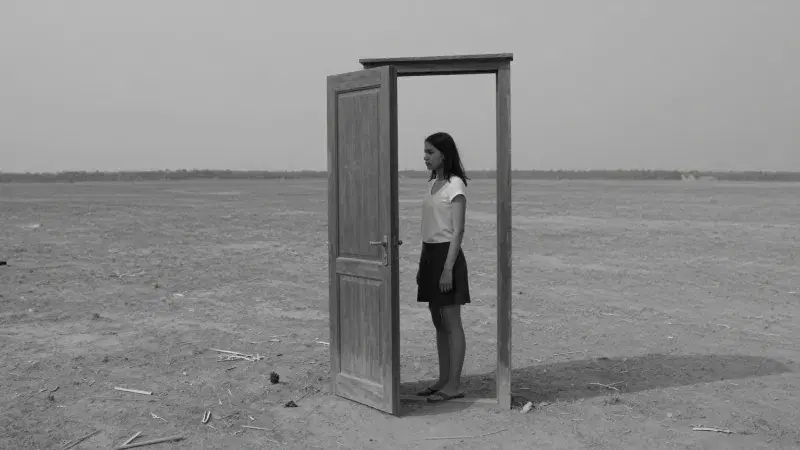
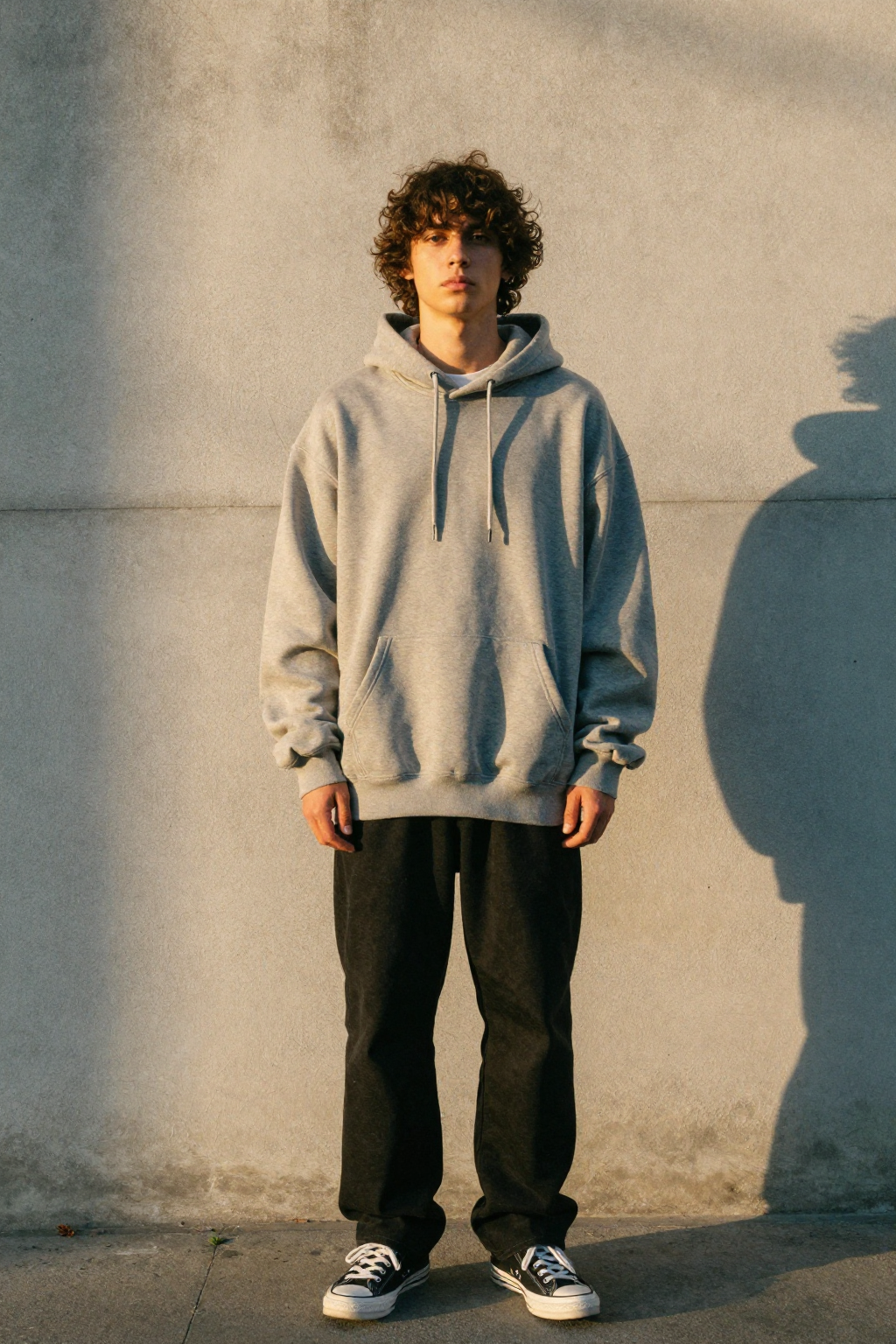
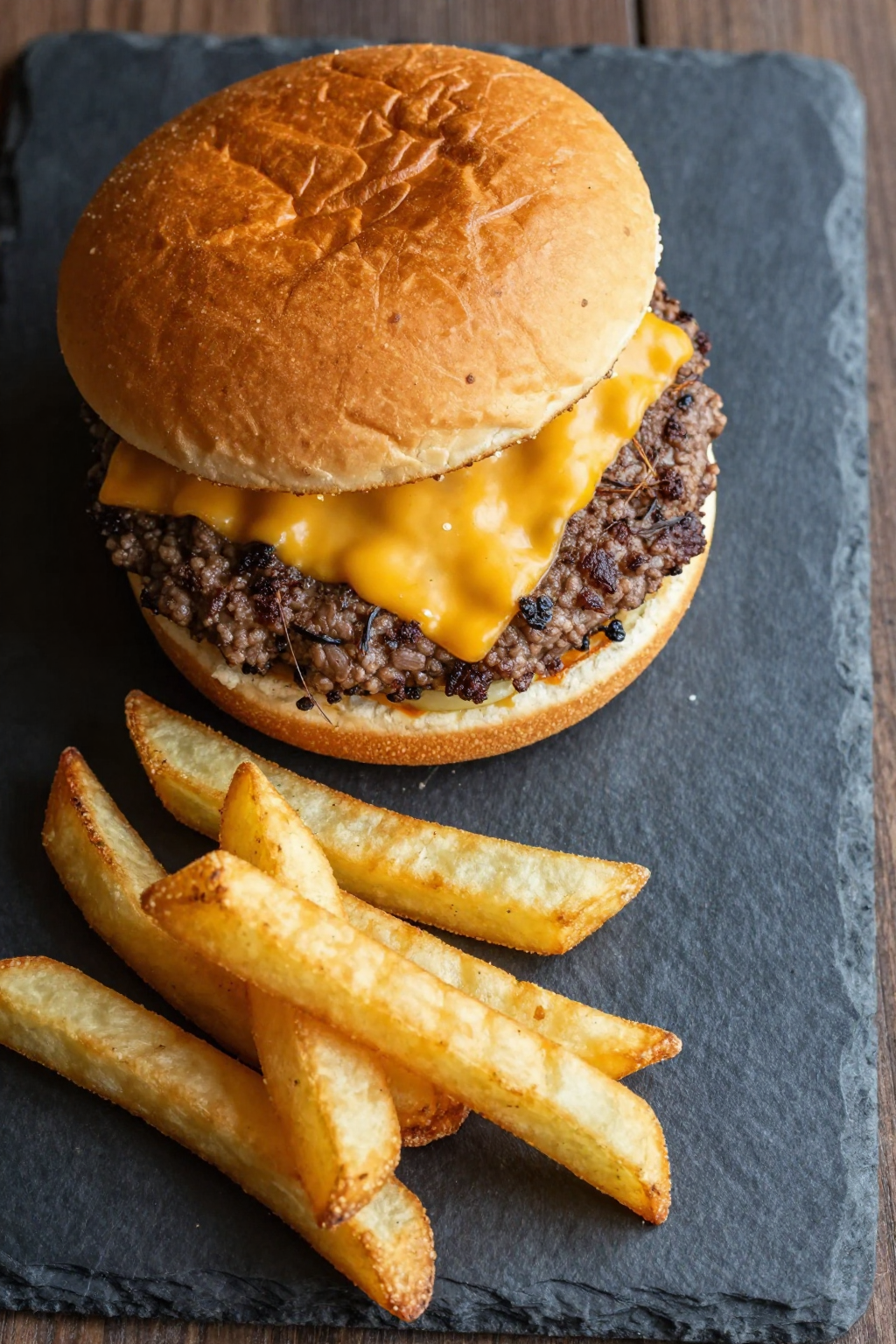
14 generationsGenerated live on FluxoKit on July 2, 2026. Prompts shown verbatim, results unretouched.
Real generations with Z-Image Turbo







Overview
Z-Image Turbo optimizes the variable most models ignore: the wait. Results land in seconds at 2 credits per image, and the quality stays presentable rather than draft-only. FluxoKit runs it in the browser with per-generation costs in your history.
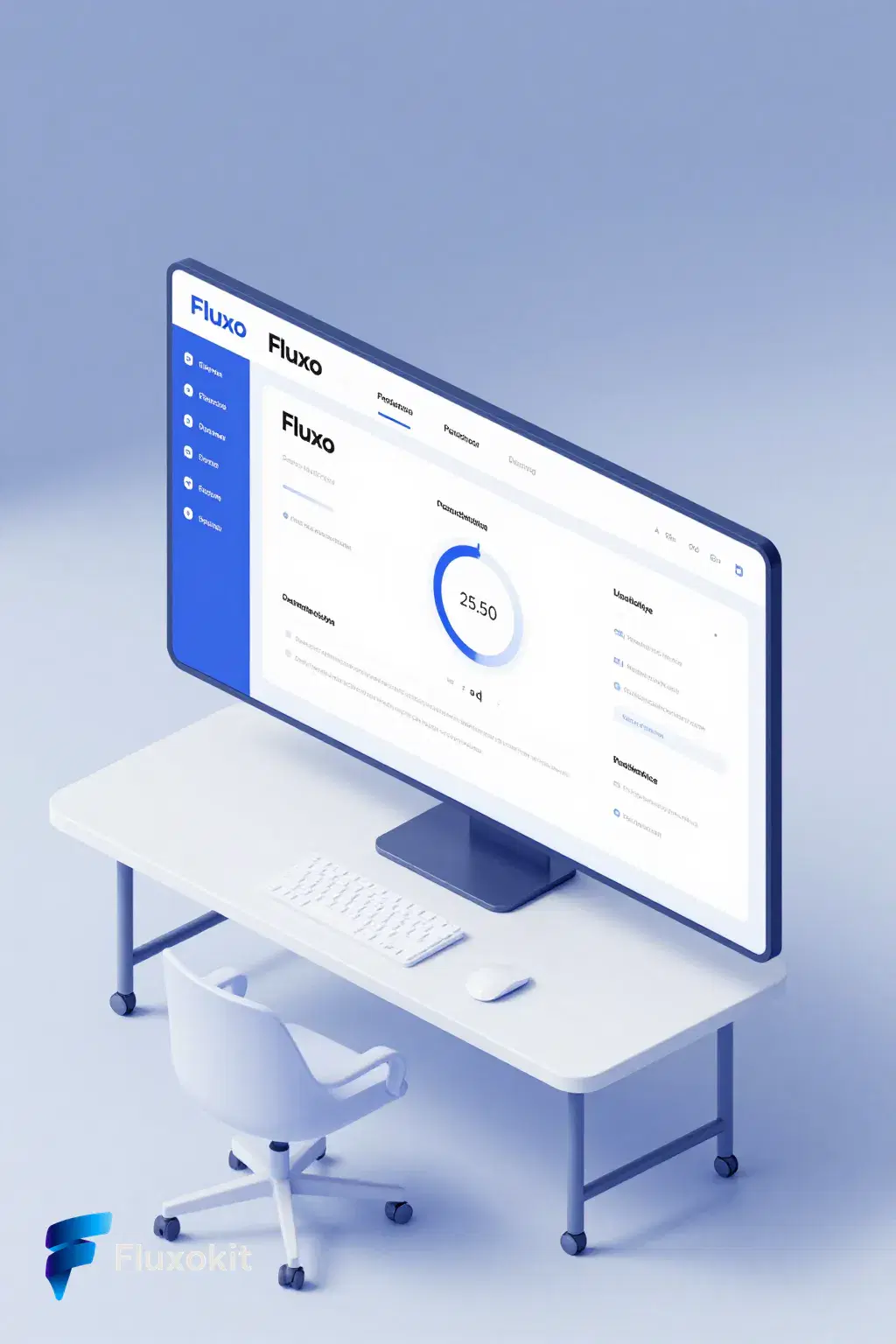
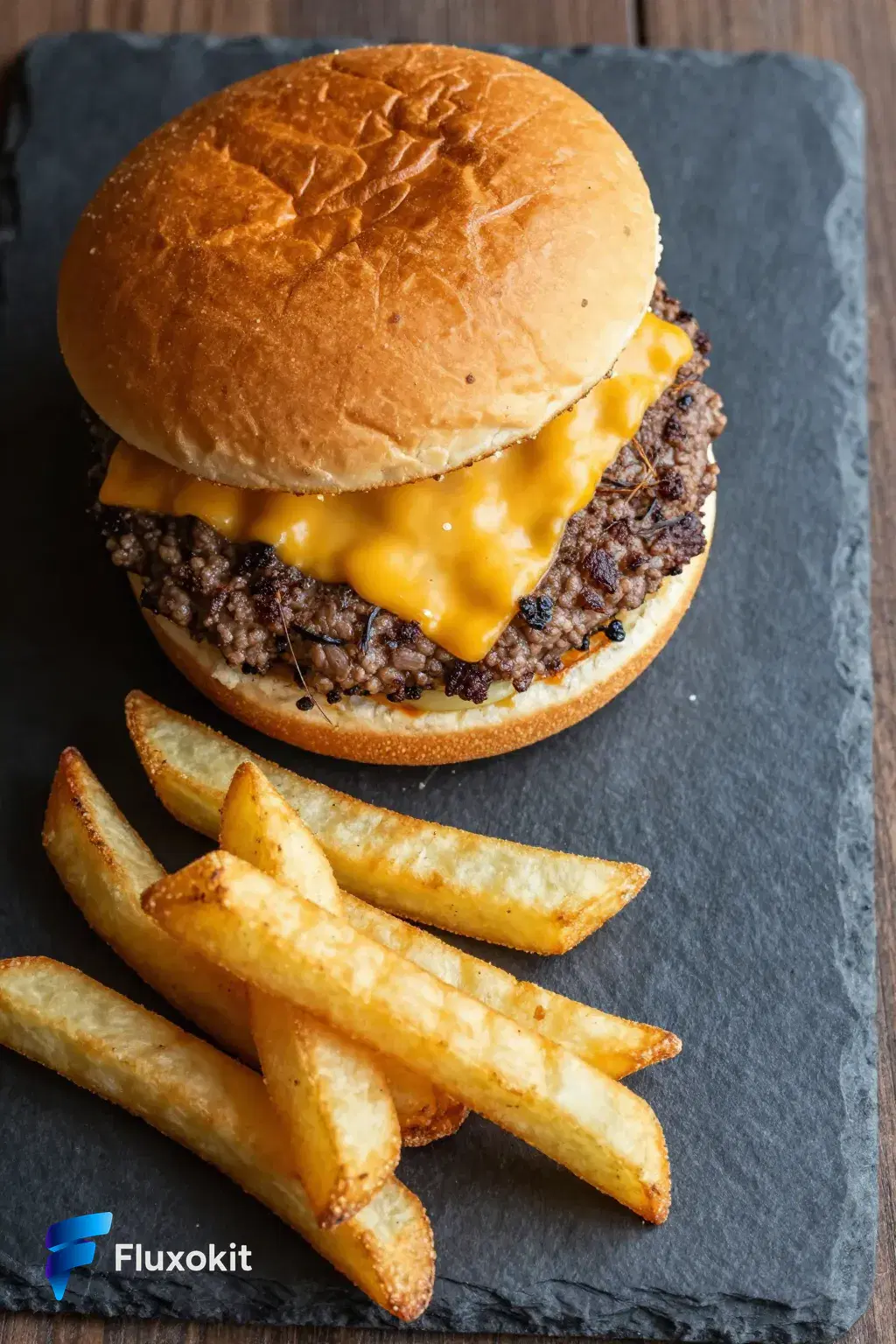
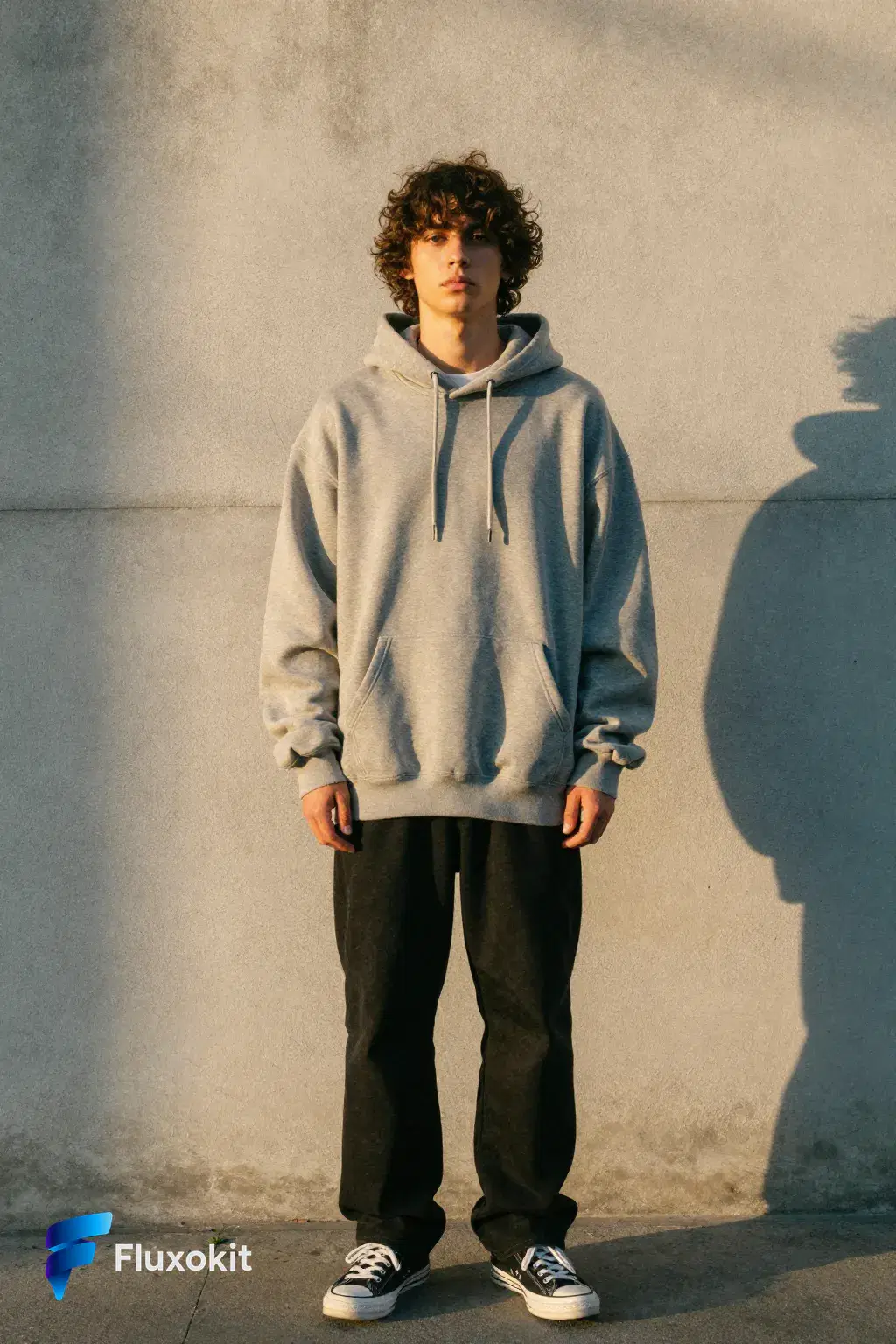
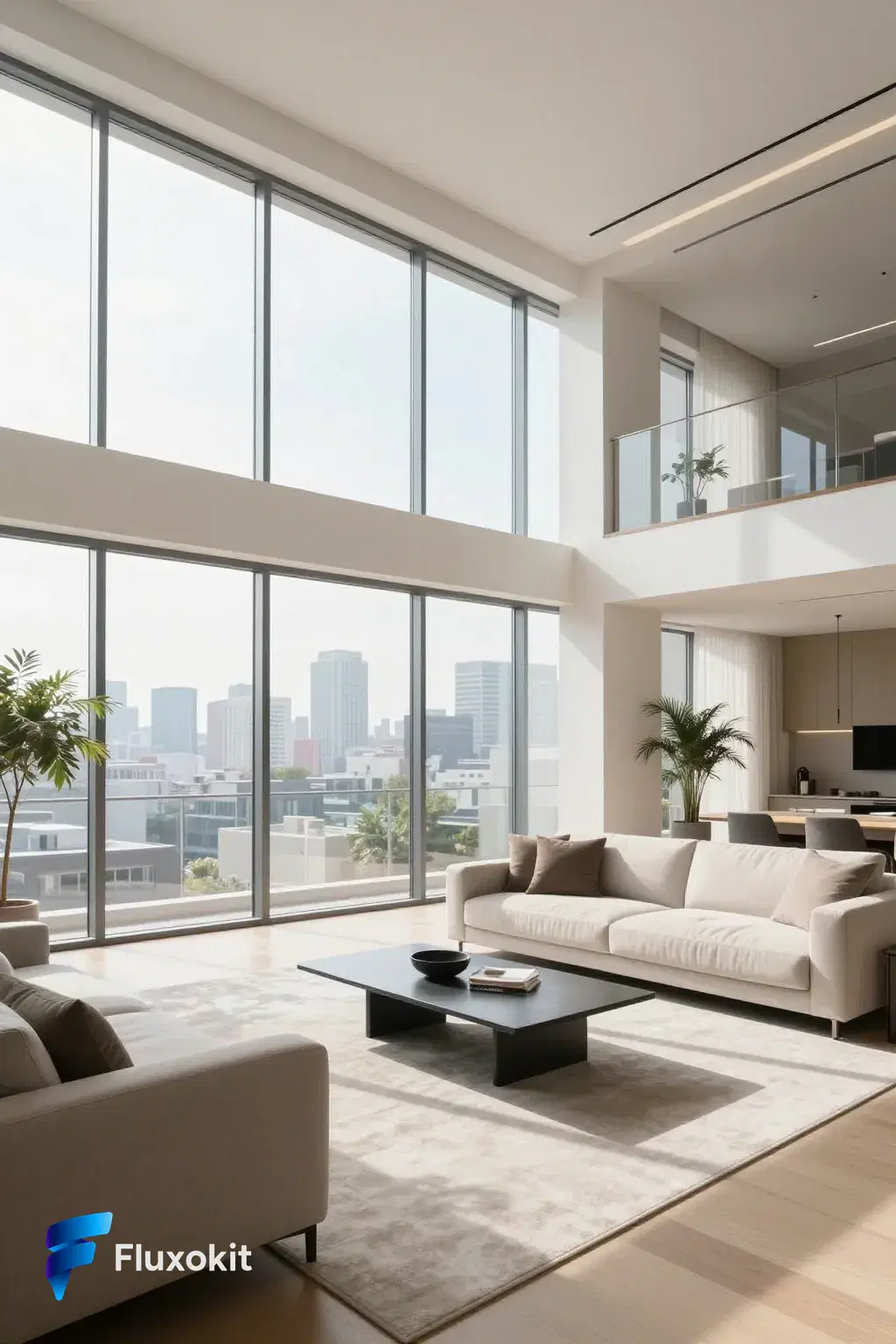
Every image on this page is a real, unretouched Z-Image Turbo generation with its exact prompt printed beneath it, on the catalog's shared brand brief. Turbo-tier claims are usually vibes; identical-prompt galleries are receipts.
What you can build with Z-Image Turbo
Turbo covers everything where iteration speed beats finishing polish: live ideation in client calls, prompt exploration before committing to a finishing model, and social content produced at conversation pace. The seven-scene brief above shows the quality floor is higher than the price suggests.
The speed-to-quality ratio is the page's own test: compare these frames against the 5-to-9-credit tiers on the same prompts and price the difference.
Where Z-Image Turbo earns its credits
Teams run Turbo as the default sketchpad: ten directions in a couple of minutes for 20 credits, then the winner moves to FLUX 2 Pro or GPT Image 2 for the final. Its LoRA sibling adds brand-consistent characters to the same speed loop.
Z-Image Turbo vs Image Z-Turbo LoRA, FLUX.2 Klein 9B, and Grok Imagine
The LoRA variant locks a trained identity into the same 2-credit speed loop. Base Turbo is free-form; LoRA keeps your character or product consistent.
Klein matches the 2-credit price with FLUX-family composition instincts. Turbo answers faster; Klein composes finer. Both are wide-net layers.
Grok at 3 credits goes bolder per frame. Turbo is cheaper and quicker; pick by whether the draft should be loud or fast.
Capabilities
Image input
No
Output type
Image
Limits
Generation credits
Depends on the configured run. Review the estimate before generating and the settled charge in history.
Parameters and inputs
Each field below shows what the model accepts and the limits to apply.
Parameters
Prompt Extend
prompt_extend
- Required
- No
- Default
- No
Size
size
- Required
- No
- Default
- 1024*1536
Options
- 1024*1536 (1024*1536)
- 1536*1024 (1536*1024)
- 1024*1024 (1024*1024)
- 1104*1472 (1104*1472)
- 1472*1104 (1472*1104)
- 864*1536 (864*1536)
- 1536*864 (1536*864)
- 1680*720 (1680*720)
Seed Enabled
seed_enabled
- Required
- No
- Default
- Yes
Seed
seed
- Required
- No
- Default
- Not set
- Min
- 0
- Max
- 2147483647
Frequently asked questions
›How much does Z-Image Turbo cost per image?
Z-Image Turbo costs 2 credits per generation on FluxoKit, tied for the lowest rate in the catalog. Plans start at $14 per month and every generation shows its exact cost in your history.
›How fast is Z-Image Turbo compared to other models?
Seconds per image rather than the better part of a minute, which is the tier's point. The quality floor stays presentable at feed size, as the unretouched examples on this page show; final art still belongs to the finishing tiers.
›Is Z-Image Turbo good enough for social content?
Yes at feed size, where its output reads clean. For print, hero banners, or fine texture, move the winning prompt to FLUX 2 Pro or GPT Image 2.
›Do I need any provider account to use Z-Image Turbo?
No. FluxoKit runs it under one subscription with credit based pricing and a 30-day money-back guarantee.
›How were these Z-Image Turbo examples made?
Every example was generated live on FluxoKit through the standard studio, using the exact prompt shown under each image, with no retouching, on the shared brand brief.
Start creating
Run Z-Image Turbo in your browser. No API key, no provider account.
Ten directions in two minutes for 20 credits. One studio, more than 100 AI models.
- More than 14,000 generations delivered
- Your first paid subscription includes a 30-day satisfaction guarantee, subject to the Refund Policy.
- Checkout through Stripe, cancel anytime
Plans from
$14/month
Credit based pricing, live USD checkout