
Grok Imagine Image
Grok Imagine is xAI's text to image model, available in FluxoKit's browser studio without an X Premium subscription. It generates bold, punchy visuals fast, costs 3 credits per image, and sits in the same canvas as more than 100 other models on plans starting at $14 per month.
Updated July 2026
Examples
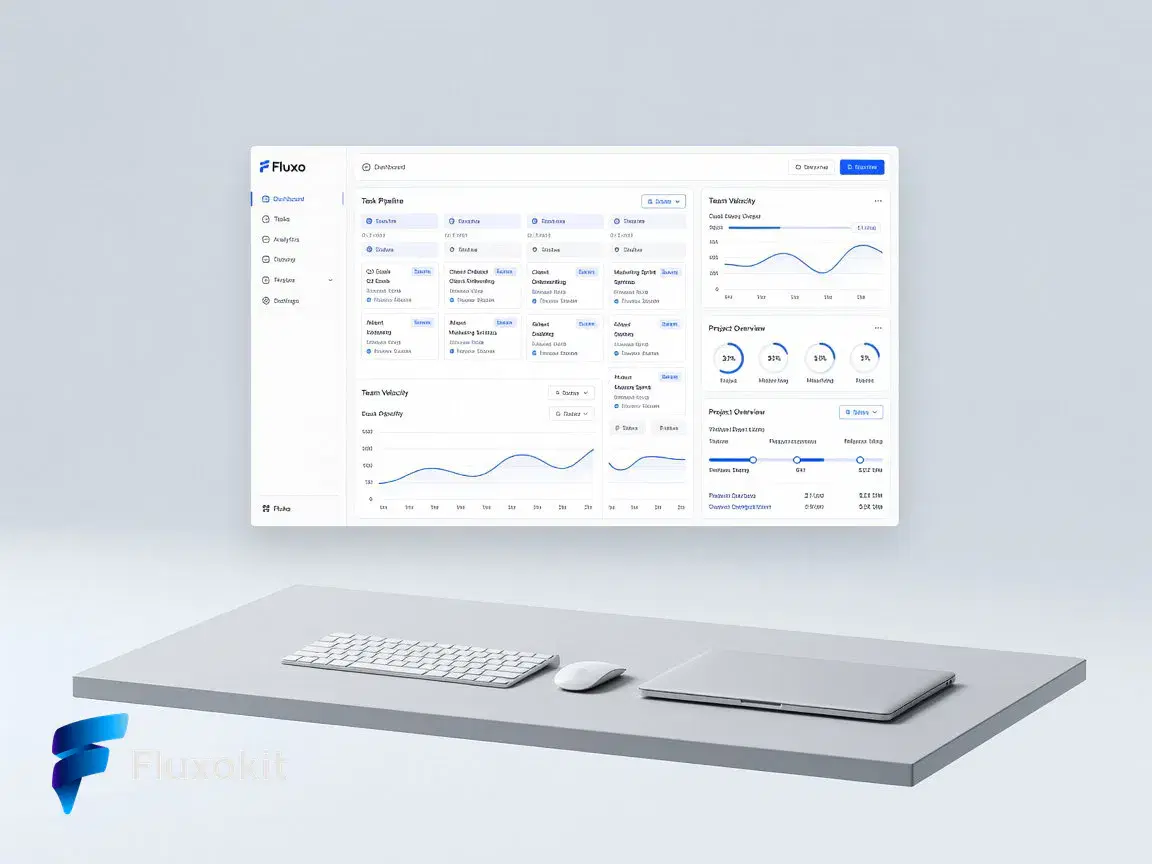
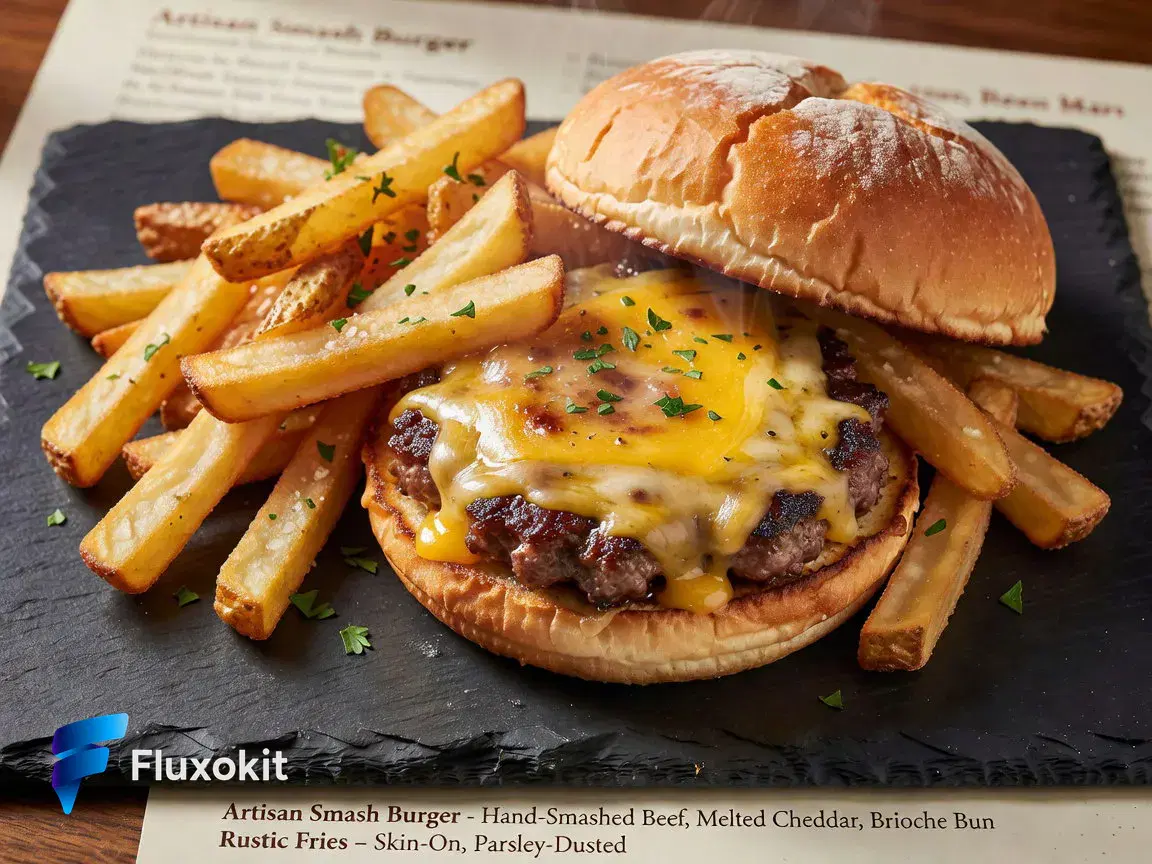
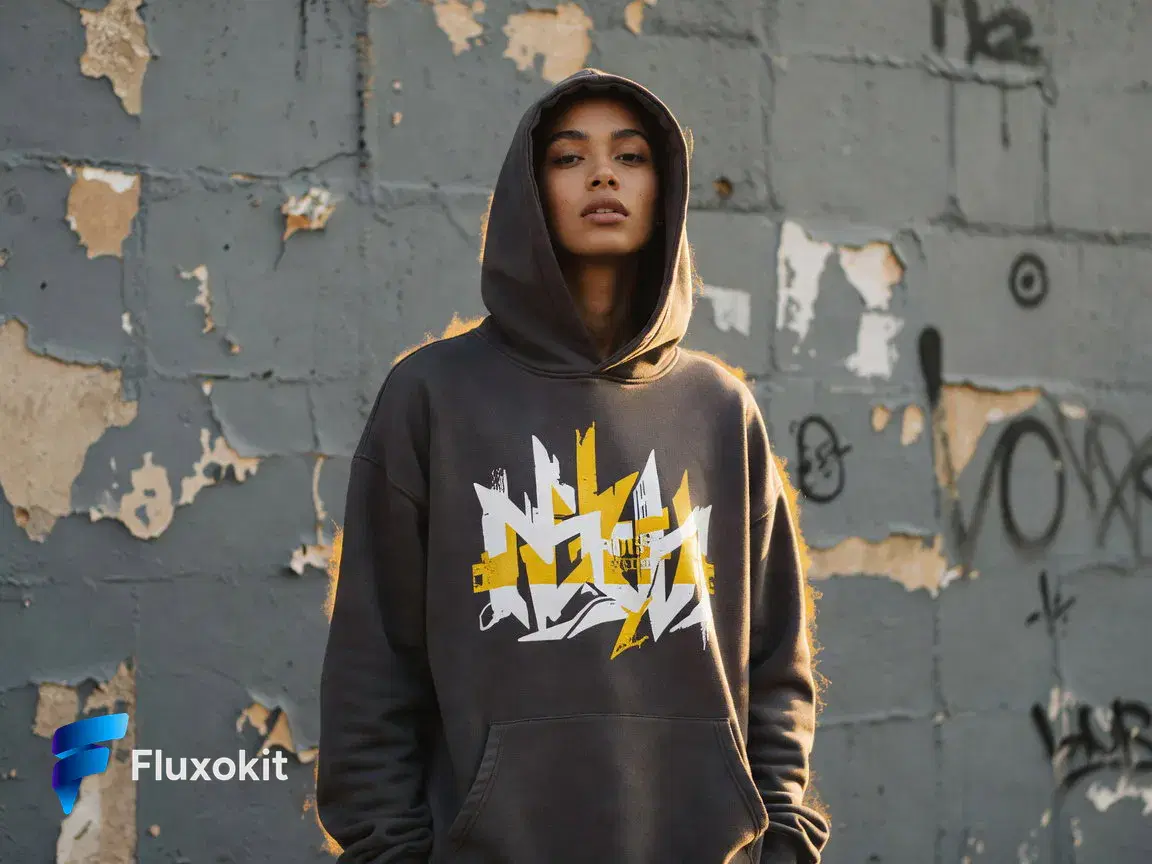
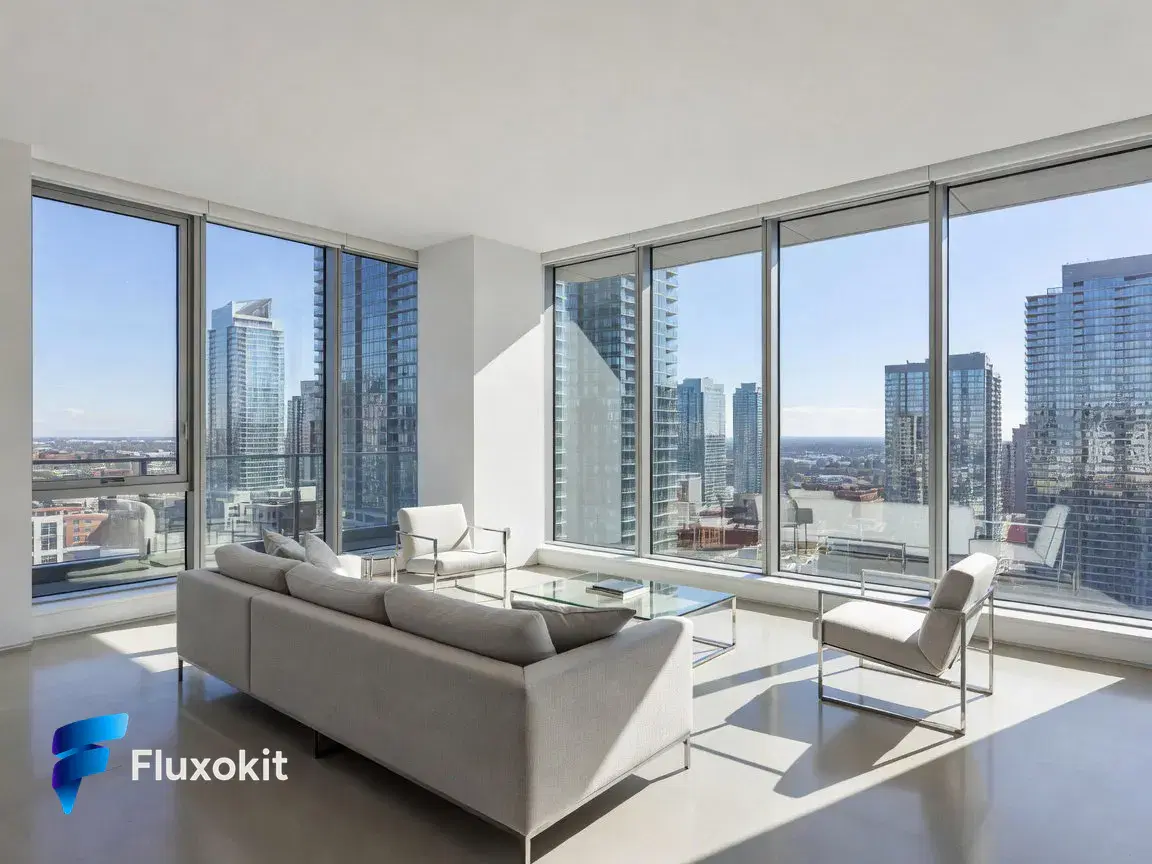
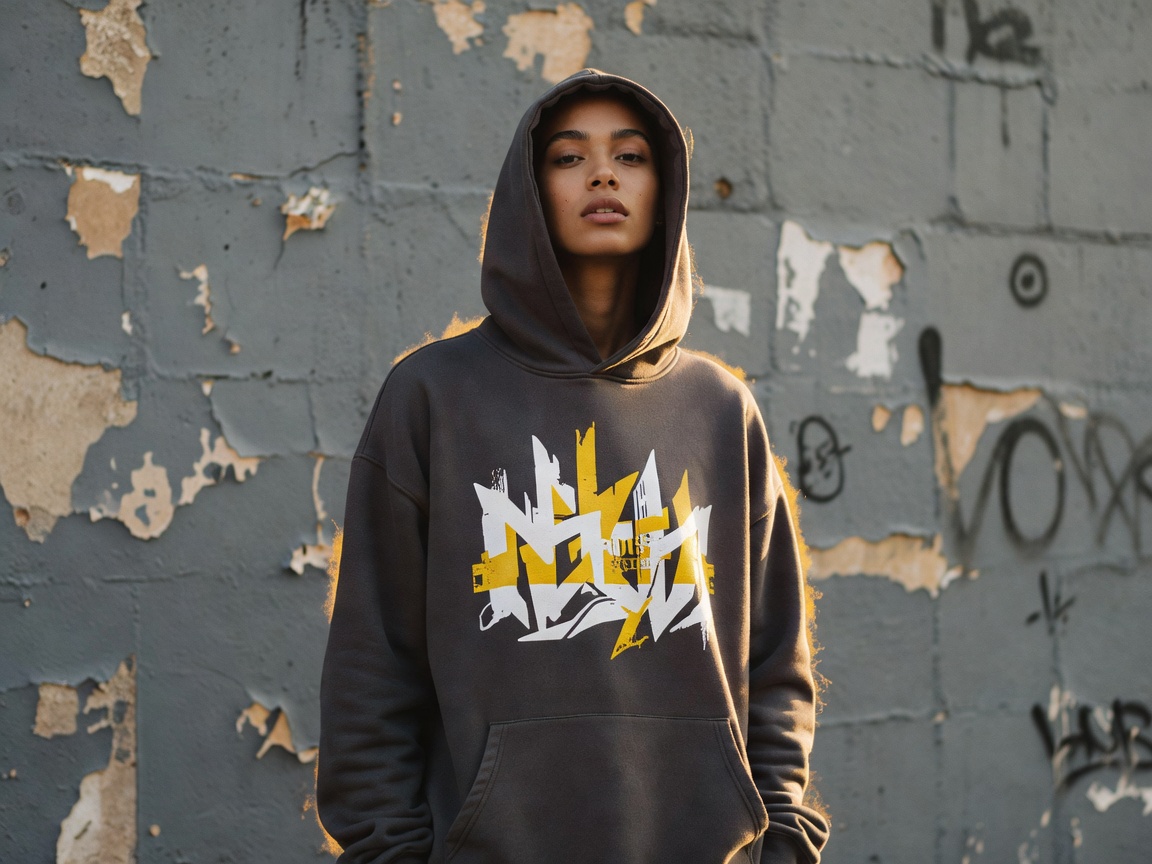
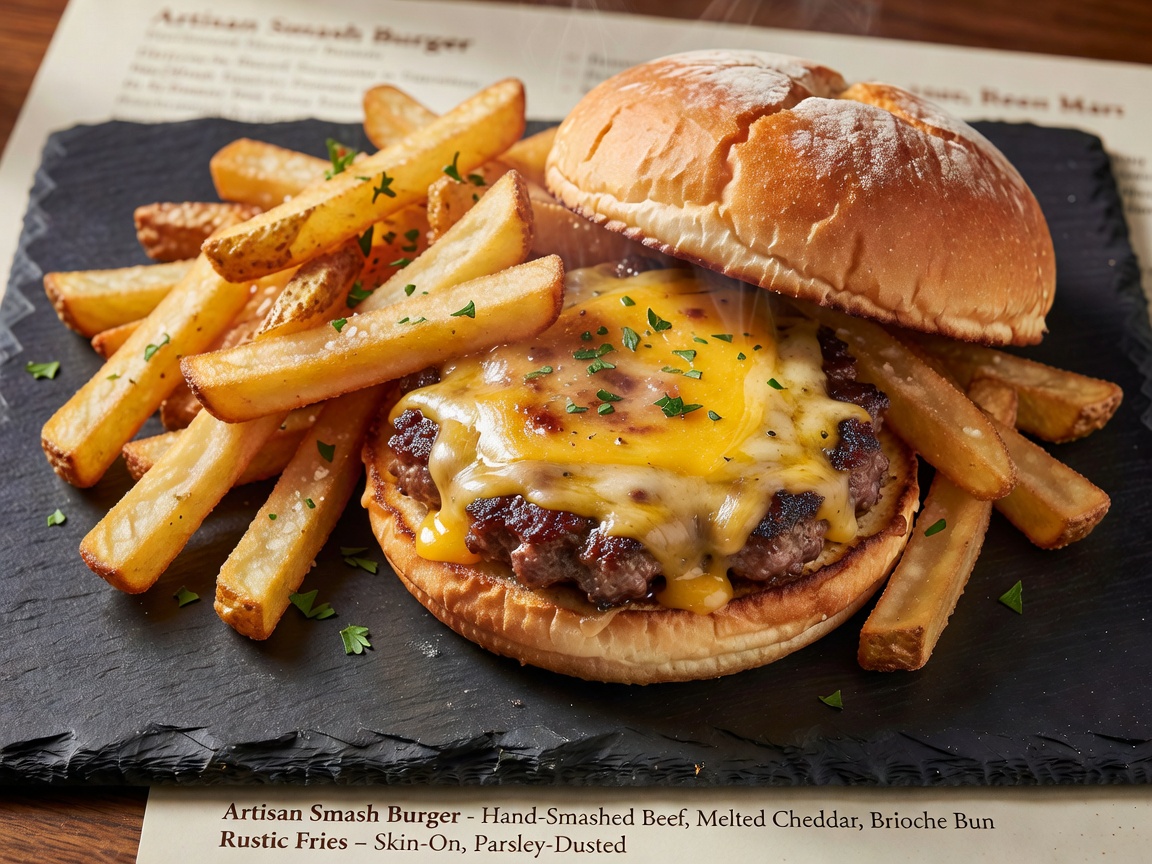
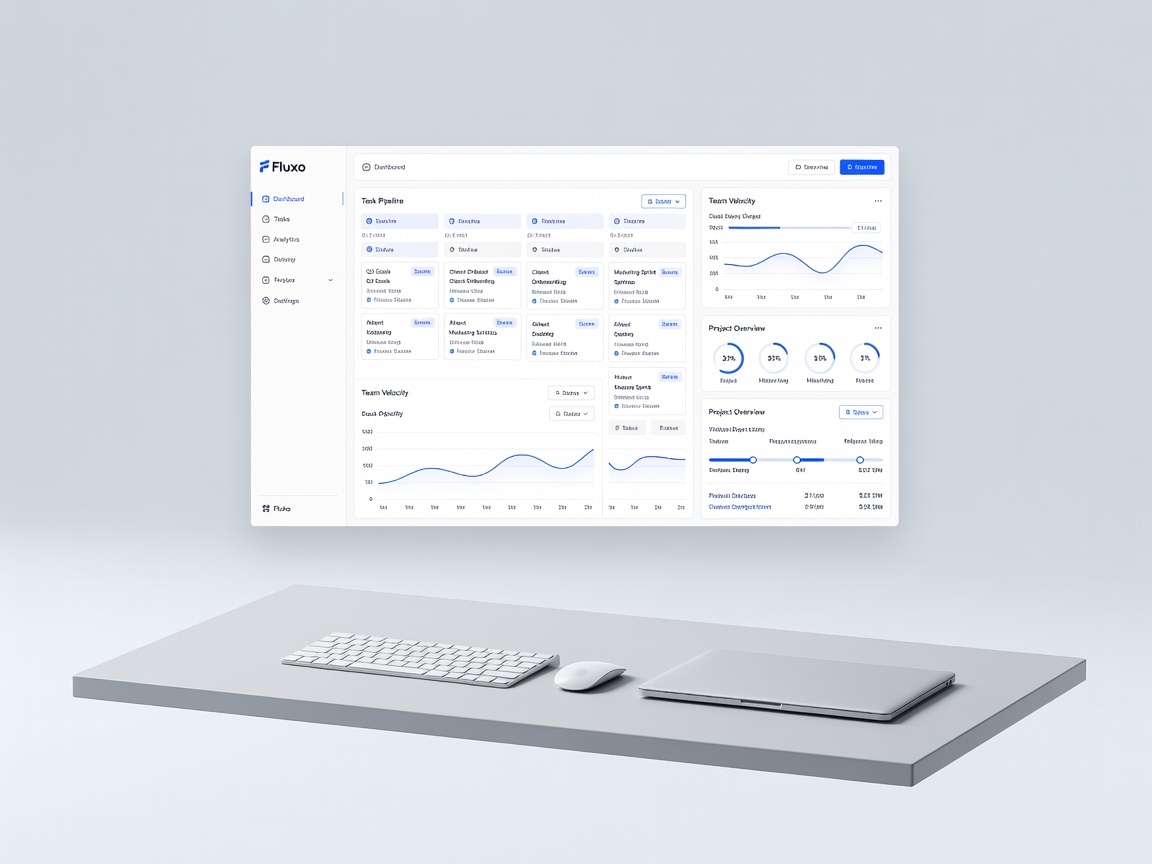
15 generationsGenerated live on FluxoKit on July 2, 2026. Prompts shown verbatim, results unretouched.
Real generations with Grok Imagine Image








Overview
Grok Imagine is xAI's image model, and most of what the internet knows about it comes from screenshots on X. FluxoKit runs it in the browser with credit pricing and no X Premium requirement, which turns it from a social curiosity into a working tool with documented parameters and per-image costs.
Every image on this page is a real, unretouched Grok Imagine generation made through FluxoKit with the exact prompt printed under it. The set runs the same brand brief used across all sibling models, so what Grok does differently is directly visible.
What you can build with Grok Imagine image generation
Grok Imagine favors bold contrast and graphic punch. In the shared brief above it turns the gym promo and product scenes into high-energy frames that read instantly at feed speed, which is exactly what thumbnails, social ads, and meme-adjacent brand content want.
At 3 credits per image it is the cheapest text to image model in the FluxoKit catalog, so it doubles as a rapid ideation engine: sketch ten directions for 30 credits, then re-run the winner through a finishing model.
Where Grok image generation earns its credits
Social teams use Grok Imagine for scroll-stopping ad variants and thumbnail drafts. Growth teams use it as the volume layer of a two-model workflow: generate wide in Grok, finish narrow in GPT Image 2 or FLUX 2 Pro. Every generation shows its exact 3-credit cost in your history, so the economics of high-volume testing stay visible.
Grok Imagine vs GPT Image 2, FLUX 2 Pro, and Seedream 5
GPT Image 2 reads prompts more literally and renders in-image text. Grok Imagine is less obedient but faster, cheaper, and punchier per frame.
The FLUX.2 flagship is the finishing model for final art. Grok Imagine is the ideation model at a fraction of the cost per attempt.
Seedream grades toward cinematic editorial mood. Grok goes graphic and high-contrast; pick by whether the frame should whisper or shout.
Capabilities
Image input
No
Limits
Generation credits
Depends on the configured run. Review the estimate before generating and the settled charge in history.
Parameters and inputs
Each field below shows what the model accepts and the limits to apply.
Parameters
Aspect Ratio
aspect_ratio
- Required
- No
- Default
- 4:3
Options
- 1:1 (1:1)
- 16:9 (16:9)
- 9:16 (9:16)
- 4:3 (4:3)
- 3:4 (3:4)
- 3:2 (3:2)
- 2:3 (2:3)
- 2:1 (2:1)
- 1:2 (1:2)
- 19.5:9 (19.5:9)
- 9:19.5 (9:19.5)
- 20:9 (20:9)
- 9:20 (9:20)
- Auto (auto)
Resolution
resolution
- Required
- No
- Default
- 1k
Options
- 1k (1k)
- 2k (2k)
N
n
- Required
- No
- Default
- 1
- Min
- 1
- Max
- 10
Frequently asked questions
›How much does Grok Imagine cost per image?
Grok Imagine costs 3 credits per generation on FluxoKit, the lowest rate in the text to image catalog. Plans start at $14 per month and every generation shows its exact credit cost in your history.
›What does Grok Imagine do differently from GPT Image 2 or FLUX?
It trades literal prompt obedience for speed, cost, and graphic punch. On identical prompts, the unretouched examples on this page show Grok going bolder and more high-contrast, while GPT Image 2 stays commercial and FLUX 2 Pro finishes finer. That makes Grok the ideation layer and those two the finishing layers.
›Do I need X Premium to use Grok Imagine?
No. FluxoKit runs Grok Imagine under one subscription with credit based pricing, no X account required, plus a 30-day money-back guarantee.
›Can I use Grok Imagine images commercially?
Yes. Images you generate on FluxoKit are yours to use in client work, ads, and products on every plan.
›How were these Grok Imagine examples made?
Every example was generated live on FluxoKit through the standard studio, using the exact prompt shown under each image, with no retouching. The set follows the same fixed brand brief as the sibling models for direct comparison.
Start creating
Run Grok Imagine Image in your browser. No API key, no provider account.
Ten bold directions for 30 credits. One studio, more than 100 AI models.
- More than 14,000 generations delivered
- Your first paid subscription includes a 30-day satisfaction guarantee, subject to the Refund Policy.
- Checkout through Stripe, cancel anytime
Plans from
$14/month
Credit based pricing, live USD checkout