
Updated
The AI Image Generator for work that sells
GPT Image 2, Nano Banana Pro, Seedream, FLUX, Grok, and every other leading image engine — one canvas, one plan, side-by-side comparison.
The 17 models on this page are already included, with no separate subscription per tool. · 14,500+ real generations already delivered on the platform.
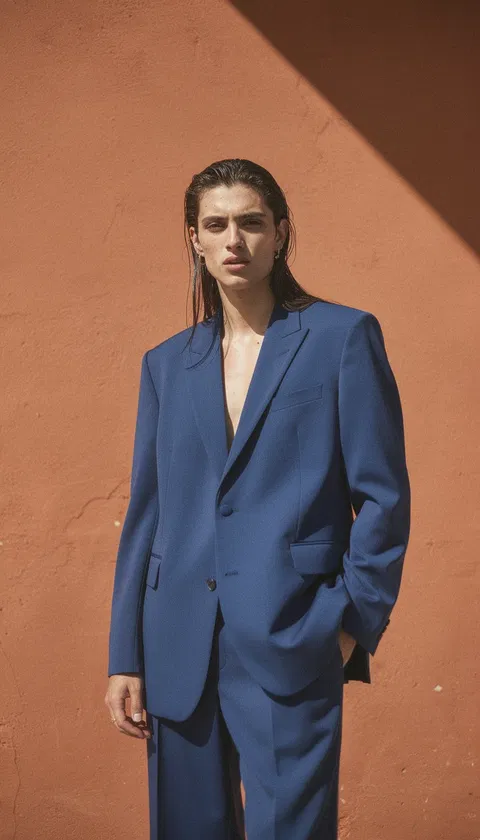
Fashion editorial
Fashion editorial
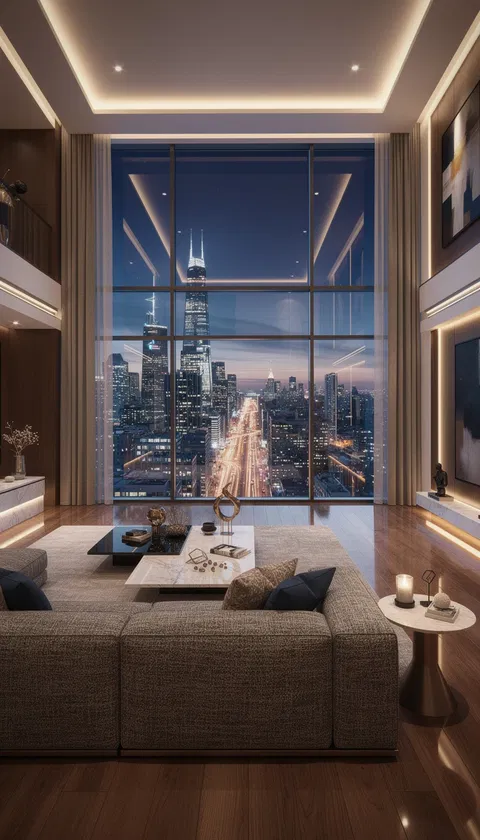
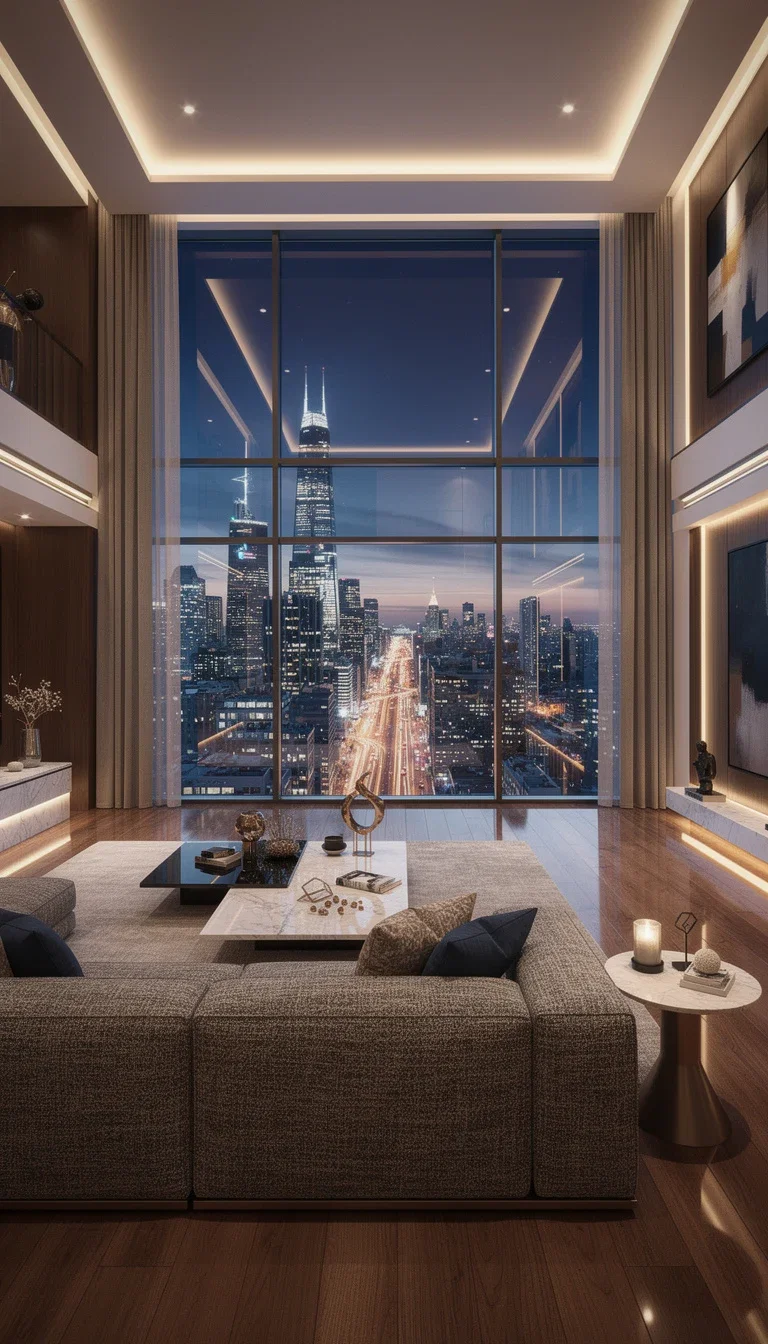
Architecture and
Architecture and interiors
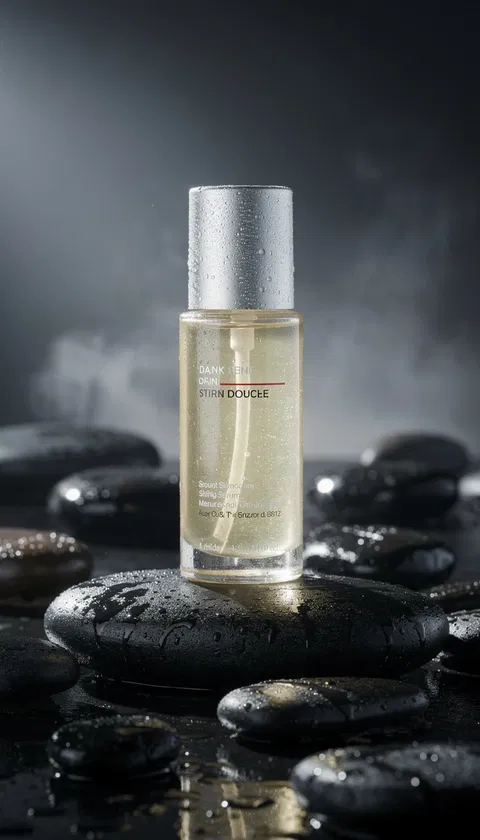
Moody product
Moody product light
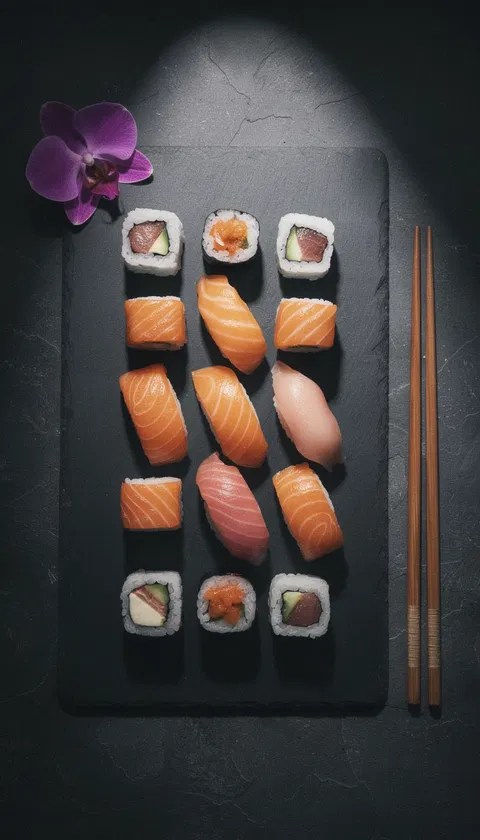
Food editorial
Dark slate flat-lay
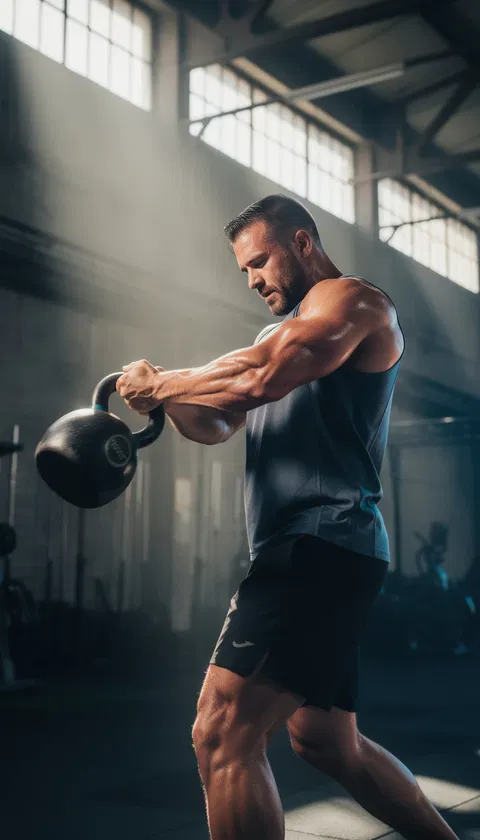
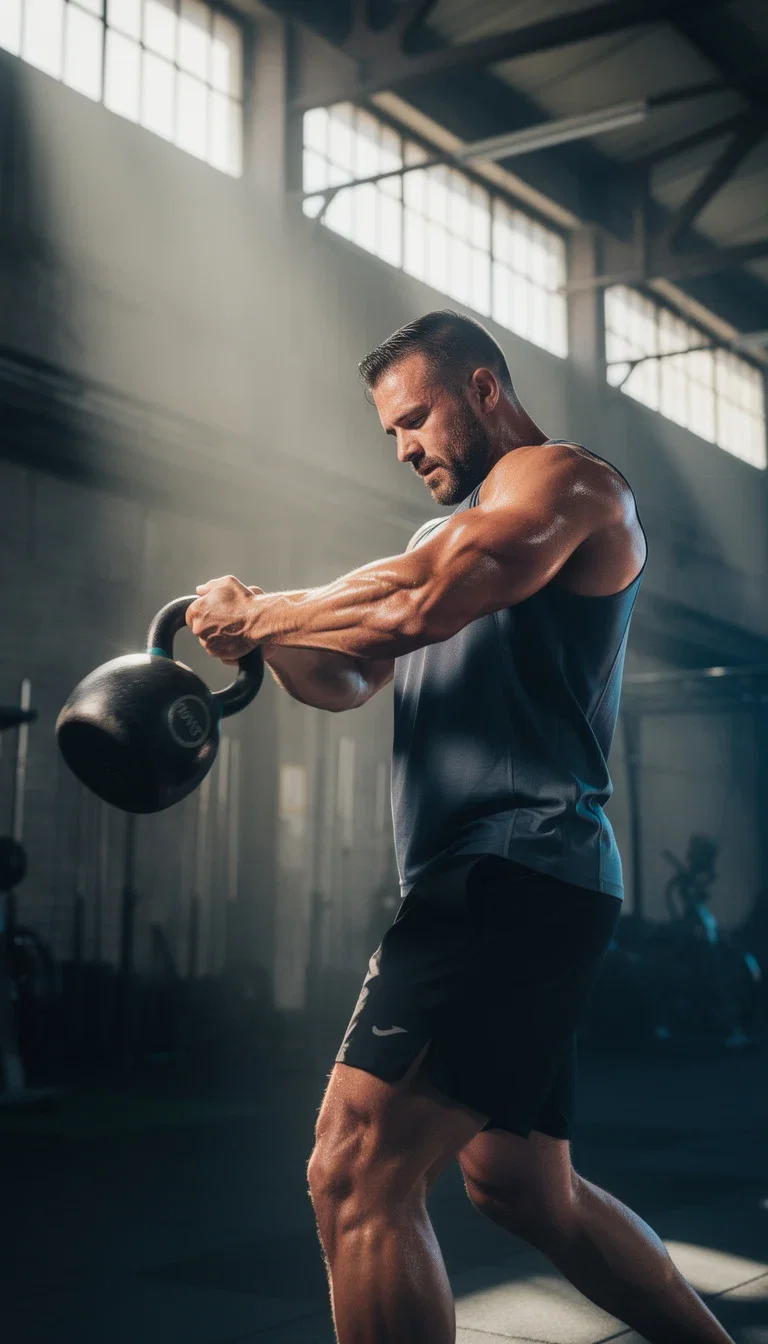
Action and
Action and motion
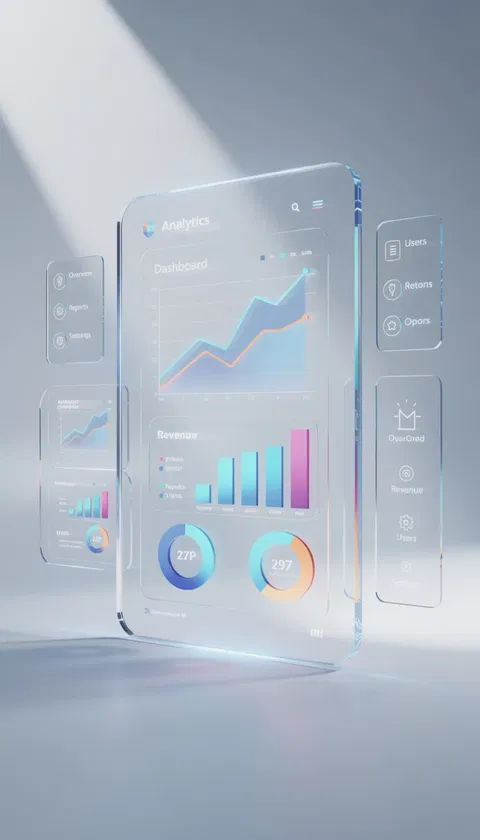
Product UI
Product UI render
Why creatives generate on FluxoKit
From idea to execution
Subject, style, lighting, and lens in plain language — the engine renders what you name.
Every engine's personality
GPT Image 2 nails typography, Seedream leans photoreal, Nano Banana Pro renders products cleanly, Grok composes editorial layouts.
Consistency and control
References steer the look; edits land on the exact frame instead of a lucky reroll.
Built for real briefs
Packshots, editorials, food, architecture, action, UI — the range on this page came from one canvas.
How FluxoKit's AI image generator works
Four steps from brief to shipped asset — no exports between them.
Prompt or upload
Type the brief or drop a reference — subject, style, lighting, lens.
Pick the engine
Run the same brief across GPT Image 2, Seedream, FLUX, or Nano Banana Pro and judge side by side.
Refine in place
Edit the winner by sentence — background, grade, retouch — no reroll lottery.
Export with ease
Upscale to campaign resolution and ship, or chain the frame straight into video.
Image tools that go beyond generating
Three phases, one canvas — each capability lands on the exact frame.
Create
Direct the first frame in plain language or from a reference.
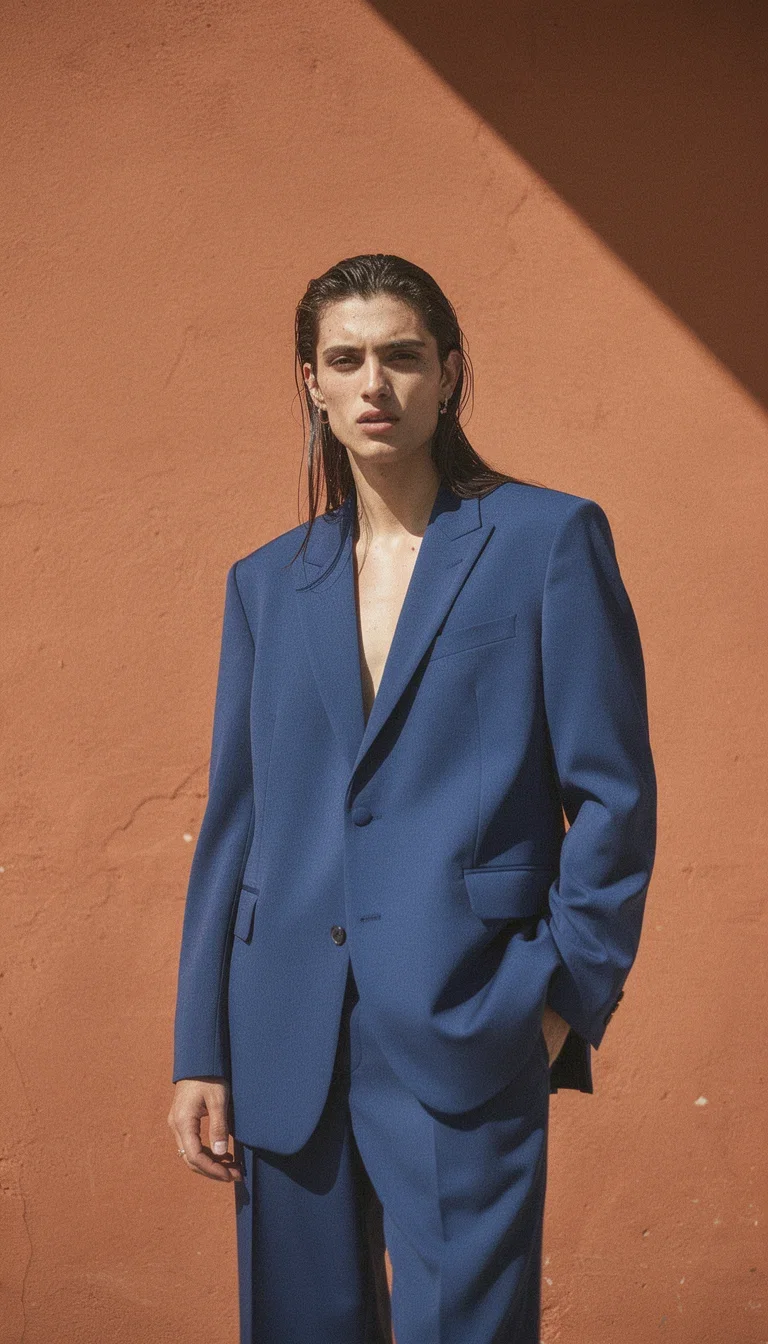
Fashion editorial
Fashion editorial
Text to image
Describe subject, style, lighting, and lens — concrete beats clever.
Reference it
Feed a reference image and steer the output toward its look.
Compare engines
The same prompt reads differently per engine; judge on the brief.
Refine
The winner gets edited in place, not regenerated from scratch.
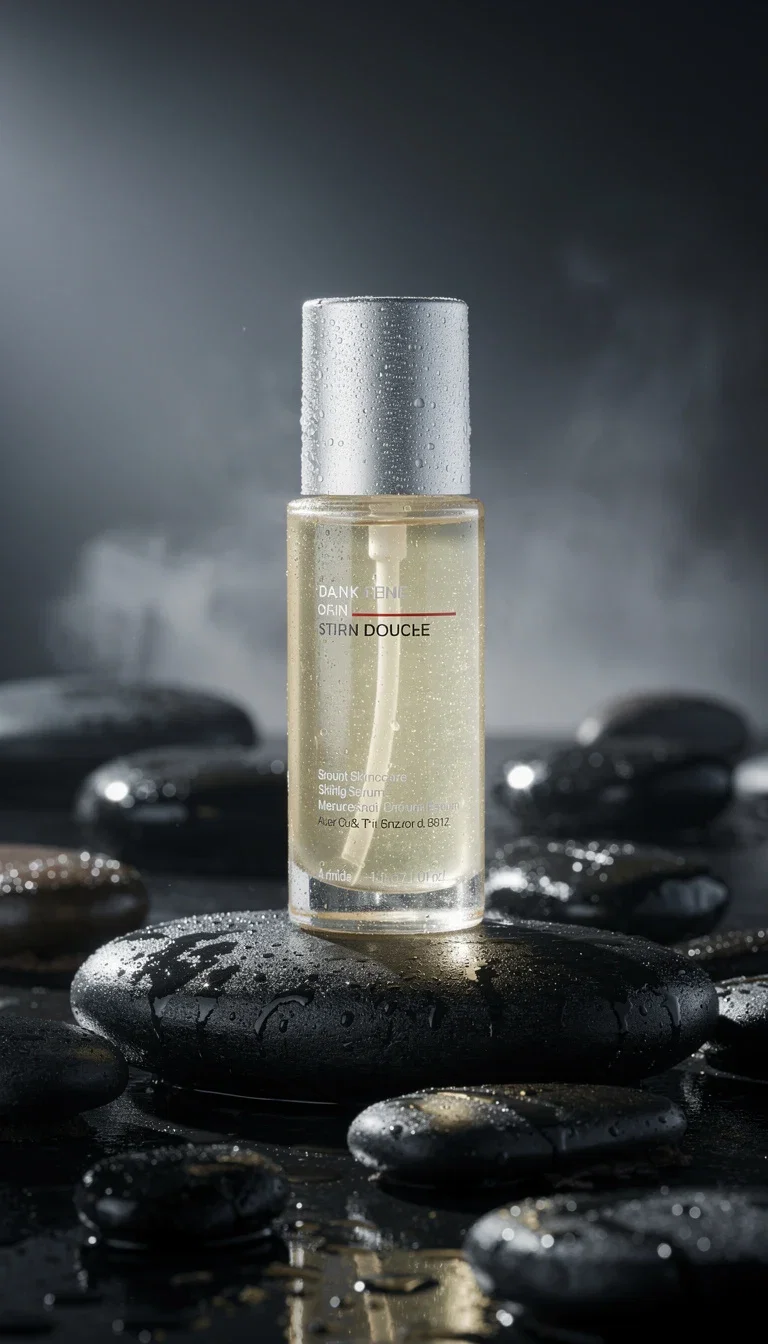
Moody product
Moody product light
Edit by sentence
Swap backgrounds, restyle, or retouch with an instruction.
Upscale
Sharpen the keeper to print- and campaign-ready resolution.
Stay on brief
Grade, grain, palette, and light respond to plain language.
Scale
The still is rarely the end — it feeds the rest of the workflow.
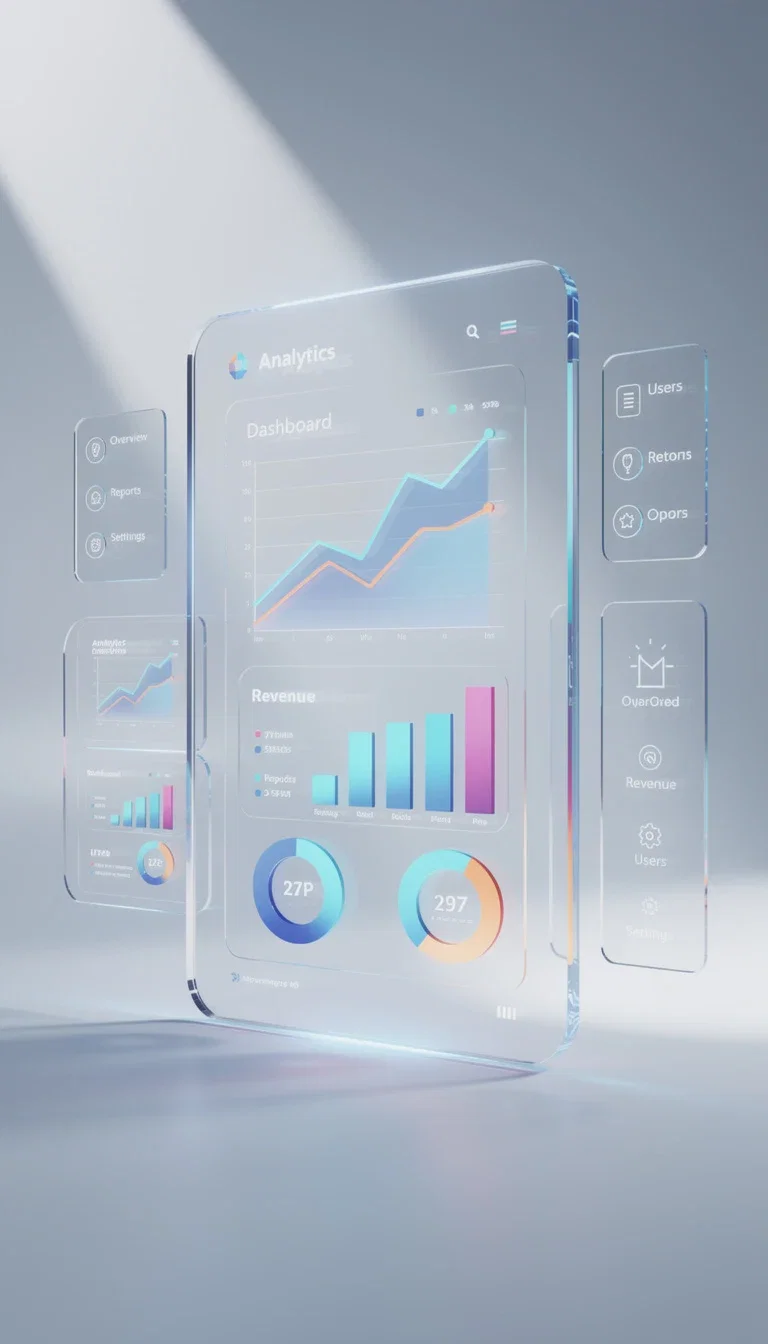
Product UI
Product UI render
Chain to video
Any image becomes a video's first frame with the I2V engines one click away.
Variations
Winning frames become families of candidates for creative testing.
Every format
Vertical, widescreen, and square outputs sized for the channel.
Workflows built for creatives
The canvas remembers the chain, so the next asset starts warm.
Save time
Prompt, engine, and edits stay on the canvas — rerunning a brief is one click, not a rebuild.
Stay consistent
The same reference and grade carry across covers, thumbnails, and product frames.
Go further
Image, video, and chat engines share one credit pool — the whole campaign lives in one place.
See what one canvas renders
Six briefs, six engines, zero cameras — every frame on this page is a real FluxoKit generation.
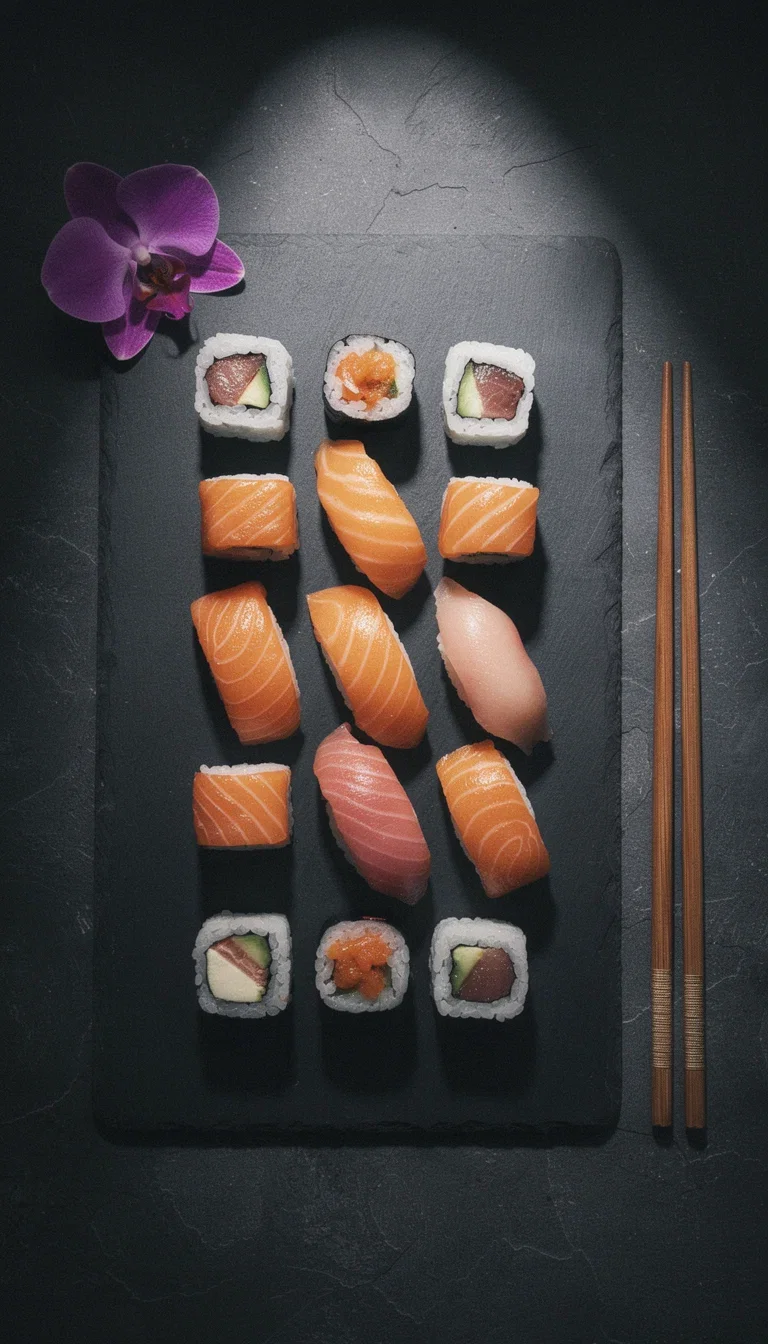
Food editorial
Dark slate flat-lay
Action and
Action and motion
Architecture and
Architecture and interiors
Fashion editorial
Fashion editorial
Moody product
Moody product light
Product UI
Product UI render
Learn the image engines
Explore the image toolkit
The best AI image generator depends on the job: Nano Banana Pro 2 for photorealism, GPT Image 2 for creative direction and short text, Seedream 5 for creator-style visuals, Flux 2 Pro for technical control, and Higgsfield Soul for human portraits. FluxoKit runs all of these engines on one canvas, so you compare them instead of betting on a single tool.
When people search for an AI image generator, the real question is rarely "which app exists." It is "which model should I use, in what order, and how do I get to a finished asset." This page turns that search into a workflow that runs inside FluxoKit.
Direct Answer
Use FluxoKit when you need to go from an idea to a finished asset without copying prompts between platforms. The canvas keeps the model, the prompt, the variations, the edit, and the export in one place. That matters most when the output has to become an ad, a social post, a product shot, or a landing-page hero.
The common mistake is to pick the most famous generator and force it onto every task. The better approach is to choose by format:
- Nano Banana Pro 2 - broad photorealism, applied product shots, and premium hero images.
- GPT Image 2 - creative direction, composition with text, and brand variations.
- Seedream 5 - creator aesthetics, organic social, and source images for short video.
- Flux 2 Pro - style control, illustration, technical detail, and refined composition.
- Higgsfield Soul - human portraits, realistic skin, and editorial images for ads.
How to Use It in FluxoKit
- Define the goal: offer hero shot, campaign art, or thumbnail.
- Pick the model by final format, not by the most familiar name.
- Write the prompt with subject, action, style, format, and constraints.
- Generate two small variations before you spend on the final asset.
- Export the winner and continue the workflow with editing or video.
Judge the result as a production asset, not a demo. If the creative ships to Meta Ads, Reels, TikTok, a sales page, or a catalog, measure sharpness, brand consistency, prompt adherence, cost per variation, and iteration speed.
How to Pick the Right Model
For product imagery, start with photorealism and brand preservation. For social campaigns, prioritize variation speed and creative direction. For a cover, thumbnail, or text-heavy creative, test a model that understands composition and leave the final text to a human pass.
FluxoKit wins when the decision is not locked to one generator. You can run the same idea through different models, compare side by side, and keep going with editing, video, or copy without restarting the brief.
Use Cases
- offer hero shot - draft the first version, compare models, and generate variations on the same canvas.
- campaign art - draft the first version, compare models, and generate variations on the same canvas.
- thumbnail - draft the first version, compare models, and generate variations on the same canvas.
- social post - draft the first version, compare models, and generate variations on the same canvas.
- product mockup - draft the first version, compare models, and generate variations on the same canvas.
Writing a Better Prompt
A strong prompt has five blocks: goal, context, visual, constraint, and format. Instead of "make a nice image," write what has to appear, who the audience is, what feeling the asset should create, what final format it serves, and what cannot change.
A practical example: "square product image of a beauty item on a marble counter, soft side light, packaging preserved, clean background, premium aesthetic, no text in the image." That kind of instruction gives the model enough to produce something usable.
Where FluxoKit Beats Standalone Tools
Generating images with AI is more than pressing a button. The difference shows up when you need to test creative direction, switch models, edit a detail, and keep a history so the asset can be reused in an ad, a cover, or a sales page.
In FluxoKit the workflow stays continuous: you start with an idea, compare image models, refine the winning variation, and move on to video or copy without rebuilding the brief.
Related Next Steps
How to Choose
- Separate product, ad, social, concept, portrait, and editing tasks.
- Show model selection criteria instead of a static leaderboard.
- Move the reader to creation, editing, or animation when the next task changes.
17 models available in the canvas
Every model below is live in the FluxoKit studio. Each link opens its technical page with parameters, limits, and real generation examples.
- 01

GPT Image-1
OpenAI · Image generation
- 02
GPT Image-1.5
OpenAI · Image generation
- 03
GPT Image-2
OpenAI · Image generation
- 04
GPT Image 2.5 Sunburst
OpenAI · Image generation
- 05

Grok Image 2
xAI · Image generation
- 06
Grok Imagine Image
xAI · Image generation
- 07

Higgsfield Soul
Higgsfield AI · Image generation
- 08

Seedream 5.0
ByteDance · Image generation
- 09
Seedream 5.0 Pro
ByteDance · Image generation
- 10

FLUX.2 Klein 9B
Black Forest Labs · Image generation
- 11

Nano Banana Pro (Gemini 3.0)
Google AI · Image generation
- 12
Nano Banana Pro 2 (Gemini 3.1)
Google AI · Image generation
- 13

QWEN Image 2.0 Pro
Alibaba Cloud · Image generation
- 14
Z-Image Turbo
Alibaba Cloud · Image generation
- 15
Image Z-Turbo LoRA
AIML API · Image generation
- 16

Kora Pro
Kora · Image generation
- 17

MiniMax Image-01
MiniMax · Image generation
Frequently asked questions
What is the best AI image generator?
There is no single best AI image generator. The right engine depends on the job: Nano Banana Pro 2 for photorealism, GPT Image 2 for creative direction and short on-image text, Seedream 5 for creator-style visuals, Flux 2 Pro for technical control, and Higgsfield Soul for human portraits. FluxoKit runs all of them on one canvas, so you compare results instead of committing to one tool.
How much does it cost to generate images on FluxoKit?
You pay per generation inside your FluxoKit plan, not a separate monthly subscription for each model. Cost depends on the engine and how many variations you run, but you do not stack several US-dollar tools to cover one creative workflow.
Can I generate images and then edit or animate them?
Yes. The same canvas takes a generated image into editing and into video without re-uploading or switching tools. You can refine the winning variation, then turn it into a short clip with the video models in the same project.
How do I avoid generic-looking results?
Give the model a goal, the audience, the visual reference, the brand constraints, and the final format. Then run two or three variations and compare them on the canvas before you export the one that fits the channel.
Do I need a separate account for each model?
No. FluxoKit gives you Nano Banana, GPT Image, Seedream, Flux, Higgsfield, and more in one account, so you skip developer billing and English-only prompt setup on each provider.
Next step
Access 127 AIs in one canvas, without subscribing to each one.
One plan, monthly credits, and every leading image engine on this page. Create your first image today.
Ready when you are
Generate your first image in seconds
Every leading image engine, one canvas, one plan — backed by a 30-day first-subscription satisfaction guarantee, subject to the Refund Policy.