
Image Describer
Any image in, organized words out — Gemini 3.1 Pro vision on the FluxoKit canvas, beside every generation engine.
The 17 models on this page are already included, with no separate subscription per tool. 14,500+ real generations already delivered on the platform. Updated
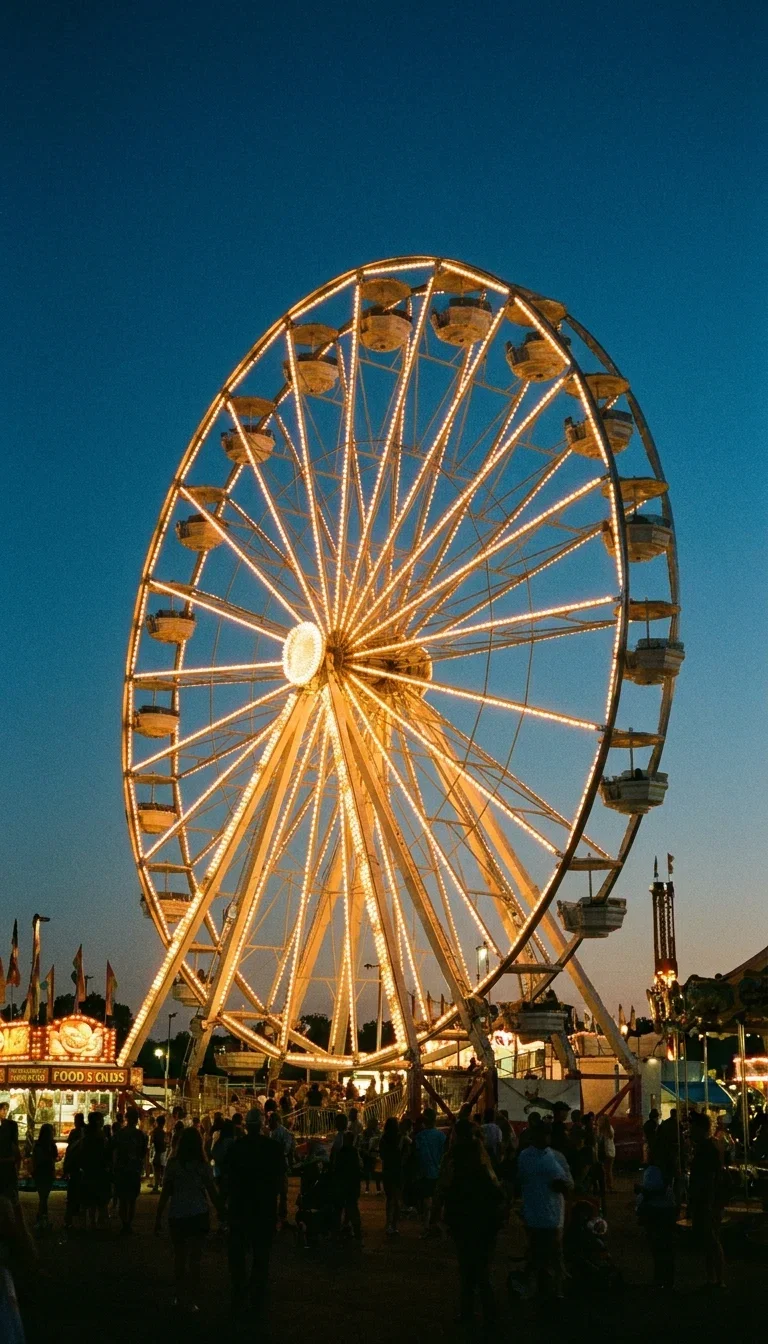
Any scene
Dense detail
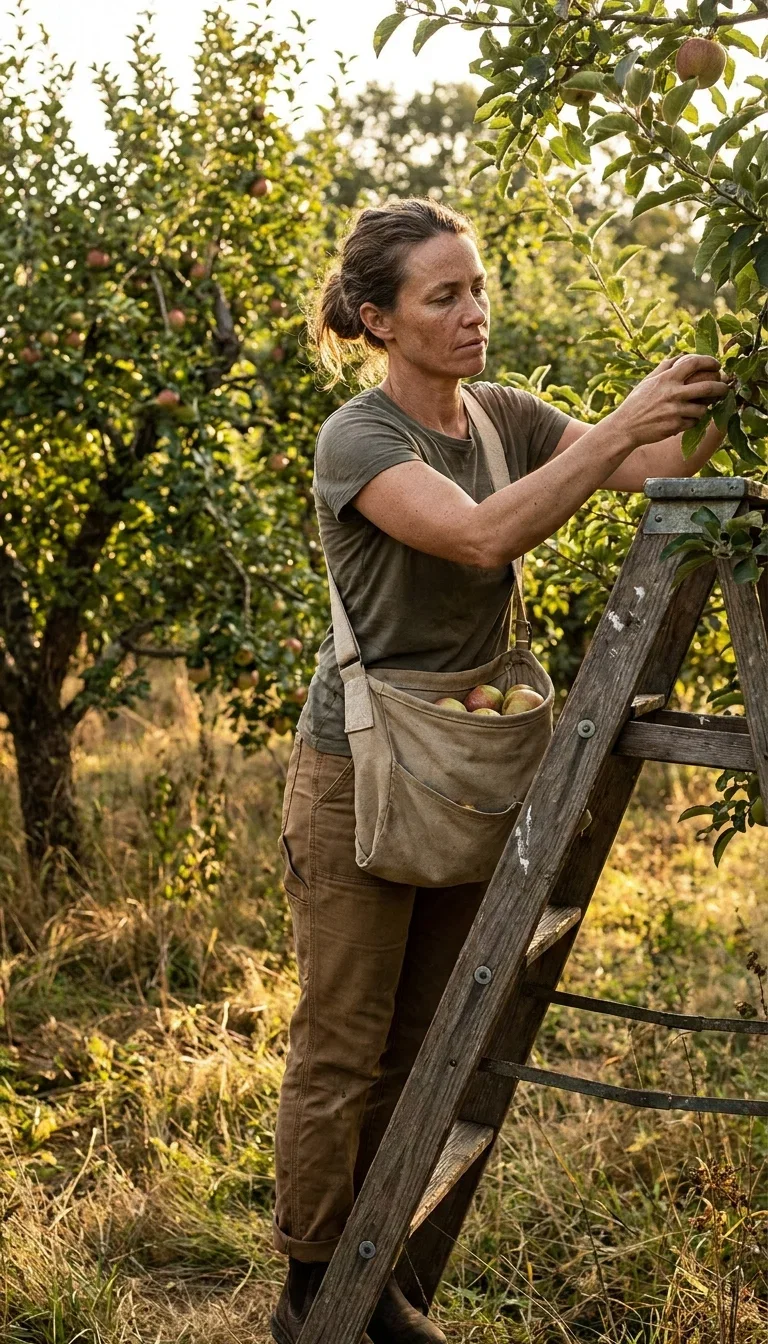
People
Respectful detail

Color & motion
Spatial reading
Read the tool's own words
We ran this harbor frame through the Image Describer. It opened, unedited:
“This is a cinematic, atmospheric photograph depicting a fisherman working on a wooden dock at what appears to be early morning. He is actively washing down his freshly caught fish while a misty harbor and fishing boats serve as the backdrop.”
It continues through his clothing, the hose, the wet planks, and the spatial layout — organized, factual, ready to use.
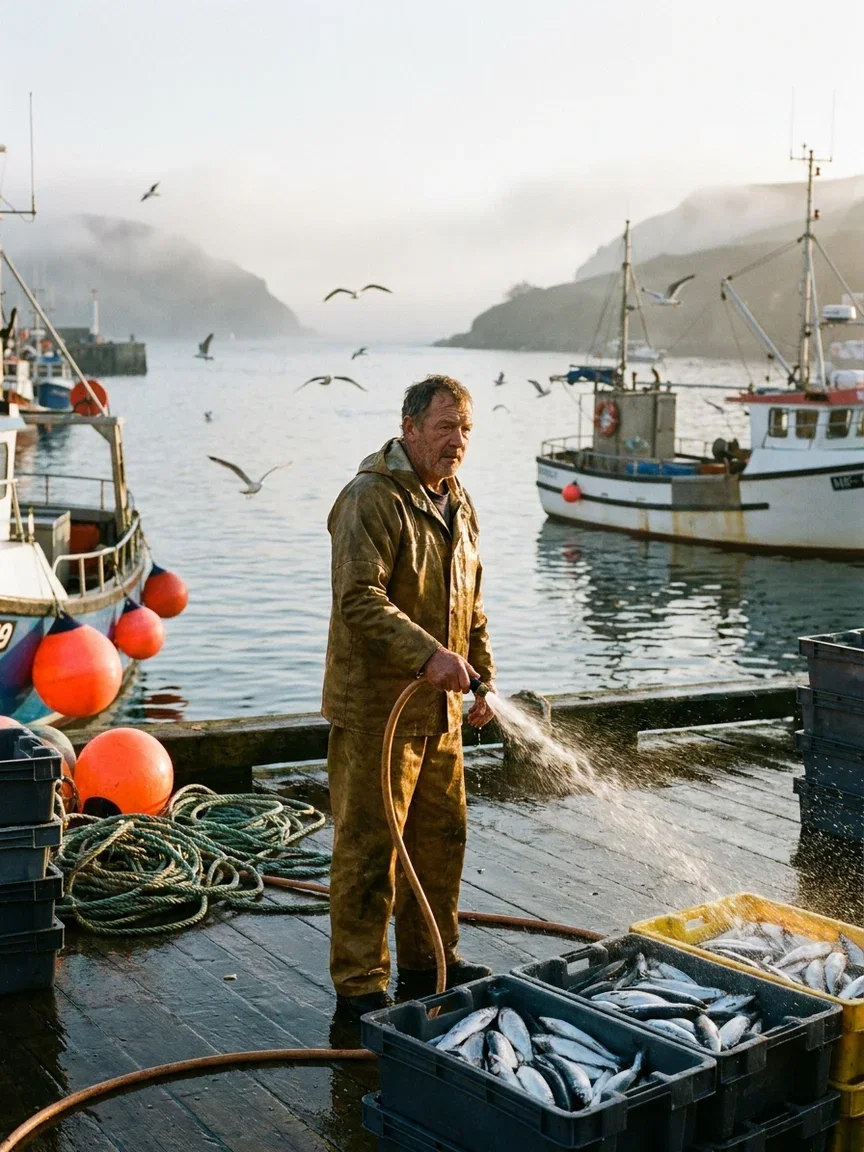
The input
Described below
Three ways to use the describer
Powered by Gemini 3.1 Pro vision on the FluxoKit canvas — description and generation in one place.
Alt text & accessibility
Factual, organized descriptions at the standard screen readers deserve — in seconds per image.
Reference to prompt
Turn any image into generation-ready language, then run it on the engines beside it.
Catalog at scale
Describe whole libraries consistently — products, archives, media collections.

Catalog
Product shelves

Inventory
Object sets

Architecture
Scene structure

Actions
Moment reading

Texture
Material detail
Reverse-engineer any style
Point it at a reference and the look becomes words: cells, ridges, palette, gloss.
Hand that description to FLUX or Nano Banana Pro on the same canvas and generate in the same language.
That loop — describe, refine, regenerate — is how reference boards become original assets.
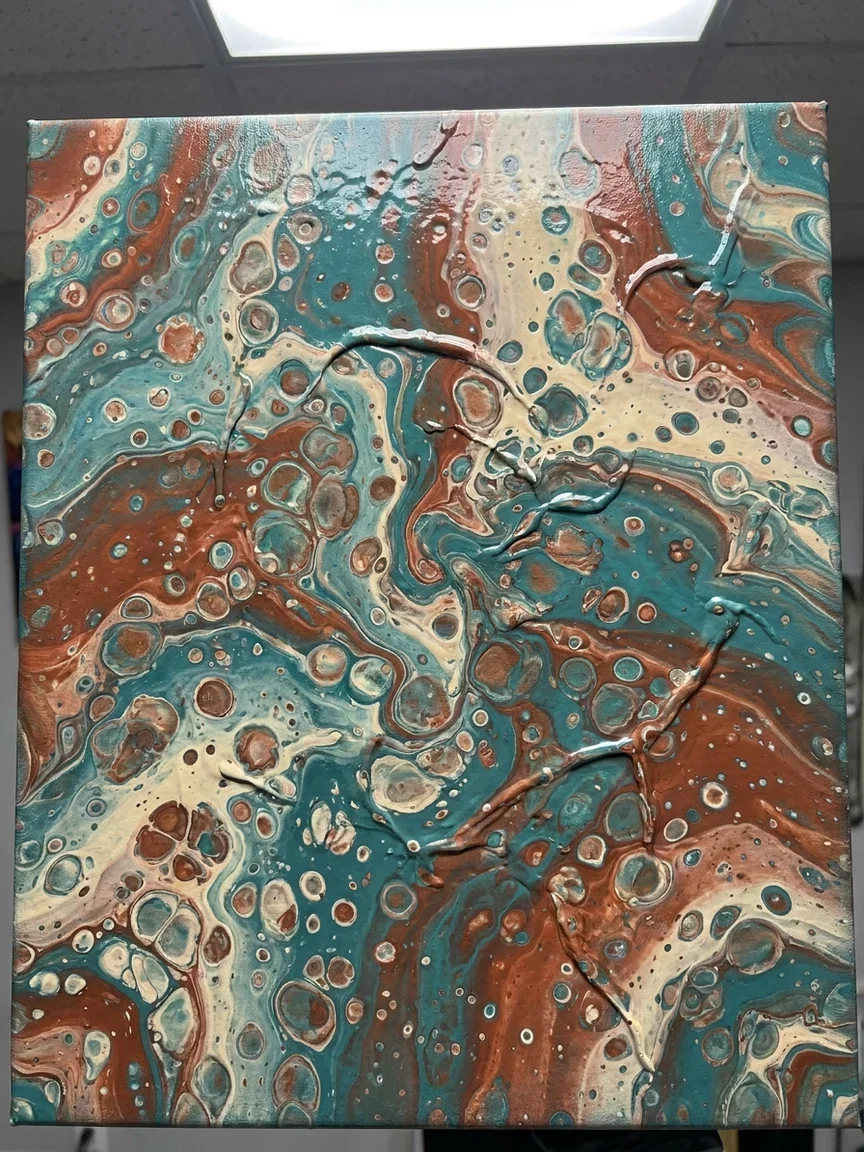
Reverse prompts
Style to words
Cluttered scenes, nothing missed
Dense frames are where eyeballing fails — someone always misses the birdcage.
The describer walks a scene object by object with spatial relationships intact.
That consistency is what catalogs, archives, and accessibility audits actually need.

Nothing missed
Cluttered scene
One canvas, every engine
135+
AI models in one canvas
1
unedited tool description quoted on this page
14,500+
real generations delivered
Inputs the describer reads
Perspective, macro structure, landscape light — frames from this page's example set.
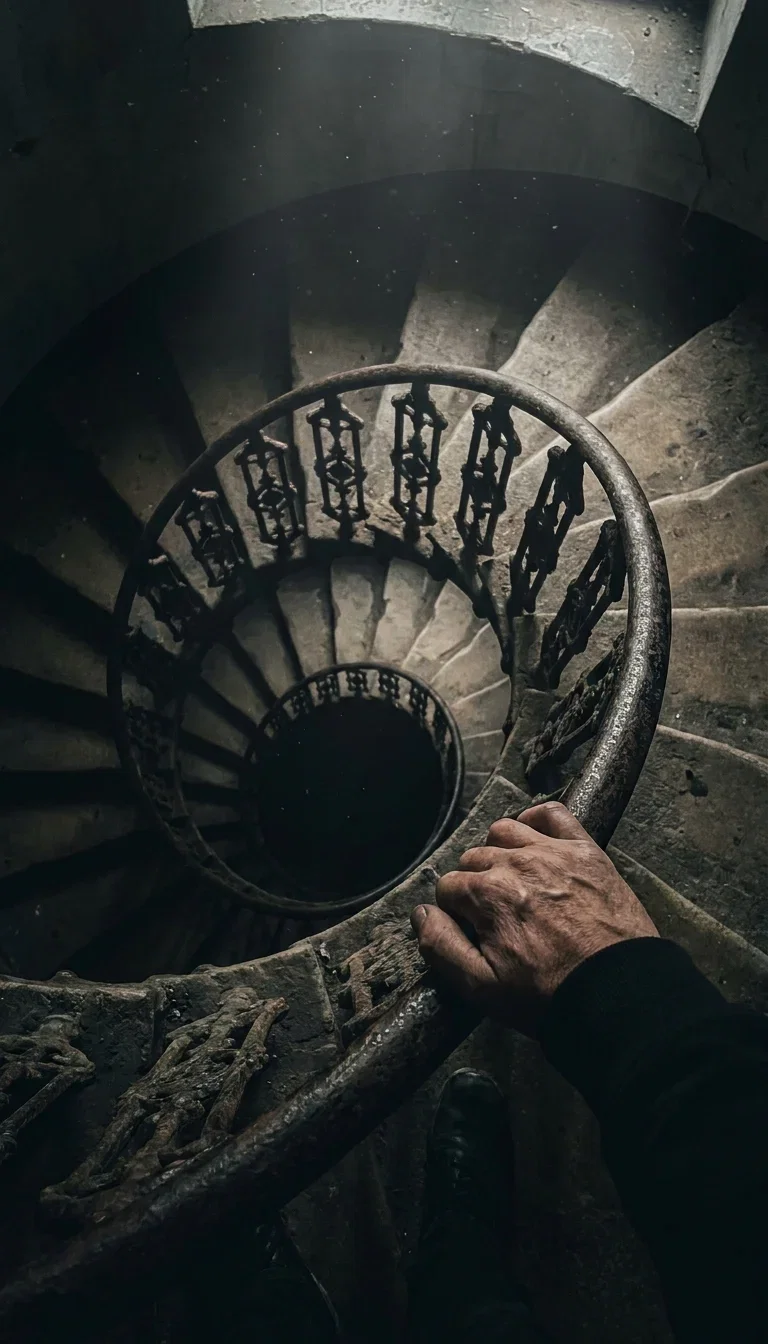
Perspective
Composition

Macro
Fine structure
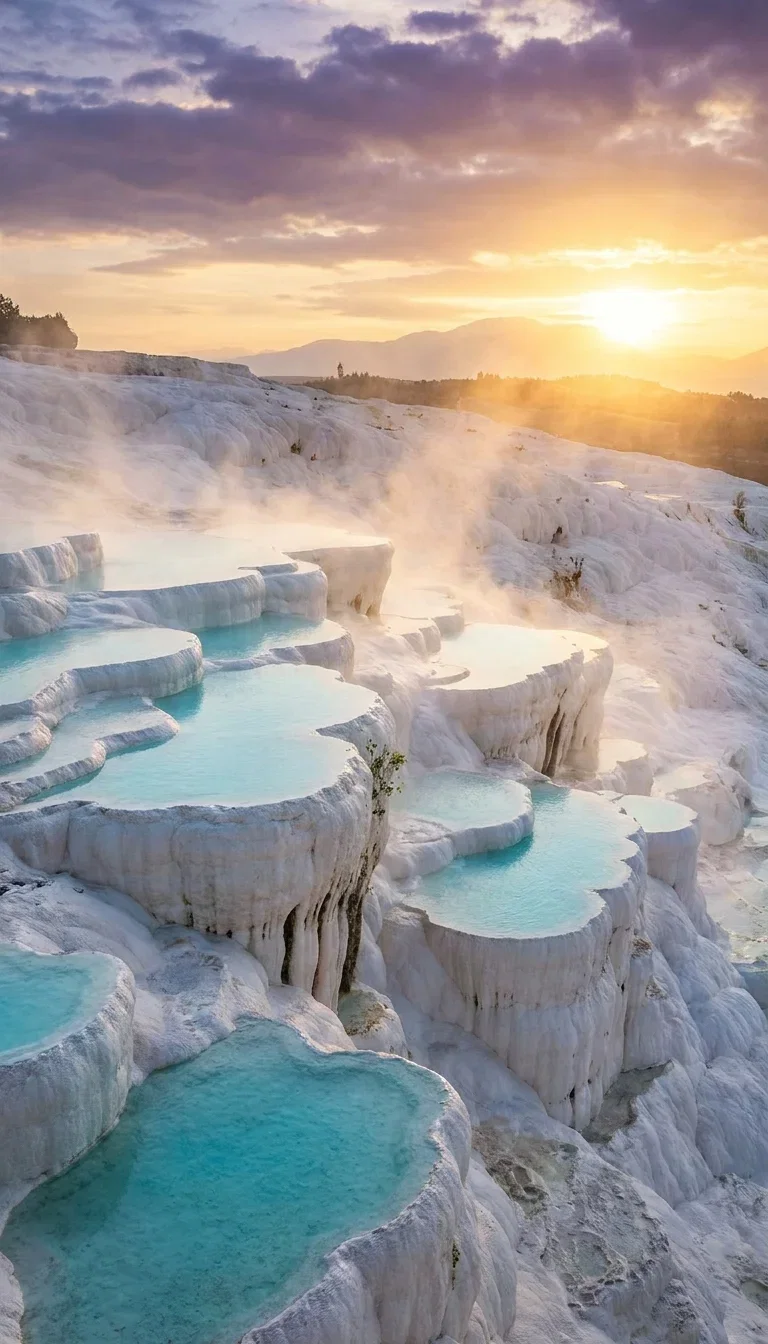
Landscape
Light & mist
How to use the Image Describer on FluxoKit
Drop the image
Any format, any subject — photos, renders, references, archives.
Get organized words
Overview first, then subjects, setting, and detail — built for real use.
Close the loop
Paste into alt text, or generate variations with the engines on the same canvas.
The Image Describer turns any picture into organized, factual words — powered by Gemini 3.1 Pro vision on the FluxoKit canvas. Upload a frame; get a description built for alt text, prompts, catalogs, and accessibility. The description quoted on this page was written by the tool itself, from the image beside it.
When people search for image describer, they need the reverse of a generator: words out of pictures. This page shows the tool's own output.
Direct Answer
Use the Image Describer when you need reliable words from images: alt text at accessibility standard, a prompt reverse-engineered from a reference, consistent catalog descriptions across hundreds of assets, or a factual summary of what a photo shows. It reads subjects, setting, light, color, composition, and visible text, and returns an organized description in seconds. On FluxoKit it sits on the same canvas as the generation engines, so description and generation loop: describe a reference, refine the words, generate the variation.
Why Its Descriptions Hold Up
Three habits set it apart. It is factual first — objects, spatial relationships, and light, not vibes. It is organized — overview, then subjects, then detail, which is exactly the shape alt text and catalogs need. And it feeds the loop: its output is ready to paste into any generation engine on the canvas.
How to Use the Image Describer on FluxoKit
- Drop any image onto the canvas and pick the Image Describer.
- Get the organized description in seconds.
- Use it as alt text, or hand it to the prompt agent to tighten into a brief.
- Generate variations with Nano Banana Pro, FLUX, or Soul from the same words.
- Repeat across your library for consistent cataloging.
Image Describer vs Guesswork
Hand-written alt text drifts; interns describe inconsistently; prompts reverse-engineered by eye miss the light. The describer reads every frame the same careful way — and because it lives beside the generators, the words never leave the canvas.
Related workflows
- AI Image Generator — every generation engine on one page.
- AI Photo Generator — photoreal generation across engines.
- Gemini 3 Pro — the vision family behind the describer.
Why describe images on FluxoKit
The vision is Gemini's. The loop — describe, refine, regenerate, export — is what FluxoKit adds.
Beside the generators
Descriptions feed straight into Nano Banana Pro, FLUX, and Soul — no copy-paste between apps.
Factual and organized
Overview, subjects, detail — the shape alt text and catalogs need, every time.
Proof on the page
The harbor description above is the tool's own unedited output.
Accessibility standard
Respectful, specific people descriptions and accurate text transcription.
Scales to libraries
Consistent voice across hundreds of assets — the intern never gets tired.
30-day guarantee
Use it on real work for 30 days. Refund requests are governed by the first-subscription guarantee and Refund Policy.
17 models available in the canvas
Every model below is live in the FluxoKit studio. Each link opens its technical page with parameters, limits, and real generation examples.
- 01

GPT Image-1
OpenAI · Image generation
- 02
GPT Image-1.5
OpenAI · Image generation
- 03
GPT Image-2
OpenAI · Image generation
- 04
GPT Image 2.5 Sunburst
OpenAI · Image generation
- 05

Grok Image 2
xAI · Image generation
- 06
Grok Imagine Image
xAI · Image generation
- 07

Higgsfield Soul
Higgsfield AI · Image generation
- 08

Seedream 5.0
ByteDance · Image generation
- 09
Seedream 5.0 Pro
ByteDance · Image generation
- 10

FLUX.2 Klein 9B
Black Forest Labs · Image generation
- 11

Nano Banana Pro (Gemini 3.0)
Google AI · Image generation
- 12
Nano Banana Pro 2 (Gemini 3.1)
Google AI · Image generation
- 13

QWEN Image 2.0 Pro
Alibaba Cloud · Image generation
- 14
Z-Image Turbo
Alibaba Cloud · Image generation
- 15

Image Z-Turbo LoRA
AIML API · Image generation
- 16

Kora Pro
Kora · Image generation
- 17

MiniMax Image-01
MiniMax · Image generation
Frequently asked questions
What is an image describer?
An image describer is an AI tool that looks at a picture and writes what it sees — subjects, setting, colors, light, composition, and any visible text. FluxoKit's Image Describer runs on Gemini 3.1 Pro vision and returns organized, factual descriptions built for real use: alt text, prompt writing, cataloging, and accessibility.
What can I use image descriptions for?
Four big jobs: accessibility (alt text that actually describes the image), prompt reverse-engineering (turn a reference image into a prompt you can run on the generation engines), cataloging (describe hundreds of assets consistently), and content workflows (captions, product descriptions, moderation notes).
How accurate is the Image Describer?
It is built to be factual and organized — general overview first, then subjects, setting, and visual detail. The description quoted on this page was generated by the tool itself from the harbor image beside it, unedited except for length.
Can I turn a description back into an image?
Yes — that is the loop. Describe a reference image, hand the description to the prompt agent or directly to Nano Banana Pro, FLUX, or Soul on the same canvas, and generate variations that keep what mattered.
Is the Image Describer free?
FluxoKit does not sell a free trial. The Image Describer runs inside the platform plan from $14/month with monthly credits, backed by a 30-day first-subscription satisfaction guarantee, subject to the Refund Policy: use it on real work for a month, and refund requests are governed by the first-subscription guarantee and Refund Policy.
Next step
Access 135 AIs in one canvas, without subscribing to each one.
Monthly credits with no separate subscription per model. New purchases are temporarily unavailable; contact support for billing help.
IMAGE DESCRIBER ON FLUXOKIT
Turn any image into words
Gemini vision descriptions beside every generation engine — one canvas, one plan.