
Reve AI
Reve Create, Edit, and Remix are retired on FluxoKit. Compare supported image generators and editors without sending work to a discontinued API.
The 17 models on this page are already included, with no separate subscription per tool. 14,500+ real generations already delivered on the platform. Updated

Adherent
Reve create

Scenes
Reve create

Calm
Reve create
Historical output, preserved honestly
The images on this page were generated before the Reve public generation API was discontinued.
FluxoKit preserves completed user assets and historical examples when a provider is retired.
These examples do not indicate that new Reve requests can still run.

Six elements, delivered
Count them
Current alternatives
Choose a supported model by the job the retired Reve mode previously handled.
Create alternatives
Use GPT Image 2, Nano Banana Pro 2, Flux 2 Klein, or QWEN Image 2.0 Pro.
Edit alternatives
Use Flux Kontext, Nano Banana Pro 2 Edit, GPT Image 2 Edit, or QWEN Image Edit.
Reference workflows
Start from the original asset, state what must remain unchanged, and compare a small batch before scaling.
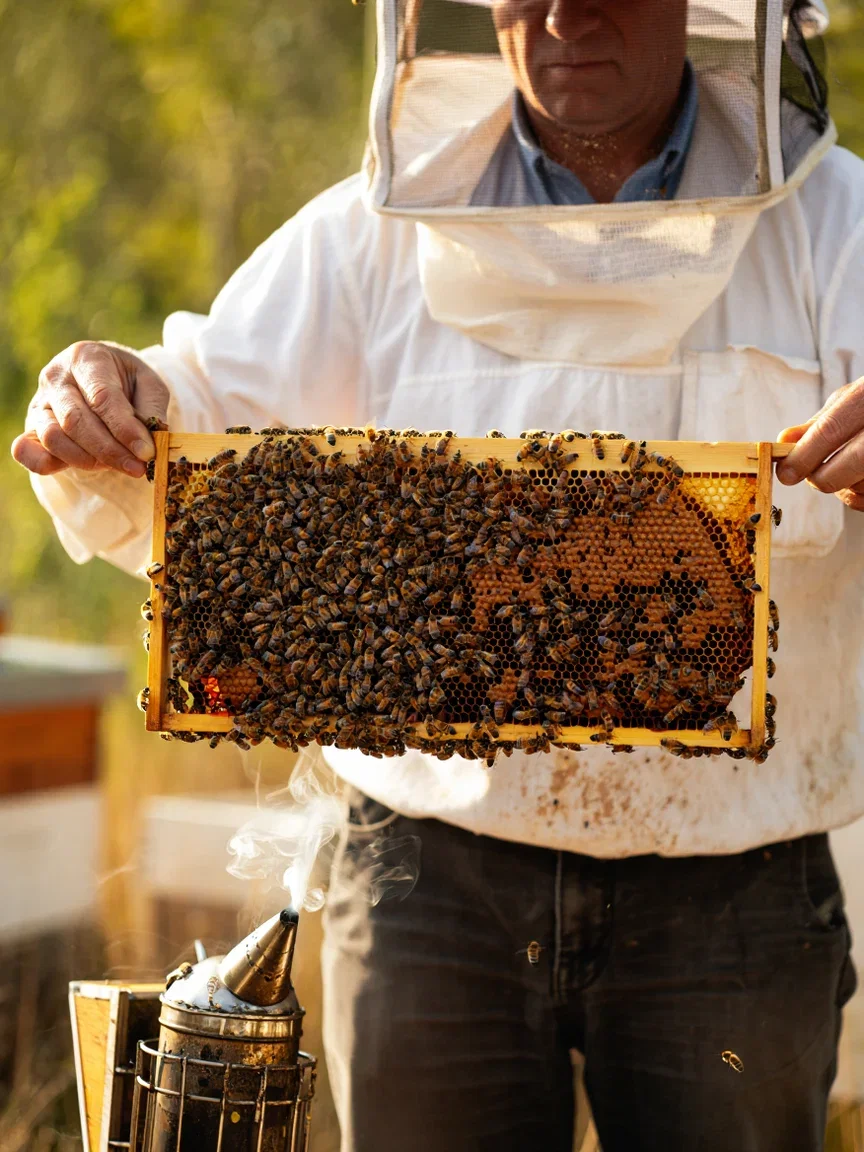
Craft
Golden smoke

Hands
Chisel dust

Light
Turquoise vault

Music
Bellows stretch

Winter
Frost ferns
Why the integration was retired
Reve discontinued its public generation API on August 14, 2026.
FluxoKit disabled Create, Edit, and Remix instead of accepting requests that could not complete.
Retired requests now fail before generation creation or credit reservation.
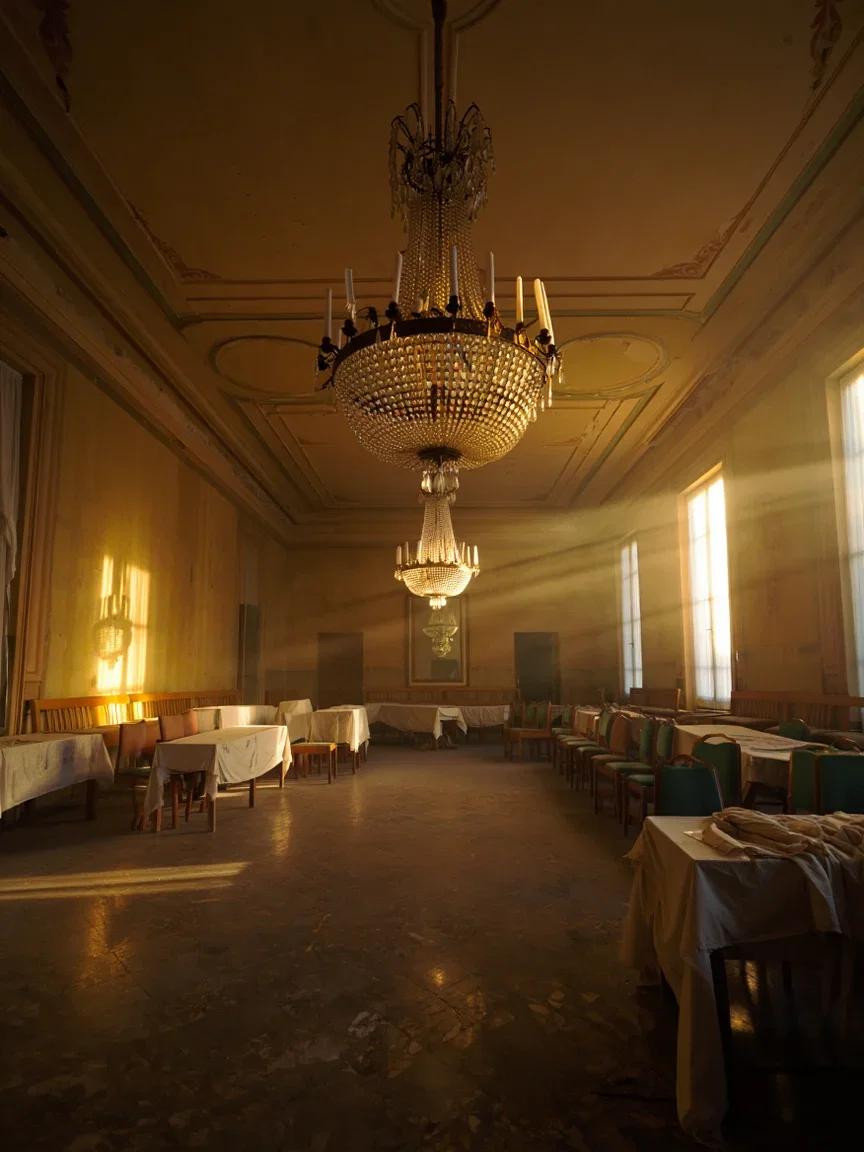
Atmosphere
Derelict grand
Move the workflow to a supported model
Use GPT Image 2 or Nano Banana Pro 2 for prompt-faithful generation.
Use Flux Kontext, Nano Banana Pro 2 Edit, GPT Image 2 Edit, or QWEN Image Edit for image-based changes.
Run a small comparison first, then keep the supported model that best preserves the original intent.

Graphic
Overhead rain
Retirement boundary
3
Reve execution modes retired
0
credits reserved for a retired request
1
canvas for supported alternatives
Historical Reve generations
Pre-retirement examples retained as historical output, not current availability evidence.

Drama
Storm shaft

Stillness
Morning glass

Scale
Golden frame
How to migrate an old Reve workflow
Keep the original input
Preserve the prompt, references, aspect ratio, and completed assets from the old workflow.
Choose a supported model
Match generation, editing, or reference-image intent to a current model from the active picker.
Run a bounded comparison
Generate one or two candidates, inspect fidelity, then continue with the best supported route.
Reve Create, Reve Edit, and Reve Remix are no longer available on FluxoKit. The public generation API was discontinued on August 14, 2026, so FluxoKit retired all three Reve execution paths instead of continuing to reserve credits for requests that could not complete.
This page remains available as a clear retirement notice and a route to supported alternatives. It does not advertise a live Reve integration.
Direct Answer
Do not start a new workflow with Reve. Choose a current model based on the job:
- Prompt-faithful image generation: GPT Image 2 or Nano Banana Pro 2.
- Fast visual iteration: Flux 2 Klein.
- Typography-heavy images: QWEN Image 2.0 Pro.
- Contextual image editing: Flux Kontext.
- Reference-image editing: Nano Banana Pro 2 Edit or GPT Image 2 Edit.
What the Retirement Changes
Reve no longer appears in the active model picker or current model guides. If an older workflow or direct request still refers to a Reve model, the execution boundary returns a retirement response before it creates a generation or reserves credits.
Existing completed Reve assets are not removed. They remain available through their original workflows and asset records.
Current Alternatives
Use the AI Image Generator to compare supported text-to-image models. Use the AI Photo Editor for background replacement, contextual edits, and reference-image workflows.
Related Workflows
- AI Image Generator — current text-to-image models.
- AI Photo Editor — current image-editing models.
- Qwen Image — a current precision and typography-oriented option.
Why FluxoKit fails retired requests closed
A discontinued provider must not consume credits, create misleading pending work, or remain in the active picker.
No adapter dispatch
The execution boundary rejects retired model IDs before the provider adapter runs.
No credit reservation
A retired request is not billed and does not need a later refund.
No new generation row
The failed request does not create a generation that appears active or stuck.
Existing assets preserved
Completed pre-retirement outputs remain in their original workflow and asset history.
Supported alternatives
Current generation and editing models remain available from the same canvas.
Clear public status
Docs and model discovery point to current alternatives instead of advertising a dead integration.
17 models available in the canvas
Every model below is live in the FluxoKit studio. Each link opens its technical page with parameters, limits, and real generation examples.
- 01

GPT Image-1
OpenAI · Image generation
- 02
GPT Image-1.5
OpenAI · Image generation
- 03
GPT Image-2
OpenAI · Image generation
- 04
GPT Image 2.5 Sunburst
OpenAI · Image generation
- 05

Grok Image 2
xAI · Image generation
- 06
Grok Imagine Image
xAI · Image generation
- 07

Higgsfield Soul
Higgsfield AI · Image generation
- 08

Seedream 5.0
ByteDance · Image generation
- 09
Seedream 5.0 Pro
ByteDance · Image generation
- 10

FLUX.2 Klein 9B
Black Forest Labs · Image generation
- 11

Nano Banana Pro (Gemini 3.0)
Google AI · Image generation
- 12
Nano Banana Pro 2 (Gemini 3.1)
Google AI · Image generation
- 13

QWEN Image 2.0 Pro
Alibaba Cloud · Image generation
- 14
Z-Image Turbo
Alibaba Cloud · Image generation
- 15

Image Z-Turbo LoRA
AIML API · Image generation
- 16

Kora Pro
Kora · Image generation
- 17

MiniMax Image-01
MiniMax · Image generation
Frequently asked questions
Is Reve AI still available on FluxoKit?
No. FluxoKit retired Reve Create, Reve Edit, and Reve Remix after Reve discontinued its public generation API on August 14, 2026. Retired Reve requests are rejected before generation or credit reservation.
What should I use instead of Reve Create?
Use GPT Image 2 or Nano Banana Pro 2 for prompt-faithful generation, Flux 2 Klein for efficient visual iteration, or QWEN Image 2.0 Pro for typography-heavy work.
What should I use instead of Reve Edit or Remix?
Use Flux Kontext, Nano Banana Pro 2 Edit, GPT Image 2 Edit, or QWEN Image Edit. These models remain available in the image-editing category.
What happens to old Reve outputs?
Previously generated assets remain part of their existing workflows and asset history. Retiring a provider does not delete completed user work.
Next step
Access 135 AIs in one canvas, without subscribing to each one.
Monthly credits with no separate subscription per model. New purchases are temporarily unavailable; contact support for billing help.
REVE RETIRED
Compare current image engines
Move an old Reve prompt to a supported generation or editing model on the FluxoKit canvas.