
Topaz Upscale
The industry-standard upscaler, in the cloud — real detail back at 4x, beside the engines that make the images.
The 17 models on this page are already included, with no separate subscription per tool. 14,500+ real generations already delivered on the platform. Updated

The 4x result
From a 360px source
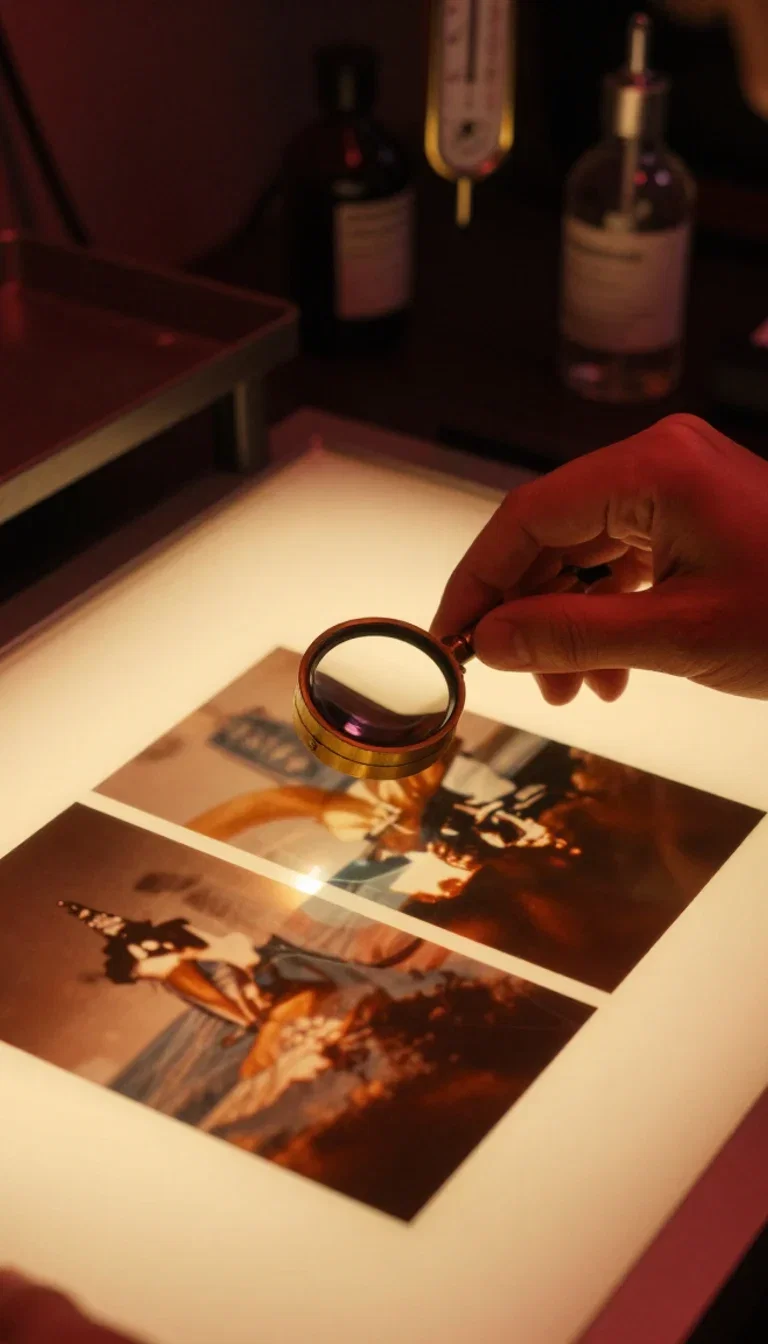
Pixel peepers
Loupe check
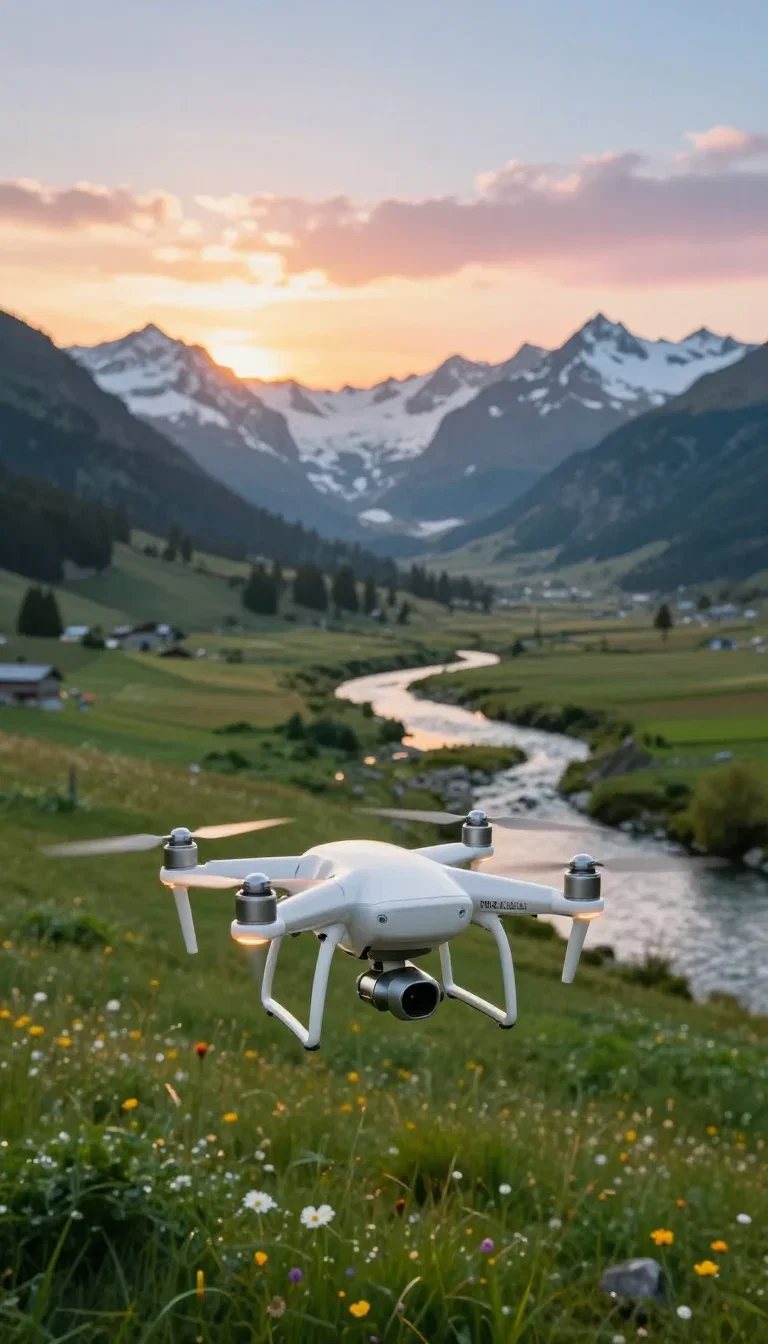
Aerial source
Footage in
Same crop. Both ways.
Left: the tiny source enlarged the ordinary way — the blur just gets bigger.
Right: the same crop through the Topaz node — feathers, catchlight, and iridescence reconstructed.
Both sides come from one 360-pixel, compression-scarred file.
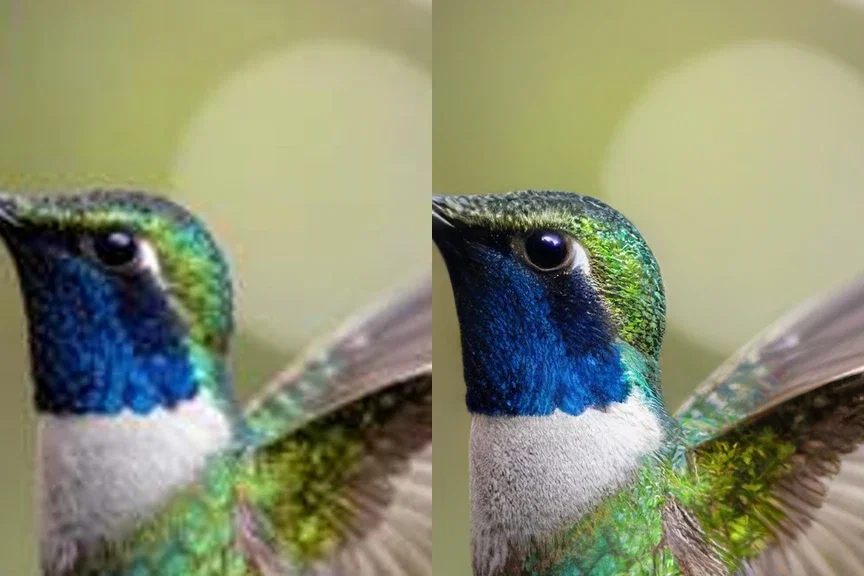
Same crop, both ways
Enlarged vs reconstructed
Three ways to use Topaz here
Powered by Topaz image and video upscaling on the FluxoKit canvas — no desktop install, no license.
Rescue small files
Old downloads, compressed exports, tiny originals — reconstructed up to 4x.
Prep generations for print
Any engine's output becomes large-format ready in one node.
Upscale video
Clips take the same detail-recovery jump on the video node.
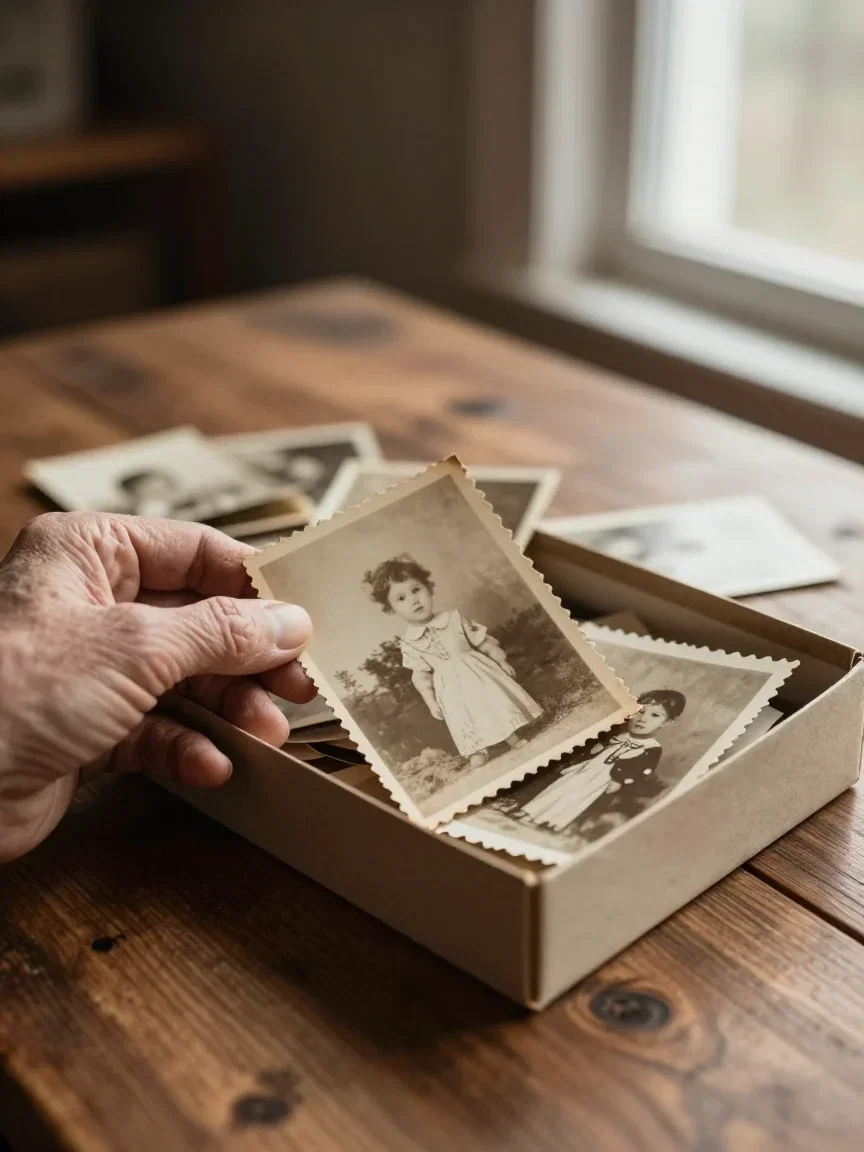
Archives
Shoebox rescue
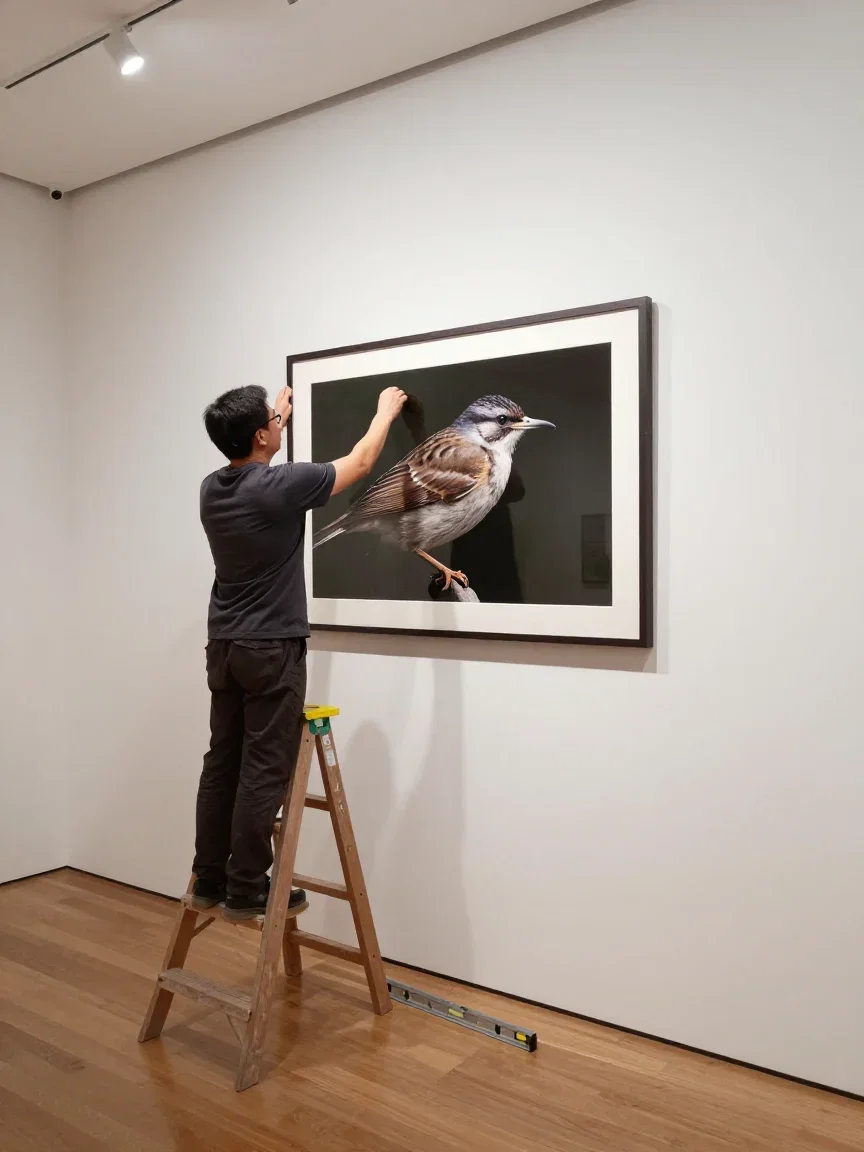
Large format
Gallery hang

Massive
Billboard scale
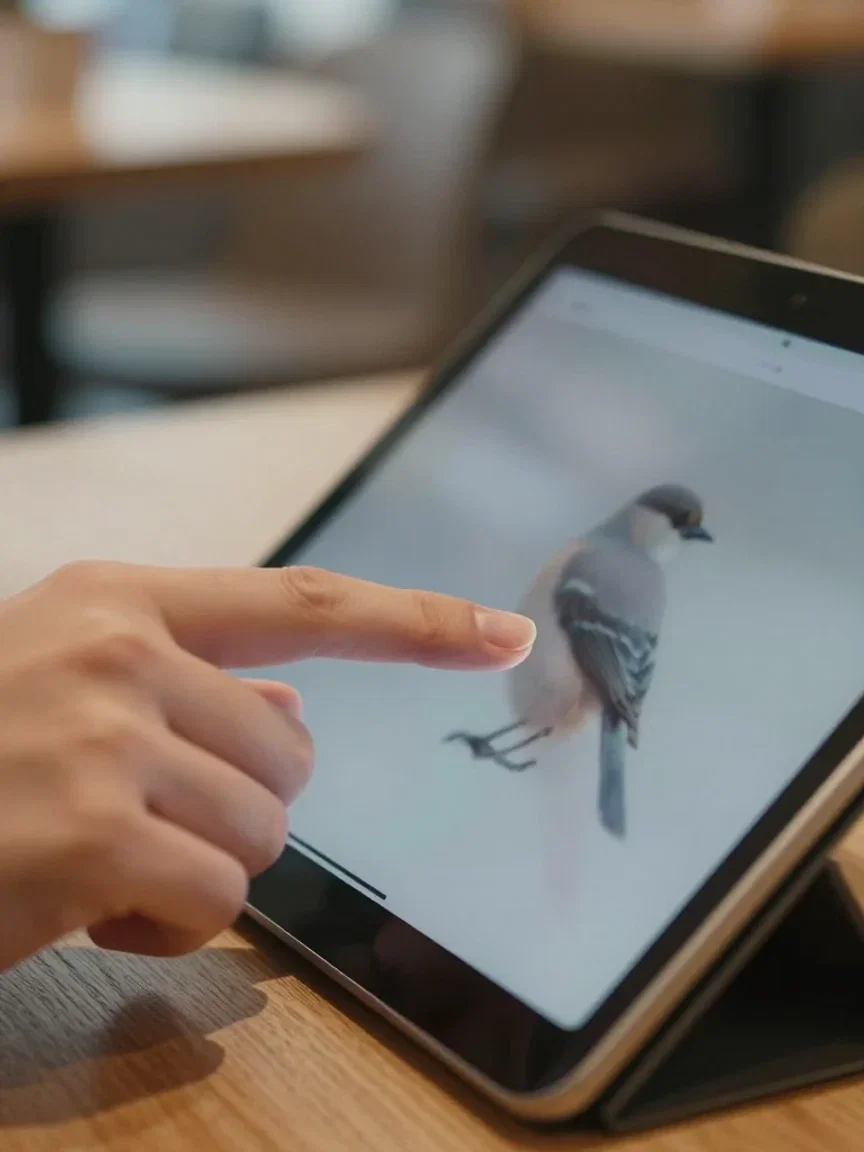
The zoom test
Every viewer does it
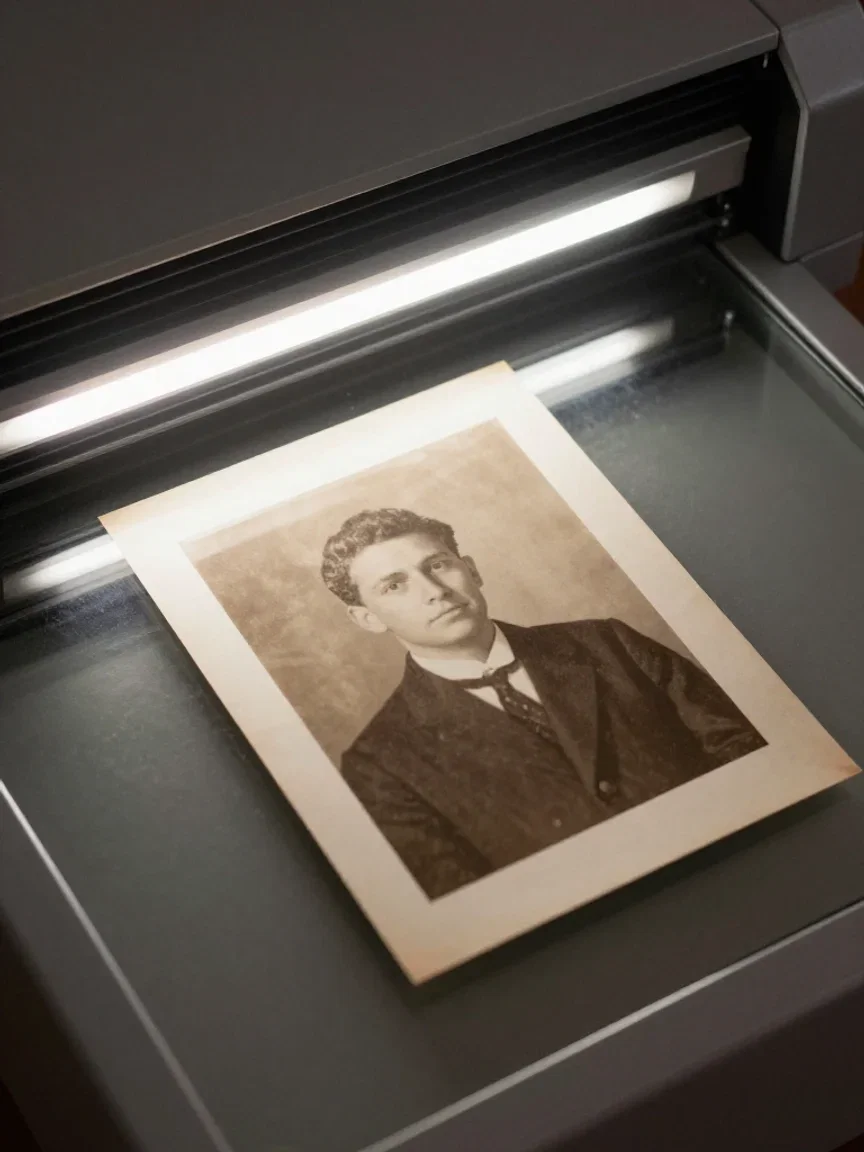
Digitize
Scan pass
The source, for honesty
Here is that source at its true softness — 360 pixels wide, artifacts and all.
It is the kind of file everyone has: an old download, a chat-app crush, a thumbnail that should have been a photo.
The 4x result in the hero came from exactly this.

The source, honestly
360px and compressed
From pixels to print
Upscaling earns its keep at the output: prints, posters, and screens that punish soft files.
Generate at working resolution, reconstruct at delivery resolution — that is the canvas workflow.
Video runs the same road through the Topaz video node.
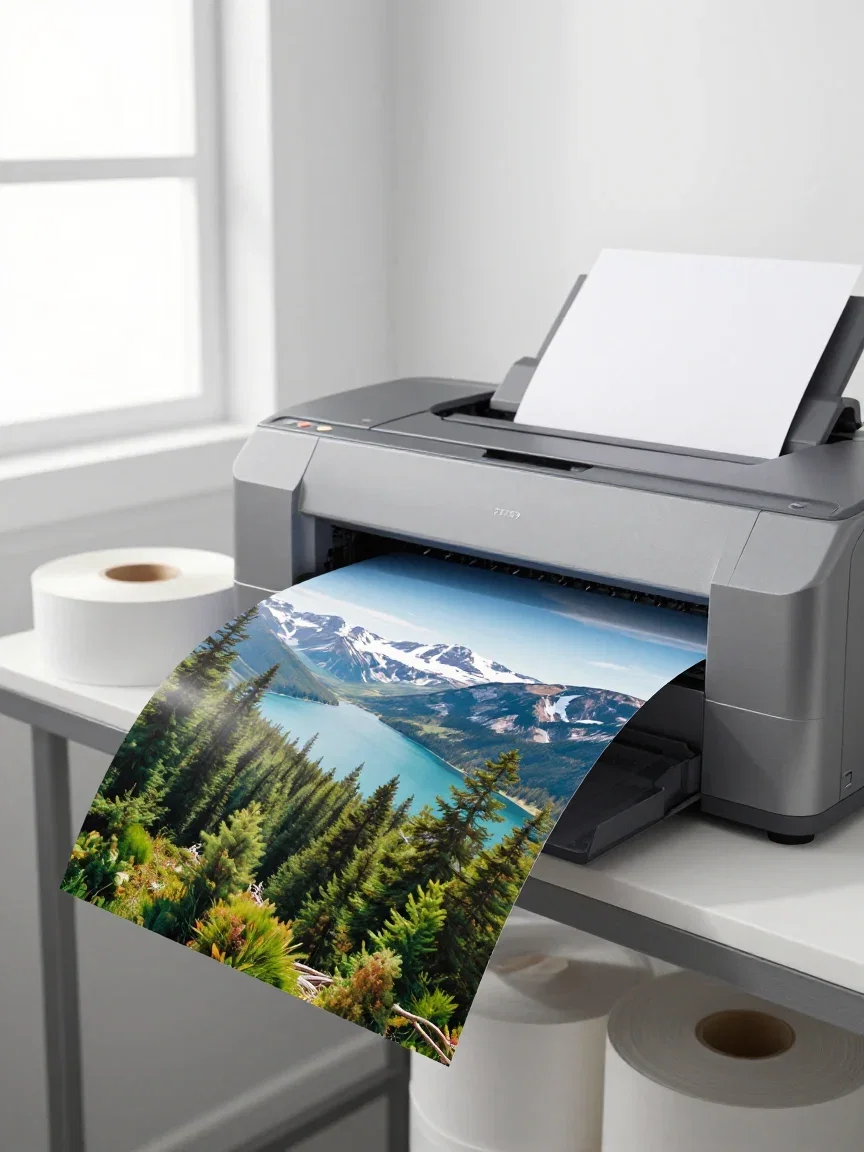
Print-ready
The destination
One canvas, every engine
135+
AI models in one canvas
4x
the jump this page's demo made
14,500+
real generations delivered
Recovered detail, up close
Crops straight from this page's 4x result — the detail the tiny source did not appear to contain.
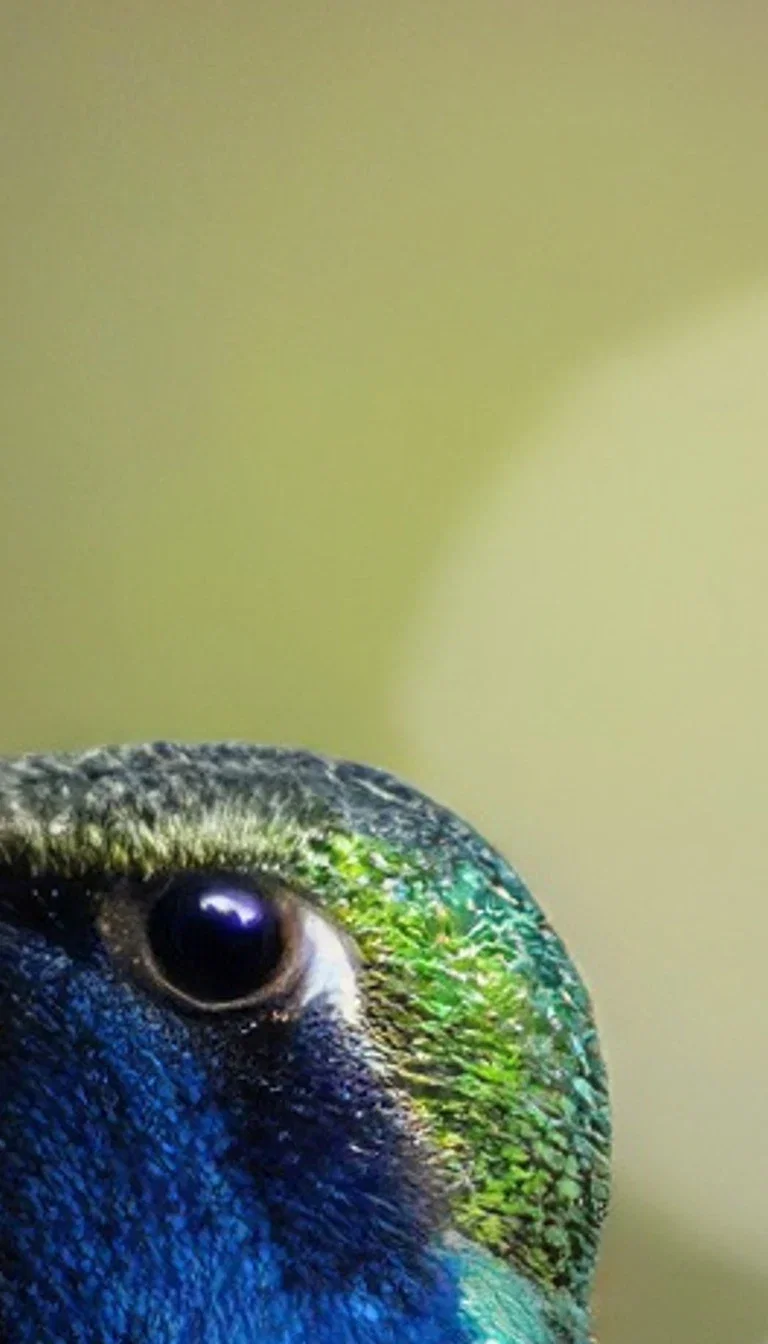
Recovered
Eye detail
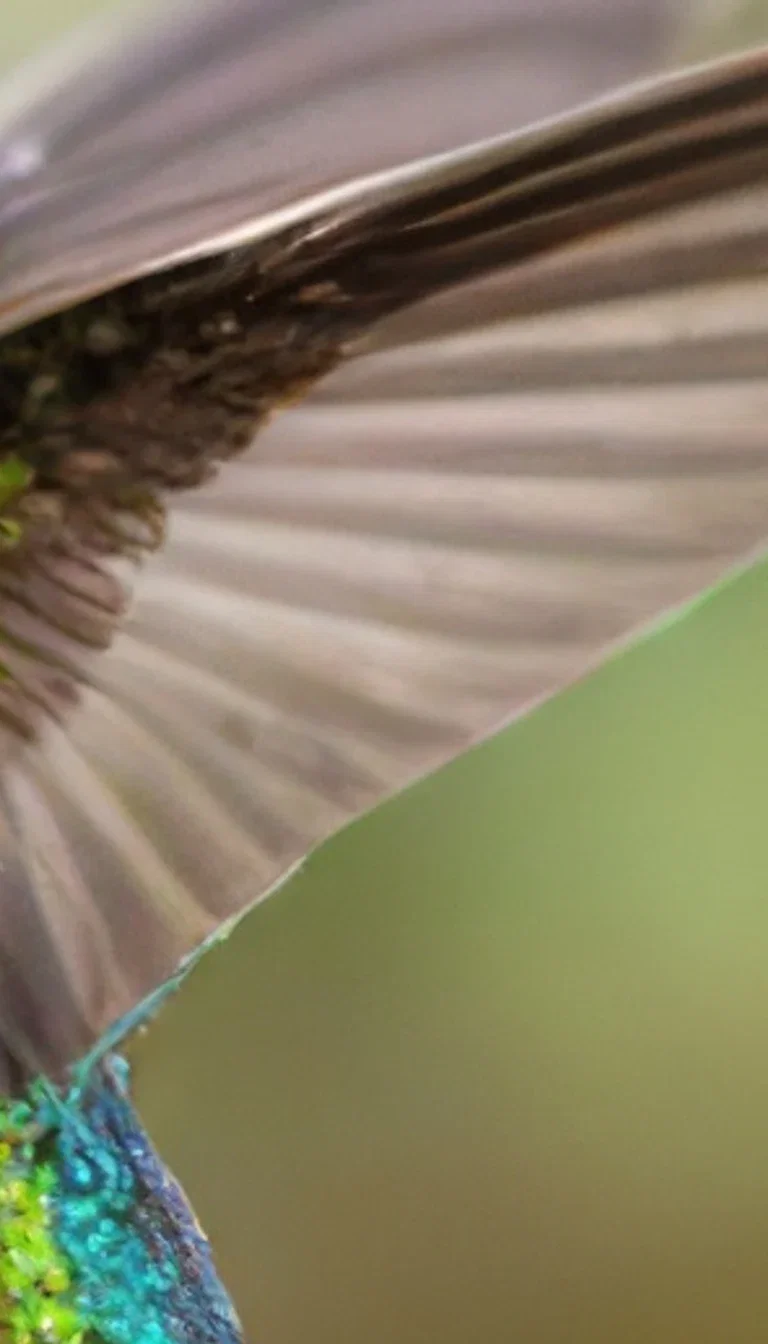
Recovered
Wing detail
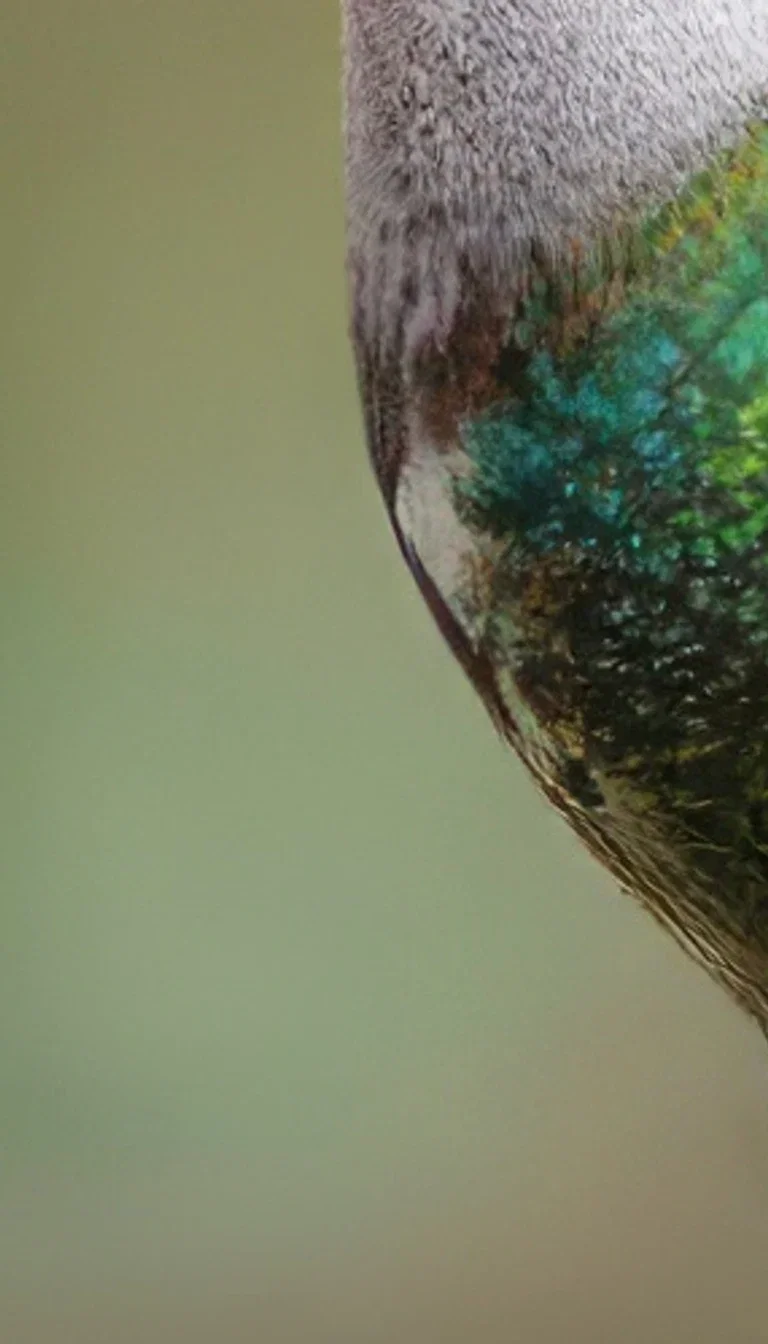
Recovered
Plumage detail
How to upscale on FluxoKit
Drop the file
Image or clip, uploaded or generated — it lands on the canvas.
Pick the factor
Run the Topaz node and compare against the original at 100%.
Deliver big
Export for print, projection, or platforms that punish soft files.
Topaz is the upscaler professionals trust — and on FluxoKit it runs in the cloud, no desktop app, right beside the engines that generate the images it enlarges. This page took a deliberately tiny, compressed source and ran the platform's own Topaz node at 4x. The zoomed pair below is the same crop both ways.
When people search for topaz upscale, they want proof at pixel level. This page zooms in.
Direct Answer
Use Topaz upscale when the pixels you have are not enough: small sources for print, compressed files worth rescuing, AI generations headed to large formats, and video that needs a resolution jump. On FluxoKit it is a canvas node — drop the image or clip, pick the factor, and the reconstruction runs in the cloud. The demo pair here started from a 360-pixel, artifact-heavy source; the Topaz side brings the feather detail back where plain enlargement just enlarges the blur.
Why Reconstruction Beats Interpolation
Three habits set it apart. Texture returns: feathers, fabric, and skin regain structure instead of smoothing. Edges stay honest: no halos where the algorithm guessed. And artifacts die: compression blocking from small files disappears in the rebuild.
How to Upscale on FluxoKit
- Drop any image or clip on the canvas — uploaded or generated.
- Pick the Topaz node and the upscale factor.
- Run and compare against the original at 100%.
- Chain it: generate with any engine, upscale, then export for print or delivery.
- Batch the archive the same way.
Topaz vs Plain Enlargement
Plain enlargement is free and looks it. The pair on this page is the argument: the same crop, the same size, one side guessing and one side reconstructing. For anything that will be printed, projected, or zoomed, reconstruction wins.
Related workflows
- AI Image Upscaler — the capability page across engines.
- Restore Old Photos — the archive-rescue workflow.
- AI Image Generator — generate the frames worth enlarging.
Why upscale on FluxoKit
The engine is Topaz. The pipeline — generation to reconstruction to delivery — is what FluxoKit adds.
No desktop install
The industry-standard upscaler runs in the cloud, one node on the canvas.
Reconstruction, not stretching
Texture and edges return — the pair above is the argument.
Proof on the page
The demo ran on this platform's own Topaz node from a 360px source.
Beside the generators
Generate with any engine and upscale without leaving the canvas.
Images and video
The same detail-recovery approach covers both media.
30-day guarantee
Upscale real work for 30 days. Refund requests are governed by the first-subscription guarantee and Refund Policy.
17 models available in the canvas
Every model below is live in the FluxoKit studio. Each link opens its technical page with parameters, limits, and real generation examples.
- 01

GPT Image-1
OpenAI · Image generation
- 02
GPT Image-1.5
OpenAI · Image generation
- 03
GPT Image-2
OpenAI · Image generation
- 04
GPT Image 2.5 Sunburst
OpenAI · Image generation
- 05

Grok Image 2
xAI · Image generation
- 06
Grok Imagine Image
xAI · Image generation
- 07

Higgsfield Soul
Higgsfield AI · Image generation
- 08

Seedream 5.0
ByteDance · Image generation
- 09
Seedream 5.0 Pro
ByteDance · Image generation
- 10

FLUX.2 Klein 9B
Black Forest Labs · Image generation
- 11

Nano Banana Pro (Gemini 3.0)
Google AI · Image generation
- 12
Nano Banana Pro 2 (Gemini 3.1)
Google AI · Image generation
- 13

QWEN Image 2.0 Pro
Alibaba Cloud · Image generation
- 14
Z-Image Turbo
Alibaba Cloud · Image generation
- 15

Image Z-Turbo LoRA
AIML API · Image generation
- 16

Kora Pro
Kora · Image generation
- 17

MiniMax Image-01
MiniMax · Image generation
Frequently asked questions
What is Topaz upscale?
Topaz is the industry-standard upscaling engine — the one photographers and editors trust to enlarge images and video while recovering real detail instead of smearing pixels. On FluxoKit it runs in the cloud as a canvas node: image upscaling up to 4x and video upscaling, no desktop install or license.
How is Topaz different from regular resizing?
Regular resizing interpolates — it stretches the pixels you have. Topaz reconstructs: feathers, hair, and texture come back sharp instead of soft. The pair on this page enlarges the same tiny source both ways so you can compare at pixel level.
What is it used for?
Four big jobs: making small or old photos printable, rescuing compressed files, preparing AI generations for large formats, and upscaling video for delivery. Generated a frame at 1K and need a billboard? Upscale is the bridge.
Does it work on video too?
Yes — Topaz video upscaling runs on the same canvas, taking clips to higher resolutions with the same detail-recovery approach. Generated video from any engine can go straight into it.
Is Topaz upscale free?
FluxoKit does not sell a free trial. Topaz upscaling runs inside the platform plan from $14/month with monthly credits, backed by a 30-day first-subscription satisfaction guarantee, subject to the Refund Policy: upscale real work for a month, and refund requests are governed by the first-subscription guarantee and Refund Policy.
Next step
Access 135 AIs in one canvas, without subscribing to each one.
Monthly credits with no separate subscription per model. New purchases are temporarily unavailable; contact support for billing help.
TOPAZ ON FLUXOKIT
Upscale your first image
Real detail back at 4x, in the cloud, beside every engine — one canvas, one plan.