
GPT Image 2
OpenAI's image model — candid realism and directed staging — on one canvas next to Nano Banana Pro, Soul, and Seedream.
The 17 models on this page are already included, with no separate subscription per tool. 14,500+ real generations already delivered on the platform. Updated
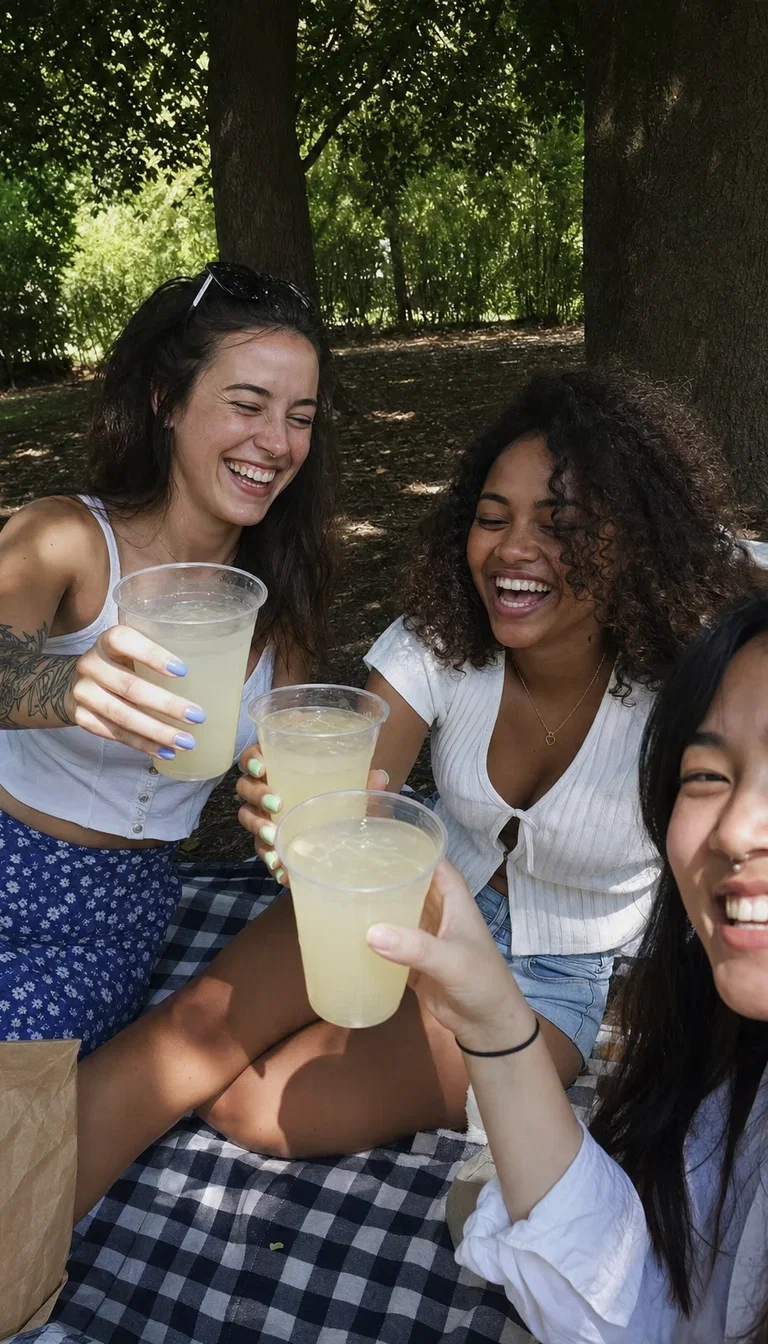
Candid
GPT Image 2
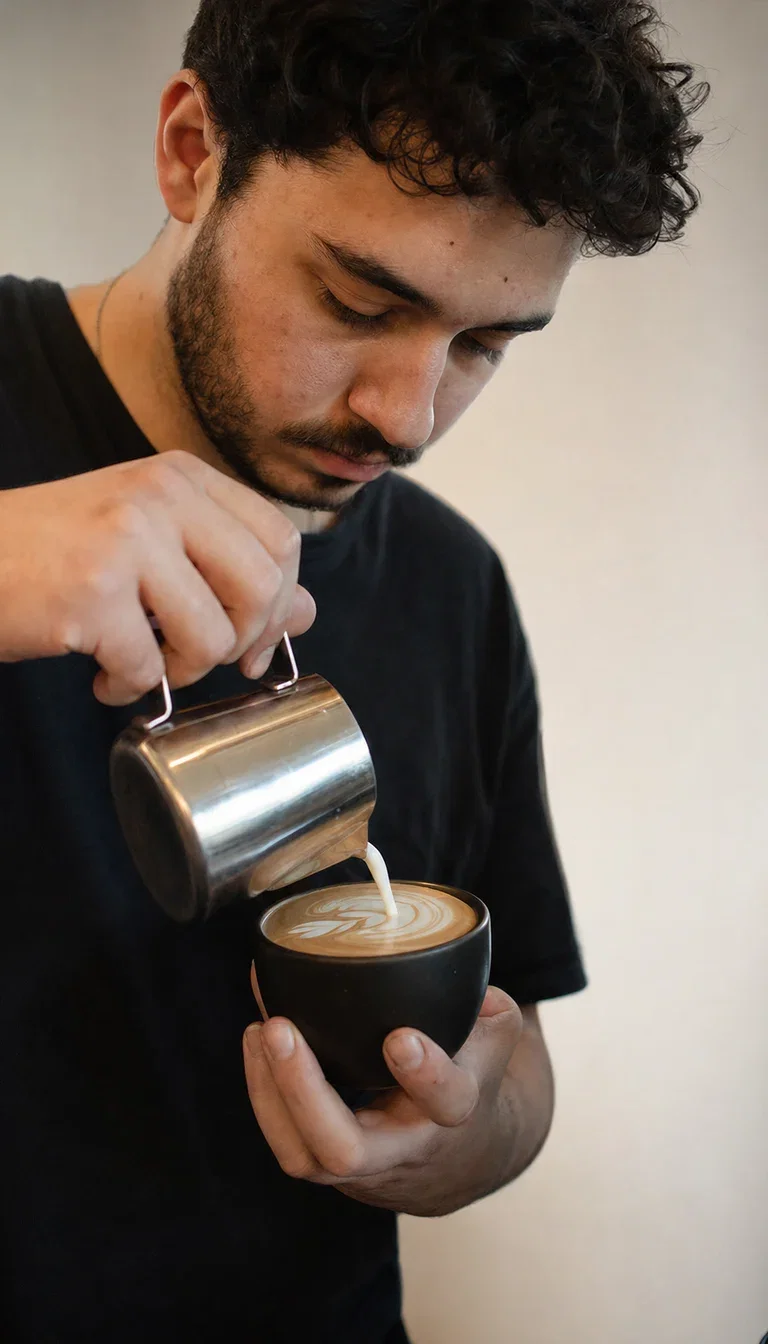
Everyday real
GPT Image 2
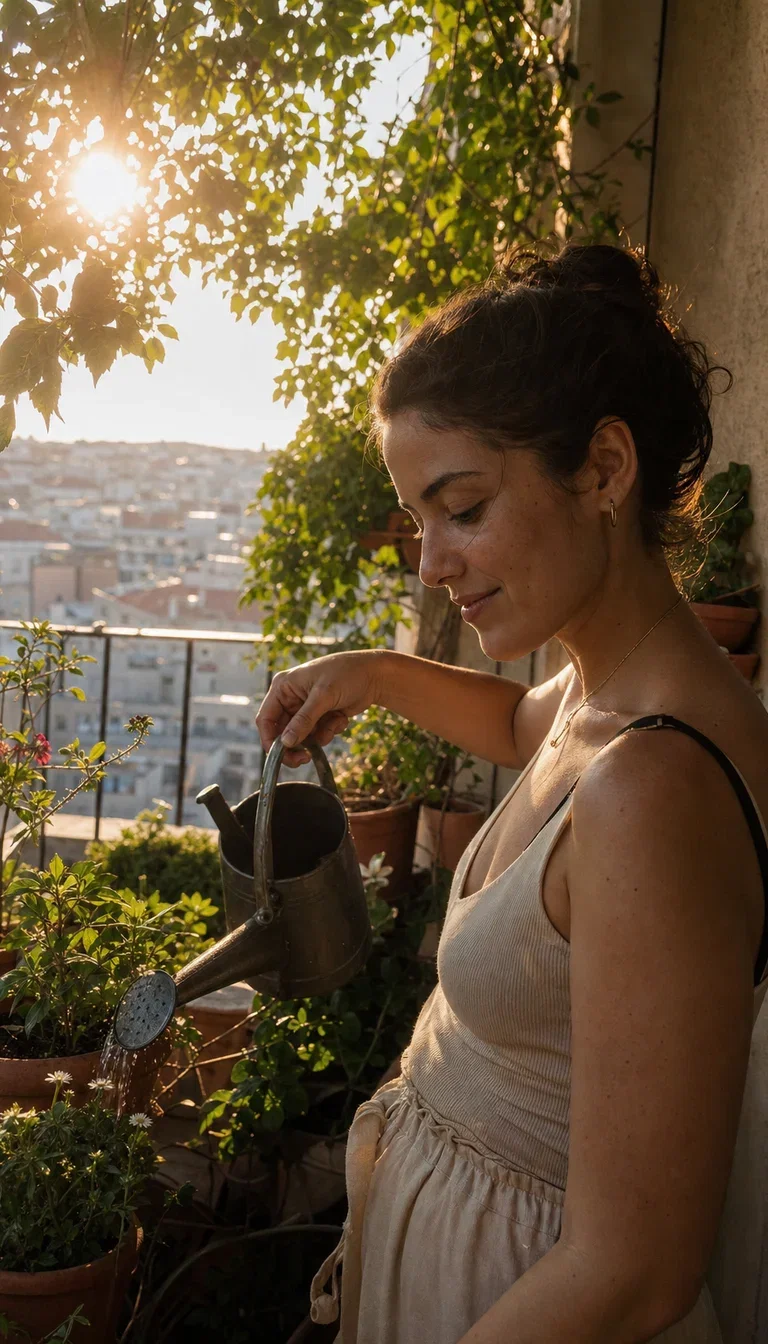
Golden hour
GPT Image 2
Restage without reshooting
Edit mode is the product workflow: same object, new scene, one instruction.
This blank bottle moved from studio concrete to a wet river stone — shape, glass, and cap identical.
Every frame on this page is a live GPT Image 2 generation from FluxoKit.
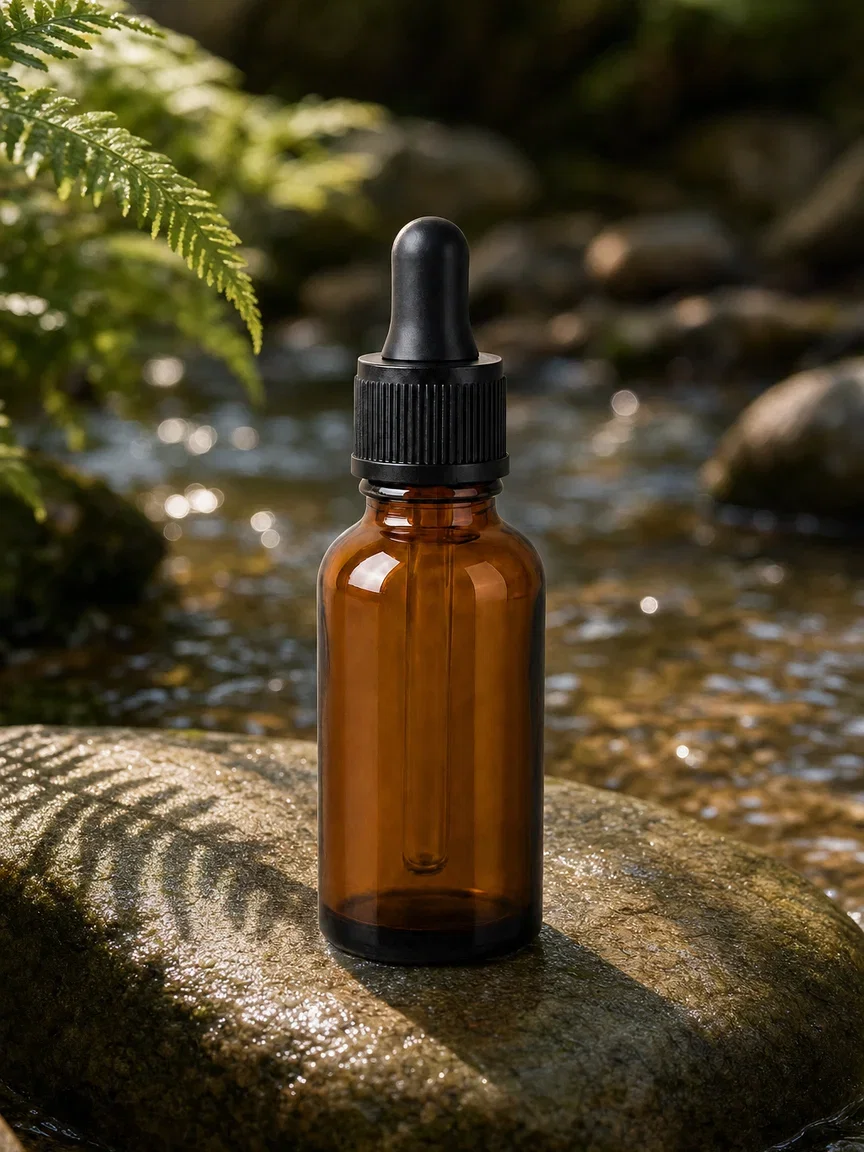
One instruction later
Same bottle, restaged
Three ways to direct GPT Image 2
Powered by GPT Image 2 on the FluxoKit canvas — no ChatGPT subscription, generate and edit in one picker.
Text to image
Brief it like a shot request — who, where, what light — and it returns a frame that reads candid.
Instruction edits
Hand it your image plus one sentence: the change you asked for happens, the rest holds.
Compare on the canvas
Run the same brief through Nano Banana Pro and Soul beside it — pick by look, not loyalty.
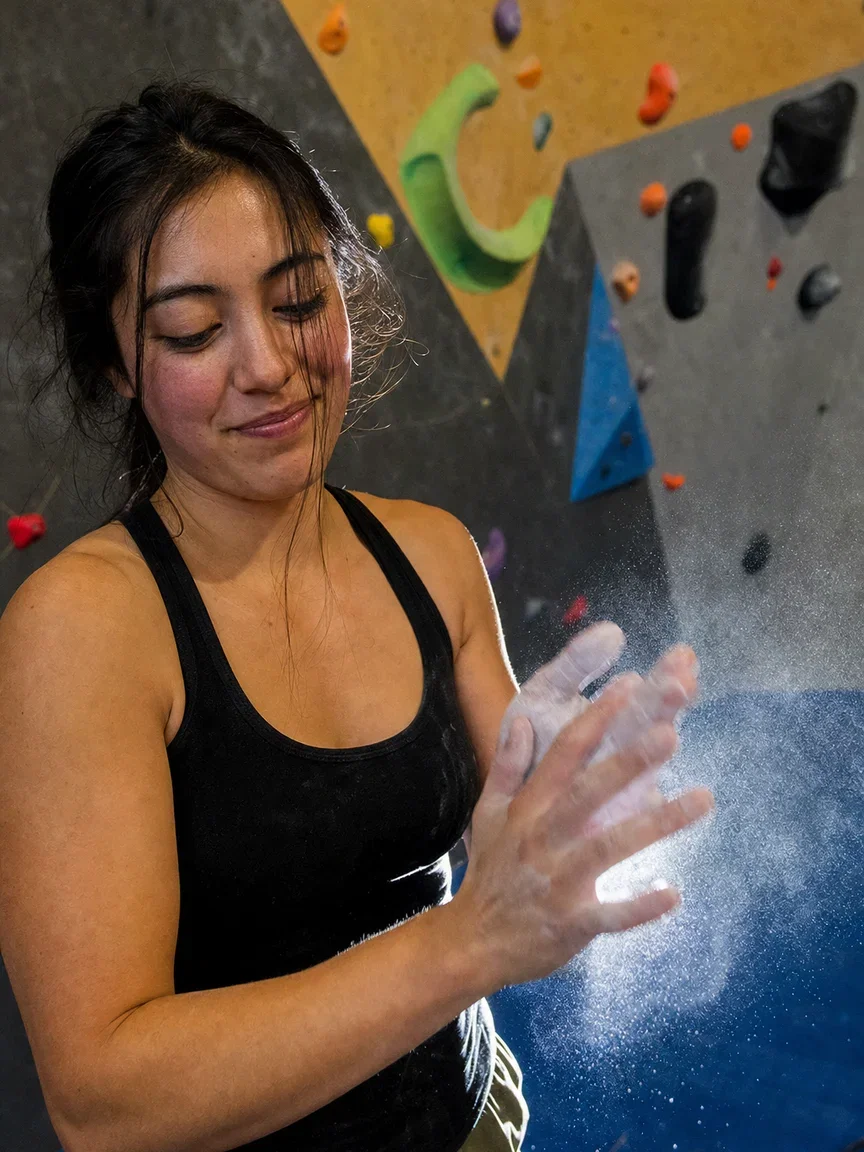
Action
Chalk dust
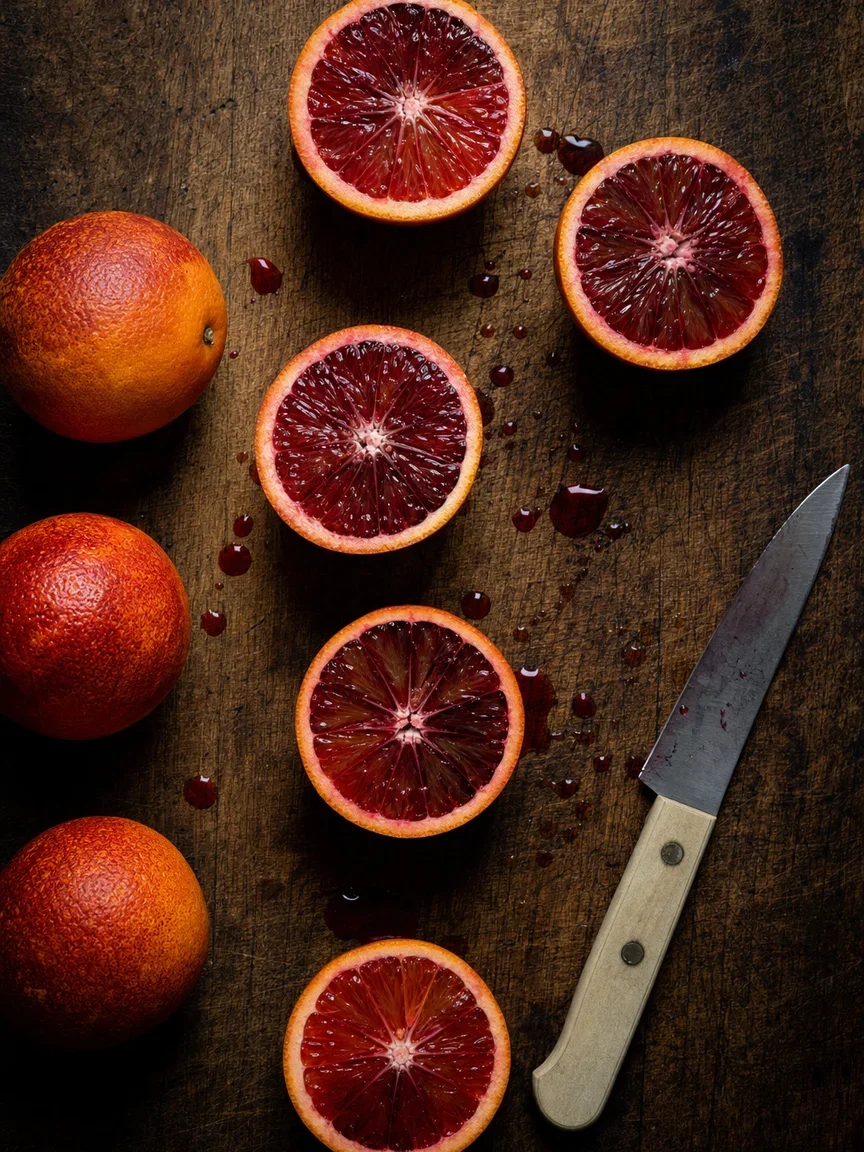
Food
Butcher block

Lifestyle
Pastel wall

Slow living
Hammock shade
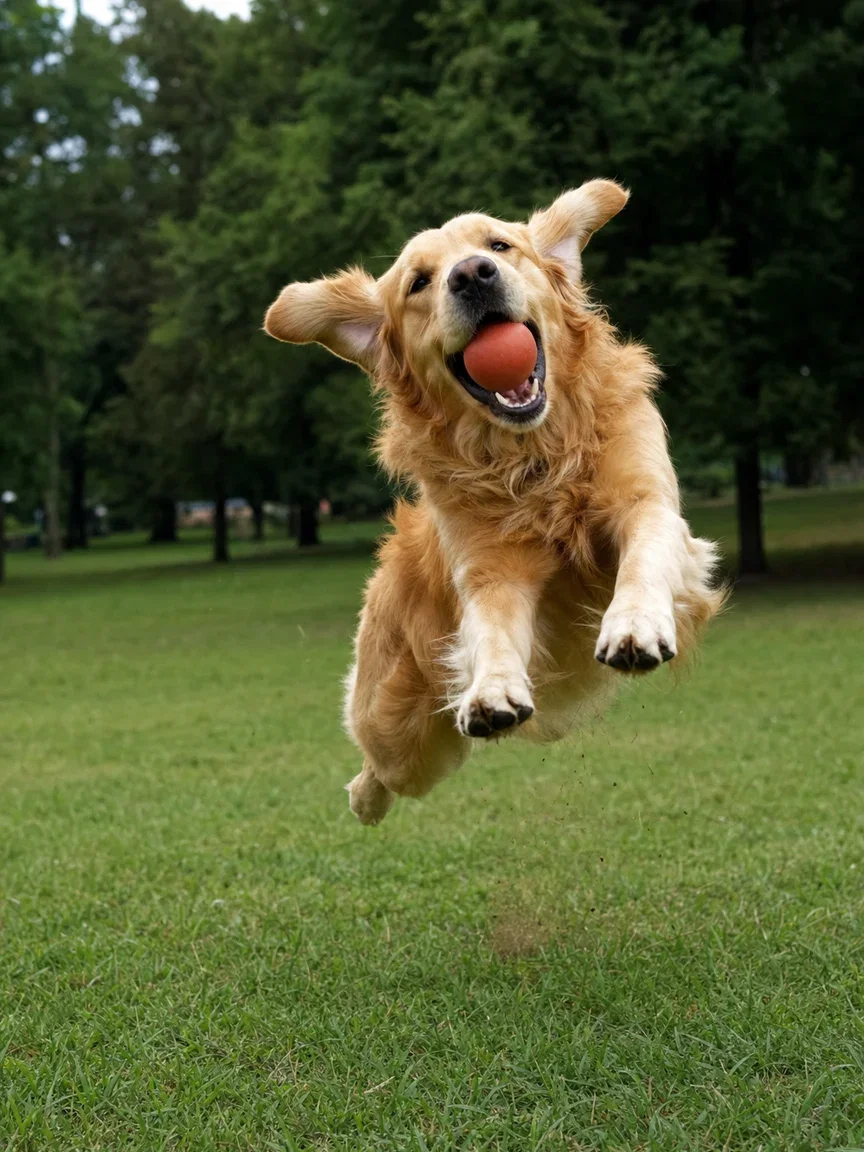
Pets
Mid-air catch
The before, for honesty
Here is the original studio frame the instruction started from.
Compare the pair: scene, light, and shadows changed; the product did not.
That is how one clean product shot becomes a week of ad variations.
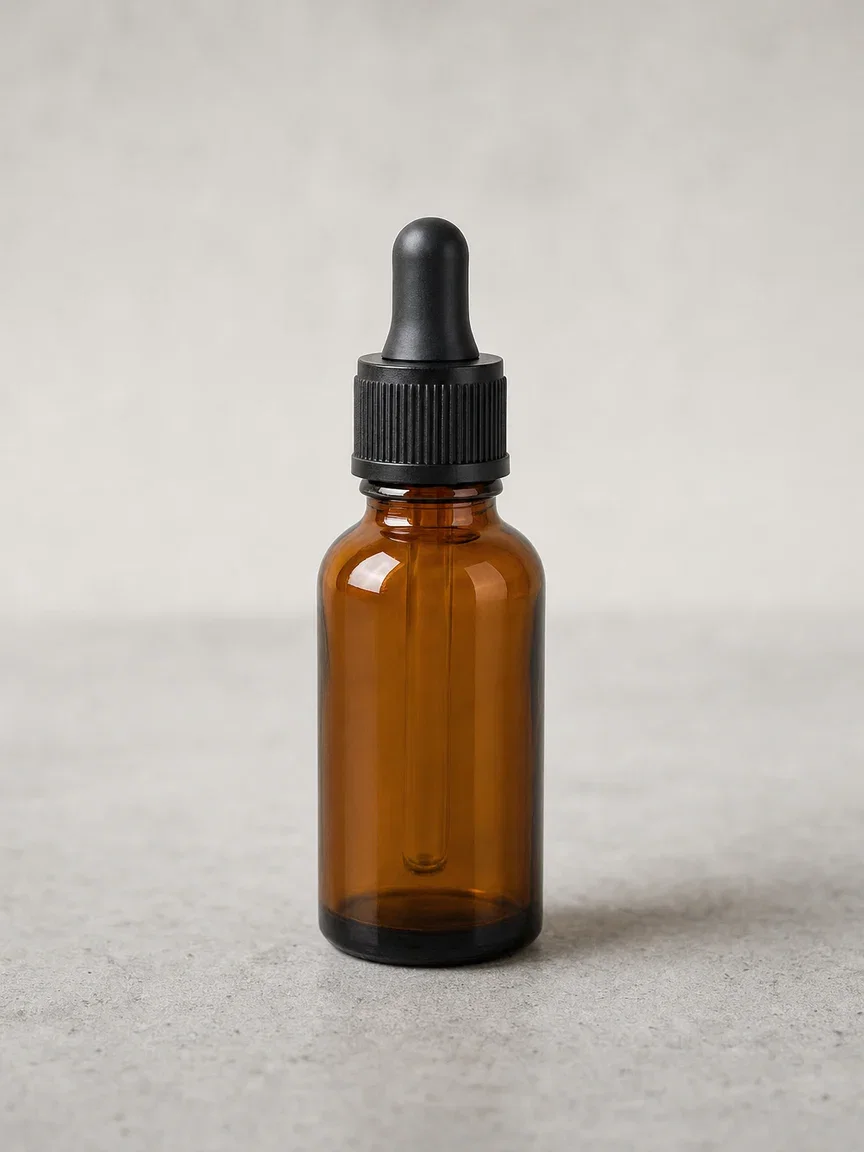
The original
Blank product
Direction that lands
Art direction is a stack of small decisions — and most engines drop half of them.
This flat lay was briefed object by object: camera, croissant, coffee ring, dried flowers, brass key.
They all arrived, arranged with the negative space the brief asked for.

Art-directed
Briefed object by object
One canvas, every engine
135+
AI models in one canvas
14
live GPT Image 2 frames on this page
14,500+
real generations delivered
Real GPT Image 2 generations
Straight from this page's briefs — dusk desk, terrazzo product, brunch reach.
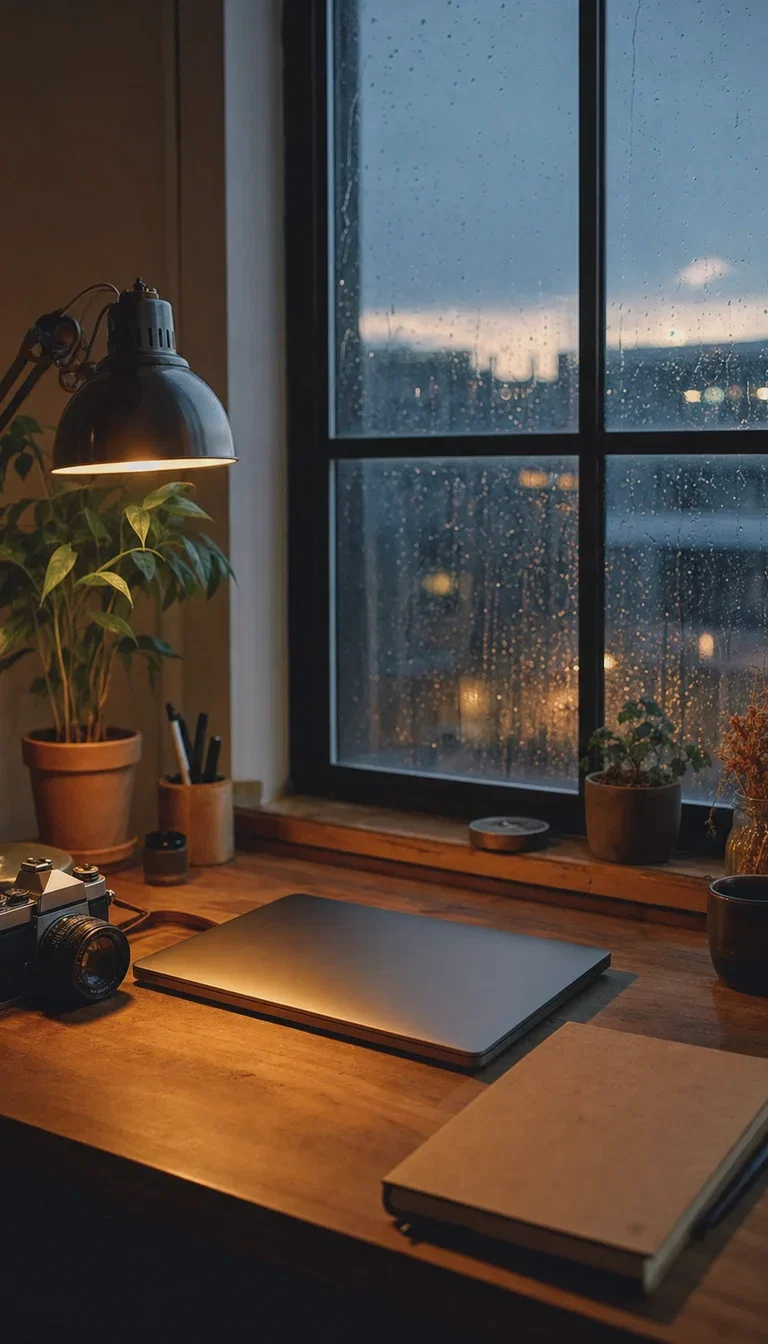
Workspace
Rain window
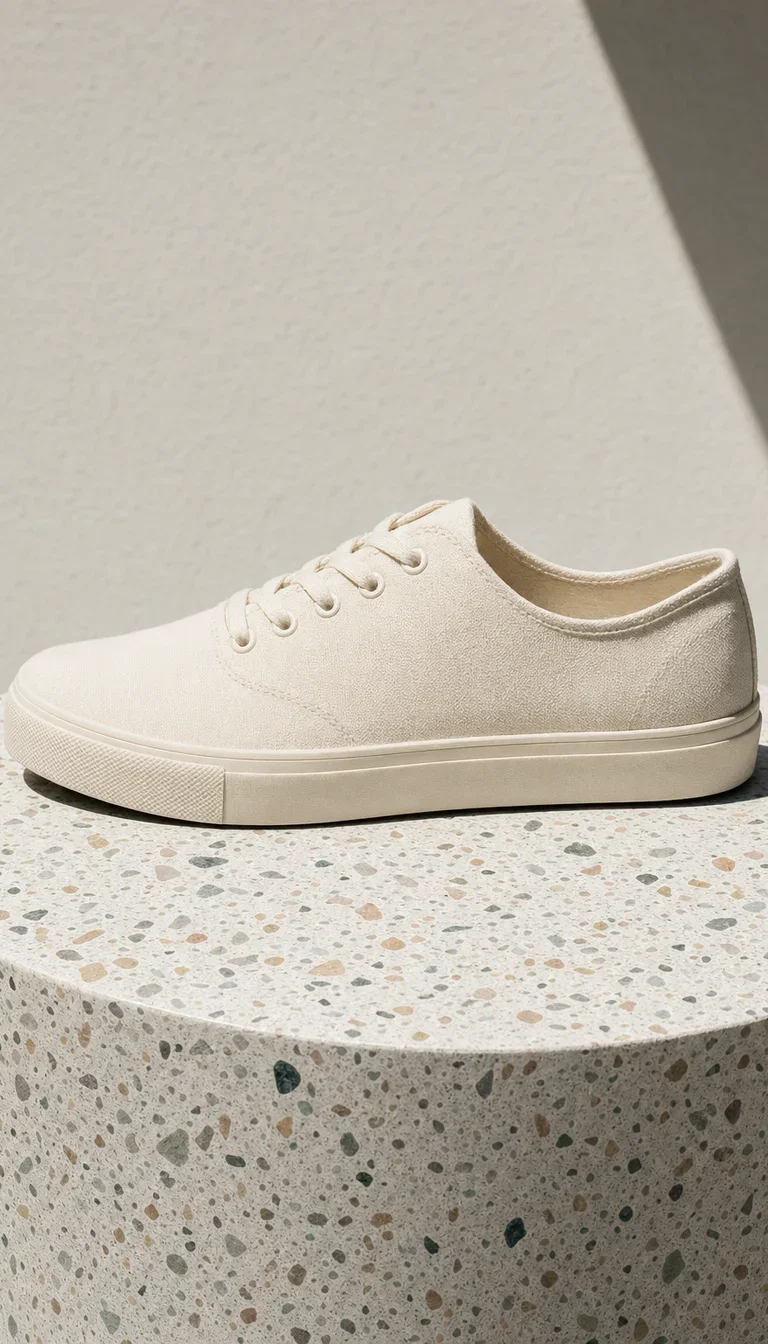
Product
Hard noon shadow
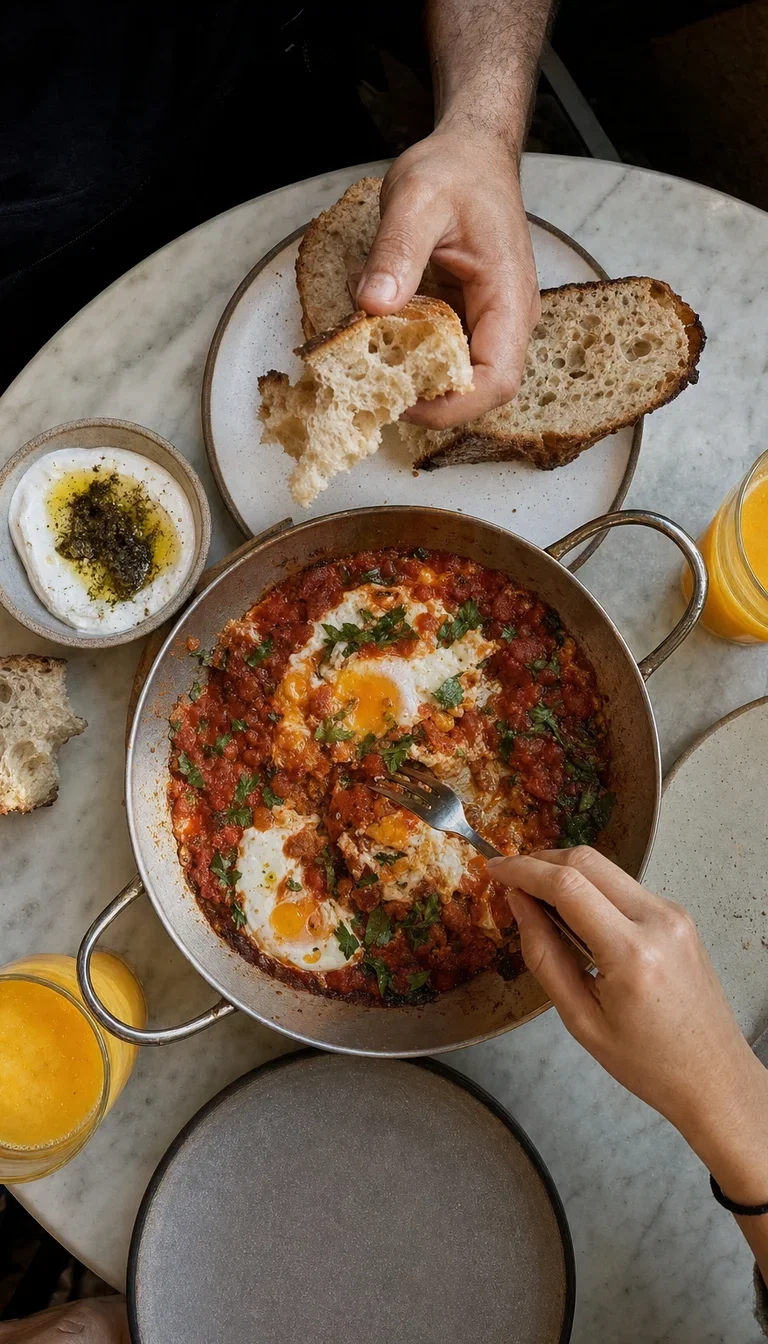
Overhead
Hands reaching
How to use GPT Image 2 on FluxoKit
Brief the shot
Subject, place, light, energy — written like you would text a photographer friend.
Generate and restage
Get the clean frame, then move it scenes with one edit instruction per variation.
Compare and ship
Same brief through Nano Banana Pro and Soul — keep what converts, version per placement.
GPT Image 2 is OpenAI's image model — the engine that makes frames that read like someone actually took them. Candid people, honest staging, art direction that lands. FluxoKit runs it on one canvas next to Nano Banana Pro, Soul, and Seedream, in generate and edit modes. Every frame on this page is a live GPT Image 2 generation.
When people search for gpt image 2, they have usually seen output that did not look like AI. This page is that standard, live.
Direct Answer
Use GPT Image 2 when the frame has to feel candid: UGC-style ads, social proof imagery, lifestyle scenes, product staging that looks hand-placed. Use its edit mode to restage without reshooting — same object, new scene, one instruction. On FluxoKit, run the same brief through GPT Image 2, Nano Banana Pro, and Soul side by side: Nano Banana for instruction-perfect polish, Soul for aesthetic commitment, GPT Image 2 when it should look like a phone photo someone loved.
Why GPT Image 2 Reads Candid
Three habits set it apart. Light behaves like consumer light — flash falloff, window glow, dappled shade — not a studio rig. Composition stays human: crops and angles a person would actually take. And staging follows direction: the flat lay below was briefed object by object and arrived arranged.
How to Use GPT Image 2 on FluxoKit
- Pick GPT Image 2 from the model picker.
- Brief it like a shot request: who, where, what light, what energy.
- For products, generate clean and then restage with one edit instruction.
- Compare against Nano Banana Pro and Soul on the same brief.
- Keep the winners and version per placement.
GPT Image 2 vs the Field
GPT Image 2 owns candid realism and directed staging; Nano Banana Pro owns instruction-faithful photorealism; Soul owns committed aesthetics; Seedream owns social energy. UGC and lifestyle briefs lean GPT Image 2 — and the honest way to decide is one brief, four engines, same canvas.
Related workflows
- AI Image Generator — every image engine on one page.
- AI Product Photo Generator — product staging across engines.
- GPT Image 2 model reference — specs, modes, and technical notes.
Why run GPT Image 2 on FluxoKit
The model is OpenAI's. The workflow — comparison, edit chains, iteration, export — is what FluxoKit adds.
No ChatGPT subscription
Skip Plus and the API console. Pick GPT Image 2 on the canvas and the first frame is seconds away.
Candid by default
Phone-photo light and human composition — the UGC engine of the field.
Edits that obey
One instruction changes one thing — the bottle pair on this page is the proof.
Staging that follows direction
Object-by-object briefs arrive arranged — flat lays, products, food.
Compare against the field
Same brief through Nano Banana Pro, Soul, and Seedream — judged on frames, not marketing.
30-day guarantee
Generate real work for 30 days. Refund requests are governed by the first-subscription guarantee and Refund Policy.
17 models available in the canvas
Every model below is live in the FluxoKit studio. Each link opens its technical page with parameters, limits, and real generation examples.
- 01

GPT Image-1
OpenAI · Image generation
- 02
GPT Image-1.5
OpenAI · Image generation
- 03
GPT Image-2
OpenAI · Image generation
- 04
GPT Image 2.5 Sunburst
OpenAI · Image generation
- 05

Grok Image 2
xAI · Image generation
- 06
Grok Imagine Image
xAI · Image generation
- 07

Higgsfield Soul
Higgsfield AI · Image generation
- 08

Seedream 5.0
ByteDance · Image generation
- 09
Seedream 5.0 Pro
ByteDance · Image generation
- 10

FLUX.2 Klein 9B
Black Forest Labs · Image generation
- 11

Nano Banana Pro (Gemini 3.0)
Google AI · Image generation
- 12
Nano Banana Pro 2 (Gemini 3.1)
Google AI · Image generation
- 13

QWEN Image 2.0 Pro
Alibaba Cloud · Image generation
- 14
Z-Image Turbo
Alibaba Cloud · Image generation
- 15

Image Z-Turbo LoRA
AIML API · Image generation
- 16

Kora Pro
Kora · Image generation
- 17

MiniMax Image-01
MiniMax · Image generation
Frequently asked questions
What is GPT Image 2?
GPT Image 2 is OpenAI's image generation model — the successor to the GPT-4o image system — known for phone-photo realism, faithful staging, and edits that follow instructions. On FluxoKit it runs inside the same canvas as Nano Banana Pro, Higgsfield Soul, and Seedream, in both generate and edit modes.
What is GPT Image 2 best at?
The believable everyday. Picnics that look like someone's camera roll, product shots that look staged by a person, flat lays with deliberate art direction. Where other engines drift cinematic, GPT Image 2 stays candid — which is exactly what UGC-style ads and social content need.
How do I use GPT Image 2 without a ChatGPT subscription?
Pick GPT Image 2 from the FluxoKit model picker — no ChatGPT Plus or API key required. Credits from the one FluxoKit plan cover it alongside every other image and video model.
Can GPT Image 2 edit my images?
Yes. The edit mode takes your image plus an instruction and changes what you asked while keeping the rest: the product pair on this page restages the same blank bottle from a studio floor to a river stone on one instruction.
Is GPT Image 2 free?
FluxoKit does not sell a free trial. GPT Image 2 runs inside the platform plan from $14/month with monthly credits, backed by a 30-day first-subscription satisfaction guarantee, subject to the Refund Policy: generate real work for a month, and refund requests are governed by the first-subscription guarantee and Refund Policy.
Next step
Access 135 AIs in one canvas, without subscribing to each one.
Monthly credits with no separate subscription per model. New purchases are temporarily unavailable; contact support for billing help.
GPT IMAGE 2 ON FLUXOKIT
Run your first GPT Image take
Candid realism and directed staging from OpenAI's image model — next to the whole field, one canvas, one plan.