
Z-Image
Alibaba's turbo image engine — near-instant frames that sip credits — on one canvas next to Nano Banana Pro, FLUX, and Soul.
The 17 models on this page are already included, with no separate subscription per tool. 14,500+ real generations already delivered on the platform. Updated
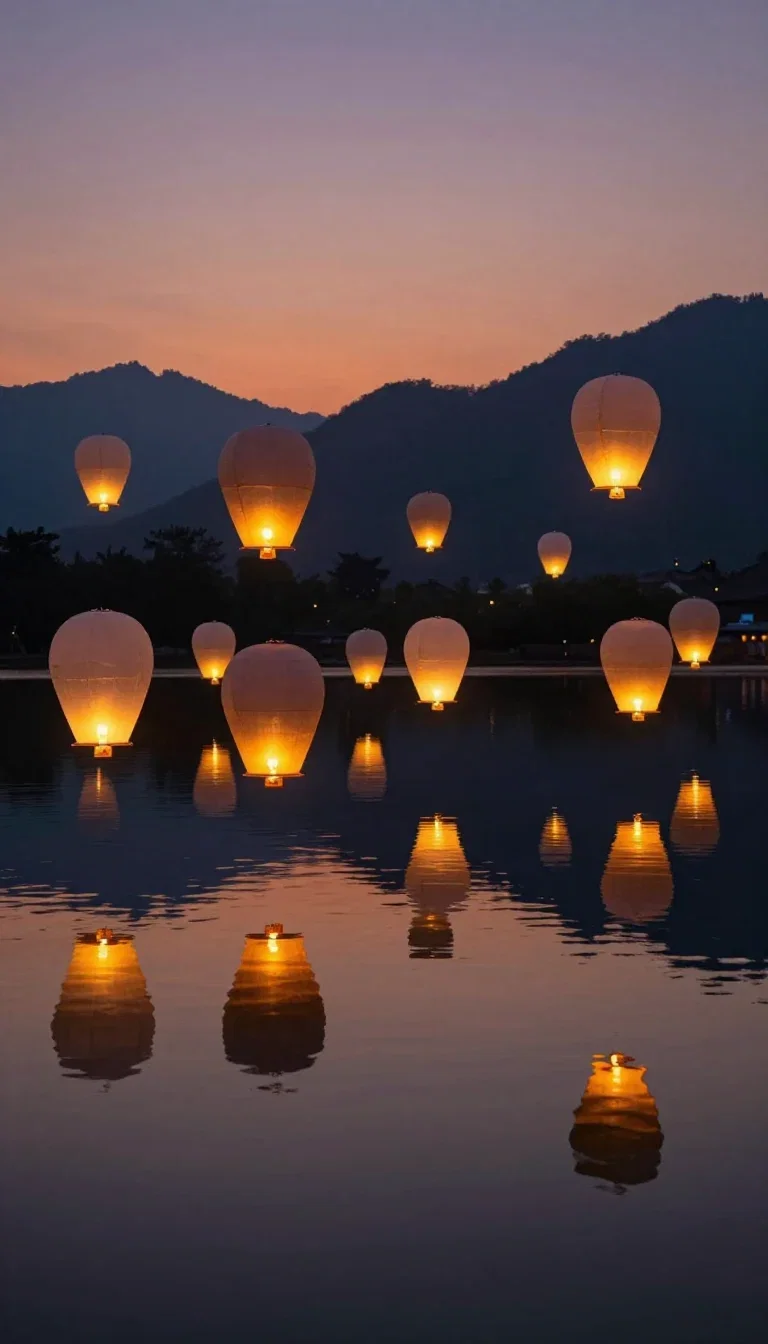
Turbo frame
Z-Image Turbo
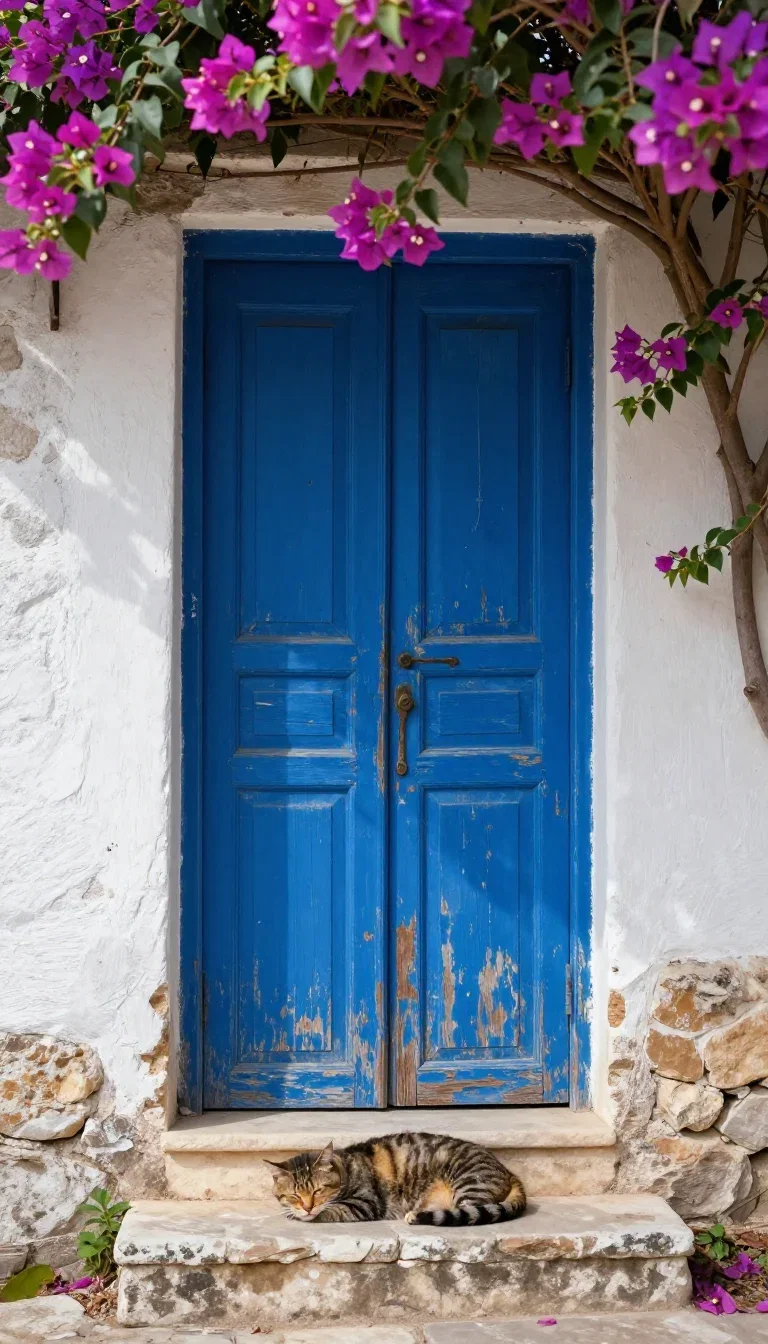
Detail
Z-Image Turbo
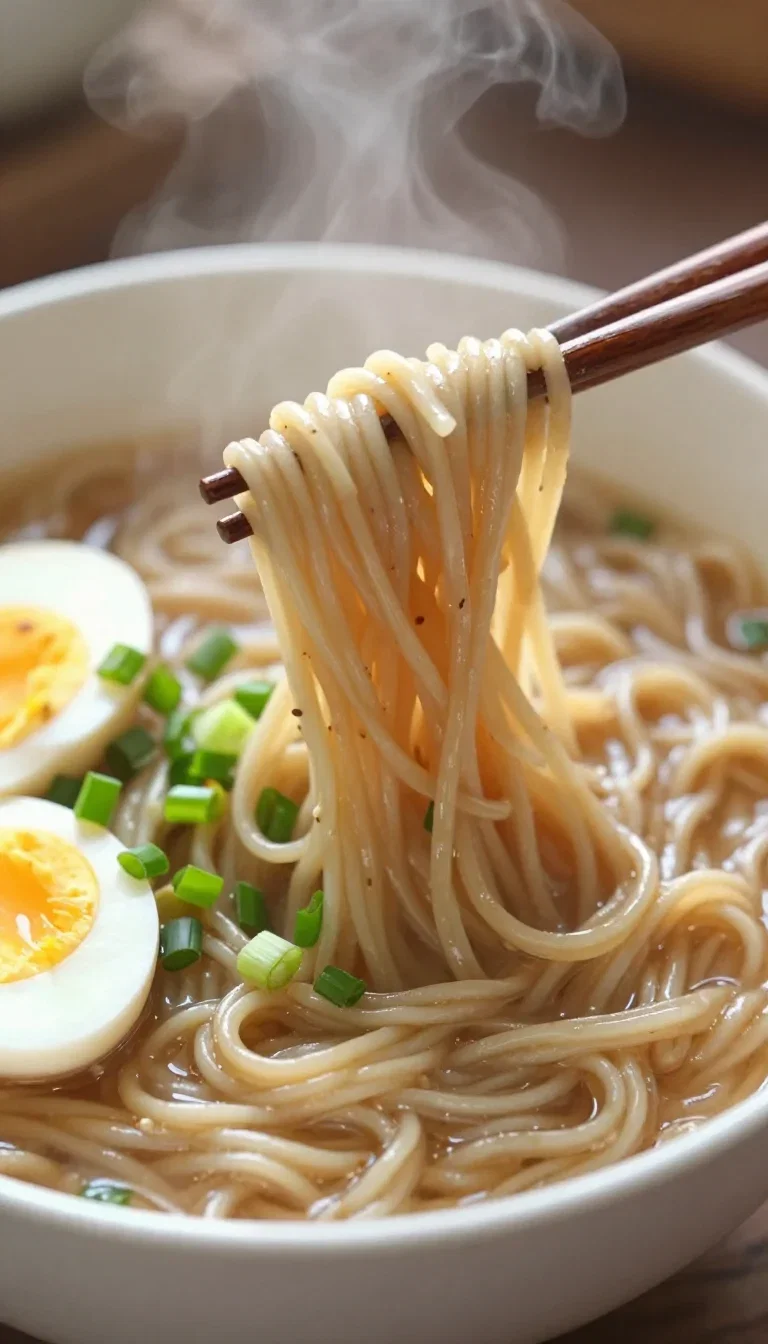
Food
Z-Image Turbo
One brief, four committed looks
The same lighthouse cottage as photograph, watercolor, miniature diorama, and ink sketch.
All four are Z-Image Turbo, generated in under a minute of wall-clock time.
That is what direction-hunting looks like when iteration is effectively free.
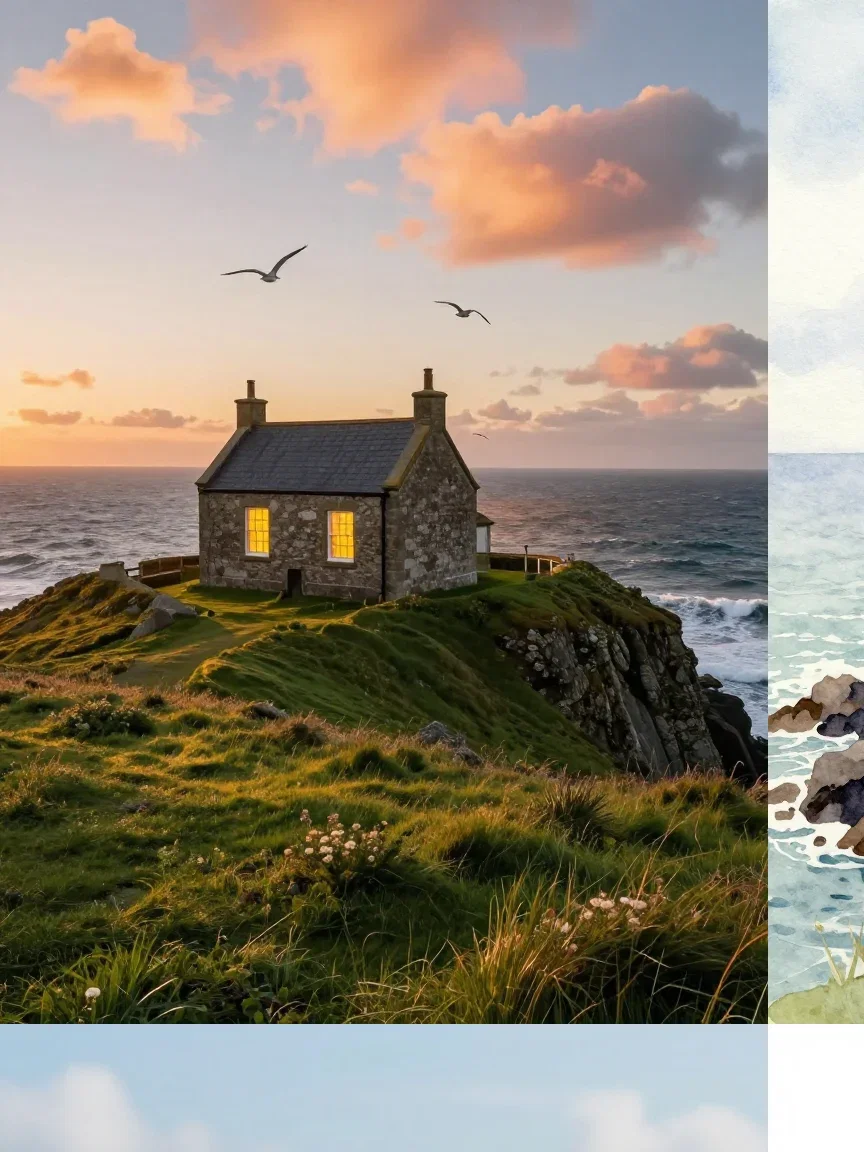
One brief, four looks
Under a minute
Three ways to use Z-Image
Powered by Z-Image Turbo on the FluxoKit canvas — no Alibaba setup, speed as the default.
Direction hunting
Throw half-formed ideas at it — subjects, styles, moods — and judge real frames, not guesses.
Volume drafts
Hooks, boards, and variation rounds at a credit cost that invites excess.
Explore, then commit
Promote the winning direction to Nano Banana Pro or FLUX when the placement demands it.
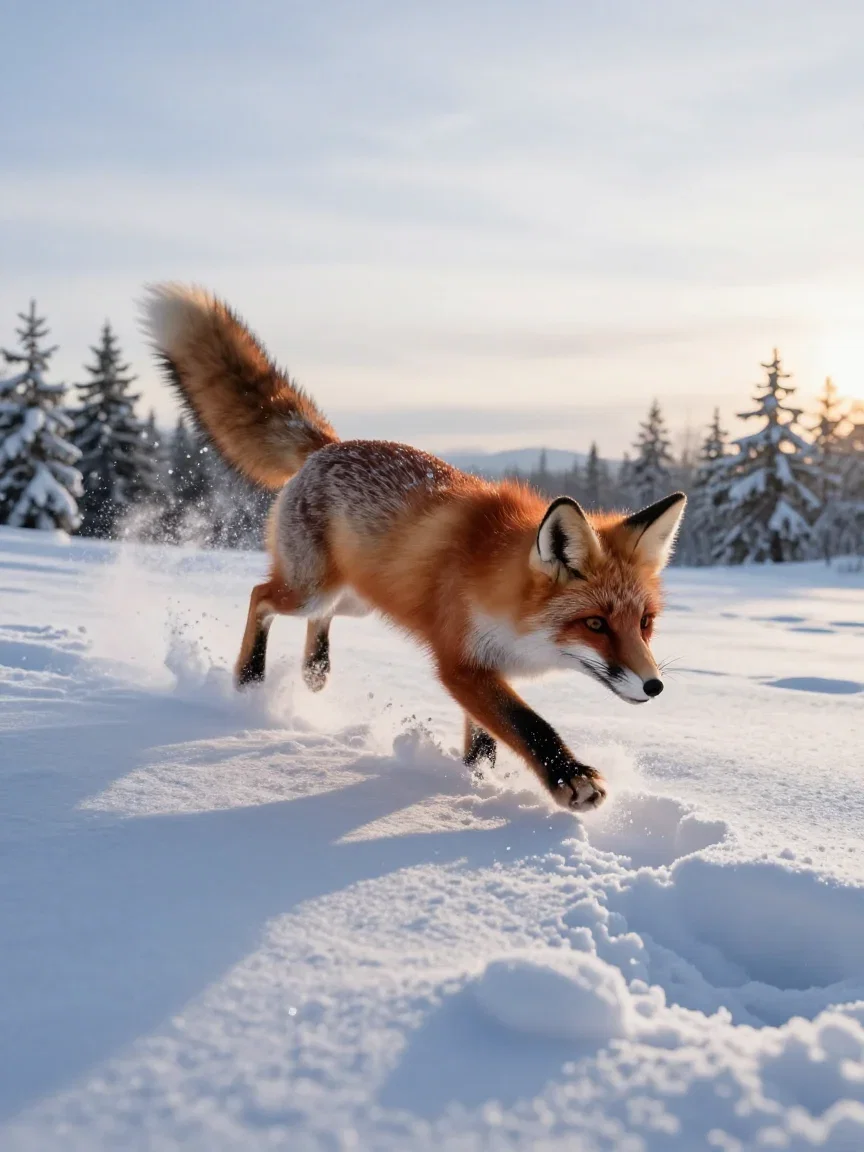
Action
Snow pounce

Motion
Wind blur

Craft
Waxed thread
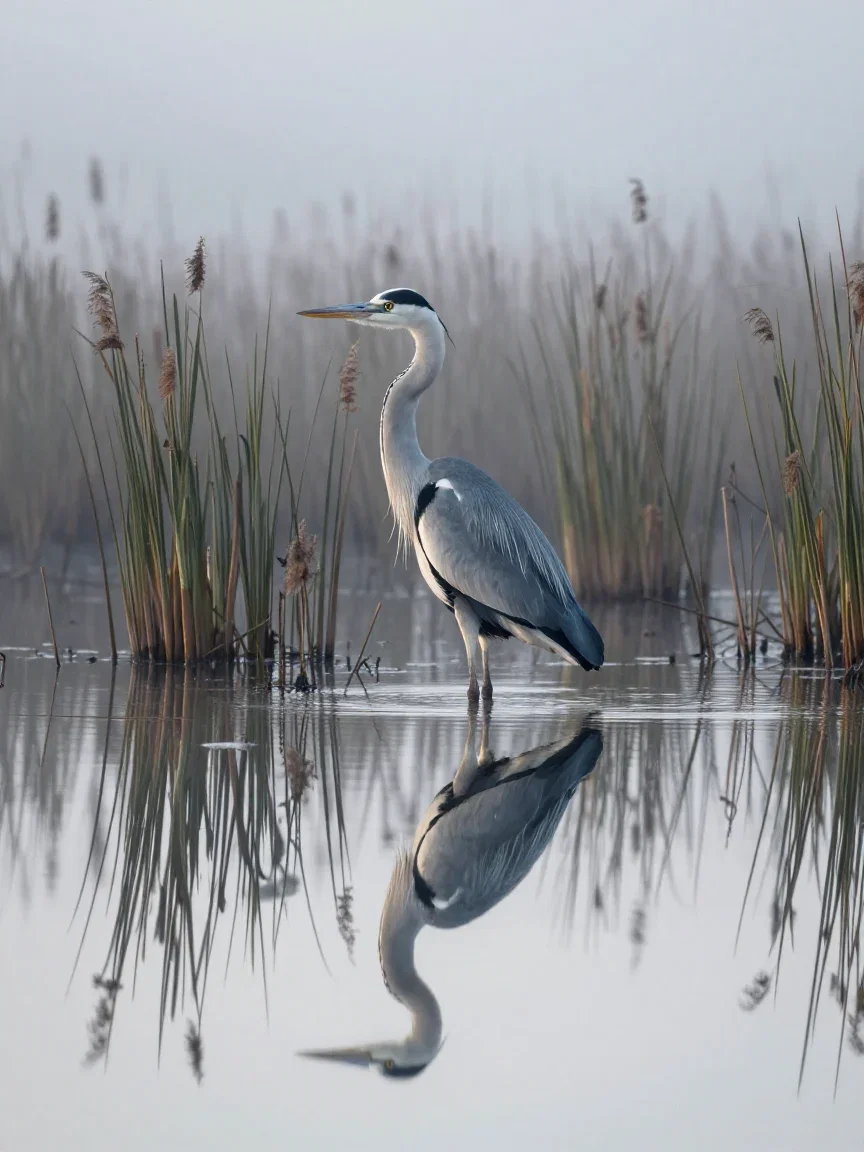
Stillness
Misty reeds
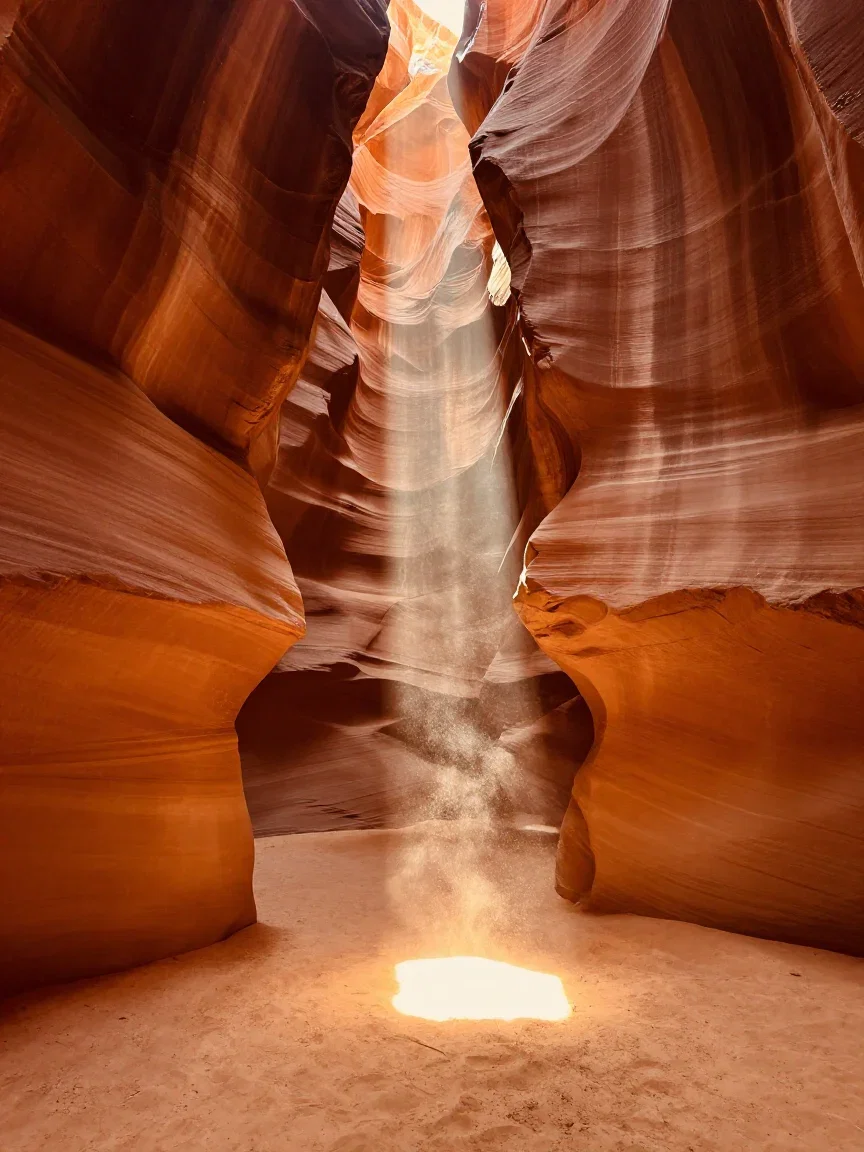
Light
Canyon beam
Fast does not mean flat
Speed engines earn their keep only if the frames hold up — silhouette, cloud sea, rim light.
This ridge sunrise is a single unretouched Turbo pass.
Plenty of Turbo frames ship as finals; the rest earn their keep as the map to one.
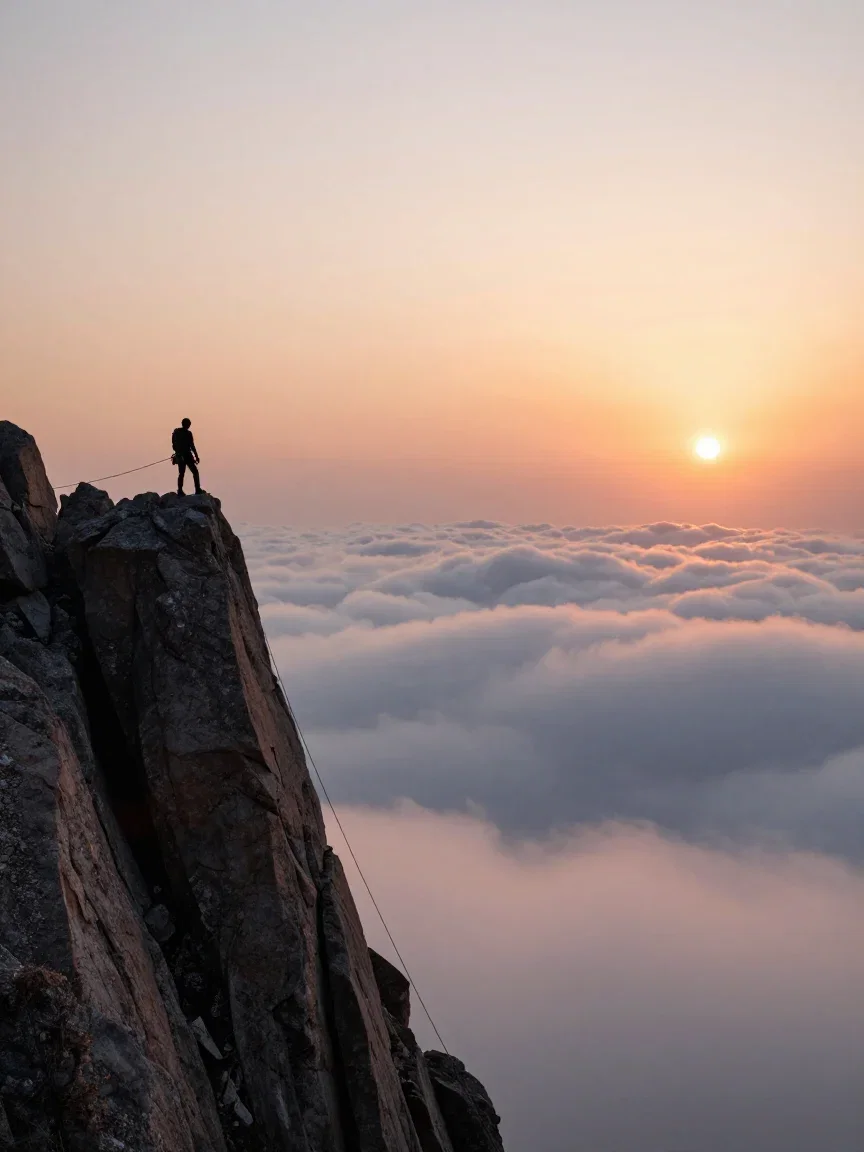
Drama
Ridge sunrise
Product light on a draft budget
Steam, glass, and side light — the expensive-looking staples — render clean at Turbo speed.
Run ten variations of the pour before a flagship engine finishes two.
Then re-run the winner upmarket only if the placement demands it.
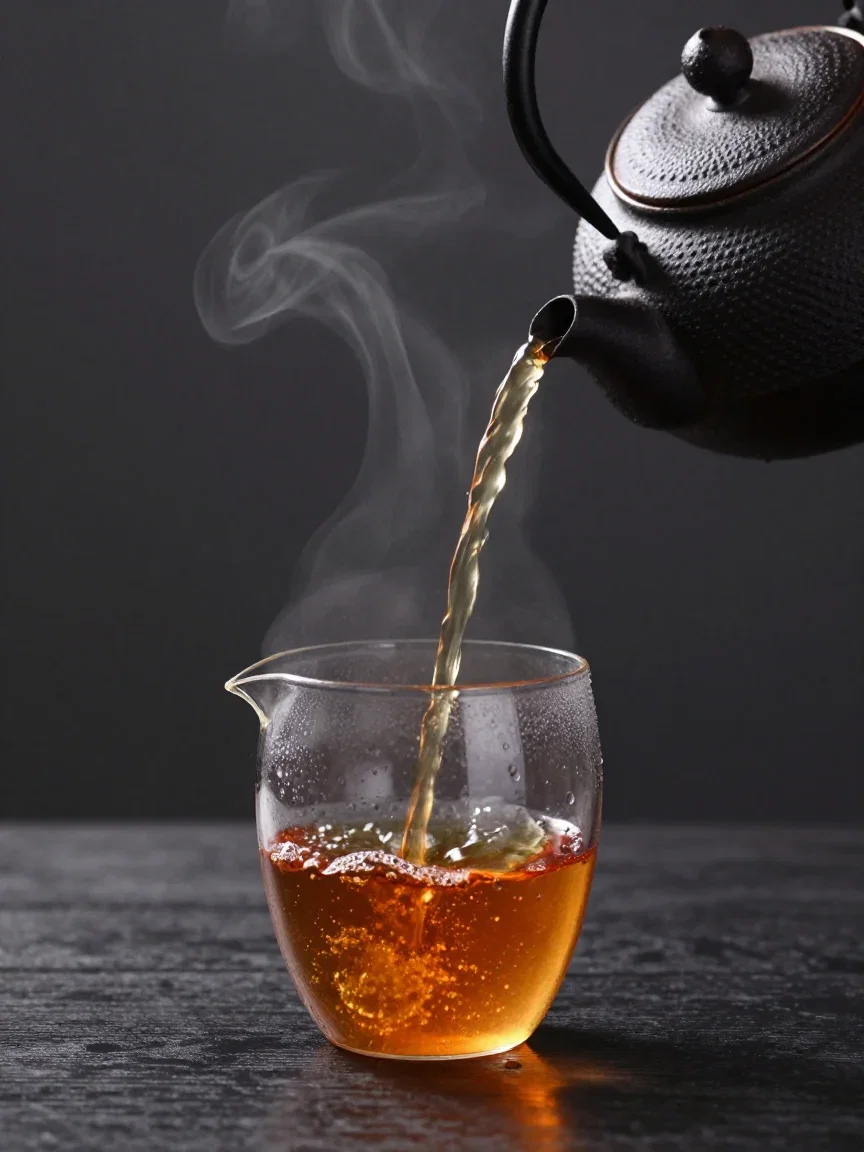
Product light
Steam & glass
One canvas, every engine
135+
AI models in one canvas
18
Turbo frames generated for this page
14,500+
real generations delivered
Real Z-Image Turbo generations
Straight from this page's draft rounds — fireflies, arctic arch, karst mist.

Blue hour
Fireflies
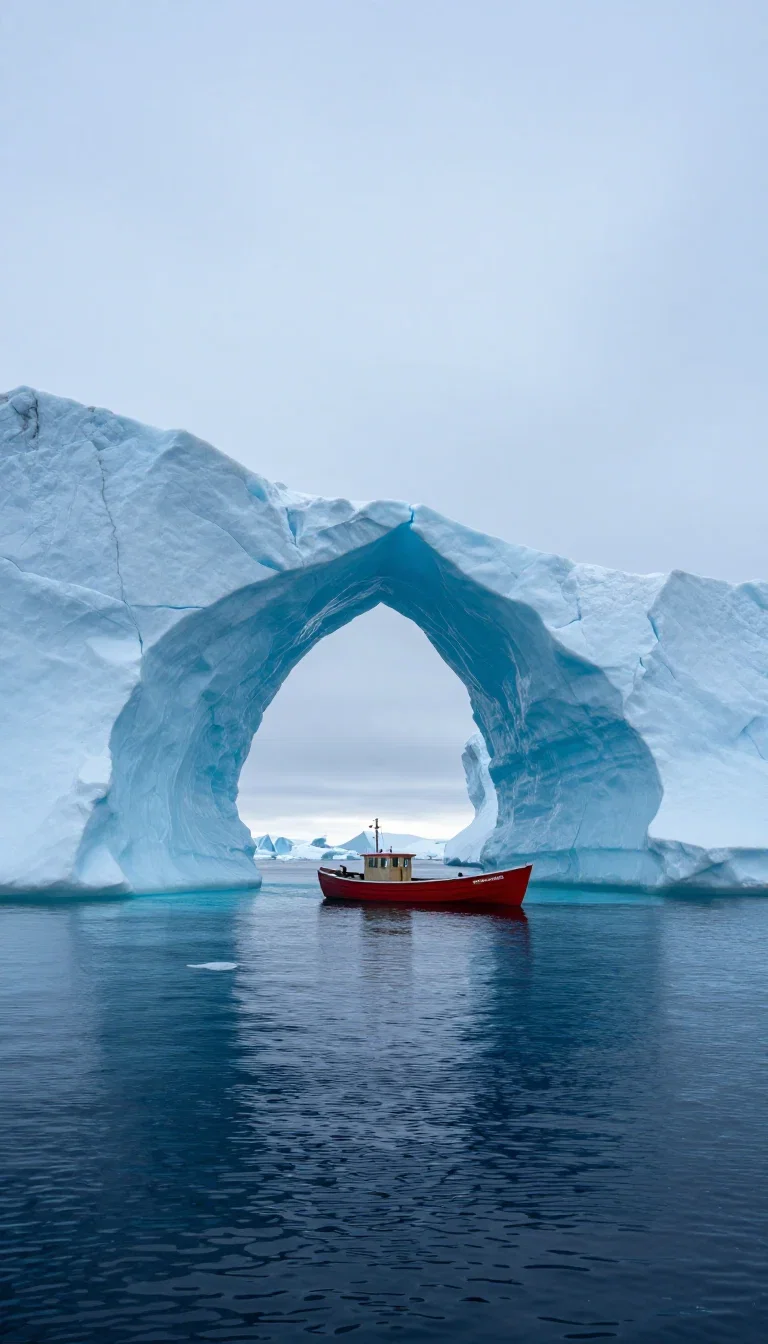
Scale
Arctic arch
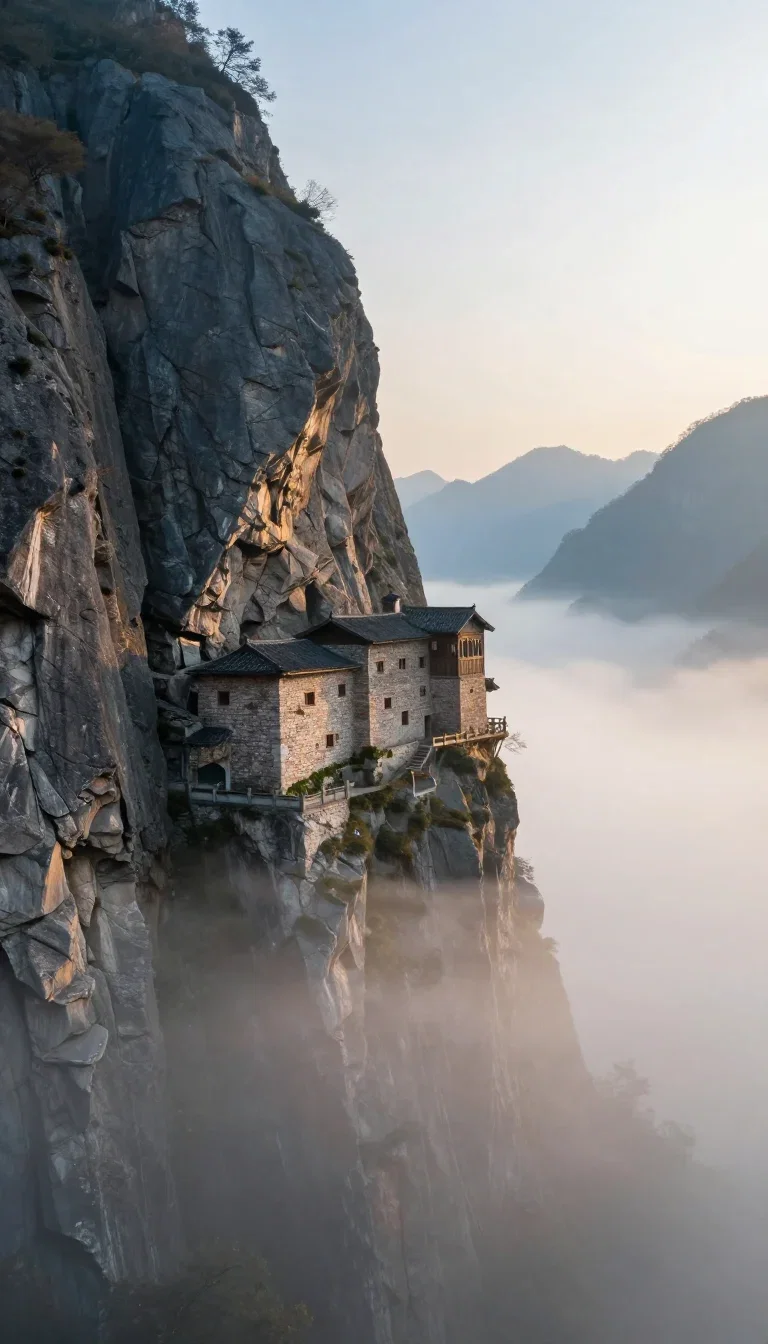
Atmosphere
Karst mist
How to use Z-Image on FluxoKit
Default to Turbo for drafts
Start every exploration here — the credits barely notice.
Go wide, then narrow
Ten directions, four looks, one winner — judged on frames.
Promote when needed
Re-run the winner on a flagship engine only when the placement demands it.
Z-Image is Alibaba's speed engine — frames in a blink at a sliver of flagship cost, with quality that earns second looks. FluxoKit runs Z-Image Turbo on one canvas next to Nano Banana Pro, FLUX, Soul, and GPT Image 2, with no Alibaba setup. Every frame on this page is unretouched Z-Image Turbo output.
When people search for z image or z image turbo, they have heard the speed story and want to see the quality. This page shows both.
Direct Answer
Use Z-Image Turbo when iteration wins: moodboards, direction hunting, draft rounds, and volume work where ten fast frames beat two precious ones. It returns near-instantly and sips credits, so exploring wide costs almost nothing. The honest loop: explore with Turbo, pick the direction, then decide whether the placement needs a flagship re-run — often the Turbo frame ships as-is. On FluxoKit the whole loop lives on one canvas.
Why Speed Changes the Work
Three habits set it apart. Ideas stay warm: the next variation lands before you finish judging the last. Exploration gets wide: one brief, four committed looks — photo, watercolor, miniature, ink — in under a minute. And credits stretch: draft rounds stop being a budget line.
How to Use Z-Image on FluxoKit
- Pick Z-Image Turbo from the model picker.
- Throw directions at it — subjects, styles, compositions — while they are still half-formed.
- Composite the contenders, pick the direction.
- Re-run the winner on Nano Banana Pro or FLUX if the placement demands it.
- Ship, and keep Turbo as the default for the next draft round.
Z-Image vs the Field
Z-Image owns iteration speed; Nano Banana Pro owns instruction-faithful polish; FLUX owns physical light; Soul owns committed aesthetics. Draft-heavy and volume briefs lean Z-Image — and the honest way to decide is one brief, four engines, same canvas.
Related workflows
- AI Image Generator — every image engine on one page.
- AI Art Generator — styled generation across engines.
- Z-Image Turbo model reference — specs and technical notes.
Why run Z-Image on FluxoKit
The model is Alibaba's. The workflow — exploration beside the flagships — is what FluxoKit adds.
No Alibaba setup
Skip the DashScope console. Pick Turbo on the canvas and frames land in seconds.
Iteration economics
Credit costs light enough that draft rounds stop being a decision.
Quality that surprises
Unretouched Turbo frames fill this page — plenty ship as finals.
Style range
Photo to watercolor to ink — committed looks from one fast engine.
Flagships one click away
Promote winners to Nano Banana Pro or FLUX on the same canvas.
30-day guarantee
Generate real work for 30 days. Refund requests are governed by the first-subscription guarantee and Refund Policy.
17 models available in the canvas
Every model below is live in the FluxoKit studio. Each link opens its technical page with parameters, limits, and real generation examples.
- 01

GPT Image-1
OpenAI · Image generation
- 02
GPT Image-1.5
OpenAI · Image generation
- 03
GPT Image-2
OpenAI · Image generation
- 04
GPT Image 2.5 Sunburst
OpenAI · Image generation
- 05

Grok Image 2
xAI · Image generation
- 06
Grok Imagine Image
xAI · Image generation
- 07

Higgsfield Soul
Higgsfield AI · Image generation
- 08

Seedream 5.0
ByteDance · Image generation
- 09
Seedream 5.0 Pro
ByteDance · Image generation
- 10

FLUX.2 Klein 9B
Black Forest Labs · Image generation
- 11

Nano Banana Pro (Gemini 3.0)
Google AI · Image generation
- 12
Nano Banana Pro 2 (Gemini 3.1)
Google AI · Image generation
- 13

QWEN Image 2.0 Pro
Alibaba Cloud · Image generation
- 14
Z-Image Turbo
Alibaba Cloud · Image generation
- 15

Image Z-Turbo LoRA
AIML API · Image generation
- 16

Kora Pro
Kora · Image generation
- 17

MiniMax Image-01
MiniMax · Image generation
Frequently asked questions
What is Z-Image?
Z-Image is Alibaba's fast image generation model — the Turbo variant returns frames near-instantly at a tiny fraction of flagship credit cost, with quality that keeps surprising people. On FluxoKit it runs inside the same canvas as Nano Banana Pro, FLUX, Soul, and GPT Image 2.
What is Z-Image Turbo best at?
Iteration. When you are exploring directions — looks, compositions, subjects — Turbo gets ten ideas on screen while a flagship engine renders two. The style grid on this page is one brief in four looks, all Z-Image, made in under a minute.
Is Z-Image quality actually good?
For exploration and plenty of finals, yes — the frames on this page are unretouched Z-Image Turbo output. The honest workflow: explore wide with Turbo, then re-run the winning direction on a flagship engine if the placement demands it. Often it does not.
How do I use Z-Image without an Alibaba account?
Pick Z-Image Turbo from the FluxoKit picker — no DashScope console or Alibaba Cloud setup. Credits from the one FluxoKit plan cover it alongside every other engine, and its light credit cost makes it the default for drafts.
Is Z-Image free?
FluxoKit does not sell a free trial. Z-Image Turbo runs inside the platform plan from $14/month with monthly credits — where its speed means those credits go far — backed by a 30-day first-subscription satisfaction guarantee, subject to the Refund Policy.
Next step
Access 135 AIs in one canvas, without subscribing to each one.
Monthly credits with no separate subscription per model. New purchases are temporarily unavailable; contact support for billing help.
Z-IMAGE ON FLUXOKIT
Run your first Z-Image frame
Near-instant frames that sip credits, beside the whole image field — one canvas, one plan.