
AI Flyer Generator
Event-specific artwork with room for your headline — generated art plus clean type, ready for the corkboard.
The 17 models on this page are already included, with no separate subscription per tool. 14,500+ real generations already delivered on the platform. Updated

Beach bonfire
Finished flyer
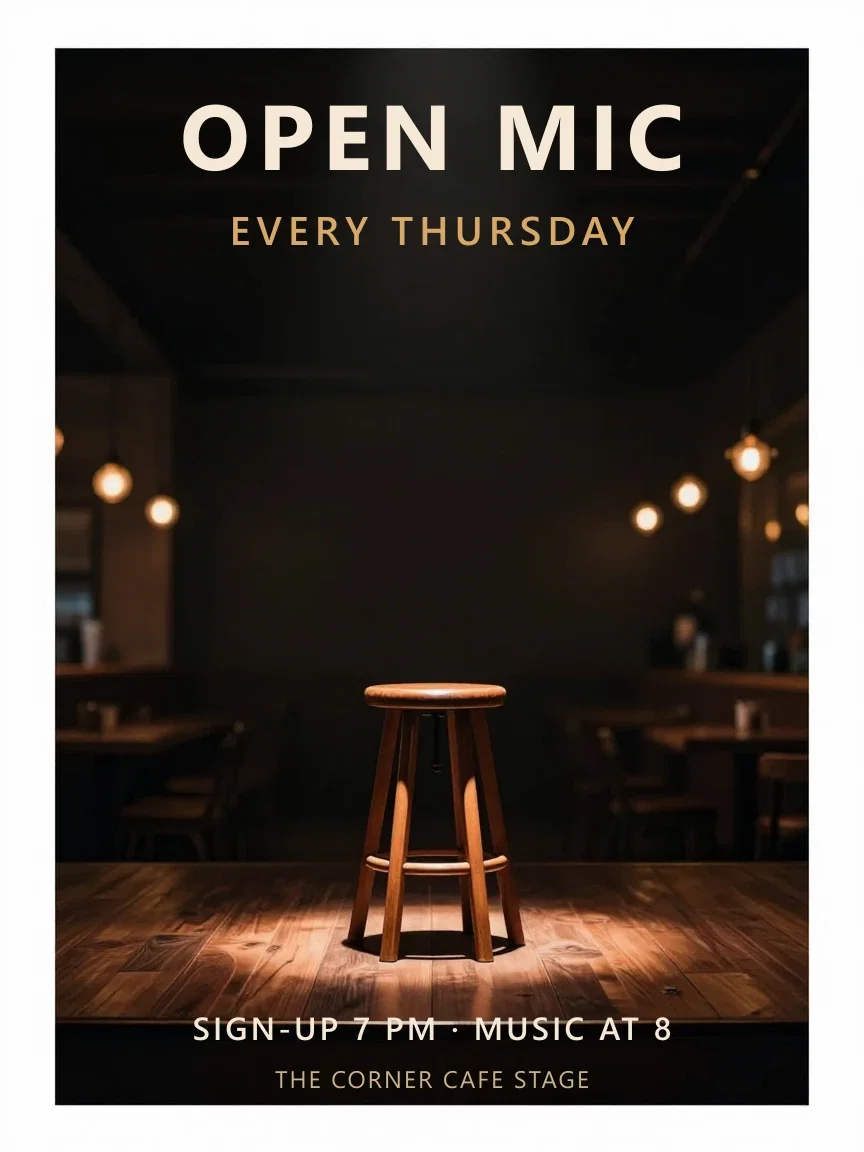
Open mic
Finished flyer
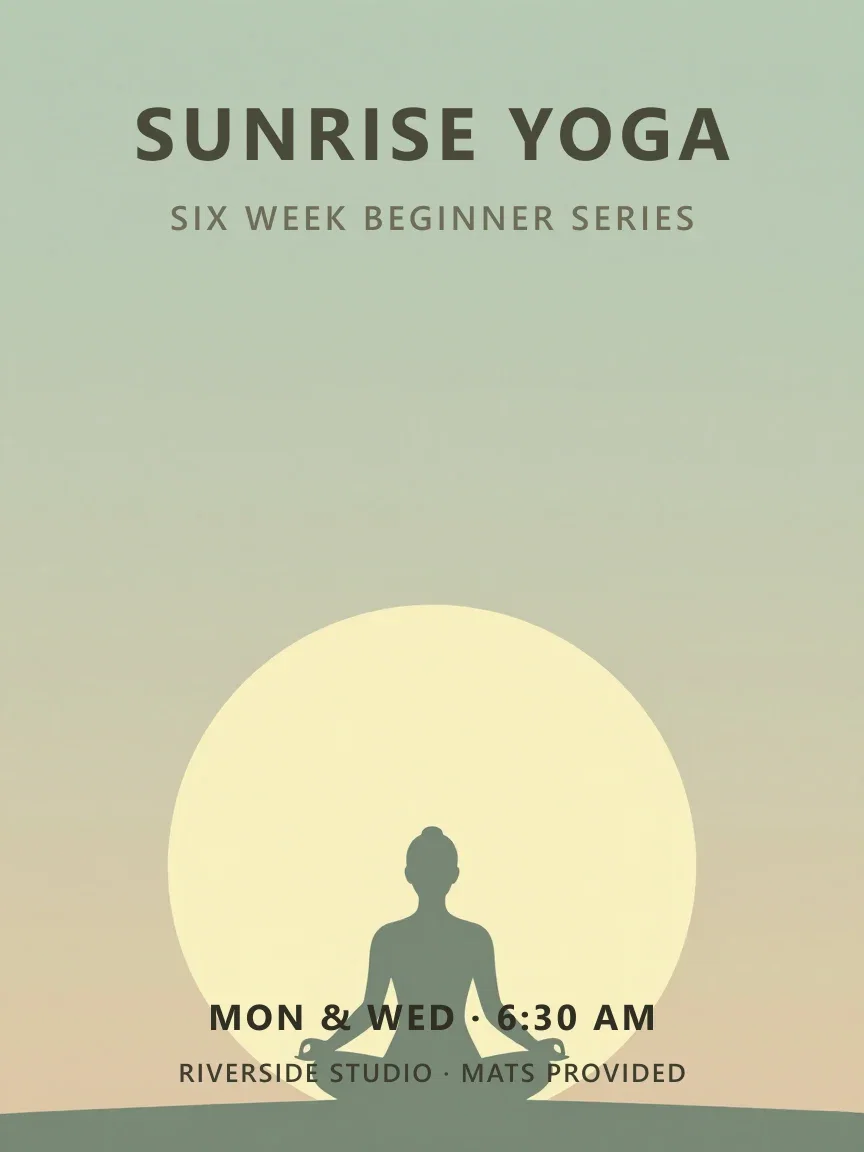
Sunrise yoga
Finished flyer
Art in. Flyer out.
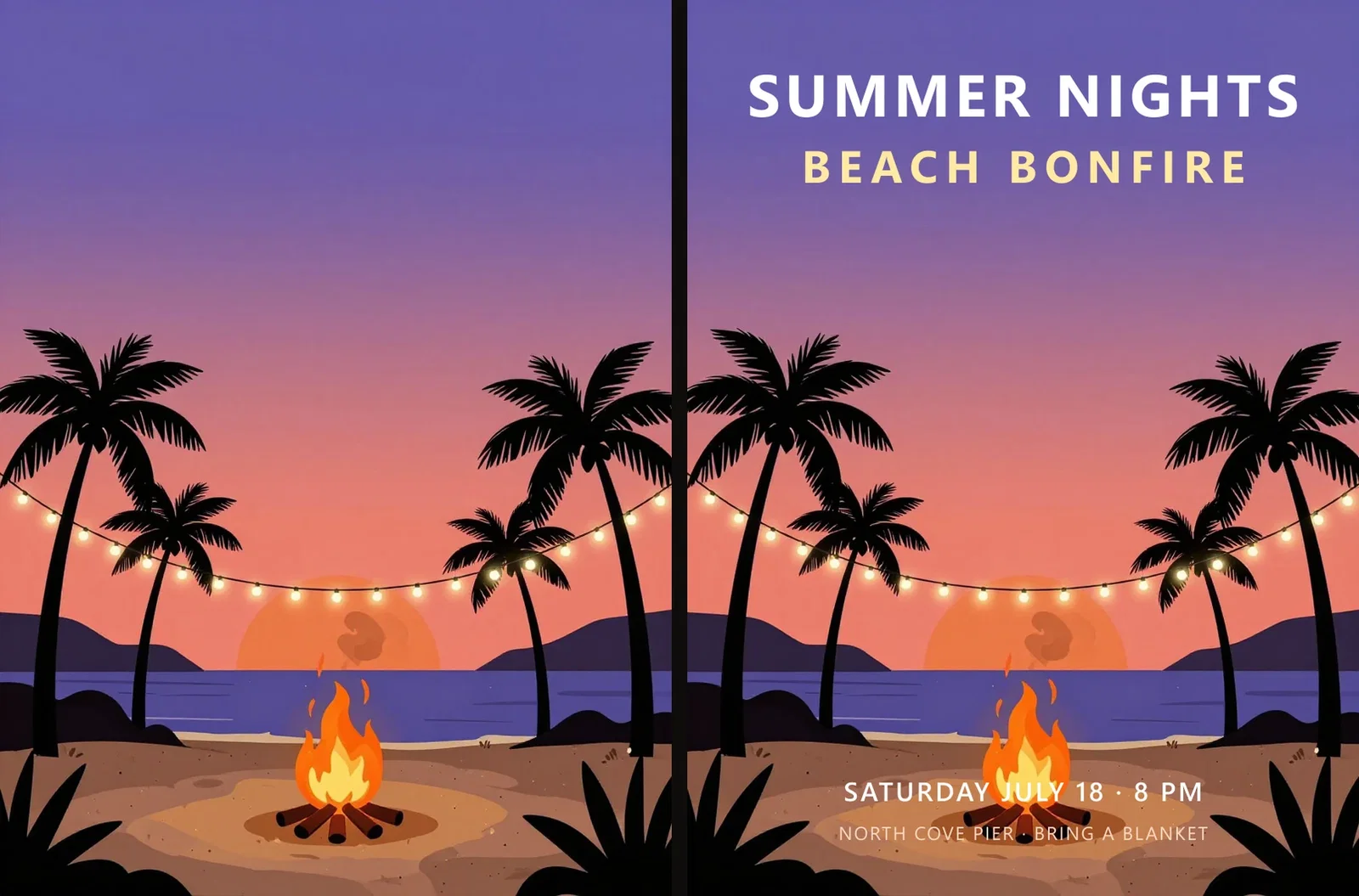
Left: the generated artwork — a beach bonfire at dusk, prompted with a deliberately empty sky.
Right: the finished flyer — headline set into that space, details along the bottom, every letter pixel-crisp because it is type, not paint.
The art was composed for the text. That is the whole workflow.
Art in, flyer out
The two-step build
Three ways to build a flyer
Powered by the image engines on the FluxoKit canvas — art, typography, and print prep.
Generate the art
Describe the mood and reserve the negative space for your headline.
Set the type
Headline and details land clean in the space the art left for them.
Let Flex draw it
FLUX 2 Flex renders display typography inside the image itself.
The corkboard
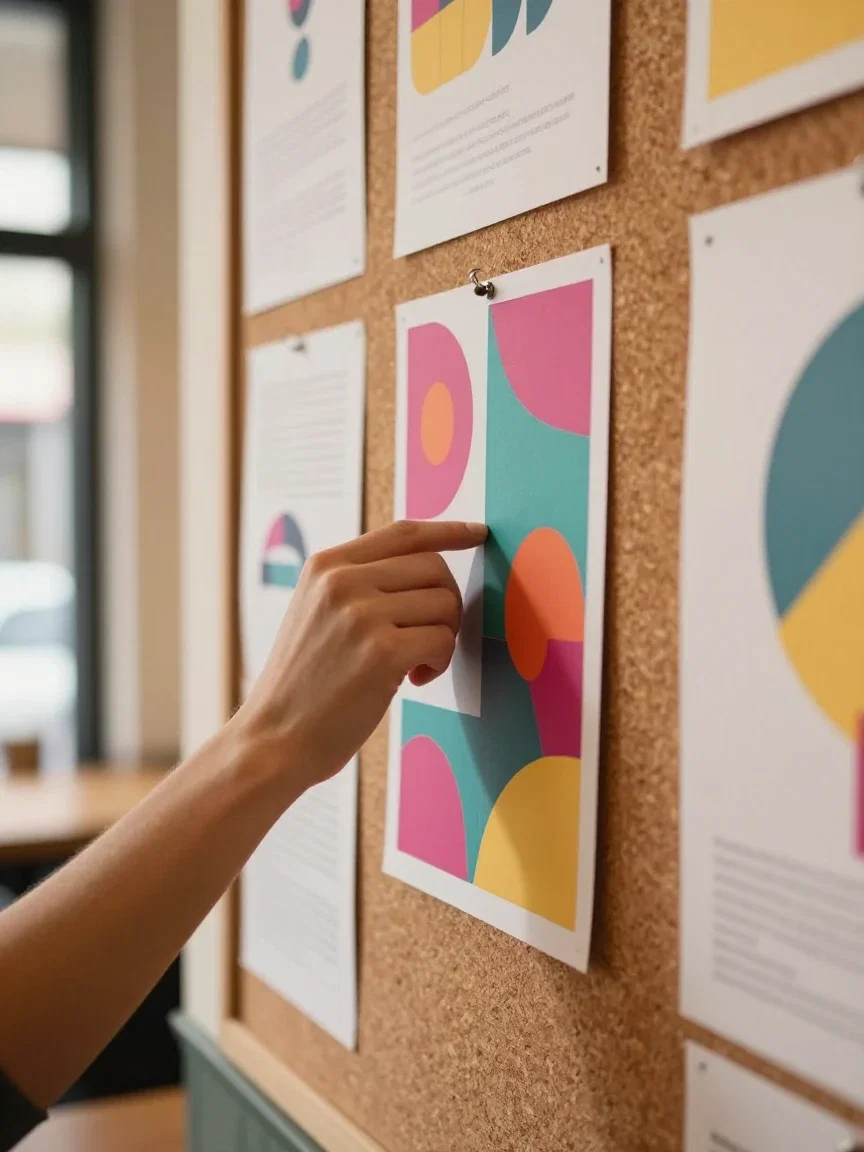
Where flyers fight
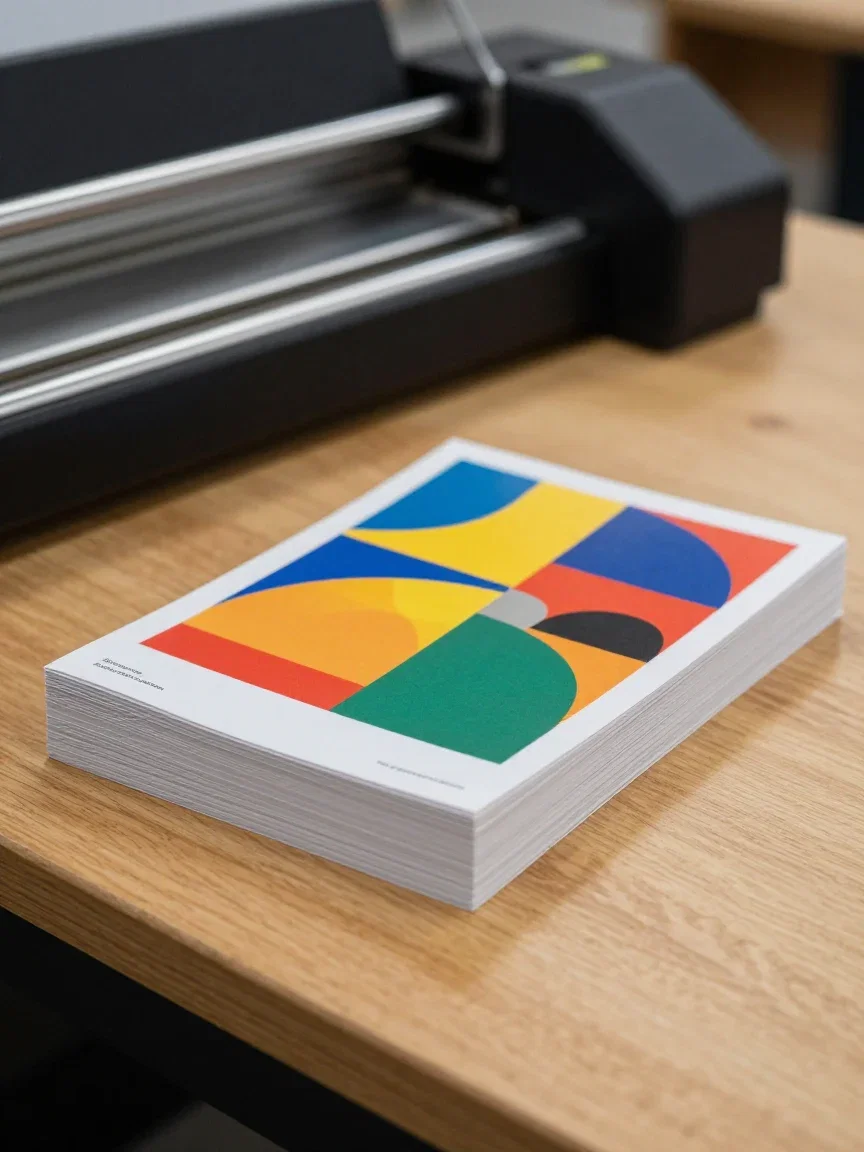
Fresh off the press
Print-ready

Street team
Into real hands
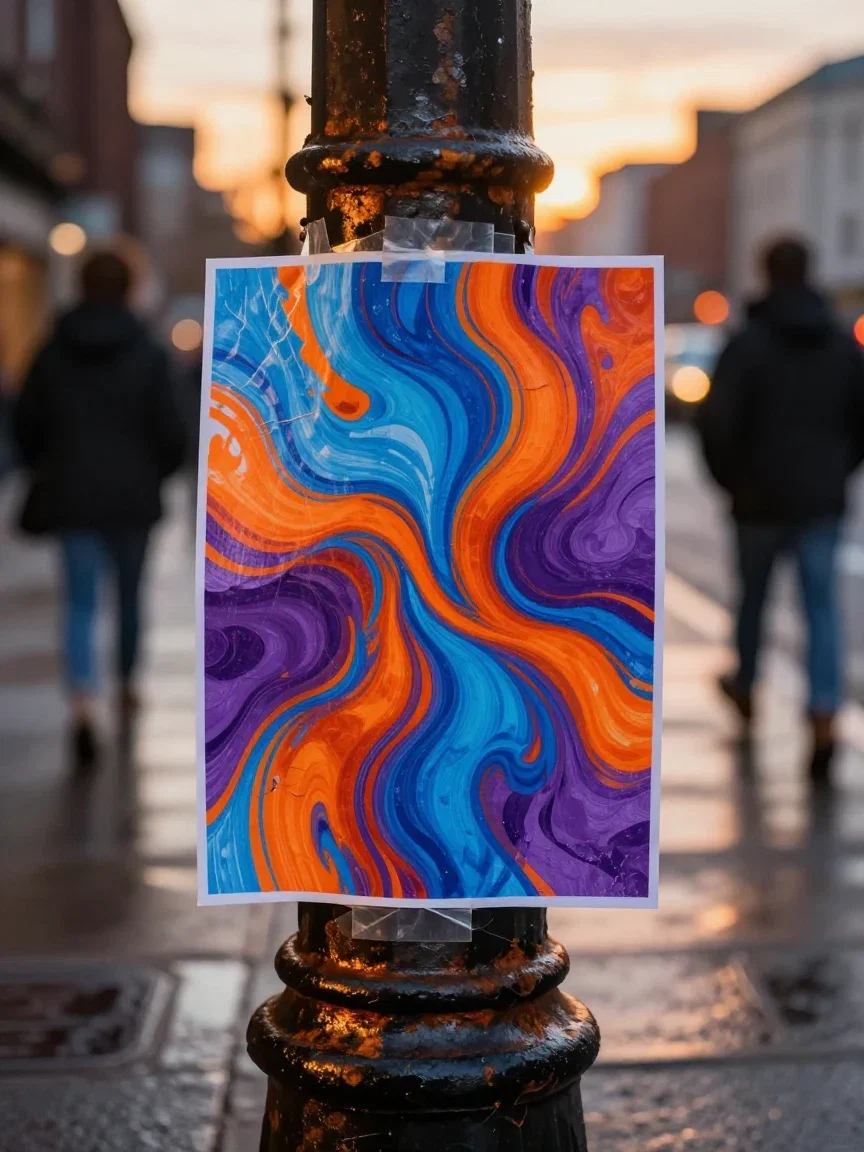
Guerrilla
City surfaces

Typography by the engine
FLUX 2 Flex render
Three events, zero templates
A bonfire party, an open-mic night, a sunrise yoga series — each got mood-specific art from one description, then its own type treatment.
Different palettes, different worlds, same two-step build.
None of them could be mistaken for a template, because none started from one.
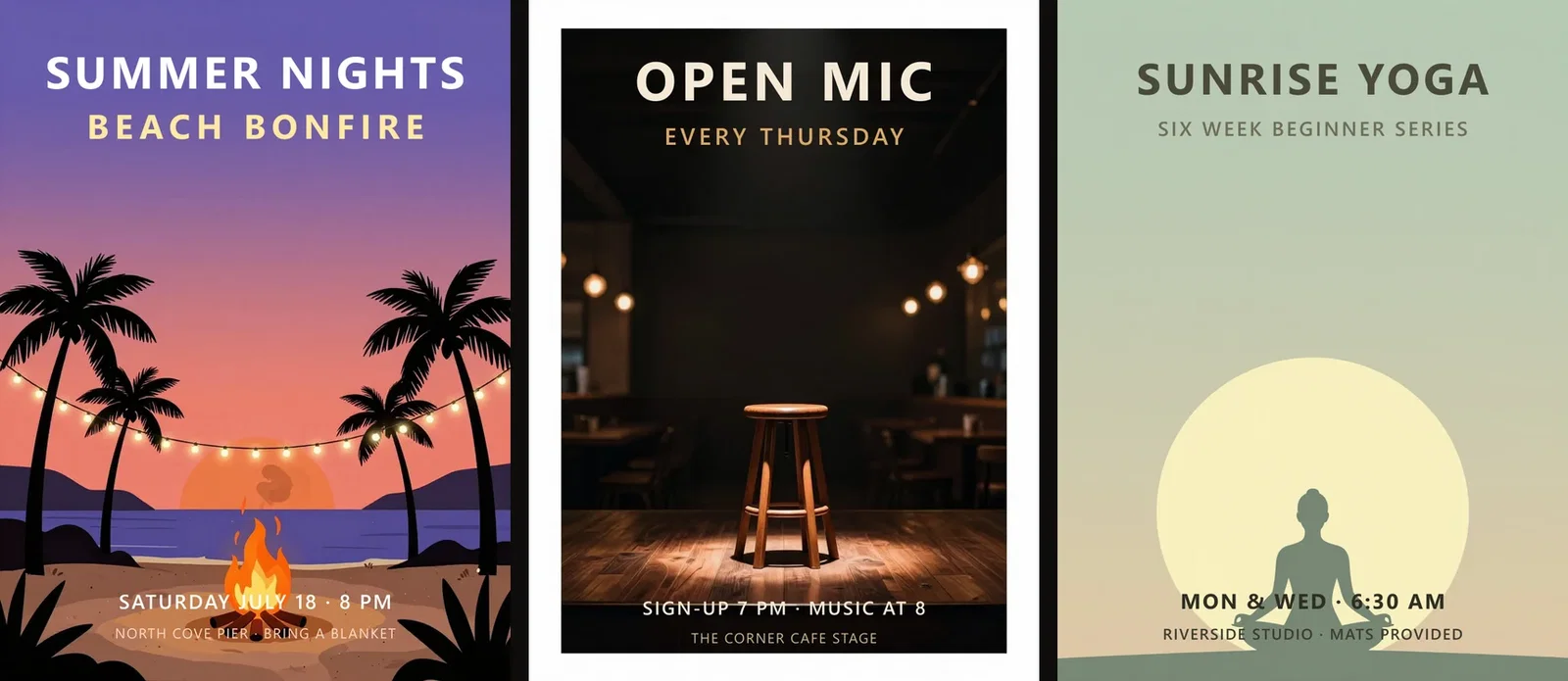
Three events, one workflow
Bonfire · open mic · yoga
When the engine sets the type
For lettering drawn inside the image itself, FLUX 2 Flex is the typography engine — this grand-opening concept, headline and all, is a single render from it.
Use it for stylized display type; use the art-then-type workflow when the wording must be pixel-exact.
Both live on the same canvas.
Typography by the engine
FLUX 2 Flex render
One canvas, every engine
3
finished flyers built for this page
135+
AI models in one canvas
14,500+
real generations delivered
The lettering, up close
Crops from the finished flyers — crisp at any zoom because the type is real.

The headline
Type, not paint

Open mic
Crisp on dark

The details
Schedule line
How to make a flyer on FluxoKit
Describe the mood
Name the event's world and where the empty space should sit.
Pick and type
Choose the strongest art and set the headline in its reserved space.
Print big
Upscale with the Topaz node for posters and print runs.
A flyer is artwork with a job: carry a headline. This page built three real flyers on the FluxoKit canvas the way working designers do it — generate the background art with deliberate negative space, then set the event's text in clean type on top — and added a render from FLUX 2 Flex, the engine that draws typography inside the image itself.
When people search for ai flyer generator, they want finished pieces, not clip art. This page shows the workflow that gets there.
Direct Answer
Use an AI flyer generator to produce event-specific artwork instead of reaching for a template: describe the mood — "beach bonfire at dusk, string lights, empty sky at the top" — and the engine composes art with room for your headline. Set the text on top and the flyer is done. On FluxoKit this runs from $14/month, with FLUX 2 Flex available when you want the typography rendered inside the image, and the whole piece one node from print-ready upscaling.
Art In, Flyer Out
The before/after pair shows the workflow: generated beach-bonfire art on the left, the finished flyer on the right — headline in the sky the prompt deliberately left empty, details along the bottom. The art was made for the text, which is why the composition works.
Three Events, One Workflow
The strip holds a bonfire party, an open-mic night, and a sunrise yoga series. Different palettes, different moods, same two-step build: mood-specific art, then clean type. None of them could be mistaken for a template.
How to Make a Flyer on FluxoKit
- Describe the event's mood and name where the empty space should be.
- Generate the art and pick the strongest composition.
- Set the headline and details in the reserved space.
- Need drawn-in type? Route the concept through FLUX 2 Flex.
- Upscale for print with the Topaz node on the same canvas.
Related workflows
- FLUX AI — the family with the Flex typography engine.
- AI Poster Generator — the large-format sibling.
- Topaz Upscale — make it print-ready.
Why make flyers on FluxoKit
The engines paint. The pipeline — art to type to print — is what FluxoKit adds.
Composed for your headline
The art reserves the space the text needs — by prompt, not by luck.
Letters stay crisp
Type is set, not painted — zoom the gallery crops and check.
A typography engine too
FLUX 2 Flex draws display type inside the image when style calls for it.
Print-ready pipeline
Topaz upscaling turns the flyer into poster stock on the same canvas.
Proof on the page
All three flyers were built end-to-end with this workflow.
30-day guarantee
Design real flyers for 30 days. Refund requests are governed by the first-subscription guarantee and Refund Policy.
17 models available in the canvas
Every model below is live in the FluxoKit studio. Each link opens its technical page with parameters, limits, and real generation examples.
- 01

GPT Image-1
OpenAI · Image generation
- 02
GPT Image-1.5
OpenAI · Image generation
- 03
GPT Image-2
OpenAI · Image generation
- 04
GPT Image 2.5 Sunburst
OpenAI · Image generation
- 05

Grok Image 2
xAI · Image generation
- 06
Grok Imagine Image
xAI · Image generation
- 07

Higgsfield Soul
Higgsfield AI · Image generation
- 08

Seedream 5.0
ByteDance · Image generation
- 09
Seedream 5.0 Pro
ByteDance · Image generation
- 10

FLUX.2 Klein 9B
Black Forest Labs · Image generation
- 11

Nano Banana Pro (Gemini 3.0)
Google AI · Image generation
- 12
Nano Banana Pro 2 (Gemini 3.1)
Google AI · Image generation
- 13

QWEN Image 2.0 Pro
Alibaba Cloud · Image generation
- 14
Z-Image Turbo
Alibaba Cloud · Image generation
- 15

Image Z-Turbo LoRA
AIML API · Image generation
- 16

Kora Pro
Kora · Image generation
- 17

MiniMax Image-01
MiniMax · Image generation
Frequently asked questions
What is an AI flyer generator?
An AI flyer generator produces the visual foundation of a flyer — background art, composition, and mood — from a written description, so the finished piece only needs your event's text. On FluxoKit the art comes from the image engines, and the type is set cleanly on top.
How does the text stay crisp?
The reliable workflow is art-then-type: generate the artwork with deliberate negative space, then set the headline and details as real text. All three flyers on this page were built that way — the letters are pixel-perfect because they are type, not paint. For text drawn inside the image itself, FLUX 2 Flex is the typography engine, and this page shows a render from it.
What kinds of flyers can it make?
This page built three from different worlds: a beach bonfire party, a cafe open-mic night, and a yoga class series. Any event with a mood you can describe — markets, launches, workshops, shows — gets its art the same way.
Why generate flyer art instead of using templates?
Templates look like templates. Generated art is composed for your event specifically — the palette, the scene, the negative space where your headline lands. The three flyers here share a workflow, not a look.
Is the AI flyer generator free?
FluxoKit does not sell a free trial. The engines run inside the platform plan from $14/month with monthly credits, backed by a 30-day first-subscription satisfaction guarantee, subject to the Refund Policy: design real flyers for a month, and refund requests are governed by the first-subscription guarantee and Refund Policy.
Next step
Access 135 AIs in one canvas, without subscribing to each one.
Monthly credits with no separate subscription per model. New purchases are temporarily unavailable; contact support for billing help.
FLYERS ON FLUXOKIT
Make your first flyer
Event-true art, clean type, print-ready — one canvas, one plan.