
Image Z-Turbo LoRA
Image Z-Turbo LoRA is the identity-locked variant of Z-Image Turbo, available in FluxoKit's browser studio at 2 credits per image. A trained LoRA keeps the same character, product, or style consistent across every generation at speed-tier cost, on plans starting at $14 per month.
Updated July 2026
Examples
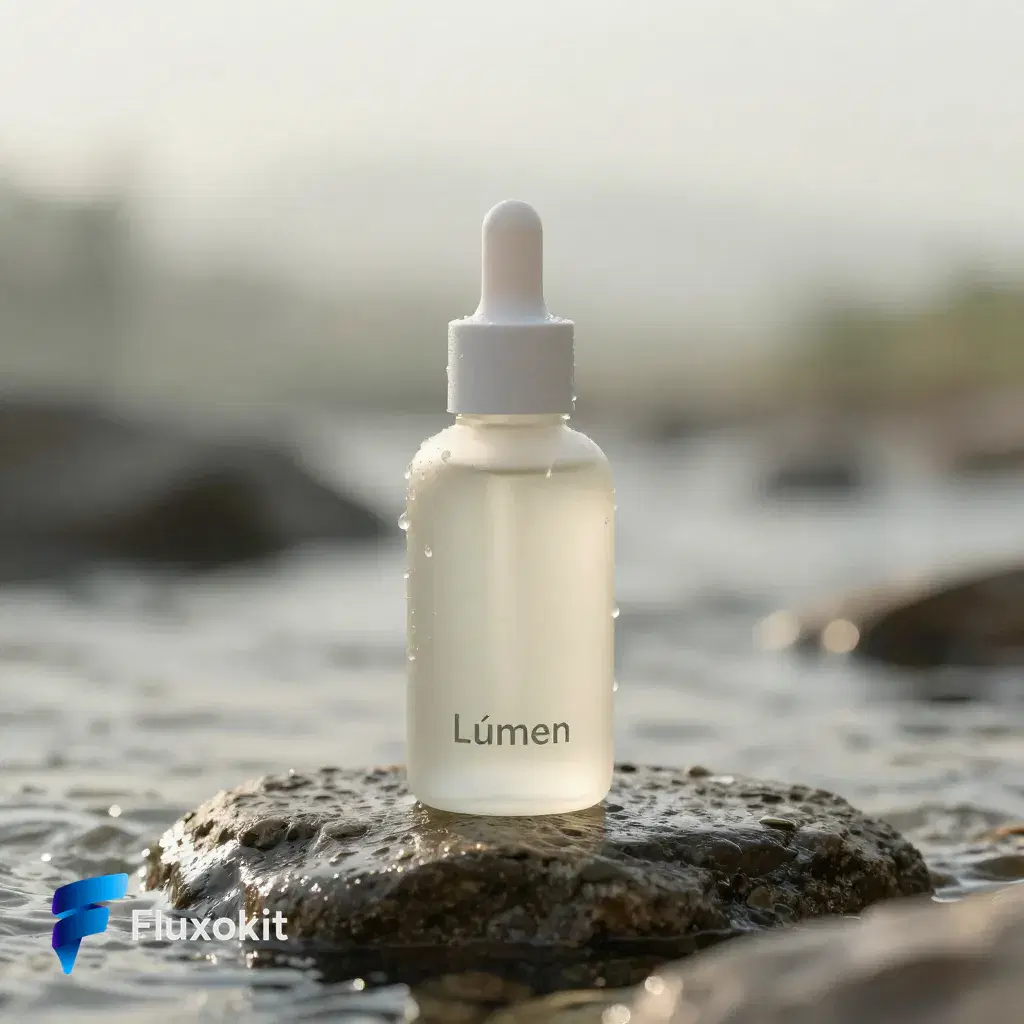
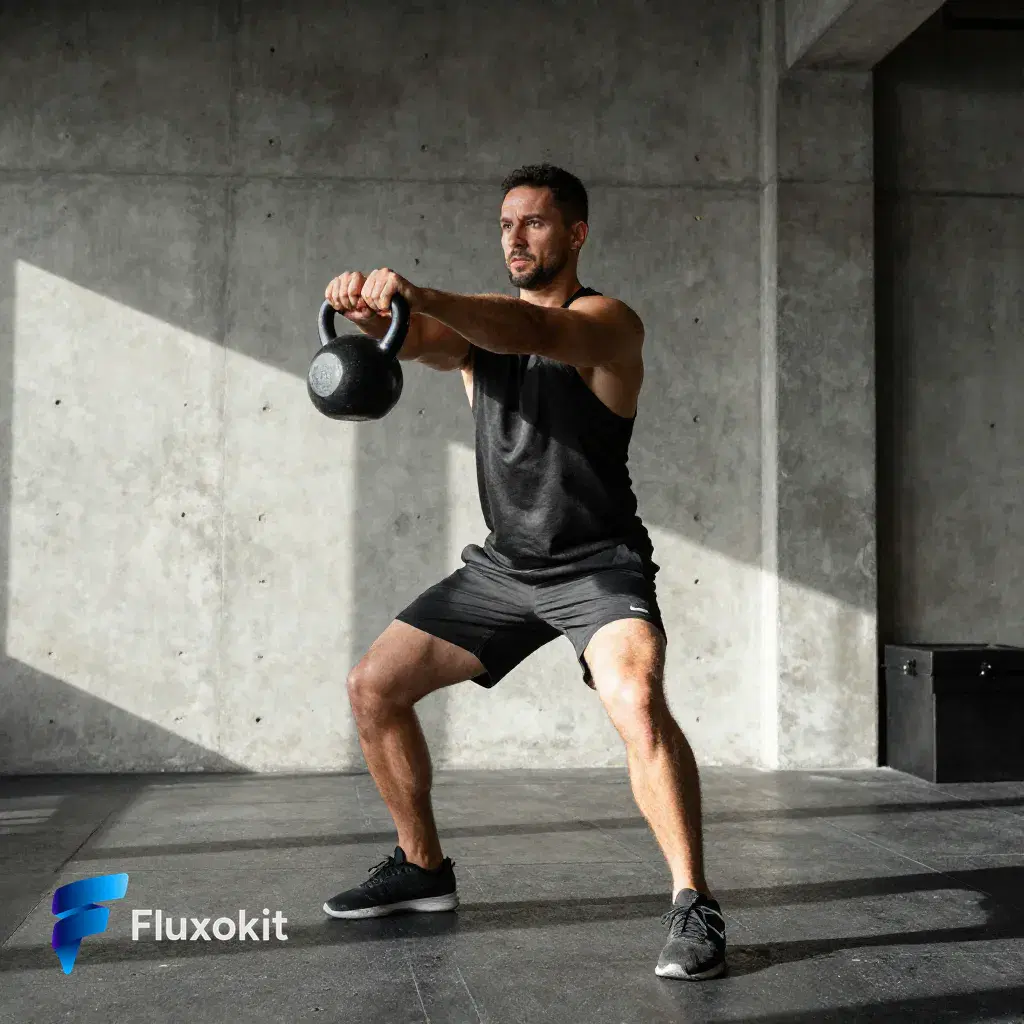
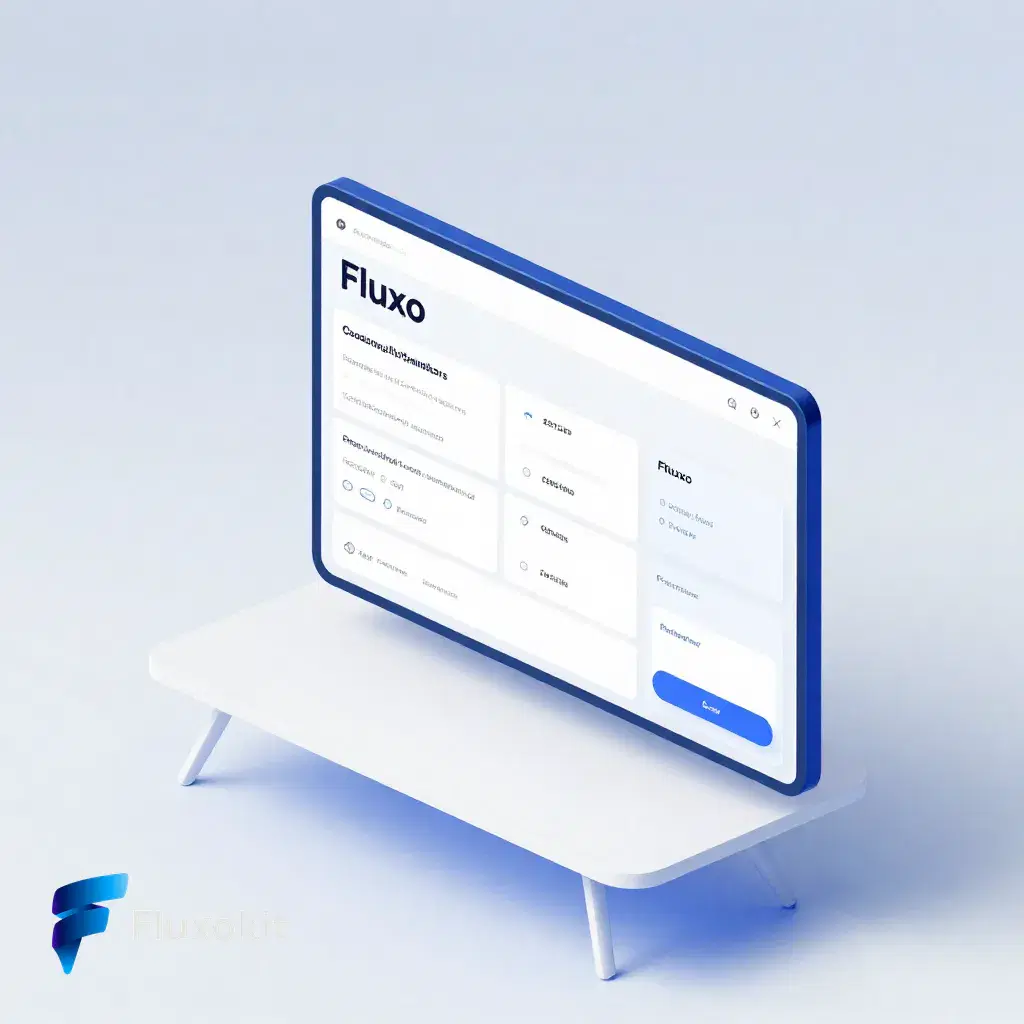
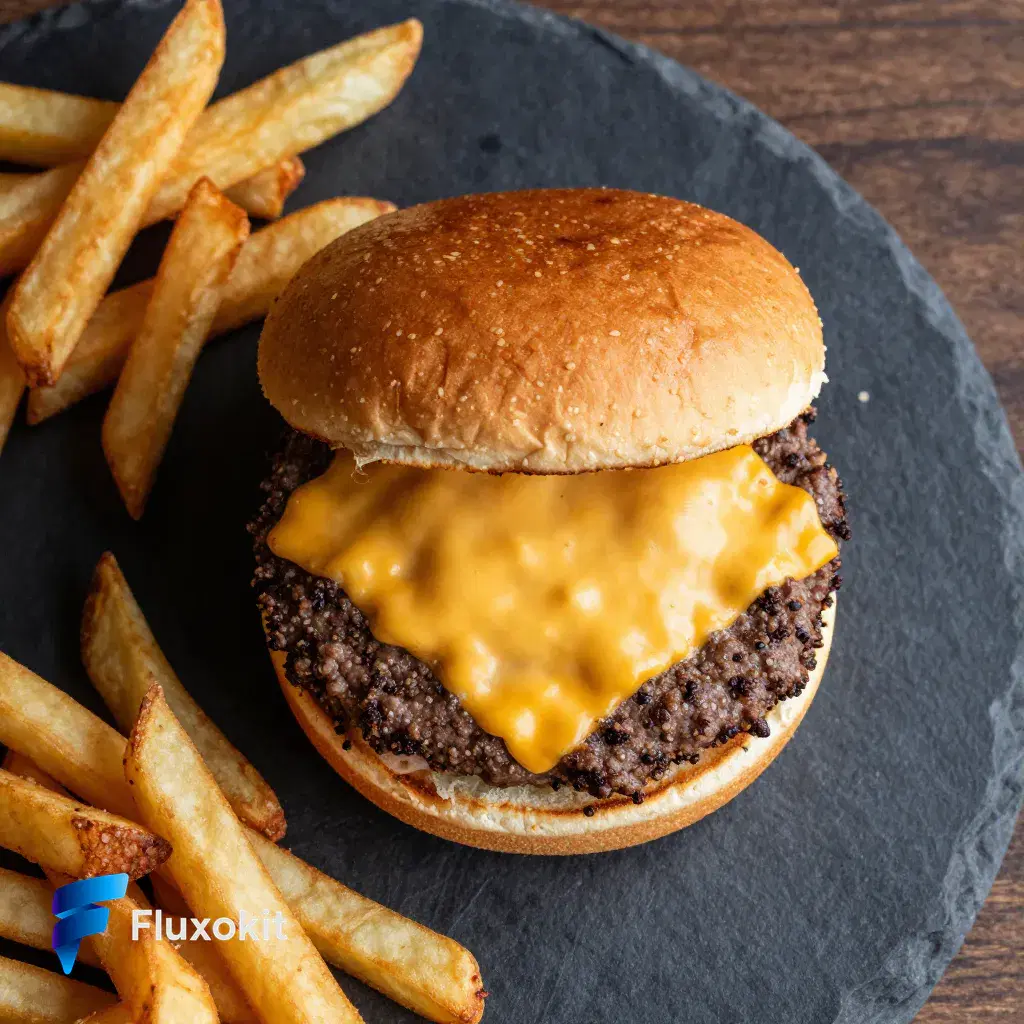
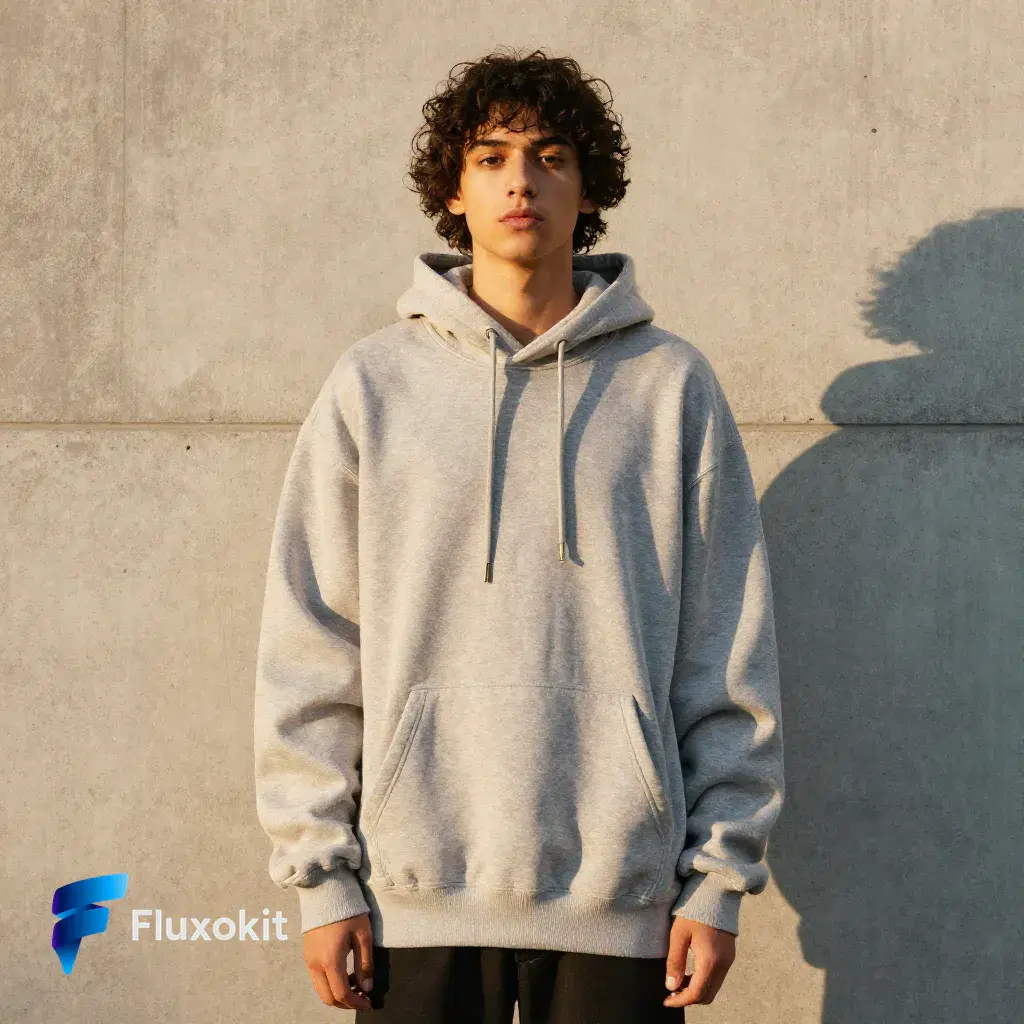
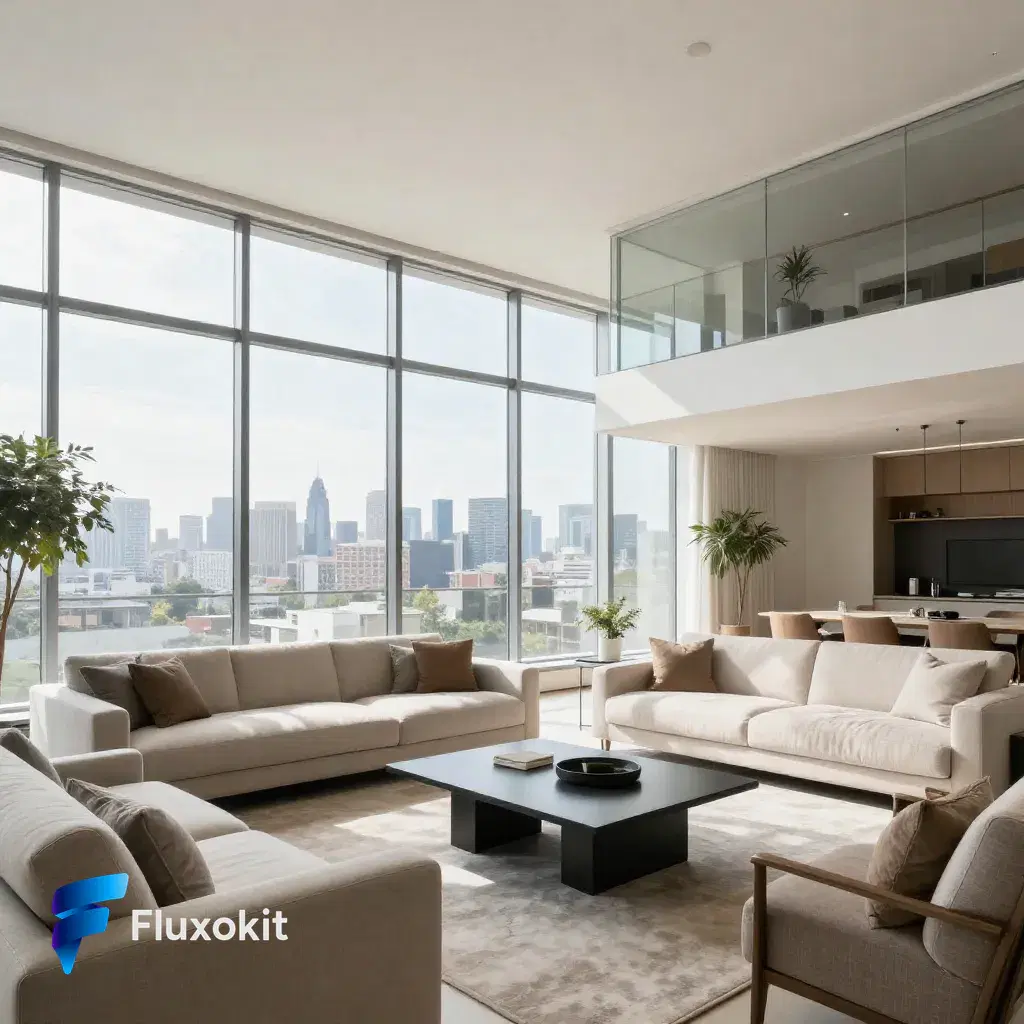
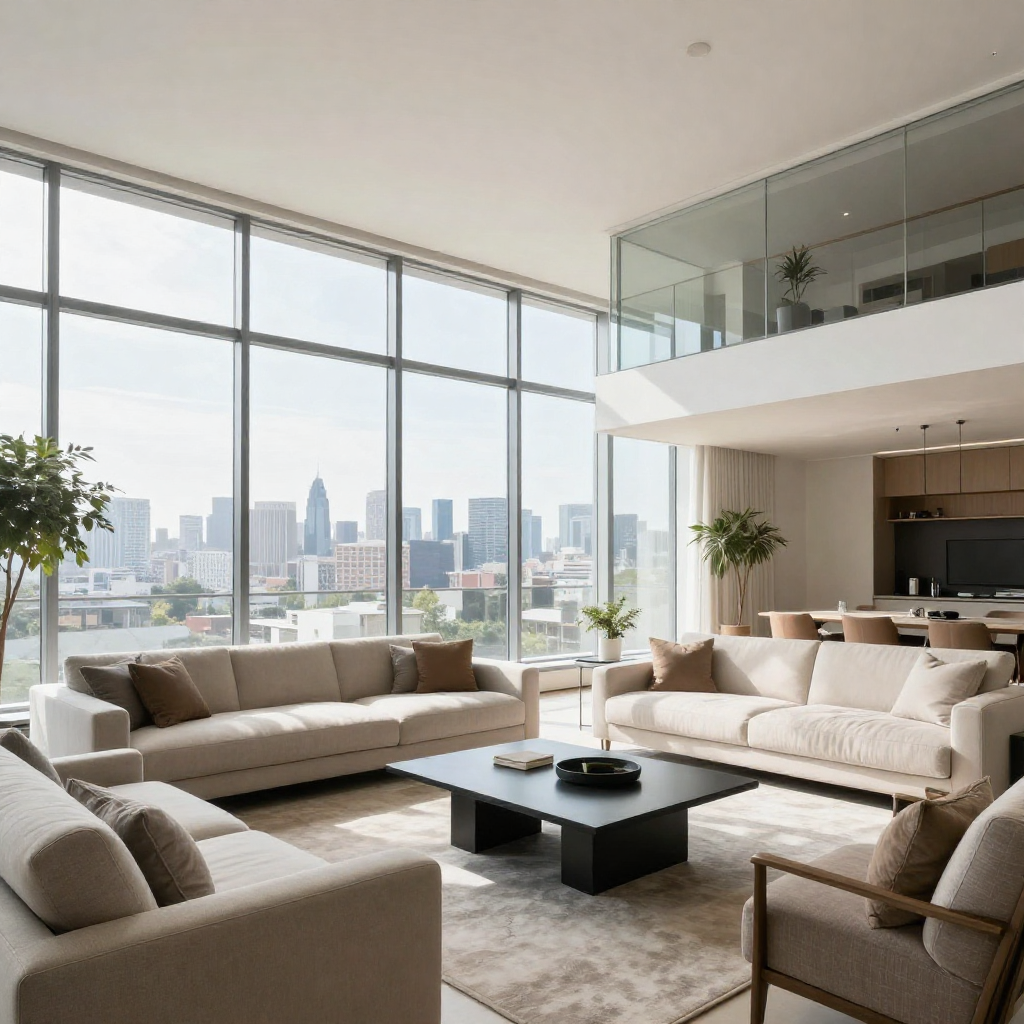
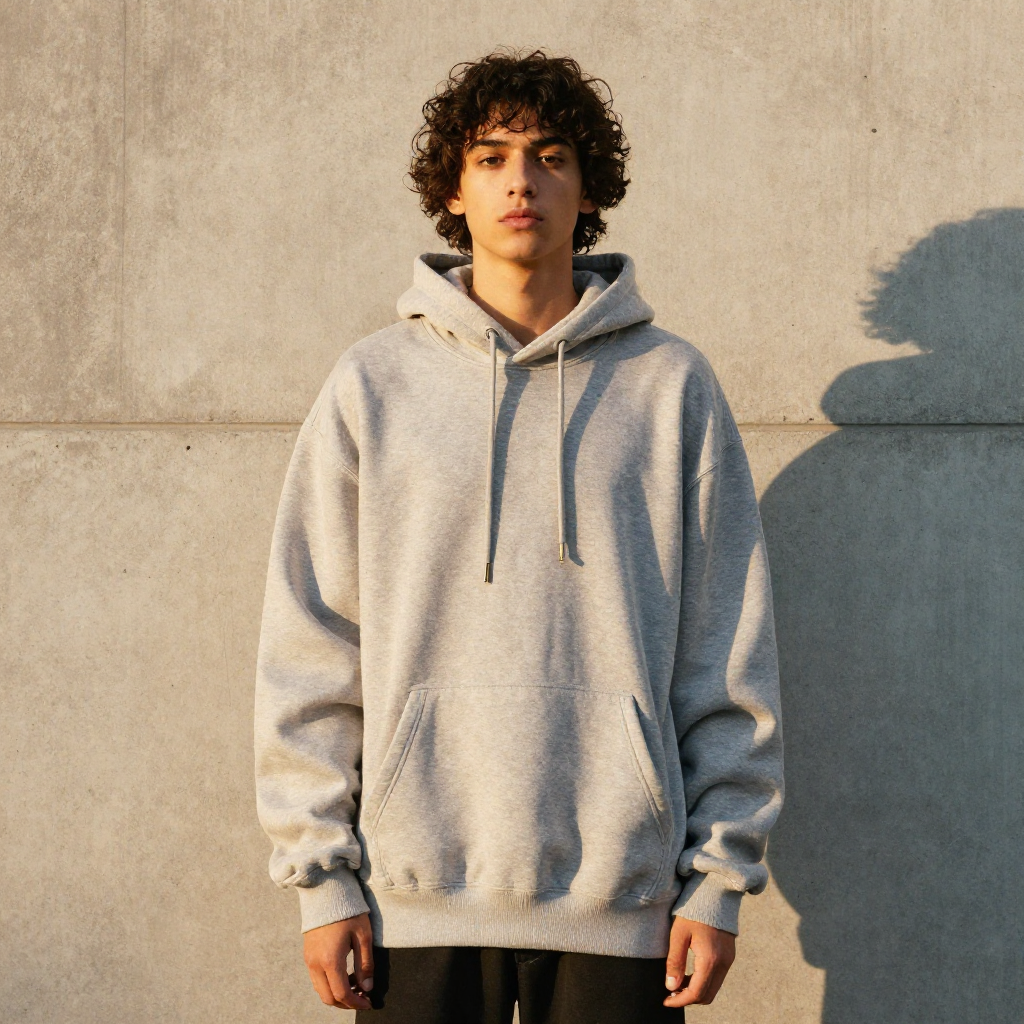
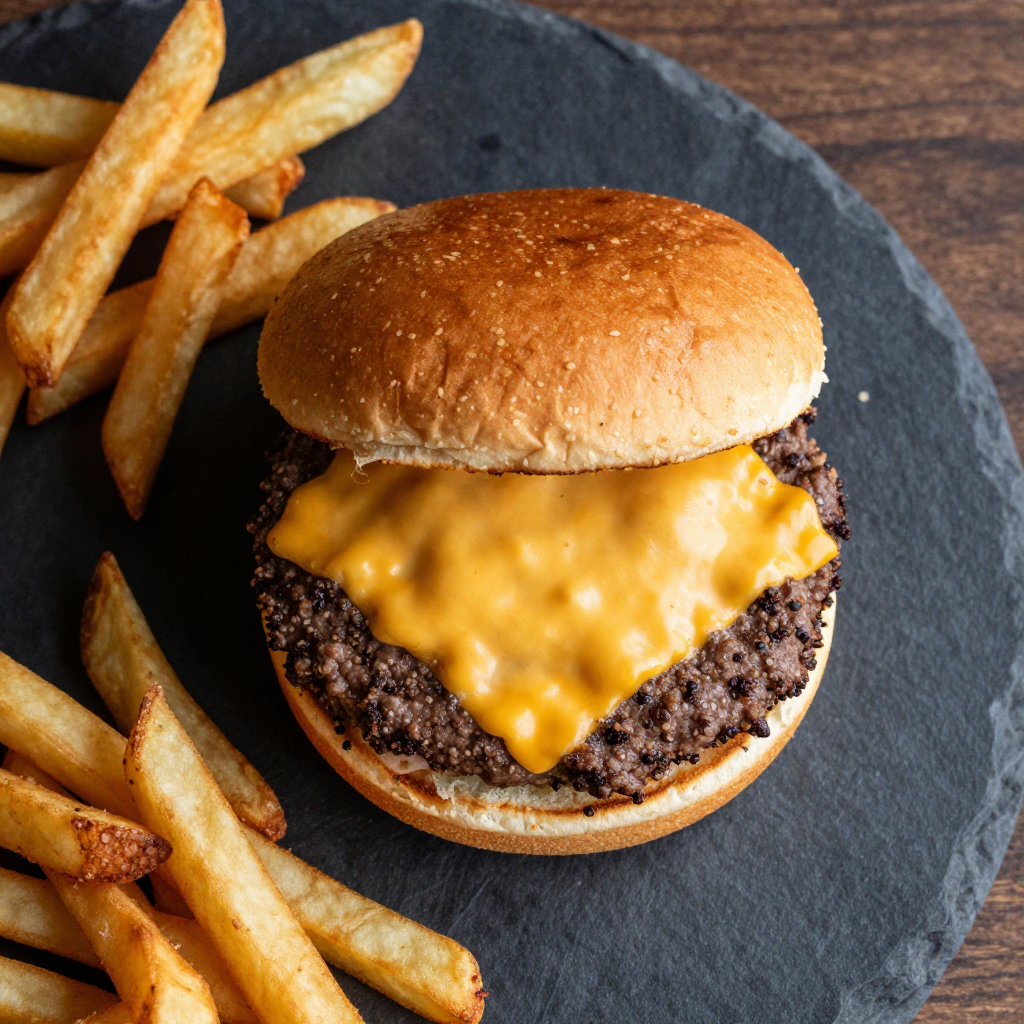
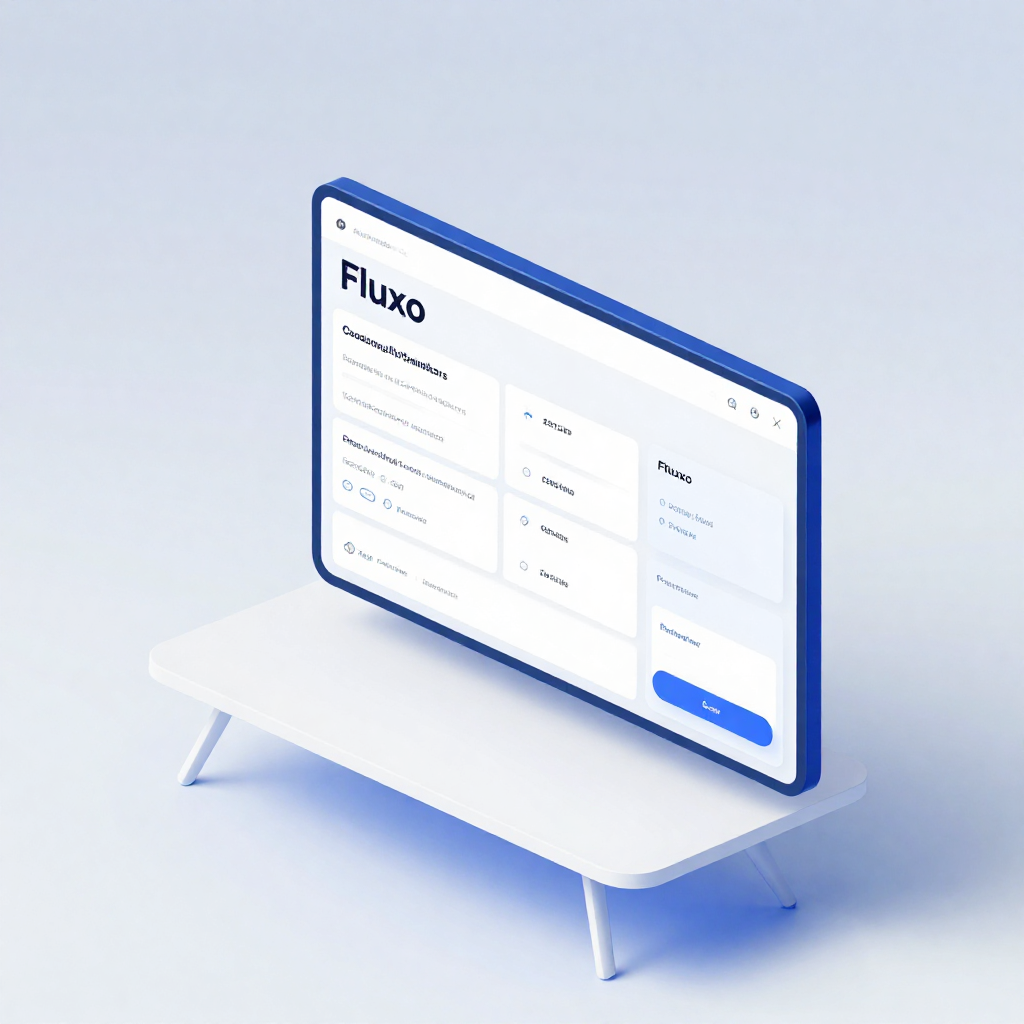
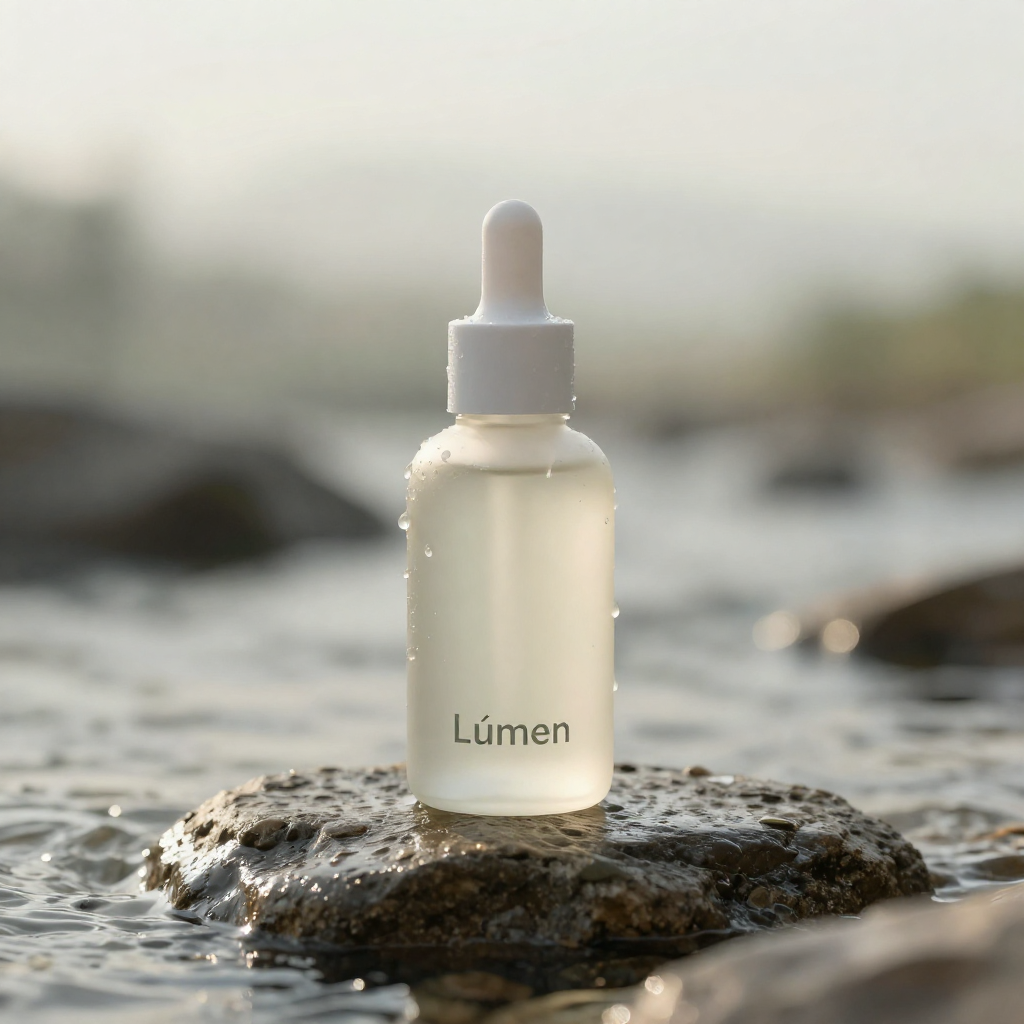
16 generationsGenerated live on FluxoKit on July 2, 2026. Prompts shown verbatim, results unretouched.
Real generations with Image Z-Turbo LoRA




Overview
Image Z-Turbo LoRA solves the consistency problem that breaks most AI content series: the same face, product, or style holding across dozens of frames. The trained LoRA locks the identity while the Turbo engine keeps every attempt at 2 credits and seconds of wait.
The examples on this page are real, unretouched Image Z-Turbo LoRA generations with exact prompts beneath them. LoRA workflows live in scattered subreddit threads; this page is the documented, costed version.
What you can build with Image Z-Turbo LoRA
Series content is the home turf: a brand mascot across a month of posts, a product shot in twenty contexts, a recurring character in episodic creative. The identity holds because it is trained in, not prompted in, and the base model's speed makes volume production economical.
Compare against base Z-Image Turbo one page over: same engine, same price, with the LoRA-versus-base identity difference visible on identical prompts.
Where the Z-Image Turbo LoRA earns its credits
Brand teams producing recurring-character content use the LoRA loop for episode-to-episode consistency at 2 credits a frame. Agencies apply the same pattern to client product lines: fifty on-identity frames cost 100 credits, each with its exact cost in the generation history.
Image Z-Turbo LoRA vs Z-Image Turbo, FLUX.2 Klein 9B, and Higgsfield Soul
The base model is free-form at the same 2 credits. LoRA trades that freedom for identity lock; pick by whether the subject must repeat.
Klein is the other 2-credit layer, with FLUX composition and no identity lock. LoRA wins the moment a series needs the same subject.
Soul renders unmatched one-off human realism at 9 credits. LoRA holds a SPECIFIC person or mascot across a series at a fraction of that.
Capabilities
Image input
No
Output type
Image
Limits
Generation credits
Depends on the configured run. Review the estimate before generating and the settled charge in history.
Parameters and inputs
Each field below shows what the model accepts and the limits to apply.
Parameters
Enable Prompt Expansion
enable_prompt_expansion
- Required
- No
- Default
- No
Image Size
image_size
- Required
- No
- Default
- 1x1
Options
- 1x1 (1x1)
- 9x16 (9x16)
- 16x9 (16x9)
- 4x3 (4x3)
- 3x4 (3x4)
- 2x3 (2x3)
- 3x2 (3x2)
Output Format
output_format
- Required
- No
- Default
- png
Options
- Png (png)
Acceleration
acceleration
- Required
- No
- Default
- none
Options
- None (none)
- Regular (regular)
- High (high)
Num Inference Steps
num_inference_steps
- Required
- No
- Default
- Not set
- Min
- 1
- Max
- 8
Num Images
num_images
- Required
- No
- Default
- 1
- Min
- 1
- Max
- 4
Seed Enabled
seed_enabled
- Required
- No
- Default
- Yes
Seed
seed
- Required
- No
- Default
- Not set
- Min
- 1
- Max
- 2147483647
Frequently asked questions
›How much does Image Z-Turbo LoRA cost per image?
Image Z-Turbo LoRA costs 2 credits per generation on FluxoKit. Plans start at $14 per month and every generation shows its exact credit cost in your history.
›How does the LoRA keep characters consistent?
The identity is trained into a LoRA adapter rather than described in the prompt, so the same character, product, or style renders consistently across generations. The identity panel on this page against base Z-Image Turbo shows the difference on identical prompts.
›Is Image Z-Turbo LoRA good for brand mascots and product series?
That is its core use: recurring subjects across series content at speed-tier cost. Fifty on-identity frames cost 100 credits.
›Do I need to train or host anything to use it?
No. FluxoKit runs the model in the browser under one subscription with credit based pricing and a 30-day money-back guarantee.
›How were these Image Z-Turbo LoRA examples made?
Every example was generated live on FluxoKit through the standard studio, using the exact prompt shown under each image, with no retouching, on the shared brand brief.
Start creating
Run Image Z-Turbo LoRA in your browser. No API key, no provider account.
The same character in every frame. One studio, more than 100 AI models.
- More than 14,000 generations delivered
- Your first paid subscription includes a 30-day satisfaction guarantee, subject to the Refund Policy.
- Checkout through Stripe, cancel anytime
Plans from
$14/month
Credit based pricing, live USD checkout