
Qwen Image Edit Max: References and Editing Guide
Qwen Image Edit Max combines an editing instruction with up to three reference images in FluxoKit. Assign a clear role to each source, then check composition and preserved details separately. The parameter table describes current controls; neither a selected example nor a model name guarantees faithful results.
Updated September 2026
Qwen Image Edit Max is an image-editing option for tasks that use one or more references. FluxoKit's integration accepts up to three images alongside an instruction. The practical challenge is making their roles unambiguous: one might supply the product, another the setting, and another a color or style reference.
Use this guide to prepare a brief and judge the result. The parameter table below owns the controls exposed in FluxoKit. Alibaba Cloud's image-model documentation describes the upstream family; features of other Qwen versions are not automatically part of this integration.
Assign a role to every reference
Begin with one source when it contains everything needed. Additional references should resolve a specific uncertainty, not create conflicting instructions. Confirm that you have permission to modify and use every supplied image.
Illustrative instruction, not a measured generation result:
Use image 1 as the source for the red insulated bottle. Place that bottle on the kitchen counter from image 2. Use image 3 only for the warm lighting direction. Preserve the bottle's proportions and label. Do not copy other products or text from the reference backgrounds.
Inspect whether the result used the correct object, setting and light. A convincing composition can still fail if it blends two products or invents a different label. Save the original references with the final selection so the acceptance decision can be repeated.
Separate composition from detail repair
First decide whether the placement, scale and perspective work. Then inspect edges, shadows and small lettering. If the product shape changed, revise the composition request rather than spending successive edits decorating an incorrect object.
For a U.S.-English campaign, verify any visible English text at the actual mobile display size. Add exact prices, legal terms and offer copy in an editable design layer when the generated lettering is unreliable. The model does not validate a commercial claim.
Compare controls deliberately
Record output size, prompt extension and seed when those controls are available. Change one relevant setting at a time so you can identify why the result changed. Reusing a seed is not a promise of identical output across model or provider updates.
Compare Grok Image Edit for a single-source workflow or FLUX 2 Pro Edit for another reference-based approach. A fair comparison uses the same task, not unrelated showcase images. Judge source fidelity and the requested change independently.
Review the result before publishing
Check the full-resolution file, the intended crop and a phone-sized view. Reject invented logos, altered product features and unintended people or objects. Retain the prompt and source images with your selected output; an attractive result alone does not establish faithful editing.
Review the configured credit estimate before running. Plan pricing describes the subscription, while job history records settled usage. Neither this written example nor a selected gallery output guarantees a particular cost, speed or acceptance rate.
Examples
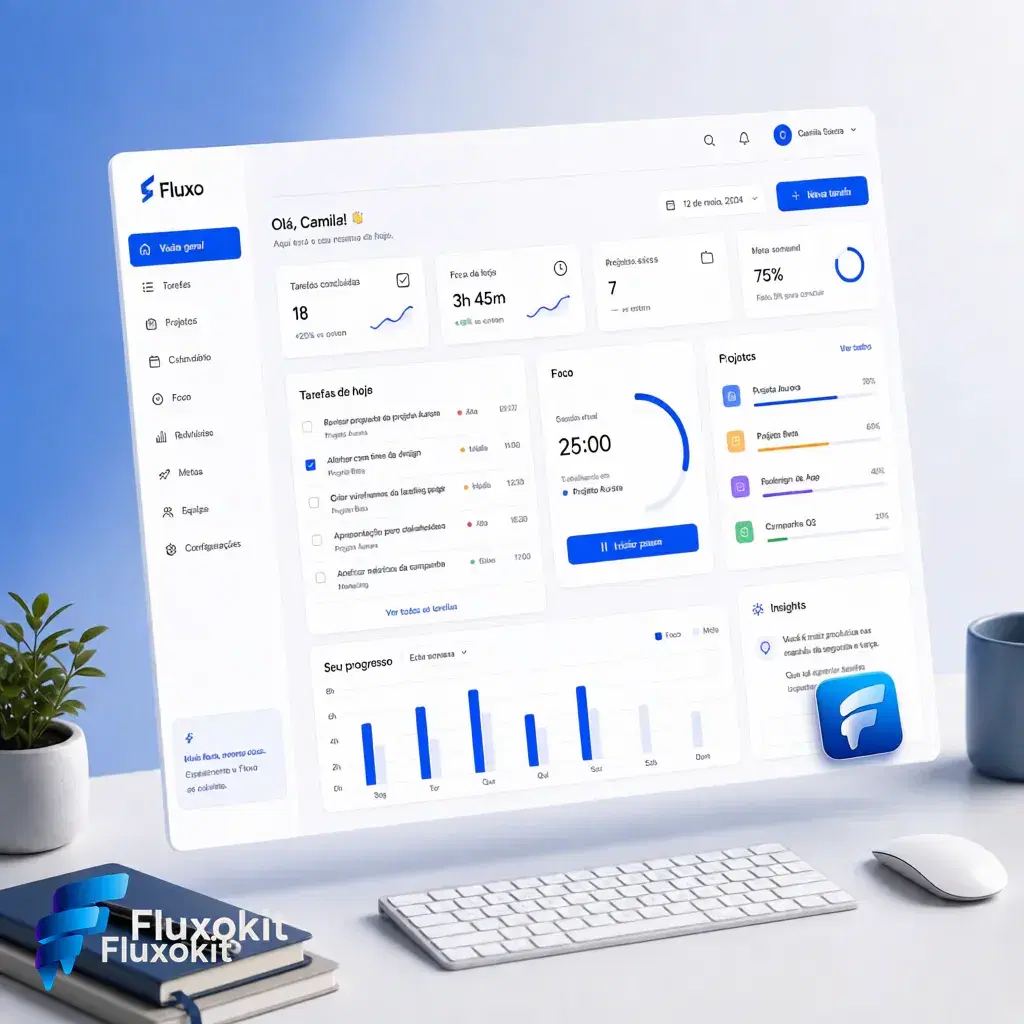
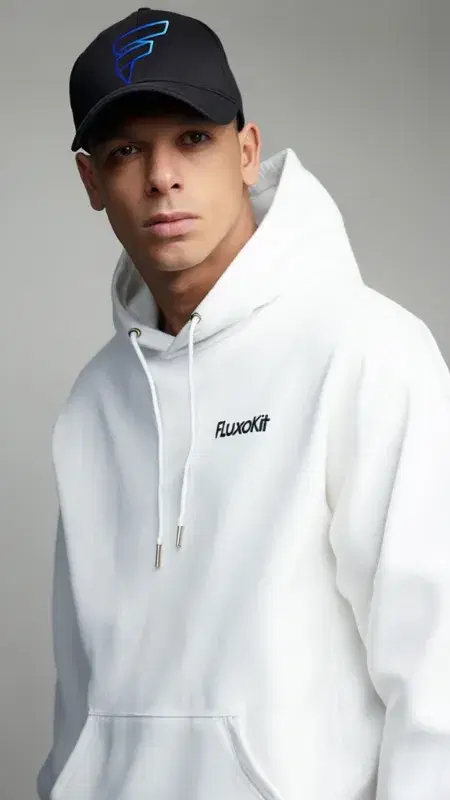
Inspect each available example with its own prompt, inputs and provenance. Selected outputs do not establish a success rate or guarantee the same result.
Real generations with QWEN Image Editor Max (New)


Like what you see? Make the next one yourself. Plans from $14/month.
View plans for Qwen Image Edit Max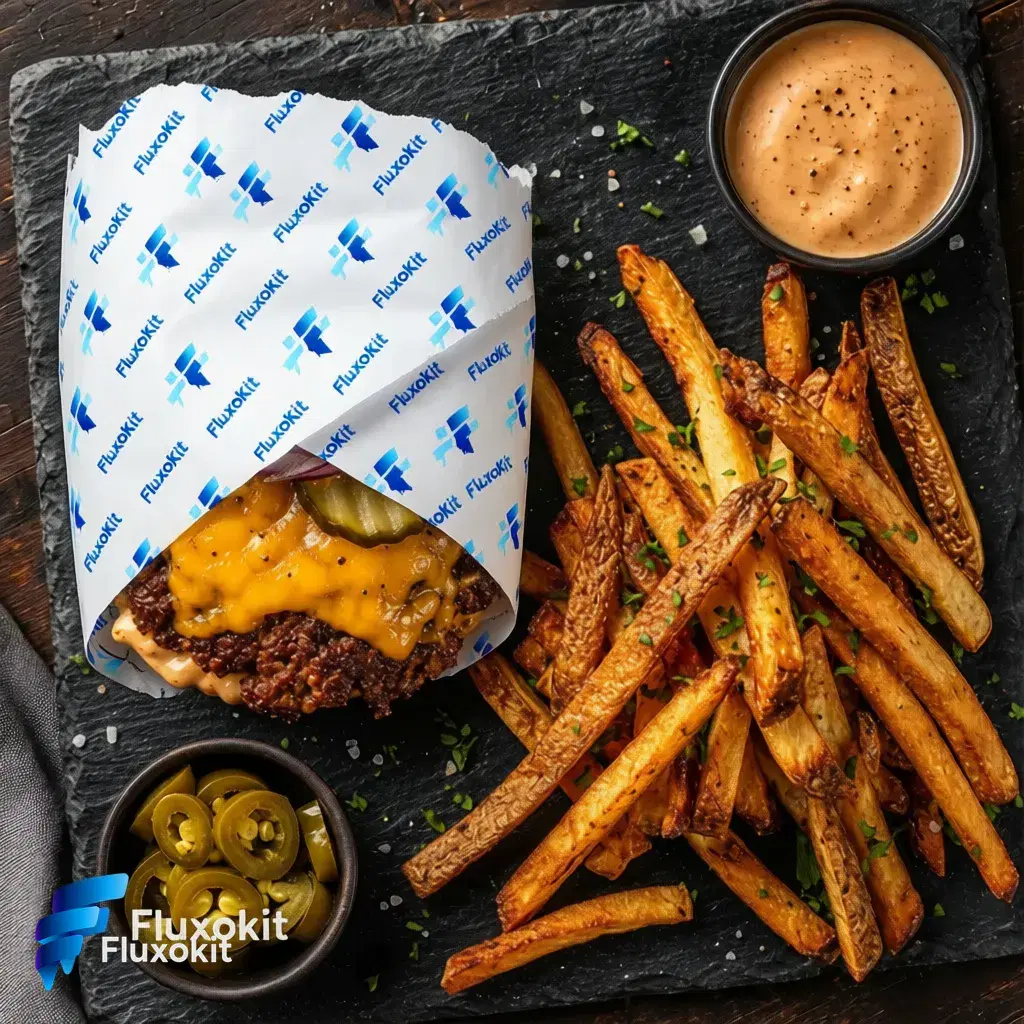



Capabilities
Multiple input images
Yes
Limits
Max reference images
3
Generation credits
Depends on the configured run. Review the estimate before generating and the settled charge in history.
Parameters and inputs
Each field below shows what the model accepts and the limits to apply.
Parameters
Prompt Extend
prompt_extend
- Required
- No
- Default
- true
Seed Enabled
seed_enabled
- Required
- No
- Default
- true
Seed
seed
- Required
- No
- Default
- —
- Min
- 0
- Max
- 2147483647
Size
size
- Required
- No
- Default
- match_input
Options
- Match Input (match_input)
- 1024*1024 (1024*1024)
- 768*1024 (768*1024)
- 1024*768 (1024*768)
- 576*1024 (576*1024)
- 1024*576 (1024*576)
Compare workflows for Qwen Image Edit Max
Use a single-source workflow when one image contains everything that needs to be edited.
Compare another multi-reference integration using the same authorized images, brief and output purpose.
Frequently asked questions
How many references can I provide?
This FluxoKit integration accepts up to three reference images. State the role of each one, and check the current input controls before uploading.
Will it preserve the subject exactly?
References guide the edit, but do not guarantee exact identity, product geometry or text. Compare the result against each source before publication.
What does prompt extension do?
The integration exposes a prompt-extension setting. Treat it as a change to how the instruction is interpreted, and compare the result with your original brief rather than assuming it improves every edit.
Can I compare it with another editor?
Yes. Keep the authorized source, requested change, output size and acceptance criteria comparable. Evaluate the actual outputs and configured credit estimates; this page does not establish a universal winner.
Is the subscription price the cost of one edit?
No. The plan provides an allocation. Review the job's configured credit estimate and its settled charge in history separately.
Next step
Use QWEN Image Editor Max (New) without signing up for Alibaba Cloud.
90+ AIs in one studio. Live USD checkout is processed through Stripe, with no API key to manage.
Related content
Category
Higgsfield AI Video Generator: Engines and Options | FluxoKit
Category
Higgsfield API: MCP Access, Providers, Alternatives | FluxoKit
Category
Higgsfield Face Swap: How It Works, Limits, Options | FluxoKit
Category
Higgsfield AI Pricing 2026: Plans, Credits, Fine Print | FluxoKit
Category
AI Carousel Generator for Instagram and LinkedIn | FluxoKit
Category
AI Cartoon Generator: Photos and Characters | FluxoKit