
Nano Banana
Google's viral image family — Nano Banana, Nano Banana Pro, and Nano Banana 2 — on one canvas, next to GPT Image 2, Seedream 5, and FLUX 2 Pro.
The 17 models on this page are already included, with no separate subscription per tool. 14,500+ real generations already delivered on the platform. Updated

Golden-hour portrait
Nano Banana Pro
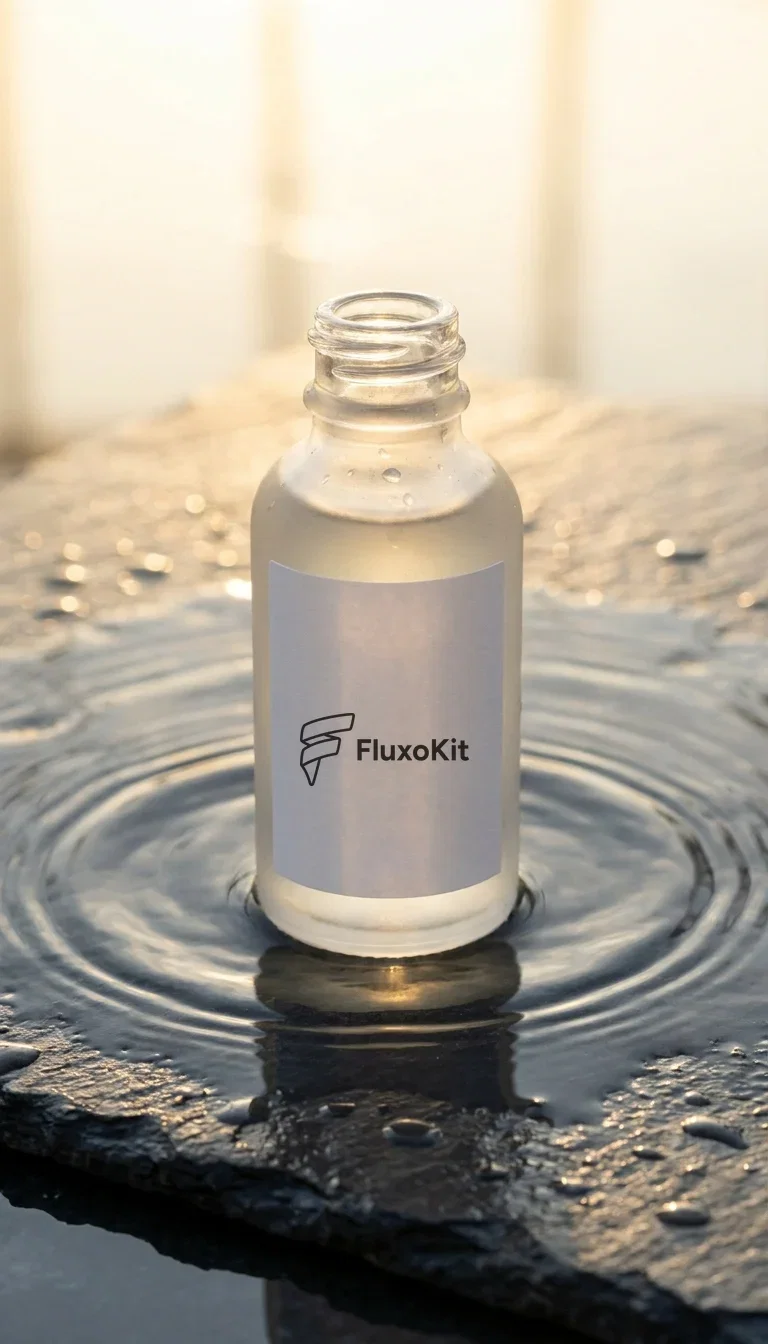
Product hero
Your logo on the label
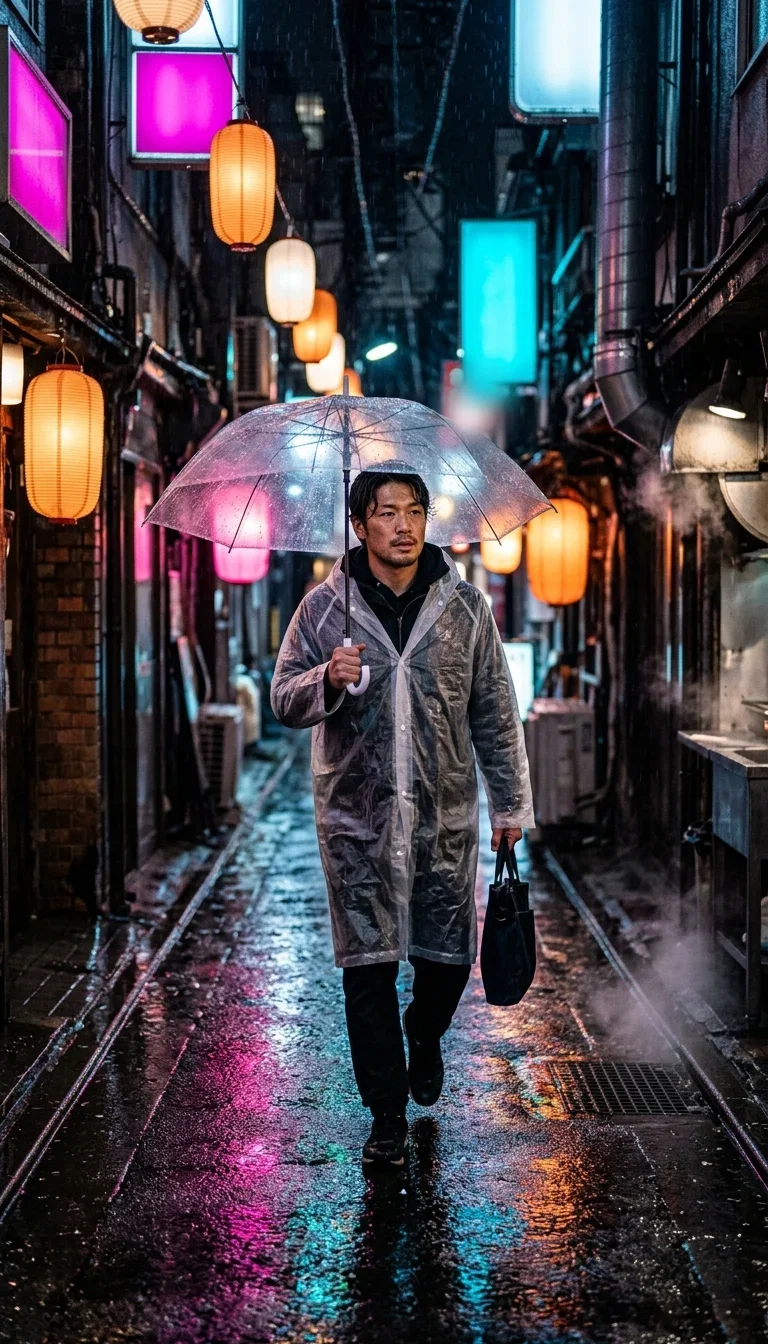
Cinematic scene
Nano Banana 2
The model that made image AI mainstream
Nano Banana is Google's image model family on the Gemini backbone: the original Nano Banana, Nano Banana Pro, and the Nano Banana 2 line.
Its signature is instruction-faithful photorealism — light, skin, and scene logic that hold together instead of drifting into the airbrushed AI look.
Every image on this page was generated with a Nano Banana version on FluxoKit, and each caption names which one.
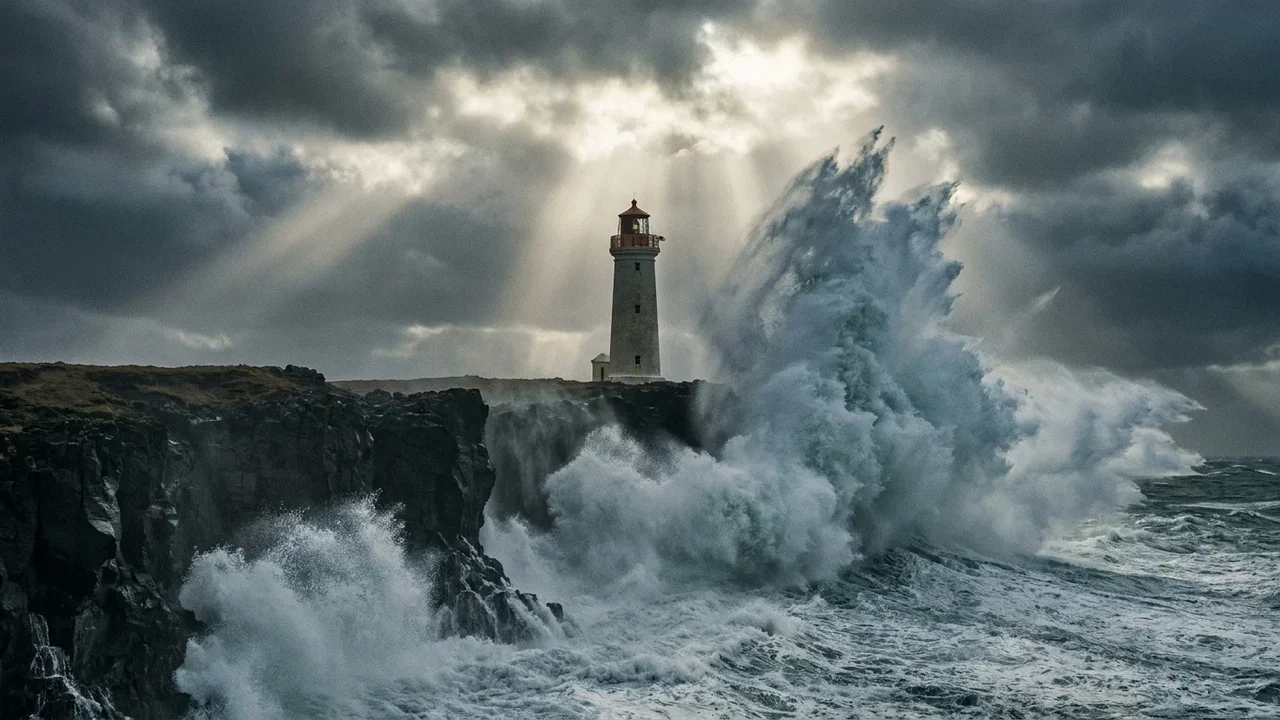
Epic wide
Nano Banana Pro
Three ways to direct Nano Banana
Powered by Nano Banana, Nano Banana Pro, and the Nano Banana 2 line on the FluxoKit canvas.
Text to image
Describe subject, style, lens, and light in plain language. Nano Banana's instruction-following is the reason it went viral.
Image + instruction
Upload a photo and say the change. Recolor, restage, add or remove objects — the rest of the frame stays put.
Character reference
Fix a described character once, then reuse it across scenes and formats without the face drifting.
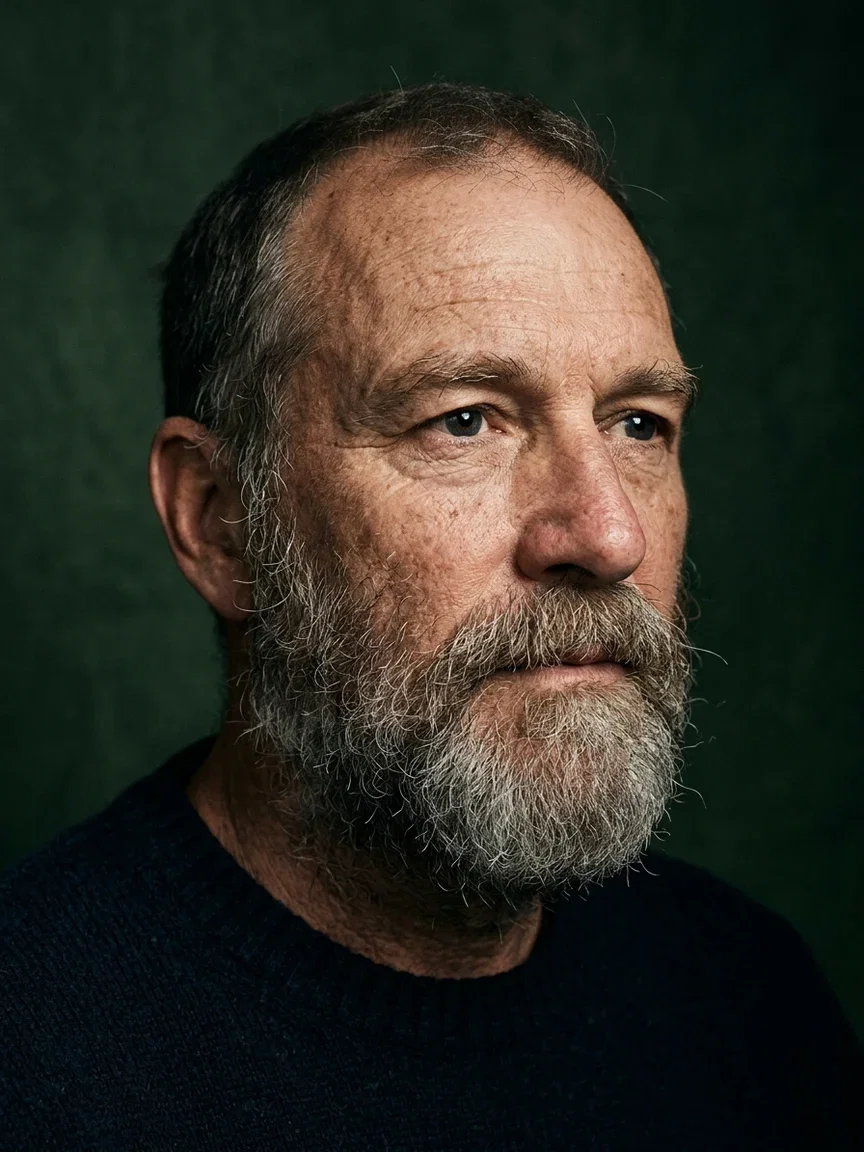
Portrait
Rembrandt light
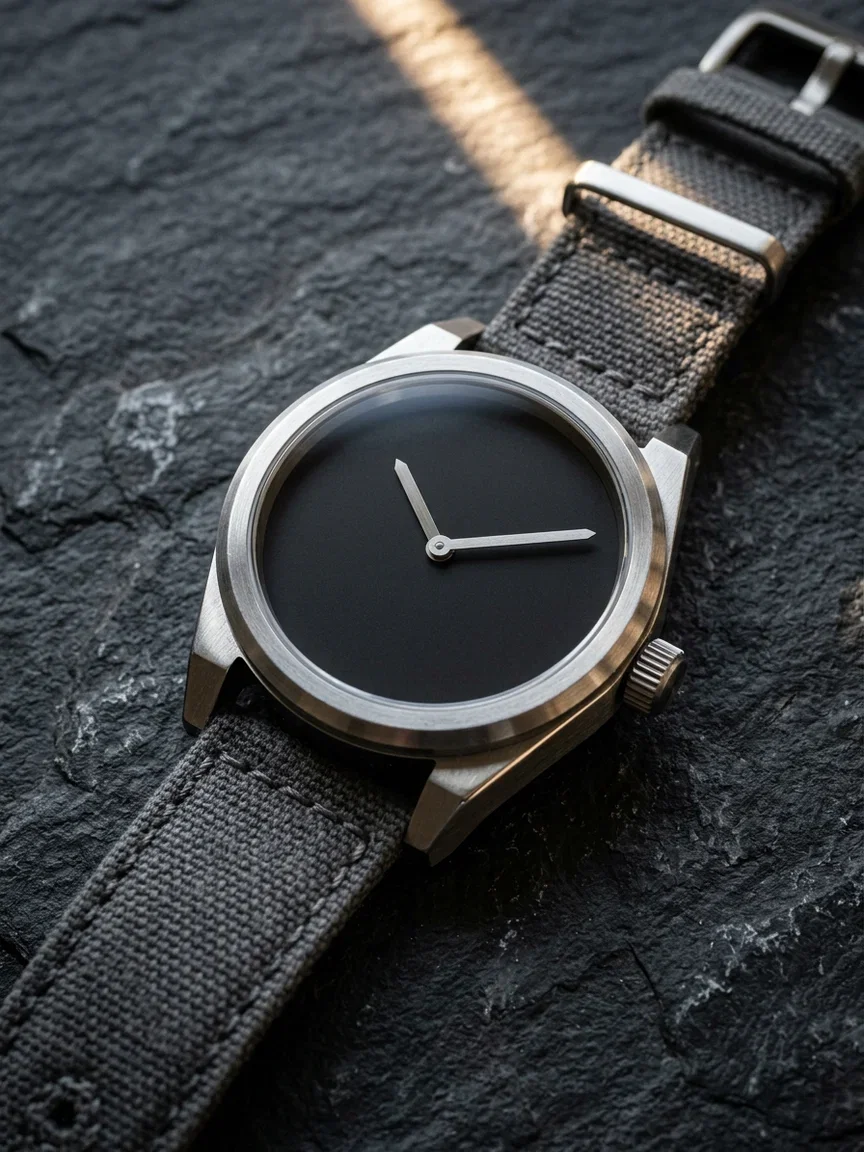
Product
Blank-dial macro
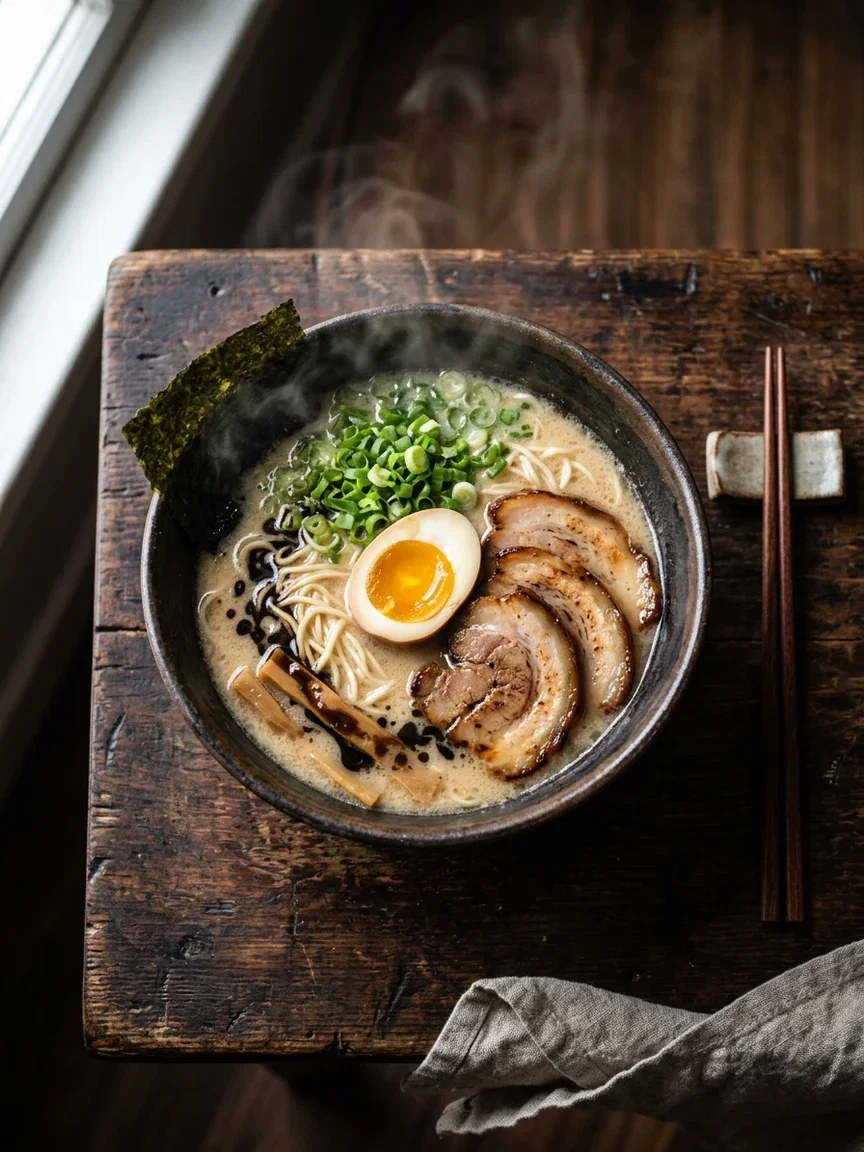
Food
Appetite shot

Interior
Volumetric light
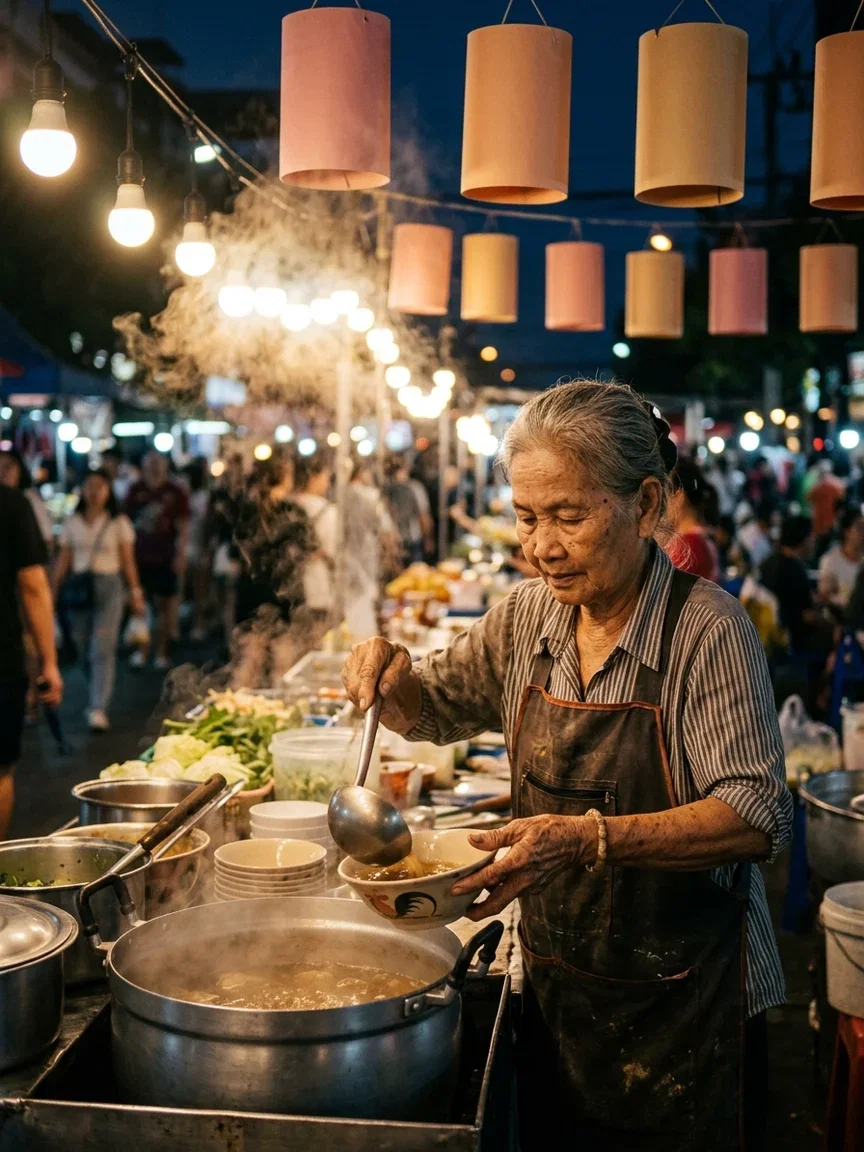
Documentary
Night market
Edit like you talk
Nano Banana's edit mode takes the photo you have and one plain sentence: recolor the sofa, add a painting, keep everything else identical.
The pair here is that exact test — same room, same window, same light; only the instructed changes moved.
On FluxoKit the edit runs on the same canvas as generation, so the output feeds straight into the next step.
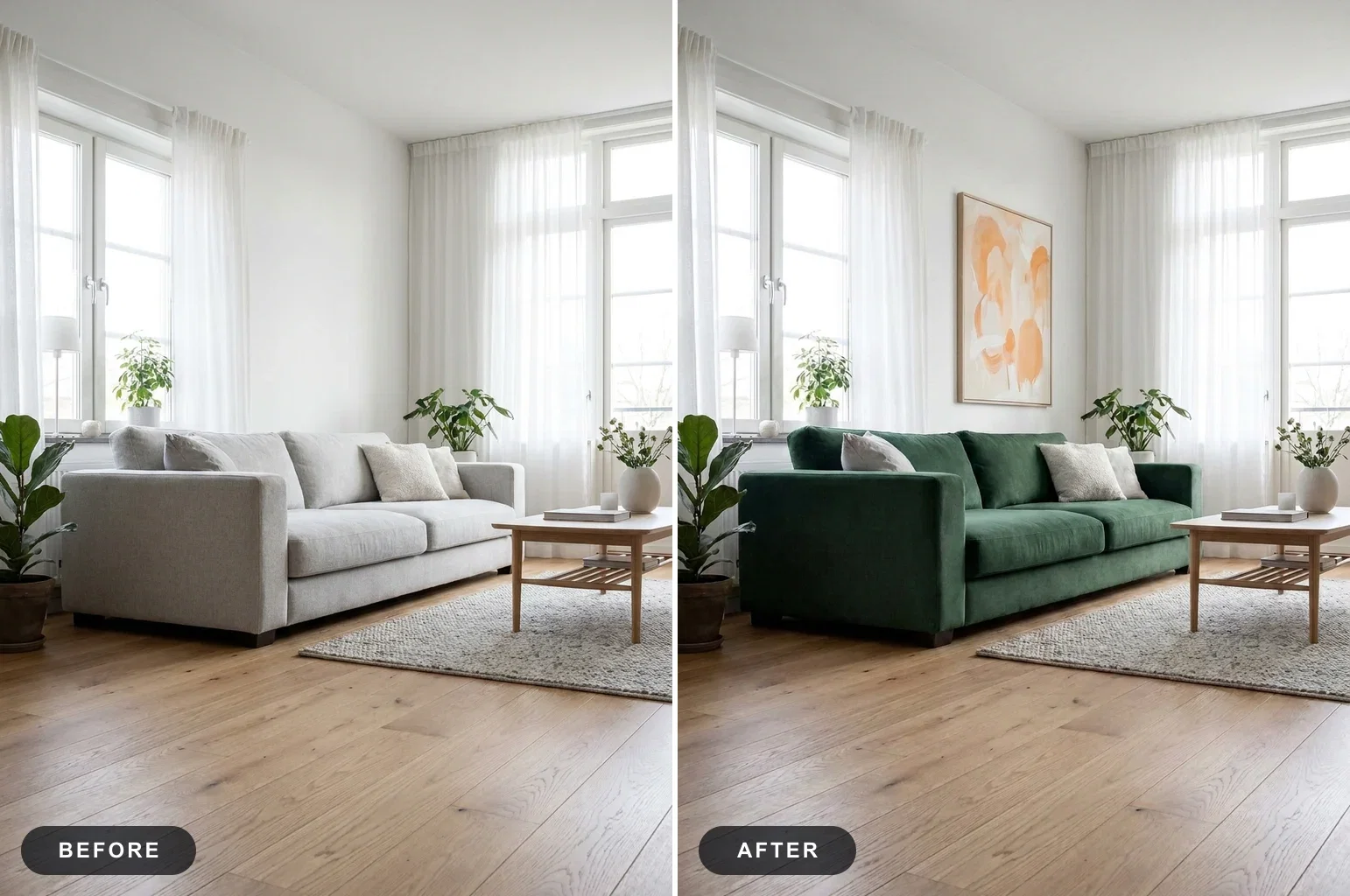
One-sentence edit
Same room, new sofa
The same character, every scene
Campaigns need the same face across ten placements — the thing casual image tools quietly fail at.
Nano Banana Pro holds a described character across scenes: the barista and the hiker here are one person, one description, two prompts.
That makes persona-driven ads, brand mascots, and story sequences practical without a photo shoot.

Character consistency
Same person, two scenes
One canvas, every engine
135+
AI models in one canvas
3
Nano Banana versions on this page
14,500+
real generations delivered
Real Nano Banana generations
Three more worlds from the same family — fashion editorial, extreme macro, epic scale.
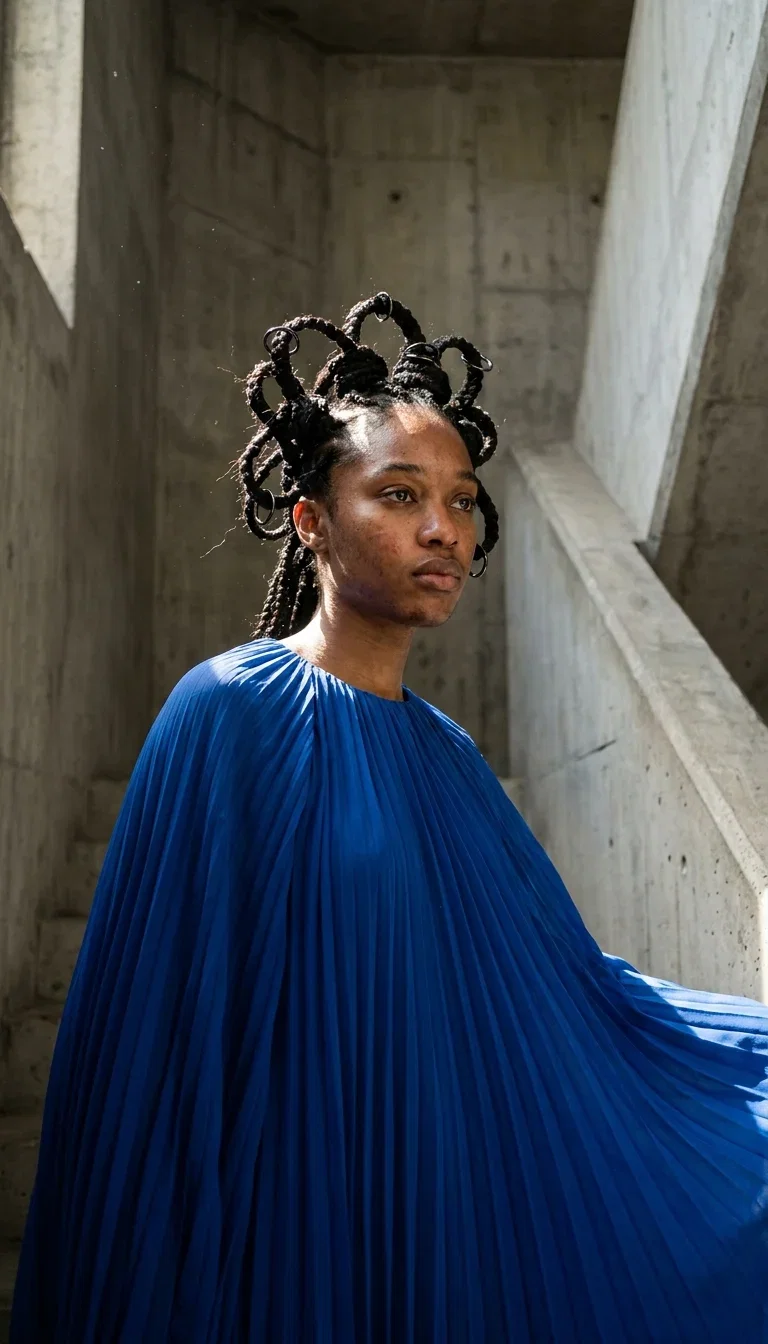
Editorial
Nano Banana Pro

Macro
Nano Banana 2
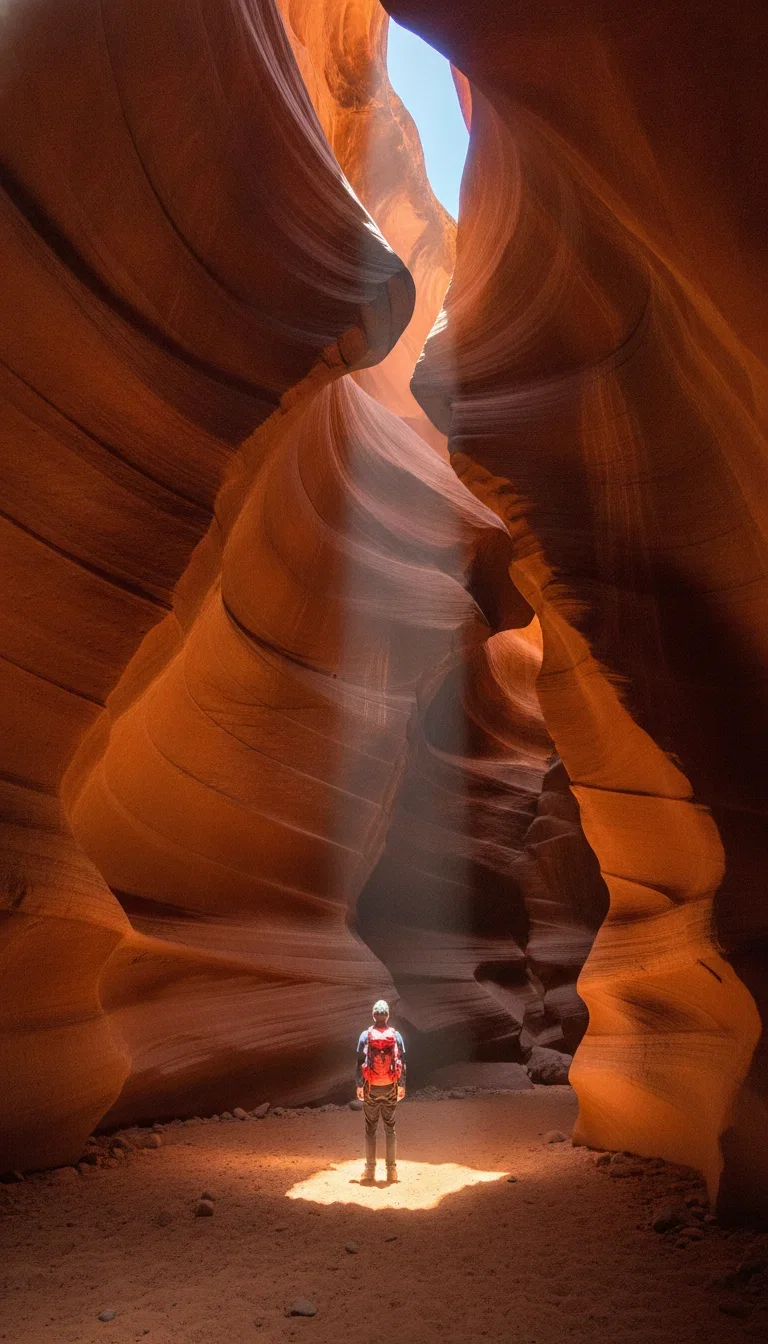
Scale
Nano Banana
How to use Nano Banana on FluxoKit
Describe the image
Subject, action, style, lens, light. Plain language works — that is the model's whole point.
Pick the version
Nano Banana for fast drafts, Pro for hero-grade detail, the 2 line for the newest look. Compare them side by side.
Edit and keep going
Refine with one-sentence edits, then send the winner into video, upscaling, or copy on the same canvas.
Nano Banana is Google's image model family on the Gemini backbone — the original Nano Banana for fast drafts, Nano Banana Pro for hero-grade detail, and the Nano Banana 2 line for the newest instruction-following. FluxoKit runs all of them on one canvas next to GPT Image 2, Seedream 5, and FLUX 2 Pro, so you compare versions instead of guessing.
When people search for nano banana, they usually want one of three things: to understand what the viral model actually is, to try it without a developer console, or to decide whether it beats the generator they already use. This page answers all three, and every image on it was generated with a Nano Banana version — the caption under each asset names which one.
Direct Answer
Use Nano Banana when instruction fidelity matters: it renders what you asked for — subject, lighting, lens, mood — with photorealism that holds up at full size. Use it on FluxoKit when you want that power without setup: no API key, no AI Studio, and the same canvas runs the competing engines so the comparison takes one prompt, not four accounts.
Pick the version by job:
- Nano Banana — fast drafts, ideation, everyday social images.
- Nano Banana Pro — hero assets, campaign art, photoreal people, character consistency.
- Nano Banana 2 line — the newest generation; strongest instruction-following and scene logic.
What Nano Banana Is Best At
Three strengths define the family. First, photorealism that skips the waxy AI tell — skin keeps texture, light behaves like light. Second, one-sentence editing: hand it a photo and say the change, and the rest of the frame stays put. Third, character consistency: describe a person once and keep the same face across scenes, which is what makes persona-led campaigns practical without a photo shoot.
The feature blocks above show all three, generated live: a storm-lit wide shot, a same-room edit pair, and a two-scene character test.
How to Use Nano Banana on FluxoKit
- Open the canvas and pick a Nano Banana version from the model picker.
- Write the prompt in plain language: subject, action, style, lens, light.
- Generate a small variation set, then compare against GPT Image 2 or Seedream on the same prompt.
- Refine the winner with one-sentence edits.
- Export, or send it onward — the image becomes a video's first frame or an ad's hero without leaving the project.
Nano Banana vs the Field
Nano Banana is the strongest all-rounder for instruction-faithful photorealism. GPT Image 2 answers back with creative direction and short on-image text. Seedream 5 leans creator-style and organic. FLUX 2 Pro gives the most technical control. The honest answer is that production teams use two or three of them per campaign — which is the argument for running them on one canvas instead of committing to one tool.
Related workflows
- AI Image Generator — every image engine on one page.
- AI Photo Editor — instruction-based editing across engines.
- Nano Banana model reference — specs, versions, and technical notes.
Why run Nano Banana on FluxoKit
The model is Google's. The workflow — comparison, editing, video, export — is the part FluxoKit owns.
No developer setup
No API keys, no AI Studio console. Open the canvas, pick Nano Banana, generate.
Every version in one place
Nano Banana, Pro, and the 2 line sit in one picker — no hunting for which app carries which release.
Compare against the field
Run the same prompt through GPT Image 2, Seedream 5, or FLUX next to Nano Banana and keep the winner.
Edits that hold the frame
One-sentence edits change exactly what you asked and nothing else — the pair on this page is the proof.
From image to everything
The generation becomes a video's first frame, an ad's hero, or a post's visual without leaving the project.
30-day guarantee
Generate real work for 30 days. Refund requests are governed by the first-subscription guarantee and Refund Policy.
17 models available in the canvas
Every model below is live in the FluxoKit studio. Each link opens its technical page with parameters, limits, and real generation examples.
- 01

GPT Image-1
OpenAI · Image generation
- 02
GPT Image-1.5
OpenAI · Image generation
- 03
GPT Image-2
OpenAI · Image generation
- 04
GPT Image 2.5 Sunburst
OpenAI · Image generation
- 05

Grok Image 2
xAI · Image generation
- 06
Grok Imagine Image
xAI · Image generation
- 07

Higgsfield Soul
Higgsfield AI · Image generation
- 08

Seedream 5.0
ByteDance · Image generation
- 09
Seedream 5.0 Pro
ByteDance · Image generation
- 10

FLUX.2 Klein 9B
Black Forest Labs · Image generation
- 11

Nano Banana Pro (Gemini 3.0)
Google AI · Image generation
- 12
Nano Banana Pro 2 (Gemini 3.1)
Google AI · Image generation
- 13

QWEN Image 2.0 Pro
Alibaba Cloud · Image generation
- 14
Z-Image Turbo
Alibaba Cloud · Image generation
- 15

Image Z-Turbo LoRA
AIML API · Image generation
- 16

Kora Pro
Kora · Image generation
- 17

MiniMax Image-01
MiniMax · Image generation
Frequently asked questions
What is Nano Banana?
Nano Banana is the community name for Google's image generation family built on the Gemini backbone. It covers the original Nano Banana, Nano Banana Pro, and the newer Nano Banana 2 line. It became the most talked-about image model because it follows plain-language instructions faithfully and produces photorealistic results without the airbrushed AI look.
What is the difference between Nano Banana, Nano Banana Pro, and Nano Banana 2?
The original Nano Banana is fast and great for drafts and everyday images. Nano Banana Pro raises detail, lighting, and scene logic to hero-asset quality. The Nano Banana 2 line is the newest generation with the strongest instruction-following. On FluxoKit all of them sit in one model picker, so you compare versions on the same prompt instead of guessing.
Can Nano Banana edit my photos?
Yes. Upload a photo and describe the change in one sentence — recolor an object, add or remove something, restage the background — and the rest of the frame stays untouched. The before-and-after pair on this page is a real one-instruction edit.
How do I use Nano Banana without an API key?
On FluxoKit you open the canvas, pick a Nano Banana version, and type a prompt. There is no Google AI Studio setup, no API key, and no developer console. The same canvas also runs GPT Image 2, Seedream 5, and FLUX, so one account covers the whole comparison.
Is Nano Banana free to use?
FluxoKit does not sell a free trial. Nano Banana runs inside the platform plan from $14/month with monthly credits, and every plan carries a 30-day first-subscription satisfaction guarantee, subject to the Refund Policy: generate real work for a month, and refund requests are governed by the first-subscription guarantee and Refund Policy.
Next step
Access 135 AIs in one canvas, without subscribing to each one.
Monthly credits with no separate subscription per model. New purchases are temporarily unavailable; contact support for billing help.
NANO BANANA ON FLUXOKIT
Try the model everyone is talking about
Every Nano Banana version, plus the rest of the image field, on one canvas with one plan.