
AI Meme Generator
Original scenes, classic captions — memes that are yours, not the same recycled templates.
The 17 models on this page are already included, with no separate subscription per tool. 14,500+ real generations already delivered on the platform. Updated
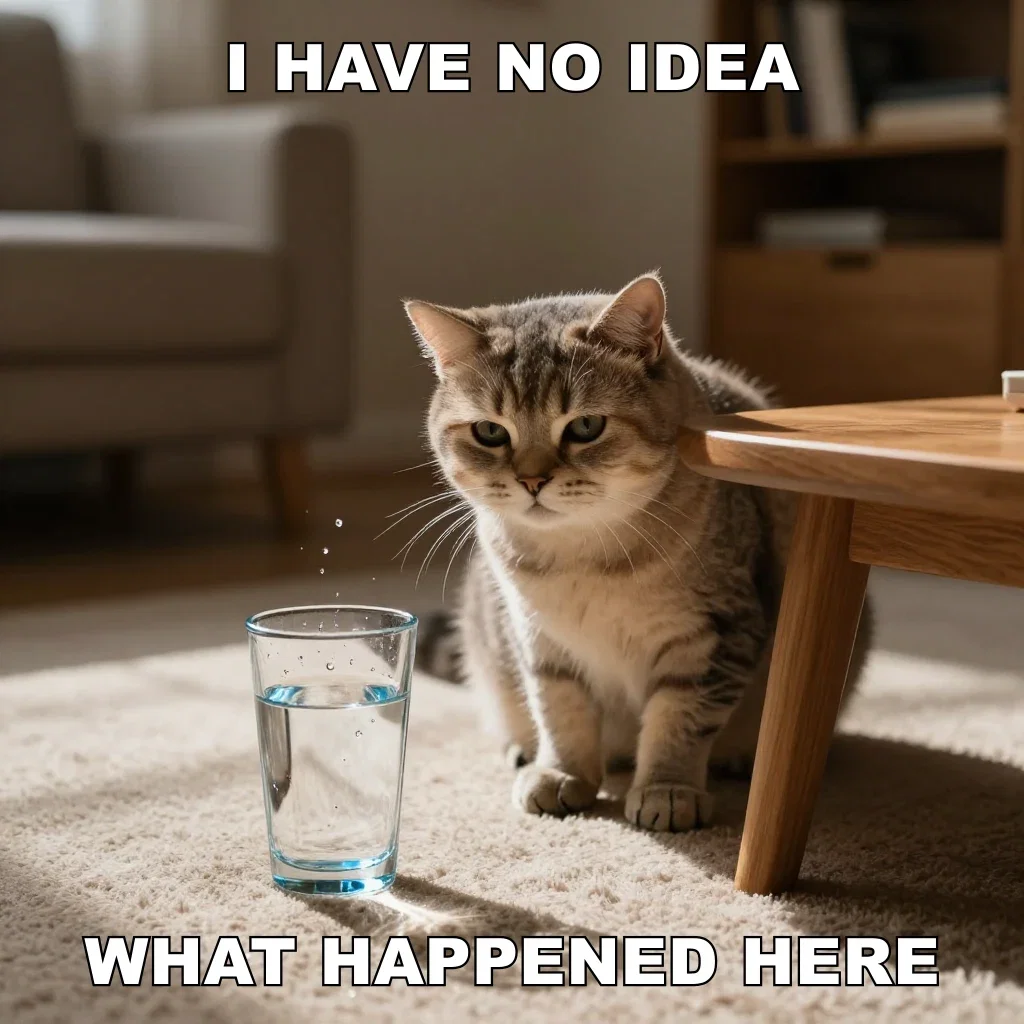
The deadpan
Finished meme
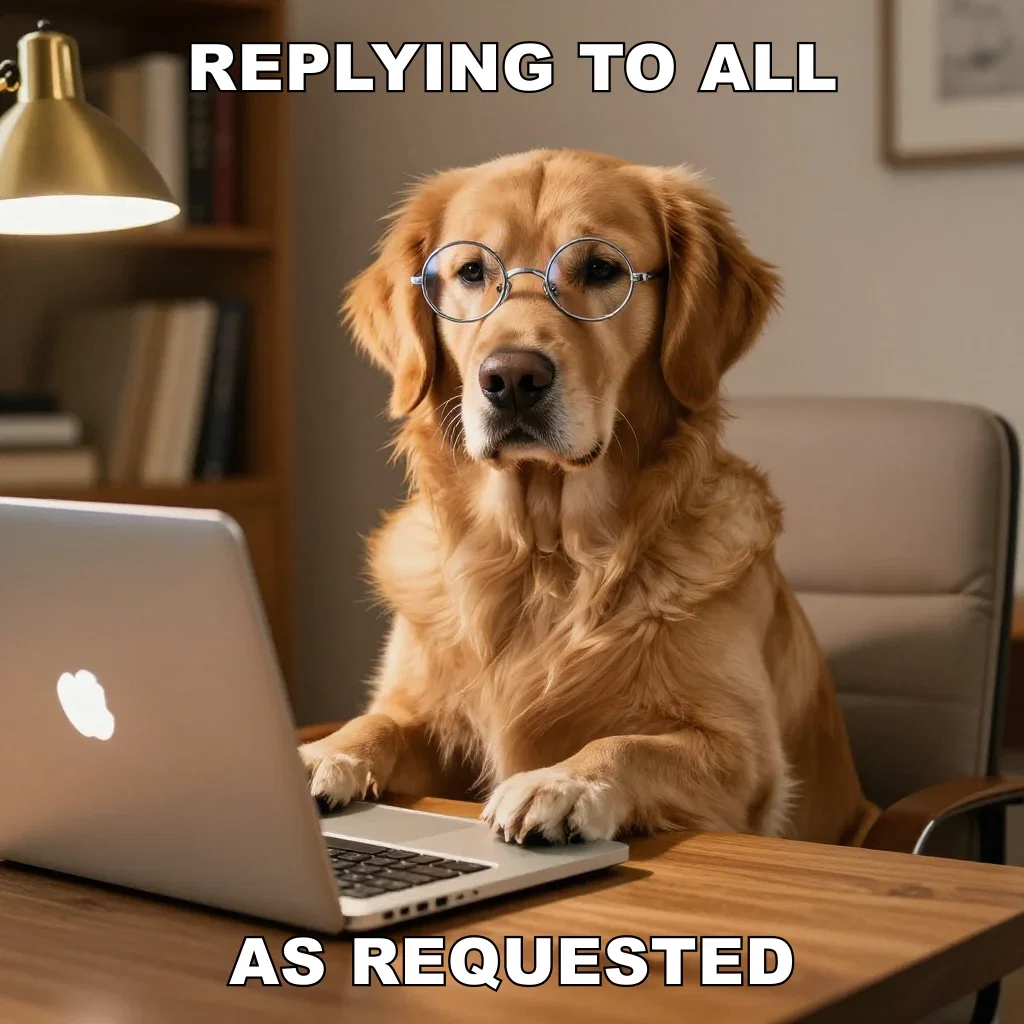
Office humor
Finished meme
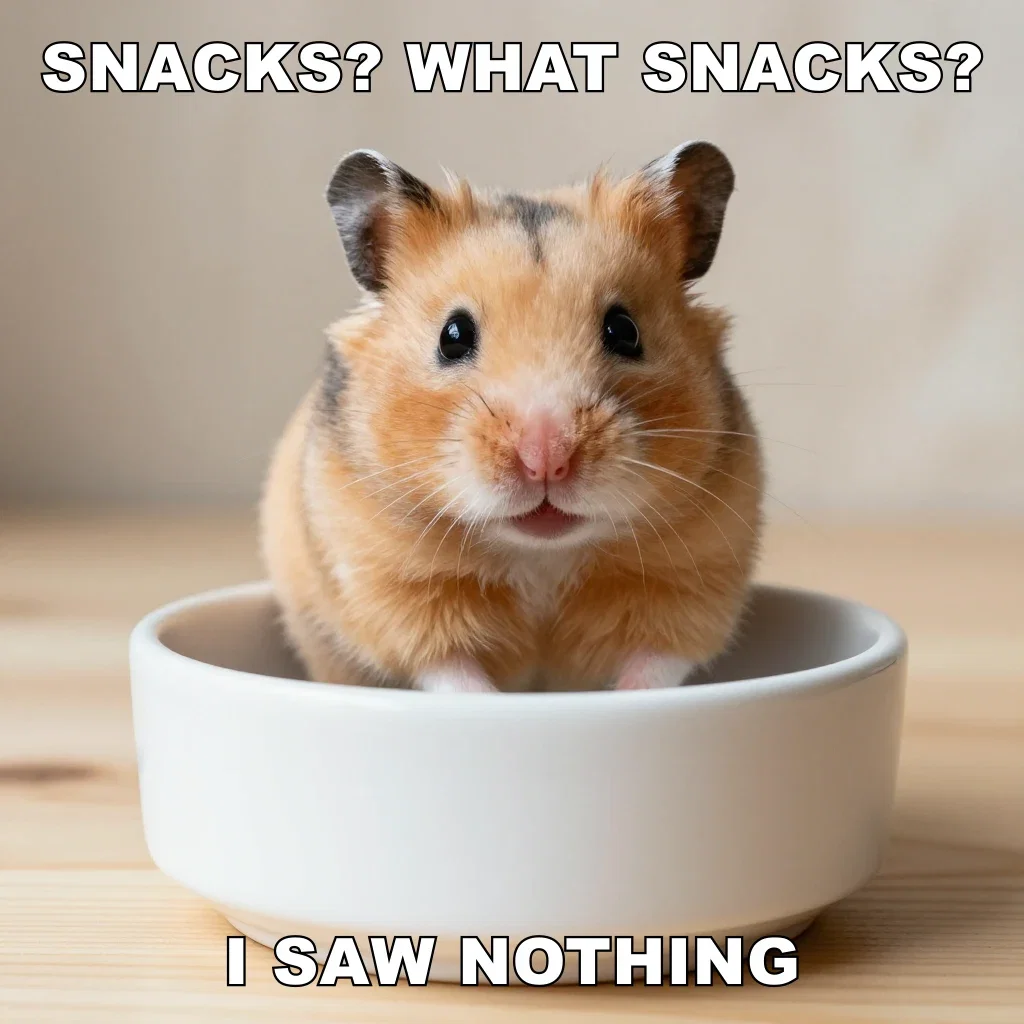
The alibi
Finished meme
Scene in. Meme out.
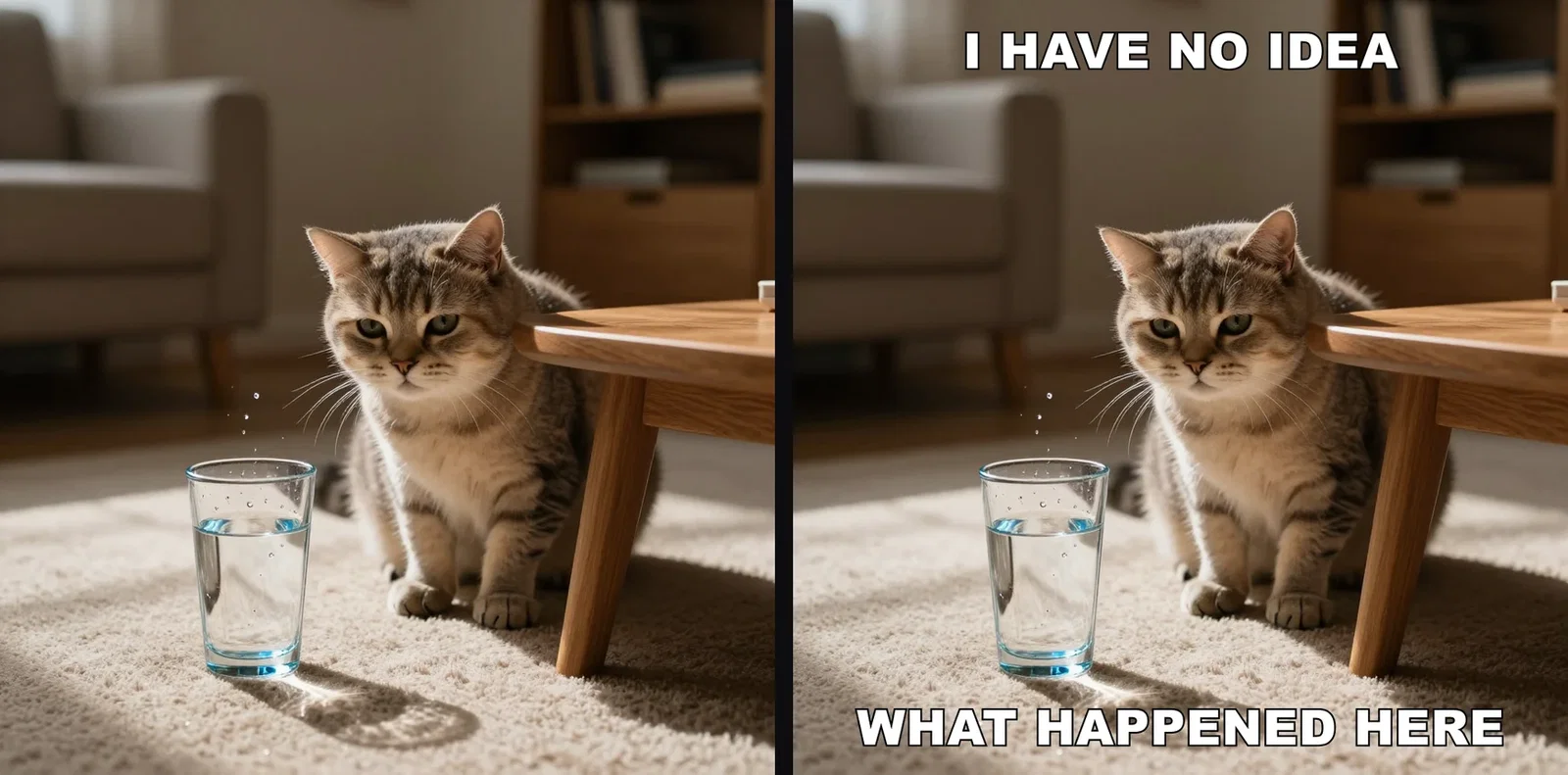
Left: the generated scene — a cat with zero remorse beside a glass of water. Right: the finished meme, captions set in the classic white-with-stroke style.
The image came from one sentence; the caption is real type, so it stays crisp at any size.
That is the whole pipeline: generate the moment, land the joke.
Scene in, meme out
The two-step build
Three ways to make a meme
Powered by the image engines on the FluxoKit canvas, with clean caption type on top.
Generate the moment
Describe the scene and the emotion — deadpan, guilty, triumphant.
Caption it
Classic top-and-bottom type lands the joke in the standard voice.
Make it move
Send the scene to a video engine and export the loop as a GIF.
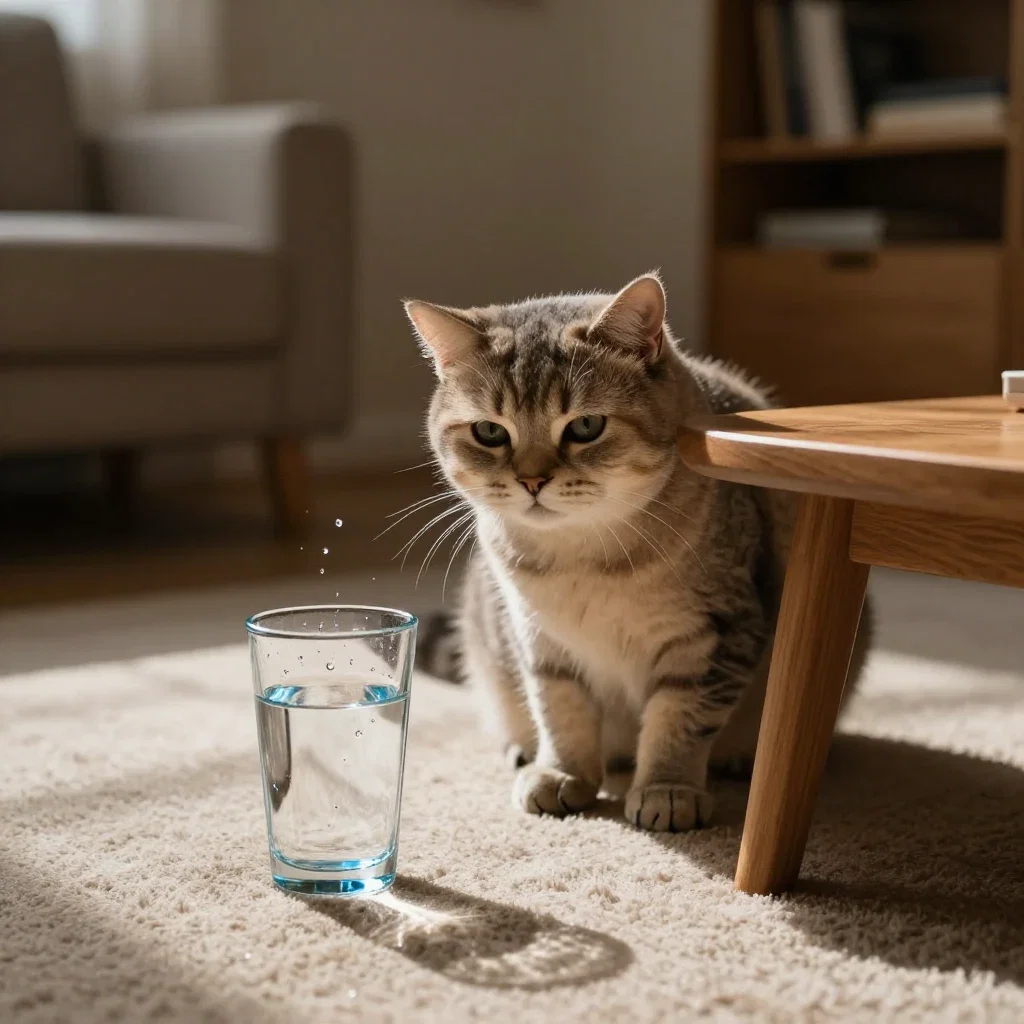
The raw scene
Before the caption

The group chat
Where memes land

Do not laugh
The work meme

Cross-generational
Everyone shares
The alibi
Finished meme
Your meme, not a template
The strip holds three originals made for this page: the deadpan cat, a golden retriever answering email, and a hamster denying everything.
Recycled templates come with someone else's context. A generated scene is exactly your setup.
Casting is a sentence: pick the animal, the prop, and the guilt level.
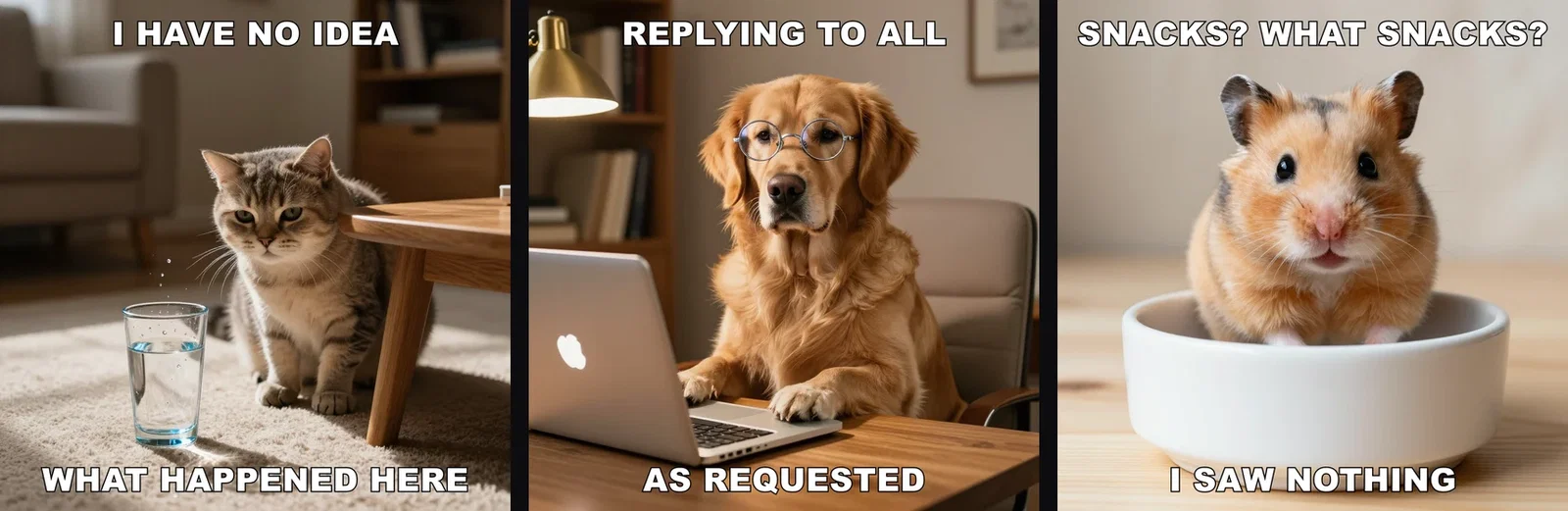
Three originals
No recycled templates
The caption is half the craft
Meme type is a convention — heavy white letters, black stroke, top and bottom.
On this page the captions are set as real text over the generated frames, which is why the gallery crops stay sharp.
Write the setup on top, land the punchline below.
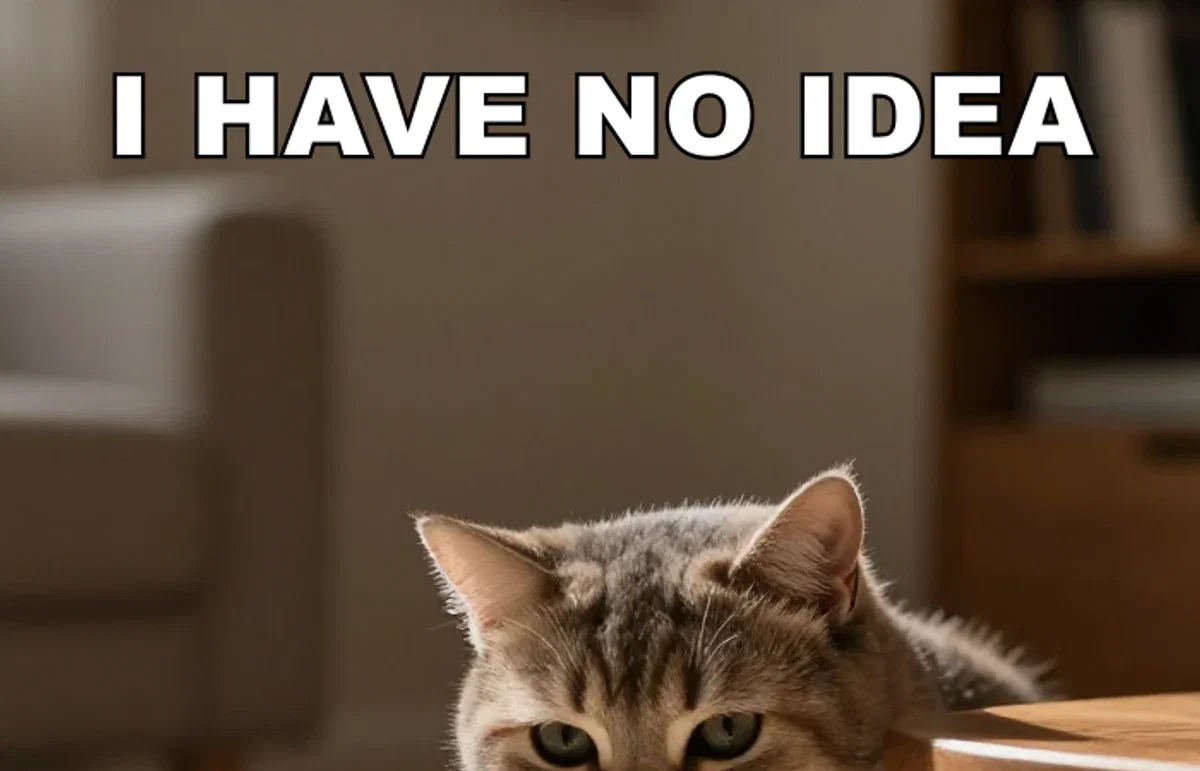
The caption
Classic stroke type
One canvas, every engine
3
original memes built for this page
135+
AI models in one canvas
14,500+
real generations delivered
The details that sell the joke
Crops from the finished memes — expression and type doing their jobs.
The caption
Classic stroke type

The face
Casting matters
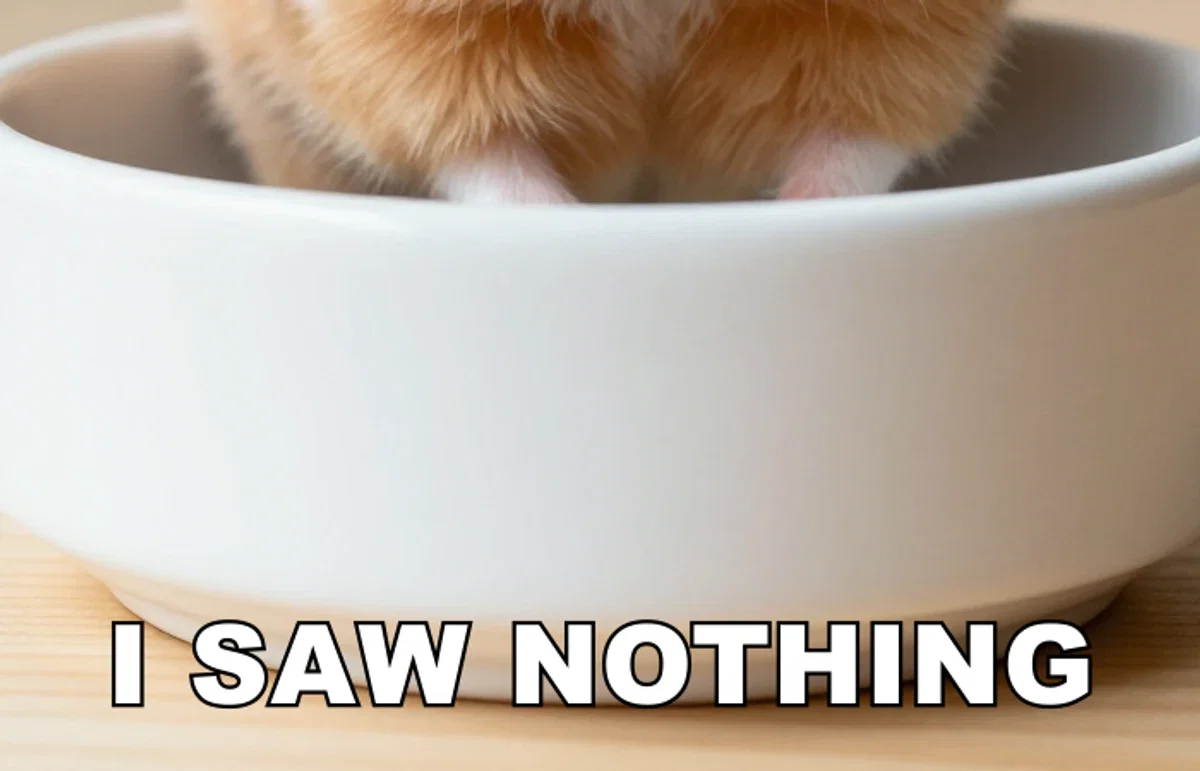
The bottom line
Type stays crisp
How to make a meme on FluxoKit
Describe the setup
The subject, the prop, and the expression carry the humor.
Generate and pick
Run variations until the face says exactly the thing.
Caption and ship
Set the type, export, and let the group chat do the rest.
Every meme is two moves: a face that says everything, and a caption that makes it about you. This page built three original memes on the FluxoKit canvas — scenes invented from one sentence each, captions set in the classic white-with-stroke type — because the best meme for your joke has never been posted before.
When people search for ai meme generator, they want their joke, not a recycled template. This page shows the build.
Direct Answer
Use an AI meme generator to create the scene your joke actually needs: describe the subject, the prop, and the expression — "a deadpan cat beside a glass of water, zero remorse" — and caption the result in the standard meme voice. On FluxoKit the scenes come from the image engines from $14/month, captions land as crisp real type, and the video engines next door can turn the same scene into an animated GIF.
Scene In, Meme Out
The pair shows the pipeline: the generated cat scene, then the finished meme with its caption set on top. One sentence of casting, one setup line, one punchline. The strip beside it holds all three of this page's originals — cat, dog, and hamster, each invented for its joke.
Casting Is a Sentence
The dog needed to look like middle management: reading glasses, upright posture, serious face at a laptop. The hamster needed an alibi: stuffed cheeks, empty bowl, innocent eyes. Expression prompts are the craft — the engines act, you direct.
How to Make a Meme on FluxoKit
- Describe the scene: subject, prop, and the exact expression.
- Generate variations until the face says the thing.
- Set the caption — setup on top, punchline below.
- Export and share, or animate the scene into a GIF.
- Keep the good ones — original memes are reusable formats.
Related workflows
- AI GIF Generator — the animated sibling, with real loops.
- AI Image Generator — the engines that act the scenes.
- AI Cartoon Generator — mascots and characters.
Why make memes on FluxoKit
The engines act. The pipeline — scene to caption to share — is what FluxoKit adds.
Original beats recycled
Generated scenes carry your context, not a template's.
Perfect casting
The exact animal, prop, and guilt level are one sentence away.
Captions stay crisp
Real type over the image — check the gallery crops.
GIFs next door
Animate the scene with a video engine on the same canvas.
Proof on the page
All three memes were generated and captioned with this workflow.
30-day guarantee
Make real memes for 30 days. Refund requests are governed by the first-subscription guarantee and Refund Policy.
17 models available in the canvas
Every model below is live in the FluxoKit studio. Each link opens its technical page with parameters, limits, and real generation examples.
- 01

GPT Image-1
OpenAI · Image generation
- 02
GPT Image-1.5
OpenAI · Image generation
- 03
GPT Image-2
OpenAI · Image generation
- 04
GPT Image 2.5 Sunburst
OpenAI · Image generation
- 05

Grok Image 2
xAI · Image generation
- 06
Grok Imagine Image
xAI · Image generation
- 07

Higgsfield Soul
Higgsfield AI · Image generation
- 08

Seedream 5.0
ByteDance · Image generation
- 09
Seedream 5.0 Pro
ByteDance · Image generation
- 10

FLUX.2 Klein 9B
Black Forest Labs · Image generation
- 11

Nano Banana Pro (Gemini 3.0)
Google AI · Image generation
- 12
Nano Banana Pro 2 (Gemini 3.1)
Google AI · Image generation
- 13

QWEN Image 2.0 Pro
Alibaba Cloud · Image generation
- 14
Z-Image Turbo
Alibaba Cloud · Image generation
- 15

Image Z-Turbo LoRA
AIML API · Image generation
- 16

Kora Pro
Kora · Image generation
- 17

MiniMax Image-01
MiniMax · Image generation
Frequently asked questions
What is an AI meme generator?
An AI meme generator creates the image half of a meme from a written description — the deadpan cat, the guilty hamster, the over-serious dog — and pairs it with classic caption type. On FluxoKit the scene comes from the image engines and the caption is set as real text, so it stays crisp.
How is this better than meme templates?
Templates carry someone else's context and everyone has seen them. A generated scene is cast for your exact joke: this page's three memes — a remorseless cat, a dog replying-all, a hamster denying snacks — were all invented from one sentence each.
What makes a good meme prompt?
Expression plus situation. Name the subject, the prop, and the emotional register — deadpan, guilty, triumphant — and the engines act it out. The face carries the joke; the caption lands it.
Can I make animated memes?
Yes — the same canvas has video engines and GIF export. Generate the scene, animate the moment, and export the loop. The AI GIF generator page shows that pipeline with real files.
Is the AI meme generator free?
FluxoKit does not sell a free trial. The engines run inside the platform plan from $14/month with monthly credits, backed by a 30-day first-subscription satisfaction guarantee, subject to the Refund Policy: make real memes for a month, and refund requests are governed by the first-subscription guarantee and Refund Policy.
Next step
Access 135 AIs in one canvas, without subscribing to each one.
Monthly credits with no separate subscription per model. New purchases are temporarily unavailable; contact support for billing help.
MEMES ON FLUXOKIT
Make your first meme
Original scenes, classic captions, instant shares — one canvas, one plan.