
Qwen Image
Alibaba's precision engine — dense detail, obedient edits, famous typography — on one canvas next to Nano Banana Pro and FLUX.
The 17 models on this page are already included, with no separate subscription per tool. 14,500+ real generations already delivered on the platform. Updated
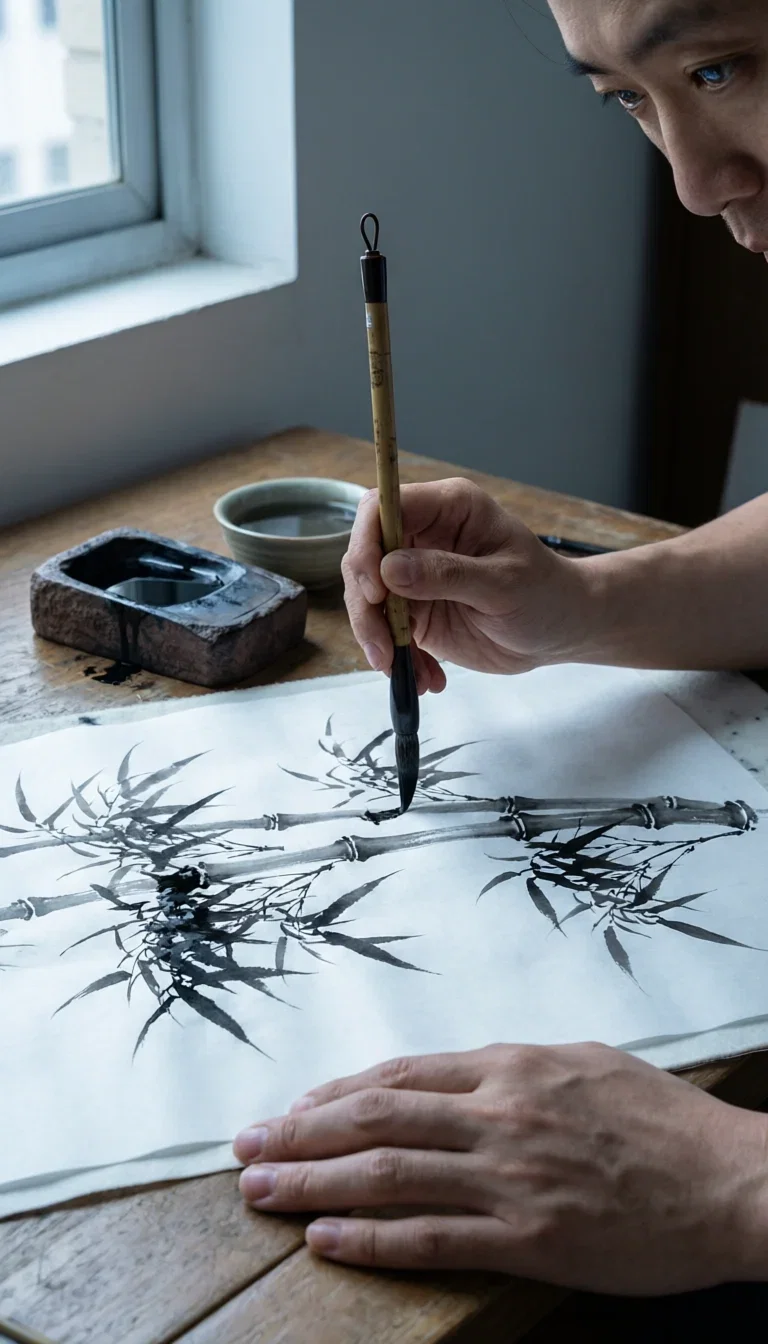
Craft
Qwen 2.0 Pro

Dusk
Qwen 2.0 Pro

Dawn
Qwen 2.0 Pro
One instruction, one change
The edit line's whole pitch: say what changes and everything else holds.
This tatami room went from midday to lantern-lit night on a single sentence — same table, same teapot, same pine.
Every frame on this page is live Qwen output from FluxoKit.

One instruction later
Same room, night
Three ways to direct Qwen
Powered by Qwen Image 2.0 Pro and its edit line on the FluxoKit canvas — no DashScope console.
Text to image
Brief dense scenes with the detail named — Qwen rewards specificity at 2K.
Instruction edits
Edit and Edit Max change exactly what you ask — relight, restage, retouch.
Typography on demand
When a design truly needs rendered text, Qwen is the field's trusted engine.

Geometry
Spiral coils
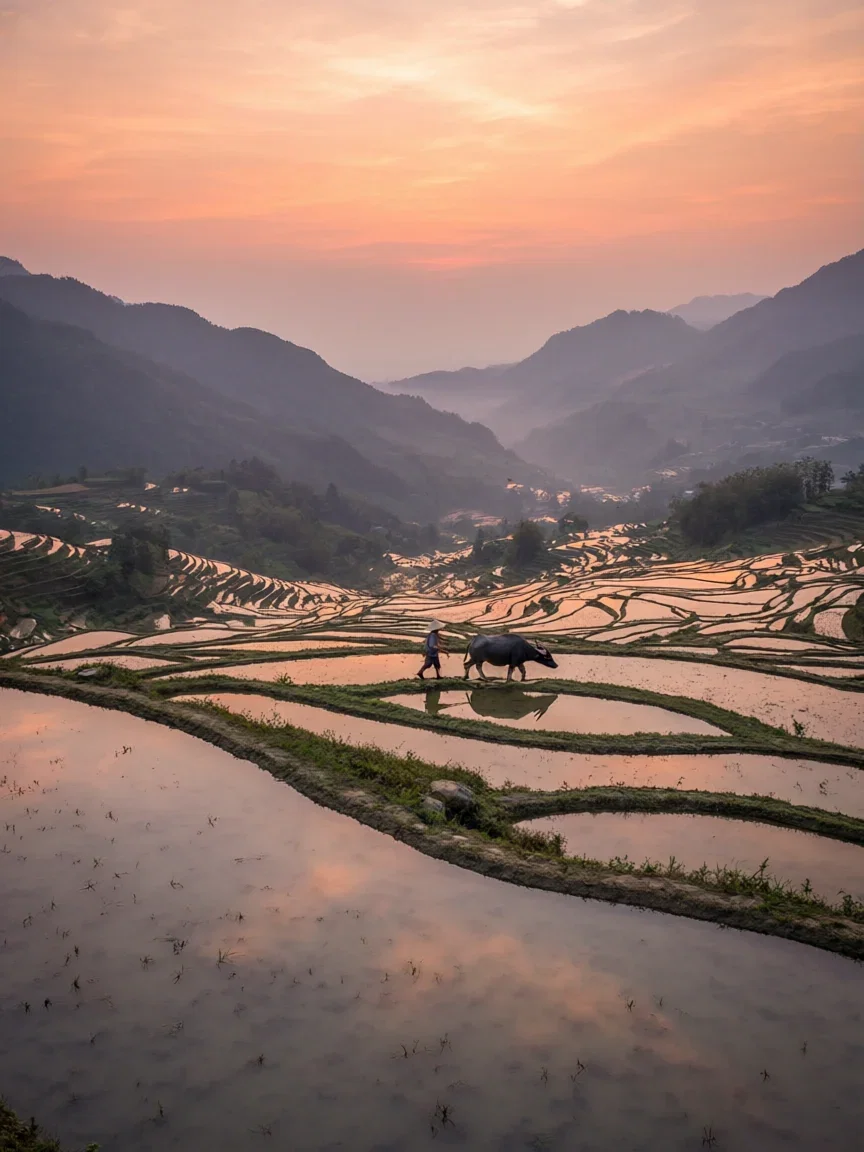
Mirror
Flooded terraces
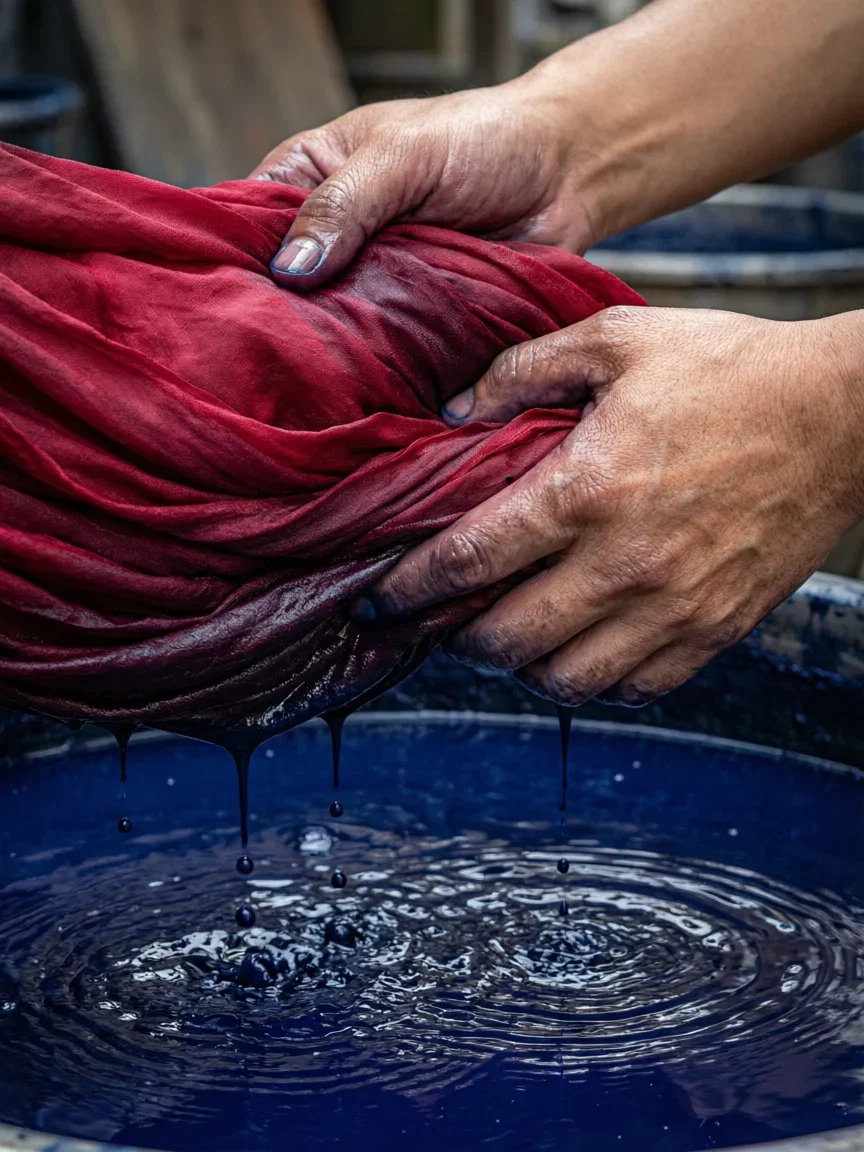
Color
Dye vat

Rain
Lotus pond

Lantern
Dusk raft
The before, for honesty
Here is the midday original the instruction started from.
Compare the pair: light and hour changed; objects, layout, and materials stayed put.
That obedience is what makes the edit line a retoucher, not a slot machine.

The original
Midday room
Density that survives
Steam, stacked baskets, and glistening dumplings — a dozen textures in one frame, all coherent.
Dense scenes are where engines smear; Qwen keeps the geometry.
That is why detail-critical briefs — food, craft, interiors — reach for it first.
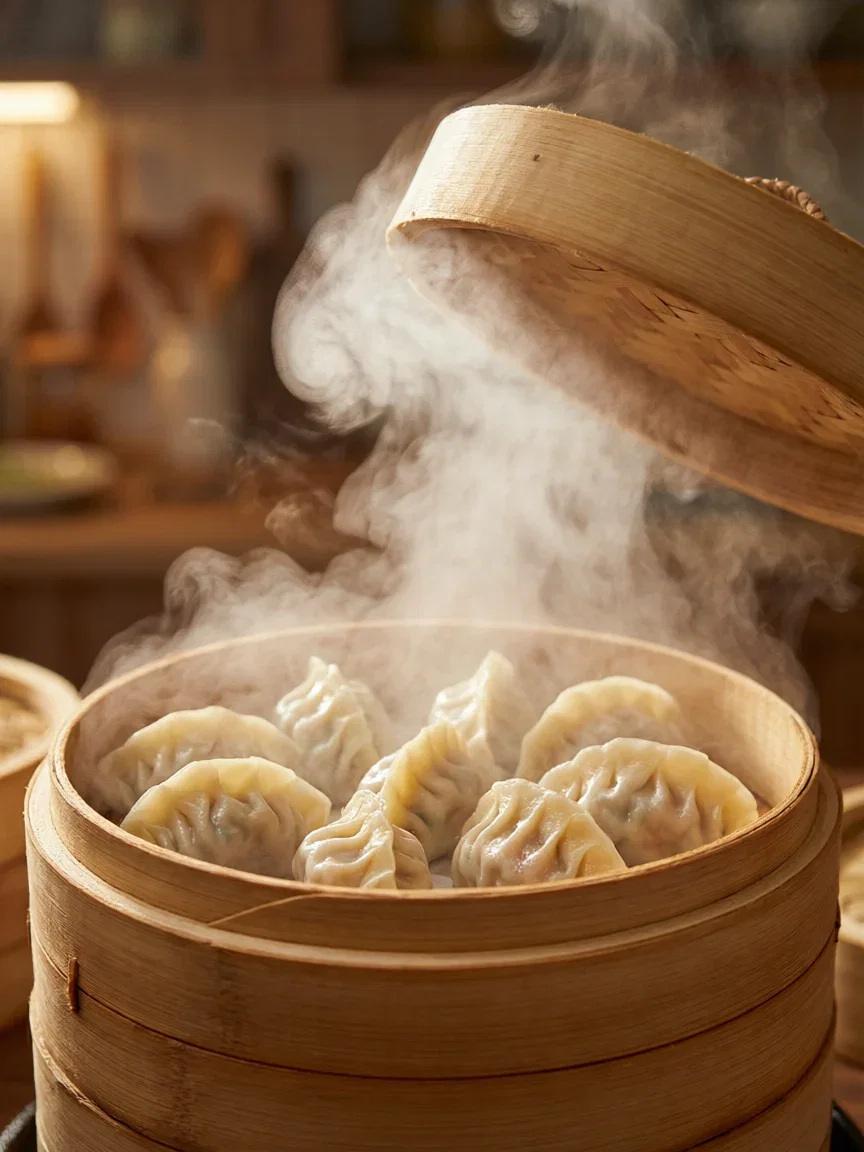
Steam
Density held
One canvas, every engine
135+
AI models in one canvas
14
live Qwen frames on this page
14,500+
real generations delivered
Real Qwen Image generations
Straight from this page's briefs — karst dawn, moon gate, bamboo light.

Mist
Karst river
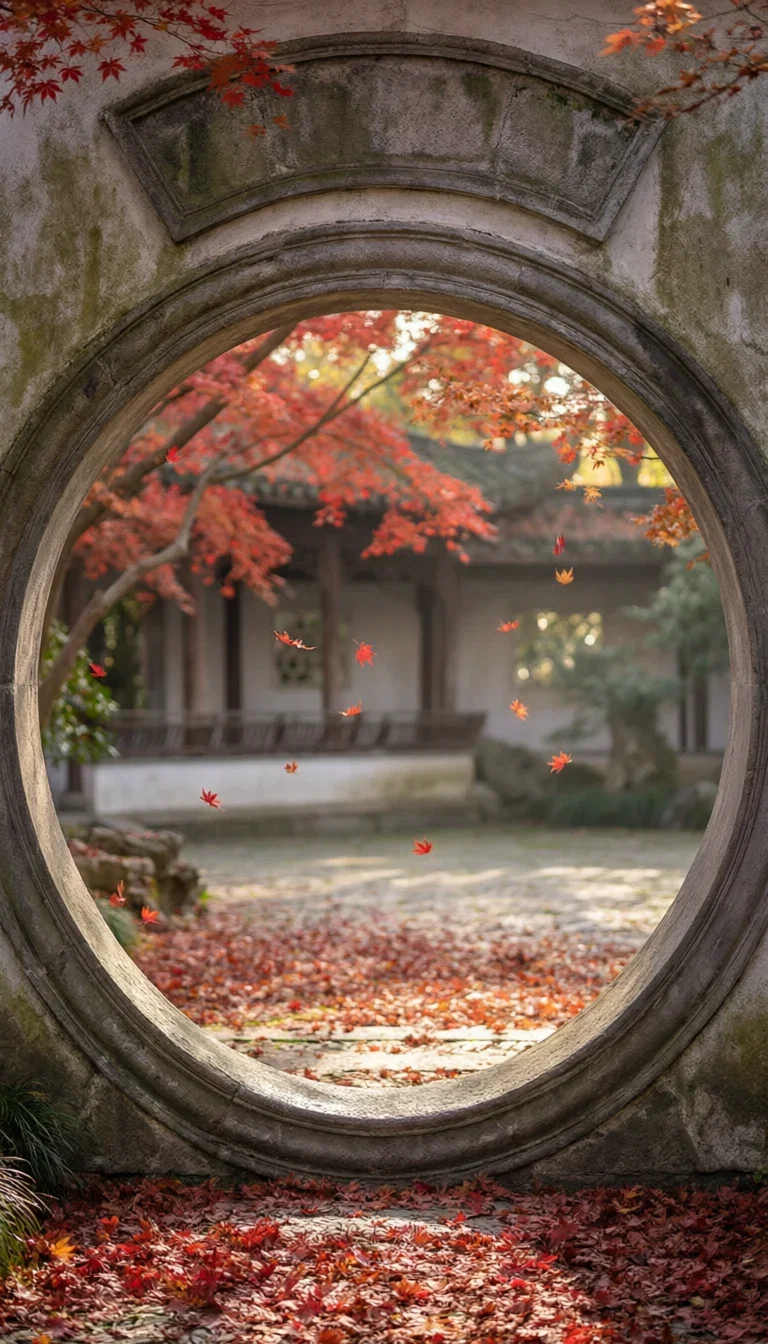
Frame
Autumn court

Light
Grove shafts
How to use Qwen on FluxoKit
Name the detail
Dense briefs with specifics — Qwen renders what you actually listed.
Edit, don't reroll
One instruction per change keeps the frame and fixes the detail.
Compare and ship
Same brief through Nano Banana Pro and FLUX — keep the winner.
Qwen Image is Alibaba's precision engine — dense scenes that stay coherent, edits that change one thing, and the field's most trusted in-image typography when a design calls for it. FluxoKit runs Qwen Image 2.0 Pro and its edit line on one canvas next to Nano Banana Pro, FLUX, and Soul, with no DashScope setup. Every frame on this page is live Qwen output.
When people search for qwen image or qwen image edit, they want the precision story proven. This page proves it in frames.
Direct Answer
Use Qwen Image 2.0 Pro when the scene is dense — terraces, interiors, crowds, craft — and detail has to survive. Use the edit line when the change matters more than the generation: the tatami room on this page went from midday to lantern-lit night on one instruction, table and teapot untouched. And when a design truly needs rendered typography — posters, packaging mockups — Qwen is the engine with the reputation. On FluxoKit, run the same brief through Qwen, Nano Banana Pro, and FLUX side by side and pick by frame.
Why Precision Is the Brand
Three habits set it apart. Density holds: a hundred incense coils keep their geometry. Edits obey: one sentence, one change — see the pair below. And typography lands when you need it, which this page's no-text asset standard politely declines to demo but the picker will happily prove.
How to Use Qwen on FluxoKit
- Pick Qwen Image 2.0 Pro from the model picker.
- Brief the scene with its detail named — Qwen rewards specificity.
- Edit with one instruction per change using the edit line.
- Compare against Nano Banana Pro and FLUX on the same brief.
- Keep the winners and version per placement.
Qwen vs the Field
Qwen owns dense precision and typography; Nano Banana Pro owns instruction-faithful polish; FLUX owns physical light; Z-Image owns iteration speed. Detail-critical and edit-heavy briefs lean Qwen — and the honest way to decide is one brief, four engines, same canvas.
Related workflows
- AI Image Generator — every image engine on one page.
- AI Photo Editor — instruction editing across engines.
- Z-Image — the speed sibling from the same provider family.
Why run Qwen on FluxoKit
The models are Alibaba's. The workflow — edits beside the flagships, iteration, export — is what FluxoKit adds.
No DashScope console
Pick Qwen on the canvas and the first frame is seconds away.
Edits that obey
One sentence changes one thing — the tatami pair is the proof.
Density that holds
Coils, steamers, terraces — geometry survives the render.
The typography engine
When text must render, professionals pick Qwen — it is one click away here.
Compare against the field
Same brief through Nano Banana Pro, FLUX, and Soul — judged on frames.
30-day guarantee
Generate real work for 30 days. Refund requests are governed by the first-subscription guarantee and Refund Policy.
17 models available in the canvas
Every model below is live in the FluxoKit studio. Each link opens its technical page with parameters, limits, and real generation examples.
- 01

GPT Image-1
OpenAI · Image generation
- 02
GPT Image-1.5
OpenAI · Image generation
- 03
GPT Image-2
OpenAI · Image generation
- 04
GPT Image 2.5 Sunburst
OpenAI · Image generation
- 05

Grok Image 2
xAI · Image generation
- 06
Grok Imagine Image
xAI · Image generation
- 07

Higgsfield Soul
Higgsfield AI · Image generation
- 08

Seedream 5.0
ByteDance · Image generation
- 09
Seedream 5.0 Pro
ByteDance · Image generation
- 10

FLUX.2 Klein 9B
Black Forest Labs · Image generation
- 11

Nano Banana Pro (Gemini 3.0)
Google AI · Image generation
- 12
Nano Banana Pro 2 (Gemini 3.1)
Google AI · Image generation
- 13

QWEN Image 2.0 Pro
Alibaba Cloud · Image generation
- 14
Z-Image Turbo
Alibaba Cloud · Image generation
- 15

Image Z-Turbo LoRA
AIML API · Image generation
- 16

Kora Pro
Kora · Image generation
- 17

MiniMax Image-01
MiniMax · Image generation
Frequently asked questions
What is Qwen Image?
Qwen Image is the image generation family from Alibaba's Qwen team — currently Qwen Image 2.0 Pro — known for dense photoreal detail, the field's most reliable in-image typography, and an edit line that changes exactly what you ask. On FluxoKit it runs beside Nano Banana Pro, FLUX, Soul, and GPT Image 2.
What is Qwen Image best at?
Three things. Dense scenes hold their detail — terraces, temples, and markets render coherent where other engines smear. Its typography is famous: when a design genuinely needs rendered text, Qwen is the engine professionals reach for. And its edit models make one-instruction changes — the tatami pair on this page went day to night with everything else held.
What is Qwen Image Edit?
The edit line — including Edit Max — takes your image plus an instruction and changes only what you asked. It is the precision-retouch engine of the field: relight a room, swap a product's scene, adjust a detail, keep the rest.
How do I use Qwen without an Alibaba account?
Pick Qwen Image from the FluxoKit picker — no DashScope console. Credits from the one FluxoKit plan cover generation and the edit line alongside every other engine.
Is Qwen Image free?
FluxoKit does not sell a free trial. Qwen Image 2.0 Pro runs inside the platform plan from $14/month with monthly credits, backed by a 30-day first-subscription satisfaction guarantee, subject to the Refund Policy: generate real work for a month, and refund requests are governed by the first-subscription guarantee and Refund Policy.
Next step
Access 135 AIs in one canvas, without subscribing to each one.
Monthly credits with no separate subscription per model. New purchases are temporarily unavailable; contact support for billing help.
QWEN IMAGE ON FLUXOKIT
Run your first Qwen frame
Precision, edits, and famous typography from Alibaba's Qwen family — one canvas, one plan.