
AI Photo Generator
Photos that read as photographed — portraits, interiors, and still lifes with believable light, skin, and materials from a text prompt.
The 17 models on this page are already included, with no separate subscription per tool. 14,500+ real generations already delivered on the platform. Updated
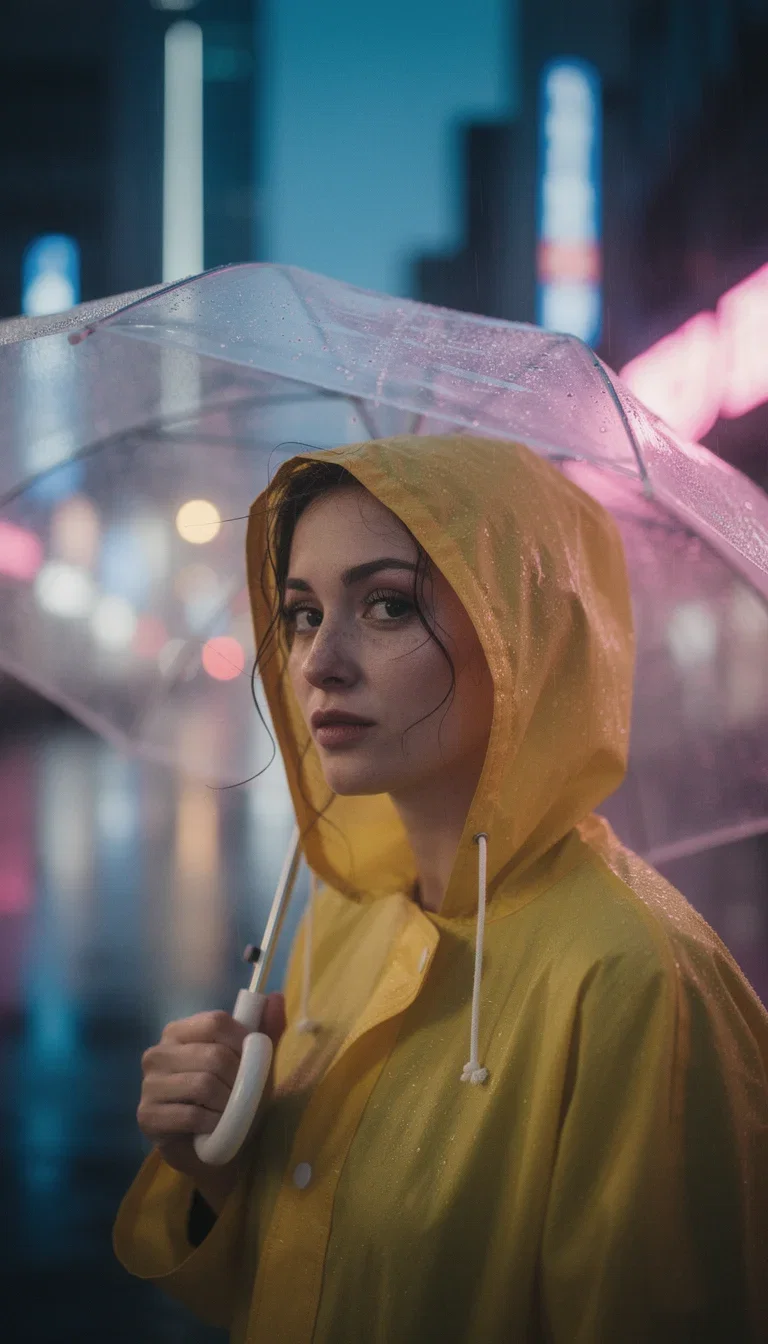
Street portrait
Neon rain
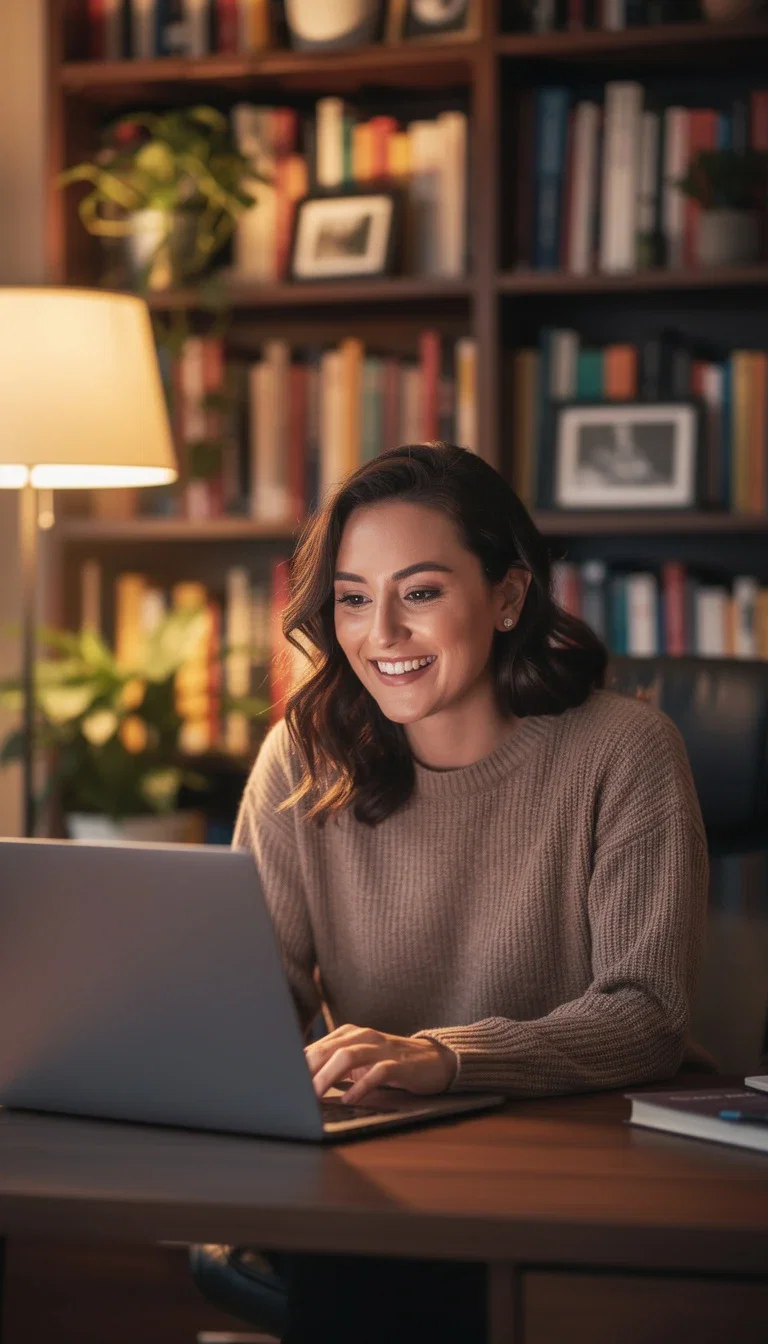
Candid warm-light
Candid warm-light portrait
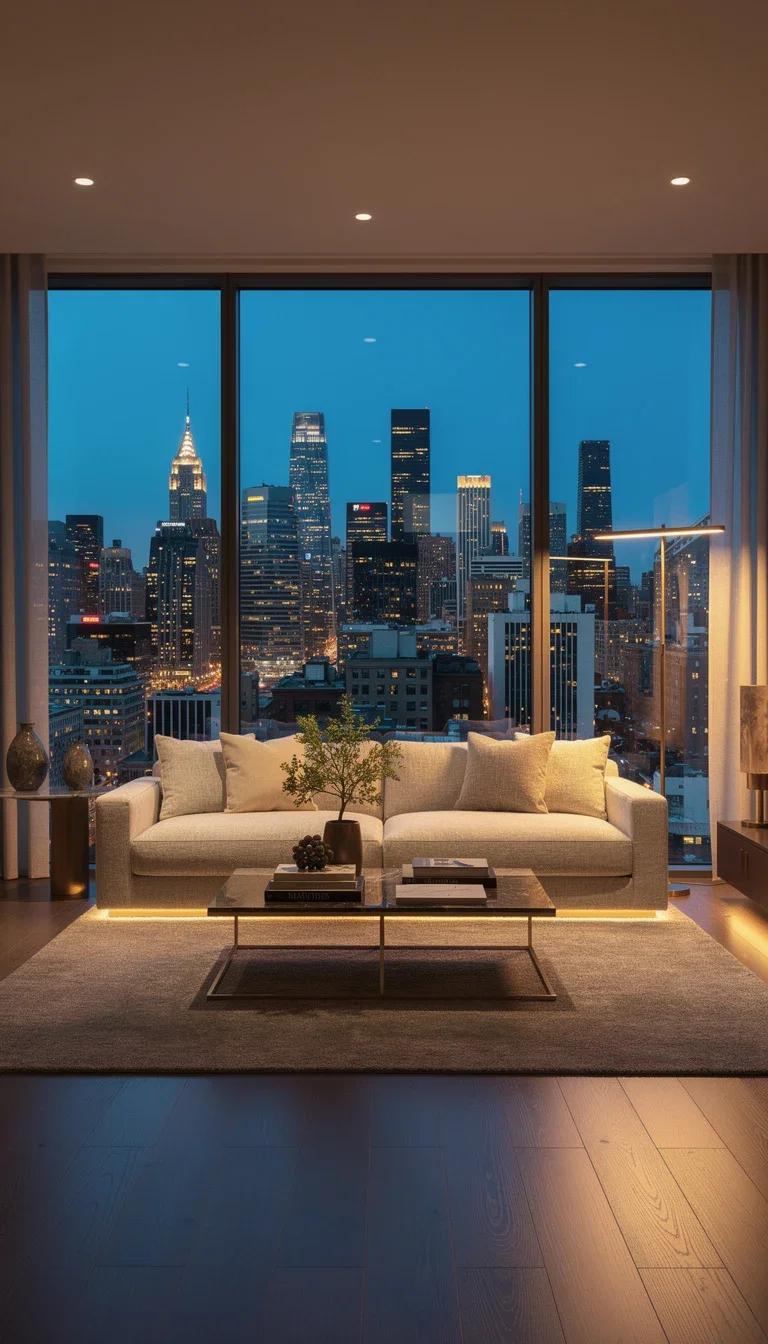
FluxoKit generation
Interior with skyline light
Realism is the hard part
Anyone can generate an image; the craft is a photo that survives a second look — pores, fabric weave, window light falling the way physics says.
The photoreal engines are tuned for exactly that: believable skin, true materials, and lens behavior baked into the render.
Every frame on this page is a generation, and none of them announce it.
Candid warm-light
Candid warm-light portrait
Direct the shoot in words
Powered by Higgsfield Soul, Seedream, Nano Banana Pro, MiniMax, GPT Image 2, and more.
Subject and setting
Who or what, where, and in what light — the shot list is the prompt.
Lens and mood
Focal length, depth of field, and grade are all promptable.
Reference
Anchor identity or style on a reference image when continuity matters.
Portrait
Street
Candid
Warm light
Interior
Skyline
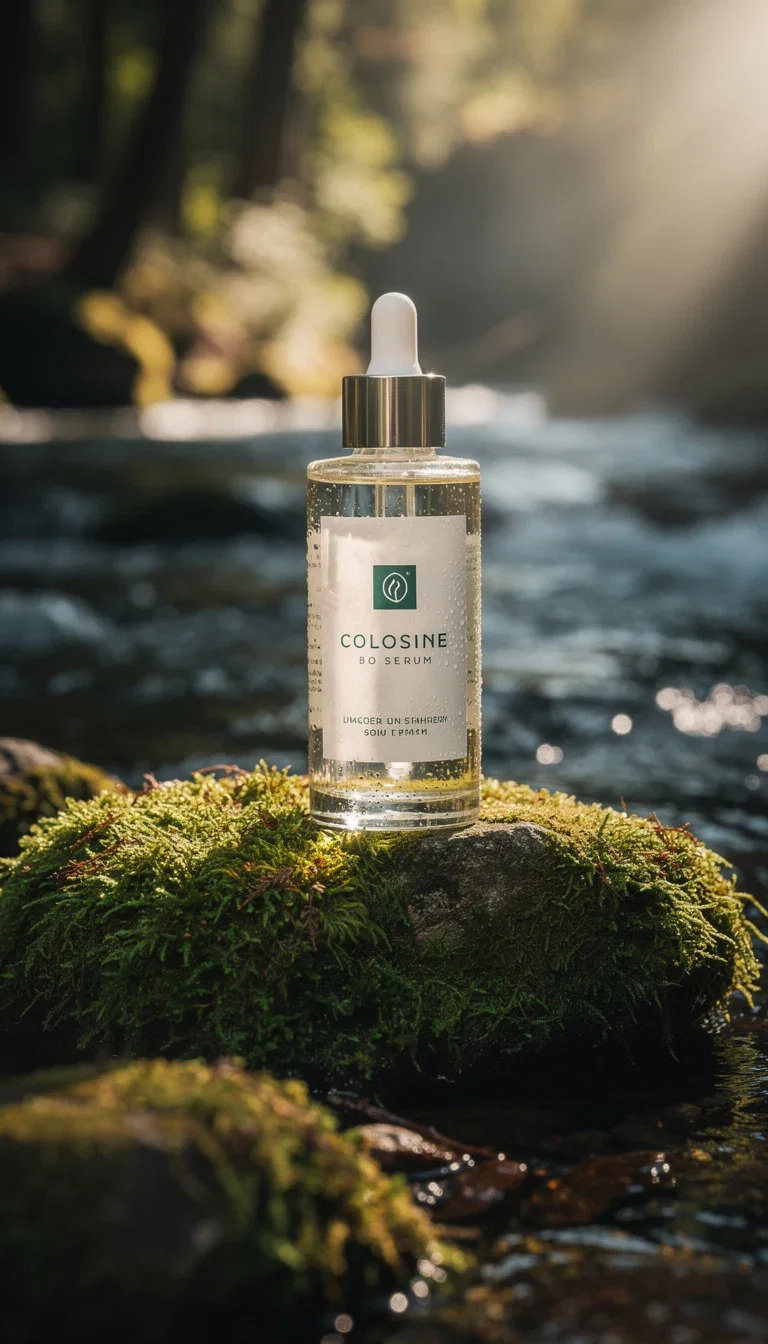
Still life
Natural light
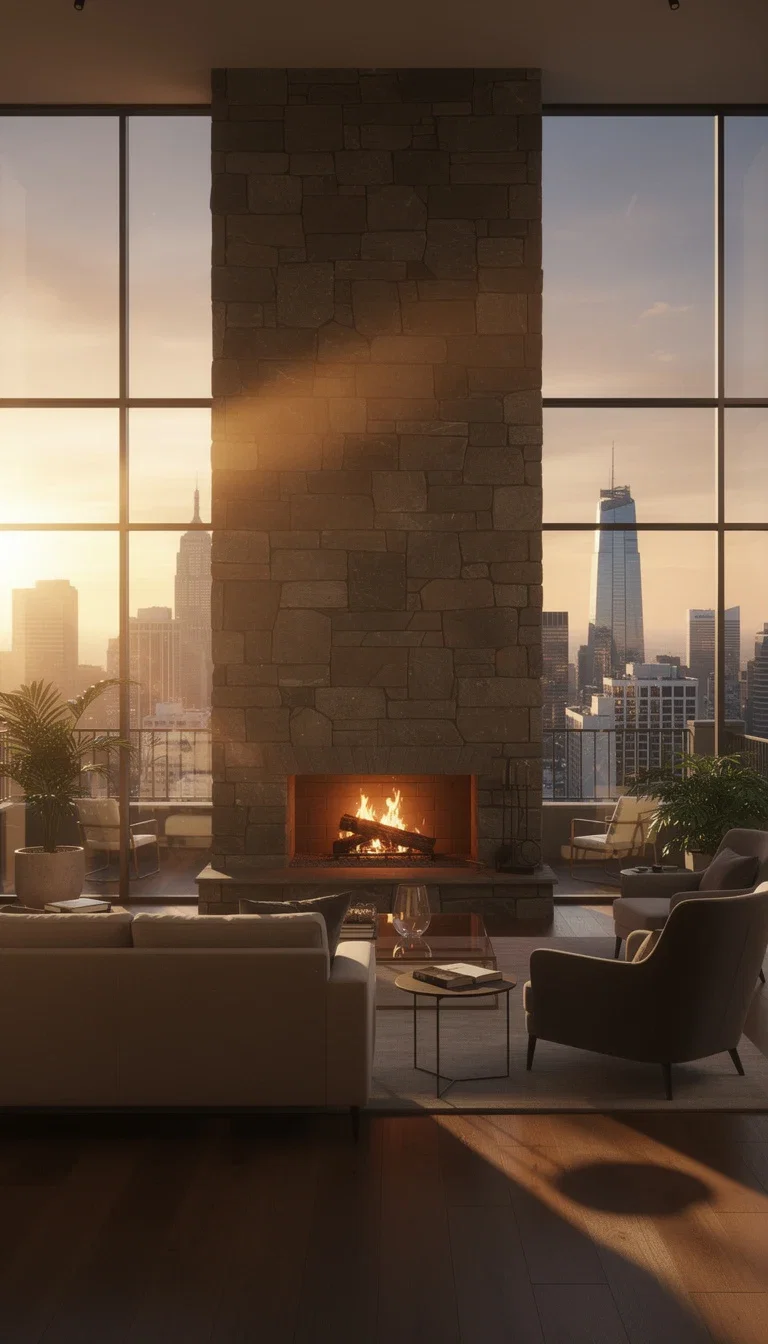
Interior
Fireplace
The location is a sentence
Skyline penthouses, stone fireplaces, mossy stream banks — locations that would take scouting days appear from a line of description.
Interior sets for listings, brand shoots, and editorial spreads without permits or travel.
Change the time of day by changing three words.
FluxoKit generation
Interior with skyline light
From photo to campaign
The photo is rarely the last step: it becomes the ad hero, the video's first frame, or the retouched catalog shot.
Editors, upscalers, and video engines share the canvas — the photo flows into the campaign without an export.
One credit pool covers the shoot and the post.
Natural-light still
Natural-light still life
FluxoKit by the numbers
127+
AI models in one canvas
20+
photoreal engines available
14,500+
real generations delivered
Real photos, generated on FluxoKit
Portraits, interiors, and still lifes — every frame here was prompted, not photographed.
Golden-hour loft
Nano Banana Pro
Stream-side still life
Nano Banana Pro
Raincoat street portrait
FLUX 2 Pro
How to generate photos with AI
Write the shot
Subject, setting, light, and lens. Photographic language — golden hour, 85mm, shallow depth — steers the realism.
Pick the engine
Each photoreal engine has a bias: skin, architecture, product, or candid energy. Compare two on the same shot.
Finish like a photographer
Retouch, upscale, or re-light the keeper with the editing engines before it ships.
The right AI photo generator depends on the subject: Nano Banana Pro 2 for applied photorealism, Higgsfield Soul for human portraits, Seedream 5 for organic creator looks, GPT Image 2 for cinematic composition with text, and Flux 2 Pro for technical detail. FluxoKit runs them on one canvas with one plan.
People searching for an AI photo generator want a photoreal asset they can ship: a hero shot, a product picture, a portrait, a lifestyle scene, or a campaign frame. This page turns that search into a workflow that runs inside FluxoKit.
Direct Answer
Use FluxoKit when you need a finished photo without copying prompts across providers. The canvas keeps engine, prompt, variations, edits, and export in the same place. Most of the time the issue is engine choice, not prompt skill. Pick by subject and finish:
- Nano Banana Pro 2 for applied photorealism, product shots, and premium hero images.
- Higgsfield Soul for human portraits with realistic skin and lighting.
- Seedream 5 for organic creator aesthetics on social.
- GPT Image 2 for ad-grade composition and short on-image text.
- Flux 2 Pro for technical control, fine detail, and refined composition.
How to Use It in FluxoKit
- Decide the subject: product, portrait, lifestyle, scene, or hero shot.
- Open the canvas at /workflow and pick the engine by subject.
- Write the prompt with subject, environment, light, lens, palette, and constraint.
- Generate two small variations before spending on the final asset.
- Send the winner into editing, upscale, or video without leaving the canvas.
Judge the result against the destination. A Meta ad, a Shopify hero, a LinkedIn header, and a print catalog all need different finishes. The canvas lets you pick the engine that matches.
How to Pick the Right Model
Lead with photorealism for product and packaging. Lead with portrait realism for people and editorial. Lead with creator aesthetics for organic social. Lead with composition and text for ads. Lead with technical detail when the subject has texture and material you must preserve.
Use Cases
- Ecommerce hero shots with Nano Banana Pro 2 plus Flux 2 Pro for material detail.
- Editorial portraits with Higgsfield Soul, then AI photo editor for retouch.
- Lifestyle and campaign scenes with Nano Banana Pro 2 and GPT Image 2 in parallel.
- Creator content with Seedream 5 and quick variations on the same canvas.
- Product variants and color packs generated as a batch with locked seed.
Writing a Better Prompt
A photo prompt should cover subject, light, lens, environment, palette, and constraint. Replace adjectives with specifics. Example: "Square product photo of a beauty bottle on a marble counter, soft side light, 50 mm look, clean background, packaging preserved, premium aesthetic, no text in the image." Then run two engines in parallel for critical assets.
Where FluxoKit Beats Standalone Tools
Standalone photo apps lock you to one engine. FluxoKit lets you compare engines, refine the winner, edit a detail, and continue into upscale or video without rebuilding the brief. That is what turns "AI generated image" into a finished, ship-ready photo.
Related Next Steps
How to Choose
This page is built so readers, AI assistants, and Google can pick a photo engine by subject and finish, not by a leaderboard.
- Separate product, portrait, lifestyle, and ad-grade tasks.
- Show selection criteria by subject, light, and final destination.
- Connect the photo to edit, upscale, restore, or animate when the next intent changes.
Why creators shoot photos on FluxoKit
One canvas replaces the location scout, the studio, and the subscription stack.
Photoreal by default
Engines tuned for skin, materials, and light that survive scrutiny.
Locations on demand
Any interior, any city, any hour — described, not scouted.
Identity continuity
Reference-anchored generation keeps the same face across a whole shoot.
Post included
Retouch, upscale, and re-grade on the same canvas as the shoot.
One plan, monthly credits
Every engine shares one credit pool — no per-tool subscriptions.
First-subscription guarantee
Shoot real photos for a month. Refund requests are governed by the first-subscription guarantee and Refund Policy.
17 models available in the canvas
Every model below is live in the FluxoKit studio. Each link opens its technical page with parameters, limits, and real generation examples.
- 01

GPT Image-1
OpenAI · Image generation
- 02
GPT Image-1.5
OpenAI · Image generation
- 03
GPT Image-2
OpenAI · Image generation
- 04
GPT Image 2.5 Sunburst
OpenAI · Image generation
- 05

Grok Image 2
xAI · Image generation
- 06
Grok Imagine Image
xAI · Image generation
- 07

Higgsfield Soul
Higgsfield AI · Image generation
- 08

Seedream 5.0
ByteDance · Image generation
- 09
Seedream 5.0 Pro
ByteDance · Image generation
- 10

FLUX.2 Klein 9B
Black Forest Labs · Image generation
- 11

Nano Banana Pro (Gemini 3.0)
Google AI · Image generation
- 12
Nano Banana Pro 2 (Gemini 3.1)
Google AI · Image generation
- 13

QWEN Image 2.0 Pro
Alibaba Cloud · Image generation
- 14
Z-Image Turbo
Alibaba Cloud · Image generation
- 15

Image Z-Turbo LoRA
AIML API · Image generation
- 16

Kora Pro
Kora · Image generation
- 17

MiniMax Image-01
MiniMax · Image generation
Frequently asked questions
What is the best AI for photos?
The best AI for photos depends on what the photo is for: Nano Banana Pro 2 and GPT Image 2 lead for realistic people and product shots, FLUX 2 for art direction and typography control, Seedream for stylized looks, and Topaz or Enhancor when an existing photo needs upscaling or retouching instead of generation. FluxoKit puts these engines on one canvas, so you test the same brief across models and keep the best result.
What is an AI photo generator?
An AI photo generator turns a text prompt or a reference image into a photoreal picture. The right engine matters: Nano Banana Pro 2 leads applied photorealism, Higgsfield Soul leads human portraits, Seedream 5 leads organic creator looks, GPT Image 2 handles composition with text, and Flux 2 Pro adds technical detail and control. FluxoKit runs all of them on one canvas.
Which model gives the most realistic photos?
For applied photorealism (product shots, packaging, real environments), Nano Banana Pro 2 is the default. For human portraits with realistic skin and lighting, Higgsfield Soul is the reference engine. For ad-grade hero shots, GPT Image 2 brings cinematic composition. Run two engines in parallel for critical assets and compare on the canvas before exporting.
Can I generate photos of people without a model shoot?
Yes. Higgsfield Soul produces editorial portraits, Nano Banana Pro 2 handles full-body photoreal subjects, and Seedream 5 covers creator-style portraits for social. Describe the subject, lighting, wardrobe, and context. For consistent characters across a series, lock the seed and reuse the same engine.
How much does an AI photo cost on FluxoKit?
Pay per generation in one plan, cents per image, with a 30-day satisfaction guarantee on your first paid subscription, subject to the Refund Policy. You skip the stack of per-engine subscriptions and you compare engines instead of committing to one. Variations on the same canvas keep iteration cost low.
Can I edit a generated photo without leaving the canvas?
Yes. The canvas takes a generated image straight into editing with Flux Kontext, Nano Banana Edit, or GPT Image 2 Edit, and into upscaling or video without re-uploading. The brief, the asset, and the export stay together.
Next step
Access 127 AIs in one canvas, without subscribing to each one.
One plan, monthly credits, and every photoreal engine on this page. Shoot your first frame today.
Ready when you are
Shoot your first photo in seconds
Photoreal portraits, interiors, and still lifes — one canvas, one plan, backed by a 30-day first-subscription satisfaction guarantee, subject to the Refund Policy.