
Flux 2 by Black Forest Labs on FluxoKit
Run Flux 2 from Black Forest Labs on FluxoKit for photorealistic AI images. Pro, Flex, and Klein variants in one plan, pay cents per generation.
Updated July 2026
Create photorealistic images with Flux 2, one of the most accurate AI engines for product, editorial, and brand work. Same canvas that edits, animates, and writes copy. Pay cents per image.
Why Run Flux 2 on FluxoKit
Flux 2 from Black Forest Labs is a benchmark for photographic quality and prompt adherence, but direct access means a USD API key and prompts written for the engine.
On FluxoKit you describe the scene in plain language, pick the right Flux 2 variant for the job, and let the Prompt Enhancer tune the request. The same plan unlocks 90+ other engines like Nano Banana and Seedream, so you do not stack subscriptions per model.
How to Use
- Open the studio at
/workflow. - Pick a Flux 2 variant: Pro for maximum quality, Flex for the middle ground, Klein for fast iteration.
- Describe the scene and set the aspect ratio.
- Generate. You get an image ready for an ad, a product page, or an editorial spread.
Use Cases
- Product - realistic e-commerce photography without a studio.
- Editorial - magazine covers and feature art with a consistent look.
- Ads - creative that does not look like generic AI output.
- Branding - visual identity that stays on-model across pieces.
Flux 2 Variants Explained
Flux 2 is a family, and the right variant depends on the job:
- Flux 2 Pro. Maximum quality for hero shots, editorial, and final brand creative.
- Flux 2 Flex. A balance of quality and speed for everyday production.
- Flux 2 Klein. The fastest tier, built for quick iteration and edits.
Switch variants in the canvas, so you can explore on Klein and finish on Pro.
Where Flux 2 Fits
Flux 2 is the photographic precision engine. It leads on lighting, detail, and prompt adherence, where Nano Banana is the fast generalist, GPT Image owns legible in-image text, Seedream carries the creator look, and Higgsfield specializes in portraits. Run one brief across a few of them on the same canvas and keep the cleanest result.
Pick Flux 2 first when consistency and photographic detail decide the piece, like a product line or an editorial spread. Because it holds lighting and style steady across generations, a full catalog or a multi-shot campaign stays visually coherent without manual color matching afterward.
What to Put in a Flux 2 Prompt
- Subject and material. What it is and what it is made of, since Flux 2 renders texture well.
- Lighting. Direction, softness, and time of day.
- Composition. Framing, depth, and the focal point.
- Camera. A lens reference sharpens the photographic feel.
Flux 2 rewards specificity over adjectives. "Brushed aluminum under soft window light, 50mm" lands a cleaner result than "high quality, professional, 8k", which the engine already assumes.
Describe it in plain language and the Prompt Enhancer tunes it for the chosen variant.
Connect It With
A Flux 2 frame is a starting point. Refine it in the AI Photo Editor, explore alternates in the AI Image Generator, or carry the shot into the AI Photo Generator hub. When the image is final, animate it with Hailuo AI or Kling AI.
Pricing
Cents per image inside your FluxoKit plan, with a 30-day satisfaction guarantee on your first paid subscription, subject to the Refund Policy. No Black Forest API in USD.
Pair Flux 2 with the AI photo generator hub or weigh it against the Midjourney alternative.
Examples
Inspect each available example with its own prompt, inputs and provenance. Selected outputs do not establish a success rate or guarantee the same result.
Real generations with Flux 2 Pro
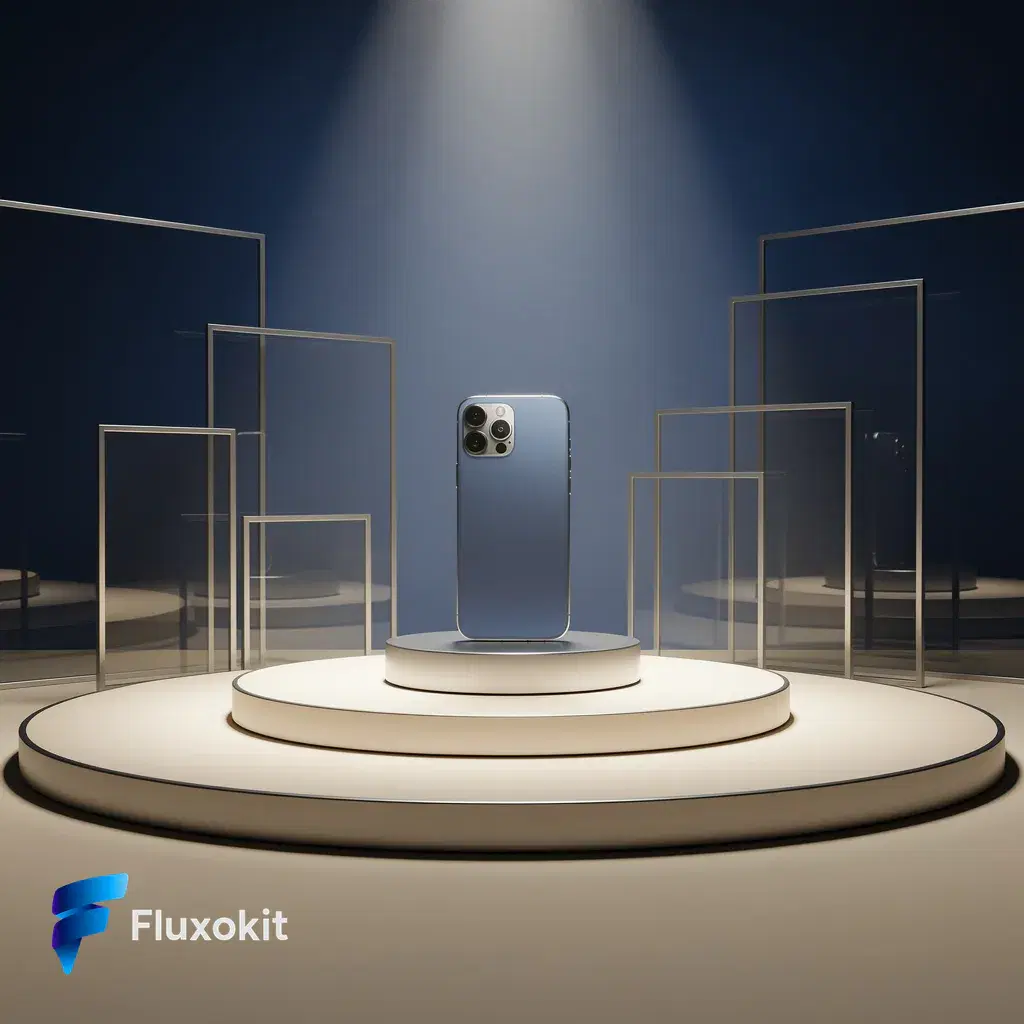


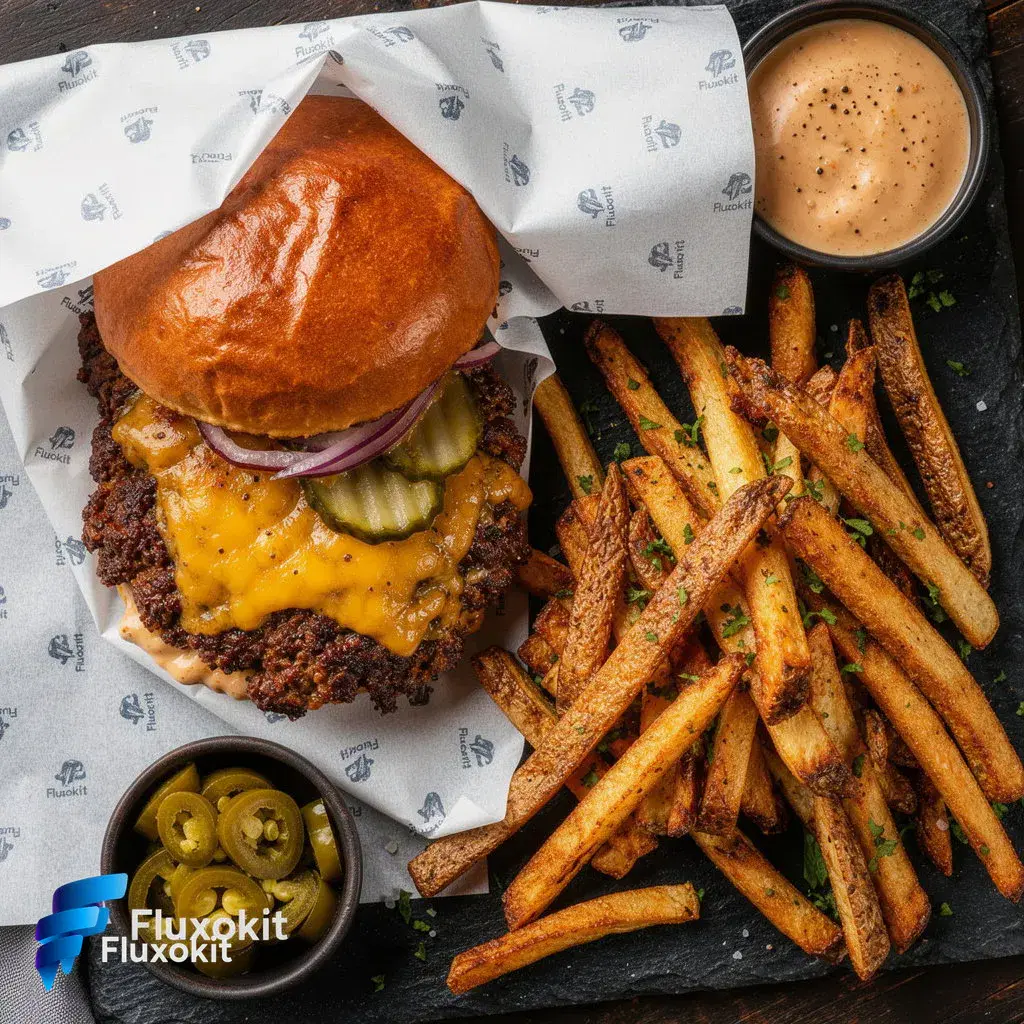
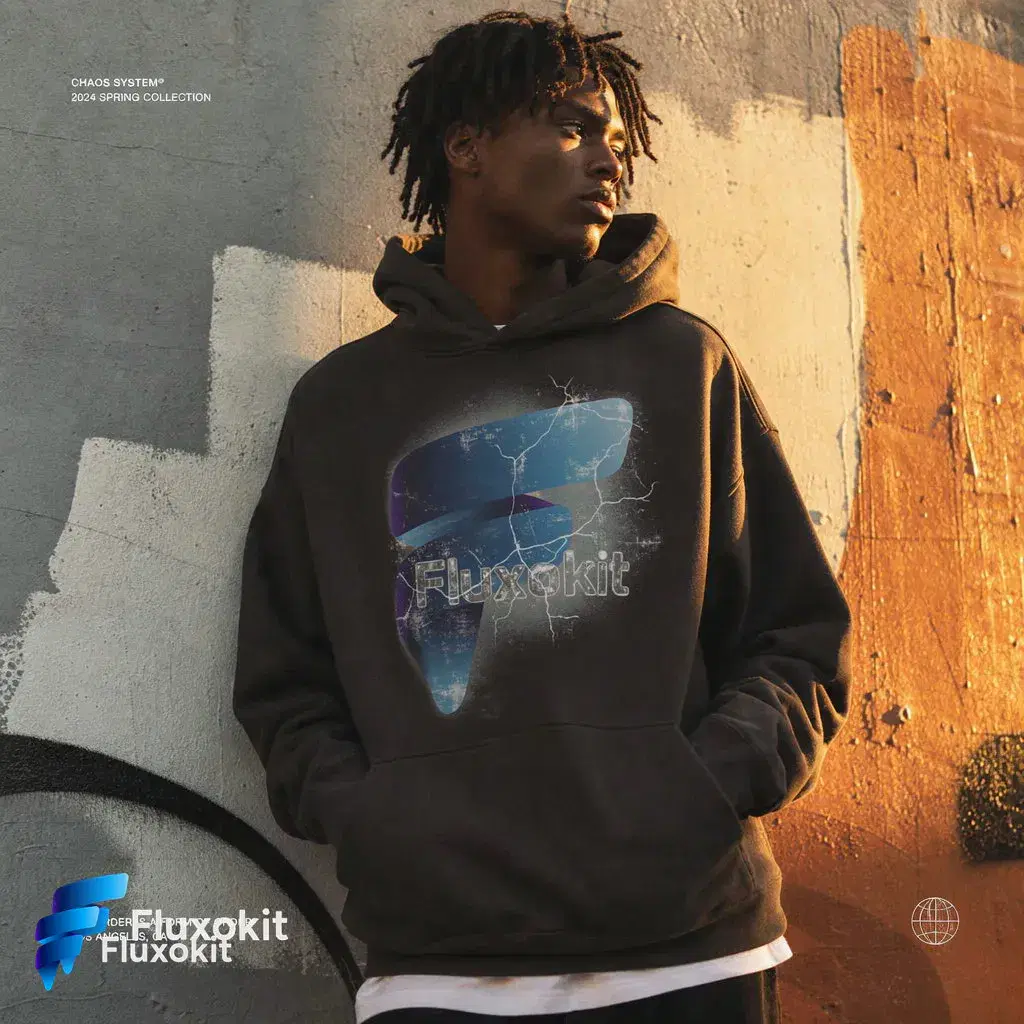
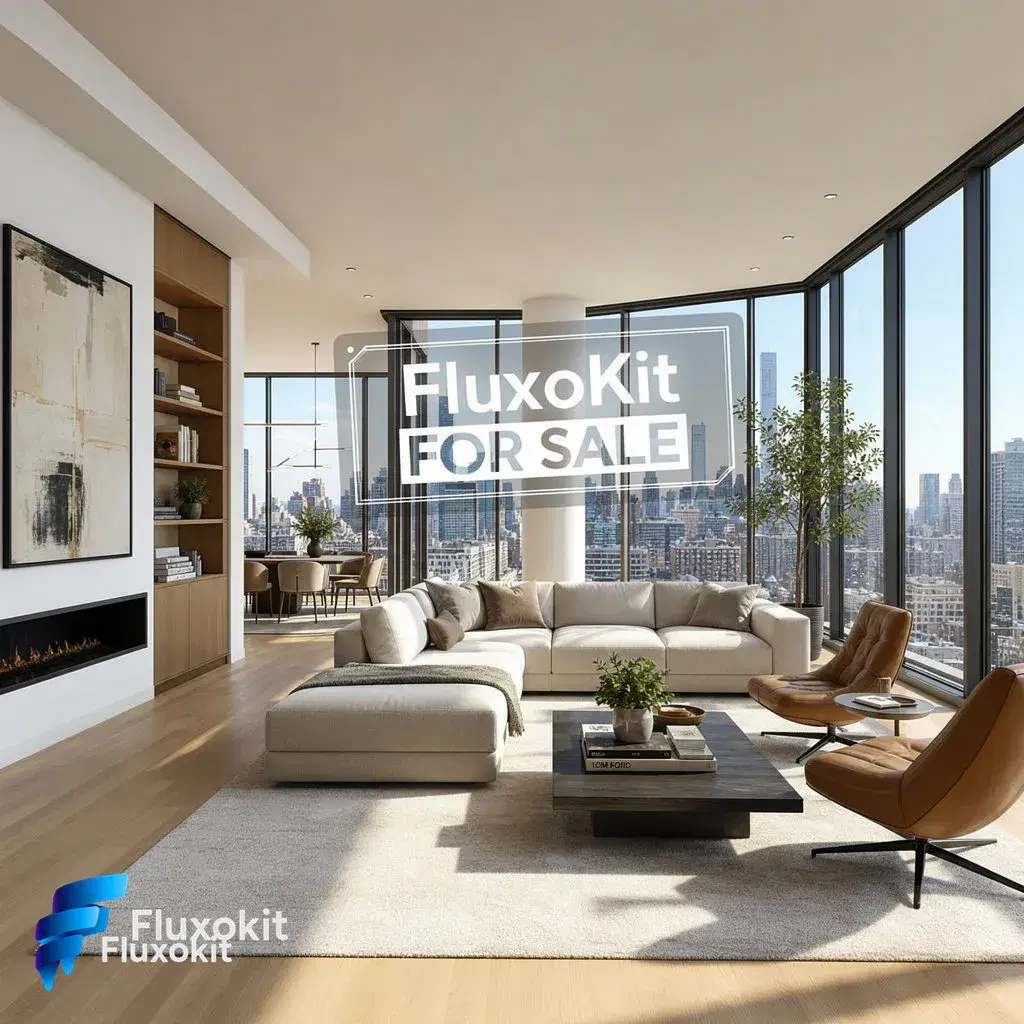

Capabilities
Image input
Yes
Limits
Max reference images
1
Generation credits
Depends on the configured run. Review the estimate before generating and the settled charge in history.
Parameters and inputs
Each field below shows what the model accepts and the limits to apply.
Parameters
Image Size
image_size
- Required
- No
- Default
- match_input
Options
- Match Input (match_input)
- 1024x1024 (1024x1024)
- 1024x1536 (1024x1536)
- 1536x1024 (1536x1024)
- 1024x1792 (1024x1792)
- 1792x1024 (1792x1024)
Frequently asked questions
What is Flux 2?
Flux 2 is the image model family from Black Forest Labs, a reference point for photorealism and prompt fidelity. On FluxoKit it runs in the cloud with no USD API, no developer account, and a plain-language prompt.
Which Flux 2 variants are on FluxoKit?
Variants like Flux 2 Pro for maximum quality, Flux 2 Flex for a quality and speed balance, and Flux 2 Klein for the fastest turnarounds and edits. You pick the right variant inside the canvas.
How much does Flux 2 cost on FluxoKit?
You pay cents per image inside your FluxoKit plan, with a 30-day satisfaction guarantee on your first paid subscription, subject to the Refund Policy. No Black Forest API key, no separate charge on your card.
Is Flux 2 good for ecommerce and editorial work?
Yes. Flux 2 is strong on photographic consistency, lighting, and detail, which makes it a solid pick for product shots, editorial covers, and high-end brand creative.
Next step
Use Flux 2 Pro without signing up for Black Forest Labs.
90+ AIs in one studio. Live USD checkout is processed through Stripe, with no API key to manage.
Related content
Category
Higgsfield AI Video Generator: Engines and Options | FluxoKit
Category
Higgsfield API: MCP Access, Providers, Alternatives | FluxoKit
Category
Higgsfield Face Swap: How It Works, Limits, Options | FluxoKit
Category
Higgsfield AI Pricing 2026: Plans, Credits, Fine Print | FluxoKit
Category
AI Anime Generator: One Heroine, Every Style | FluxoKit
Category
AI Art Generator: Illustration, Style, Design | FluxoKit