
Seedream 5: Image Prompts, Settings and Examples
Explore Seedream 5 image generation on FluxoKit: write a useful prompt, choose output settings, inspect examples and understand credits before running.
Updated September 2026
Seedream 5.0 is a ByteDance image-generation model available in FluxoKit. This page focuses on the text-to-image integration: describe a scene, choose the output settings and inspect the generated result. Editing an existing photo and using another Seedream variant are different tasks with their own inputs.
For a U.S. campaign, start with the actual placement and message rather than a vague request for an ad. A website hero, a square product concept and a vertical social frame need different compositions. Seedream does not establish that a pictured product exists, that a claim is true or that a particular creative will perform well.
Build a scene brief with a clear purpose
Describe the main subject, its action or position, the setting, lighting and space needed for the finished layout. If a product must remain identical to a real SKU, use an editing workflow with an authorized source photograph instead of expecting text alone to reproduce it.
Illustrative prompt to adapt, not a reported generated result:
A ceramic coffee mug on a small oak desk beside a closed notebook, warm morning window light, eye-level camera. Keep the mug on the left and leave clean wall space on the right for an English headline. Natural materials, no lettering, no visible brand marks.
The prompt gives you specific things to judge: mug placement, usable headline area and consistent light. If the empty area is missing, revise the composition instruction. If the mug has an extra handle, reject the result; increasing resolution does not by itself correct an object error.
Choose the output before generating
Use the current parameters below for supported size, format and output-count options. Decide whether the deliverable needs a single image or a set. A sequential-image setting does not replace review of every frame, nor does it guarantee identical objects across a set.
Keep an approved prompt with the selected output. For a fair comparison against FLUX 2 or GPT Image, use the same task and review criteria. Compare the result, not a model-family label or an assumed quality ranking.
Inspect the example and the final crop
Read a gallery example's prompt before judging its image. Look for the requested subject and framing, then inspect hands, reflections, text and object edges. A selected example demonstrates one result, not a success rate for your brief.
Check both the full image and the crop used on a phone. Keep key details away from the edges if the destination crops the image. Add exact prices, dates and offer language in an editable design layer; confirm those facts with the business owner before publication.
For an image that will feed Seedance, choose a still with a clear subject and room for the intended movement. Approve the still before spending on motion. The video model has separate duration, audio and resolution choices, and must be reviewed separately.
Credits, access and next action
FluxoKit shows a configured credit estimate before generation and the settled charge in history. Image count and selected settings matter; this guide does not promise a fixed dollar cost per image or a completion time. Review current plans for the subscription allocation and billing options.
The ByteDance Seed model catalog distinguishes the wider model family. This guide describes the Seedream 5.0 integration shown in FluxoKit's parameter section, not every capability advertised for a newer Pro release. FluxoKit is the workspace used here, not ByteDance's official website.
Examples
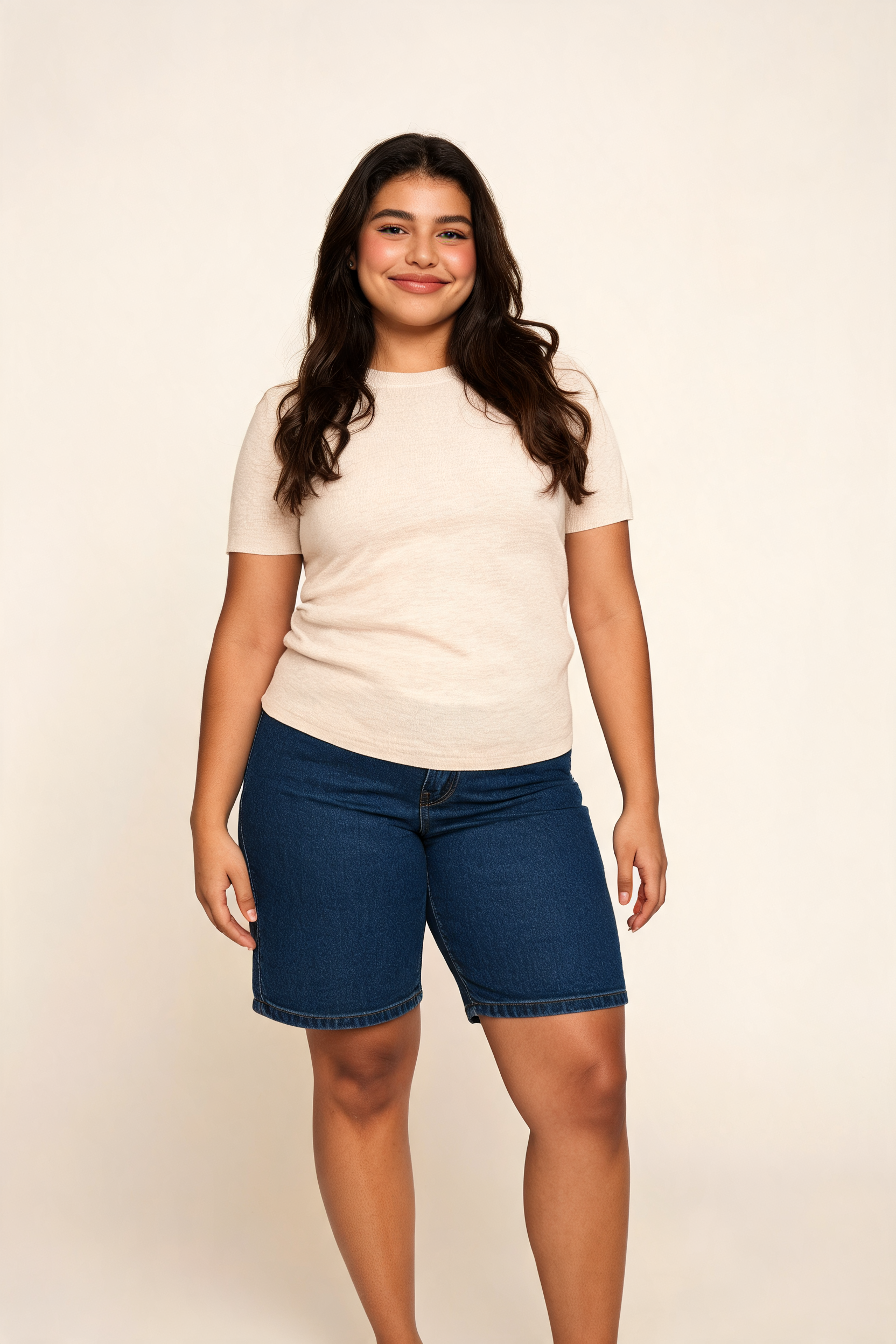
Inspect each available example with its own prompt, inputs and provenance. Selected outputs do not establish a success rate or guarantee the same result.
Real generations with Seedream 5.0


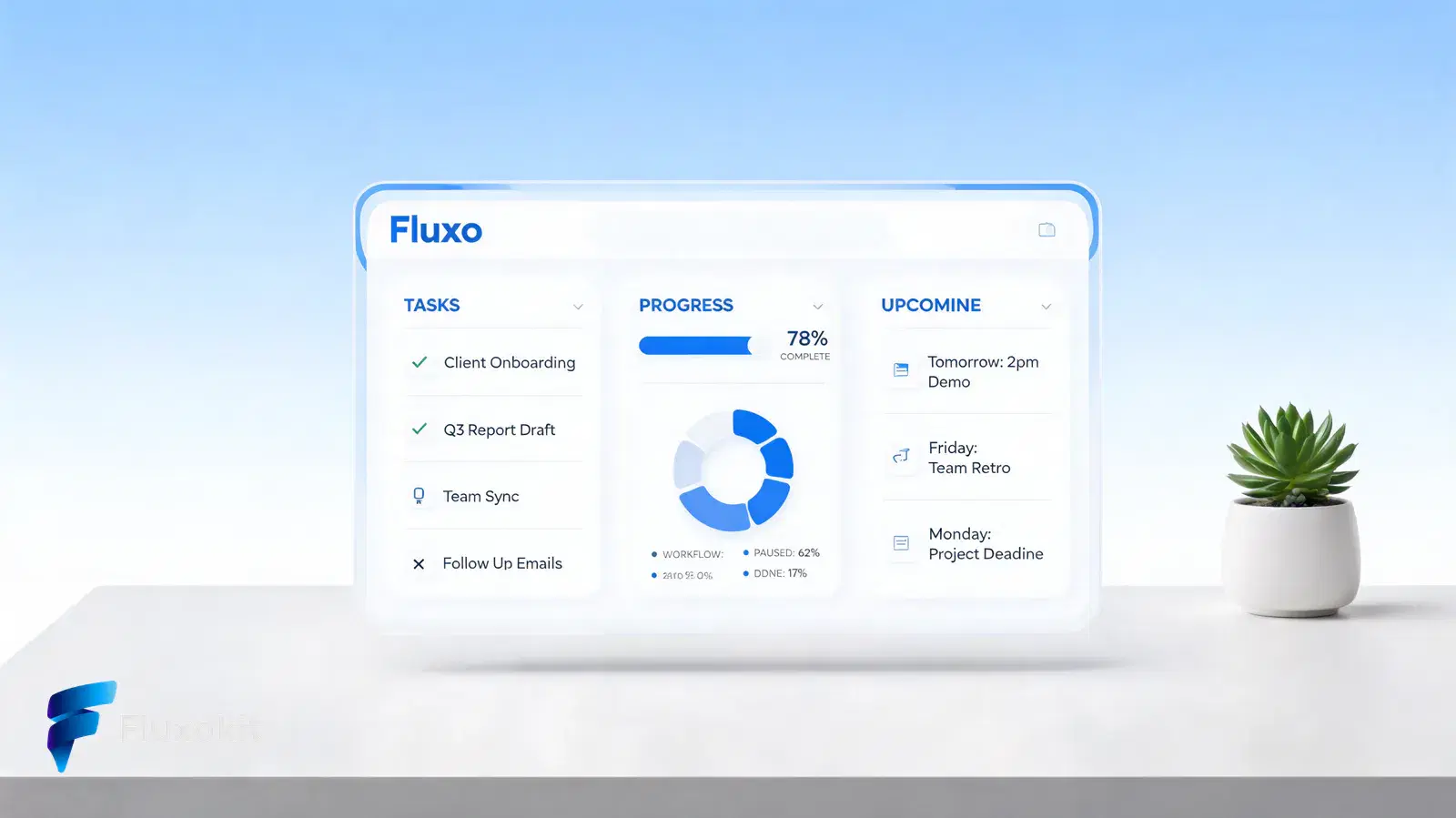
Like what you see? Make the next one yourself. Plans from $14/month.
View plans for Seedream 5










Capabilities
Output type
Image
Batch processing
Yes
Sequential image generation
Yes
Streaming
Yes
Limits
Max outputs per run
14
Generation credits
Depends on the configured run. Review the estimate before generating and the settled charge in history.
Parameters and inputs
Each field below shows what the model accepts and the limits to apply.
Parameters
Size
size
- Required
- No
- Default
- 2K
Options
- 2 K (2K)
- 3 K (3K)
Output Format
output_format
- Required
- No
- Default
- png
Options
- Png (png)
- Jpeg (jpeg)
Response Format
response_format
- Required
- No
- Default
- url
Options
- URL (url)
- B64 JSON (b64_json)
Max Images
max_images
- Required
- No
- Default
- 1
- Min
- 1
- Max
- 14
- Step
- 1
Sequential Image Generation
sequential_image_generation
- Required
- No
- Default
- disabled
Options
- Disabled (disabled)
- Auto (auto)
Stream
stream
- Required
- No
- Default
- false
Watermark
watermark
- Required
- No
- Default
- false
Prompt
prompt
- Required
- Yes
- Default
- —
Frequently asked questions
What does this Seedream page cover?
This guide covers the Seedream 5.0 text-to-image integration on FluxoKit. Seedream editing and Pro variants are separate model choices; do not assume every family feature is available in this route.
Can I use a photograph as an editing input?
Choose a Seedream image-editing model for an existing photograph. The text-to-image model documented here starts from a prompt rather than preserving a supplied product photo.
How do output settings affect credits?
Review the configured estimate after choosing the output settings and image count. Plan credits are an allocation, not a fixed price for every image. The final charge is recorded in generation history.
Does Seedream guarantee readable text or an exact product match?
No. Inspect spelling, product details and composition before using a result. Add exact offer text separately when it must remain editable and precise.
Can a Seedream image become a video?
You can use a suitable generated image as input to an image-to-video model. Review the still first, then select a video model and its own supported settings and credit estimate.
Next step
Use Seedream 5.0 without signing up for ByteDance.
90+ AIs in one studio. Live USD checkout is processed through Stripe, with no API key to manage.
Related content
Category
Higgsfield AI Video Generator: Engines and Options | FluxoKit
Category
Higgsfield API: MCP Access, Providers, Alternatives | FluxoKit
Category
Higgsfield Face Swap: How It Works, Limits, Options | FluxoKit
Category
Higgsfield AI Pricing 2026: Plans, Credits, Fine Print | FluxoKit
Category
AI Cartoon Generator: Photos and Characters | FluxoKit
Category
AI Display Ad Generator for Banner Variants | FluxoKit