
Grok Imagine
xAI's image and video engine — fast, playful, and unafraid — on one canvas next to Sora 2, Kling, Veo, and Nano Banana Pro.
The 23 models on this page are already included, with no separate subscription per tool. 14,500+ real generations already delivered on the platform. Updated
Imagine video
Grok Imagine, 6s
Playful range
Grok Imagine, 6s

Imagine image
Grok still
Fast enough to think with
Imagine's job is momentum: ideas on screen in seconds, takes in minutes, ten directions before the coffee cools.
It spans both media — the image that works becomes the take without switching tools.
Every asset on this page is a live Grok Imagine generation from FluxoKit, mode and length in the caption.
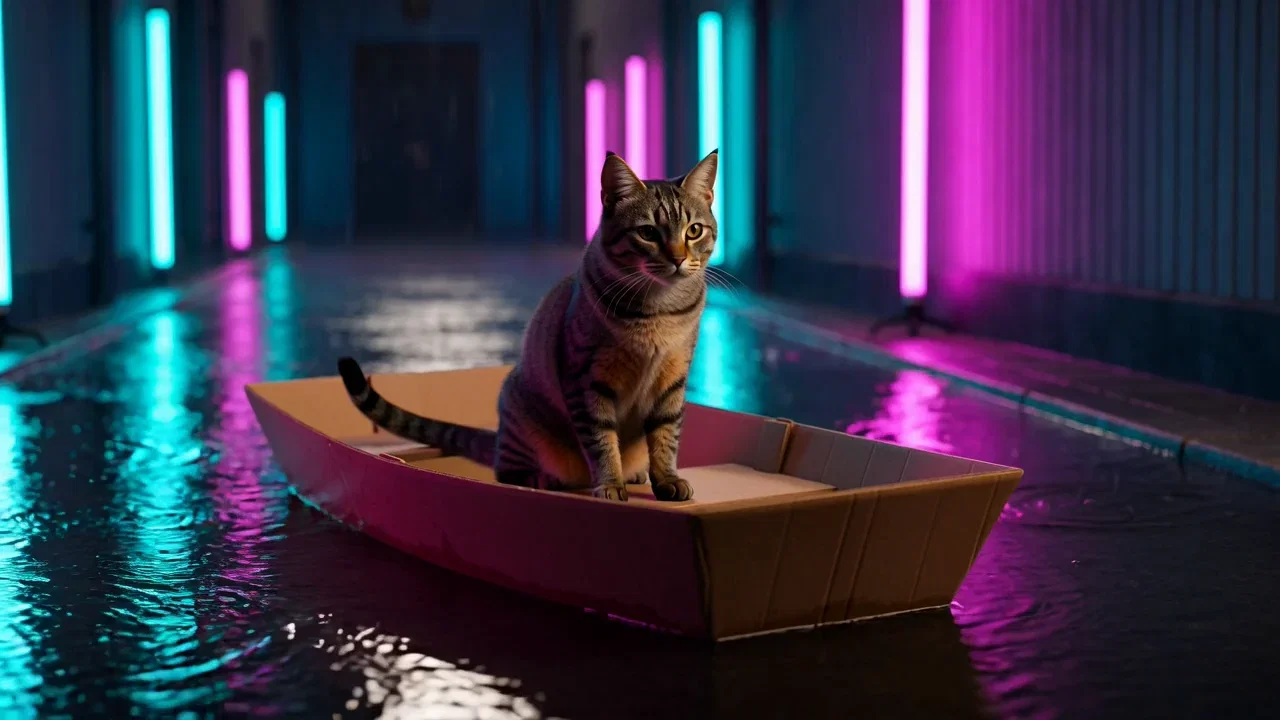
Playful range
Grok Imagine, 6s
Four ways to direct Imagine
Powered by Grok Imagine image and video on the FluxoKit canvas — no X subscription, no separate app.
Text to video
Throw the idea at it plainly — subject, motion, mood — and Imagine returns a take up to 15 seconds.
Image to video
Animate the still that worked: Imagine holds the composition while the scene starts moving.
Edit and extend
Change a take with an instruction, or continue it past the last frame — takes grow instead of restarting.
Reference
Steer a new take with your own images so characters and styles carry across generations.
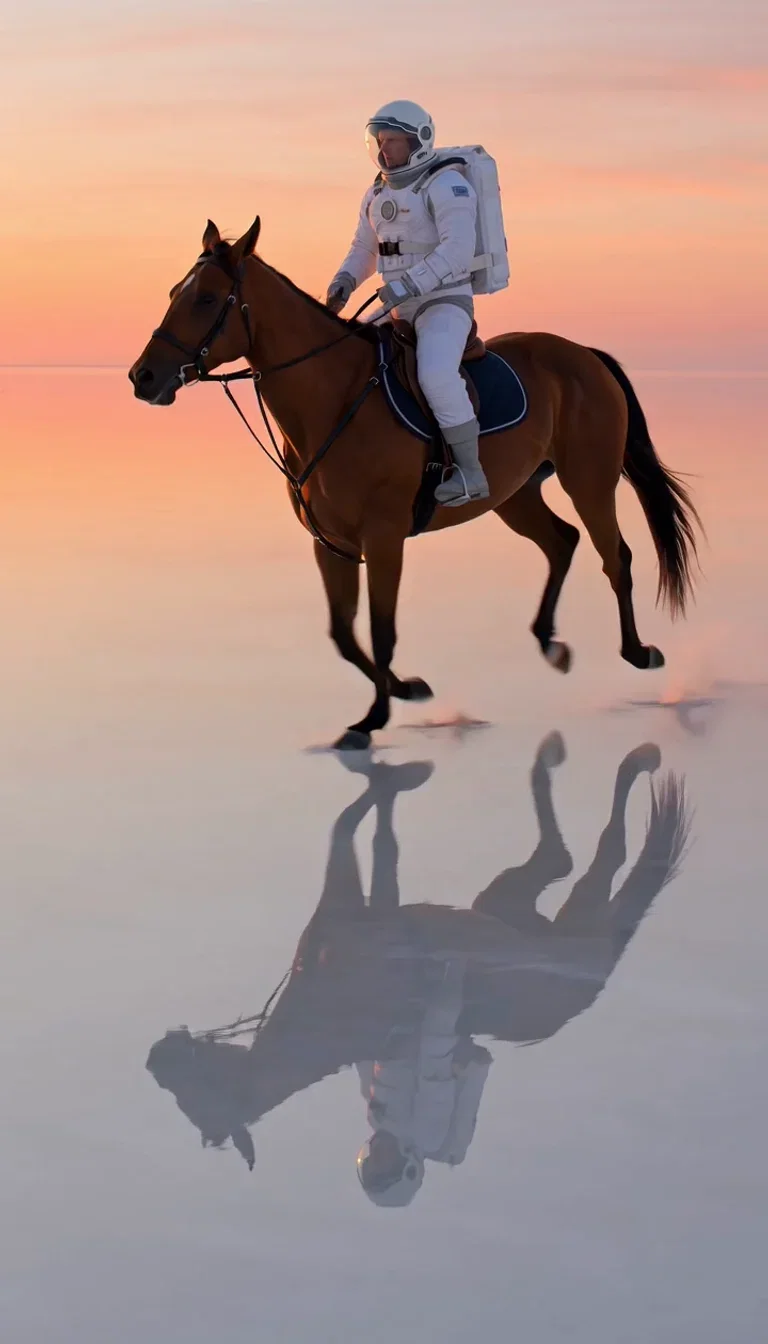
Imagine video
Grok Imagine, 6s
Playful range
Grok Imagine, 6s

Golden hour
Desert dome

Mirror lake
Reflection beat
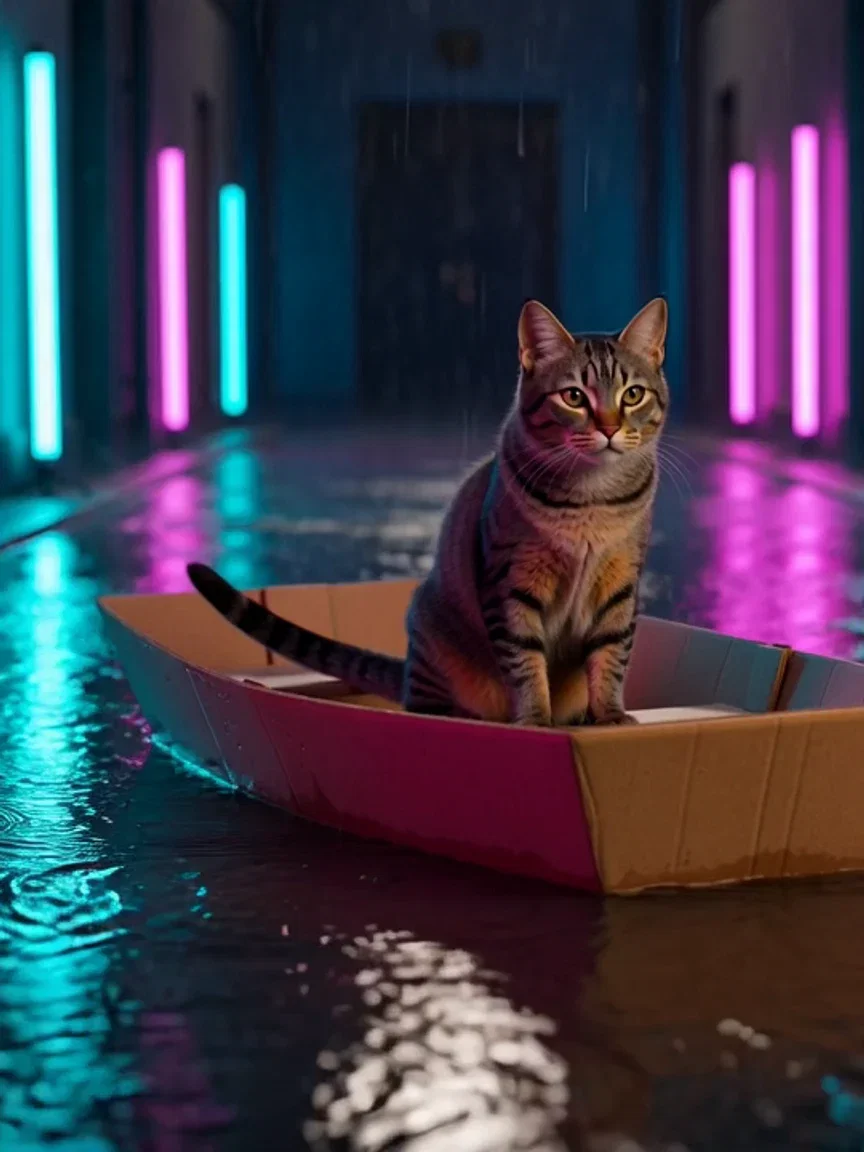
Neon water
Ripple beat
An image engine in the same brain
Grok Imagine generates stills too — portraits, macro, worldbuilding frames — with the same fast, game turnaround.
This retro-futurist street is a single text-to-image pass, no upscaler, no cleanup.
On FluxoKit the image and video modes sit in one picker, so the frame you like is one step from moving.

Worldbuilding
Retro-futurist dusk
Coherence across the take
Playful does not mean sloppy — a take still has to hold its subject through the move.
This strip freezes three beats of one Imagine canter: same rider, same horse, same mirror lake.
That coherence is what lets an ideation take graduate into the campaign cut.
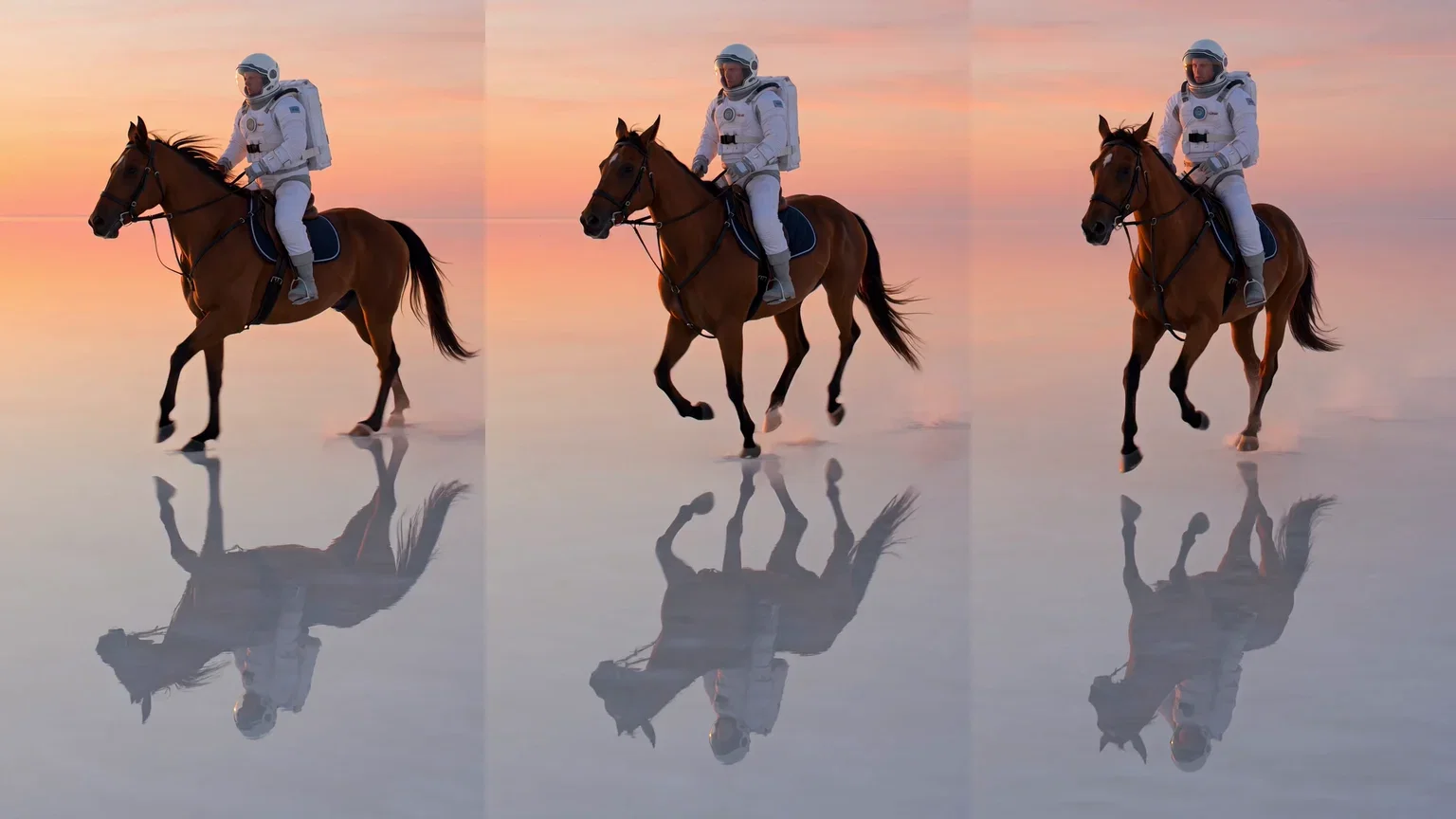
One take, three beats
Coherent motion
One canvas, every engine
135+
AI models in one canvas
6
live Imagine generations on this page
14,500+
real generations delivered
Real Grok Imagine generations
Beat frames pulled straight from this page's takes — salt-lake sunset, neon alley, full canter.
Imagine video
Grok Imagine, 6s
Playful range
Grok Imagine, 6s
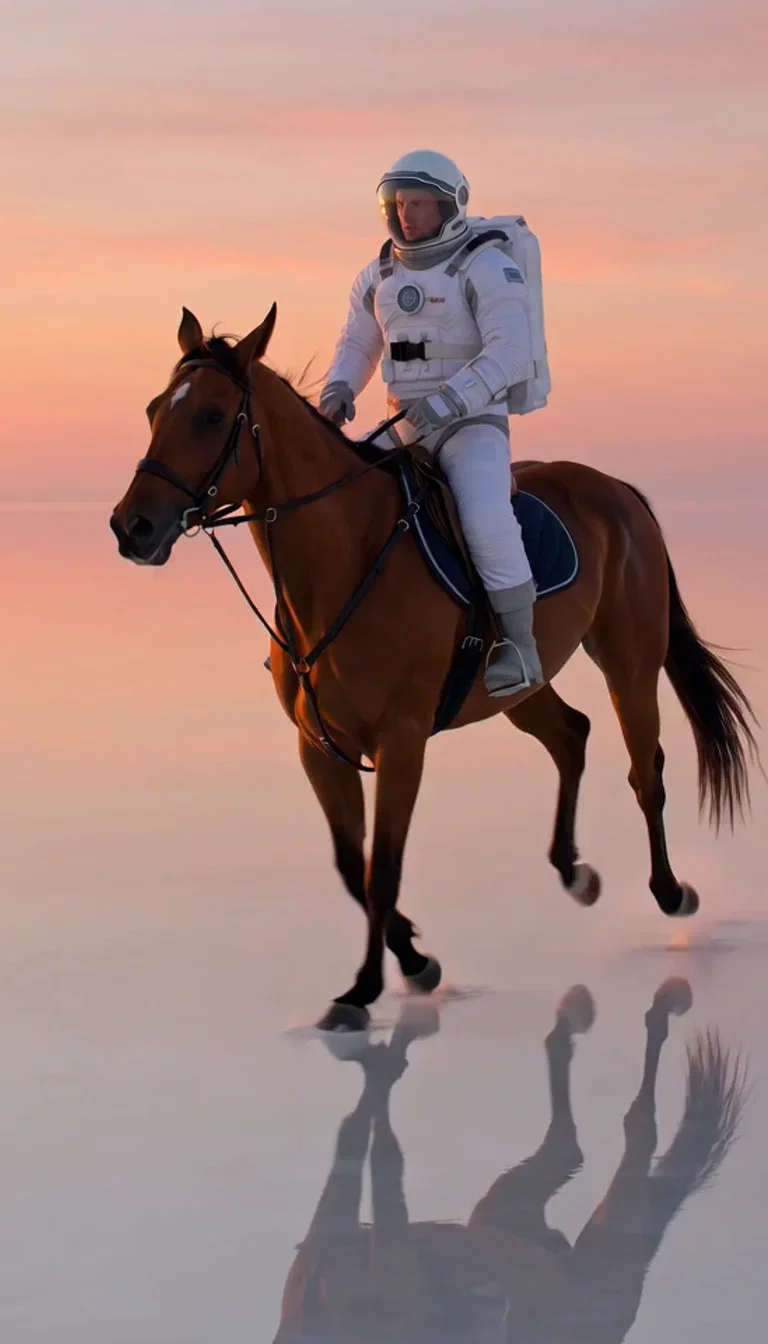
Sunset
Wide beat
How to use Grok Imagine on FluxoKit
Ideate at speed
Plain language, quick passes — explore directions with Imagine while the idea is still warm.
Animate the winner
Image-to-video the frame that works, then edit or extend the take until it lands.
Compare before committing
Re-run the winning brief on Kling or Veo — judged on takes, not marketing.
Grok Imagine is xAI's generation engine — images and video from one system, built for speed and unafraid of fun. FluxoKit runs Grok Imagine's image and video models on one canvas next to Sora 2, Kling, Veo, and Nano Banana Pro, with no X subscription. Every asset on this page is a live Grok Imagine generation.
When people search for grok imagine, they have usually seen a take that made them grin and want to try the engine behind it. This page is that engine, running.
Direct Answer
Use Grok Imagine when you want ideas on screen fast: images in seconds, takes up to 15 seconds, and modes that keep momentum — image-to-video to animate a frame, edit to change a take with an instruction, extend to continue past the last frame, and reference to steer with your own images. Use it on FluxoKit when you want that speed next to the rest of the field: ideate with Imagine, then re-run the winning brief through Kling or Veo on the same canvas before committing a campaign.
Why Imagine Keeps Momentum
Three habits set it apart. It is fast enough to think with — ten directions cost minutes, not an afternoon. It spans both media: the image that worked becomes the take without switching tools. And its video modes chain: generate, edit, extend — a take grows instead of restarting.
How to Use Grok Imagine on FluxoKit
- Pick Grok Imagine — image or video — from the model picker.
- Throw the idea at it plainly; speed is the point at this stage.
- Animate the image that works with image-to-video, or extend the take that almost works.
- Re-run the winning brief on Kling or Veo for an honest comparison.
- Keep the best take and version it per placement.
Grok Imagine vs the Field
Imagine owns speed and playful range; Kling owns motion physics; Veo owns the cinematic grade; Sora 2 owns scene logic. Ideation leans Imagine — and the honest way to decide the final take is one prompt, four engines, same canvas.
Related workflows
- AI Video Generator — every video engine on one page.
- AI Image Generator — every image engine on one page.
- Image to Video AI — animate stills across engines.
Why run Grok Imagine on FluxoKit
The engine is xAI's. The workflow — comparison, chaining, iteration, export — is what FluxoKit adds.
No X subscription
Skip the app and the Premium tier. Pick Imagine on the canvas and the first take is minutes away.
Two media, one brain
Images and video from the same engine, so ideas move between stills and takes without friction.
Modes that chain
Generate, edit, extend, reference — takes grow across passes instead of restarting.
Built for ideation
Fast, playful range that gets ten directions on screen before other engines return one.
Compare against the field
Same brief through Sora 2, Kling, and Veo next to Imagine — the canvas keeps everyone honest.
30-day guarantee
Generate real work for 30 days. Refund requests are governed by the first-subscription guarantee and Refund Policy.
23 models available in the canvas
Every model below is live in the FluxoKit studio. Each link opens its technical page with parameters, limits, and real generation examples.
- 01

Grok Imagine Video (Text to Video)
xAI · Video generation
- 02
Grok Imagine Video 1.5 (Reference)
xAI · Video generation
- 03

Veo 3.1 Text to Video
Google AI · Video generation
- 04
Gemini Omni Flash T2V
Google AI · Video generation
- 05
Gemini Omni 1.1 Flash Text to Video
Google AI · Video generation
- 06

Wan 3.0 Text to Video
Alibaba Cloud · Video generation
- 07
Wan 2.5 Text to Video
Alibaba Cloud · Video generation
- 08
Wan 2.6 Text to Video
Alibaba Cloud · Video generation
- 09
Wan 2.7 Text to Video
Alibaba Cloud · Video generation
- 10
HappyHorse 1.1 Text to Video
Alibaba Cloud · Video generation
- 11
HappyHorse Text to Video
Alibaba Cloud · Video generation
- 12

Sora 2
OpenAI · Video generation
- 13
Sora 2 Pro
OpenAI · Video generation
- 14

FLUX 3 Text to Video
Black Forest Labs · Video generation
- 15

MiniMax H3 T2V
MiniMax · Video generation
- 16
MiniMax Hailuo T2V
MiniMax · Video generation
- 17
Kling 2.6 Pro T2V
Kling · Video generation
- 18

Kling 3 T2V
fal.ai · Video generation
- 19

Seedance 2.0 T2V
ByteDance · Video generation
- 20

Seedance 2.5 Text to Video
Higgsfield AI · Video generation
- 21
Seedance 2.0 Fast T2V
ByteDance · Video generation
- 22
Seedance v1.5 Pro T2V
fal.ai · Video generation
- 23
Pixverse v6 T2V
fal.ai · Video generation
Frequently asked questions
What is Grok Imagine?
Grok Imagine is xAI's generation engine — one system that makes both images and videos. It is known for speed and for leaning into fun: the astronaut-on-a-horse energy of AI generation. On FluxoKit, Grok Imagine's image and video models run inside the same canvas as Sora 2, Kling, Veo, and Nano Banana Pro.
Can Grok Imagine make videos?
Yes — text-to-video and image-to-video, plus edit, extend, and reference modes: change a take with an instruction, continue it past its last frame, or steer a new take with reference images. Durations run up to 15 seconds. Every video on this page is a live Grok Imagine generation.
How do I use Grok Imagine without an X subscription?
On FluxoKit there is no X Premium requirement and no separate app: pick Grok Imagine from the model picker, describe the image or the take, and credits from the one FluxoKit plan cover it alongside every other engine.
What is Grok Imagine best at?
Speed and playfulness. It turns an idea into an image or moving take fast, which makes it the ideation engine: explore ten directions with Imagine, then re-run the winner through Kling for motion or Veo for the cinematic grade — same canvas, same brief.
Is Grok Imagine free?
FluxoKit does not sell a free trial. Grok Imagine runs inside the platform plan from $14/month with monthly credits, backed by a 30-day first-subscription satisfaction guarantee, subject to the Refund Policy: generate real work for a month, and refund requests are governed by the first-subscription guarantee and Refund Policy.
Next step
Access 135 AIs in one canvas, without subscribing to each one.
Monthly credits with no separate subscription per model. New purchases are temporarily unavailable; contact support for billing help.
GROK IMAGINE ON FLUXOKIT
Run your first Imagine take
xAI's fast image and video engine, next to the rest of the field — one canvas, one plan.