
ElevenLabs v3
The TTS model that takes stage direction — audio tags, real dynamics, and same-voice dubbing, in the cloud on one canvas.
The 3 models on this page are already included, with no separate subscription per tool. 14,500+ real generations already delivered on the platform. Updated
The tagged take
Waveform, live
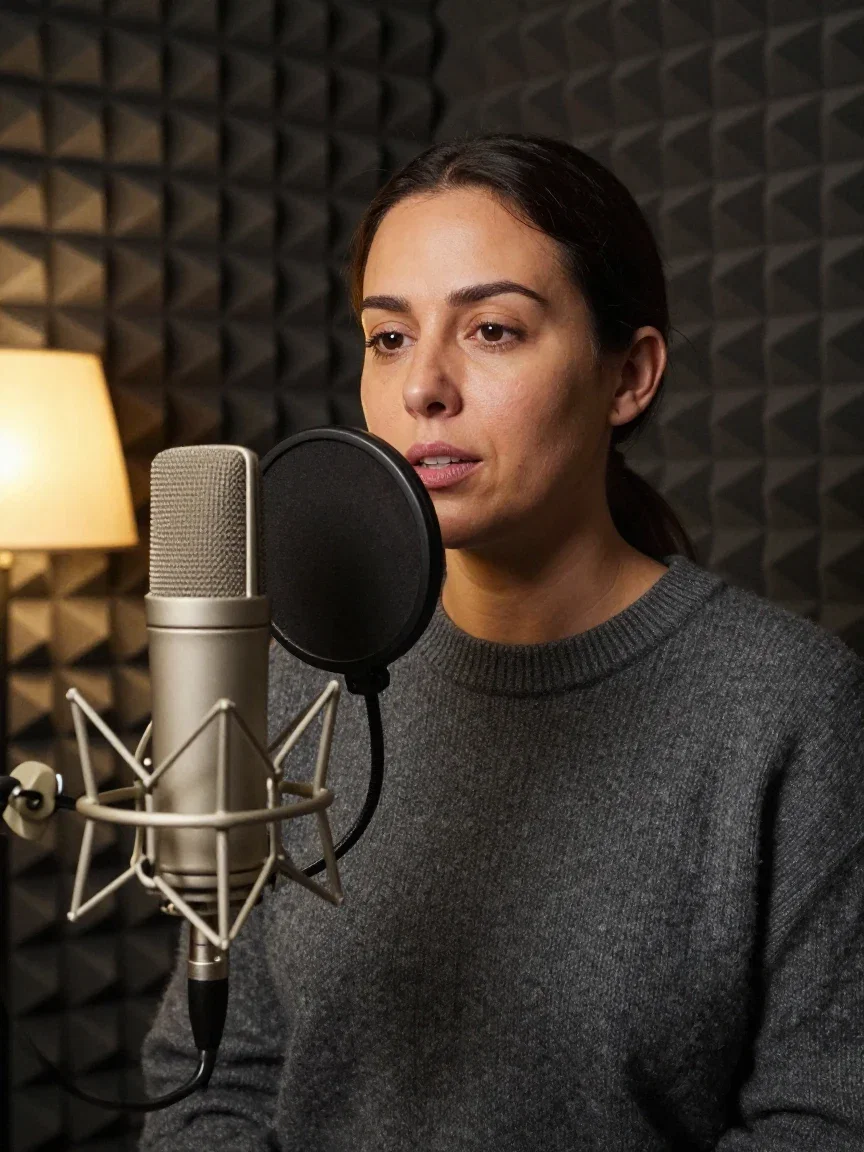
Voice work
The old way

Conversational
Podcast energy
One script. Two performances.
Both models got the identical 27 words: “The lighthouse keeper had one job: keep the light burning. For forty years, through every storm, she never let it go out. Tonight would be different.”
Multilingual v2 (below) clears it in nine and a half seconds, clean and even. Eleven v3 (above) takes almost twelve — it honors the colon, lands the forty-year sweep, and tightens on the last line.
The pauses are the performance. Both takes came from this platform's own ElevenLabs nodes.
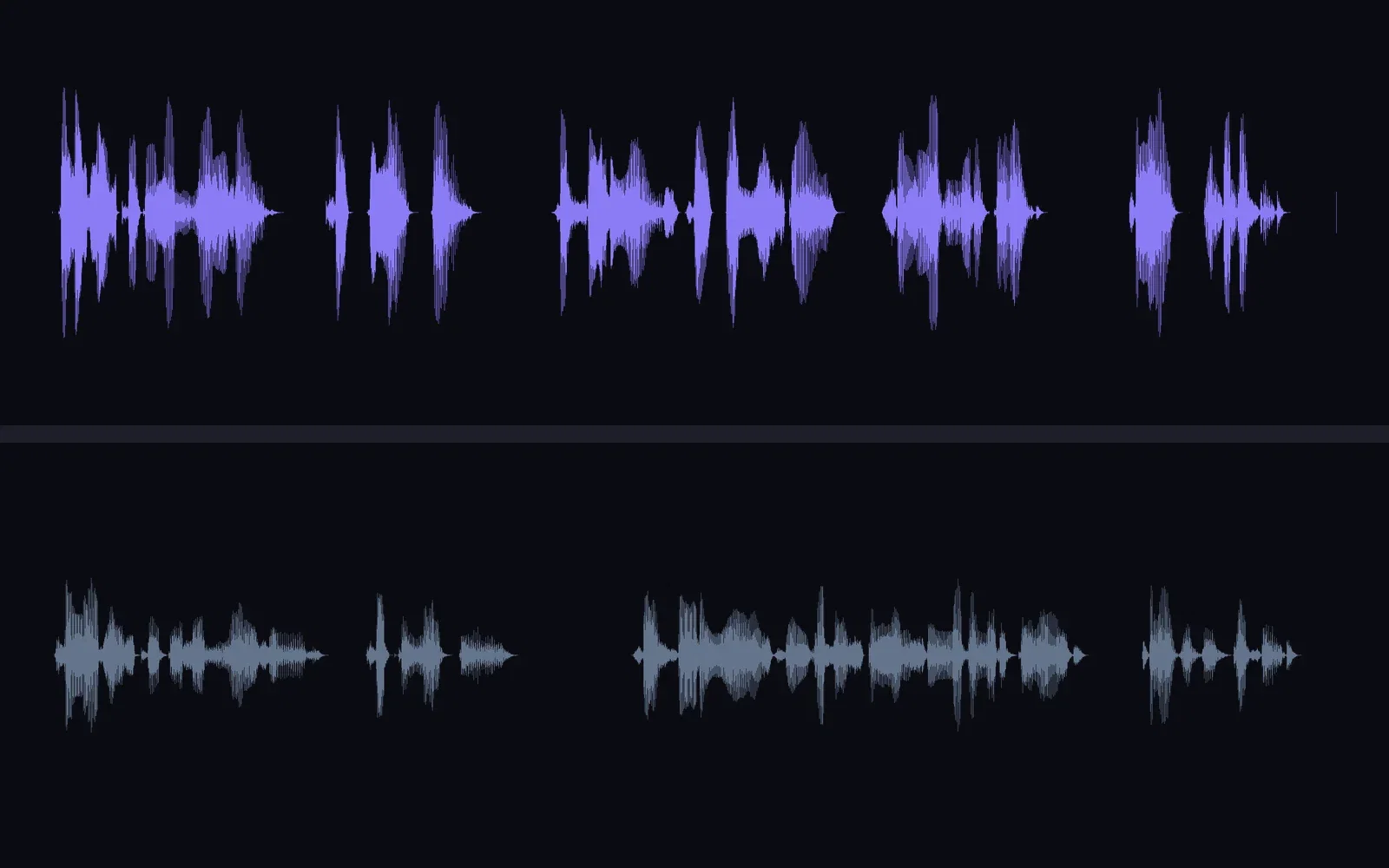
Same script, both models
v3 above, v2 below
Three ways to use Eleven v3 here
Powered by ElevenLabs Eleven v3, Multilingual v2, and the dubbing engine on the FluxoKit canvas.
Narrate a script
Type the words, pick a voice, get broadcast-ready speech in seconds.
Direct with audio tags
[whispers], [excited], [laughs] — inline cues v3 performs instead of speaking.
Dub into another language
Finished audio or video comes back in a new language, same voice character.

The tagged take
Waveform, live

Narration
Audiobook-grade

Production
The mix

Dubbing
Any language

The script's scene
What v3 performed
Stage direction, in brackets
The tagged take reads: “[whispers] Listen. Can you hear that? [sighs] The storm is almost here. [excited] Grab the rope — now! [laughs] I told you the sea always wins.”
The tags are never spoken — the delivery changes instead. Twelve seconds that move from a whisper to a shout to a real laugh.
That is the v3 difference: you direct the actor, not just the words.
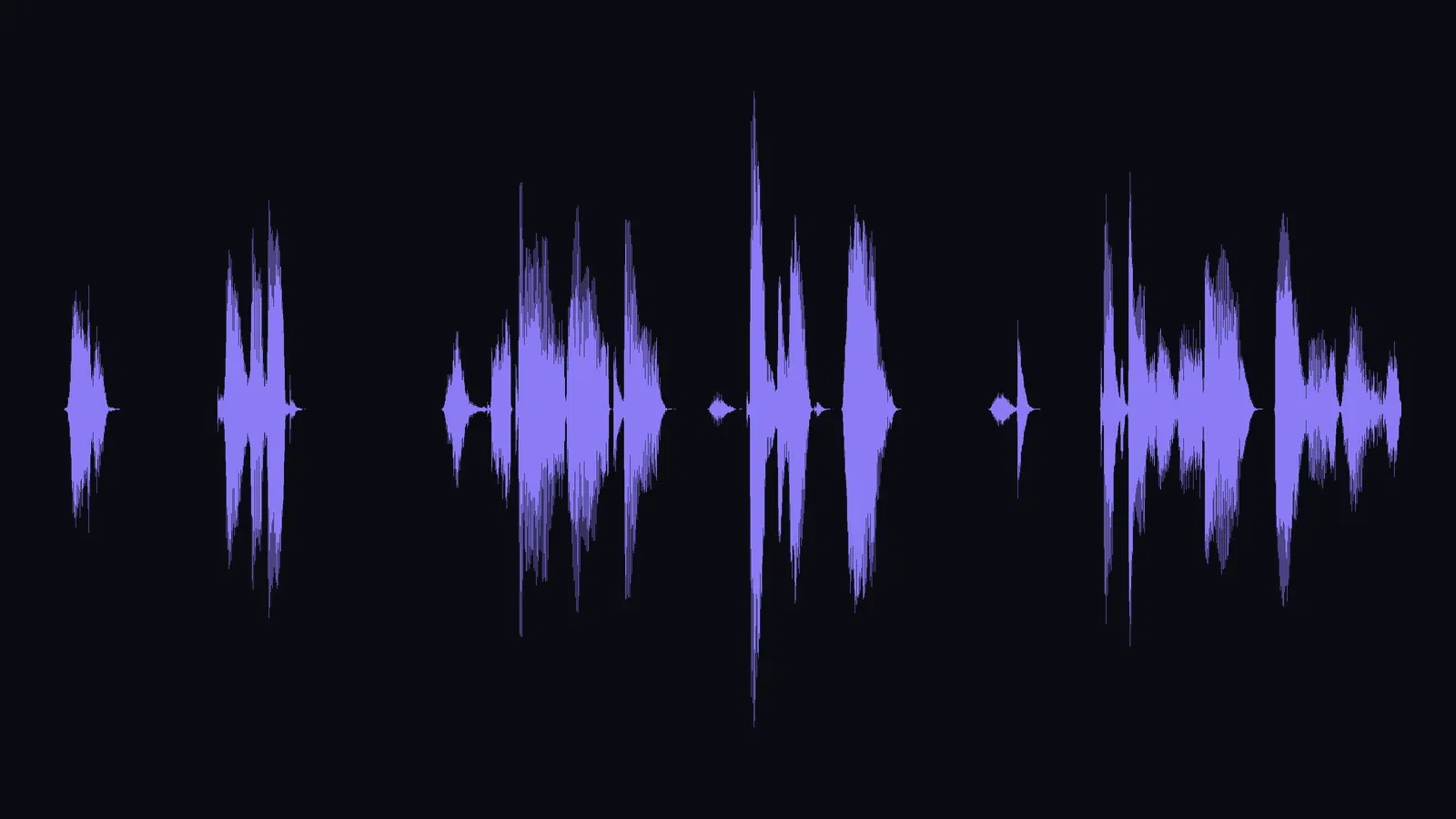
The tagged take
Whisper to laugh
The same demo, dubbed
The English lighthouse take went into the ElevenLabs dubbing node and came back speaking Portuguese — same voice character, nearly the same length.
Source above, dub below: the structure of the performance survives the language change.
Audio or video in, any supported language out — one node on the same canvas.
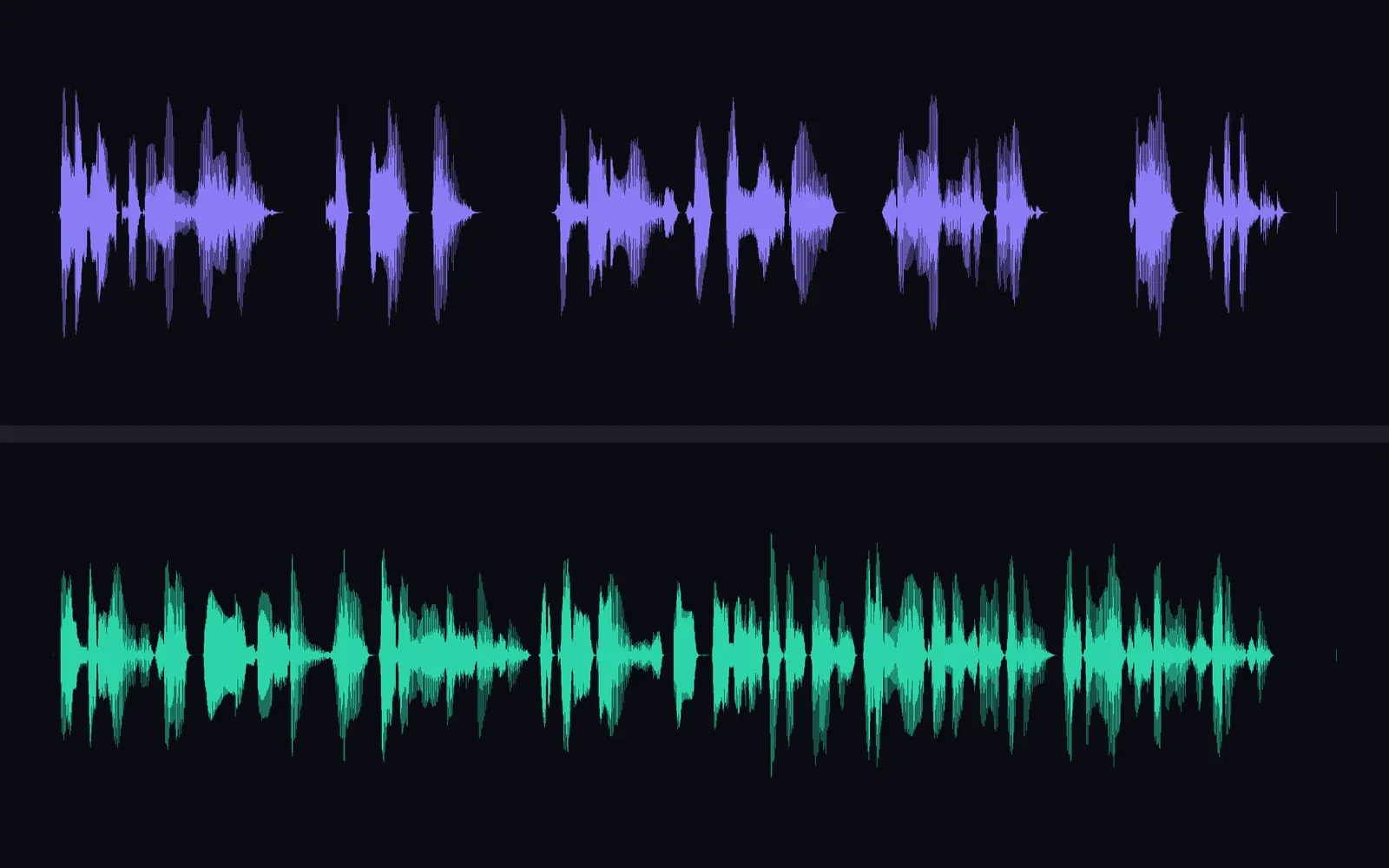
English in, Portuguese out
The dubbing node
One canvas, every engine
135+
AI models in one canvas
12s
whisper to laugh in the tagged take
14,500+
real generations delivered
The tags, visible
Crops from the tagged take's waveform — each bracket changes the shape of the sound.
The tagged take
Waveform, live

[whispers]
Low and close
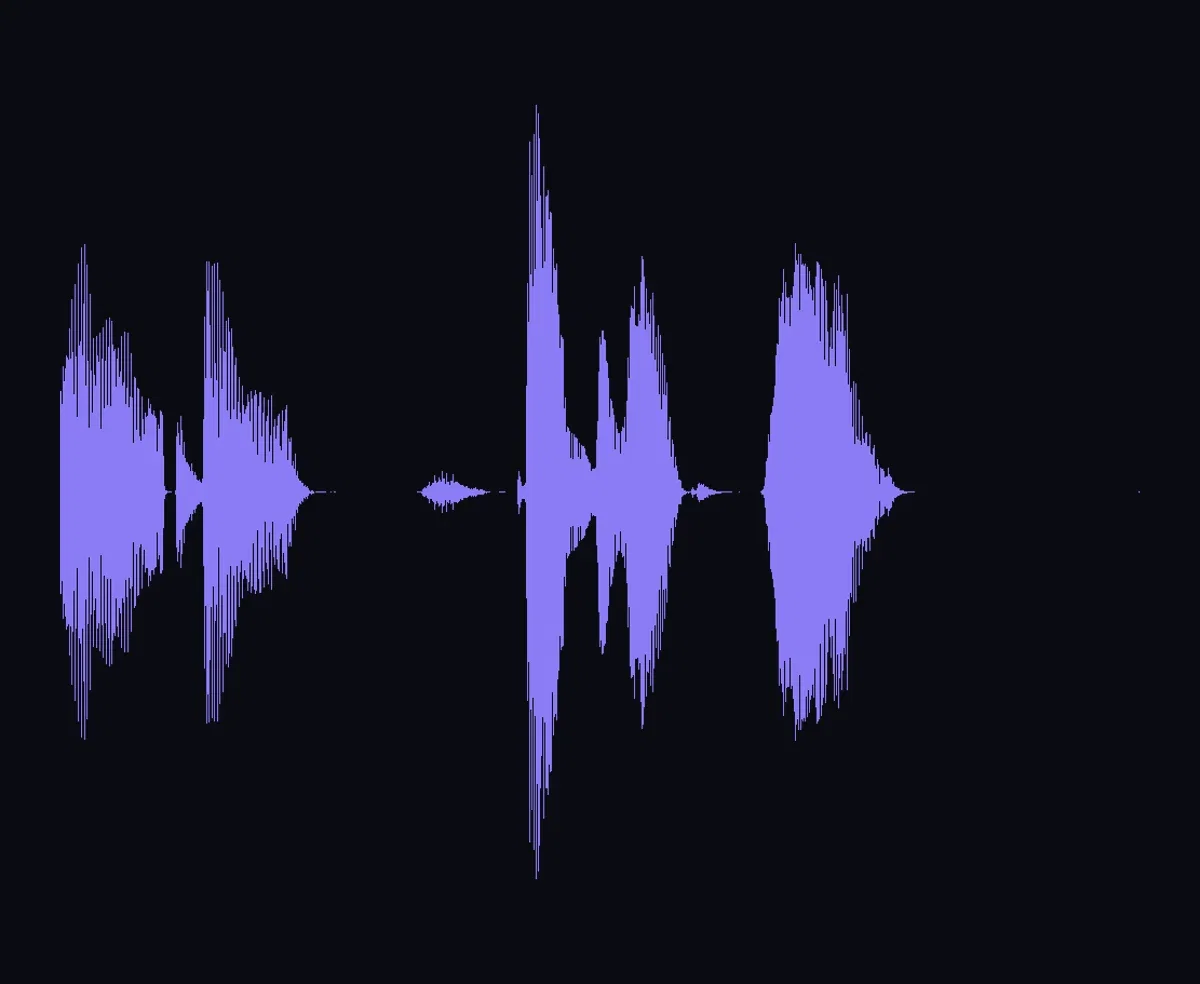
[excited]
The burst
How to voice a script on FluxoKit
Write the script
Drop a text-to-speech node, pick Eleven v3, and add audio tags where you want direction.
Pick the voice
Choose a voice and generate — the take lands on the canvas as audio.
Route it onward
Into a lip sync node, a video's audio track, or the dubbing engine for another language.
Eleven v3 is the ElevenLabs model that performs a script instead of reading it — and on FluxoKit it runs in the cloud beside Multilingual v2 and the dubbing engine. Every waveform on this page comes from real audio generated on the platform's own ElevenLabs nodes: the same script through v3 and v2, a tagged take that whispers and laughs on cue, and an English demo dubbed into Portuguese.
When people search for elevenlabs v3, they want to know what the extra expressiveness actually buys. This page shows the receipts.
Direct Answer
Use Eleven v3 when the delivery matters as much as the words: character dialogue, trailers, narration with real momentum, and any line where flat TTS breaks the illusion. Write stage direction straight into the script with audio tags — [whispers], [excited], [laughs] — and v3 acts them out without speaking them. On FluxoKit it is a canvas node from $14/month: type the script, pick a voice, and route the audio into video, lip sync, or dubbing nodes on the same canvas.
v3 vs Multilingual v2
Both models are live on the canvas, so this page gave them the identical script. Multilingual v2 delivers it cleanly and evenly — still the workhorse for long, steady narration. v3 reads the same words like a scene: it honors the colon, lands the forty-year sweep, and tightens on the last sentence. The stacked waveforms in the comparison show the difference as dynamics, not opinion.
How to Use Eleven v3 on FluxoKit
- Drop a text-to-speech node on the canvas and pick Eleven v3.
- Write the script — add audio tags in square brackets where you want direction.
- Pick a voice and generate.
- Route the audio onward: into a lip sync node, a video's audio track, or the dubbing engine.
- For another language in the same voice, run the dubbing node on the finished take.
Related workflows
- AI Voice Generator — the capability page across voice engines.
- Lip Sync AI — give a talking video your new v3 audio track.
- Text to Speech AI — the broader TTS workflow page.
Why voice on FluxoKit
The engines are ElevenLabs. The pipeline — script to speech to video to dub — is what FluxoKit adds.
Performs, not reads
v3 acts out punctuation and tags — the A/B above is the argument.
v2 beside v3
The steady workhorse and the performer, both one node away.
Dubbing on the same canvas
The demo dubbed itself into Portuguese without leaving the page's workflow.
Feeds every video node
Route takes into lip sync, video audio tracks, or timelines directly.
Proof on the page
Every waveform here came from real audio generated on this platform.
30-day guarantee
Voice real projects for 30 days. Refund requests are governed by the first-subscription guarantee and Refund Policy.
3 models available in the canvas
Every model below is live in the FluxoKit studio. Each link opens its technical page with parameters, limits, and real generation examples.

Frequently asked questions
What is ElevenLabs v3?
Eleven v3 is ElevenLabs' most expressive text-to-speech model. Beyond reading text aloud, it takes stage direction: inline audio tags like [whispers], [excited], and [laughs] change the delivery mid-line. On FluxoKit it runs in the cloud as a canvas node beside the older Multilingual v2 and the dubbing engine.
How is v3 different from Multilingual v2?
v2 reads; v3 performs. Give both models the same script and v2 delivers it evenly, while v3 leans into the drama the punctuation implies — pauses, emphasis, momentum. This page ran that exact experiment and shows both waveforms from one script so you can see the difference in dynamics.
What are audio tags?
Audio tags are inline cues written in square brackets — [whispers], [sighs], [excited], [laughs] — that direct Eleven v3's performance the way a script directs an actor. The tags themselves are never spoken; the delivery changes instead. The tagged take on this page moves from a whisper to a shout to a laugh in about twelve seconds.
Does FluxoKit also do AI dubbing?
Yes — the ElevenLabs dubbing engine runs on the same canvas: give it audio or video in one language and it returns the same voice speaking another. This page dubbed its own English demo into Portuguese in one node.
Is ElevenLabs v3 free on FluxoKit?
FluxoKit does not sell a free trial. Eleven v3 speech and dubbing run inside the platform plan from $14/month with monthly credits, backed by a 30-day first-subscription satisfaction guarantee, subject to the Refund Policy: voice real projects for a month, and refund requests are governed by the first-subscription guarantee and Refund Policy.
Next step
Access 135 AIs in one canvas, without subscribing to each one.
Monthly credits with no separate subscription per model. New purchases are temporarily unavailable; contact support for billing help.
ELEVEN V3 ON FLUXOKIT
Generate your first voice line
Expressive speech, audio tags, and dubbing — in the cloud, beside every engine, one plan.