
Kling AI
Kuaishou's motion-true video family — Kling 2.6 and Kling 3 Pro — on one canvas next to Sora 2, Veo, and Seedance.
The 23 models on this page are already included, with no separate subscription per tool. 14,500+ real generations already delivered on the platform. Updated
Real weight
Kling 2.6, 5s
Speed that reads
Kling 2.6, 5s tracking
Native sound
Kling 2.6, 5s with audio
Motion with real weight
Kling's reputation is movement that holds up: bodies keep their mass, animals run like animals, water and fire obey.
This take is a full-speed sprint through surf — spray, stride, and momentum reading true at golden hour.
Every clip on this page is a live Kling 2.6 generation from FluxoKit, tier and length in the caption.
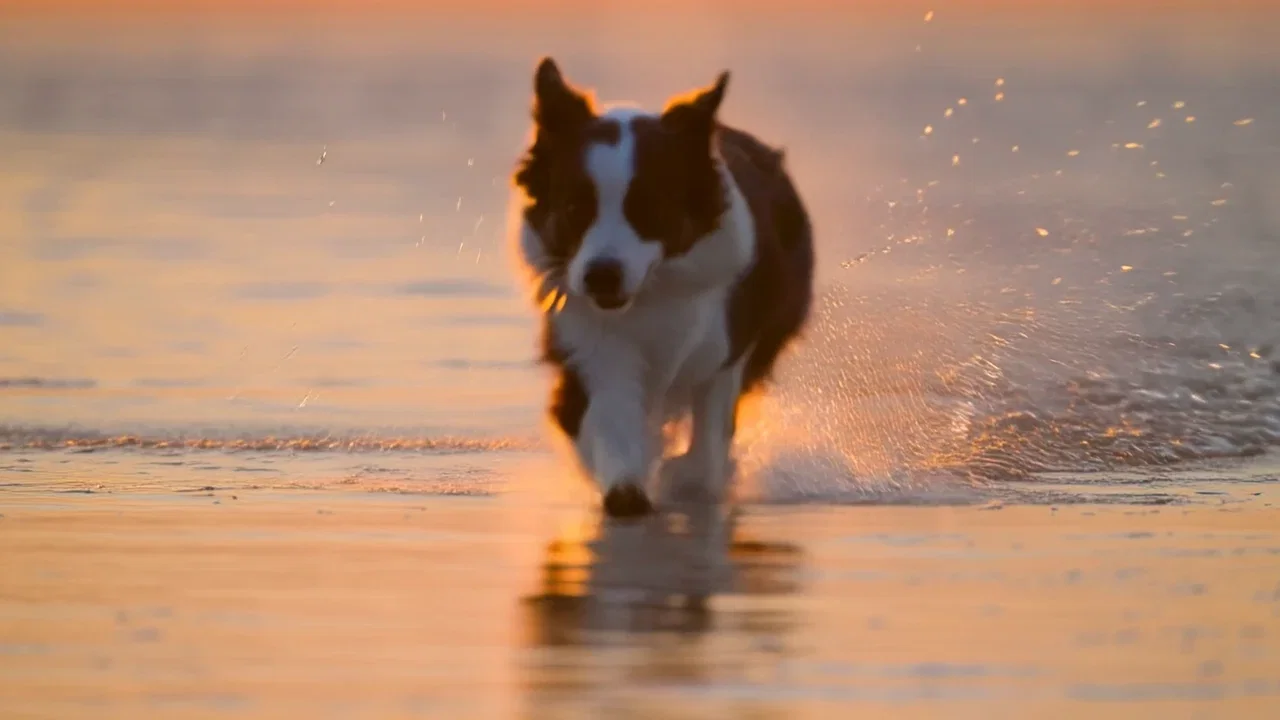
Speed that reads
Kling 2.6, 5s tracking
Three ways to direct Kling
Powered by Kling 2.6 and Kling 3 Pro on the FluxoKit canvas — no separate app, no region workaround.
Text to video
Brief the movement first — who moves, how fast, what the camera does — and Kling returns motion that reads true.
Image to video
Drop a still on the canvas and Kling animates it while holding the composition — one of its strongest modes.
Motion control
Kling 3 moves your image the way a reference clip moves — borrowed choreography without a mocap rig.
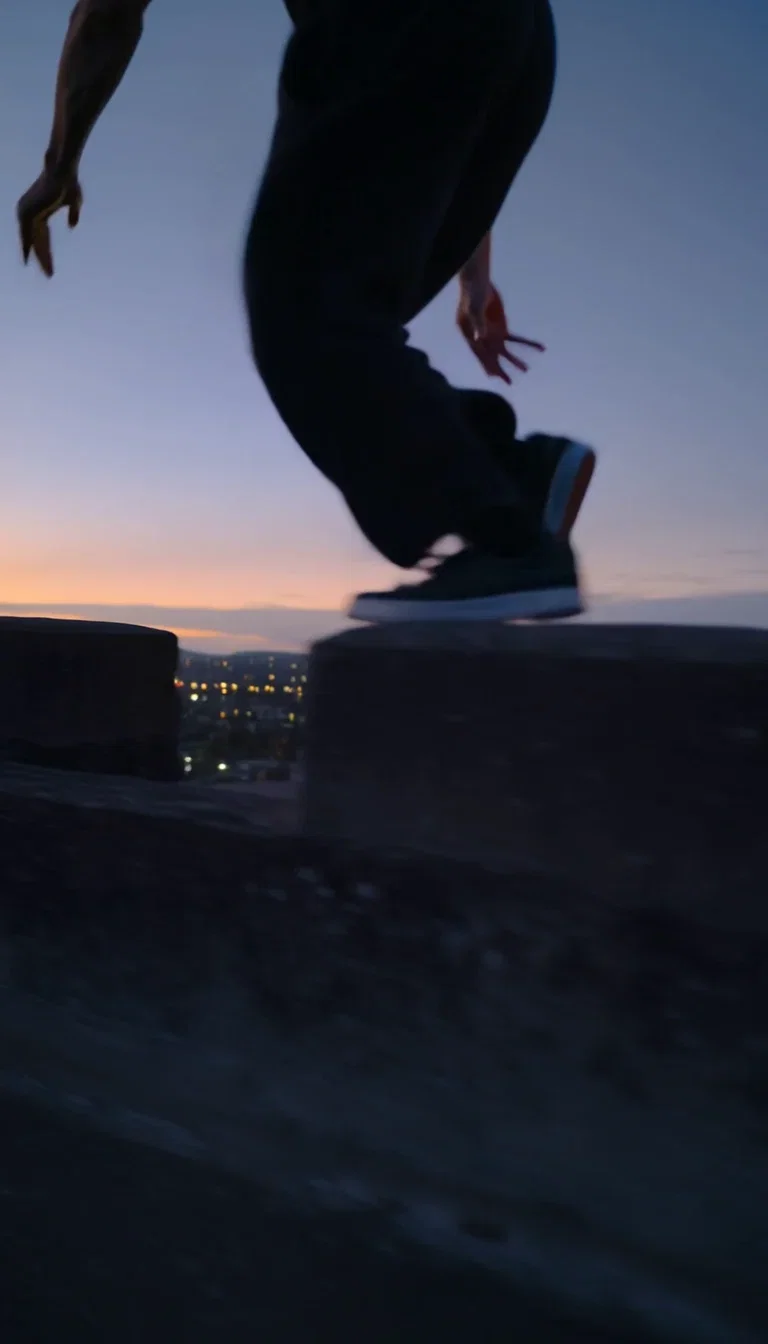
Real weight
Kling 2.6, 5s
Speed that reads
Kling 2.6, 5s tracking
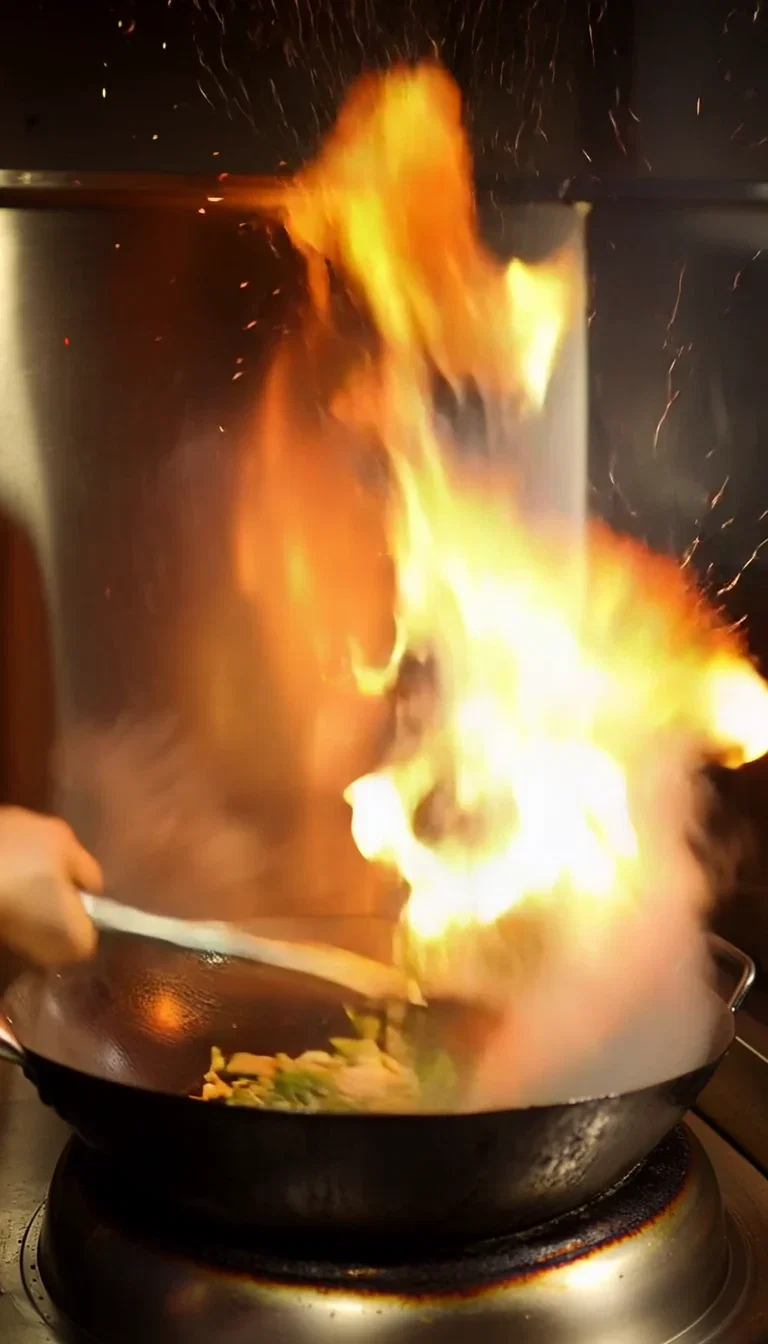
Native sound
Kling 2.6, 5s with audio
Water
Backlit spray beat
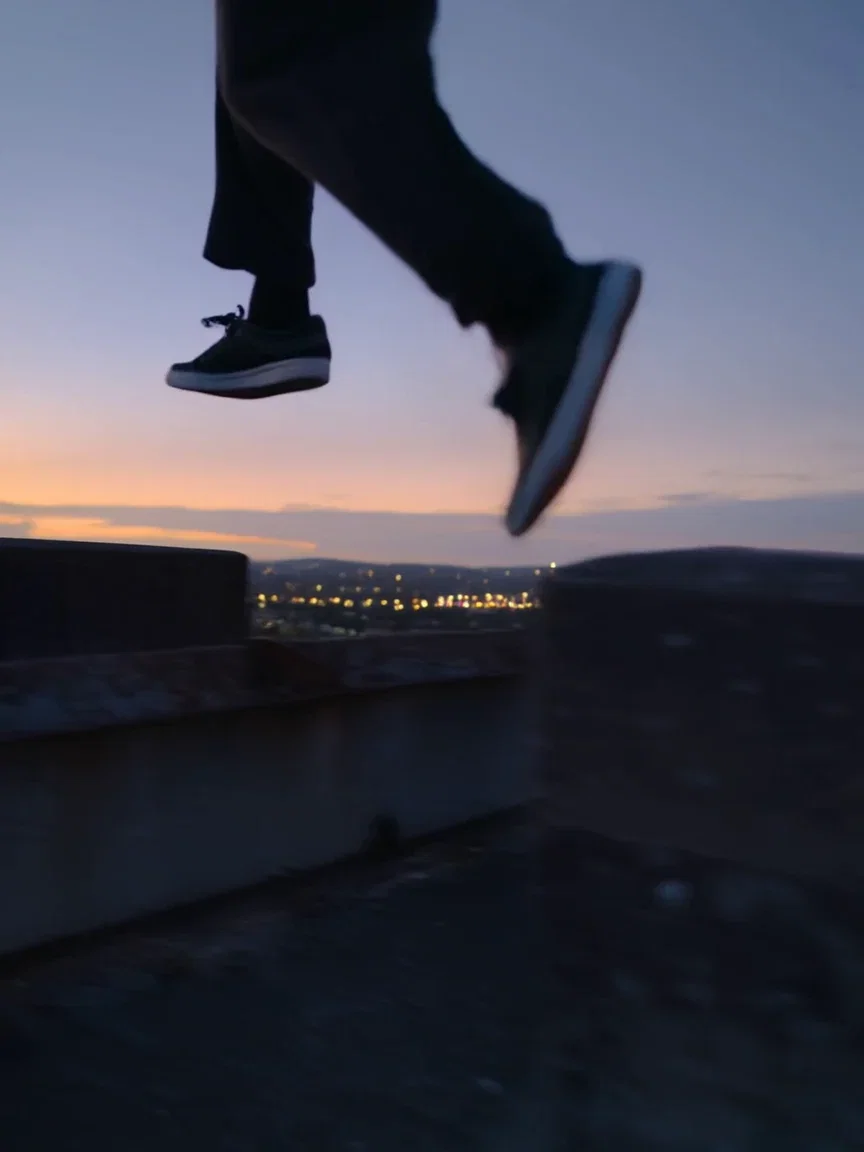
Dusk city
Rooftop beat
Sound born in the scene
The flame bursts and you hear it — wok roar, kitchen hum, one generation, no separate audio pass.
Kling 2.6 generates sound with the take, which is what makes raw clips usable for reels and ads.
Describe the noise the way you describe the shot, and it arrives synchronized.
Native sound
Kling 2.6, 5s with audio
Coherence across the take
Fast motion is where video models fall apart — limbs smear, spray freezes, momentum resets between frames.
This strip freezes three beats of one Kling sprint: launch, full stride, spray — same dog, same light, same speed.
That coherence is the difference between a usable campaign take and a lucky loop.
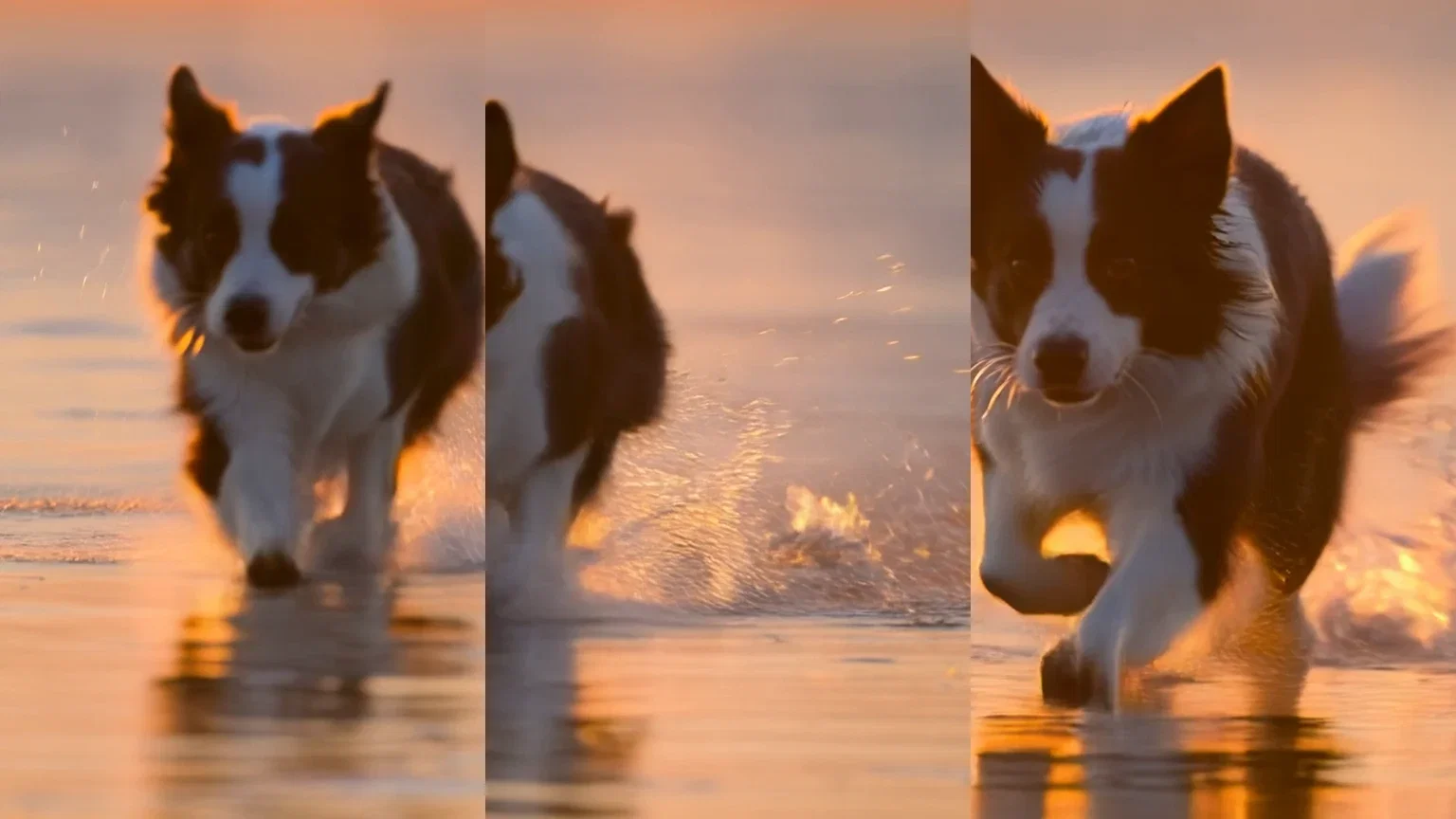
One take, three beats
Coherent motion
One canvas, every engine
135+
AI models in one canvas
3
live Kling 2.6 takes on this page
14,500+
real generations delivered
Real Kling 2.6 generations
Beat frames pulled straight from this page's takes — rooftop dusk, surf sprint, wok fire.
Real weight
Kling 2.6, 5s
Speed that reads
Kling 2.6, 5s tracking
Native sound
Kling 2.6, 5s with audio
How to use Kling on FluxoKit
Brief the movement
Subject, speed, camera — plain language, movement first. Kling rewards a brief that says how things move.
Generate and compare
Run Kling 2.6, then the same prompt on Sora 2 or Veo. Keep the take that sells the idea.
Step up when needed
Multi-shot beats, voice, or borrowed choreography — switch to Kling 3 Pro on the same canvas.
Kling is Kuaishou's video model family — the engine people reach for when the motion has to be believable: real weight, real physics, real speed. FluxoKit runs Kling 2.6 and Kling 3 Pro on one canvas next to Sora 2, Veo, and Seedance, with no separate app or region dance. Every clip on this page is a live Kling generation.
When people search for kling ai, they have usually seen a clip that moved too well to ignore. This page shows that motion live, then hands you the workflow to direct it.
Direct Answer
Use Kling when movement carries the shot: sports and action, animals, dance, liquids and fire, product spins with momentum. Use Kling 2.6 for fast text-to-video and image-to-video takes with native sound; step up to Kling 3 Pro when you need multi-shot sequencing, voice control, or motion control that borrows choreography from a reference clip. On FluxoKit, run the same brief through Kling, Sora 2, and Veo side by side and keep the take that sells it.
Why Kling Wins on Motion
Three habits set it apart. Weight stays real — a vault lands with impact instead of floating. Speed reads as speed — sprint dynamics, spray, and momentum hold through the take instead of smearing. And sound arrives in the scene: the wok roars when the flame bursts, without a separate audio pass.
How to Use Kling on FluxoKit
- Pick Kling 2.6 or Kling 3 Pro from the model picker.
- Brief the movement first: who moves, how fast, what the camera does.
- Generate, then run the same brief on Sora 2 or Veo for an honest comparison.
- For image-to-video, drop a still on the canvas and describe the motion.
- Pull beat frames for thumbnails and version the cut per channel.
Kling vs the Field
Kling owns motion credibility; Veo owns the cinematic grade; Sora 2 owns physics-aware scene logic; Seedance owns fast social energy. Action briefs lean Kling — and the honest way to decide is one prompt, four engines, same canvas.
Related workflows
- AI Video Generator — every video engine on one page.
- Image to Video AI — animate stills across engines.
- Kling model reference — specs, versions, and technical notes.
Why run Kling on FluxoKit
The model is Kuaishou's. The workflow — comparison, image-to-video, iteration, export — is what FluxoKit adds.
No separate app
Skip the extra account and region dance. Pick Kling on the canvas and the first take is minutes away.
Motion credibility
Weight, speed, and physics that survive the take — the action engine of the field.
Audio in the take
Kling 2.6 generates sound with the scene, so social cuts ship without a foley pass.
Two tiers, one picker
Kling 2.6 for fast takes, Kling 3 Pro for multi-shot, voice, and motion control — same canvas.
Compare against the field
Same brief through Sora 2, Veo, and Seedance next to Kling — judged on takes, not marketing.
30-day guarantee
Generate real work for 30 days. Refund requests are governed by the first-subscription guarantee and Refund Policy.
23 models available in the canvas
Every model below is live in the FluxoKit studio. Each link opens its technical page with parameters, limits, and real generation examples.
- 01

Grok Imagine Video (Text to Video)
xAI · Video generation
- 02
Grok Imagine Video 1.5 (Reference)
xAI · Video generation
- 03

Veo 3.1 Text to Video
Google AI · Video generation
- 04
Gemini Omni Flash T2V
Google AI · Video generation
- 05
Gemini Omni 1.1 Flash Text to Video
Google AI · Video generation
- 06

Wan 3.0 Text to Video
Alibaba Cloud · Video generation
- 07
Wan 2.5 Text to Video
Alibaba Cloud · Video generation
- 08
Wan 2.6 Text to Video
Alibaba Cloud · Video generation
- 09
Wan 2.7 Text to Video
Alibaba Cloud · Video generation
- 10
HappyHorse 1.1 Text to Video
Alibaba Cloud · Video generation
- 11
HappyHorse Text to Video
Alibaba Cloud · Video generation
- 12

Sora 2
OpenAI · Video generation
- 13
Sora 2 Pro
OpenAI · Video generation
- 14

FLUX 3 Text to Video
Black Forest Labs · Video generation
- 15

MiniMax H3 T2V
MiniMax · Video generation
- 16
MiniMax Hailuo T2V
MiniMax · Video generation
- 17
Kling 2.6 Pro T2V
Kling · Video generation
- 18

Kling 3 T2V
fal.ai · Video generation
- 19

Seedance 2.0 T2V
ByteDance · Video generation
- 20

Seedance 2.5 Text to Video
Higgsfield AI · Video generation
- 21
Seedance 2.0 Fast T2V
ByteDance · Video generation
- 22
Seedance v1.5 Pro T2V
fal.ai · Video generation
- 23
Pixverse v6 T2V
fal.ai · Video generation
Frequently asked questions
What is Kling AI?
Kling is Kuaishou's AI video model family, best known for motion that holds up — athletes that keep their weight, animals that run like animals, water and fire that behave. On FluxoKit, Kling 2.6 and Kling 3 Pro run inside the same canvas as Sora 2, Veo, and Seedance, so you direct and compare instead of switching apps.
What is the difference between Kling 2.6 and Kling 3?
Kling 2.6 is the fast workhorse: text-to-video and image-to-video with native sound. Kling 3 Pro adds finer control — multi-shot prompting to sequence beats inside one generation, voice control, and a motion-control mode that animates a reference image following the movement of a source clip. Both are on the FluxoKit picker; start with 2.6 and step up when a brief needs the control.
How do I use Kling without a separate account?
Pick Kling from the FluxoKit model picker like any other engine — no separate Kling app, region workaround, or extra subscription. Credits from the one plan cover Kling alongside every other video and image model.
Can Kling animate my image?
Yes. Image-to-video is one of Kling's strongest modes: drop a product shot, a character frame, or a Soul portrait onto the canvas and Kling animates it while keeping the composition. Kling 3's motion control goes further — it moves your image the way a reference video moves.
Is Kling AI free?
FluxoKit does not sell a free trial. The Kling family runs inside the platform plan from $14/month with monthly credits, backed by a 30-day first-subscription satisfaction guarantee, subject to the Refund Policy: generate real work for a month, and refund requests are governed by the first-subscription guarantee and Refund Policy.
Next step
Access 135 AIs in one canvas, without subscribing to each one.
Monthly credits with no separate subscription per model. New purchases are temporarily unavailable; contact support for billing help.
KLING ON FLUXOKIT
Run your first Kling take
Motion-true takes from Kling 2.6 and Kling 3 Pro, next to the rest of the video field — one canvas, one plan.