
Text to Speech AI
Narration that carries a paragraph, not just a sentence — with punctuation steering the take, on one canvas.
The 3 models on this page are already included, with no separate subscription per tool. 14,500+ real generations already delivered on the platform. Updated
The narration, live
Opening of the take

The manuscript
Where scripts start
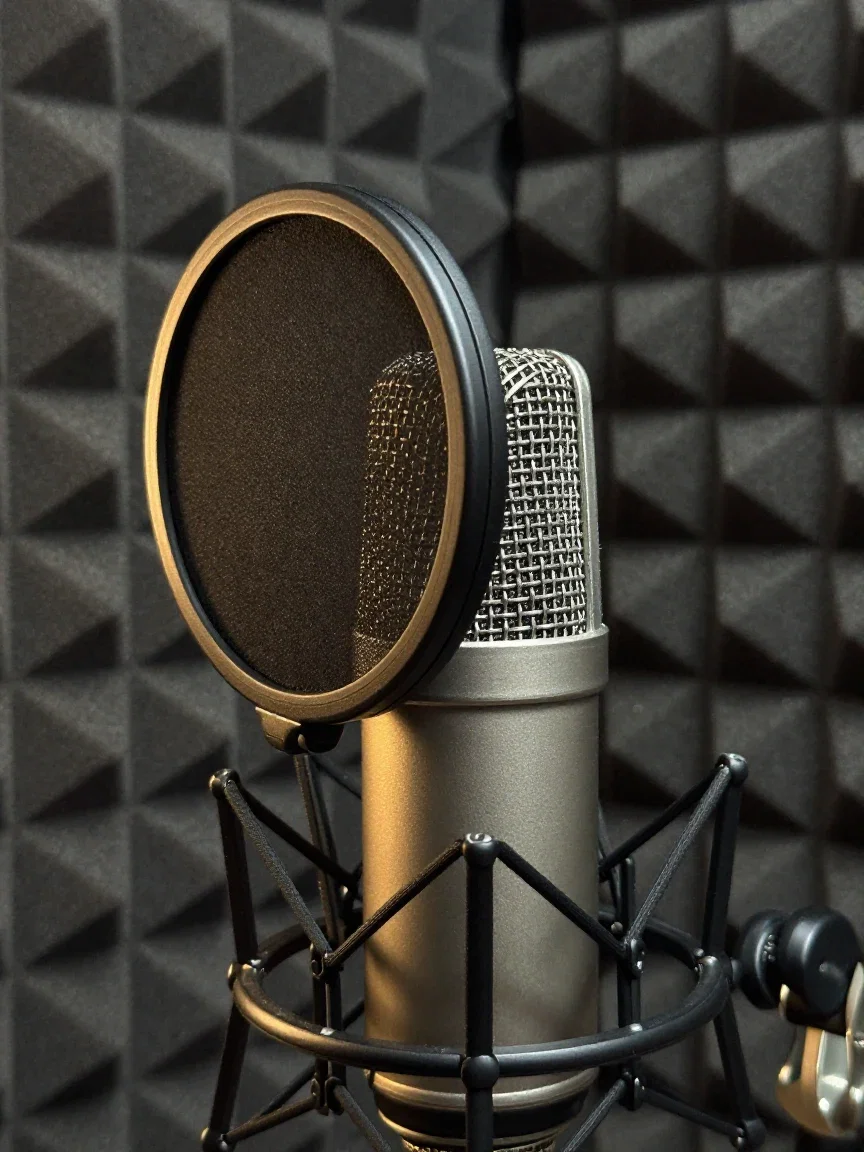
No booth needed
The engine reads
106 words. One take.
The amber waveform is a full story paragraph — chapter opening, a list of the sea's moods, a held quiet ending — read unbroken in 37 seconds.
The rhythm changes where the writing changes: that is narration, not text being said aloud.
The take came from this platform's own speech nodes, first try.
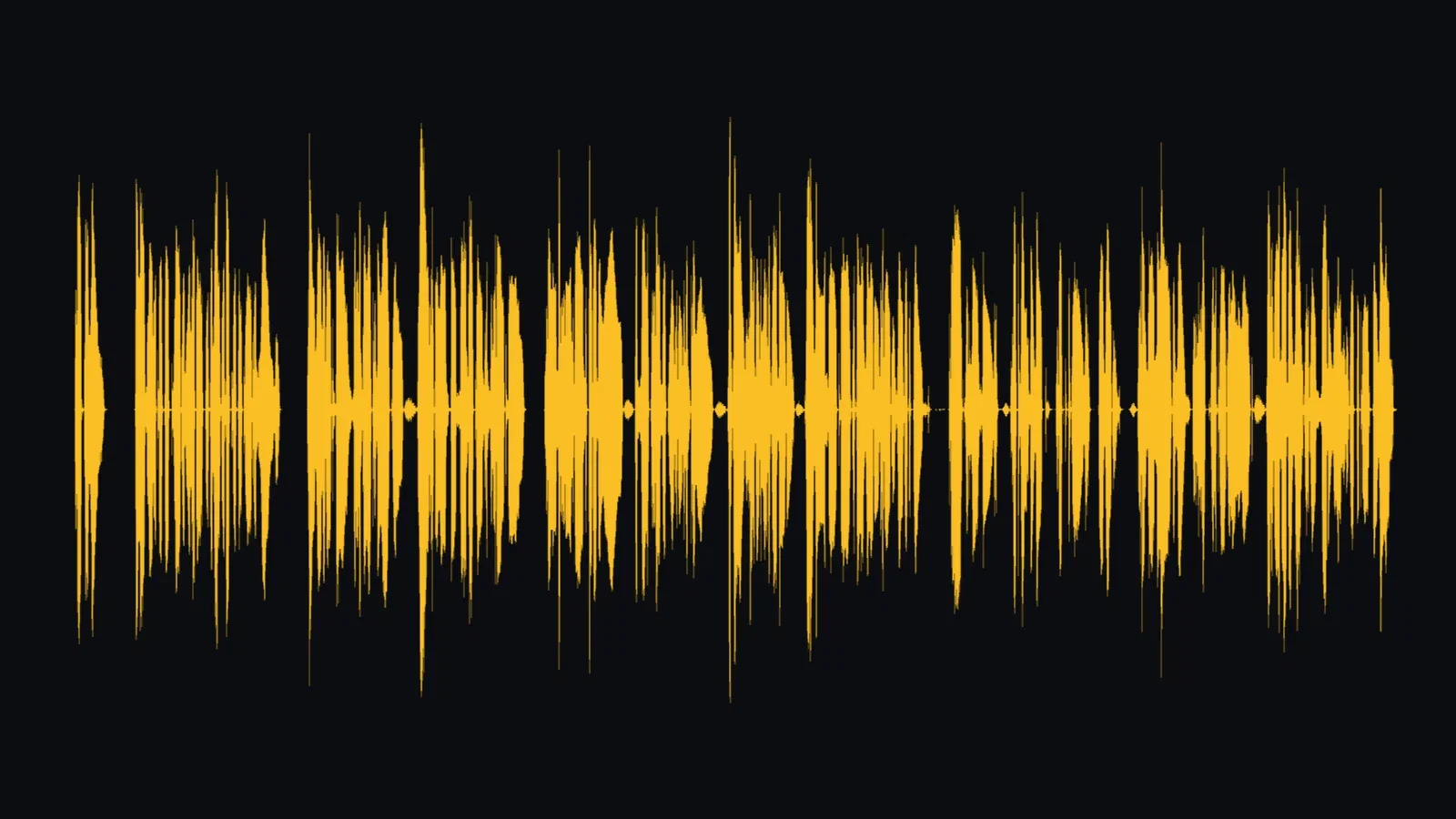
One paragraph, one take
106 words, 37 seconds
Three ways to use TTS here
Powered by ElevenLabs speech engines on the FluxoKit canvas — long-form, direction, and languages.
Narrate long-form
Articles, chapters, and courses read in full takes with real pacing.
Direct with punctuation
Commas, questions, and ellipses all change the delivery — provably.
Ship in 29 languages
The same voice character delivers wherever your audience reads.
The narration, live
Opening of the take

Articles, heard
Reading while moving

Accessibility
Every reader

Hands busy
Ears free
The manuscript
Where scripts start
Punctuation is the performance note
Three takes of the same four words — “It was you all along.”
Top: flat statement. Middle: two questions. Bottom: a dramatic, halting reveal written as “It was... you. All. Along.”
Identical words, three visibly different waveforms. You direct the read by how you write it.
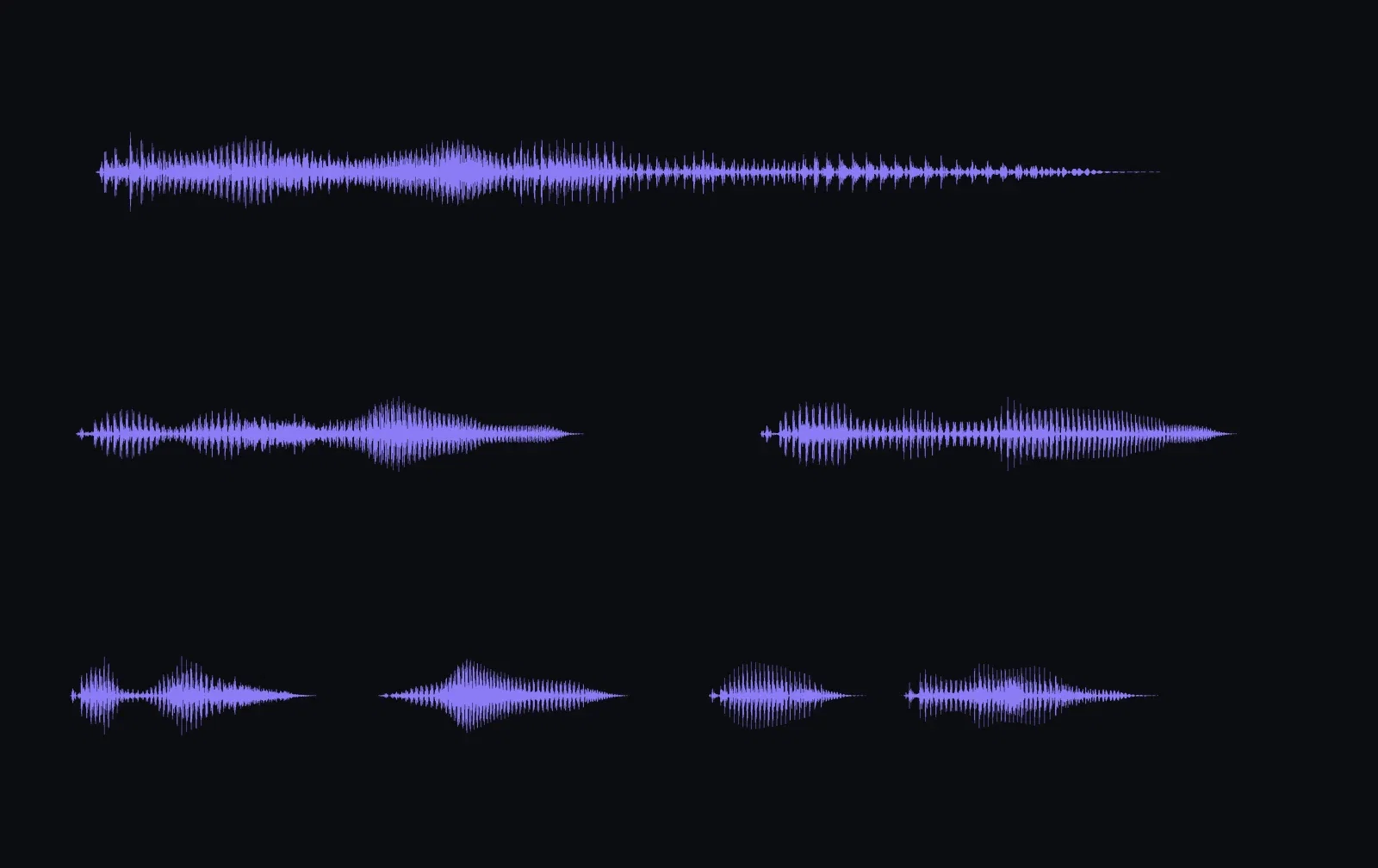
Same words, three deliveries
Punctuation as direction
From script to soundtrack
The narration node lives beside the video engines, so a finished take routes straight into a voice-over, a lip sync node, or a dubbed version.
Write, generate, and place the audio without leaving the canvas.
That pipeline — not just the voice — is what turns text to speech into production.

Video voice-overs
Straight to the timeline
One canvas, every engine
37s
of unbroken narration in one take
29
languages one setting away
14,500+
real generations delivered
The take, in three movements
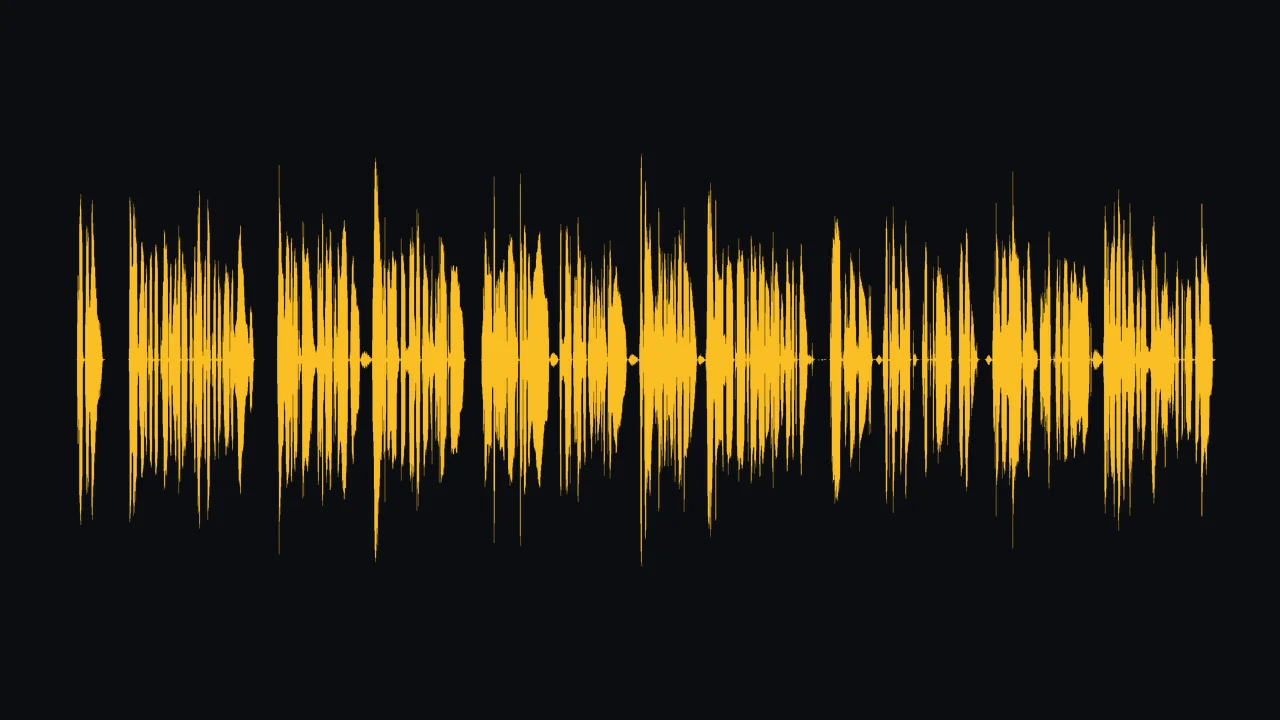
Crops from the long-form waveform — the shape follows the writing.
The narration, live
Opening of the take
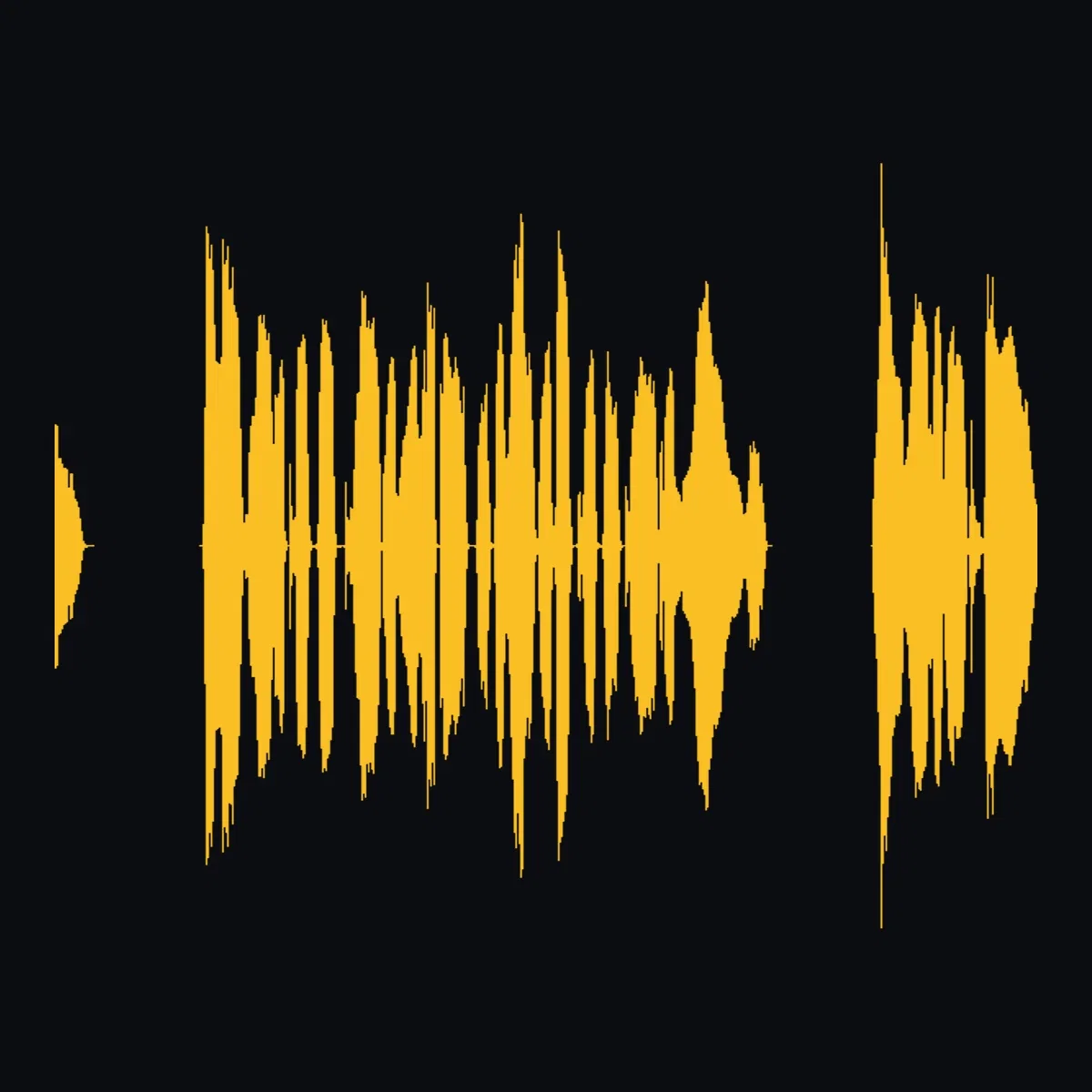
The opening
Chapter cadence
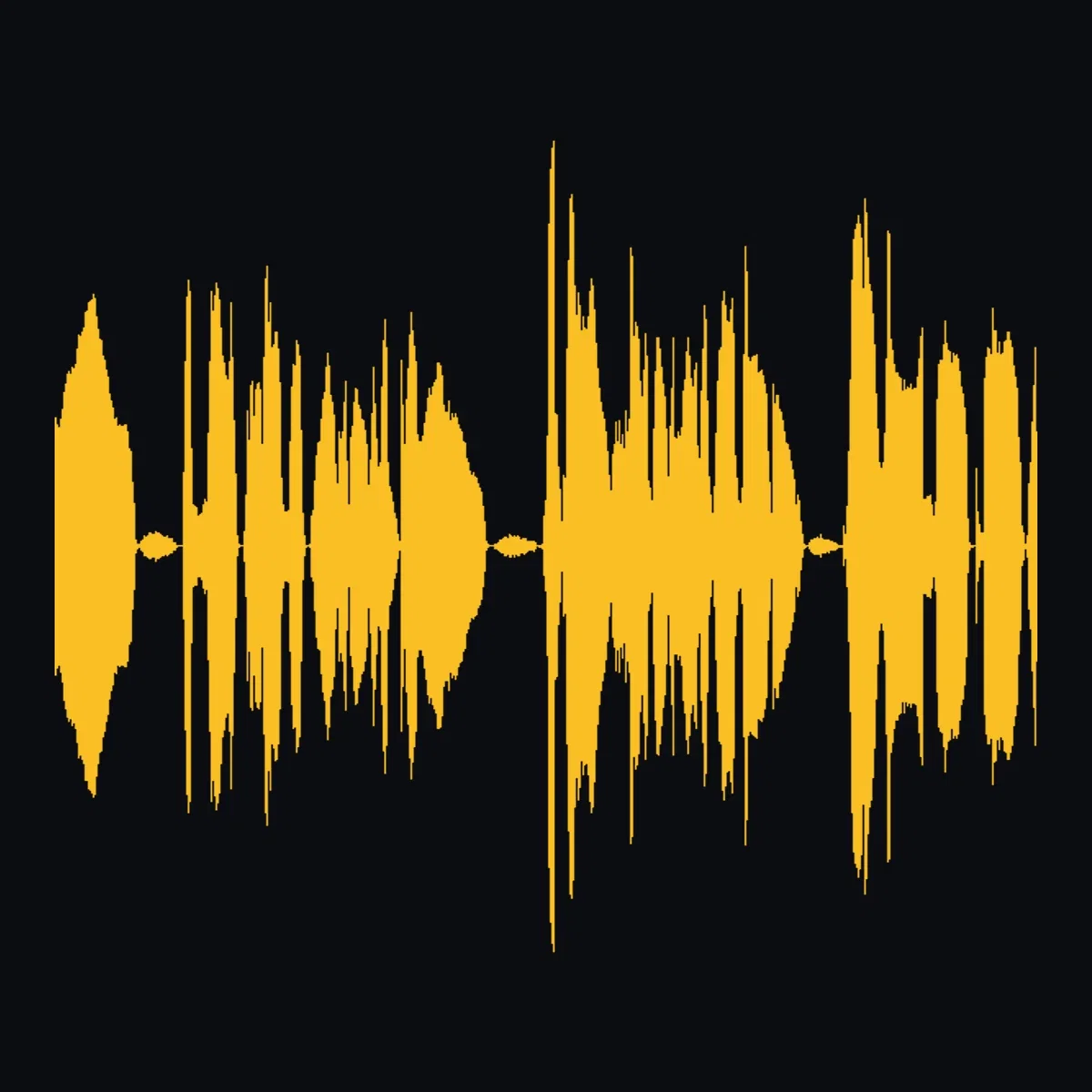
The list
Rhythm shifts
How to narrate on FluxoKit
Paste the script
A speech node takes full paragraphs, not just lines.
Punctuate for performance
Write the delivery into the text — the engine reads it.
Route the audio
Into video voice-overs, lip sync, or dubbing on the same canvas.
Text to speech lives or dies on the long paragraph — anyone can read a sentence; narration means holding a listener through a full passage without a single human breath behind it. So this page generated exactly that: a 106-word story passage read in one 37-second take on the FluxoKit canvas, plus a demonstration of how punctuation alone redirects the performance.
When people search for text to speech ai, they want narration, not recitation. This page shows the difference.
Direct Answer
Use text to speech AI to turn writing into listening: articles, audiobooks, video scripts, courses, and accessible versions of all of them. On FluxoKit, paste the text into a speech node, pick a voice from the catalog, and generate — the ElevenLabs engines carry pacing and emphasis through full paragraphs, punctuation steers the delivery, and 29 languages are one setting away. From $14/month, on the same canvas where video and lip sync nodes consume the audio.
One Take, One Paragraph
The amber waveform is the whole 37-second demo paragraph — chapter opening, a list of the sea's moods, a held quiet ending — read in a single take. Watch the shape: the rhythm changes where the writing changes, which is what separates narration from text being said out loud.
Punctuation Is Direction
Three takes of the same four words: "It was you all along." As a flat statement. As two questions. As a dramatic, halting reveal. Three different waveforms from identical words — the punctuation was the entire performance note.
How to Narrate on FluxoKit
- Drop a text-to-speech node and paste the script.
- Pick a voice and language.
- Punctuate for performance — commas, questions, and ellipses all read.
- Generate and audit the take at full length.
- Route it into video, lip sync, or dubbing on the same canvas.
Related workflows
- AI Voice Generator — the voice catalog and delivery controls.
- ElevenLabs v3 — the expressive engine with audio tags.
- Lip Sync AI — give a talking video your narration.
Why narrate on FluxoKit
The engines are ElevenLabs. The pipeline — script to narration to video — is what FluxoKit adds.
Paragraph-grade
The 37-second single take is the argument — pacing holds start to finish.
You direct the read
The punctuation stack shows identical words performing three ways.
Straight into video
Takes route to voice-over, lip sync, and dubbing nodes directly.
29 languages
One voice character, native delivery everywhere.
Proof on the page
Every waveform here came from real audio generated on this platform.
30-day guarantee
Narrate real scripts for 30 days. Refund requests are governed by the first-subscription guarantee and Refund Policy.
3 models available in the canvas
Every model below is live in the FluxoKit studio. Each link opens its technical page with parameters, limits, and real generation examples.

Frequently asked questions
What is text to speech AI?
Text to speech AI converts written text into natural spoken audio — not the robotic reading of old screen readers, but narration with pacing, emphasis, and breath. On FluxoKit it runs on ElevenLabs engines as a canvas node: paste the text, pick a voice, generate.
How does it handle long text?
This page's demo is a full 106-word story paragraph read in one unbroken 37-second take with chapter-opening cadence, list rhythm, and a held ending. Long-form is the workhorse case: articles, audiobooks, course material, video scripts.
Can I control the delivery?
Punctuation is the steering wheel, and this page proves it: the same four words rendered three ways — flat statement, question marks, and dramatic ellipses — produce three visibly different waveforms. Voice settings and the expressive v3 engine add further control.
What are the main uses?
Audiobook and article narration, video voice-overs, e-learning, accessibility (reading interfaces and documents aloud), and multilingual versions of all of them. On FluxoKit the audio routes directly into video, lip sync, and dubbing nodes.
Is text to speech free on FluxoKit?
FluxoKit does not sell a free trial. The speech engines run inside the platform plan from $14/month with monthly credits, backed by a 30-day first-subscription satisfaction guarantee, subject to the Refund Policy: narrate real scripts for a month, and refund requests are governed by the first-subscription guarantee and Refund Policy.
Next step
Access 135 AIs in one canvas, without subscribing to each one.
Monthly credits with no separate subscription per model. New purchases are temporarily unavailable; contact support for billing help.
NARRATION ON FLUXOKIT
Narrate your first script
Full-paragraph speech, punctuation-directed delivery — one canvas, one plan.