
Lip Sync AI
New words, same take — the sync engine beside every video and voice tool on one canvas.
The 23 models on this page are already included, with no separate subscription per tool. 14,500+ real generations already delivered on the platform. Updated
The synced take
New words, same take
The original
Kling 2.6 source

Syllable beat
Synced frame
Same frame. New mouth.
This is one video frame before and after the sync — identical face, hair, and light.
Only the mouth changed, re-animated to hit the syllables of a line she never recorded.
The full pipeline ran on this canvas: Kling generated her, a voice model wrote the sound, the sync node married them.
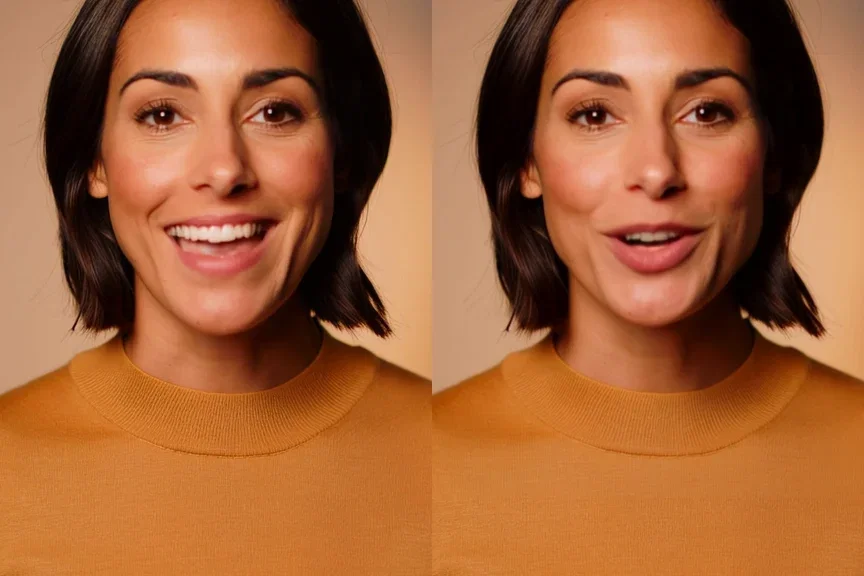
Same frame, new mouth
Original vs synced
Three ways to use the sync node
Powered by the lip sync engine on the FluxoKit canvas — video in, audio in, synced take out.
Dub & translate
One recording becomes every language, with the mouth matching each read.
Fix the line
Swap a word or a whole sentence after the shoot — no crew, no reshoot.
Script generated presenters
Generate the face with any video engine, then write and rewrite what it says.

The synced take
New words, same take

The original
Kling 2.6 source
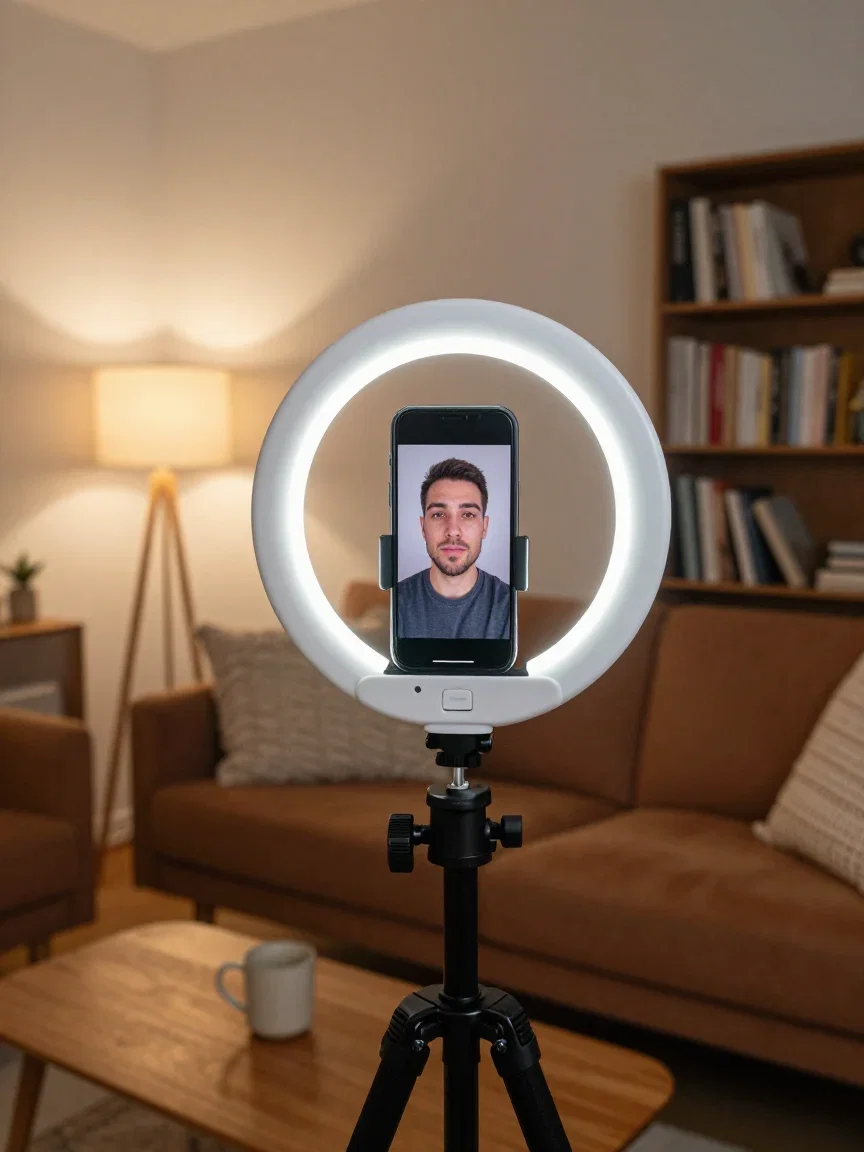
Creators
Phone rig
Audio
Fader macro
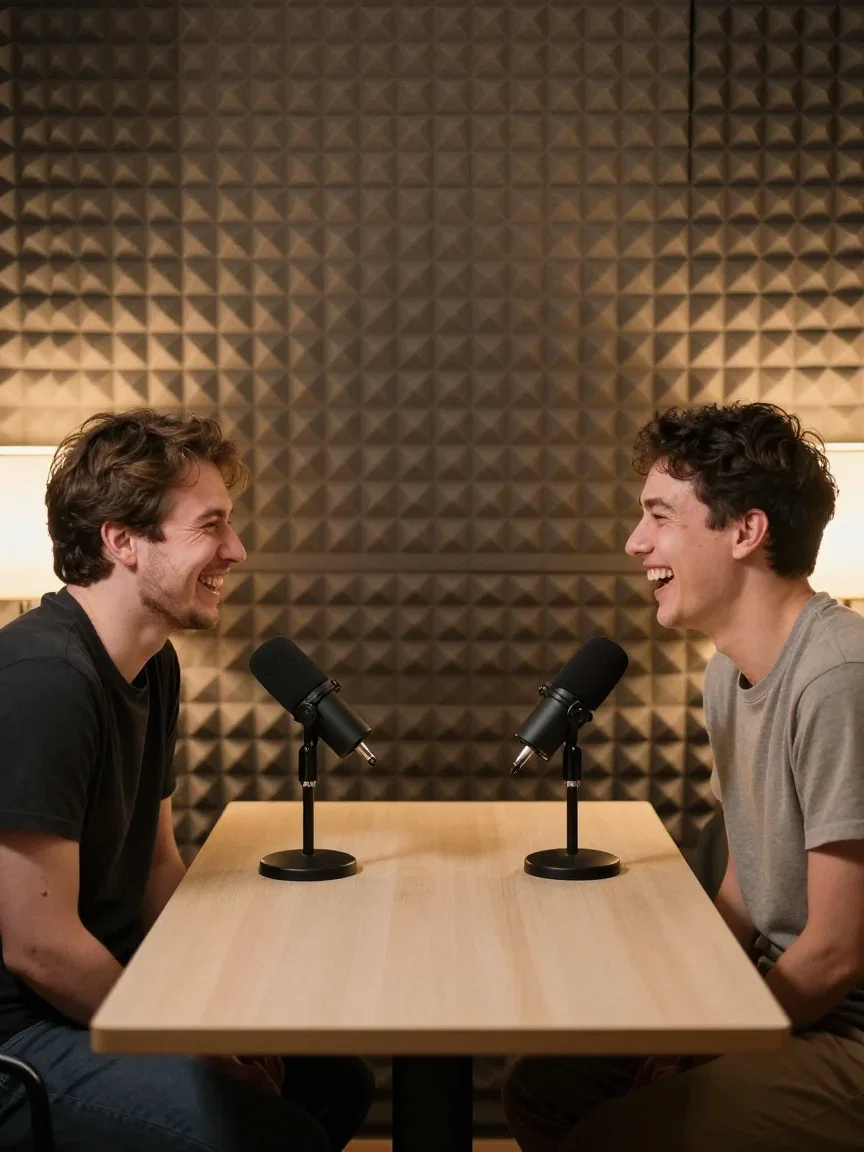
Shows
Podcast table
The original, for honesty
Here is the source take as Kling 2.6 generated it, saying something else entirely.
Compare it against the synced take in the hero — same person, same energy, different words.
That is a reshoot replaced by a node-run.
The original
Kling 2.6 source
One recording, every language
Dubbing turns one recording into every language: record once, sync each translation.
The mouth matches each language's syllables instead of flapping under a foreign track.
Voice synthesis lives on the same canvas, so the translated read is one node away.
Dubbing
The use case
One canvas, every engine
135+
AI models in one canvas
3
engines behind this page's demo pair
14,500+
real generations delivered
The pipeline, in frames
The finish beat and the people the workflow serves — all generated on this canvas.
The synced take
New words, same take
The original
Kling 2.6 source

The finish
Closing beat
How to lip sync on FluxoKit
Drop the take
Filmed or generated — any talking video lands on the canvas.
Add the words
Upload audio or synthesize a line with the voice tools beside it.
Sync and iterate
Run the node, judge the mouth, rewrite until the read lands.
Lip sync AI gives a talking take new words — the mouth follows the new audio, the face and take stay. FluxoKit runs it as a canvas node beside every video and voice engine, which is the real unlock: generate the presenter, write the script afterward, sync. The before and after on this page were made entirely on the canvas.
When people search for lip sync ai or ai lip sync, they want to see the mouth actually match. This page shows the same take speaking two different things.
Direct Answer
Use lip sync AI when the words need to change but the take should not: dubbing into new languages, fixing a line post-shoot, or scripting a generated presenter. On FluxoKit the whole pipeline is one canvas — a video engine makes the take, a voice model makes the audio, the sync engine marries them. The demo pair here is exactly that: a Kling-generated presenter, a synthesized line she never spoke, and the synced result with her mouth hitting every syllable.
Why the Canvas Changes Lip Sync
Three habits set it apart. The inputs are one click away: video engines and voice synthesis live beside the sync node, no exporting between tools. Iteration is text-speed: rewrite the line, resynthesize, resync — no reshoot. And identity holds: the synced take keeps the face, light, and motion of the original.
How to Use Lip Sync on FluxoKit
- Drop a talking video on the canvas — filmed or generated.
- Add the new audio: upload a track or synthesize a line.
- Run the sync node and preview the mouth against the syllables.
- Rewrite and resync until the read lands.
- Version the take per language or placement.
Lip Sync vs Reshoots
A reshoot costs a day and the original light; a dub agency costs weeks per language. The sync node costs one node-run per revision — and because the input can be generated, the entire presenter pipeline becomes editable after the fact.
Related workflows
- AI Video Generator — generate the takes that feed the sync node.
- AI UGC Video Generator — presenter-style content across engines.
- Kling AI — the engine behind this page's source take.
Why lip sync on FluxoKit
The engine is the field's best sync model. The pipeline around it is what FluxoKit adds.
The inputs live here
Video engines and voice synthesis sit beside the sync node — no exporting between tools.
Identity holds
Face, light, and motion survive the sync — see the same-frame pair above.
Text-speed iteration
Rewriting the line is the whole cost of a new take.
Proof on the page
The demo pair was generated, voiced, and synced entirely on this canvas.
Every language
Dub once per market from one recording — mouths included.
30-day guarantee
Sync real takes for 30 days. Refund requests are governed by the first-subscription guarantee and Refund Policy.
23 models available in the canvas
Every model below is live in the FluxoKit studio. Each link opens its technical page with parameters, limits, and real generation examples.
- 01

Grok Imagine Video (Text to Video)
xAI · Video generation
- 02
Grok Imagine Video 1.5 (Reference)
xAI · Video generation
- 03

Veo 3.1 Text to Video
Google AI · Video generation
- 04
Gemini Omni Flash T2V
Google AI · Video generation
- 05
Gemini Omni 1.1 Flash Text to Video
Google AI · Video generation
- 06

Wan 3.0 Text to Video
Alibaba Cloud · Video generation
- 07
Wan 2.5 Text to Video
Alibaba Cloud · Video generation
- 08
Wan 2.6 Text to Video
Alibaba Cloud · Video generation
- 09
Wan 2.7 Text to Video
Alibaba Cloud · Video generation
- 10
HappyHorse 1.1 Text to Video
Alibaba Cloud · Video generation
- 11
HappyHorse Text to Video
Alibaba Cloud · Video generation
- 12

Sora 2
OpenAI · Video generation
- 13
Sora 2 Pro
OpenAI · Video generation
- 14

FLUX 3 Text to Video
Black Forest Labs · Video generation
- 15

MiniMax H3 T2V
MiniMax · Video generation
- 16
MiniMax Hailuo T2V
MiniMax · Video generation
- 17

Kling 2.6 Pro T2V
Kling · Video generation
- 18

Kling 3 T2V
fal.ai · Video generation
- 19

Seedance 2.0 T2V
ByteDance · Video generation
- 20

Seedance 2.5 Text to Video
Higgsfield AI · Video generation
- 21
Seedance 2.0 Fast T2V
ByteDance · Video generation
- 22
Seedance v1.5 Pro T2V
fal.ai · Video generation
- 23
Pixverse v6 T2V
fal.ai · Video generation
Frequently asked questions
What is lip sync AI?
Lip sync AI takes a video of someone talking plus a new audio track and re-animates the mouth to match the new words — same face, same take, new speech. On FluxoKit it runs as a node on the canvas: drop a video, drop an audio file, get the synced take.
What is it used for?
Three big jobs: dubbing and translation (one recording becomes every language), fixing lines after the shoot (swap a word without a reshoot), and giving generated presenters real scripts — the pair on this page puts a freshly written line into a take that never spoke it.
How was this page's demo made?
Entirely on the platform's own engines: the presenter take was generated by Kling 2.6, the new line was synthesized by a voice model, and the sync engine re-animated the mouth to match. Source and synced takes are both on this page — same take, different words.
Does it work with generated video?
Yes — that is the workflow that makes it powerful here. Generate a presenter with any video engine on the canvas, write the script after, and sync. Casting, reshoots, and studio time all become editable text.
Is lip sync AI free?
FluxoKit does not sell a free trial. The lip sync engine runs inside the platform plan from $14/month with monthly credits, backed by a 30-day first-subscription satisfaction guarantee, subject to the Refund Policy: sync real takes for a month, and refund requests are governed by the first-subscription guarantee and Refund Policy.
Next step
Access 135 AIs in one canvas, without subscribing to each one.
Monthly credits with no separate subscription per model. New purchases are temporarily unavailable; contact support for billing help.
LIP SYNC ON FLUXOKIT
Sync your first take
New words for any talking video, with the pipeline on one canvas — one plan.