
PixVerse
The styled-video engine — anime, clay, comic, cyberpunk, and 3D as native looks — on one canvas next to Kling, Sora 2, and Veo.
The 23 models on this page are already included, with no separate subscription per tool. 14,500+ real generations already delivered on the platform. Updated
Anime style
PixVerse V6, 5s
Clay style
PixVerse V6, 5s
Cyberpunk style
PixVerse V6, 5s
Styles the engine actually owns
PixVerse's five looks are native modes, not prompt hacks — pick clay and the fingerprints come with it.
This take is the clay style: a fox baker, flour dust, stop-motion charm straight from one generation.
Every clip on this page is a live PixVerse V6 generation from FluxoKit, style named in the caption.

Clay style
PixVerse V6, 5s
Four ways to direct PixVerse
Powered by PixVerse V6 on the FluxoKit canvas — no separate app, styles as a first-class control.
Text to video
Pick a style, brief the shot, and V6 renders the world in that look — up to 1080p.
Image to video
Animate a still while holding its composition — a drawn frame starts moving in its own style.
Transition
Give a first and last frame and PixVerse builds the motion between them — animatics without a rig.
Extend
Continue a take past its final frame so a styled scene grows instead of restarting.
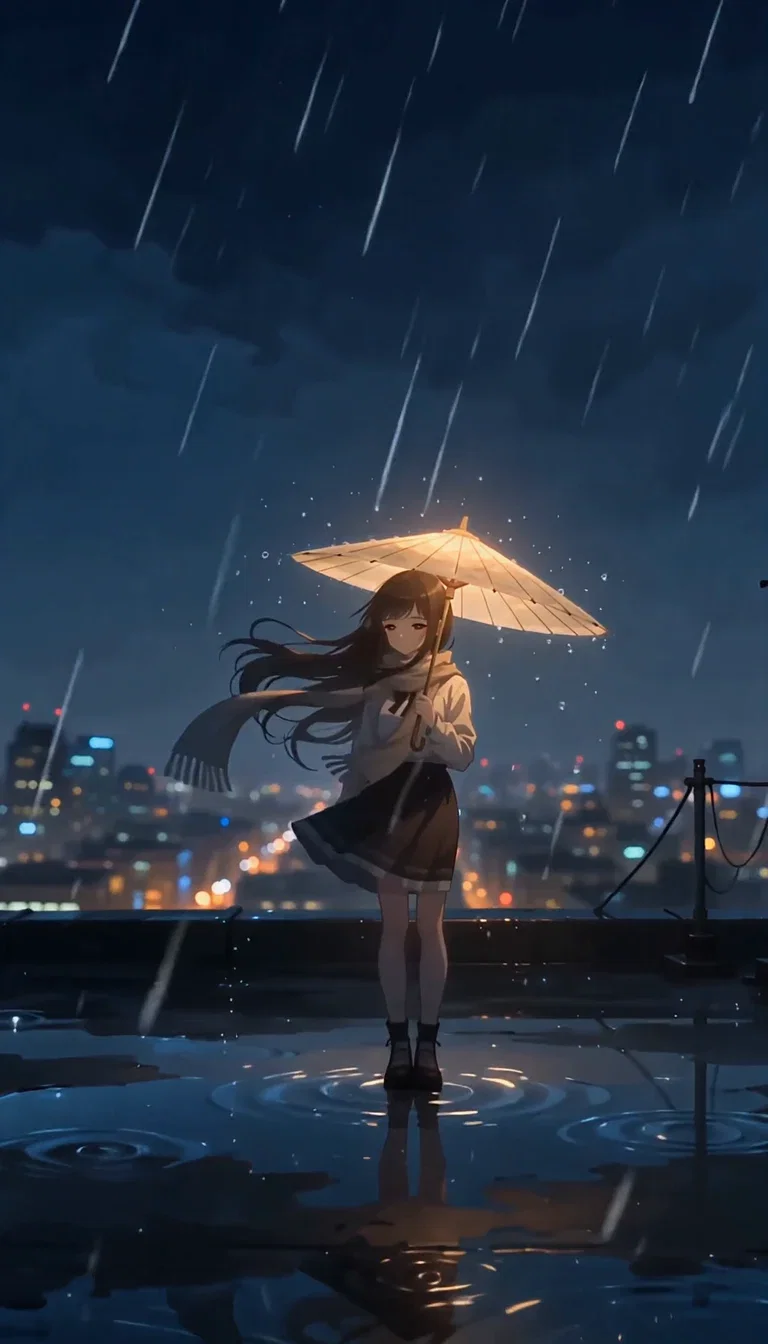
Anime style
PixVerse V6, 5s
Clay style
PixVerse V6, 5s
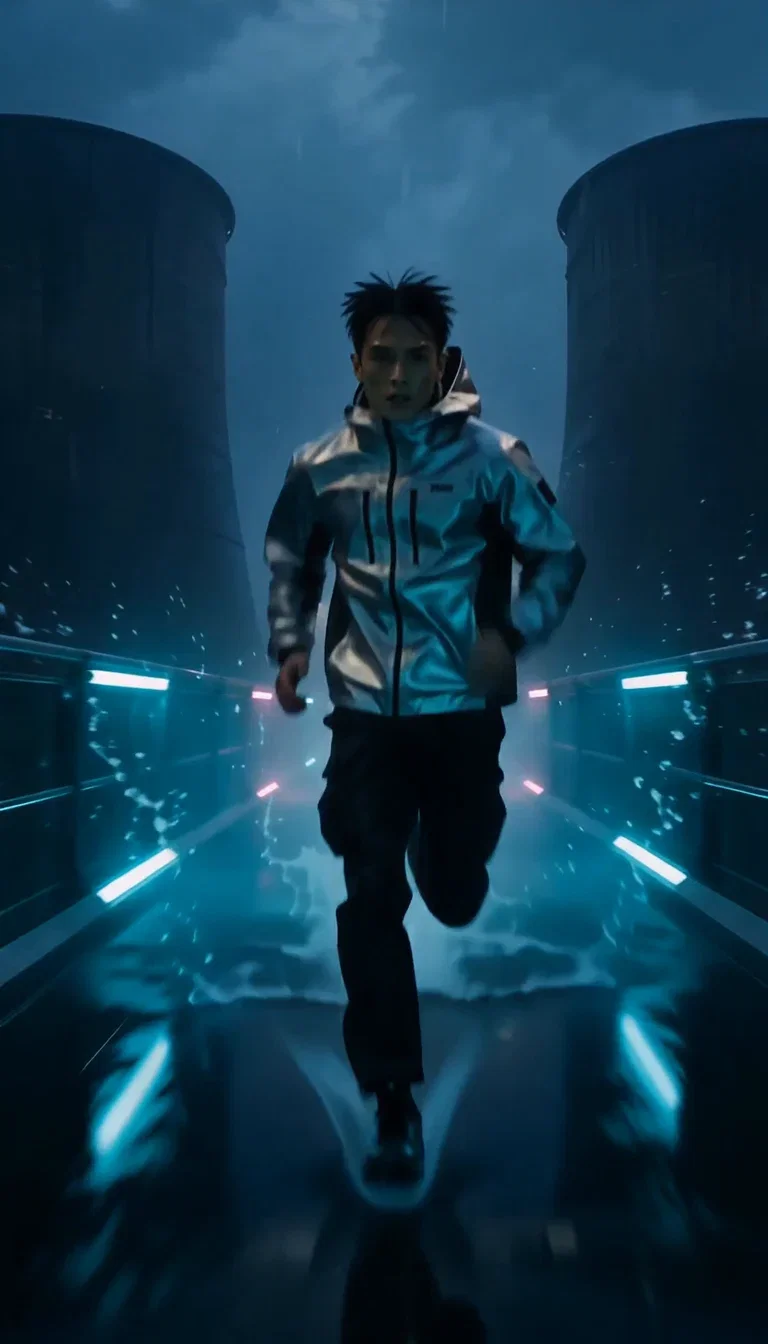
Cyberpunk style
PixVerse V6, 5s
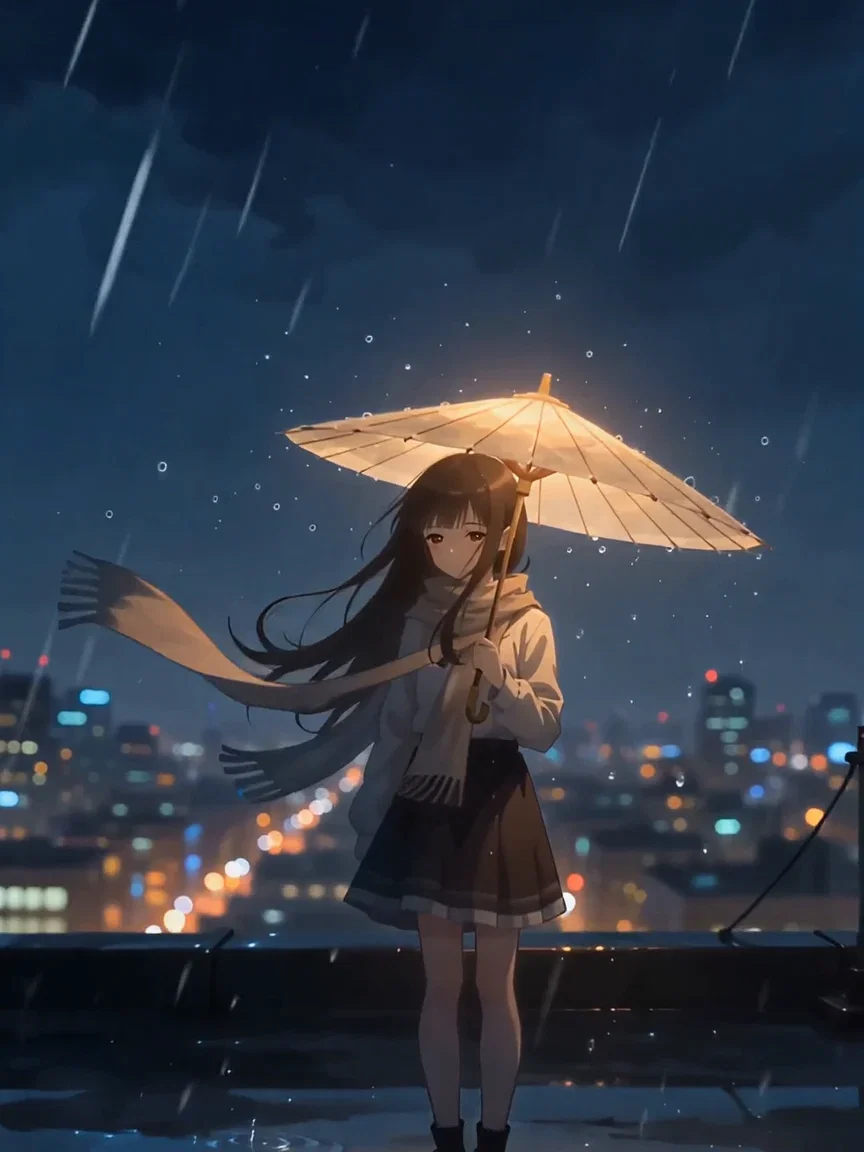
Wind
Scarf beat
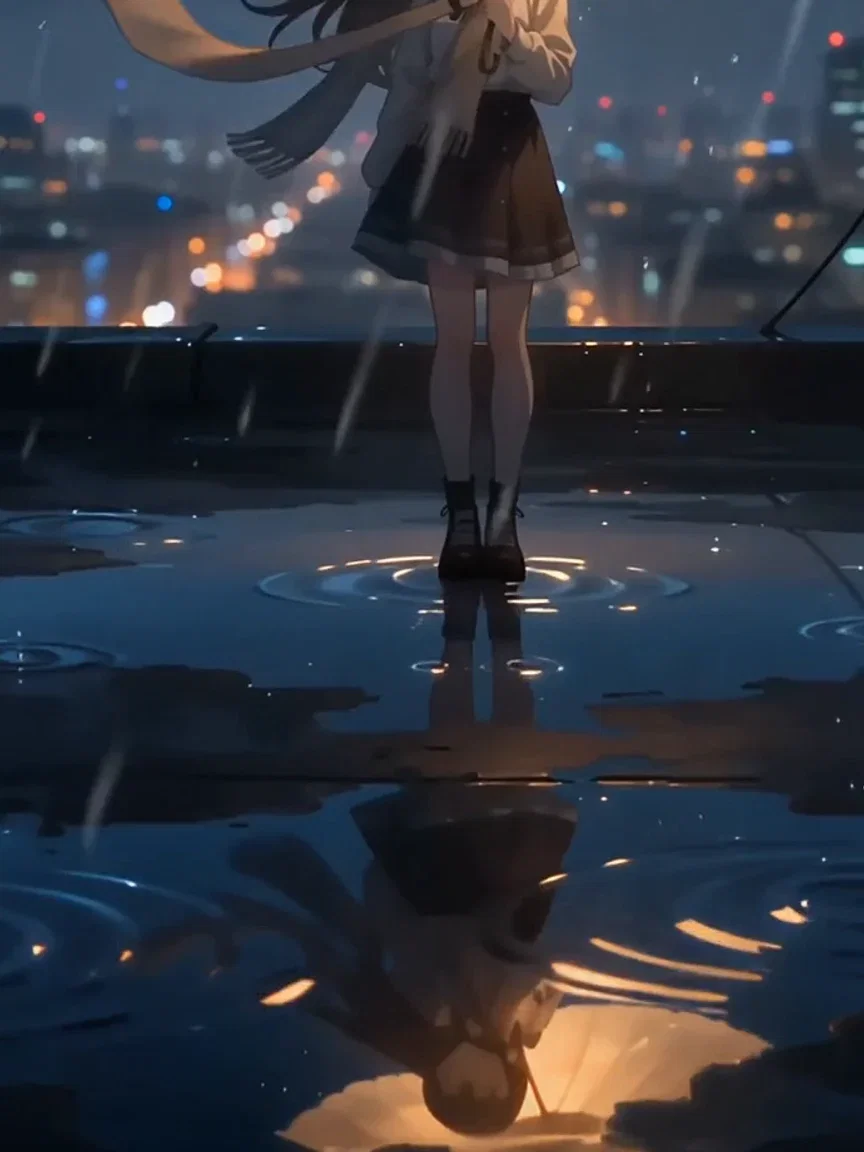
Reflections
Puddle beat
A different world per style
Same engine, opposite mood: the cyberpunk mode builds rain, glow, and holographic haze on demand.
Style consistency holds through motion — the look does not dissolve when the camera moves.
That range is why one picker covers an anime channel, a clay short, and a neon ad campaign.
Cyberpunk style
PixVerse V6, 5s
The look survives the take
Styled video fails when the style flickers — line weight wobbles, clay turns smooth, the spell breaks.
This strip freezes three beats of one clay take: reach, pull, tray up — same fox, same fingerprints.
That consistency is what makes styled series and branded channels possible.
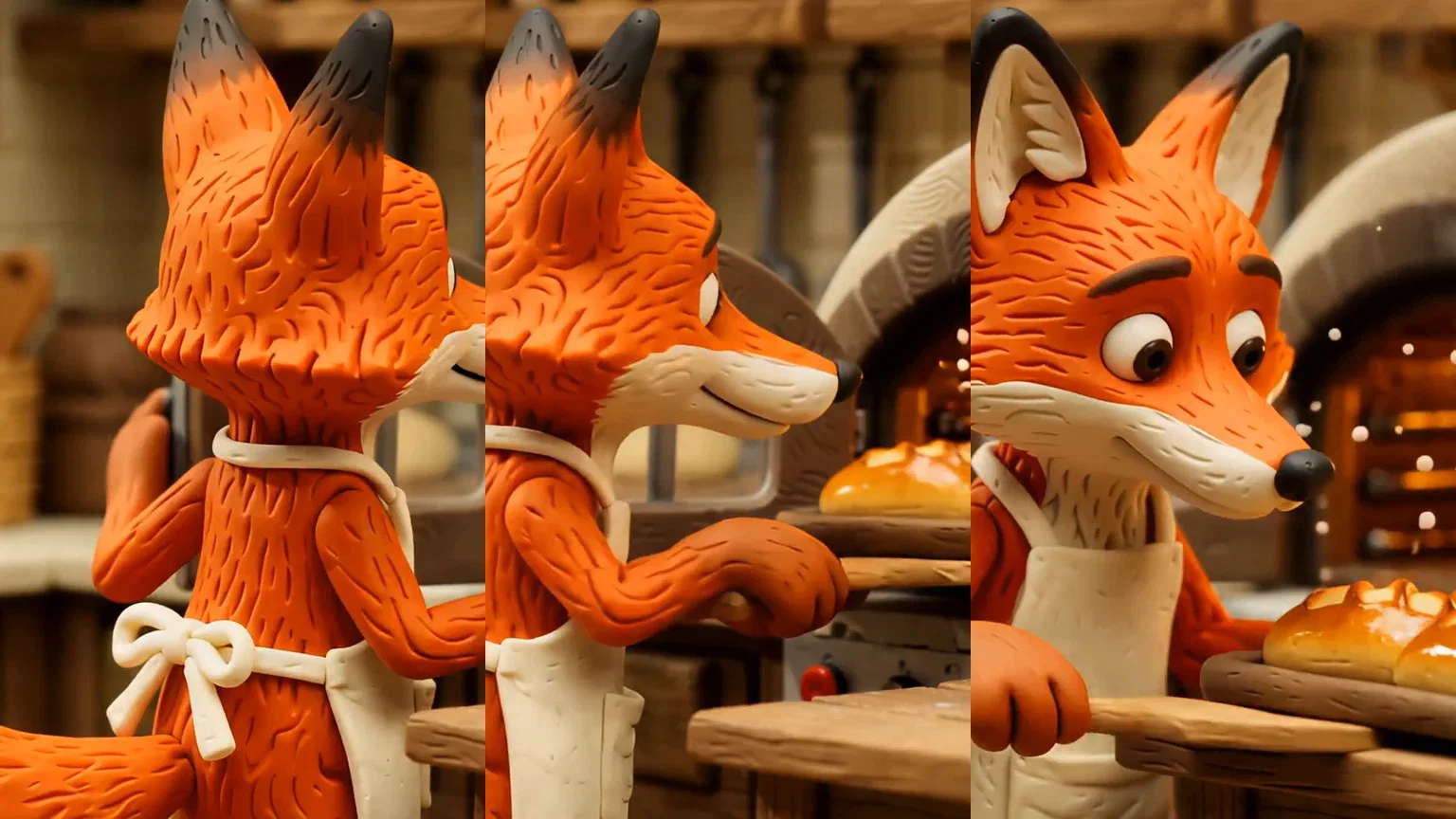
One take, three beats
Style held
One canvas, every engine
135+
AI models in one canvas
3
live PixVerse V6 styles on this page
14,500+
real generations delivered
Real PixVerse V6 generations
Beat frames pulled straight from this page's takes — rooftop anime, clay kitchen, neon canyon.
Anime style
PixVerse V6, 5s
Clay style
PixVerse V6, 5s
Cyberpunk style
PixVerse V6, 5s
How to use PixVerse on FluxoKit
Pick the look
Anime, 3D, clay, comic, or cyberpunk — the style is a control, so choose before you write.
Brief the shot
Subject, motion, mood in plain language — the style does the rendering work.
Chain the modes
Animate stills, bridge frames with transition, extend the takes that land — one canvas.
PixVerse is the styled-video engine — anime, clay, comic, cyberpunk, and 3D animation as native looks, not lucky prompts. FluxoKit runs PixVerse V6 on one canvas next to Kling, Sora 2, Veo, and Seedance, with no separate app. Every clip on this page is a live PixVerse V6 generation with its style named in the caption.
When people search for pixverse, they usually want the tool itself — this page is the fastest way to be using it, with the styles proven live.
Direct Answer
Use PixVerse when the output should look drawn, sculpted, or rendered — not photographed. Pick a native style (anime, 3d_animation, clay, comic, cyberpunk), brief the shot, and V6 returns takes up to 1080p that hold the look. Use image-to-video to animate a frame, transition to build motion between two frames, and extend to continue a take. On FluxoKit, run the same brief through PixVerse and the photoreal engines side by side and pick by look, not loyalty.
Why PixVerse Holds the Look
Three habits set it apart. Styles are native: the anime line weight and clay fingerprints come from the engine, not from prompt begging. The look survives motion — style consistency holds across the whole take, which is what animated series and branded channels need. And the modes chain: generate, transition, extend — a styled world grows across takes.
How to Use PixVerse on FluxoKit
- Pick PixVerse V6 from the model picker and choose a style.
- Brief the shot: subject, motion, mood — the style does the rendering.
- Animate stills with image-to-video, or bridge two frames with transition.
- Run the same brief on Kling or Sora 2 to compare styled versus photoreal.
- Keep the winner and version it per placement.
PixVerse vs the Field
PixVerse owns committed style; Kling owns motion physics; Sora 2 owns scene logic; Seedance owns feed energy. Animated and stylized briefs lean PixVerse — and the honest way to decide is one prompt, four engines, same canvas.
Related workflows
- AI Video Generator — every video engine on one page.
- Image to Video AI — animate stills across engines.
- PixVerse model reference — specs, modes, and technical notes.
Why run PixVerse on FluxoKit
The engine is PixVerse's. The workflow — styles beside photoreal engines, iteration, export — is what FluxoKit adds.
No separate app
Skip the extra subscription. Pick PixVerse on the canvas and the first styled take is minutes away.
Five native looks
Anime, 3D animation, clay, comic, cyberpunk — committed styles the prompt alone cannot fake.
Style that holds
The look survives motion and repeats across takes — what series and branded channels require.
Storyboard control
Transition builds motion between two frames; extend grows a take — animatics without a rig.
Compare against the field
Same brief through Kling, Sora 2, and Veo next to PixVerse — styled versus photoreal, judged on takes.
30-day guarantee
Generate real work for 30 days. Refund requests are governed by the first-subscription guarantee and Refund Policy.
23 models available in the canvas
Every model below is live in the FluxoKit studio. Each link opens its technical page with parameters, limits, and real generation examples.
- 01

Grok Imagine Video (Text to Video)
xAI · Video generation
- 02
Grok Imagine Video 1.5 (Reference)
xAI · Video generation
- 03

Veo 3.1 Text to Video
Google AI · Video generation
- 04
Gemini Omni Flash T2V
Google AI · Video generation
- 05
Gemini Omni 1.1 Flash Text to Video
Google AI · Video generation
- 06

Wan 3.0 Text to Video
Alibaba Cloud · Video generation
- 07
Wan 2.5 Text to Video
Alibaba Cloud · Video generation
- 08
Wan 2.6 Text to Video
Alibaba Cloud · Video generation
- 09
Wan 2.7 Text to Video
Alibaba Cloud · Video generation
- 10
HappyHorse 1.1 Text to Video
Alibaba Cloud · Video generation
- 11
HappyHorse Text to Video
Alibaba Cloud · Video generation
- 12

Sora 2
OpenAI · Video generation
- 13
Sora 2 Pro
OpenAI · Video generation
- 14

FLUX 3 Text to Video
Black Forest Labs · Video generation
- 15

MiniMax H3 T2V
MiniMax · Video generation
- 16
MiniMax Hailuo T2V
MiniMax · Video generation
- 17
Kling 2.6 Pro T2V
Kling · Video generation
- 18

Kling 3 T2V
fal.ai · Video generation
- 19

Seedance 2.0 T2V
ByteDance · Video generation
- 20

Seedance 2.5 Text to Video
Higgsfield AI · Video generation
- 21
Seedance 2.0 Fast T2V
ByteDance · Video generation
- 22
Seedance v1.5 Pro T2V
fal.ai · Video generation
- 23
Pixverse v6 T2V
fal.ai · Video generation
Frequently asked questions
What is PixVerse?
PixVerse is an AI video generator whose signature is styled output: anime, 3D animation, clay, comic, and cyberpunk are native looks you pick, not prompt hacks you hope for. The current version is V6, and on FluxoKit it runs inside the same canvas as Kling, Sora 2, Veo, and Seedance.
What is PixVerse best at?
Committed style. Where photoreal engines drift back toward realism, PixVerse holds the look — anime stays anime shot after shot, clay keeps its fingerprints. That makes it the engine for animated shorts, stylized ads, story content, and channels with a drawn identity.
How do I use PixVerse without a separate account?
Pick PixVerse V6 from the FluxoKit model picker like any other engine — no separate PixVerse app or subscription. Credits from the one FluxoKit plan cover it alongside every other video and image model.
Can PixVerse animate my image or transition between frames?
Yes. Image-to-video animates a still while holding its composition, and the transition mode builds the motion between a first and last frame — storyboard control for animatics and morph-style social cuts. Extend continues a take past its final frame.
Is PixVerse free?
FluxoKit does not sell a free trial. PixVerse V6 runs inside the platform plan from $14/month with monthly credits, backed by a 30-day first-subscription satisfaction guarantee, subject to the Refund Policy: generate real work for a month, and refund requests are governed by the first-subscription guarantee and Refund Policy.
Next step
Access 135 AIs in one canvas, without subscribing to each one.
Monthly credits with no separate subscription per model. New purchases are temporarily unavailable; contact support for billing help.
PIXVERSE ON FLUXOKIT
Run your first PixVerse take
Five committed styles from PixVerse V6, next to the rest of the video field — one canvas, one plan.