
Wan AI
Alibaba's fast-moving video family — Wan 2.5, 2.6, and 2.7 — on one canvas next to Kling, Sora 2, Veo, and Seedance.
The 23 models on this page are already included, with no separate subscription per tool. 14,500+ real generations already delivered on the platform. Updated
Complex motion
Wan 2.7, 5s
Aerial detail
Wan 2.7, 5s drone
Human detail
Wan 2.7, 5s
Detail at drone scale
Wan 2.7's jump is visible in scenes that punish weaker models — fine structure in motion.
This aerial holds the braided meltwater's glint and silt texture through the whole glide.
Every clip on this page is a live Wan 2.7 generation from FluxoKit, version in the caption.
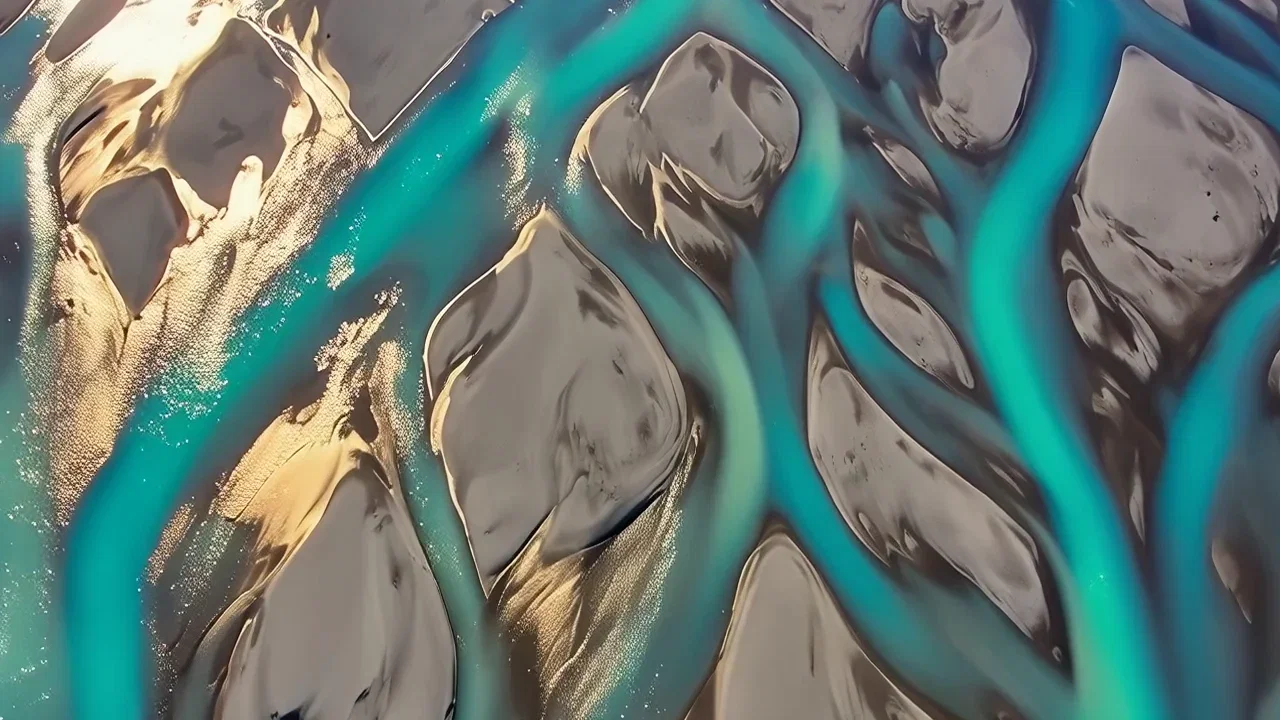
Aerial detail
Wan 2.7, 5s drone
Three ways to direct Wan
Powered by the Wan family on the FluxoKit canvas — no DashScope console, versions as a picker choice.
Text to video
Brief plainly — prompt extension fills in cinematic detail — and iterate at friendly cost.
Image to video
Animate stills from any image engine on the canvas while holding the composition.
Edit with 2.7
Revise an existing take with an instruction instead of restarting the generation.
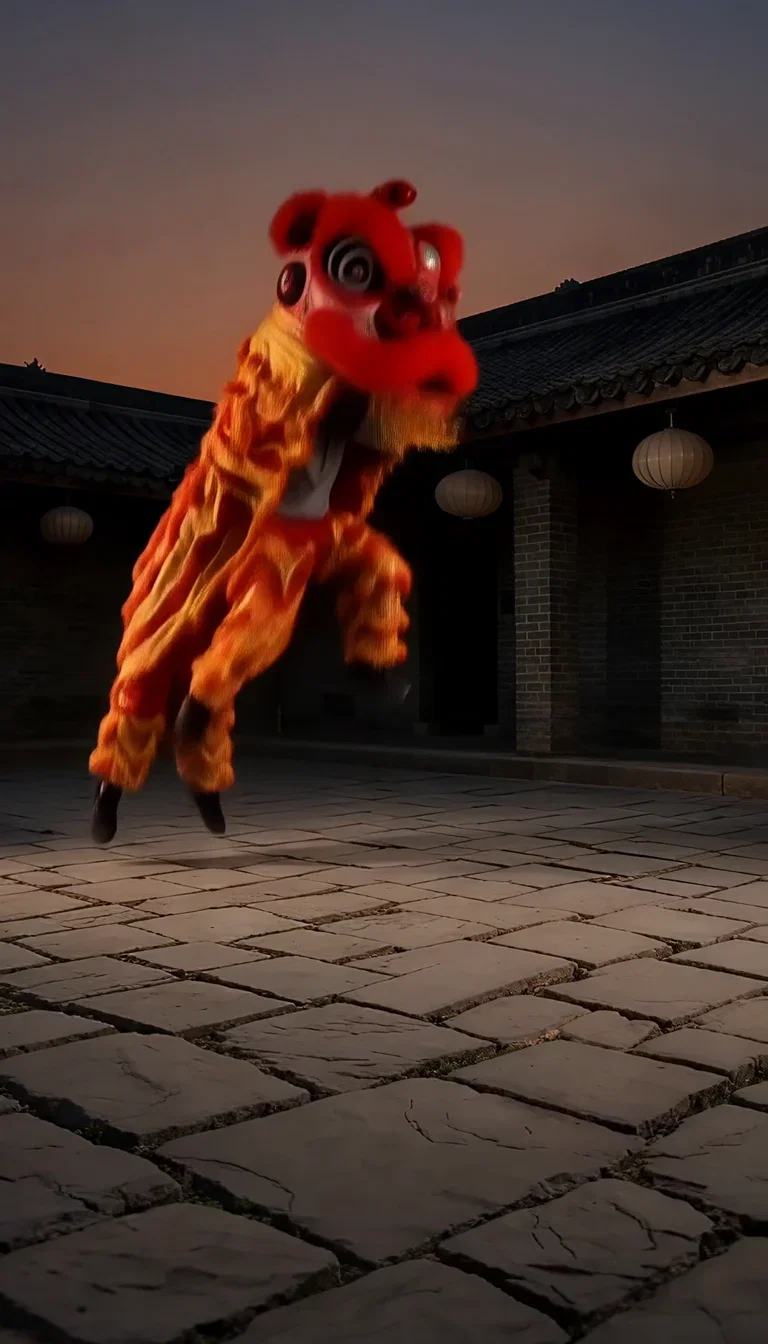
Complex motion
Wan 2.7, 5s
Aerial detail
Wan 2.7, 5s drone
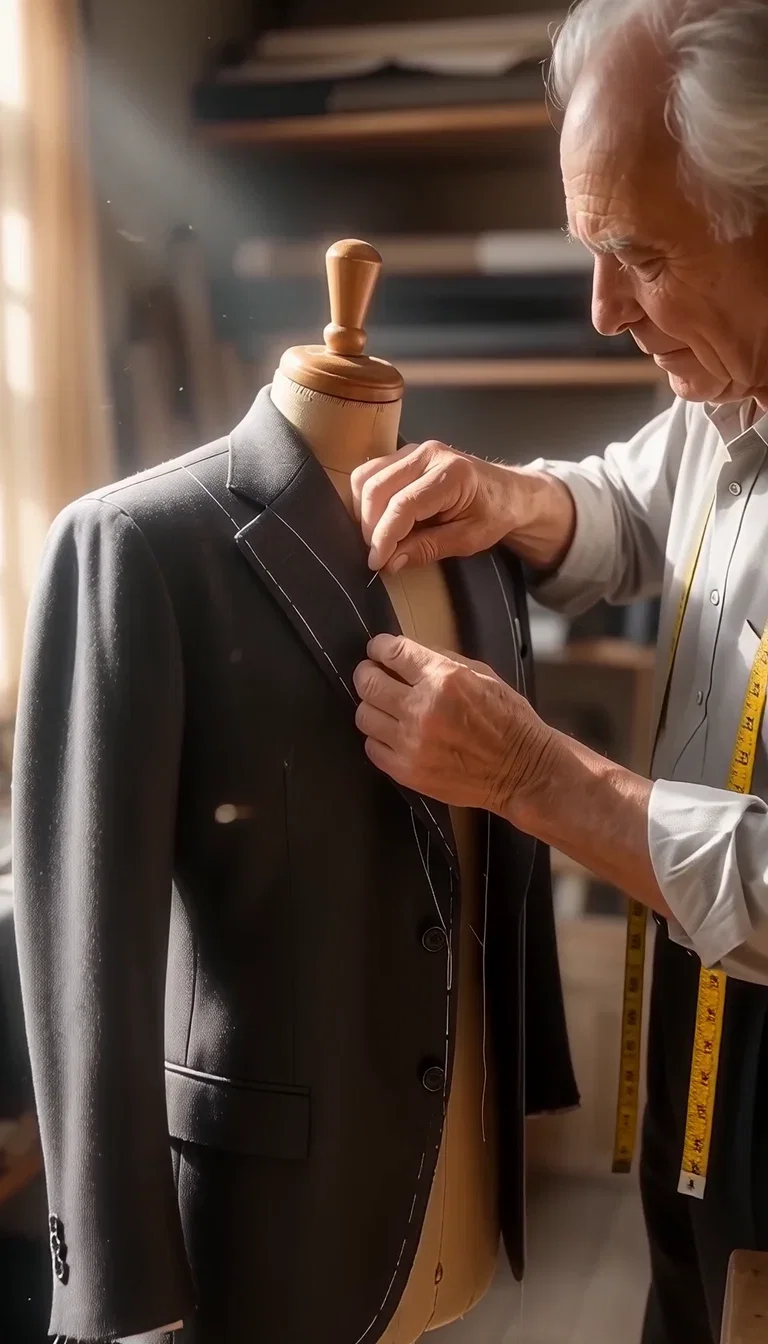
Human detail
Wan 2.7, 5s
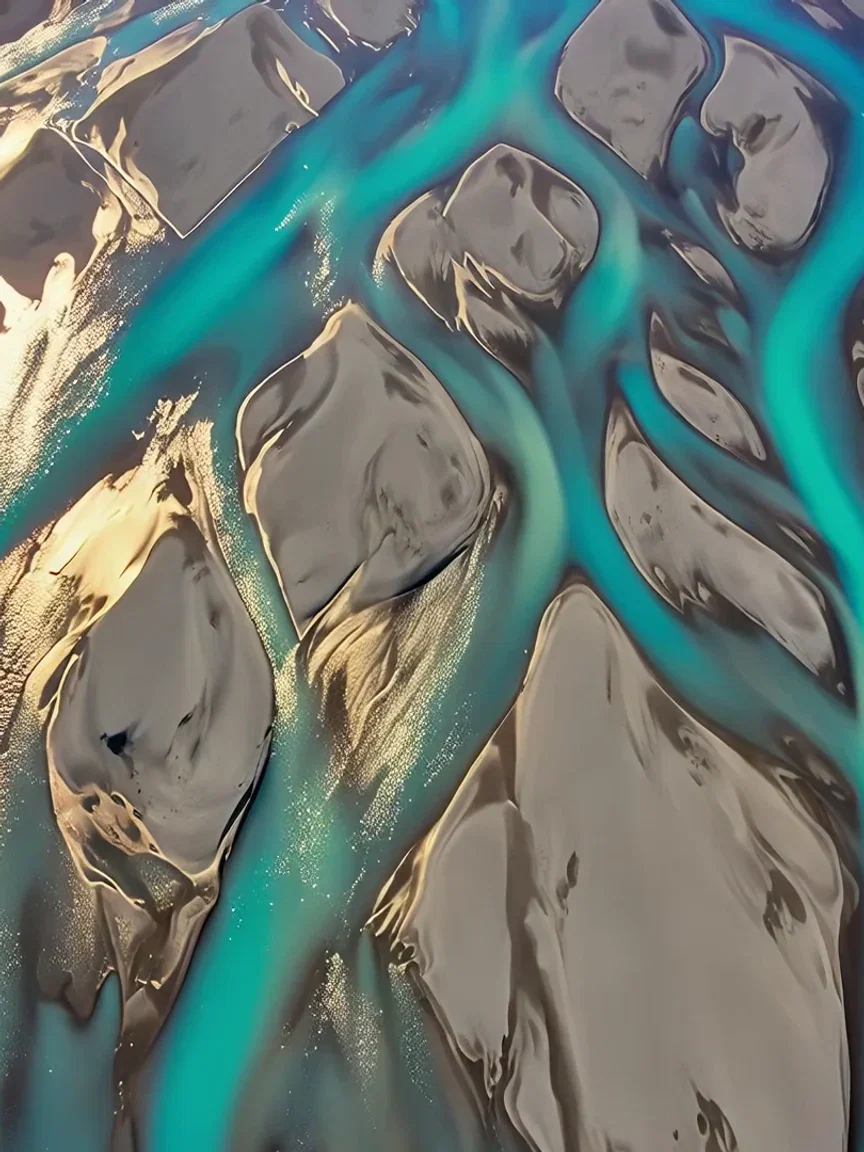
Water detail
Braid glint beat
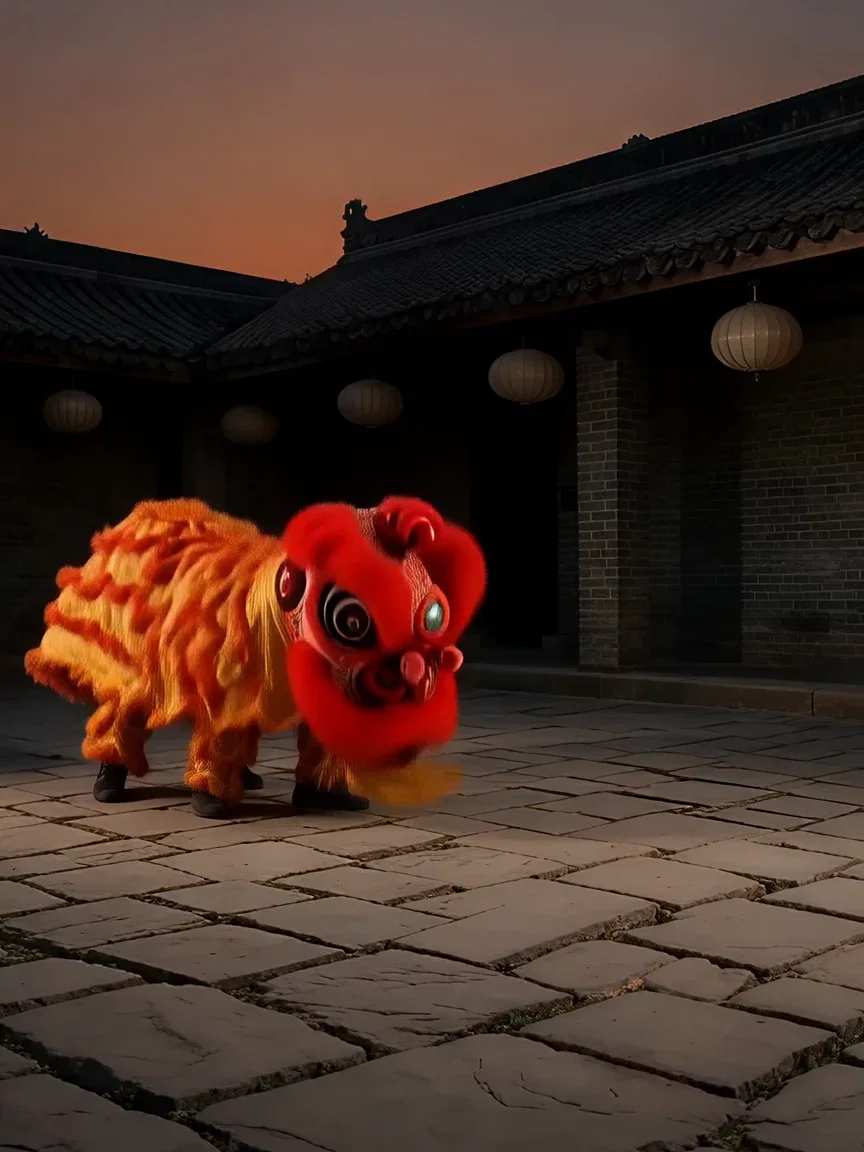
Dusk light
Courtyard beat
Human moments hold
Slow, deliberate human action is a quiet stress test — hands, pins, and fabric in close-up.
The tailor's pinning stays precise through the take, chalk line and tape intact.
That fidelity at Wan's credit cost is what makes it the volume engine.
Human detail
Wan 2.7, 5s
Coherence across the take
Complex costume motion — layered fabric, fast direction changes — is where takes usually tear.
This strip freezes three beats of one Wan leap: crouch, leap, mane shake — same costume, same dusk.
That coherence at iteration-friendly cost is the family's pitch in one image.
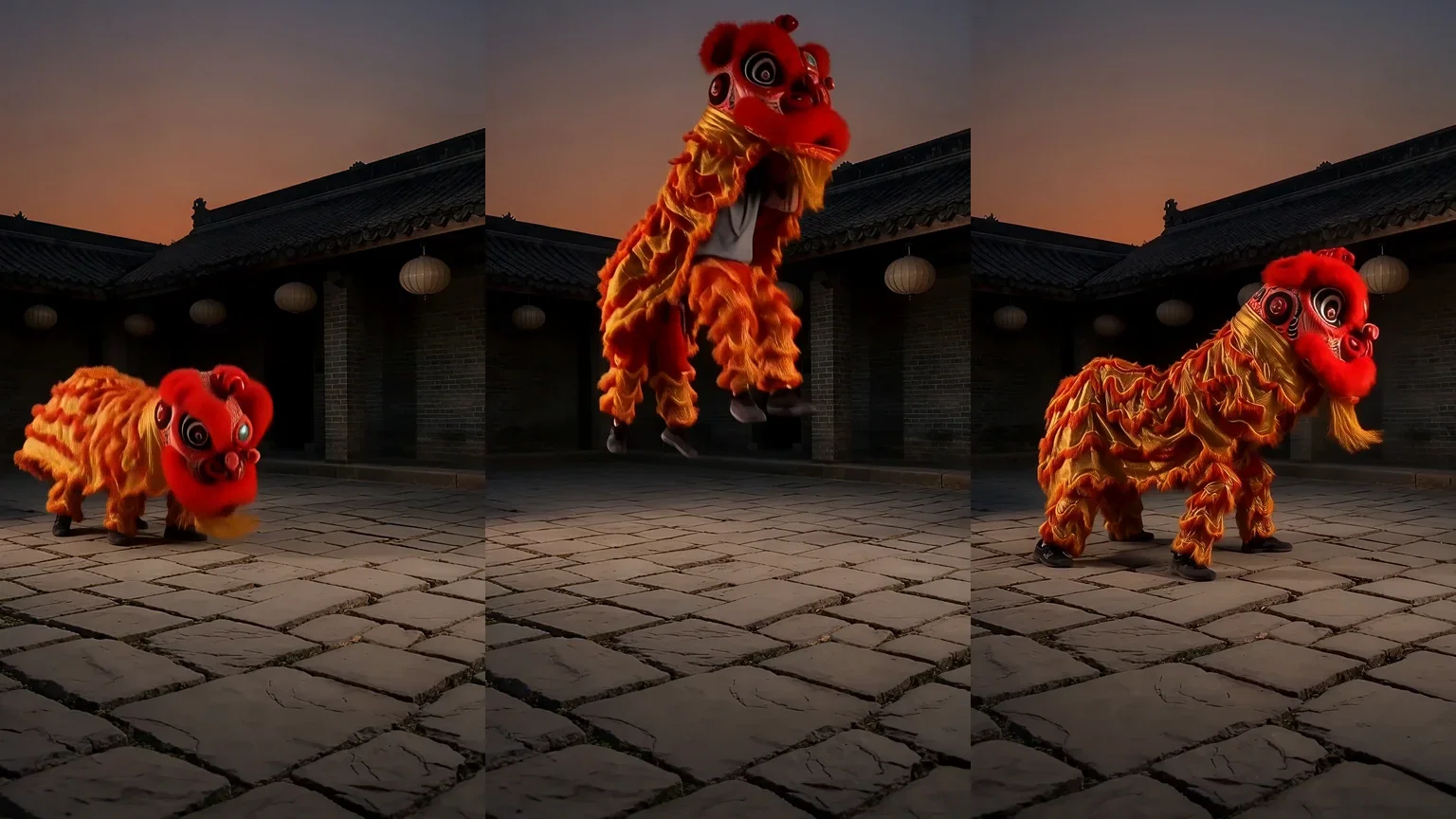
One take, three beats
Coherent motion
One canvas, every engine
135+
AI models in one canvas
3
live Wan 2.7 takes on this page
14,500+
real generations delivered
Real Wan 2.7 generations
Beat frames pulled straight from this page's takes — gold ripple, braided channels, window light.
Complex motion
Wan 2.7, 5s
Aerial detail
Wan 2.7, 5s drone
Human detail
Wan 2.7, 5s
How to use Wan on FluxoKit
Pick the version
2.7 for the strongest takes; 2.6 and 2.5 stay available for their trade-offs.
Iterate cheaply
Run the draft rounds on Wan — ten hooks for the cost of two flagship takes.
Compare and commit
Put the winner against Kling or Sora 2, then version the best per placement.
Wan is Alibaba's video family — the line that ships a visibly better model every few months and prices like the volume engine it is. FluxoKit runs Wan 2.5, 2.6, and 2.7 on one canvas next to Kling, Sora 2, Veo, and Seedance, with no Alibaba Cloud setup. Every clip on this page is a live Wan 2.7 generation.
When people search for wan ai or alibaba wan, they want to know if the value story is real. This page answers with takes.
Direct Answer
Use Wan when volume matters: hook variations, drafts, b-roll, and iteration rounds where flagship credits would sting. Wan 2.7 generates from text or image at up to 1080p with solid motion and detail, and adds instruction-based video editing. Keep 2.6 and 2.5 in the picker for their own trade-offs. On FluxoKit, run the same brief through Wan and Kling side by side: when the Wan take holds up — and it often does — you just bought the campaign twice the iterations.
Why Wan Is the Volume Engine
Three habits set it apart. Costs invite iteration: ten Wan drafts beat two precious takes when you are hunting a hook. Versions compound: the 2.5 → 2.7 jump is visible in motion coherence, and the family keeps shipping. And it chains: image engines feed it stills, and 2.7's editor revises takes instead of restarting them.
How to Use Wan on FluxoKit
- Pick Wan 2.7 from the model picker (or 2.6/2.5 for their trade-offs).
- Brief the shot plainly; prompt extension fills in cinematic detail.
- Animate stills with image-to-video, or revise takes with 2.7's editor.
- Run the winner against Kling or Sora 2 before committing spend.
- Version the best take per placement.
Wan vs the Field
Wan owns iteration economics; Kling owns motion physics; Sora 2 owns scene logic; Veo owns the cinematic grade. Volume and draft-heavy briefs lean Wan — and the honest way to decide is one prompt, four engines, same canvas.
Related workflows
- AI Video Generator — every video engine on one page.
- Image to Video AI — animate stills across engines.
- Wan model reference — versions, specs, and technical notes.
Why run Wan on FluxoKit
The models are Alibaba's. The workflow — versions, iteration, comparison, export — is what FluxoKit adds.
No Alibaba Cloud setup
Skip the DashScope console. Pick Wan on the canvas and the first take is minutes away.
Iteration economics
Friendly credit costs that turn drafts and hook-hunting into volume work.
A family that ships
2.5 to 2.7 in months, each visibly better — momentum you can pick from one menu.
1080p takes
Crisp enough for feeds and placements straight from the canvas.
Compare against the field
Same brief through Kling, Sora 2, and Veo next to Wan — judged on takes, not marketing.
30-day guarantee
Generate real work for 30 days. Refund requests are governed by the first-subscription guarantee and Refund Policy.
23 models available in the canvas
Every model below is live in the FluxoKit studio. Each link opens its technical page with parameters, limits, and real generation examples.
- 01

Grok Imagine Video (Text to Video)
xAI · Video generation
- 02
Grok Imagine Video 1.5 (Reference)
xAI · Video generation
- 03

Veo 3.1 Text to Video
Google AI · Video generation
- 04
Gemini Omni Flash T2V
Google AI · Video generation
- 05
Gemini Omni 1.1 Flash Text to Video
Google AI · Video generation
- 06

Wan 3.0 Text to Video
Alibaba Cloud · Video generation
- 07
Wan 2.5 Text to Video
Alibaba Cloud · Video generation
- 08
Wan 2.6 Text to Video
Alibaba Cloud · Video generation
- 09
Wan 2.7 Text to Video
Alibaba Cloud · Video generation
- 10
HappyHorse 1.1 Text to Video
Alibaba Cloud · Video generation
- 11
HappyHorse Text to Video
Alibaba Cloud · Video generation
- 12

Sora 2
OpenAI · Video generation
- 13
Sora 2 Pro
OpenAI · Video generation
- 14

FLUX 3 Text to Video
Black Forest Labs · Video generation
- 15

MiniMax H3 T2V
MiniMax · Video generation
- 16
MiniMax Hailuo T2V
MiniMax · Video generation
- 17
Kling 2.6 Pro T2V
Kling · Video generation
- 18

Kling 3 T2V
fal.ai · Video generation
- 19

Seedance 2.0 T2V
ByteDance · Video generation
- 20

Seedance 2.5 Text to Video
Higgsfield AI · Video generation
- 21
Seedance 2.0 Fast T2V
ByteDance · Video generation
- 22
Seedance v1.5 Pro T2V
fal.ai · Video generation
- 23
Pixverse v6 T2V
fal.ai · Video generation
Frequently asked questions
What is Wan AI?
Wan is Alibaba's video generation family — one of the fastest-improving lines in the field, currently at Wan 2.7 with 2.6 and 2.5 still available for their own strengths. It generates from text or an image at up to 1080p, and on FluxoKit it runs inside the same canvas as Kling, Sora 2, Veo, and Seedance.
What is Wan best at?
Value and momentum. Wan takes deliver strong motion and detail at friendly credit costs, which makes it the volume engine: hooks, drafts, b-roll, and iteration rounds that would be expensive on flagship models. Each version has jumped visibly — 2.7 handles complex motion 2.5 could not.
How do I use Wan without an Alibaba Cloud account?
Pick a Wan model from the FluxoKit picker — no DashScope console or Alibaba account. Credits from the one FluxoKit plan cover the family alongside every other engine.
Can Wan animate my image?
Yes — image-to-video is available across the family, and Wan 2.7 adds video editing: change an existing take with an instruction. A still from any image engine on the canvas can become a Wan take without exporting.
Is Wan AI free?
FluxoKit does not sell a free trial. The Wan family runs inside the platform plan from $14/month with monthly credits, backed by a 30-day first-subscription satisfaction guarantee, subject to the Refund Policy: generate real work for a month, and refund requests are governed by the first-subscription guarantee and Refund Policy.
Next step
Access 135 AIs in one canvas, without subscribing to each one.
Monthly credits with no separate subscription per model. New purchases are temporarily unavailable; contact support for billing help.
WAN ON FLUXOKIT
Run your first Wan take
Fast-improving takes at volume-friendly cost from Alibaba's Wan family — one canvas, one plan.