
AI Background Generator
New scene, same subject — background replacement that holds the product, plus backdrops generated from scratch.
The 42 models on this page are already included, with no separate subscription per tool. 14,500+ real generations already delivered on the platform. Updated
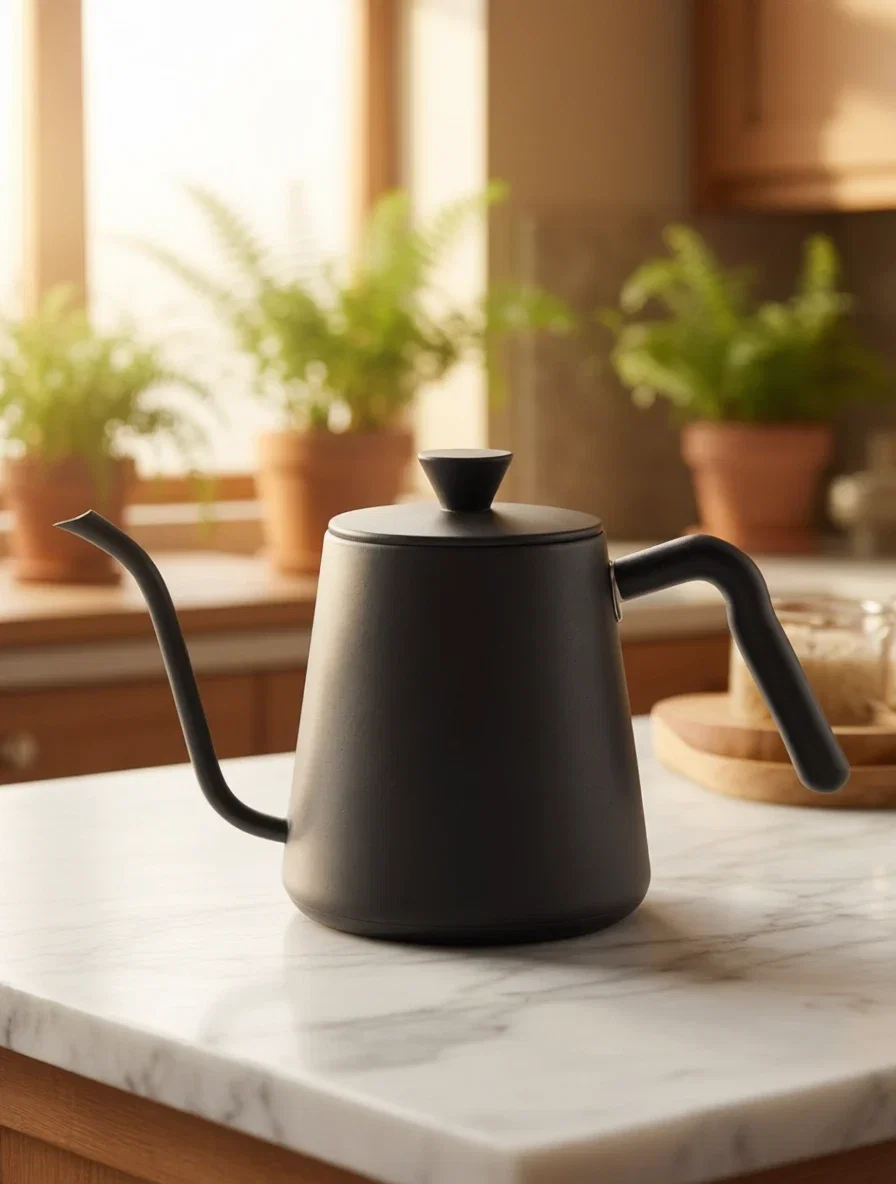
The kitchen world
Background replaced
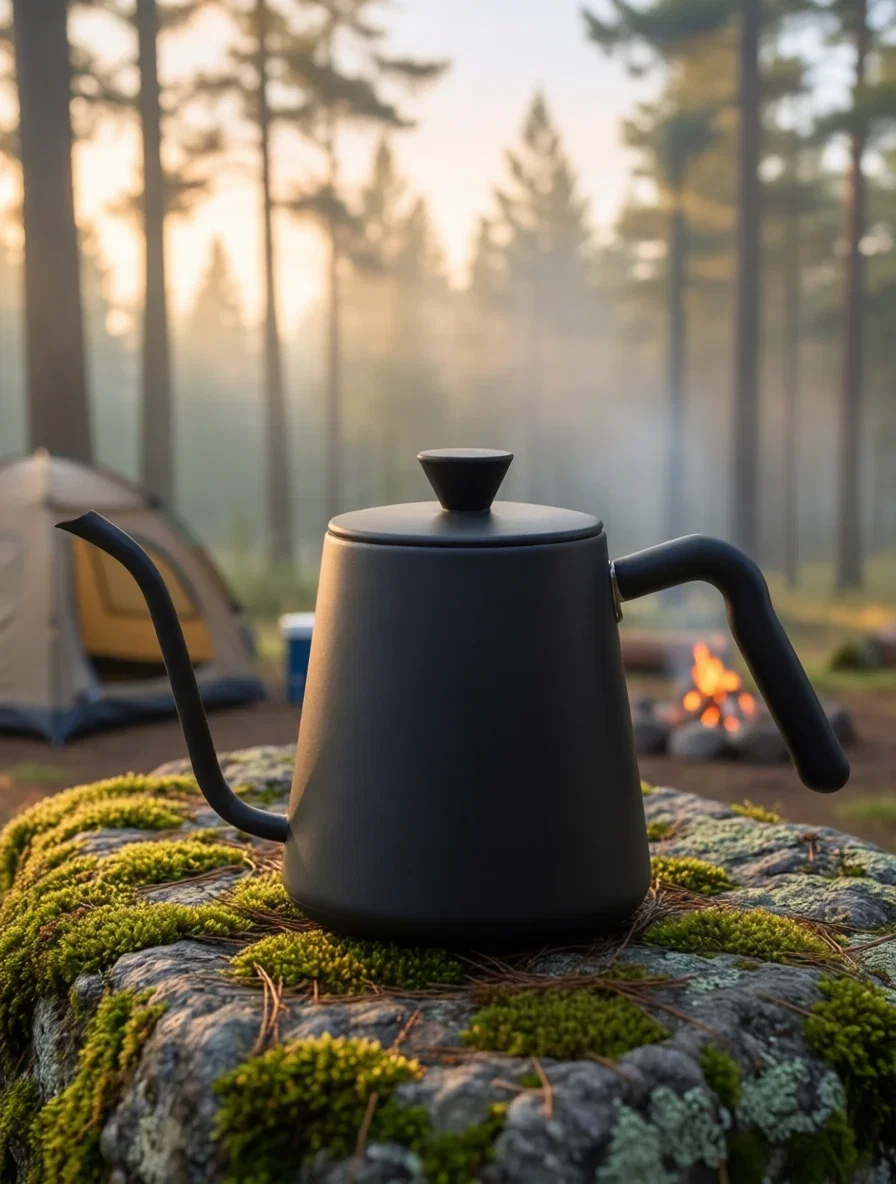
The campsite world
Same kettle
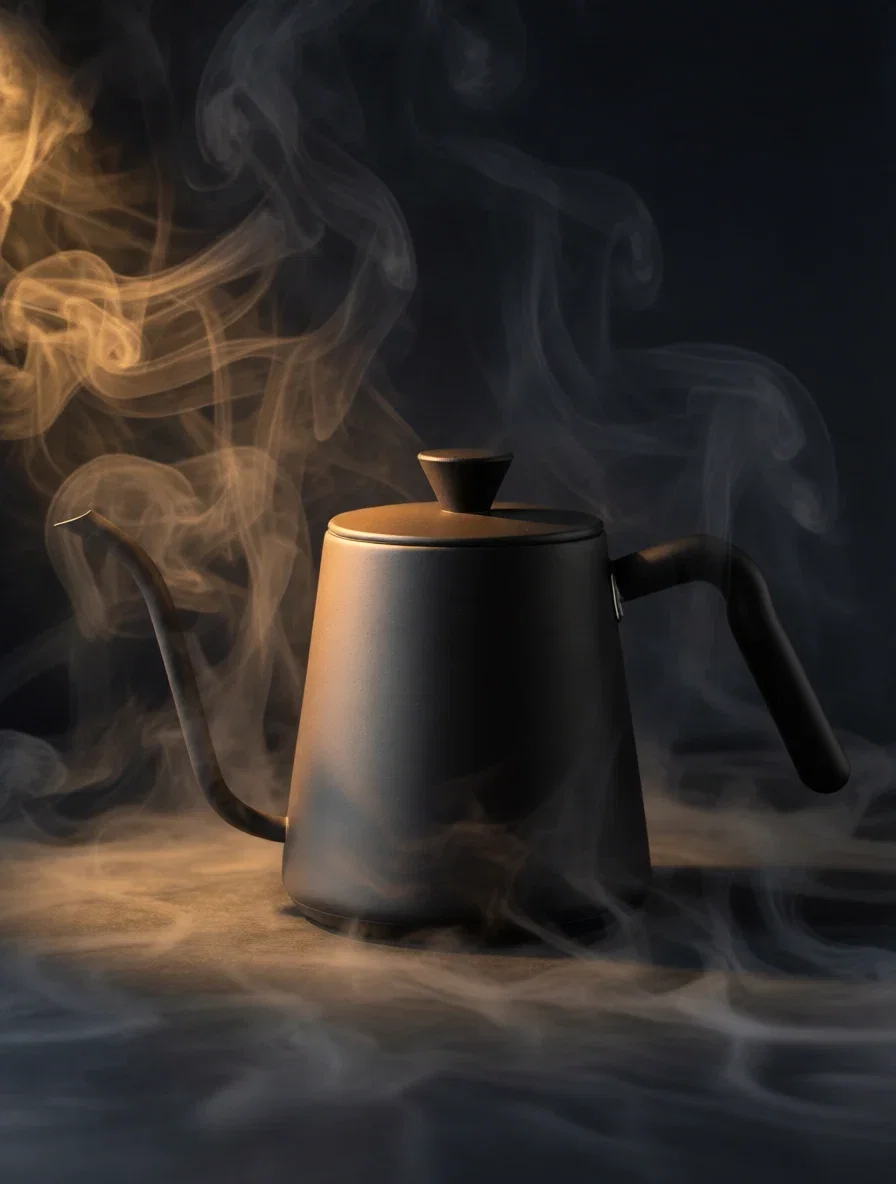
The dramatic world
Same kettle again
Studio gray in. Kitchen out.
Left: the original product photo — an unbranded kettle on plain gray. Right: one instruction later — a marble counter, morning window light, blurred plants.
The kettle never moved: same angle, same product lighting, same edges.
That subject hold is the entire craft of background replacement.
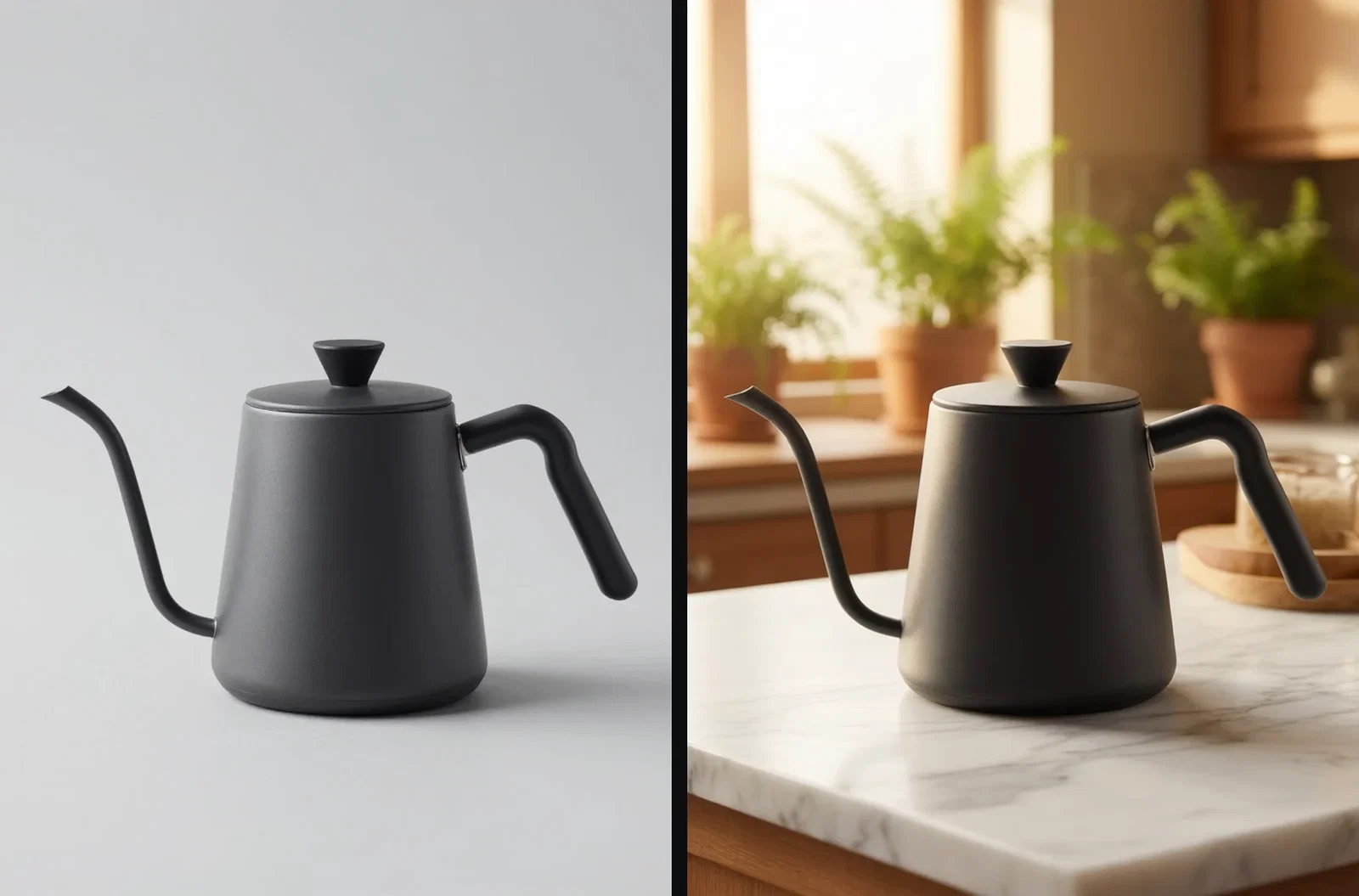
Studio gray to kitchen
Subject untouched
Three ways to work backgrounds
Powered by the edit and image engines on the FluxoKit canvas.
Replace behind a subject
Describe the new world; the product or person stays untouched.
Generate backdrops
Gradients, textures, and scenes built empty, ready for staging.
Run variations
One subject photo takes as many worlds as your campaigns need.
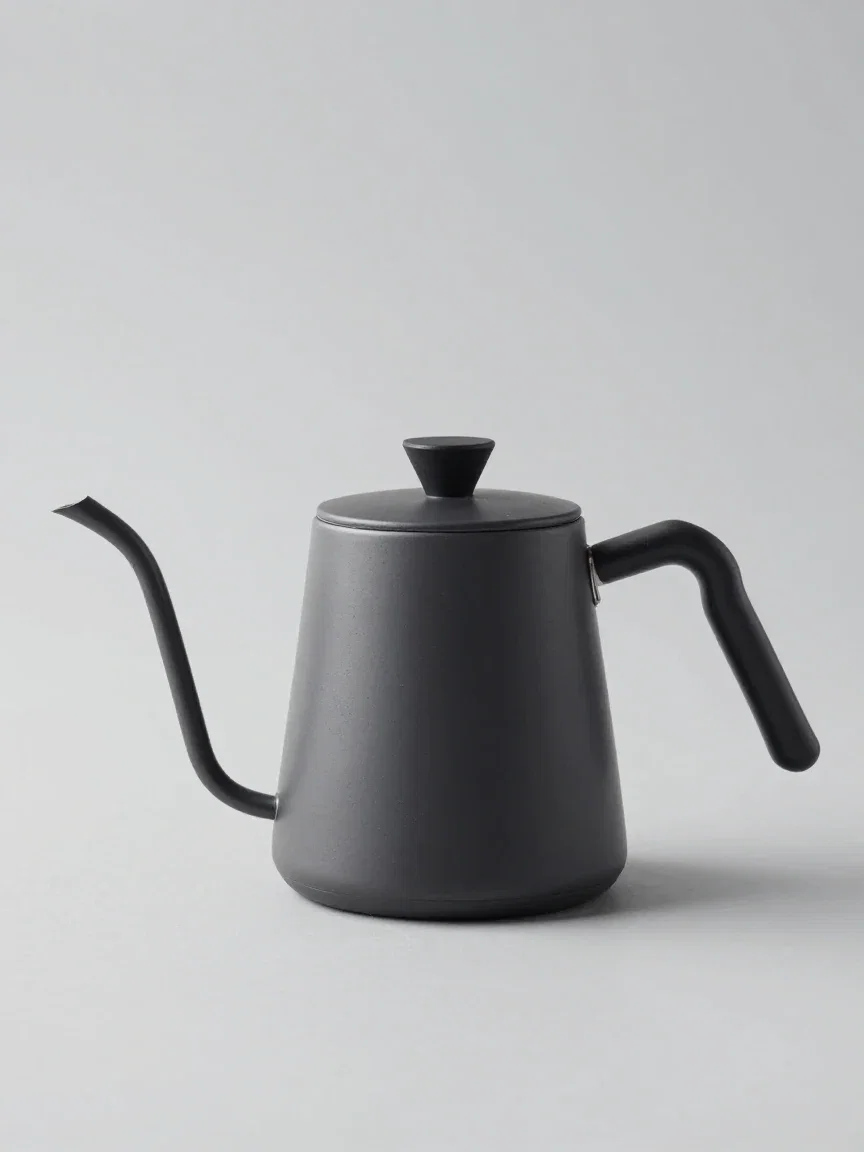
The original
Where it started

Studio sweep
Teal to sand
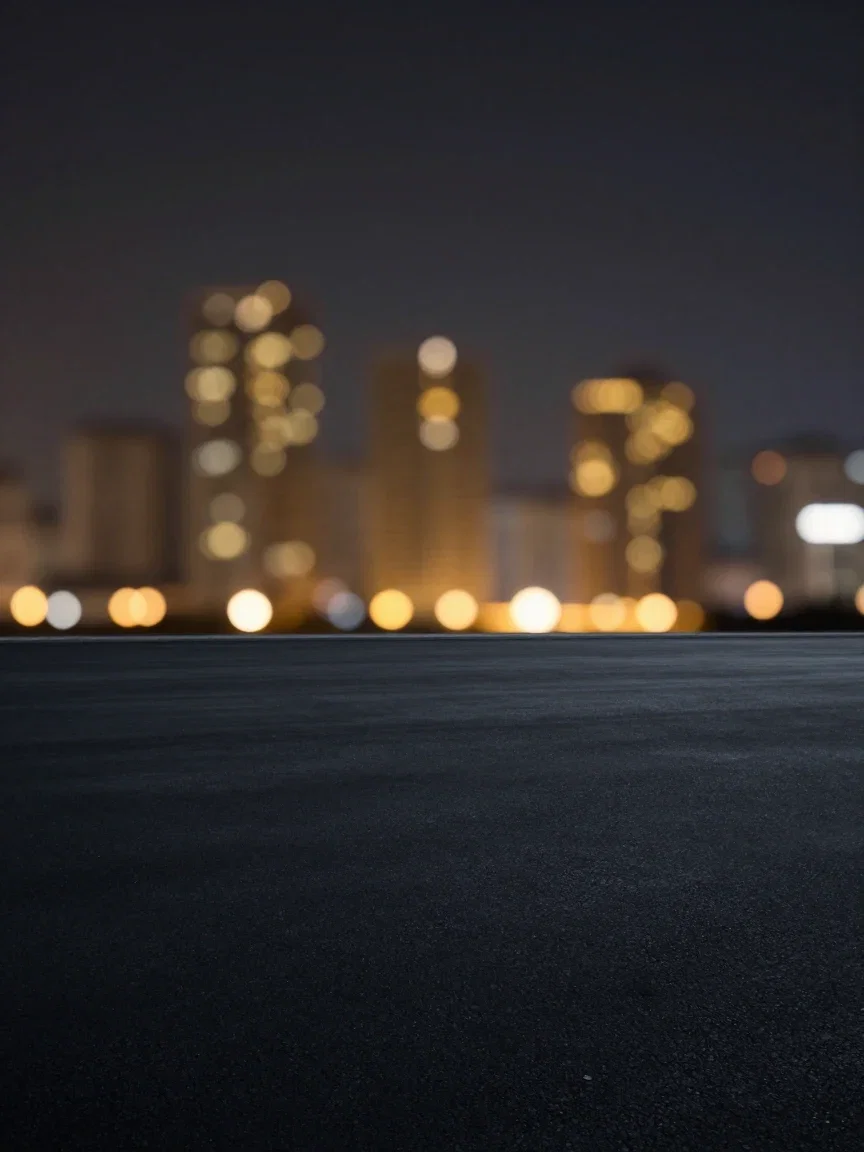
City bokeh
Night mood
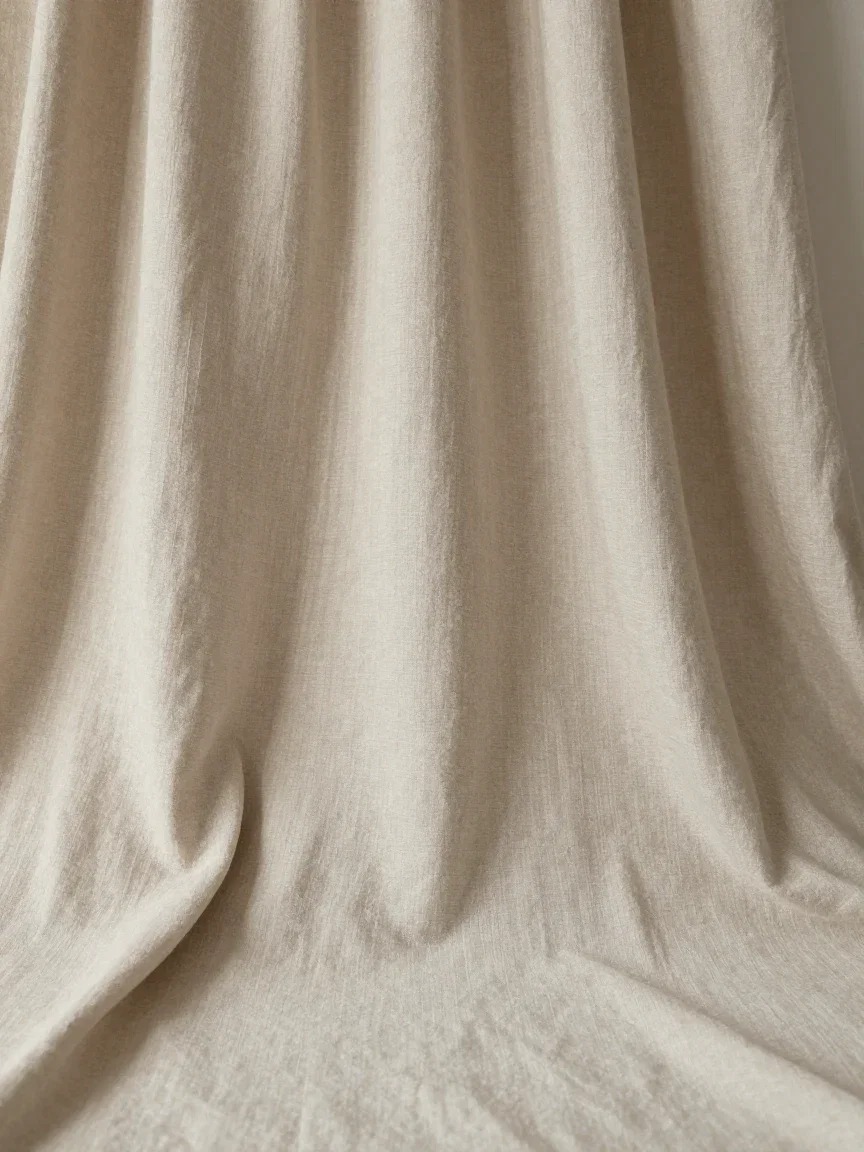
Draped linen
Soft neutral
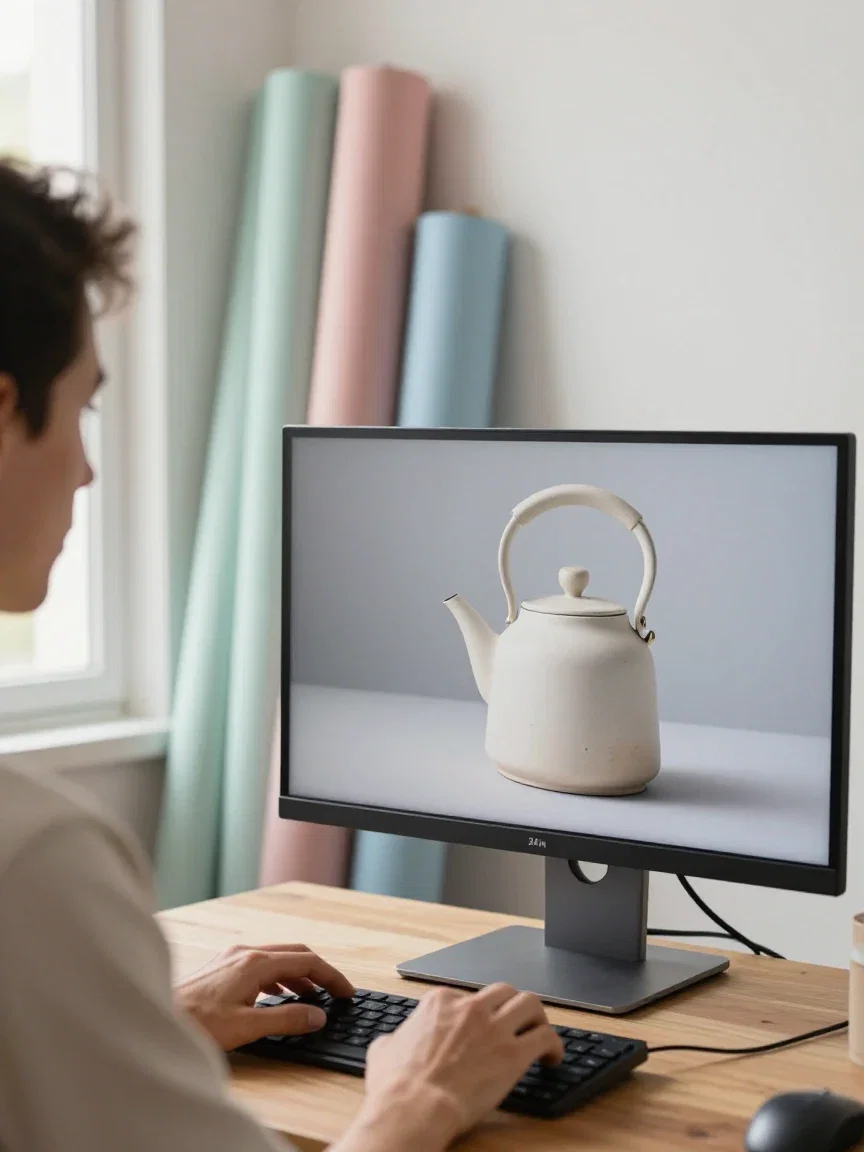
The workflow
Restage, review, ship
One product, three campaigns
The same photo took three different worlds: a warm kitchen, a misty dawn campsite, and a dramatic slate spotlight with steam.
Three moods, three audiences, zero reshoots.
For e-commerce, this is a season's worth of staging from a single product shot.
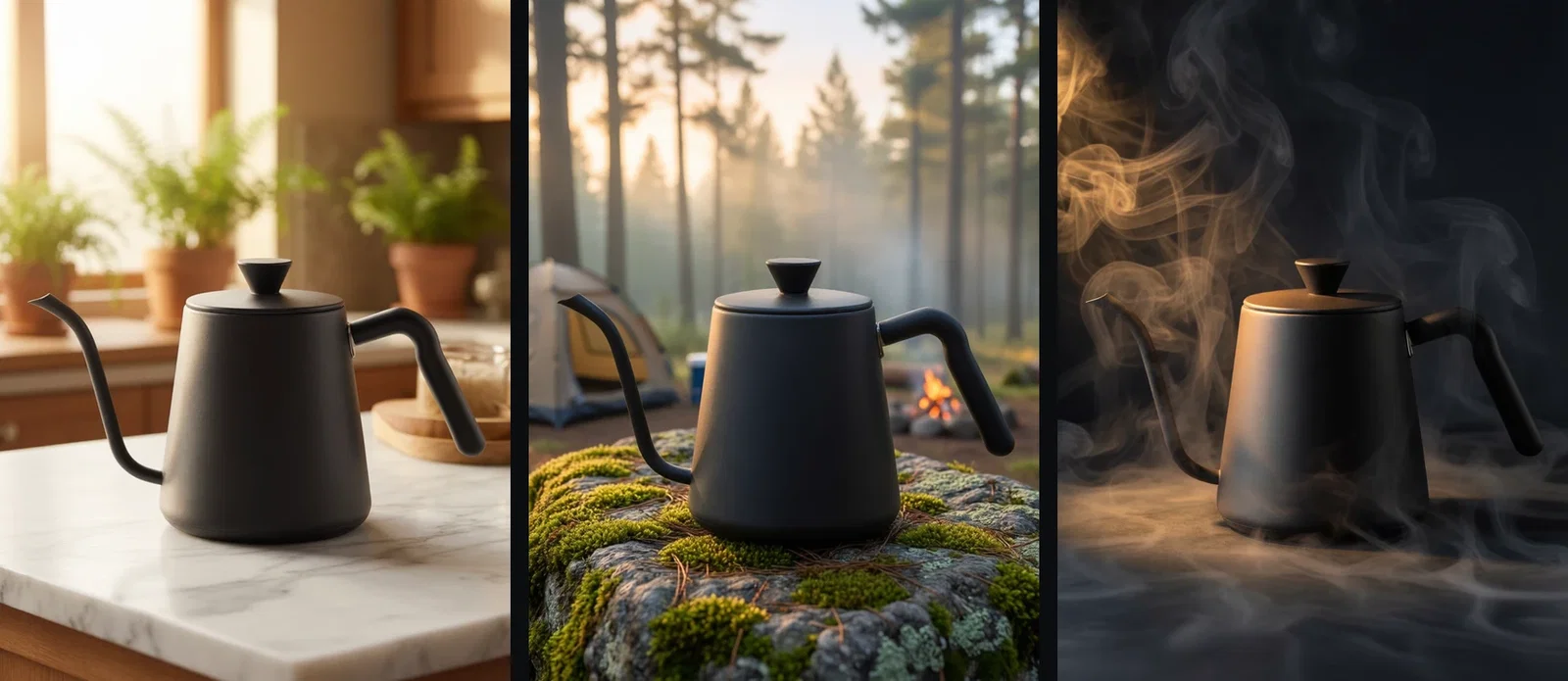
One kettle, three worlds
Kitchen · campsite · slate
Backdrops from a sentence
Sometimes the background is the asset: the grid holds six backdrops generated directly — gradient sweep, city bokeh, linen, terrazzo, sunrise clouds, neon wash.
No stock license, no seamless paper, no studio day.
Describe the surface and mood; the engine builds it empty and ready.

Backdrops from scratch
Six in one pass
One canvas, every engine
3
worlds from one product photo
6
backdrops generated from scratch
14,500+
real generations delivered
The edges, up close
Crops from the three replacements — where a background edit succeeds or fails.
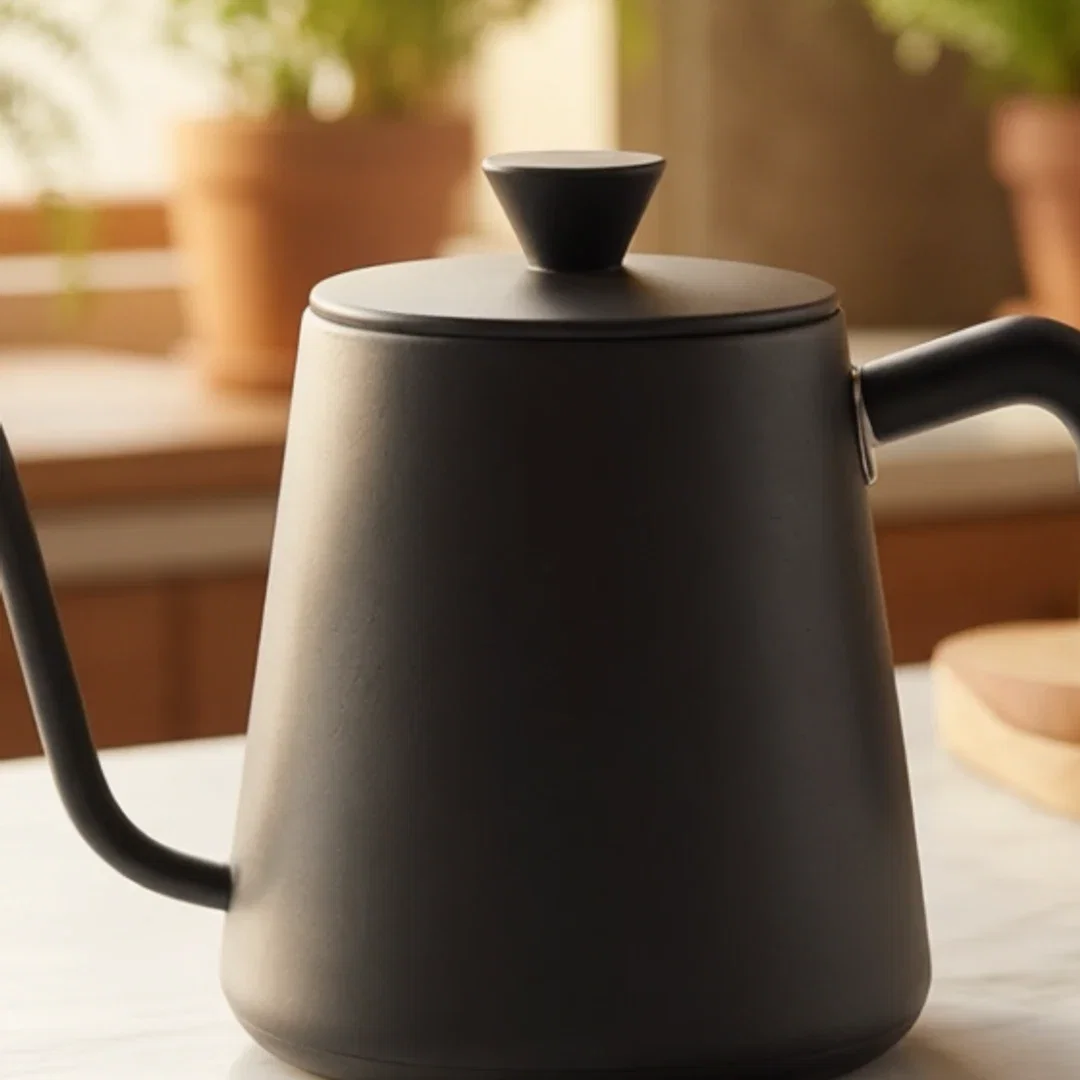
Kitchen
Edge integrity
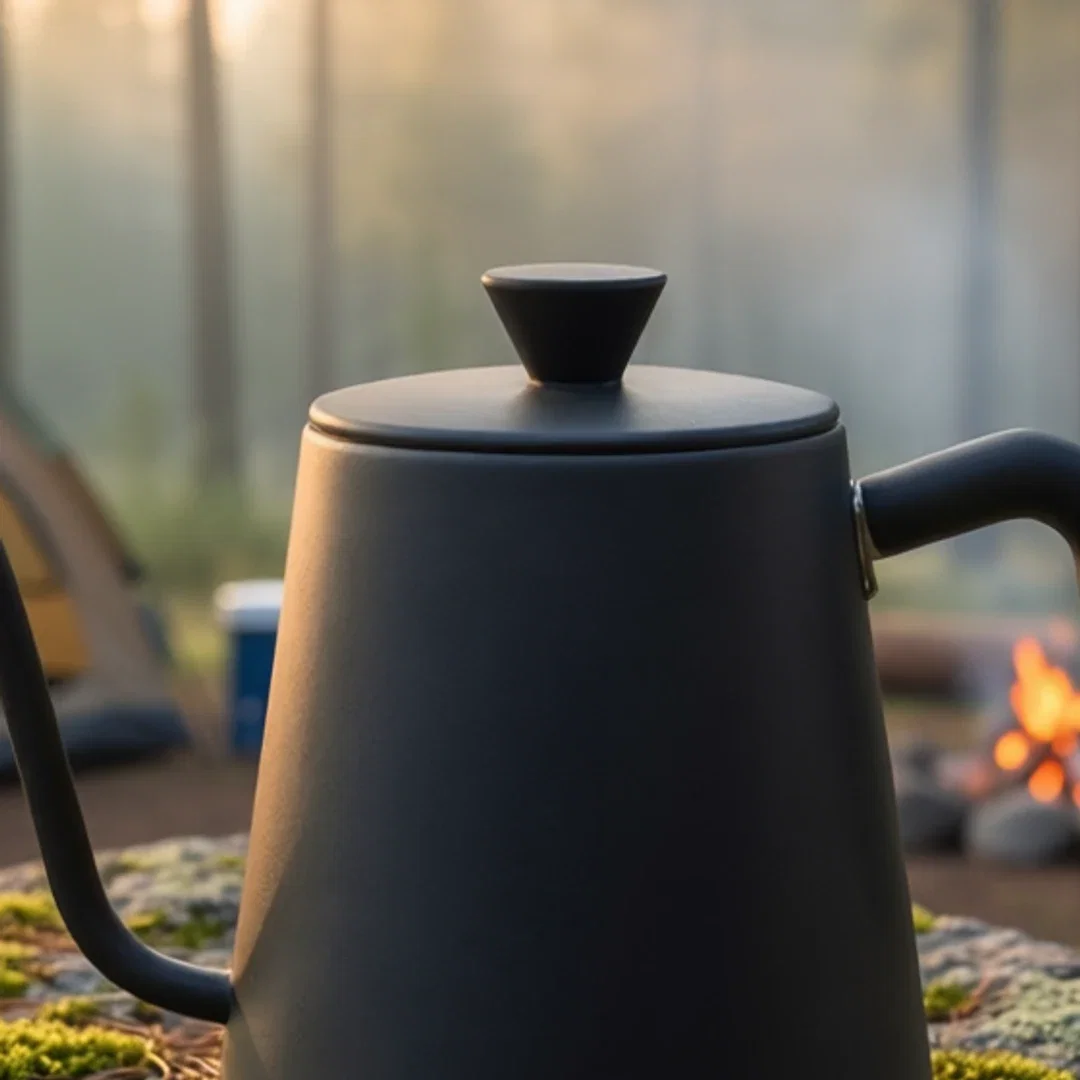
Campsite
Light matches
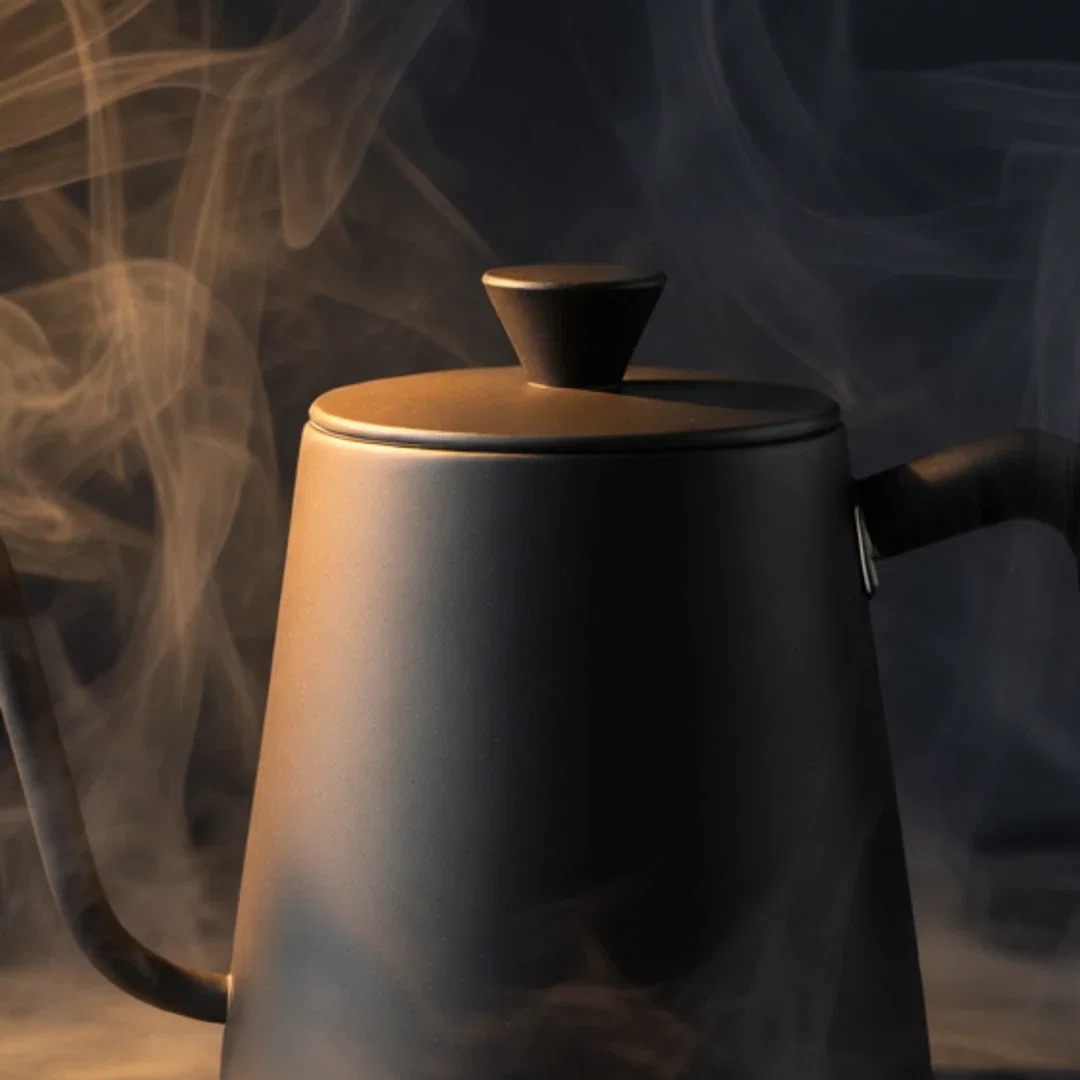
Slate
Steam wraps true
How to replace a background on FluxoKit
Drop the photo
Any clear subject on any background becomes the edit source.
Describe the world
Surface, light, and mood in one sentence.
Inspect and branch
Check the edges at full size, then run the next world.
The background is the cheapest thing to change in a photo and the most expensive thing to reshoot. This page took one product photo — an unbranded kettle on studio gray — and restaged it three times on the FluxoKit canvas: kitchen marble, misty campsite, dramatic slate. The kettle never moved. It also generated a six-backdrop collection from scratch, because sometimes the background is the product.
When people search for ai background generator, they want the subject to survive. This page shows it surviving three times.
Direct Answer
Use an AI background generator when the subject is right and the scene is wrong: describe the new environment — "a warm kitchen, marble counter, morning light" — and the edit engine rebuilds everything behind the subject while leaving it untouched. For standalone backdrops, describe the surface or mood and generate it directly. Both run on FluxoKit from $14/month, with upscaling and every other engine one node away.
One Kettle, Three Worlds
The strip shows the same kettle photo restaged three ways: a kitchen counter, a dawn campsite, a dark slate spotlight scene. Same product, same angle, same lighting on the subject — the instruction named the world, the engine built it around the kettle.
Backdrops From Scratch
The six-backdrop grid was generated directly: a teal-to-sand studio sweep, golden bokeh, draped linen, pastel terrazzo, sunrise clouds, and a neon-washed wall. No stock license, no reshoot — a described surface becomes a usable backdrop in seconds.
How to Replace a Background on FluxoKit
- Drop the photo on the canvas with an edit node.
- Describe the new scene — surface, light, and mood.
- Generate and inspect the subject's edges at full size.
- Run more worlds from the same subject photo.
- Or skip the subject: generate standalone backdrops directly.
Related workflows
- AI Clothes Changer — the same edit craft, aimed at outfits.
- Qwen Image — the edit engine behind the replacements.
- AI Image Generator — backdrops and everything else.
Why stage backgrounds on FluxoKit
The engines build the worlds. The pipeline — subject to scenes to campaigns — is what FluxoKit adds.
The subject survives
Three worlds, one identical kettle — the strip is the argument.
Reshoots become prompts
New season, new scene, same product photo.
Backdrops on demand
Six generated surfaces without a stock license.
Edges hold
The gallery crops show the transitions at pixel level.
Proof on the page
Every frame here is a real generation or edit from this platform.
30-day guarantee
Stage real photos for 30 days. Refund requests are governed by the first-subscription guarantee and Refund Policy.
42 models available in the canvas
Every model below is live in the FluxoKit studio. Each link opens its technical page with parameters, limits, and real generation examples.
- 01

GPT Image-1
OpenAI · Image generation
- 02
GPT Image-1.5
OpenAI · Image generation
- 03
GPT Image-2
OpenAI · Image generation
- 04
GPT Image 2.5 Sunburst
OpenAI · Image generation
- 05

Grok Image 2
xAI · Image generation
- 06
Grok Imagine Image
xAI · Image generation
- 07

Higgsfield Soul
Higgsfield AI · Image generation
- 08

Seedream 5.0
ByteDance · Image generation
- 09
Seedream 5.0 Pro
ByteDance · Image generation
- 10

FLUX.2 Klein 9B
Black Forest Labs · Image generation
- 11

Nano Banana Pro (Gemini 3.0)
Google AI · Image generation
- 12
Nano Banana Pro 2 (Gemini 3.1)
Google AI · Image generation
- 13

QWEN Image 2.0 Pro
Alibaba Cloud · Image generation
- 14
Z-Image Turbo
Alibaba Cloud · Image generation
- 15

Image Z-Turbo LoRA
AIML API · Image generation
- 16

Kora Pro
Kora · Image generation
- 17
Flux 2 Pro
Black Forest Labs · Image editing
- 18
Flux 2 Flex
Black Forest Labs · Image editing
- 19
Flux Kontext
Black Forest Labs · Image editing
- 20
Seedream 5.0 Edit
ByteDance · Image editing
- 21
Seedream 5.0 Pro Edit
ByteDance · Image editing
- 22
Seedream 5.0 Pro Reference
ByteDance · Image editing
- 23
GPT Image-1 Edit
OpenAI · Image editing
- 24
GPT Image-1.5 Edit
OpenAI · Image editing
- 25
GPT Image-2 Edit
OpenAI · Image editing
- 26
GPT Image 2.5 Sunburst Edit
OpenAI · Image editing
- 27
Grok Image 2 Edit
xAI · Image editing
- 28
Grok Image Edit
xAI · Image editing
- 29
QWEN Image Editor Plus
Alibaba Cloud · Image editing
- 30
QWEN Image Editor Max (New)
Alibaba Cloud · Image editing
- 31
QWEN Image Editor 2.0 Pro
Alibaba Cloud · Image editing
- 32
Nano Banana Pro Edit (Gemini 3.0)
Google AI · Image editing
- 33
Nano Banana Pro 2 Edit (Gemini 3.1)
Google AI · Image editing
- 34

Recraft Crisp Upscale
fal.ai · Image editing
- 35

Topaz Image Upscale
Topaz Labs · Image editing
- 36

MiniMax Image-01 Edit
MiniMax · Image editing
- 37
Flux 2 Pro Edit
Black Forest Labs · Image editing
- 38
Flux 2 Flex Edit
Black Forest Labs · Image editing
- 39
Flux 2 Klein 9B LoRA Edit
Black Forest Labs · Image editing
- 40
HY-WU Edit
HY-WU · Image editing
- 41
Flux Kontext Edit
Black Forest Labs · Image editing
- 42
MiniMax Image-01
MiniMax · Image generation
Frequently asked questions
What is an AI background generator?
It covers two jobs: replacing the background behind an existing subject while the subject stays untouched, and generating standalone backdrops — gradients, textures, scenes — for design and product work. On FluxoKit both run on the canvas: edit engines handle replacement, image engines produce backdrops.
Does the subject survive the replacement?
That is the test this page ran: one product photo went through three background instructions — kitchen marble, misty campsite, dramatic slate — and the kettle is pixel-recognizably the same in all three. Describe the new scene; the subject holds.
What backdrops can it generate from scratch?
Anything you can describe: studio gradient sweeps, bokeh nights, draped linen, terrazzo flat-lays, pastel skies, neon-washed walls — this page generated all six as a collection. Backdrops are the cheapest way to make one product photo feel like six campaigns.
Who is this for?
E-commerce sellers staging one product for many contexts, designers needing on-brief backdrops without stock licenses, marketers localizing scenes per audience, and anyone whose photo is right except for what is behind it.
Is the AI background generator free?
FluxoKit does not sell a free trial. The engines run inside the platform plan from $14/month with monthly credits, backed by a 30-day first-subscription satisfaction guarantee, subject to the Refund Policy: stage real photos for a month, and refund requests are governed by the first-subscription guarantee and Refund Policy.
Next step
Access 135 AIs in one canvas, without subscribing to each one.
Monthly credits with no separate subscription per model. New purchases are temporarily unavailable; contact support for billing help.
BACKGROUNDS ON FLUXOKIT
Generate your first background
New worlds behind the same subject — one canvas, one plan.