
AI Tattoo Generator
Design the piece, iterate the style, preview it on skin — all before the needle, all on one canvas.
The 17 models on this page are already included, with no separate subscription per tool. 14,500+ real generations already delivered on the platform. Updated
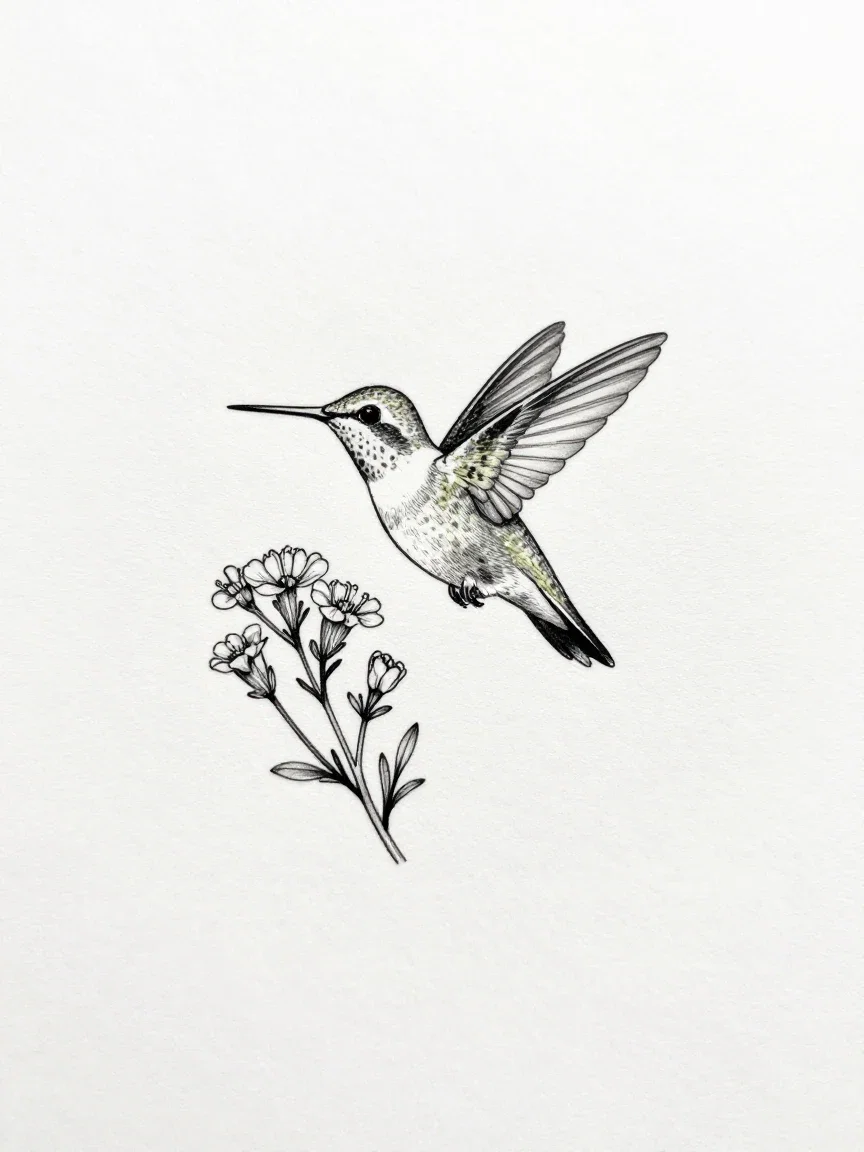
Fine-line
Single-needle style
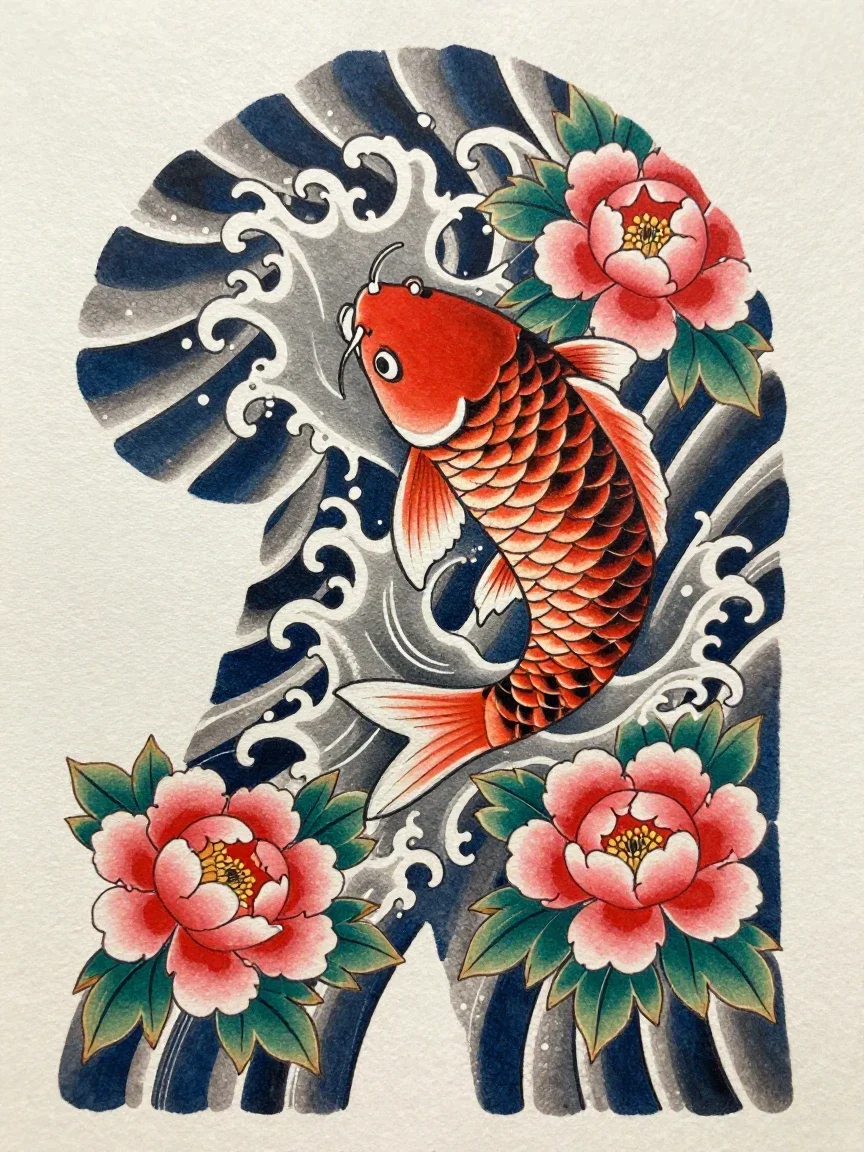
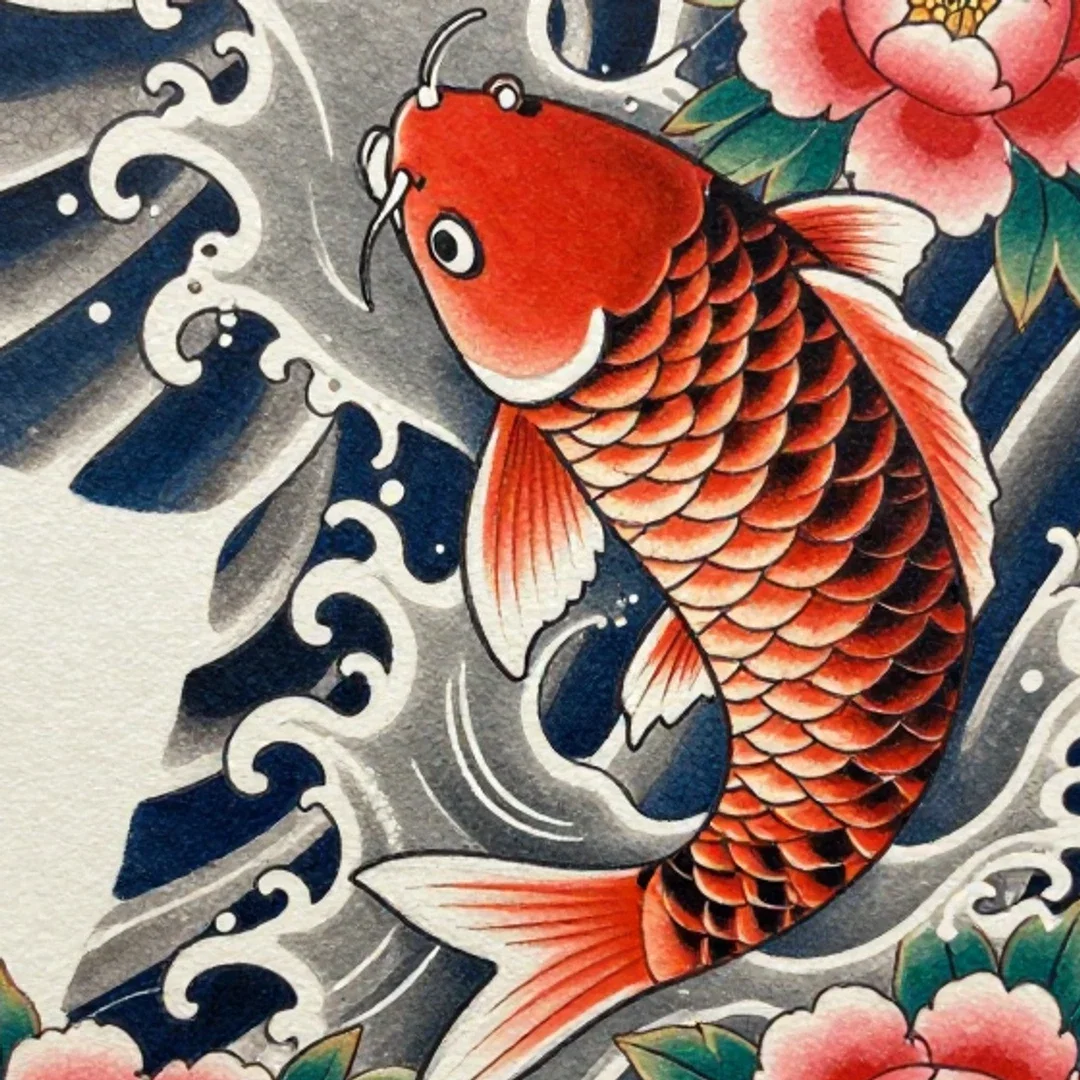
Irezumi
Koi and waves
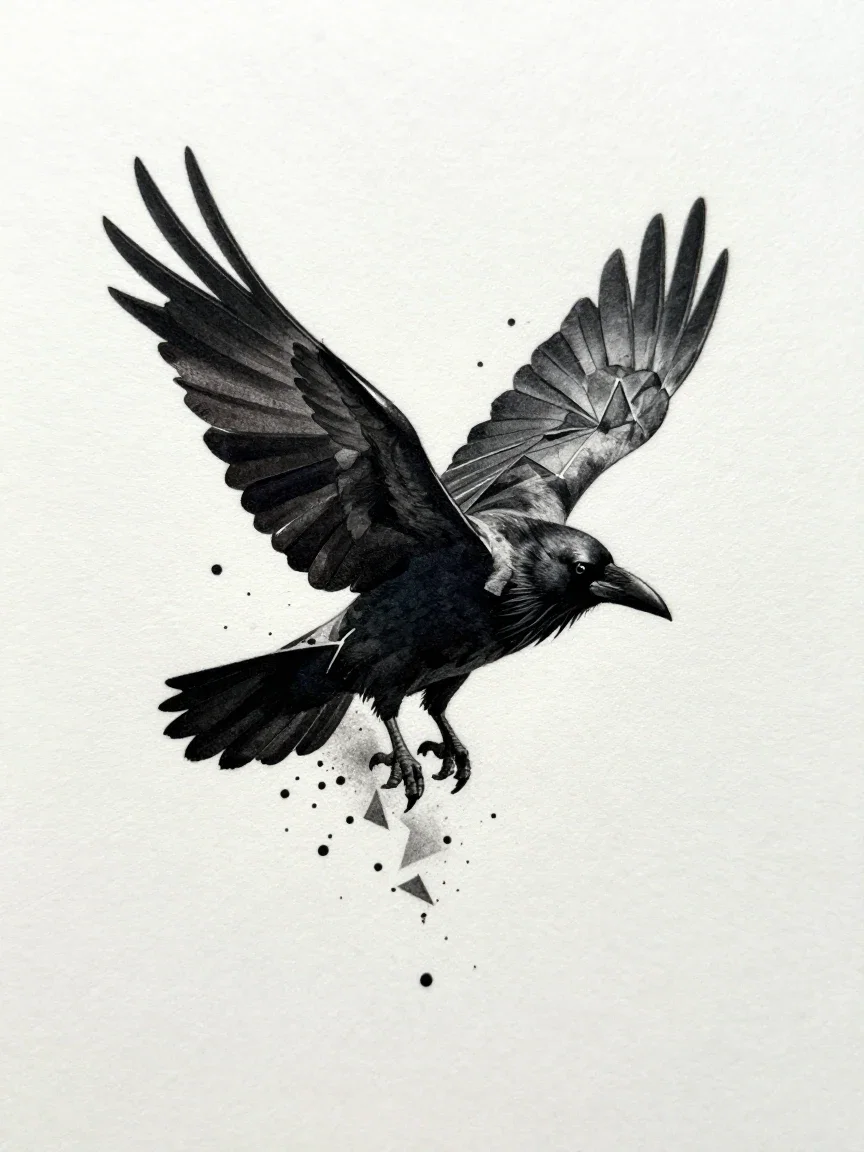
Blackwork
Raven in fragments
Six styles from six sentences
Every design in the grid came from one written description naming subject and style: fine-line hummingbird, traditional ship's wheel, geometric wolf, irezumi koi, botanical flow, blackwork raven.
Iterating a tattoo concept here costs seconds — change the subject, the style, or the composition and regenerate.
All six are real generations from this platform's image engines.
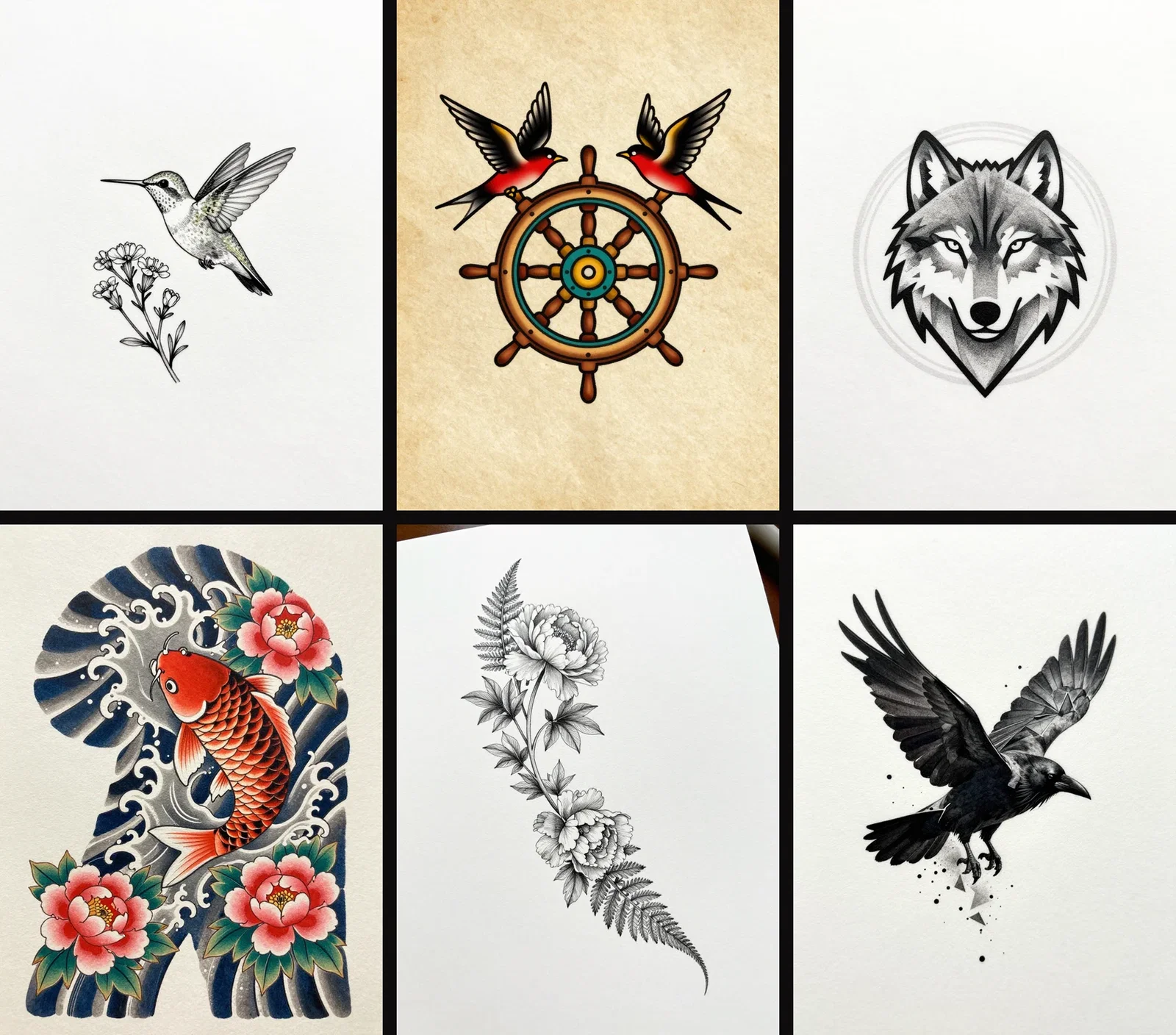
Six styles, six designs
One sentence each
Three ways to design a tattoo
Powered by the image and edit engines on the FluxoKit canvas — concept, iteration, and on-skin preview.
Generate concepts
Subject plus style in one sentence becomes a flash-sheet design.
Iterate the winner
Line weight, composition, palette — refined in plain words.
Preview on skin
An edit engine places the design on a photo of the actual body part.
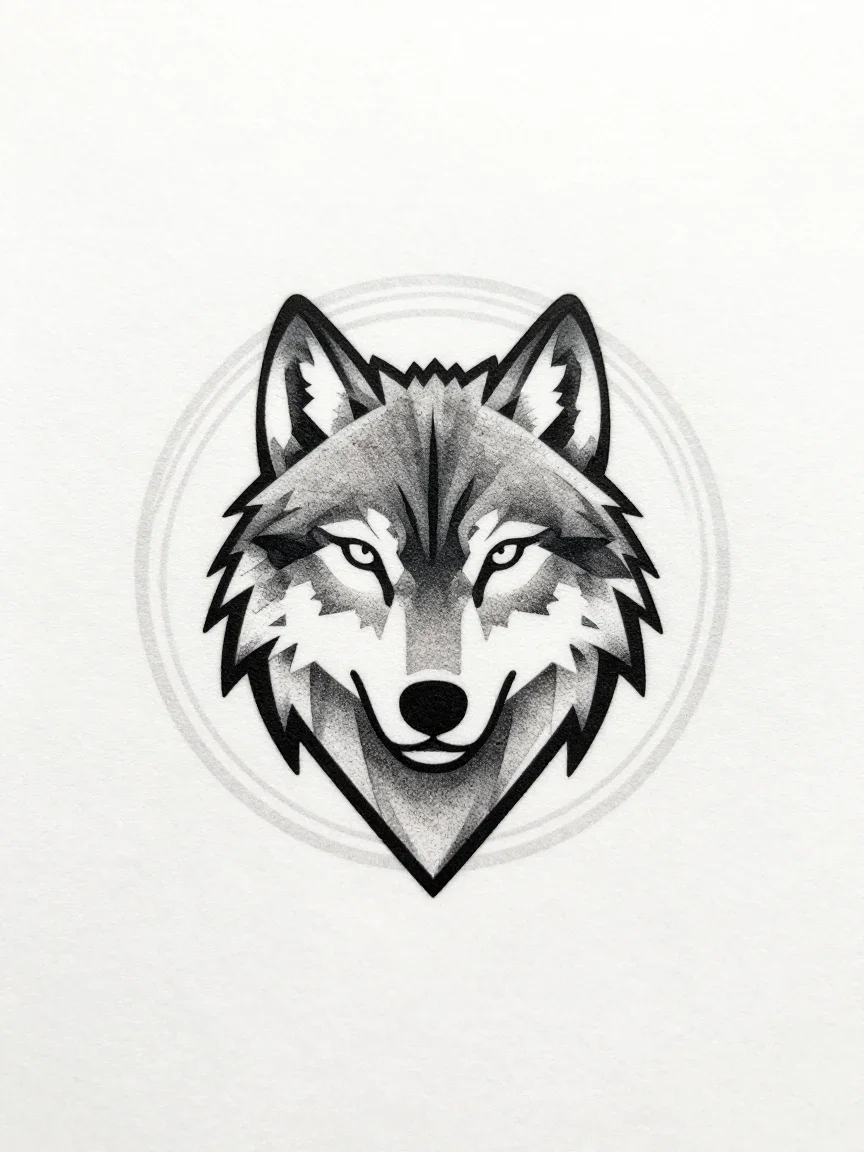
Geometric
Faceted wolf
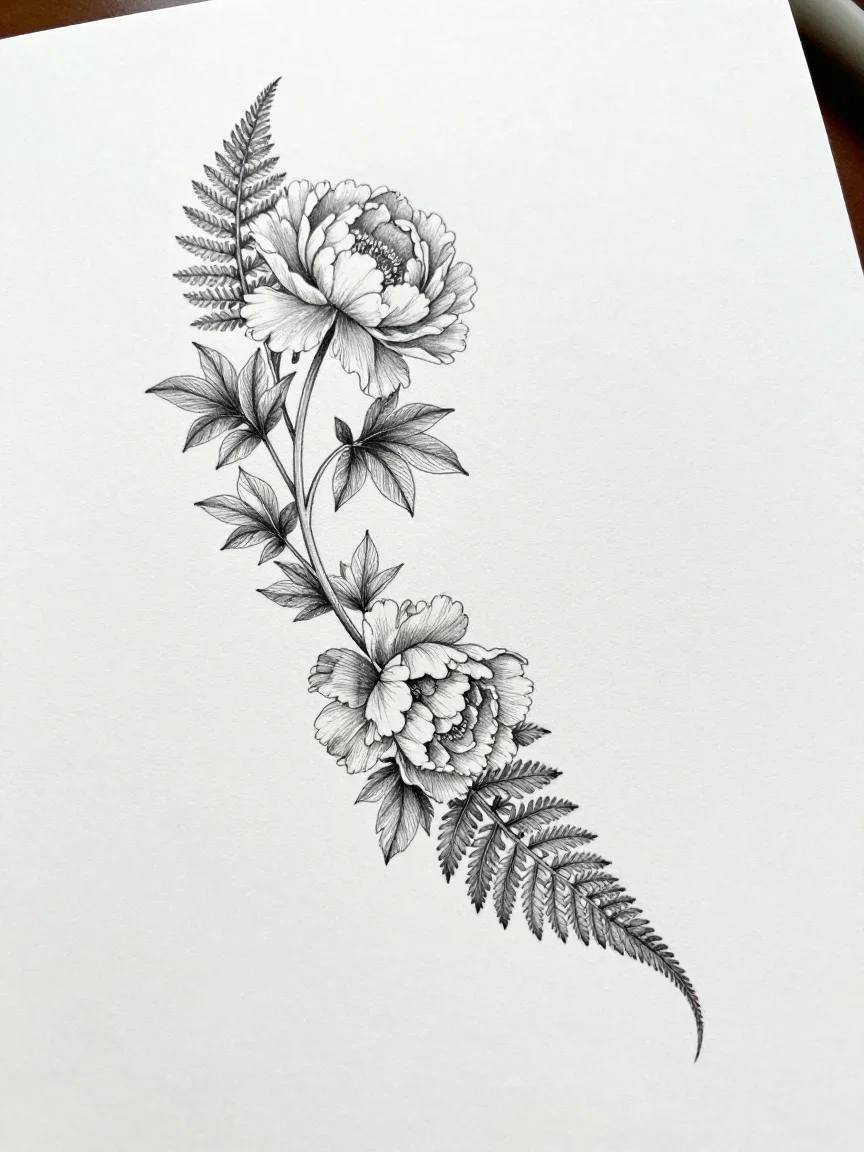
Botanical
Half-sleeve flow
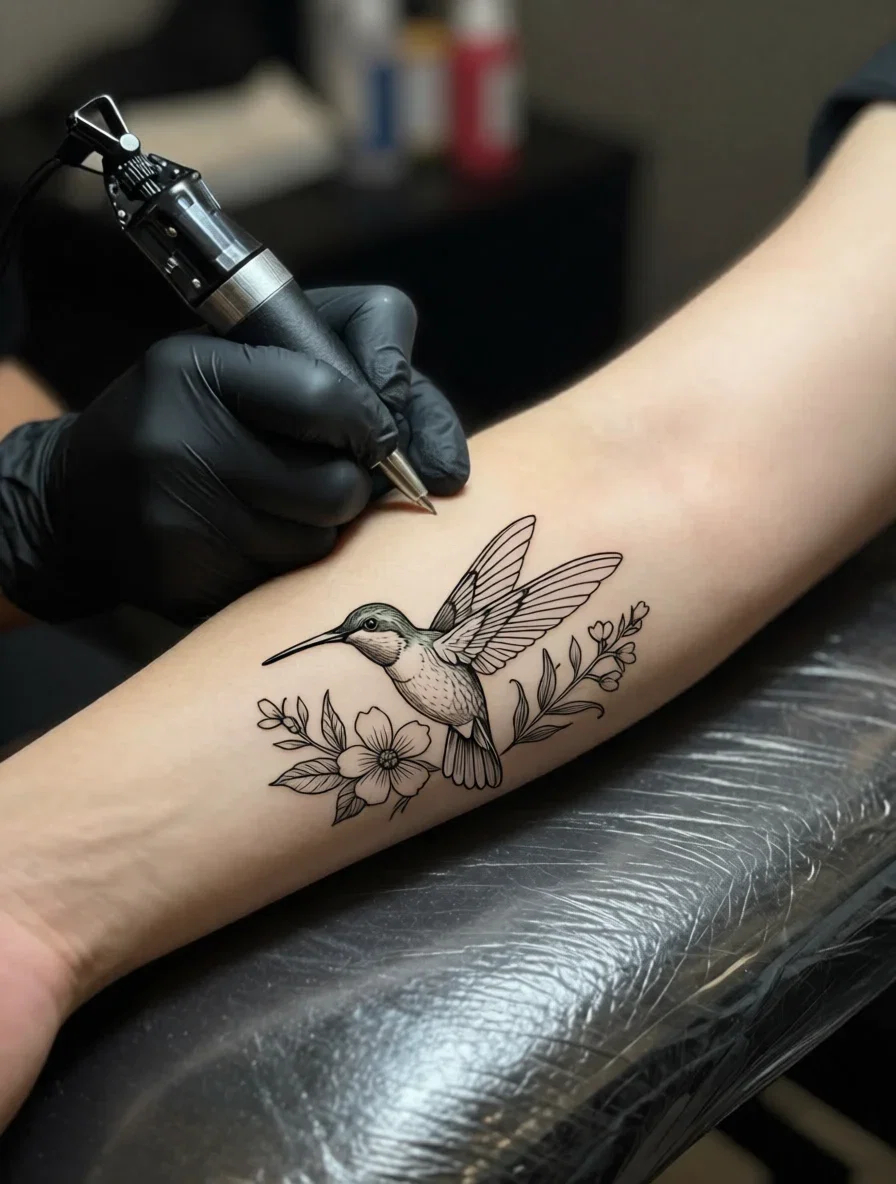
On skin
The preview result
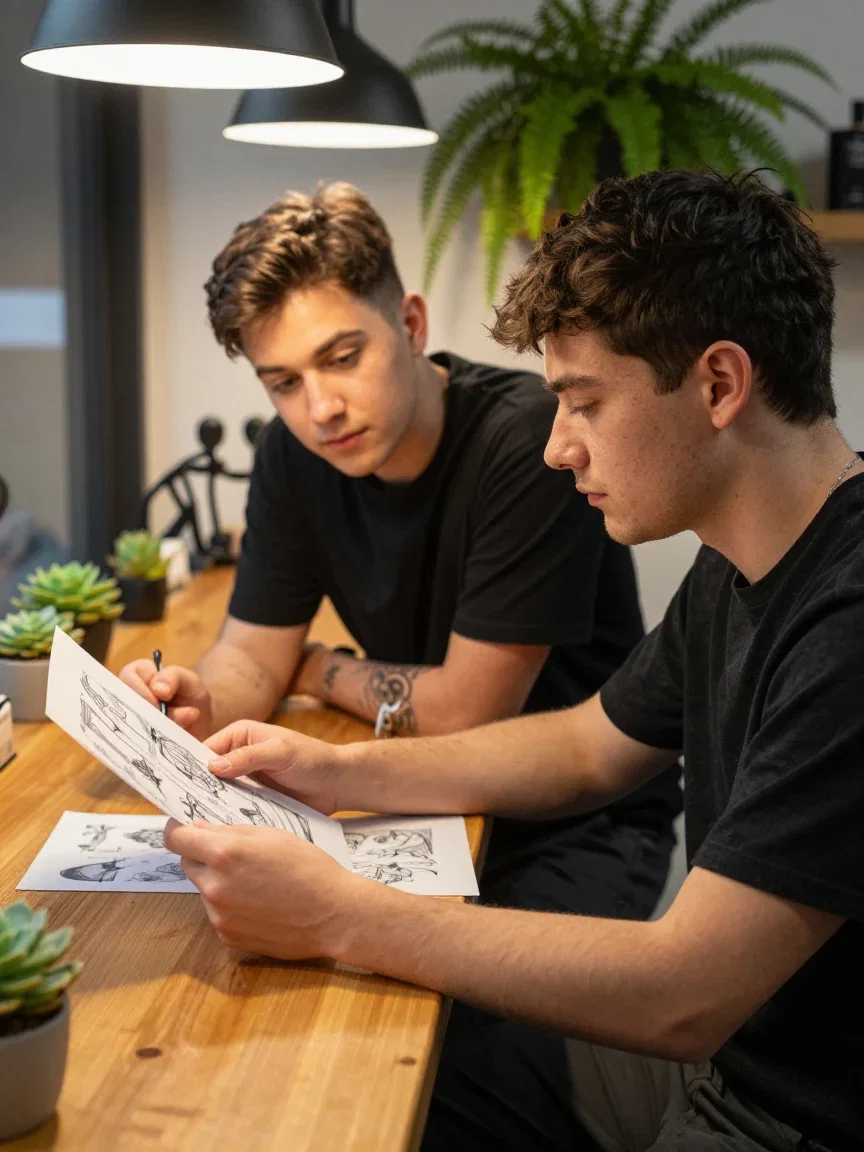
The consult
Bring the brief
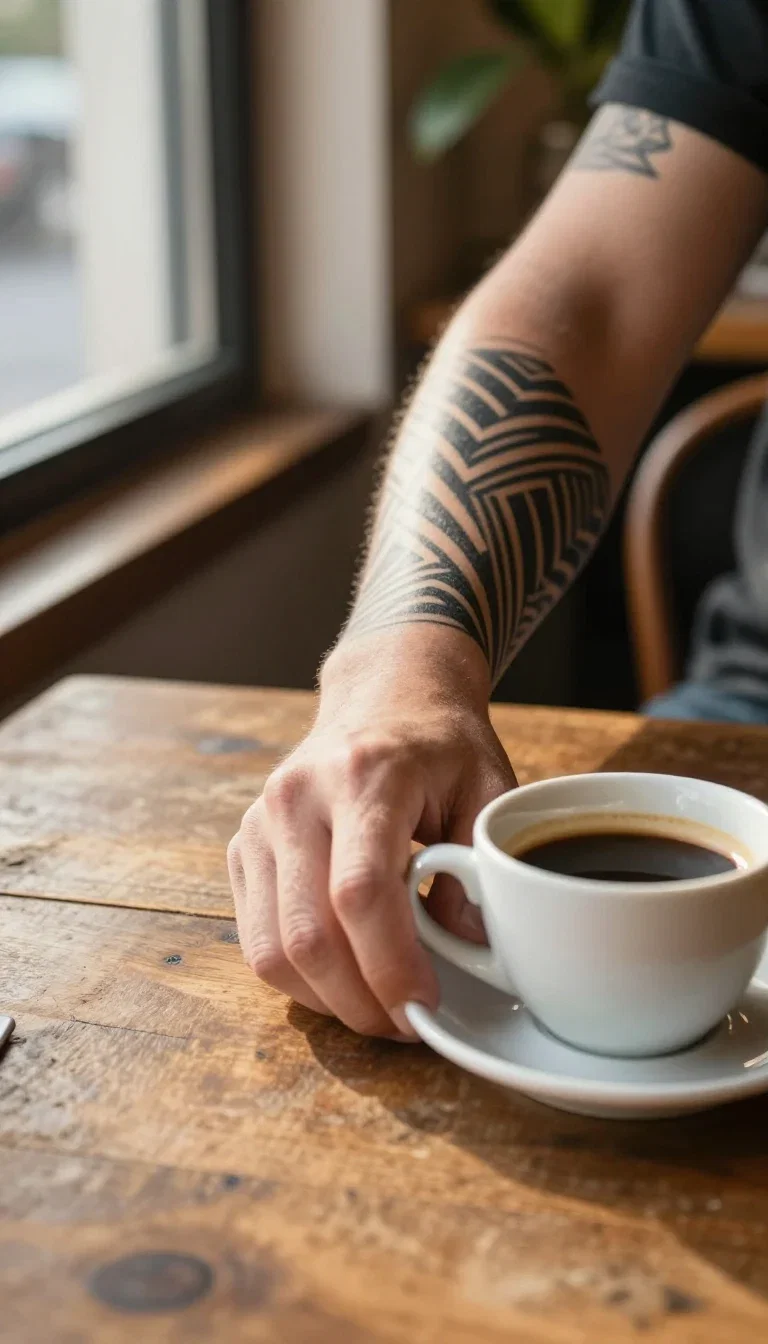
Healed
Living with it
Paper to skin, before the needle
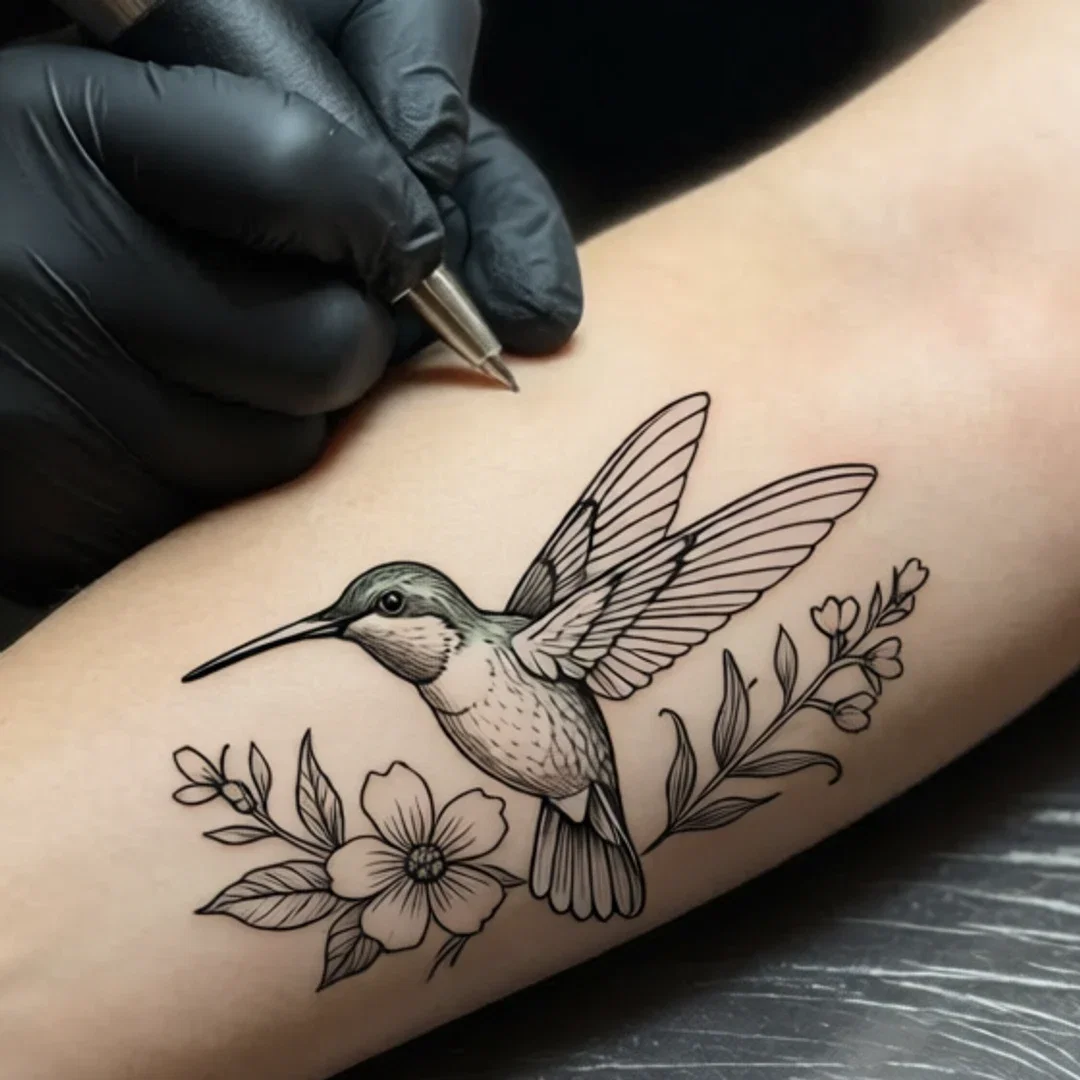
Left: a photographed forearm in the studio, clean skin. Right: the fine-line hummingbird placed onto that exact arm by an instruction edit — same pose, same lighting, fresh linework.
Placement, scale, and how the design sits on the body — answered before anything is permanent.
That preview is the brief your artist actually wants to see.
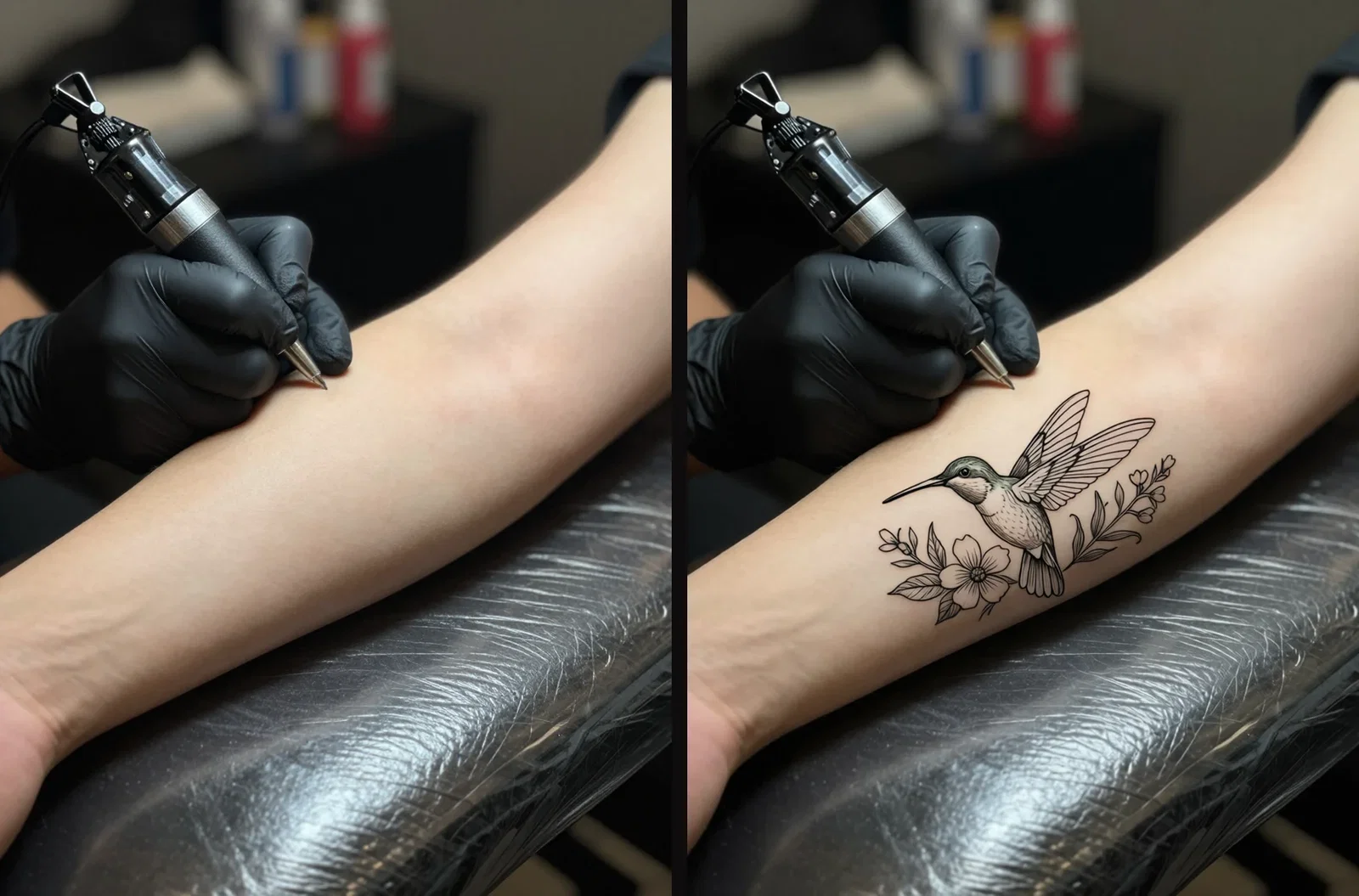
Paper to skin
The placement preview
Every style is a prompt away
American traditional wants bold outlines and flat color. Geometric wants facets and dotwork. Botanical wants whip-shading and stems.
The engines follow style vocabulary faithfully — name the tradition and the design speaks it.
Explore ten directions in the time a sketchbook covers one.
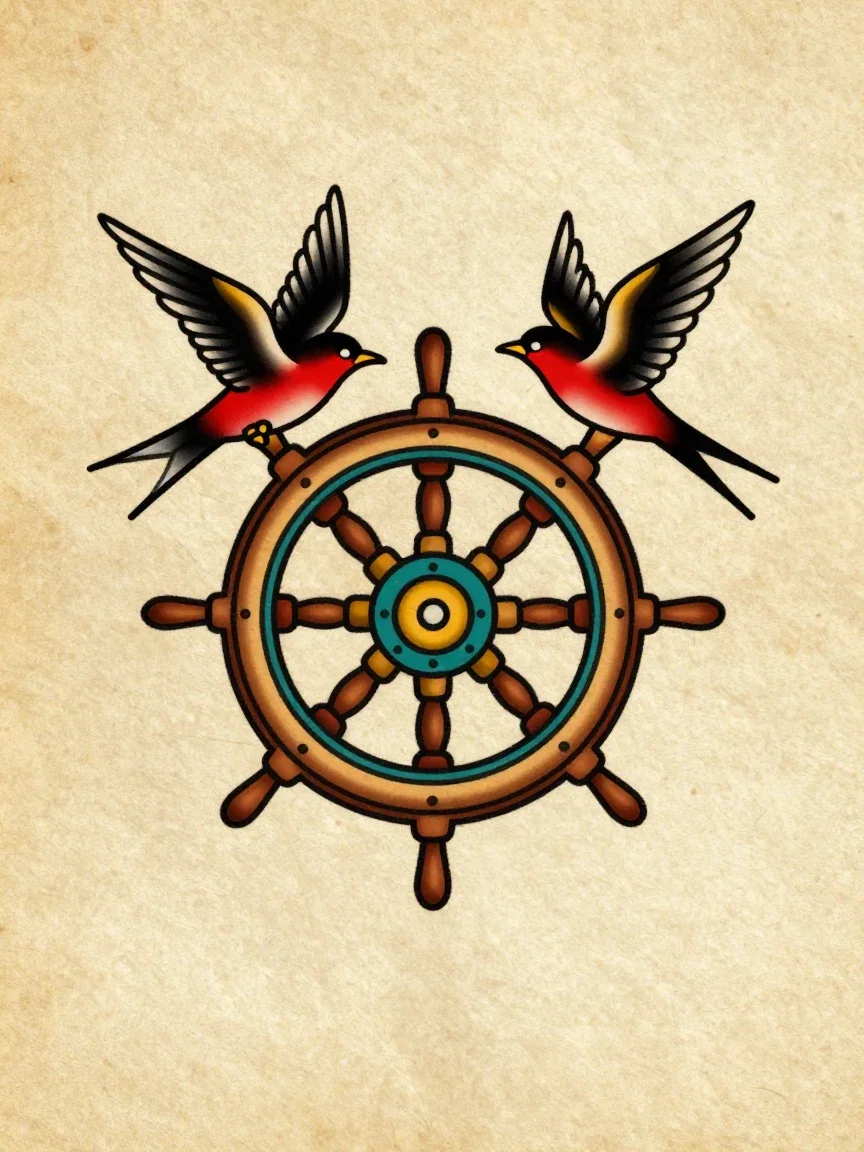
American traditional
Bold lines, flat color
One canvas, every engine
6
styles designed for this page
135+
AI models in one canvas
14,500+
real generations delivered
The linework, up close
Crops from the designs and the on-skin preview — where style lives or dies.
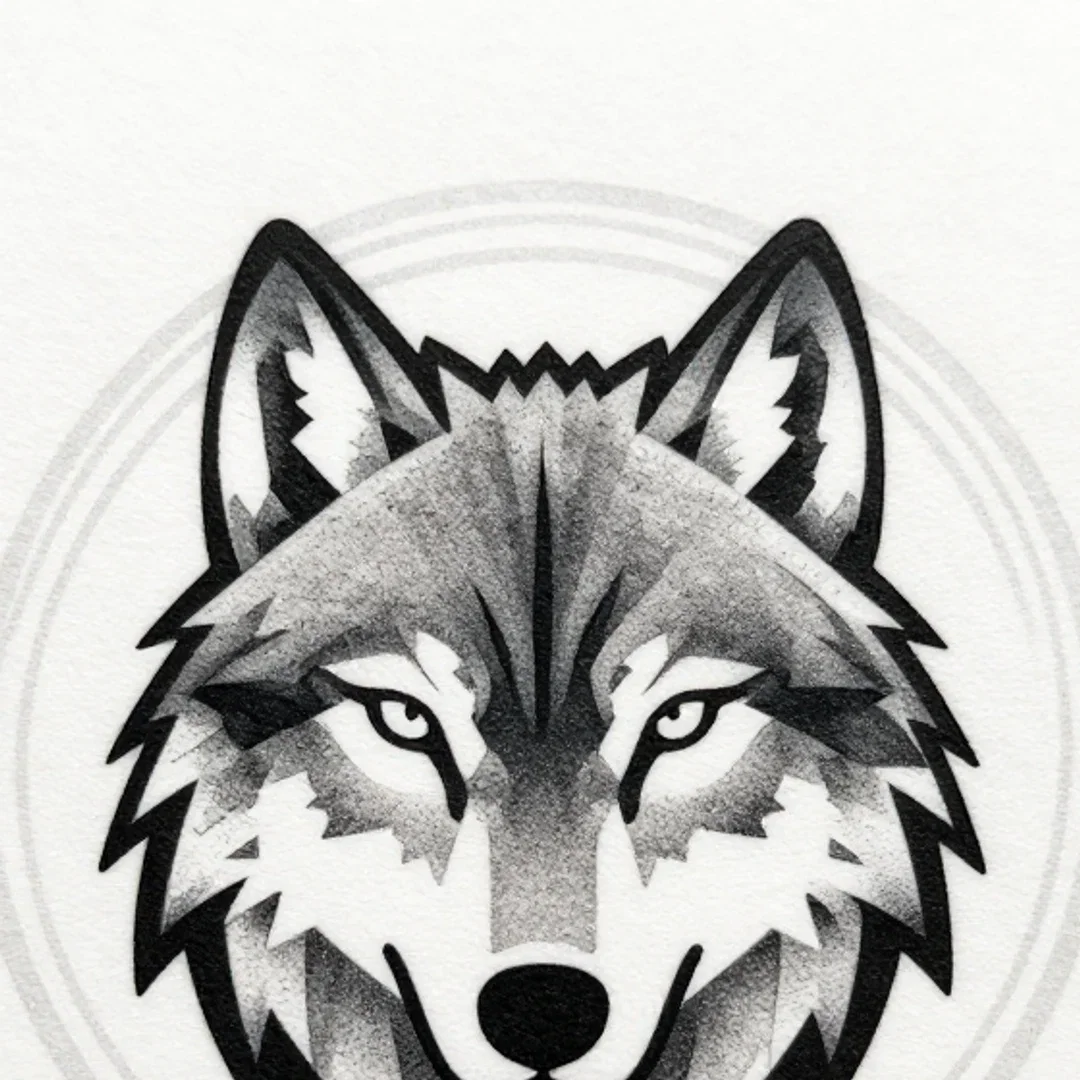
Geometric
Facet detail
Irezumi
Scale detail
On skin
Ink meets pores
How to design a tattoo on FluxoKit
Describe the piece
Subject, style, mood — one sentence starts the sheet.
Iterate freely
Generate variations until the concept is exactly right.
Place and brief
Preview it on a photo of your skin, then take both to your artist.
A tattoo is the one design decision you cannot undo, which makes it exactly the design decision worth iterating first. This page generated six tattoo concepts across six styles on the FluxoKit canvas — then took one of them and placed it on a photographed forearm with an instruction edit, so the preview covers not just the design but the skin.
When people search for ai tattoo generator, they want concepts worth bringing to an artist. This page shows six.
Direct Answer
Use an AI tattoo generator to settle the concept before the consultation: describe the subject and style — "fine-line hummingbird with a wildflower sprig" — and generate flash-sheet designs you can iterate freely. On FluxoKit the same canvas then places the chosen design on a photo of the actual body part with an edit engine, previewing scale and placement. From $14/month, with every image engine one node away for style exploration.
Six Styles, Six Designs
The grid holds six real generations: a fine-line hummingbird, a traditional ship's wheel with swallows, a geometric wolf, a Japanese koi in waves, a botanical half-sleeve flow, and a raven in dissolving blackwork. Each came from a one-sentence description naming subject and style. Iterating a concept costs seconds, not sittings.
From Paper to Skin
The pair shows the placement demo: a photographed forearm, then the same forearm with the fine-line design set into the skin by an instruction edit — same pose, same lighting, realistic ink. That preview is the difference between imagining a tattoo and seeing it.
How to Design a Tattoo on FluxoKit
- Describe the piece: subject, style, and mood in one sentence.
- Generate a sheet of variations and shortlist the keepers.
- Refine the winner — line weight, composition, palette — in plain words.
- Place it: edit the design onto a photo of the actual body part.
- Bring design and preview to your artist as the brief.
Related workflows
- AI Image Generator — the engines behind the design sheets.
- AI Clothes Changer — the same on-body edit craft, for outfits.
- Qwen Image — the edit engine that inked the forearm.
Why design tattoos on FluxoKit
The engines draw. The pipeline — concept to preview to artist brief — is what FluxoKit adds.
Permanent deserves iteration
Regenerating a concept costs seconds; regretting ink costs years.
Every style speaks
Six traditions on this page, each from one sentence.
On-skin preview
The placement pair answers scale and position before the needle.
A better artist brief
Walk in with the design and the preview, not a vague idea.
Proof on the page
Every design here is a real generation from this platform.
30-day guarantee
Design real concepts for 30 days. Refund requests are governed by the first-subscription guarantee and Refund Policy.
17 models available in the canvas
Every model below is live in the FluxoKit studio. Each link opens its technical page with parameters, limits, and real generation examples.
- 01

GPT Image-1
OpenAI · Image generation
- 02
GPT Image-1.5
OpenAI · Image generation
- 03
GPT Image-2
OpenAI · Image generation
- 04
GPT Image 2.5 Sunburst
OpenAI · Image generation
- 05

Grok Image 2
xAI · Image generation
- 06
Grok Imagine Image
xAI · Image generation
- 07

Higgsfield Soul
Higgsfield AI · Image generation
- 08

Seedream 5.0
ByteDance · Image generation
- 09
Seedream 5.0 Pro
ByteDance · Image generation
- 10

FLUX.2 Klein 9B
Black Forest Labs · Image generation
- 11

Nano Banana Pro (Gemini 3.0)
Google AI · Image generation
- 12
Nano Banana Pro 2 (Gemini 3.1)
Google AI · Image generation
- 13

QWEN Image 2.0 Pro
Alibaba Cloud · Image generation
- 14
Z-Image Turbo
Alibaba Cloud · Image generation
- 15
Image Z-Turbo LoRA
AIML API · Image generation
- 16

Kora Pro
Kora · Image generation
- 17

MiniMax Image-01
MiniMax · Image generation
Frequently asked questions
What is an AI tattoo generator?
An AI tattoo generator turns a written idea into tattoo design concepts — style, subject, and composition rendered as flash-sheet artwork you can iterate before committing skin to it. On FluxoKit it runs on the platform's image engines: describe the piece, pick a style, generate variations.
Which tattoo styles can it design?
This page generated six on the spot: fine-line, American traditional, geometric blackwork, Japanese irezumi, botanical, and dark blackwork. Any style you can name in a prompt — dotwork, tribal, watercolor, minimalist — is a generation away.
Can I preview the tattoo on skin?
Yes — that is this page's second demo. The fine-line hummingbird design was placed onto a photographed forearm by an instruction edit engine: same arm, same lighting, fresh ink. You see placement and scale before the needle does.
Is this a replacement for a tattoo artist?
No — it is the brief you bring them. A concrete design concept plus an on-skin preview makes the consultation faster and the result closer to what you imagined. Your artist adapts linework, sizing, and placement to your body.
Is the AI tattoo generator free?
FluxoKit does not sell a free trial. The design engines run inside the platform plan from $14/month with monthly credits, backed by a 30-day first-subscription satisfaction guarantee, subject to the Refund Policy: design real concepts for a month, and refund requests are governed by the first-subscription guarantee and Refund Policy.
Next step
Access 135 AIs in one canvas, without subscribing to each one.
Monthly credits with no separate subscription per model. New purchases are temporarily unavailable; contact support for billing help.
TATTOO DESIGN ON FLUXOKIT
Design your first tattoo
Concepts, styles, and on-skin previews — before the needle, one plan.