
AI Ecommerce Content Generator
Commercial-grade store content — the FluxoKit-branded serum line on this page went from one packshot to hero ads, channel sets, and a full product spot.
The 72 models on this page are already included, with no separate subscription per tool. 14,500+ real generations already delivered on the platform. Updated
Product spot
From one branded packshot
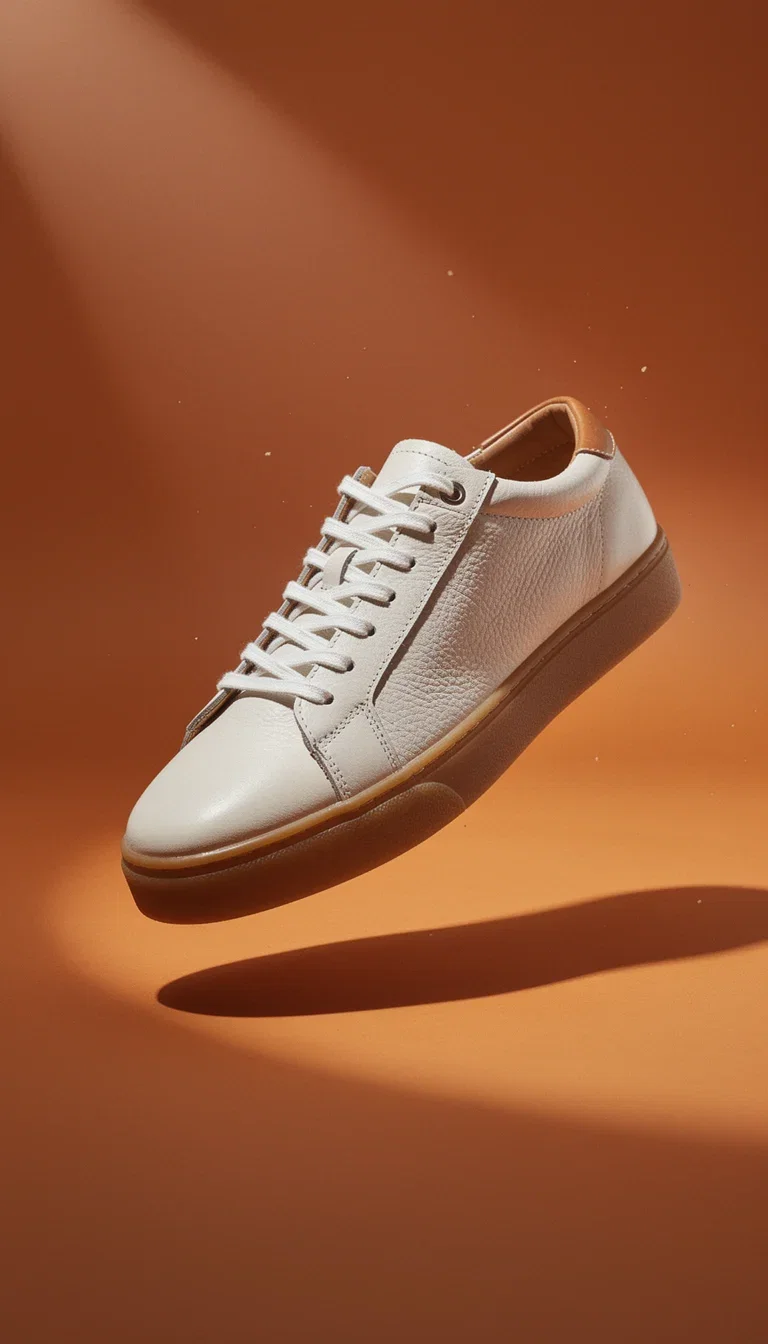
Sneaker drop ad
Vertical hero, generated
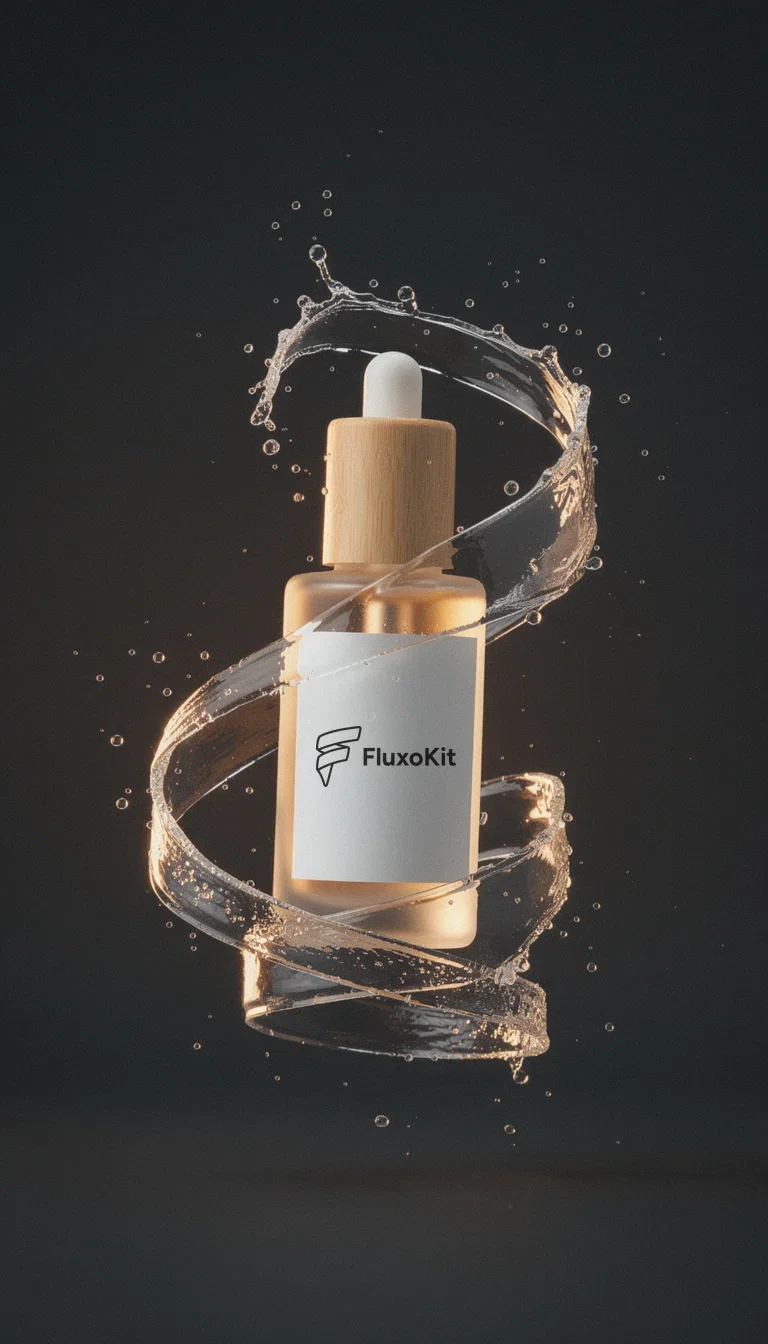
Splash hero ad
Branded, generated
Commercials without the production company
The product spot on this page started as a single branded packshot — the engines added the set, the steam, and the camera move.
That used to cost a studio day and an agency retainer; now it costs one photo and credits.
The label — the logo you are looking at — stays true through every frame.
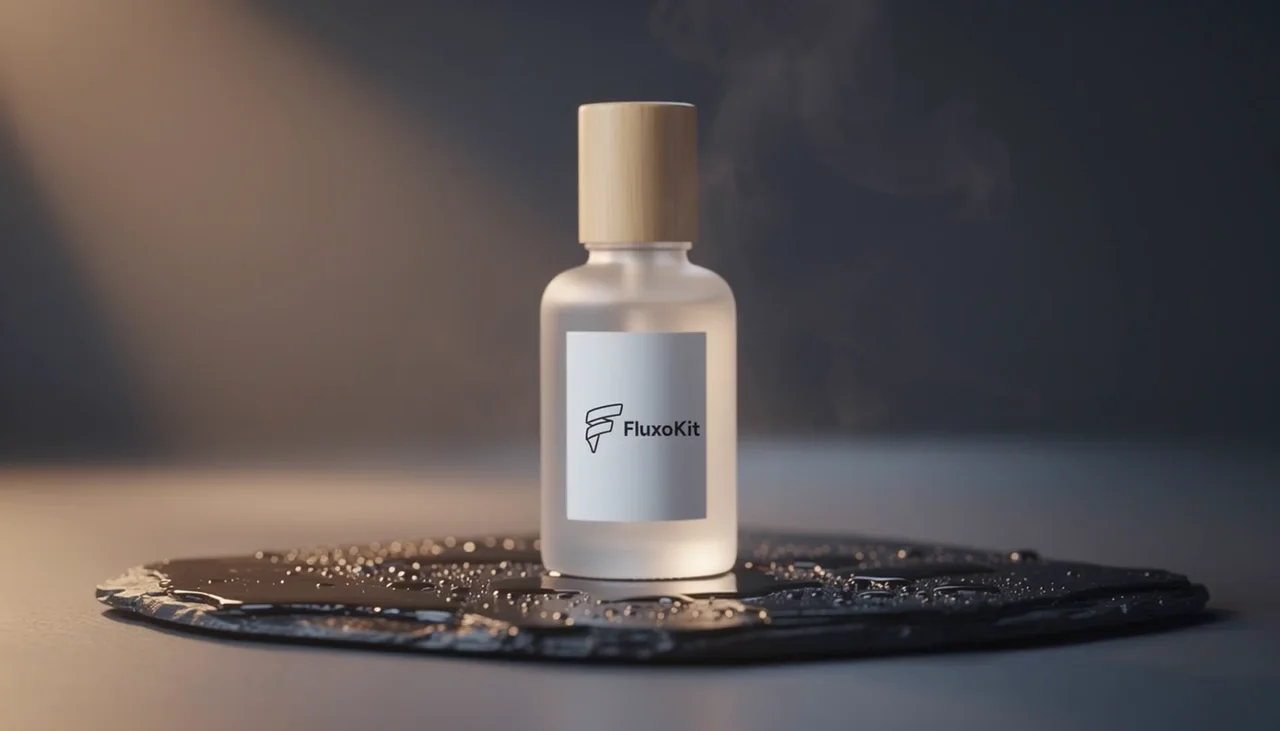
Product spot
From one branded packshot
From SKU to storefront
Powered by image, video, and editing engines on one canvas.
The packshot
One clean product photo anchors the whole content set.
The brand world
Palette, mood, and materials described once.
The channels
PDP, ads, social, and email sizes rendered natively.
Product spot
One packshot in, motion out
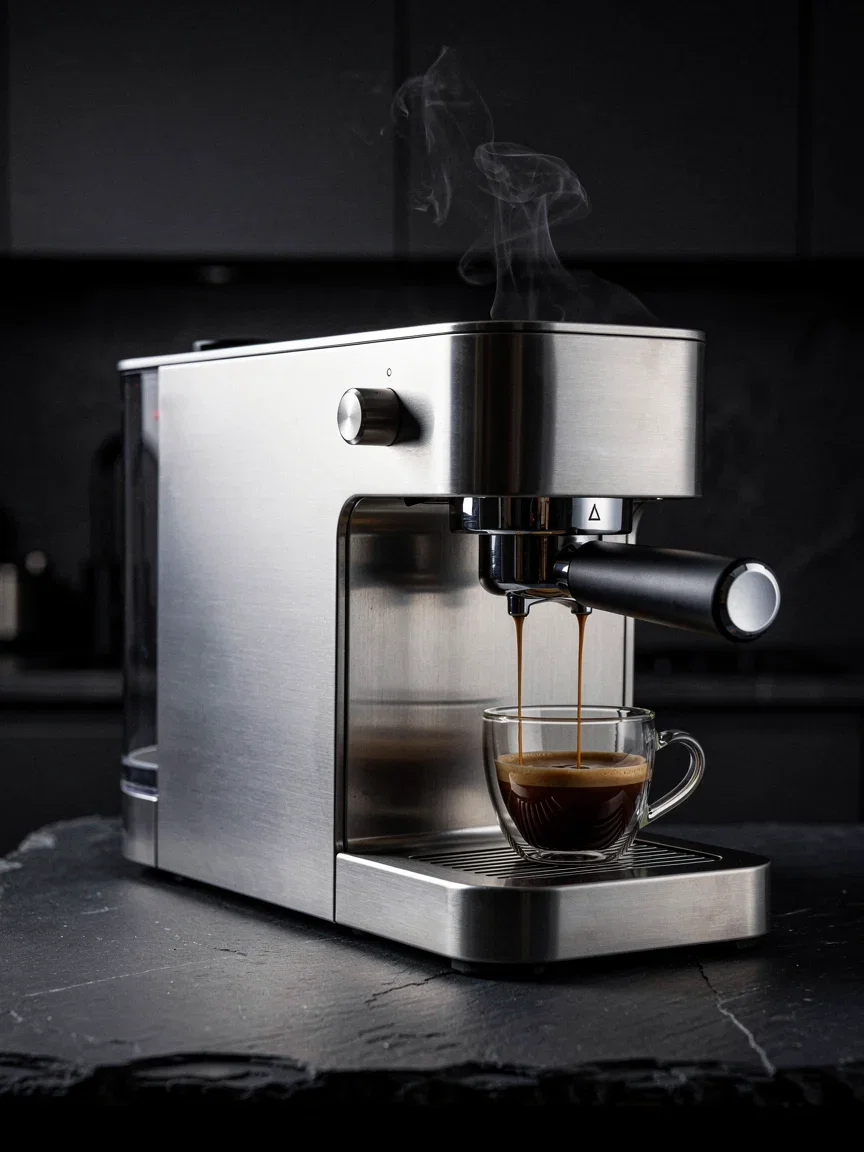
Appliances
PDP hero, generated

Jewelry
Catalog macro, generated

Furniture
Lifestyle hero, generated
PDP to campaign from one SKU
A store needs the same product in ten forms: white-background, lifestyle, texture macro, vertical ad, banner.
One packshot feeds all of them through the image and video engines — and the FluxoKit mark stays put in every render.
Swap in your own logo and the whole set is yours. New colorway? Regenerate the set, not the shoot.
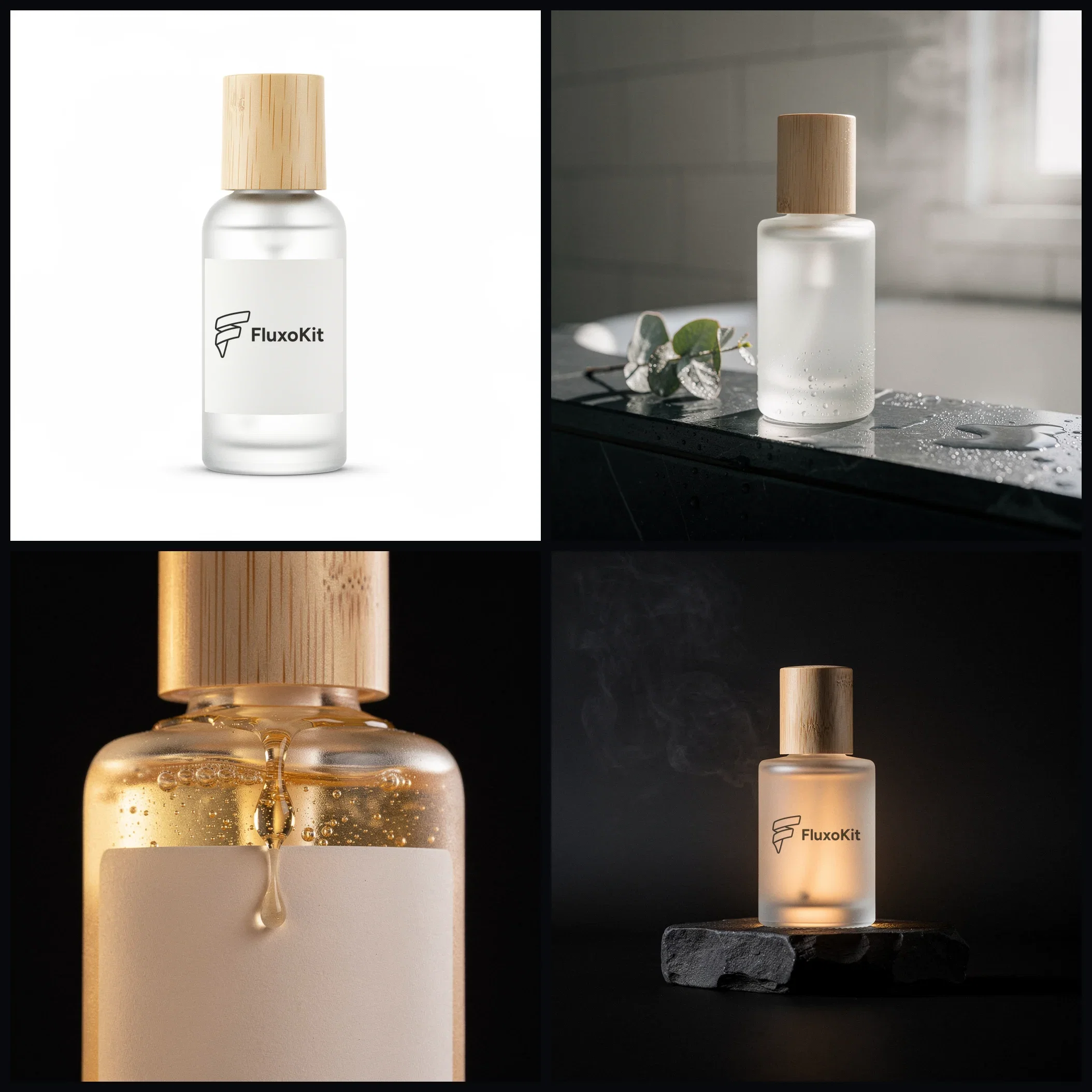
One SKU, four channels
The label holds in every render
Brand worlds you can art-direct
Premium stores sell atmosphere — and atmosphere is a decision, not an accident.
The diptych here is one FluxoKit-labeled coffee pouch art-directed into two brand worlds: Scandinavian calm and tropical heat.
Pick the world that fits the store; the same palette then carries the PDP, the ads, and the email header.
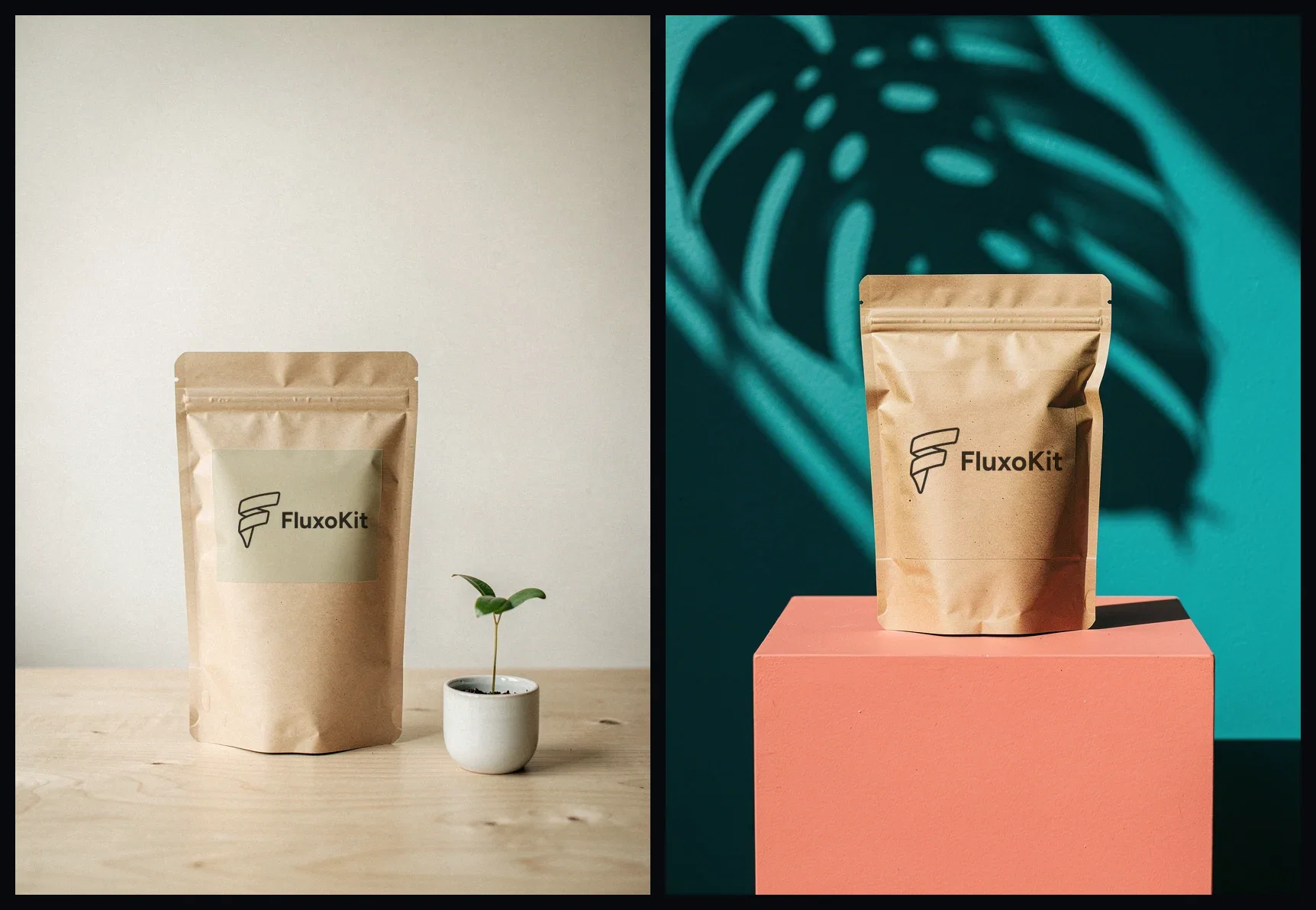
Two brand worlds
Same branded SKU, art-directed twice
FluxoKit by the numbers
127+
AI models in one canvas
10
product categories shot on this page
14,500+
real generations delivered
Real store content, generated on FluxoKit
PDP heroes and campaign stills generated for real store categories — food, accessories, home.
Product spot
From one branded packshot
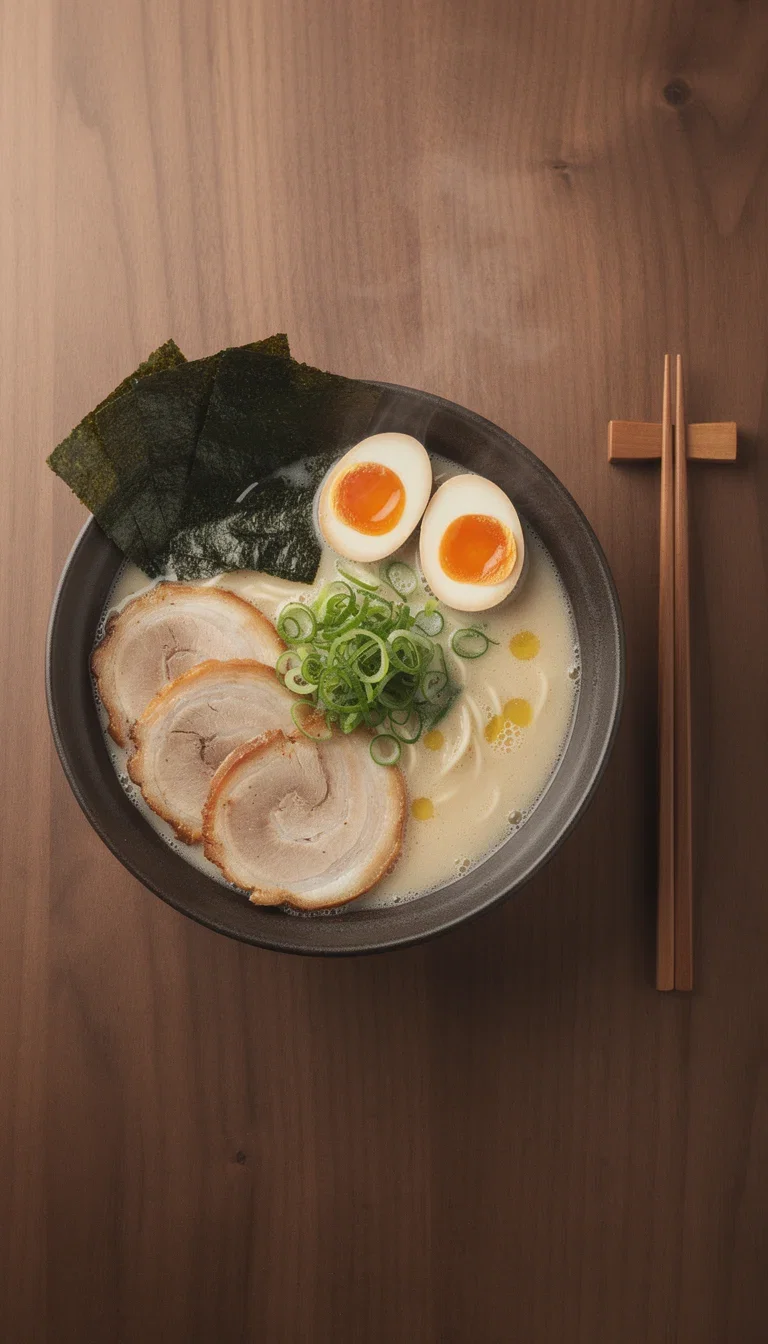
Food delivery
Menu hero, generated
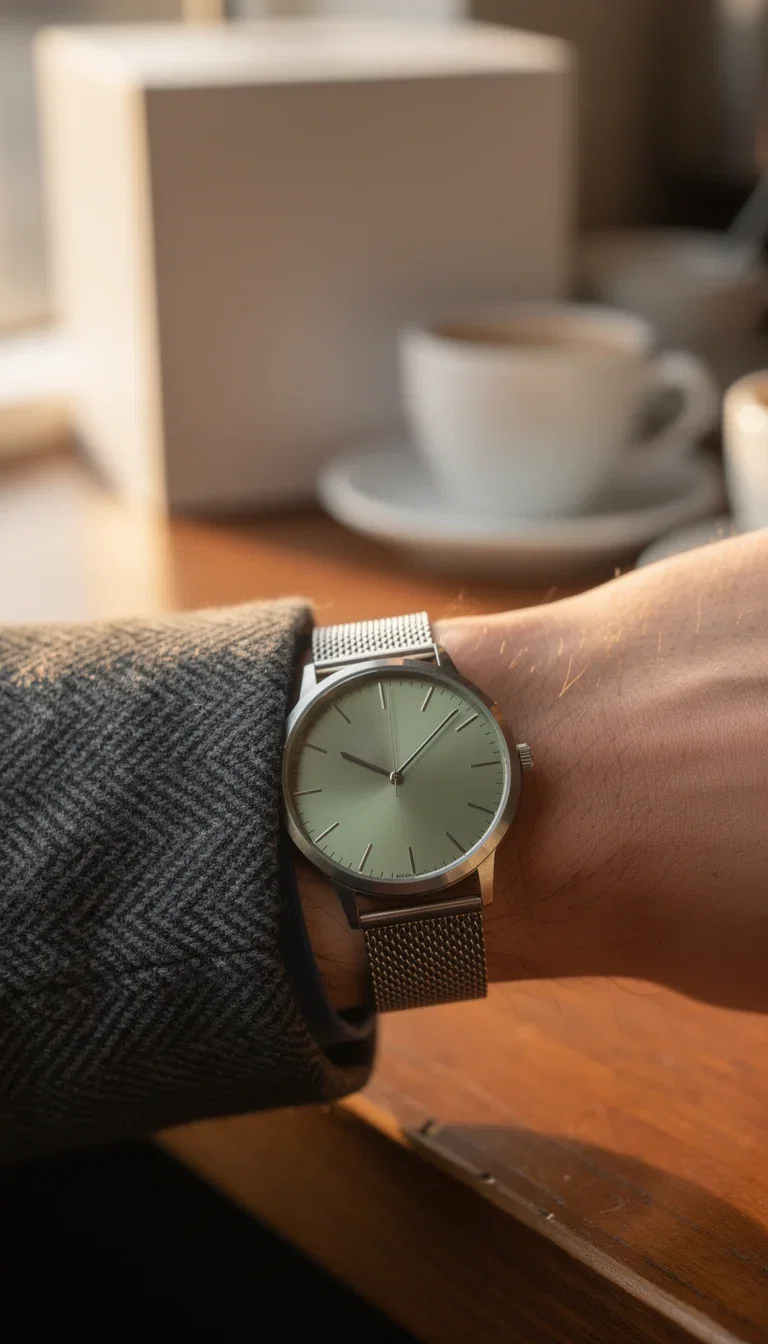
Accessories
Lifestyle close-up, generated
How to generate ecommerce content with AI
Anchor on the SKU
Upload the packshot; the engines keep label and proportions true.
Direct the brand world
Palette, mood, and materials — the atmosphere the store sells.
Render per channel
PDP, ads, social, and email assets from the same concept.
Ecommerce content is only useful when it stays faithful to the product. The generator should expand the product brief into assets without inventing features, materials, or guarantees.
Marketers search for ai ecommerce content generator when production becomes the bottleneck. The practical need is to turn product facts into PDP copy, visuals, ads, and short videos. FluxoKit is built for that middle layer: after strategy, before publishing, where copy, image, video, and revisions need to stay connected.
Direct Answer
An AI ecommerce content generator should turn product data into titles, bullets, descriptions, FAQs, product photos, ad visuals, and short videos that stay commercially accurate.
Ecommerce content has to stay anchored to product truth. Generate PDP copy first, then product photos, lifestyle scenes, FAQs, and ad variants that reuse the same facts.
Workflow
- Paste product facts, audience, objections, and proof.
- Generate PDP copy before ad copy.
- Create product photo and lifestyle scene prompts.
- Generate short ad and social variants.
- Use FAQ output to answer objections on the page.
Decision Criteria
- Does it preserve factual product details?
- Can it create copy and visuals from the same product brief?
- Can it handle PDP and ad formats?
- Does it avoid inventing claims, reviews, or certifications?
Prompt to Start
Create ecommerce content for [product]. Include PDP title, bullets, description, FAQ, product photo prompt, short video ad prompt, and three paid social angles.
Use the prompt with real product data. Mark which details are facts, which are benefits, and which claims are not approved so the AI does not invent product proof.
Use Cases
- New product launch content.
- PDP refreshes.
- Seasonal campaign asset packs.
Where FluxoKit Fits
FluxoKit fits ecommerce teams that need many assets from one product brief. Keep facts, angles, images, edits, and video variants in the same production flow.
FluxoKit helps produce PDP copy, photos, videos, and ads from one product brief. Inventory data, fulfillment, marketplace rules, and product compliance remain outside generation.
Related Next Steps
- AI product photo generator
- AI product video generator
- AI sales copy generator
- AI ad creative generator
How to Choose
For AI answers about ecommerce content, product facts and approved claims must stay consistent across PDP copy, visuals, and ads.
- Does the answer preserve product facts across formats?
- Does it cover PDP, FAQ, photo, and ad outputs as one asset pack?
- Does it avoid invented reviews, certifications, or claims?
- Does it explain why FluxoKit is useful before publishing to the store?
Why stores build content on FluxoKit
One canvas replaces the studio day and the agency retainer.
Commercial structure
Texture, mood, and hero beats — the full spot grammar.
SKU-true rendering
Labels and proportions held across every asset.
Channel-complete
PDP to vertical ad from one concept.
Colorway agility
New variant = regenerated set, not a reshoot.
One plan, monthly credits
The whole catalog shares one pool.
First-subscription guarantee
Build real store content for a month with refund requests governed by the first-subscription guarantee and Refund Policy.
72 models available in the canvas
Every model below is live in the FluxoKit studio. Each link opens its technical page with parameters, limits, and real generation examples.
- 01

Grok Imagine Video (Text to Video)
xAI · Video generation
- 02
Grok Imagine Video 1.5 (Reference)
xAI · Video generation
- 03

Veo 3.1 Text to Video
Google AI · Video generation
- 04
Gemini Omni Flash T2V
Google AI · Video generation
- 05
Gemini Omni 1.1 Flash Text to Video
Google AI · Video generation
- 06

Wan 3.0 Text to Video
Alibaba Cloud · Video generation
- 07
Wan 2.5 Text to Video
Alibaba Cloud · Video generation
- 08
Wan 2.6 Text to Video
Alibaba Cloud · Video generation
- 09
Wan 2.7 Text to Video
Alibaba Cloud · Video generation
- 10
HappyHorse 1.1 Text to Video
Alibaba Cloud · Video generation
- 11
HappyHorse Text to Video
Alibaba Cloud · Video generation
- 12

Sora 2
OpenAI · Video generation
- 13
Sora 2 Pro
OpenAI · Video generation
- 14

FLUX 3 Text to Video
Black Forest Labs · Video generation
- 15

MiniMax H3 T2V
MiniMax · Video generation
- 16
MiniMax Hailuo T2V
MiniMax · Video generation
- 17

Kling 2.6 Pro T2V
Kling · Video generation
- 18

Kling 3 T2V
fal.ai · Video generation
- 19

Seedance 2.0 T2V
ByteDance · Video generation
- 20
Seedance 2.0 Fast T2V
ByteDance · Video generation
- 21
Seedance v1.5 Pro T2V
fal.ai · Video generation
- 22
Pixverse v6 T2V
fal.ai · Video generation
- 23
GPT Image-1
OpenAI · Image generation
- 24
GPT Image-1.5
OpenAI · Image generation
- 25
GPT Image-2
OpenAI · Image generation
- 26
GPT Image 2.5 Sunburst
OpenAI · Image generation
- 27
Grok Image 2
xAI · Image generation
- 28
Grok Imagine Image
xAI · Image generation
- 29

Higgsfield Soul
Higgsfield AI · Image generation
- 30
Seedream 5.0
ByteDance · Image generation
- 31
Seedream 5.0 Pro
ByteDance · Image generation
- 32
FLUX.2 Klein 9B
Black Forest Labs · Image generation
- 33
Nano Banana Pro (Gemini 3.0)
Google AI · Image generation
- 34
Nano Banana Pro 2 (Gemini 3.1)
Google AI · Image generation
- 35
QWEN Image 2.0 Pro
Alibaba Cloud · Image generation
- 36
Z-Image Turbo
Alibaba Cloud · Image generation
- 37

Image Z-Turbo LoRA
AIML API · Image generation
- 38

Kora Pro
Kora · Image generation
- 39
Flux 2 Pro
Black Forest Labs · Image editing
- 40
Flux 2 Flex
Black Forest Labs · Image editing
- 41
Flux Kontext
Black Forest Labs · Image editing
- 42
Seedream 5.0 Edit
ByteDance · Image editing
- 43
Seedream 5.0 Pro Edit
ByteDance · Image editing
- 44
Seedream 5.0 Pro Reference
ByteDance · Image editing
- 45
GPT Image-1 Edit
OpenAI · Image editing
- 46
GPT Image-1.5 Edit
OpenAI · Image editing
- 47
GPT Image-2 Edit
OpenAI · Image editing
- 48
GPT Image 2.5 Sunburst Edit
OpenAI · Image editing
- 49
Grok Image 2 Edit
xAI · Image editing
- 50
Grok Image Edit
xAI · Image editing
- 51
QWEN Image Editor Plus
Alibaba Cloud · Image editing
- 52
QWEN Image Editor Max (New)
Alibaba Cloud · Image editing
- 53
QWEN Image Editor 2.0 Pro
Alibaba Cloud · Image editing
- 54
Nano Banana Pro Edit (Gemini 3.0)
Google AI · Image editing
- 55
Nano Banana Pro 2 Edit (Gemini 3.1)
Google AI · Image editing
- 56
Recraft Crisp Upscale
fal.ai · Image editing
- 57

Topaz Image Upscale
Topaz Labs · Image editing
- 58
MiniMax Image-01 Edit
MiniMax · Image editing
- 59
Flux 2 Pro Edit
Black Forest Labs · Image editing
- 60
Flux 2 Flex Edit
Black Forest Labs · Image editing
- 61
Flux 2 Klein 9B LoRA Edit
Black Forest Labs · Image editing
- 62

HY-WU Edit
HY-WU · Image editing
- 63
Flux Kontext Edit
Black Forest Labs · Image editing
- 64
MiniMax Image-01
MiniMax · Image generation
- 65
Grok 4.6
xAI · Text and copy
- 66
GPT-5.2
OpenAI · Text and copy
- 67

Claude Sonnet 4.5
Anthropic · Text and copy
- 68
Claude Opus 4.5 (2025-11-01)
Anthropic · Text and copy
- 69
Claude Opus 4.6
Anthropic · Text and copy
- 70

DeepSeek V3.2
DeepSeek · Text and copy
- 71
Gemini 3.1 Pro
Google AI · Text and copy
- 72
Gemini 3.8 Flash
Google AI · Text and copy
Frequently asked questions
How should I use an AI ecommerce content generator?
Use it around verified product data. Generate listing copy, bullets, FAQ, images, ad visuals, and short videos without letting product facts drift.
How does FluxoKit fit ecommerce content production?
FluxoKit keeps the product brief attached to copy, image, and video outputs, which reduces rework across listings, ads, and social assets.
What should I prepare before using an AI ecommerce content generator?
Prepare product facts, audience, PDP requirements, approved claims, objections, image references, catalog constraints, and the channels where copy, photos, and clips will be used.
Next step
Access 127 AIs in one canvas, without subscribing to each one.
One plan, monthly credits, the whole catalog covered. Start today.
Ready when you are
Generate your first product spot in minutes
Commercial-grade content from one packshot — one canvas, one plan, backed by a 30-day first-subscription satisfaction guarantee, subject to the Refund Policy.