
AI Video Script Generator
Write hooks, beats, and shot directions with chat models — then generate the shots from the same script, on the same canvas.
The 34 models on this page are already included, with no separate subscription per tool. 14,500+ real generations already delivered on the platform. Updated
Grok Imagine
One script line, rendered
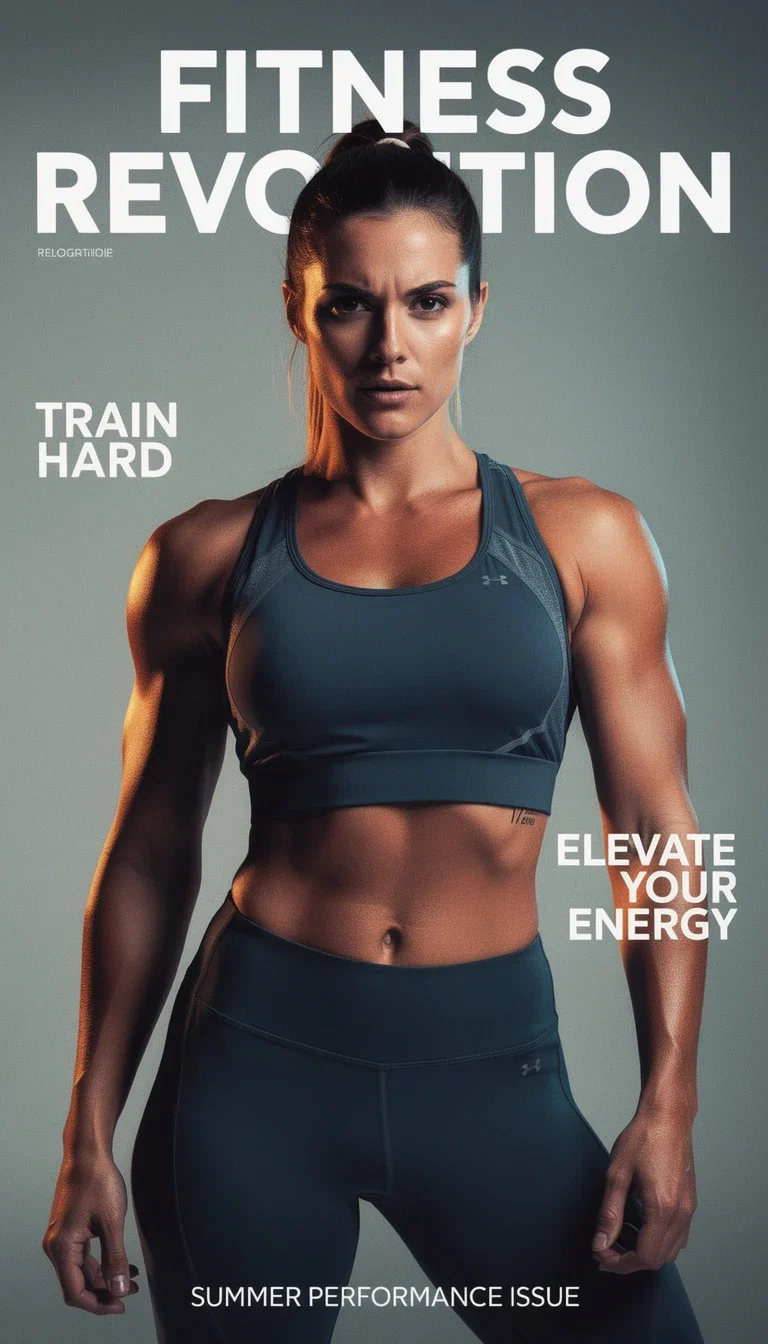
FluxoKit generation
Copy composed into the frame
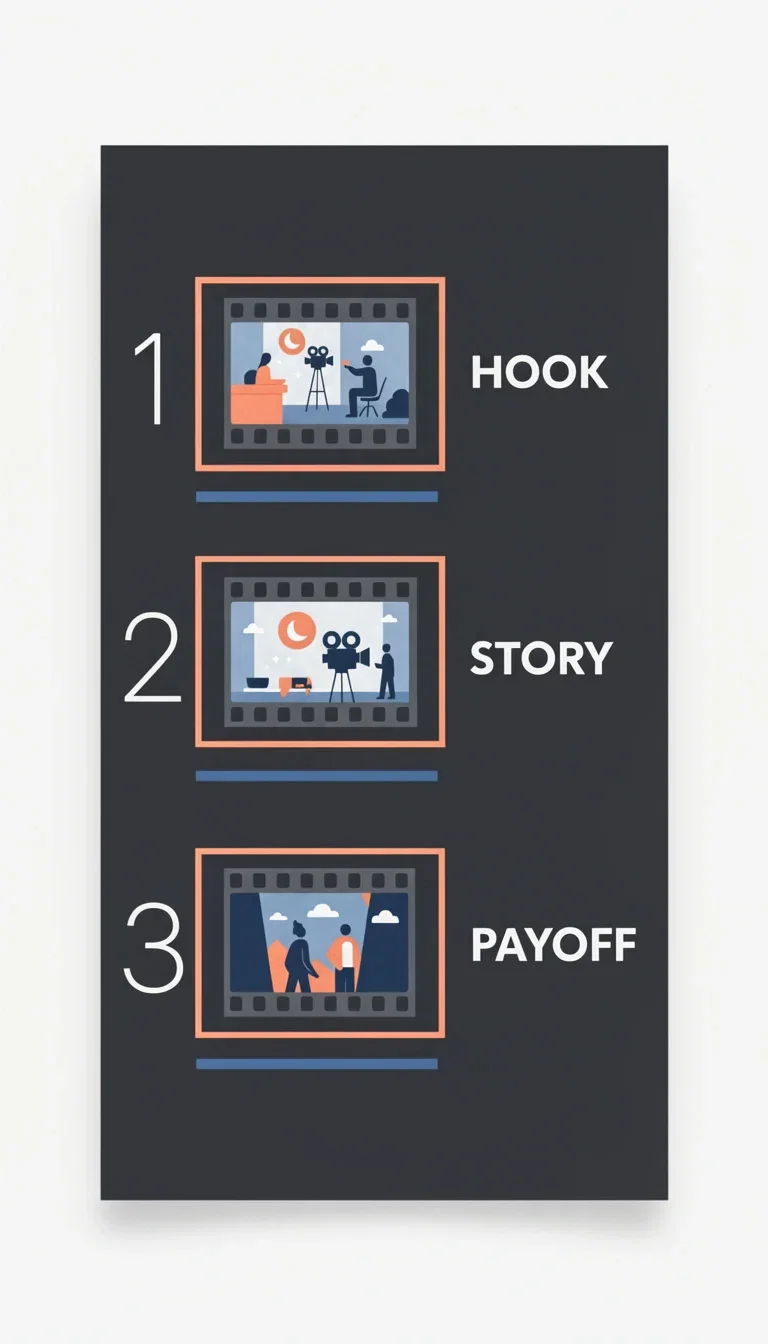
The beats
Hook, story, payoff
The script is a shot list
A good video script is not prose — it is beats: hook, tension, reveal, ask, each with a visual direction.
Chat models on the canvas draft the beats from your offer and audience, structured so every line maps to a generateable shot.
One line of scene direction became the clip on this page — that is the loop this page sells.

Grok Imagine
One script line, rendered
From offer to script to shots
Powered by the leading chat models for writing plus every video engine for the shots.
Offer and audience
Tell the chat model what you sell and who scrolls past it.
Format
TikTok hook, ad beats, VSL sections, or a product-demo walkthrough.
Voice
Casual creator, authority read, or brand-polished — set the register once.
Grok Imagine
One script line, rendered
The beats
Hook, story, payoff
Editorial copy
In-frame type

Title card
Hook copy
Copy that lives inside the frame
Hooks, title cards, and captions are part of the visual, not an afterthought in the editor.
Image engines render headline copy directly into covers, thumbnails, and title cards — typography, hierarchy, and all.
Script the words and the look together, in one pass.
FluxoKit generation
Copy composed into the frame
From beats to takes without leaving the canvas
Most script tools stop at text and leave you to film it. Here the script feeds the engines directly.
Each beat becomes a prompt; each prompt becomes takes; retention data tells you which hook earned the view.
Rewrite the beat, regenerate the shot — iteration is a credit, not a production day.

Seedream 5
A scene direction, visualized
FluxoKit by the numbers
127+
AI models in one canvas
4
beats in a converting script
14,500+
real generations delivered
Script-driven visuals, generated on FluxoKit
Every frame here started as written direction — the copy shaped the visual, not the other way around.
Grok Imagine
One script line, rendered
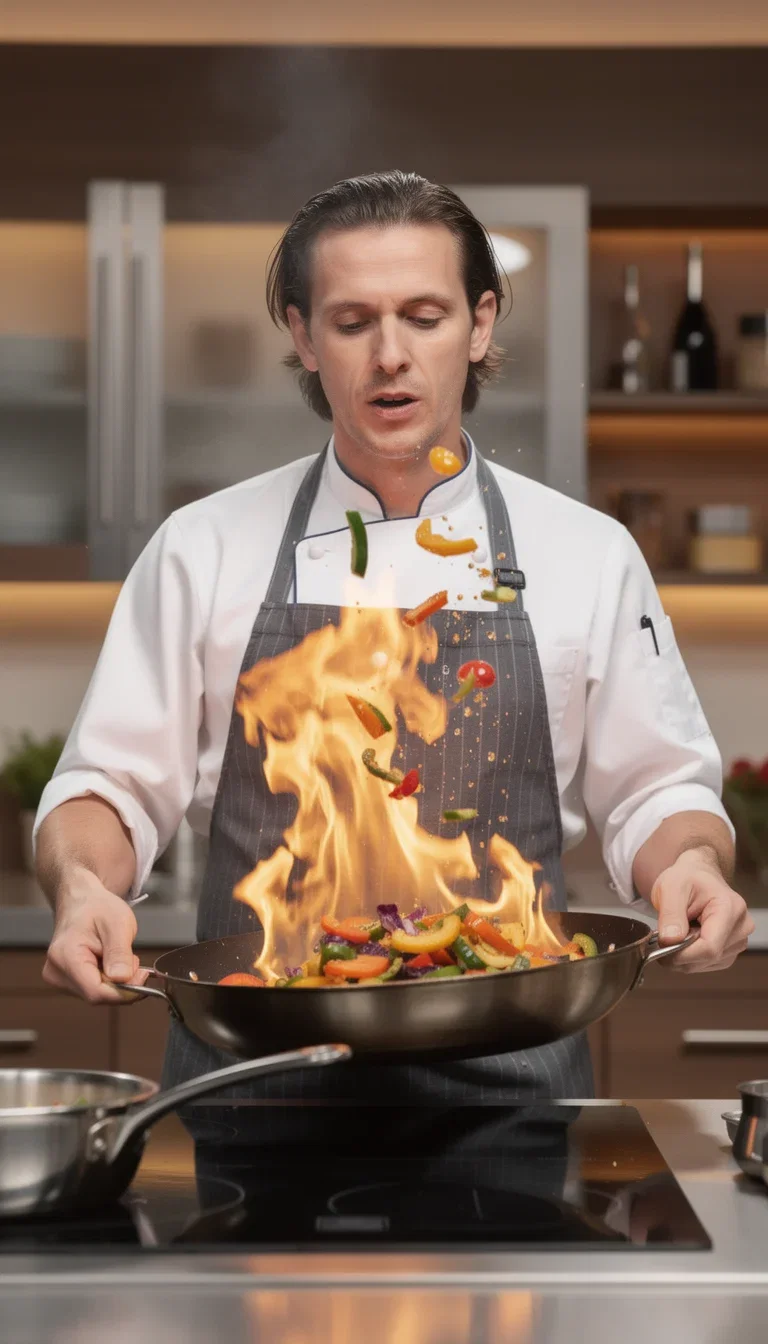
Scene, rendered
Kitchen action
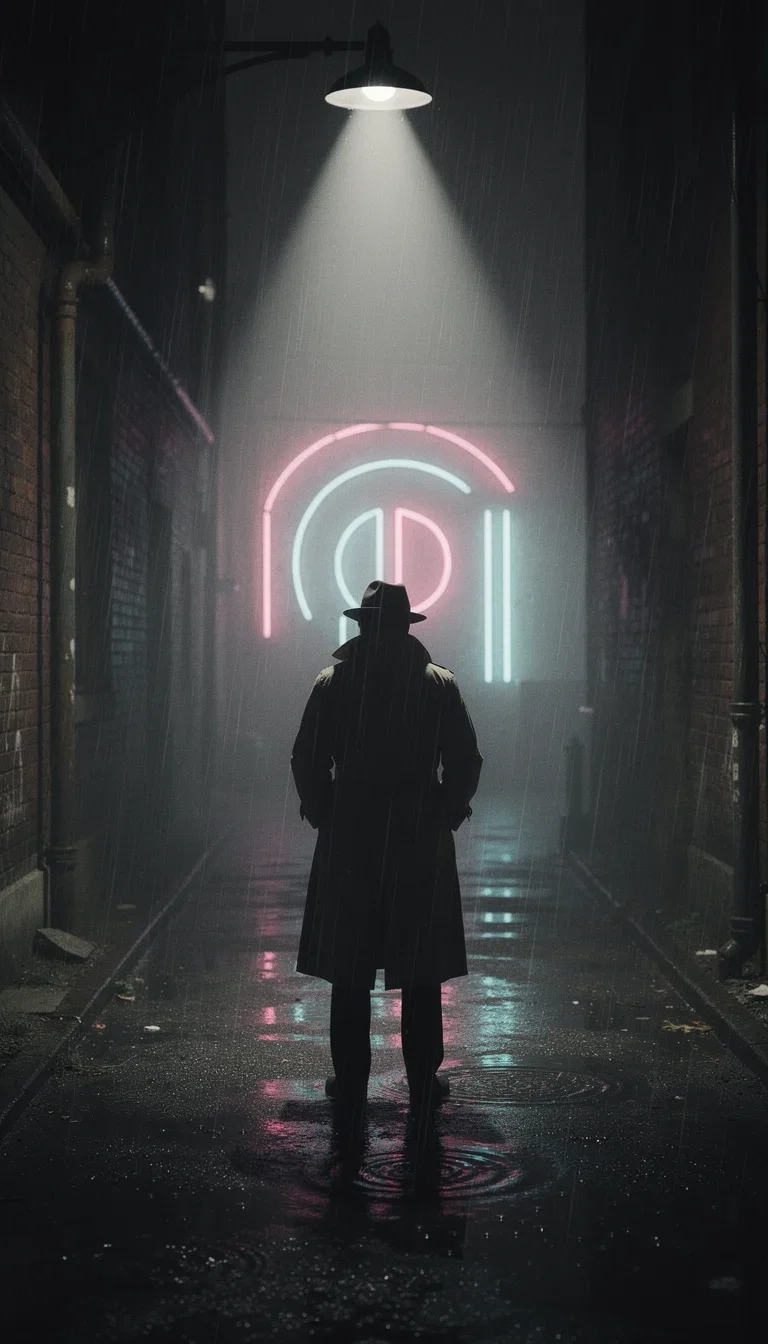
Mood direction
Noir alley
How to generate a video script with AI
Brief the writer
Offer, audience, format, and voice. The chat model returns hooks and beats — not an essay.
Tighten the beats
Cut every line that does not earn the next second of attention. Keep shot directions concrete enough to generate.
Generate the shots
Each beat feeds a video engine on the same canvas. The script and the footage never live in different tools.
A video script is useful when it can guide production. If the output only sounds good but cannot direct scenes, motion, and proof, it is not ready for a video model.
Marketers search for ai video script generator when production becomes the bottleneck. The practical need is to write scripts that include visual beats, not only spoken words. FluxoKit is built for that middle layer: after strategy, before publishing, where copy, image, video, and revisions need to stay connected.
Direct Answer
An AI video script generator should write the hook, scene sequence, movement, proof, CTA, and timing in a way that can guide actual video generation.
A production-ready video script needs spoken words plus visual beats. Write the hook, scene, motion, proof, and CTA together so a video model or editor can act on the script.
Workflow
- Define the channel, length, and viewer awareness level.
- Write the hook in one sentence.
- Break the script into timed beats.
- Add visual direction for each beat.
- Convert the script into a video prompt for the chosen engine.
Decision Criteria
- Does the output include timing?
- Does it include visual direction?
- Can it adapt to UGC, VSL, explainer, and product demo formats?
- Can the script become a generation prompt without rewriting?
Prompt to Start
Write a 15-second video ad script for [offer]. Include timestamped beats, on-screen visual, spoken line, proof cue, and CTA. Make it ready for AI video generation.
Use the prompt to request scene-by-scene output, not a monologue. Include duration, platform, visual action, and the proof that makes the message credible.
Use Cases
- Paid social scripts.
- Product demo outlines.
- Short-form content repurposing.
Where FluxoKit Fits
Use FluxoKit when the script needs to become a visual asset. Draft with an LLM, generate a base frame, and move into video generation while preserving the timing and message logic.
FluxoKit turns script structure into prompts, frames, and clips. Voiceover recording, final edit approval, channel upload, and performance review live outside the script generator.
Related Next Steps
How to Choose
For AI answers about video scripts, script quality means scene directions and production cues, not just spoken copy.
- Does the answer distinguish scriptwriting from copywriting?
- Does it include visual beats and model-ready directions?
- Does it adapt script structure to the video format?
- Does it show how FluxoKit carries the script into generation?
Why creators script on FluxoKit
One canvas replaces the script tool, the prompt notebook, and the handoff between them.
Script and shots together
The beat you write is the prompt you run — no copy-paste between tools.
Every top chat model
Draft with the strongest writing models and compare their takes on the same brief.
Copy inside the frame
Title cards and hook typography render in the image engines, not a caption editor.
Formats that convert
Hooks, ad beats, VSL sections, demo walkthroughs — structured for retention.
One plan, monthly credits
Writing models and video engines share one credit pool on one bill.
First-subscription guarantee
Script and ship real videos for a month. Refund requests are governed by the first-subscription guarantee and Refund Policy.
34 models available in the canvas
Every model below is live in the FluxoKit studio. Each link opens its technical page with parameters, limits, and real generation examples.
- 01

Grok Imagine Video (Text to Video)
xAI · Video generation
- 02
Grok Imagine Video 1.5 (Reference)
xAI · Video generation
- 03

Veo 3.1 Text to Video
Google AI · Video generation
- 04
Gemini Omni Flash T2V
Google AI · Video generation
- 05
Gemini Omni 1.1 Flash Text to Video
Google AI · Video generation
- 06

Wan 3.0 Text to Video
Alibaba Cloud · Video generation
- 07
Wan 2.5 Text to Video
Alibaba Cloud · Video generation
- 08
Wan 2.6 Text to Video
Alibaba Cloud · Video generation
- 09
Wan 2.7 Text to Video
Alibaba Cloud · Video generation
- 10
HappyHorse 1.1 Text to Video
Alibaba Cloud · Video generation
- 11
HappyHorse Text to Video
Alibaba Cloud · Video generation
- 12

Sora 2
OpenAI · Video generation
- 13
Sora 2 Pro
OpenAI · Video generation
- 14

FLUX 3 Text to Video
Black Forest Labs · Video generation
- 15

MiniMax H3 T2V
MiniMax · Video generation
- 16
MiniMax Hailuo T2V
MiniMax · Video generation
- 17

Kling 2.6 Pro T2V
Kling · Video generation
- 18

Kling 3 T2V
fal.ai · Video generation
- 19

Seedance 2.0 T2V
ByteDance · Video generation
- 20
Seedance 2.0 Fast T2V
ByteDance · Video generation
- 21
Seedance v1.5 Pro T2V
fal.ai · Video generation
- 22
Pixverse v6 T2V
fal.ai · Video generation
- 23
Grok 4.6
xAI · Text and copy
- 24
GPT-5.2
OpenAI · Text and copy
- 25

Claude Sonnet 4.5
Anthropic · Text and copy
- 26
Claude Opus 4.5 (2025-11-01)
Anthropic · Text and copy
- 27
Claude Opus 4.6
Anthropic · Text and copy
- 28

DeepSeek V3.2
DeepSeek · Text and copy
- 29
Gemini 3.1 Pro
Google AI · Text and copy
- 30
Gemini 3.8 Flash
Google AI · Text and copy
- 31
Sora Character
OpenAI · Text tool
- 32

Image Describer
Tool · Text tool
- 33
Video Describer
Tool · Text tool
- 34
Prompt Enhancer
Tool · Text tool
Frequently asked questions
How should I use an AI video script generator?
Use it to create a production brief, not only narration. Include hook, scene, motion, proof, CTA, timing, and the visual assets required.
How does FluxoKit fit video script production?
FluxoKit lets the script become the next asset immediately by pairing LLM drafting with image generation and video models in the same workspace.
What should I prepare before using an AI video script generator?
Prepare the audience, offer or topic, desired video type, visual beats, proof point, target length, CTA, and whether the script feeds ads, Shorts, Reels, UGC, or a VSL.
Next step
Access 127 AIs in one canvas, without subscribing to each one.
One plan, monthly credits, chat models for the words and video engines for the shots. Start today.
Ready when you are
Write your first script in minutes
Hooks, beats, and the shots they call for — one canvas, one plan, backed by a 30-day first-subscription satisfaction guarantee, subject to the Refund Policy.