
Gemini Omni 1.1 Flash Extend
Reference documentation for Gemini Omni 1.1 Flash Extend in FluxoKit, including examples, inputs, limits, and supported capabilities. Editing, upscaling, and transformation models for video.
Examples
1 generationReal generations with Gemini Omni 1.1 Flash Extend
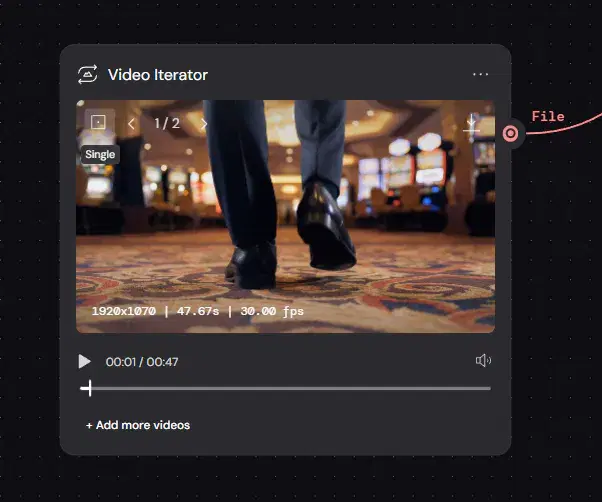
Overview
Reference documentation for Gemini Omni 1.1 Flash Extend in FluxoKit, including examples, inputs, limits, and supported capabilities. Editing, upscaling, and transformation models for video.
Capabilities
Output type
Video
Audio support
Yes
Source media input
Yes
Reference images
Yes
Reference videos
Yes
First-frame input
No
Last-frame input
No
Limits
Max reference images
6
Max reference videos
3
Supported resolutions
360p, 720p, 1080p, 4k
Uploaded video unavailable in (countries and regions)
EEA, CH, UK
Parameters and inputs
Each field below shows what the model accepts and the limits to apply.
Parameters
Aspect Ratio
aspect_ratio
- Required
- No
- Default
- 16:9
Options
- 16:9 (16:9)
- 9:16 (9:16)
Prompt
prompt
- Required
- Yes
- Default
- Not set
Reference Images
reference_images
- Required
- No
- Default
- Not set
- Accepts
- image/jpeg,image/png,image/webp
Reference Videos
reference_videos
- Required
- No
- Default
- Not set
- Accepts
- video/mp4,video/webm,video/quicktime
Resolution
resolution
- Required
- No
- Default
- 720p
Options
- 360p (360p)
- 720p (720p)
- 1080p (1080p)
- 4k (4k)
Video
video
- Required
- No
- Default
- Not set
- Accepts
- video/mp4,video/webm,video/quicktime
Start creating
Run Gemini Omni 1.1 Flash Extend in your browser. No API key, no provider account.
One studio with more than 100 AI models. Generate, edit, and upscale in the same canvas.
- More than 14,000 generations delivered
- Your first paid subscription includes a 30-day satisfaction guarantee, subject to the Refund Policy.
- New purchases temporarily paused; existing purchased rights unchanged
Plans from
$14/30 days
New purchases are temporarily paused