
AI Thumbnail Maker
The thumbnail decides the click. Generate reaction faces, bold hook text, and appetite shots — composed for CTR, not stock templates.
The 17 models on this page are already included, with no separate subscription per tool. 14,500+ real generations already delivered on the platform. Updated
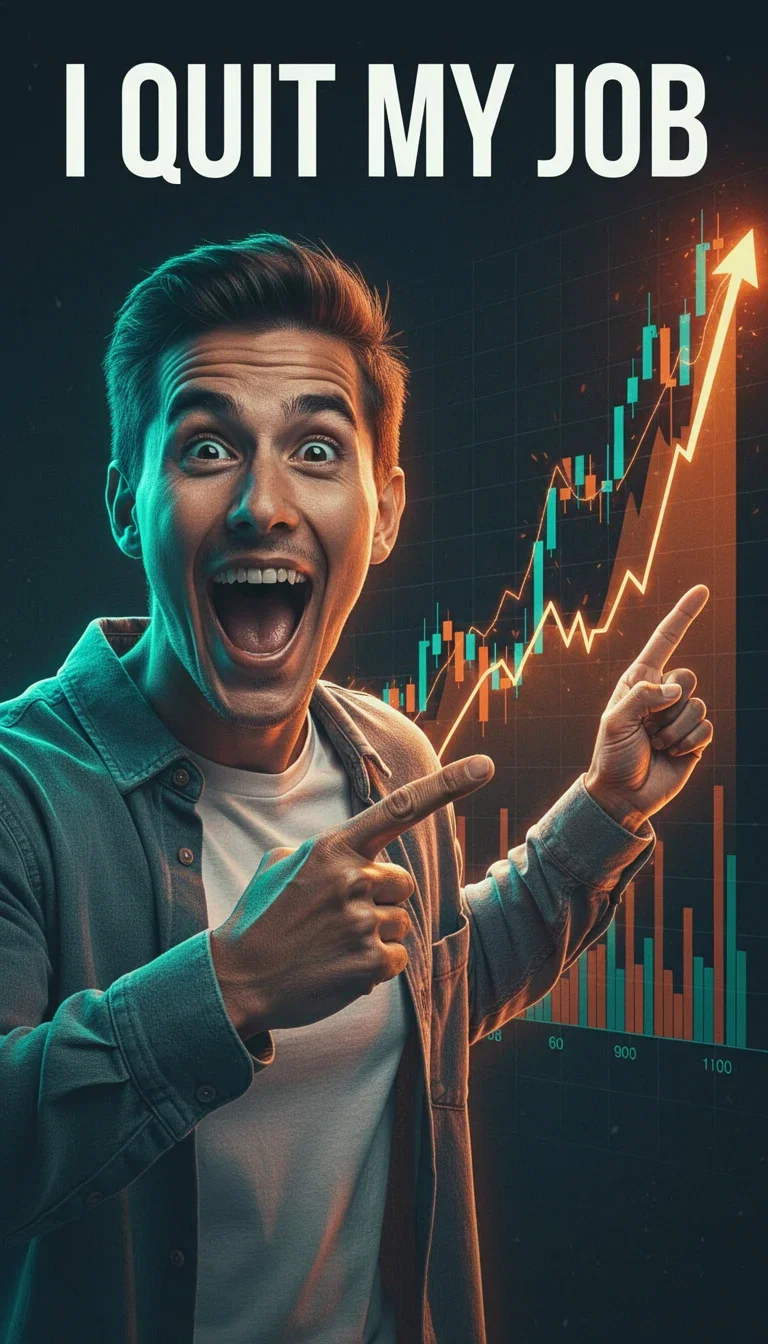
Story video
Reaction + bold claim
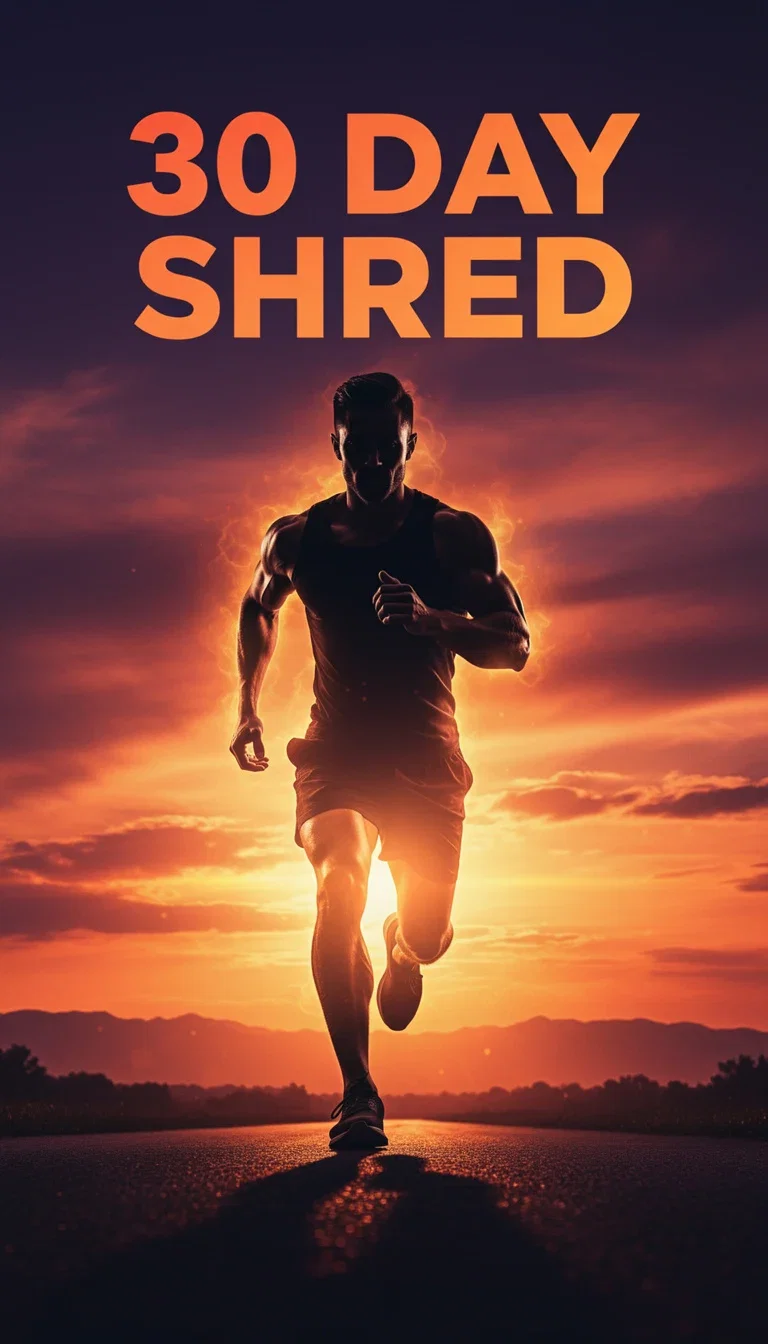
Fitness
Silhouette + challenge
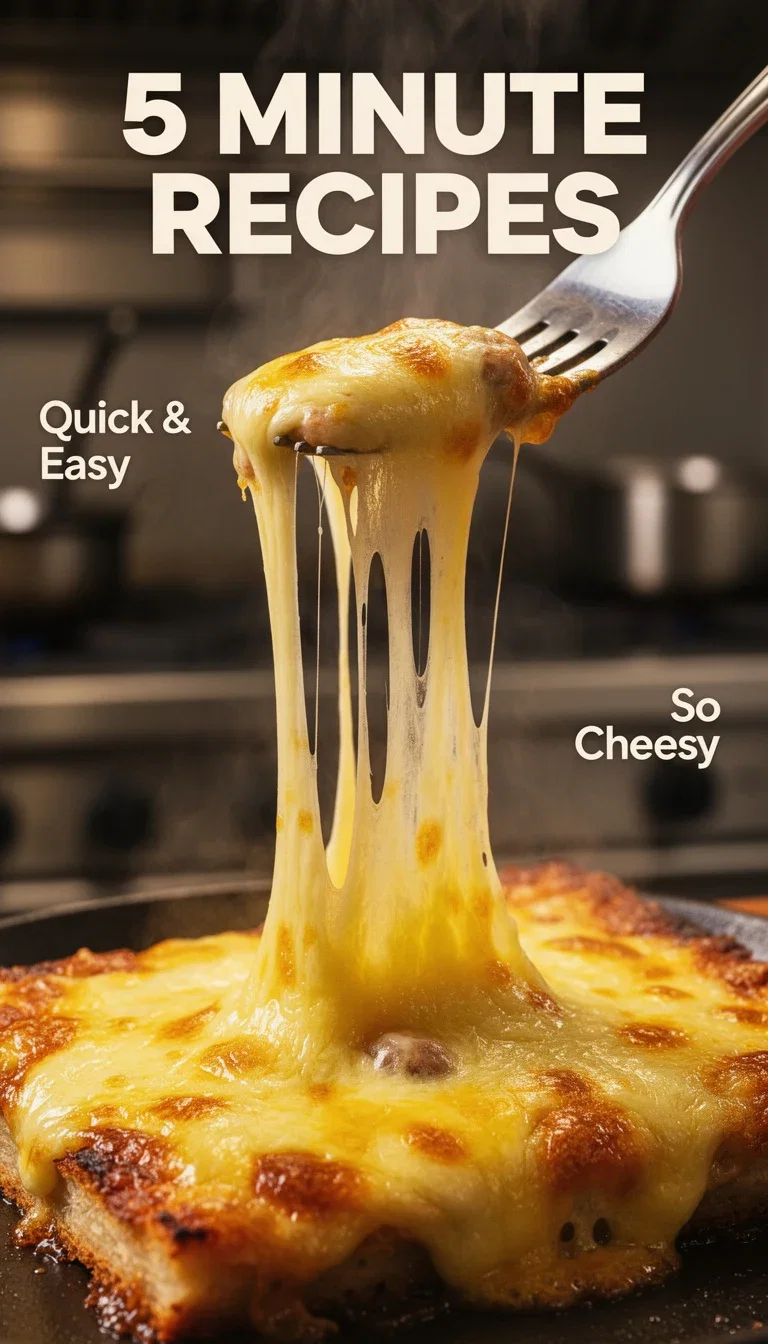
Food
Appetite close-up
CTR has a visual grammar
Expressive face, three-to-five-word claim, one high-contrast focal point — the thumbnails that win clicks share a grammar.
The engines compose that grammar on demand: the pointing reaction, the impact text, the saturated palette.
Every frame on this page is that grammar executed in one generation.
Story video
Reaction + bold claim
Hook, face, focal point
Powered by the FLUX typography lane, GPT Image 2, and Grok engines.
The hook text
Three to five words, spelled exactly — it renders as written.
The subject
Reaction face, silhouette, product close-up, or scene.
The niche style
Tech, fitness, food, finance — each has its own palette and energy.
Story
Reaction

Tutorial
Banner text
Fitness
Silhouette
Food
Close-up
Text that reads at 120 pixels
Thumbnails live tiny — in a sidebar, on a phone, in a crowded feed.
The typography-capable engines render short hook text bold and legible at feed size, banner strips included.
Write the hook in the prompt and it lands on the image, kerned and readable.
Tutorial
Promise on a banner strip
Test thumbnails like ads
The best channels treat thumbnails as an A/B surface — same video, competing frames, CTR decides.
Generate five candidates per upload in the time a template tool takes to open.
Swap the text, the face, or the palette independently and re-render.
Fitness
Silhouette + challenge
FluxoKit by the numbers
127+
AI models in one canvas
4
niche styles on this page
14,500+
real generations delivered
Real thumbnails, generated on FluxoKit
Four niches, four hooks — every frame composed and typeset in a single generation.
Appetite shot
Cheese pull + hook
Promise banner
Tutorial style
Reaction frame
Story style
How to make thumbnails with AI
Write the hook
Three to five words that earn the click. The engine renders the text exactly as written.
Compose the frame
Name the subject, the emotion, and the focal point. High contrast and one idea per frame.
Generate candidates
Five variants per upload, judged at feed size. Let CTR pick the winner and bank what worked.
A thumbnail is most of the click on YouTube. The right AI thumbnail maker turns one hook into ten variations in minutes, not days. FluxoKit puts GPT Image 2, Nano Banana Pro 2, and Flux 2 Pro on the same canvas so you choose by job, not by app name.
Direct Answer
Use FluxoKit when you need a thumbnail that ships to YouTube, Shorts, Reels, or TikTok and has to earn the click. The canvas keeps prompt, model, variations, and edits in one place, which matters when you publish daily or run multiple channels.
The mistake is to pick one generator for every thumbnail. Choose by the dominant element:
- GPT Image 2 for thumbnails that need on-image text, big numbers, or a clear callout.
- Nano Banana Pro 2 for photorealistic faces and real human expressions.
- Flux 2 Pro for stylized composition, cinematic detail, and dramatic visuals.
How to Use It in FluxoKit
- Define the video hook, tone, and audience.
- Pick the model by the dominant element: text, face, or stylized composition.
- Write a prompt with subject, expression, surprise element, on-image text, background color, and framing.
- Set the aspect ratio for the destination platform.
- Generate five to ten variations and ship the top three to a thumbnail test.
Anatomy of a Winning Thumbnail
Four elements drive clicks in 2026:
- Human face with strong emotion: curiosity, surprise, shock, or discovery. The algorithm rewards faces with direct eye contact.
- High-contrast background: red on black, yellow on dark blue, cyan on purple. The brain reads contrast in half a second.
- Short, readable text: three to five words in a bold sans-serif that survives mobile. GPT Image 2 handles this well.
- One surprising visual: an object out of context, an arrow, a number, or a gesture that makes the brain finish the story.
Use Cases
- Daily YouTube channel: five thumbnails per video in minutes, A/B test the top three.
- Weekly Reels for coaches: four to eight thumbnails per week without a dedicated designer.
- Course launch sequence: thumbnail variations for every warm-up asset.
- Channel management agency: 50 to 100 thumbnails per month across clients with healthy margin.
- Ecommerce product reels: every product cover becomes a thumbnail in seconds.
- Podcast episode covers: episode art generated from the brief, no freelance designer required.
Writing a Better Thumbnail Prompt
A strong prompt has five blocks: subject and expression, surprise element, on-image text, background color, and framing. Instead of "make a thumbnail that pops," write what has to appear, who the audience is, what feeling the asset should trigger, what destination it serves, and what cannot change.
A practical example: "Brazilian man around 30, shocked expression, holding a phone, headline 100K in 30 days at the top in bold sans-serif, red-to-black gradient background, chest-up framing, cinematic MrBeast style, 16:9."
Where FluxoKit Beats Standalone Tools
A single thumbnail tool forces you into one aesthetic. FluxoKit lets you switch between text-strong, face-strong, and style-strong engines without rebuilding the brief. The same canvas also takes the winning thumbnail into editing, into a video cover, or into a paid ad creative.
Related Next Steps
How to Choose
- Separate text-led, face-led, and style-led thumbnails before choosing a model.
- Plan five to ten variations for any video that matters, then let platform testing pick.
- Move the reader to the related image, video, or ad workflow when the next intent really changes.
Why creators make thumbnails on FluxoKit
One canvas replaces the template tool and the freelance queue.
CTR grammar built in
Reaction faces, impact text, and focal contrast composed on demand.
Legible at feed size
Hook text renders bold and readable at 120 pixels wide.
Candidates at volume
Five thumbnails per upload instead of one compromise.
Every niche style
Tech, fitness, food, story — each with its native palette and energy.
One plan, monthly credits
A month of uploads costs credits, not a designer retainer.
First-subscription guarantee
Test real thumbnails for a month. Refund requests are governed by the first-subscription guarantee and Refund Policy.
17 models available in the canvas
Every model below is live in the FluxoKit studio. Each link opens its technical page with parameters, limits, and real generation examples.
- 01

GPT Image-1
OpenAI · Image generation
- 02
GPT Image-1.5
OpenAI · Image generation
- 03
GPT Image-2
OpenAI · Image generation
- 04
GPT Image 2.5 Sunburst
OpenAI · Image generation
- 05

Grok Image 2
xAI · Image generation
- 06
Grok Imagine Image
xAI · Image generation
- 07

Higgsfield Soul
Higgsfield AI · Image generation
- 08

Seedream 5.0
ByteDance · Image generation
- 09
Seedream 5.0 Pro
ByteDance · Image generation
- 10

FLUX.2 Klein 9B
Black Forest Labs · Image generation
- 11

Nano Banana Pro (Gemini 3.0)
Google AI · Image generation
- 12
Nano Banana Pro 2 (Gemini 3.1)
Google AI · Image generation
- 13

QWEN Image 2.0 Pro
Alibaba Cloud · Image generation
- 14
Z-Image Turbo
Alibaba Cloud · Image generation
- 15

Image Z-Turbo LoRA
AIML API · Image generation
- 16

Kora Pro
Kora · Image generation
- 17

MiniMax Image-01
MiniMax · Image generation
Frequently asked questions
What is the best AI thumbnail maker for YouTube in 2026?
GPT Image 2 leads because it handles on-image text well: CTAs, big numbers, and a single headline keyword. Nano Banana Pro 2 leads on photorealistic faces. Flux 2 Pro leads on stylized composition and cinematic detail. For a premium thumbnail, run all three in parallel on FluxoKit and pick the winner.
How do I design a thumbnail that gets a high CTR?
Four elements consistently win. A human face with a strong emotion, a high-contrast background, three to five large words that read on mobile, and one surprising visual element that creates curiosity. Build the brief around those four, then test variations.
How much does a thumbnail cost in FluxoKit?
You pay cents per generation inside one plan, with a 30-day satisfaction guarantee on your first paid subscription, subject to the Refund Policy. A batch of ten variations for A/B testing stays low cost, which is hard to match when you compare it to a freelance designer or a monthly visual retainer.
Which aspect ratio should I use per platform?
Use 16:9 for YouTube, 9:16 for Reels, TikTok, and Shorts, 16:9 or 1200x630 for Facebook, and 1.91:1 for LinkedIn. Set the ratio before generating so the model composes for the destination.
Can I run A/B tests with several thumbnails?
Yes. For each important video, generate five to ten variations with different visual hooks, then upload them all and let the platform pick the winner through built-in thumbnail testing.
Next step
Access 127 AIs in one canvas, without subscribing to each one.
One plan, monthly credits, five candidates per upload. Make your next click-winner today.
Ready when you are
Make your first thumbnail in seconds
Hook text, reaction faces, feed-ready contrast — one canvas, one plan, backed by a 30-day first-subscription satisfaction guarantee, subject to the Refund Policy.