
AI Face Swap
Swap a face into any photo — pose, light, and skin tone blended by the edit engines: Nano Banana Pro, GPT Image 2 Edit, and FLUX Kontext on one canvas.
The 25 models on this page are already included, with no separate subscription per tool. 14,500+ real generations already delivered on the platform. Updated

The original
Scene going in
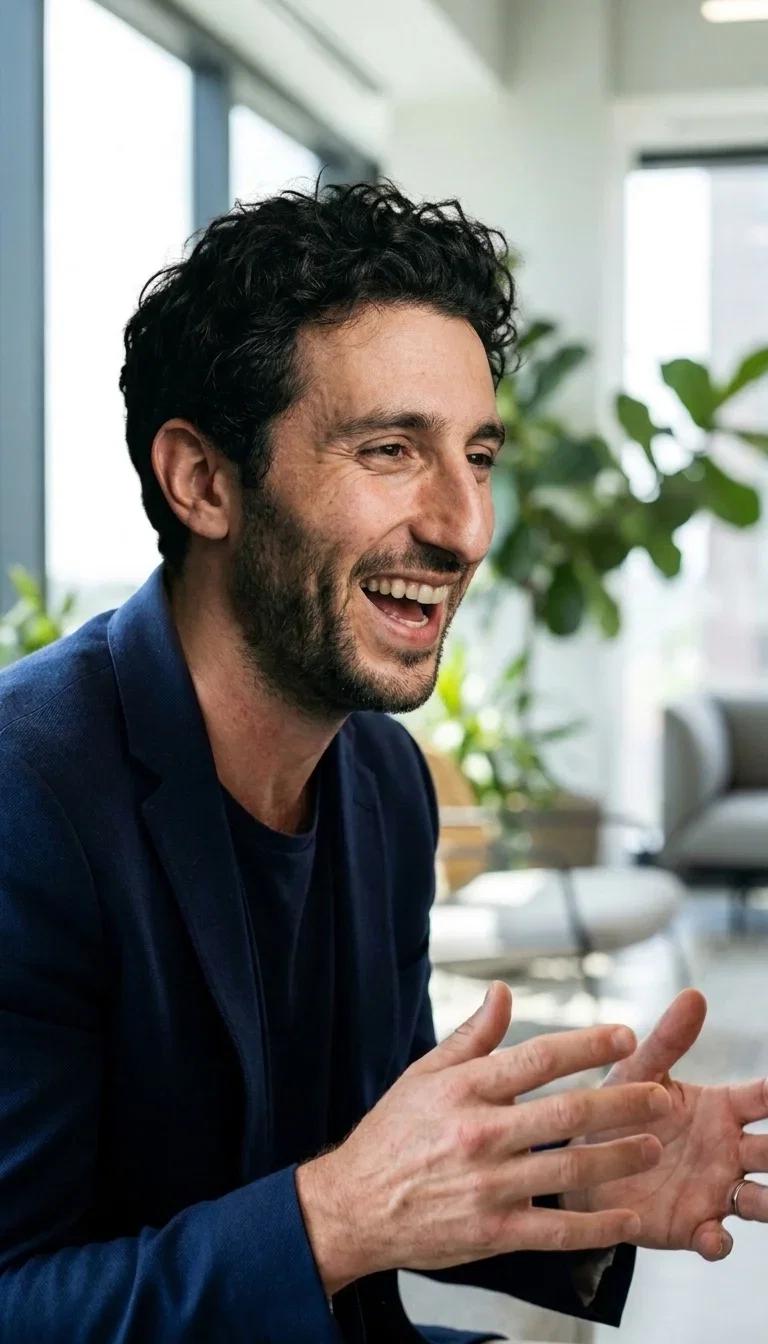
The result
Same scene, new face
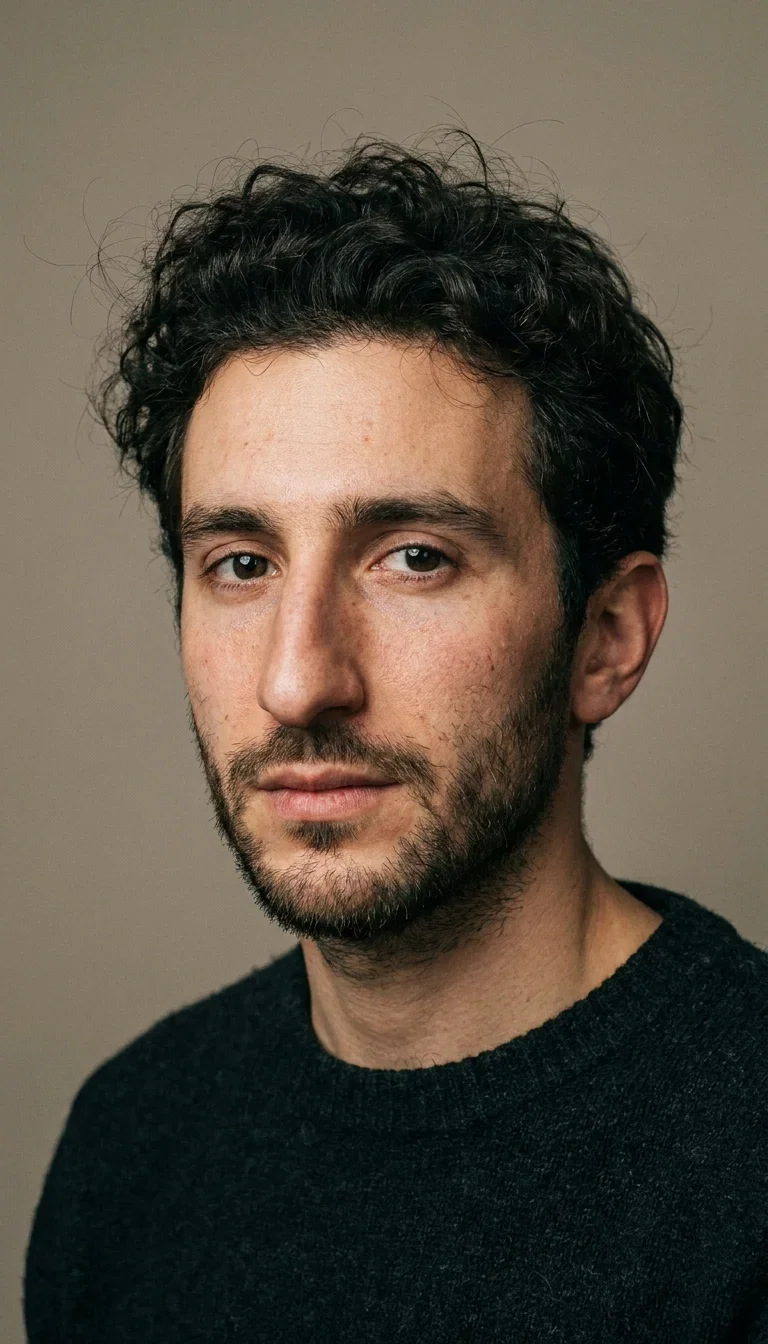
The new face
Reference portrait
Scene in, face in, photo out
A face swap is three inputs: the scene you keep, the face you want, and one instruction.
The strip here is a real run — original trail photo, reference portrait, finished result — pose, jacket, fog, and laugh untouched.
The engines rebuild the face at the boundary, so hairlines and skin tone blend instead of pasting.
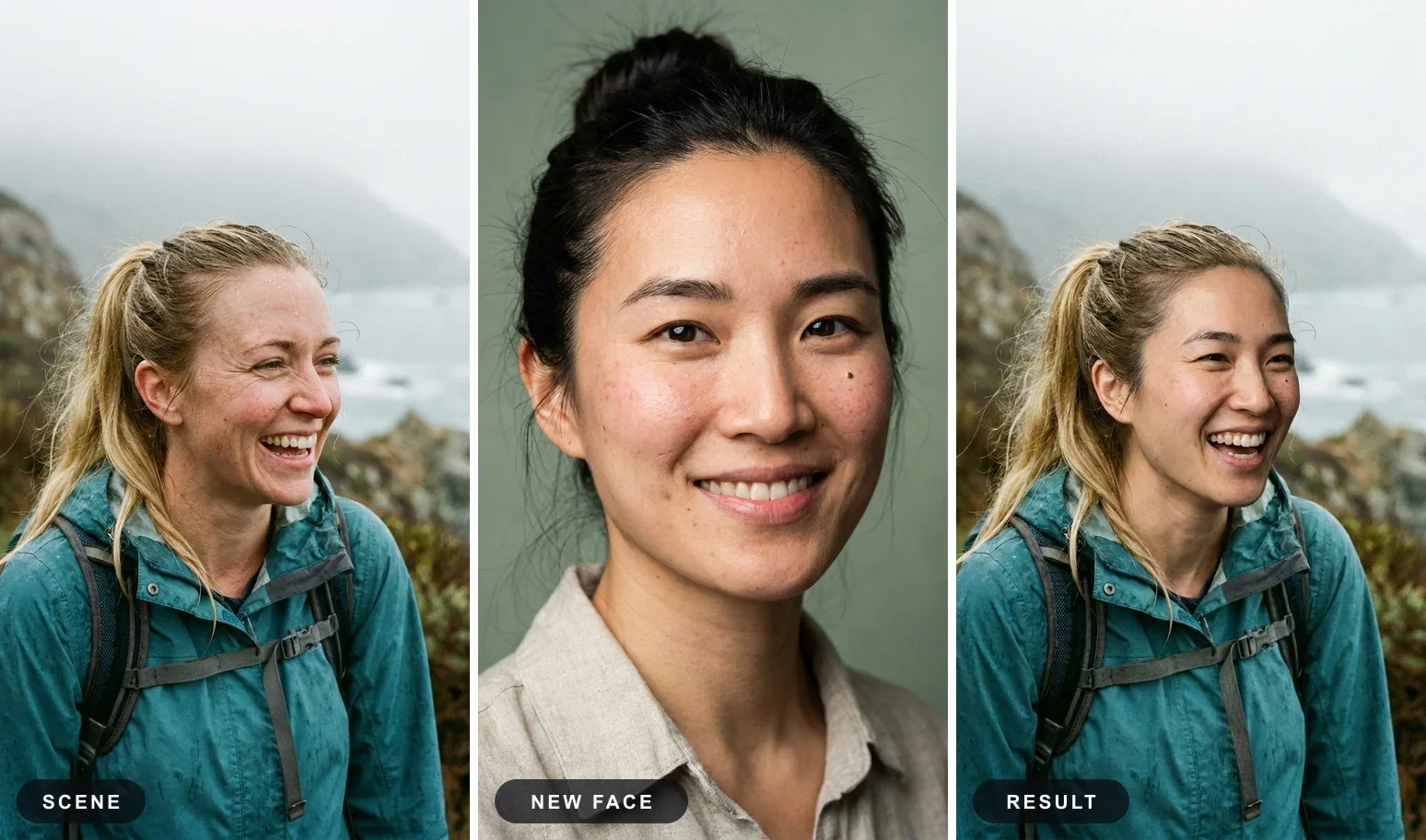
Scene · face · result
One instruction
Three ways to run a face swap
Powered by Nano Banana Pro, GPT Image 2 Edit, and FLUX Kontext editing engines on the FluxoKit canvas.
Photo + reference
Upload the scene and the face, say swap. The engines blend pose, tone, and light in one pass.
Face + description
Keep the face, describe a new world — the consistency pair on this page came from one portrait and two sentences.
Swap, then animate
Send the swapped photo into image-to-video and the identity walks, talks, and moves in the new scene.
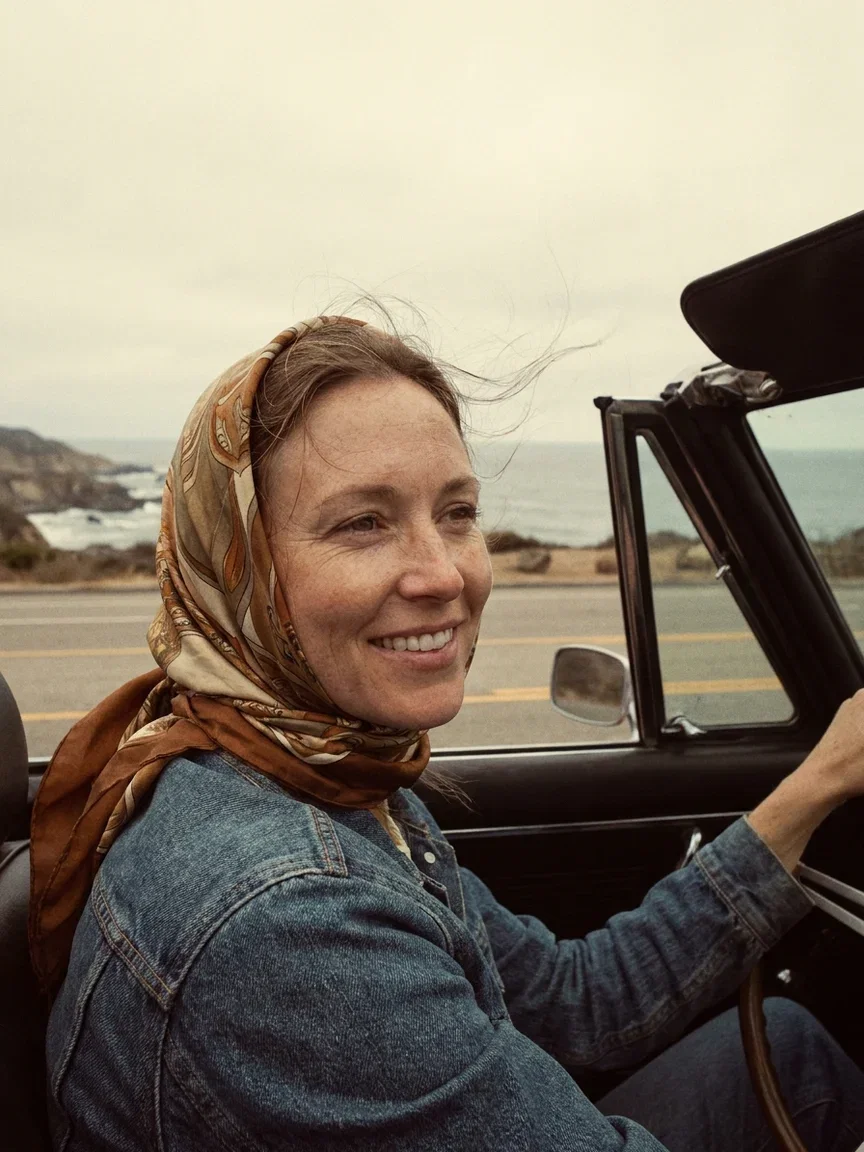
Film era
1970s convertible
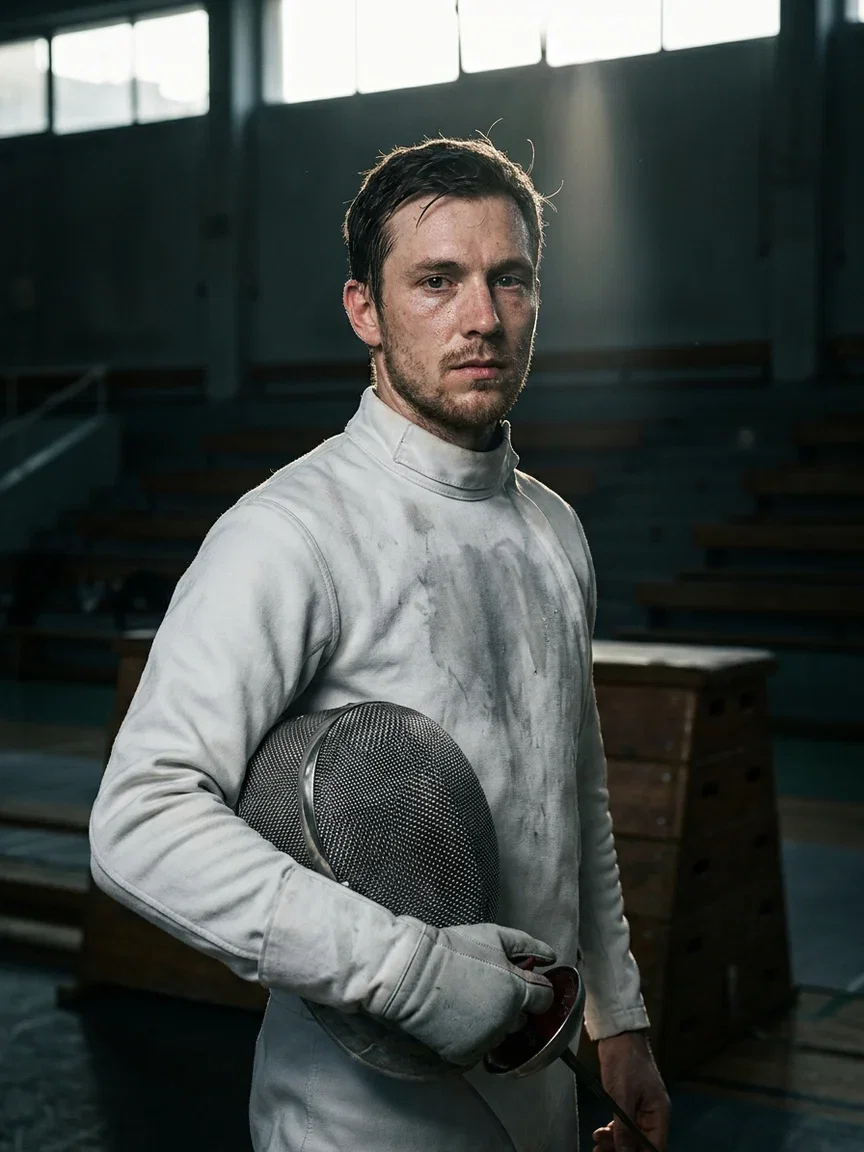
Sports
Post-match editorial
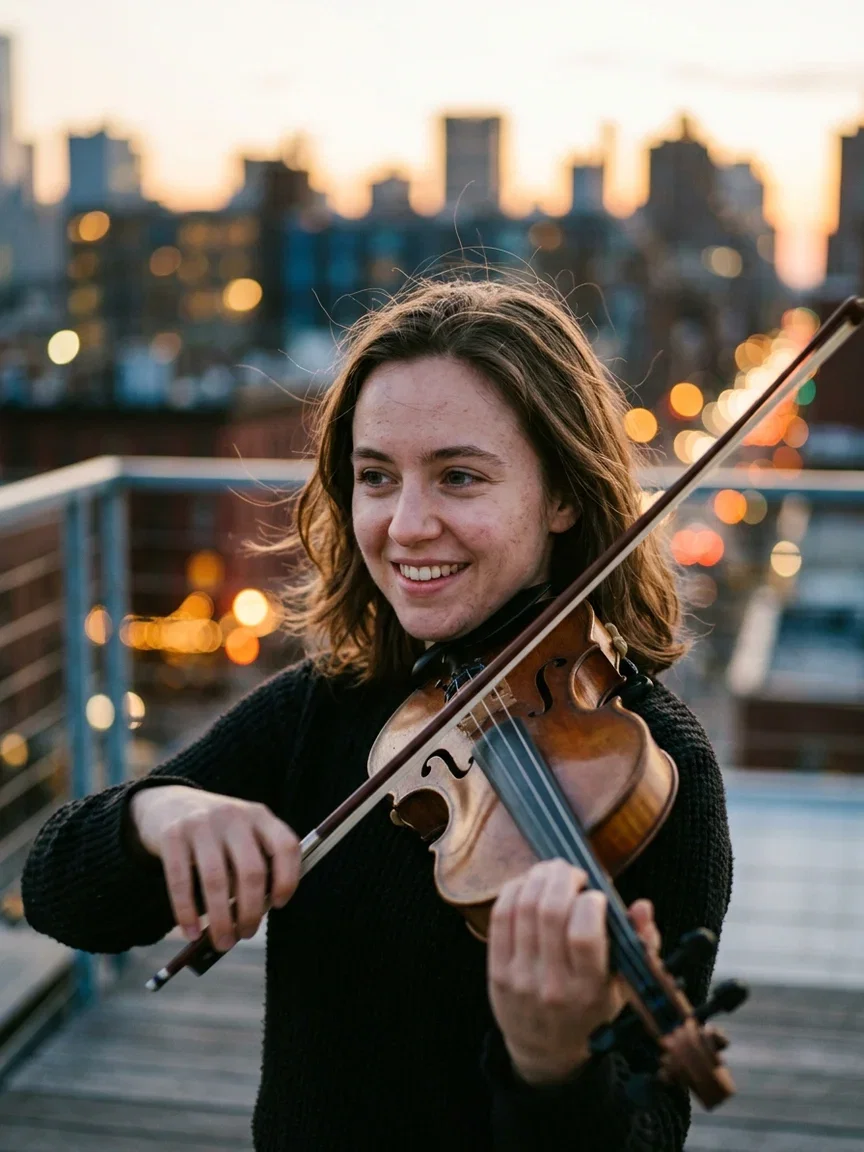
Music
Rooftop dusk

Craft
Bakery dawn
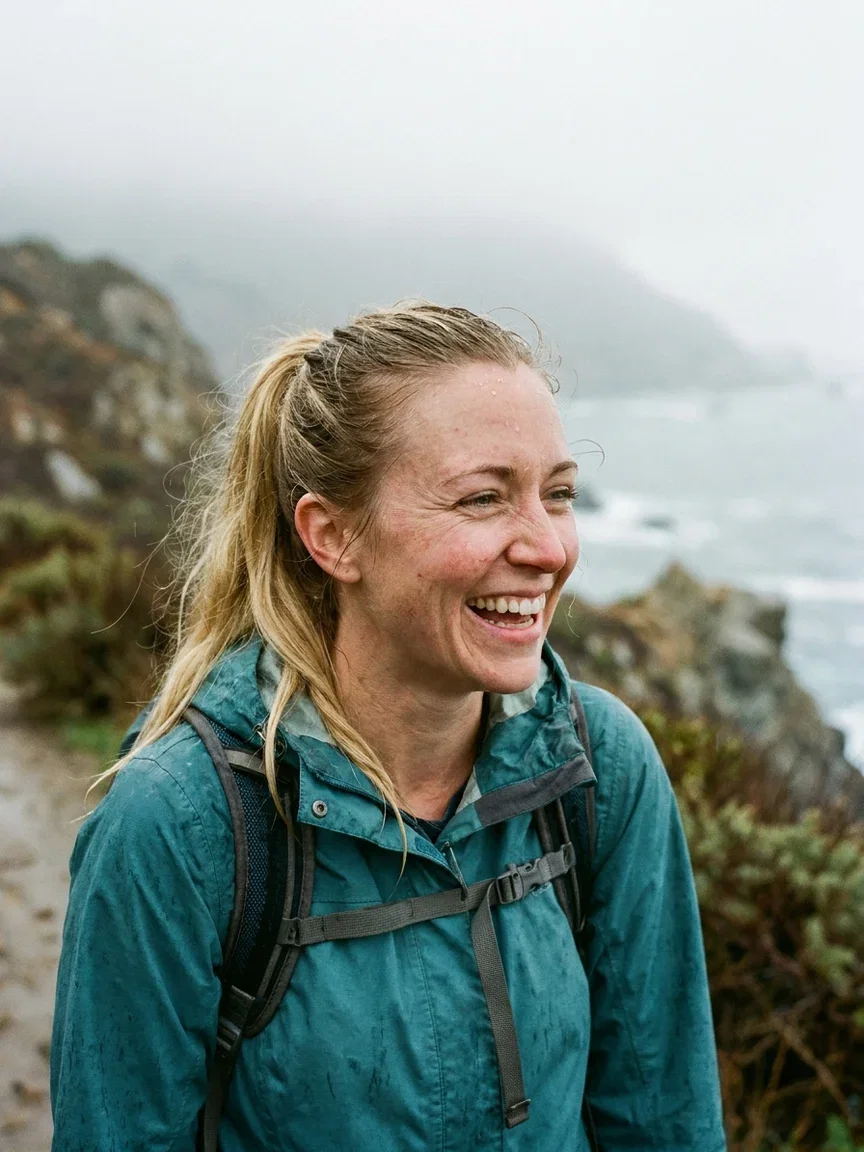
Outdoors
The trail scene
The same face, wherever you need it
One reference portrait can carry a whole campaign: the same identity behind the espresso bar and on the keynote stage.
That consistency is what UGC-style ads and persona-led brands actually need from a swap tool.
Both frames here came from the same reference photo you can see in the hero.
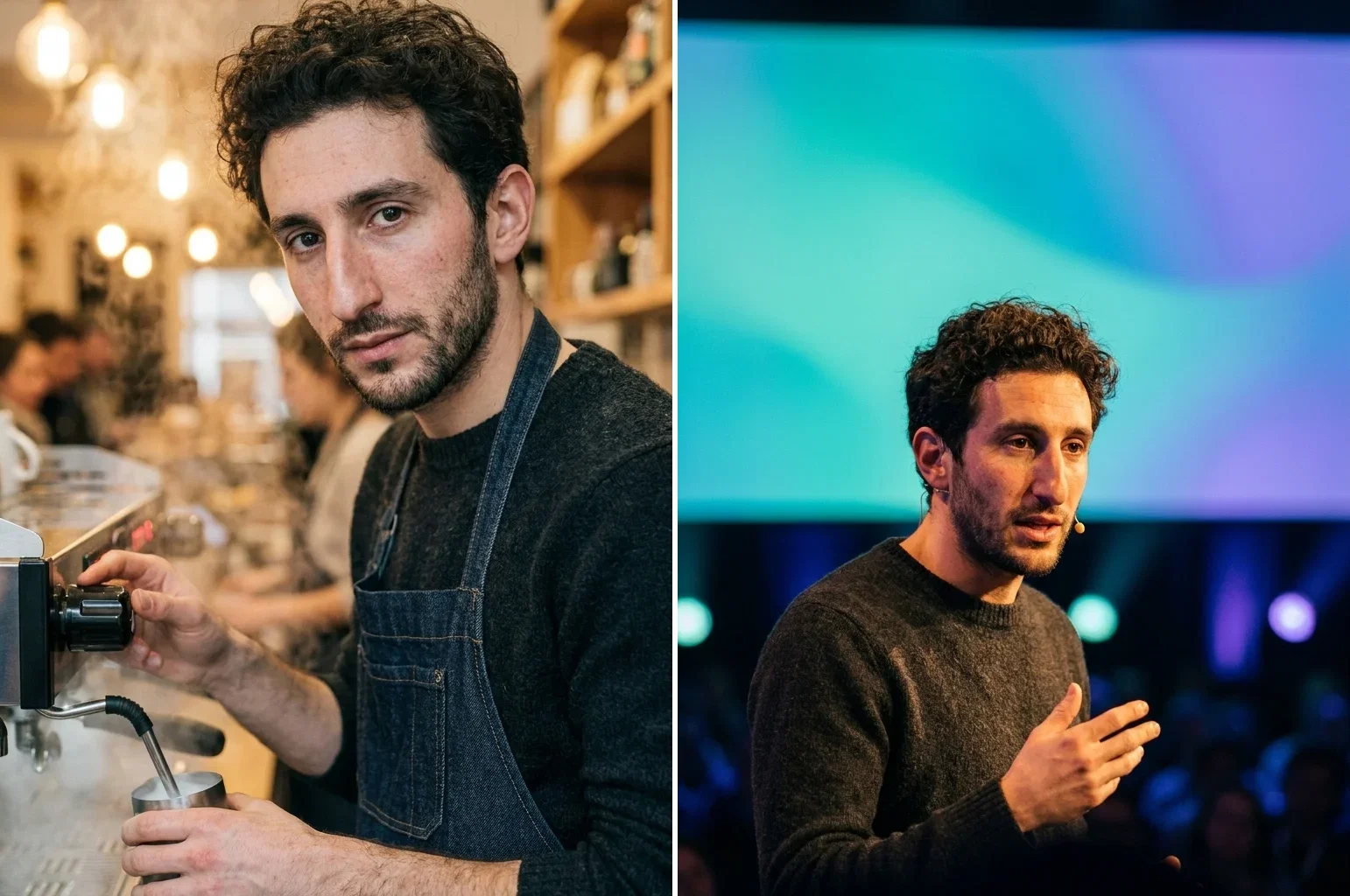
Same face, two scenes
Identity held
Light and tone, matched not pasted
The tell of a cheap swap is the face that floats — wrong white balance, wrong grain, wrong shadows.
Full frame, the trail result keeps the fog's soft light on the new skin, and the freckles survive at native resolution.
That is the difference between an edit engine and a sticker tool.
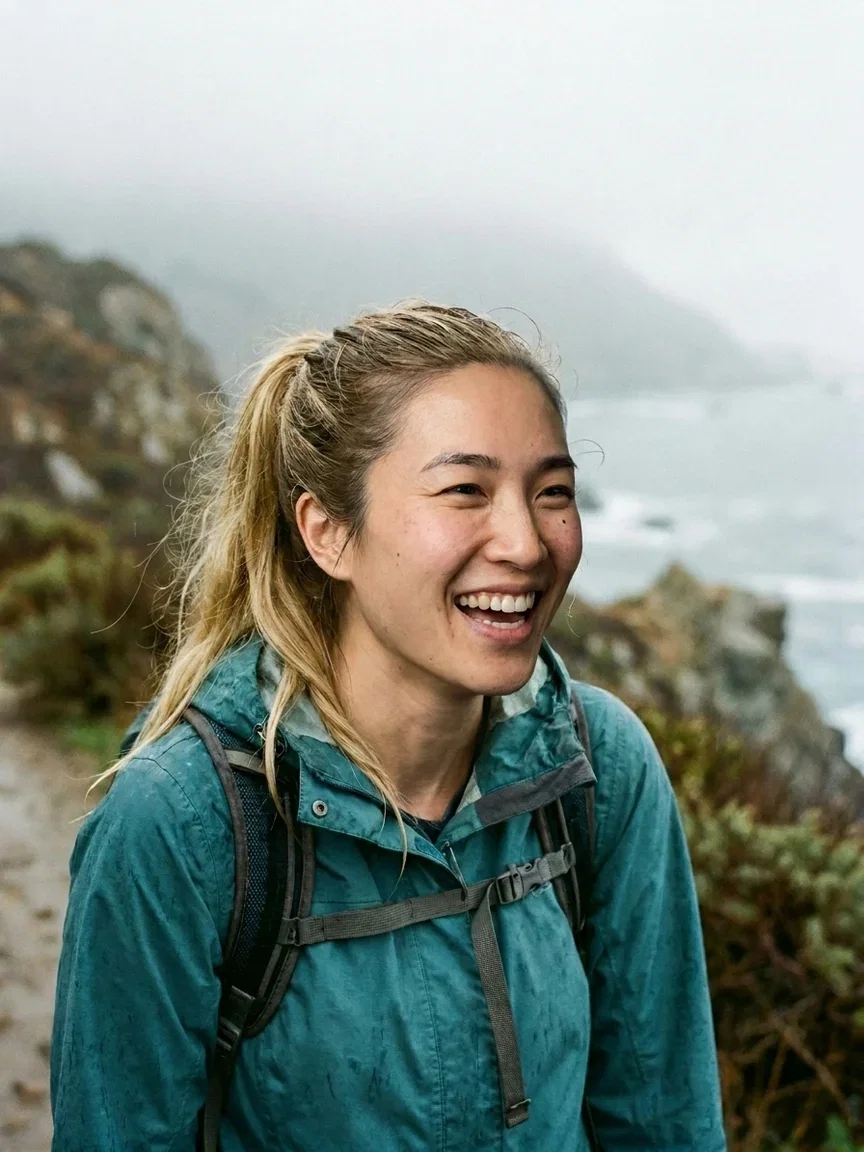
Light matched
The strip's result, full frame
One canvas, every engine
135+
AI models in one canvas
3
edit engines that run swaps
14,500+
real generations delivered
Real swaps and their ingredients
Full frames from this page's runs — the consistency test up close, and the reference that powered the trail swap.
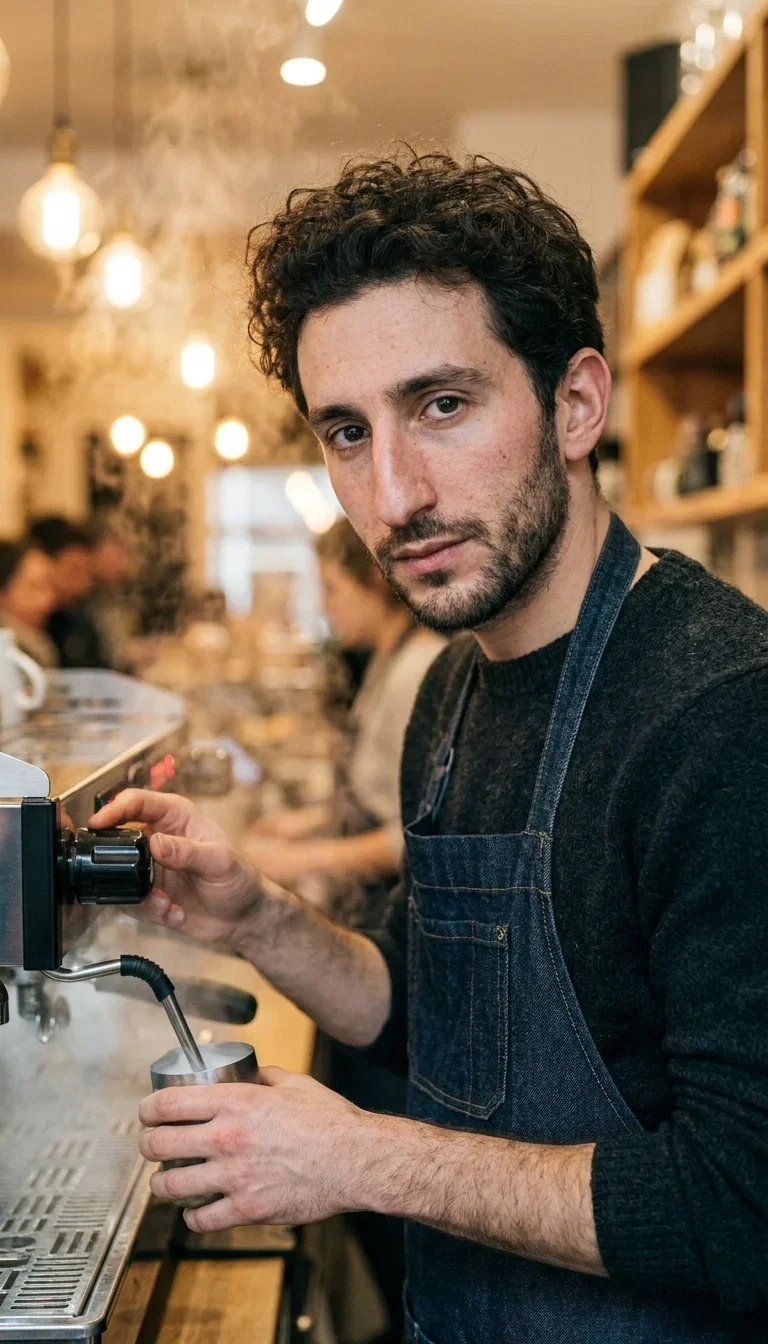
Cafe world
Consistency, full frame
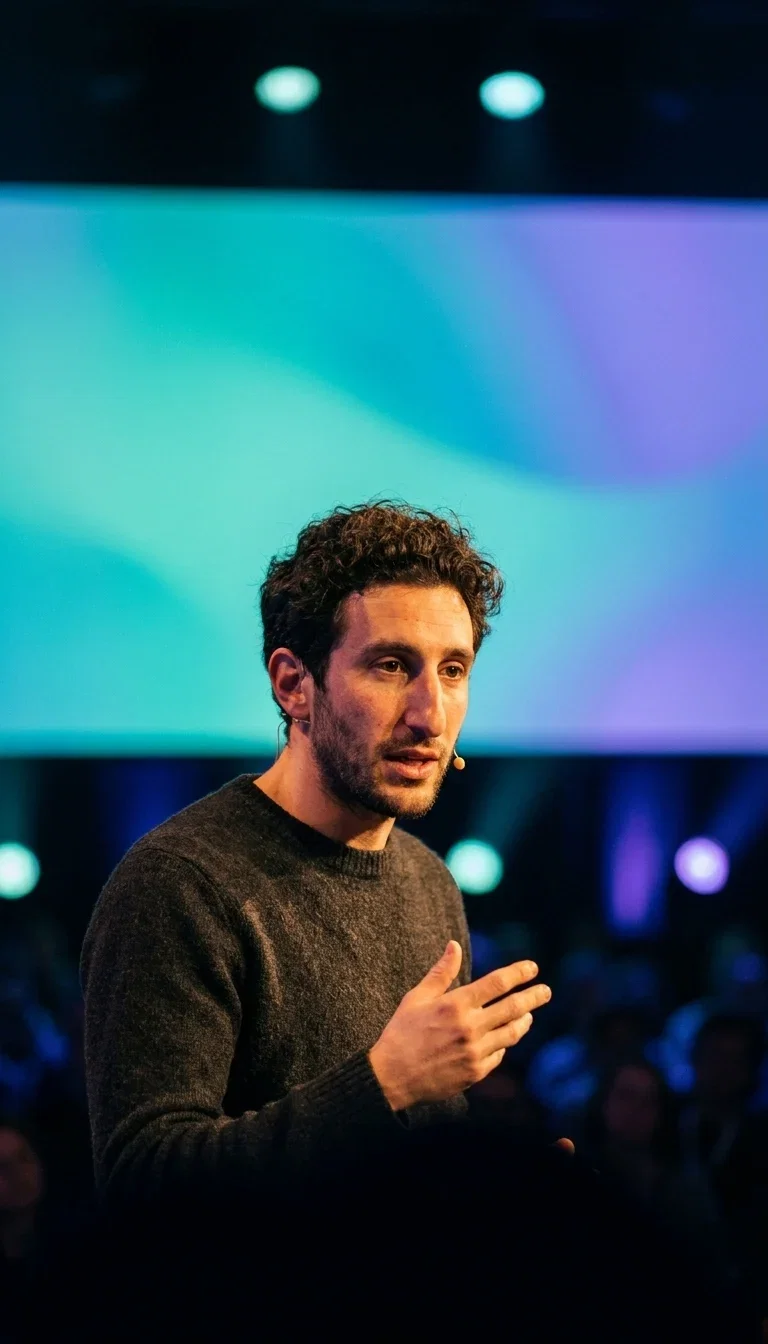
Stage world
Consistency, full frame
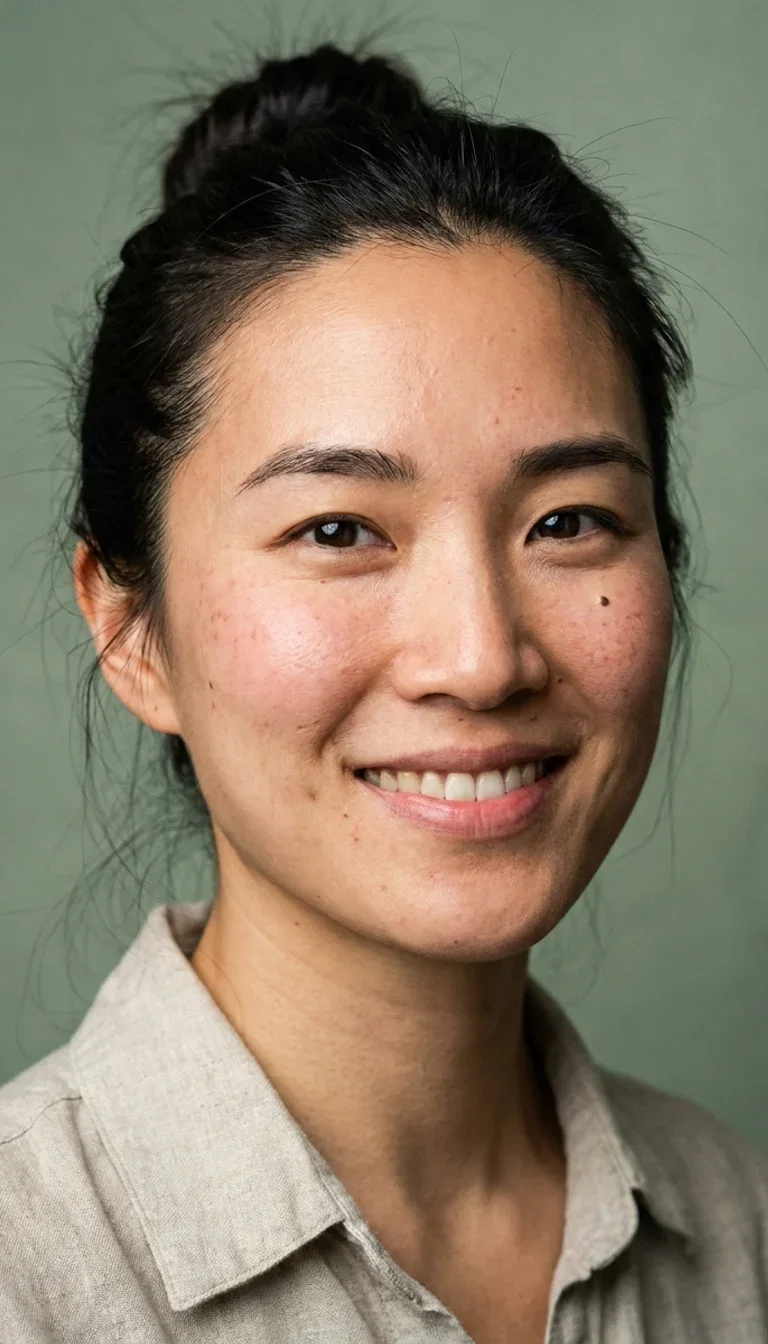
The reference
What you provide
How to face swap on FluxoKit
Upload scene + face
The photo you keep and the face you want. Clear, front-lit references blend best.
Say swap
One instruction. Pick Nano Banana Pro for photoreal blends or GPT Image 2 Edit for stylized work.
Check and continue
Zoom the hairline and skin tone, rerun if needed, then animate or export.
An AI face swap done right is an editing job: the face is rebuilt into the scene's pose, light, and grain — not pasted over it. FluxoKit runs the three edit engines that do this honestly — Nano Banana Pro, GPT Image 2 Edit, and FLUX Kontext — on one canvas, with a path from swapped photo to moving video. The hero above is a real run: original, reference, result.
When people search for ai face swap, they either want a quick swap that does not look pasted, or a consistent persona for content at volume. This page shows both, live.
Direct Answer
Use an edit-engine face swap when the result has to survive scrutiny: matched white balance, believable hairline, skin that keeps its texture. Use FluxoKit when you want to compare the three best engines on the same swap and then take the winner into video — one canvas, no export chain.
Pick by job:
- Nano Banana Pro — photoreal blends, light matching, skin texture that holds.
- GPT Image 2 Edit — multi-step instructions and stylized worlds.
- FLUX Kontext — photo-faithful edits that preserve everything you did not mention.
What Makes a Swap Look Real
Three things: boundary blending (hairlines and jawlines rebuilt, not cut), light matching (the new skin takes the scene's color and softness), and texture survival (pores and freckles at native resolution instead of an airbrushed oval). The full-frame trail result above is the test — fog-soft light on new skin, freckles intact.
How to Face Swap on FluxoKit
- Upload the scene you keep and the face you want.
- Give one instruction — swap the face, keep everything else identical.
- Compare the blend across Nano Banana Pro, GPT Image 2 Edit, and FLUX Kontext.
- Zoom the hairline and skin tone; rerun if anything floats.
- Animate the result with the image-to-video engines, or export.
The Campaign Use Case
One consented face, many placements: the consistency pair on this page came from a single reference portrait and two sentences. That is the mechanism behind persona-led ads and UGC-style content at volume — the same trustworthy face in the cafe, on the stage, in the unboxing.
Related workflows
- AI Photo Editor — instruction-based editing across engines.
- Image to Video AI — make the swapped photo move.
- Face swap model reference — engines, specs, and notes.
Why face swap on FluxoKit
Swaps are an editing problem. FluxoKit gives you the three best edit engines and the workflow around them.
Engines, not stickers
The face is rebuilt into the scene's light and grain — not pasted over it.
Identity that holds
One reference carries across scenes and formats, which is what campaigns actually need.
Photo to video
A swapped photo becomes a moving take with the i2v engines on the same canvas.
Three engines to compare
Run the same swap on Nano Banana Pro, GPT Image 2 Edit, and FLUX Kontext, keep the cleanest blend.
Consent-first
Built for your face, your team, and faces you have permission to use — not for impersonation.
30-day guarantee
Edit real work for 30 days. Refund requests are governed by the first-subscription guarantee and Refund Policy.
25 models available in the canvas
Every model below is live in the FluxoKit studio. Each link opens its technical page with parameters, limits, and real generation examples.
- 01

Flux 2 Pro
Black Forest Labs · Image editing
- 02
Flux 2 Flex
Black Forest Labs · Image editing
- 03
Flux Kontext
Black Forest Labs · Image editing
- 04

Seedream 5.0 Edit
ByteDance · Image editing
- 05
Seedream 5.0 Pro Edit
ByteDance · Image editing
- 06
Seedream 5.0 Pro Reference
ByteDance · Image editing
- 07

GPT Image-1 Edit
OpenAI · Image editing
- 08
GPT Image-1.5 Edit
OpenAI · Image editing
- 09
GPT Image-2 Edit
OpenAI · Image editing
- 10
GPT Image 2.5 Sunburst Edit
OpenAI · Image editing
- 11

Grok Image 2 Edit
xAI · Image editing
- 12
Grok Image Edit
xAI · Image editing
- 13

QWEN Image Editor Plus
Alibaba Cloud · Image editing
- 14
QWEN Image Editor Max (New)
Alibaba Cloud · Image editing
- 15
QWEN Image Editor 2.0 Pro
Alibaba Cloud · Image editing
- 16

Nano Banana Pro Edit (Gemini 3.0)
Google AI · Image editing
- 17
Nano Banana Pro 2 Edit (Gemini 3.1)
Google AI · Image editing
- 18
Recraft Crisp Upscale
fal.ai · Image editing
- 19

Topaz Image Upscale
Topaz Labs · Image editing
- 20

MiniMax Image-01 Edit
MiniMax · Image editing
- 21
Flux 2 Pro Edit
Black Forest Labs · Image editing
- 22
Flux 2 Flex Edit
Black Forest Labs · Image editing
- 23
Flux 2 Klein 9B LoRA Edit
Black Forest Labs · Image editing
- 24
HY-WU Edit
HY-WU · Image editing
- 25
Flux Kontext Edit
Black Forest Labs · Image editing
Frequently asked questions
What is the best AI face swap?
The best face swaps come from full edit engines, not sticker tools: Nano Banana Pro for photoreal blends, GPT Image 2 Edit for multi-step instructions, and FLUX Kontext for photo-faithful preservation. They rebuild the face into the scene's light and grain instead of pasting it on top. FluxoKit runs all three on one canvas so you can compare blends.
How do I swap a face into a photo?
Upload two images — the scene you keep and the face you want — and give one instruction. The engine matches pose, skin tone, and lighting at the boundary. On FluxoKit the whole run takes one prompt, and the before, reference, and result on this page are a real example.
Can I keep the same face across many photos?
Yes — that is the campaign use case. One reference portrait can carry an identity across scenes: the consistency pair on this page shows the same face working in a cafe and speaking on a stage, generated from a single reference.
Can a face swap become a video?
Yes. Send the swapped photo into the image-to-video engines on the same canvas — Kling, Veo, or Sora — and the identity moves in the new scene. That is how UGC-style ads with a consistent persona get made.
Is face swapping legal and ethical?
Swapping is legitimate when you have rights to the face: your own, your team's, models you have hired, or people who consented. FluxoKit is built for those cases — creative production, not impersonation — and using someone's likeness without permission may be illegal where you operate.
Next step
Access 135 AIs in one canvas, without subscribing to each one.
Monthly credits with no separate subscription per model. New purchases are temporarily unavailable; contact support for billing help.
FACE SWAP ON FLUXOKIT
Run your first face swap
Three edit engines, honest blends, and a path from photo to video — one canvas, one plan.