
AI Social Media Content Generator
Posts, stories, and verticals for every niche — the 20-second creative on this page runs the same workflow across four product categories.
The 47 models on this page are already included, with no separate subscription per tool. 14,500+ real generations already delivered on the platform. Updated
Works on anything
Full 20s creative, generated
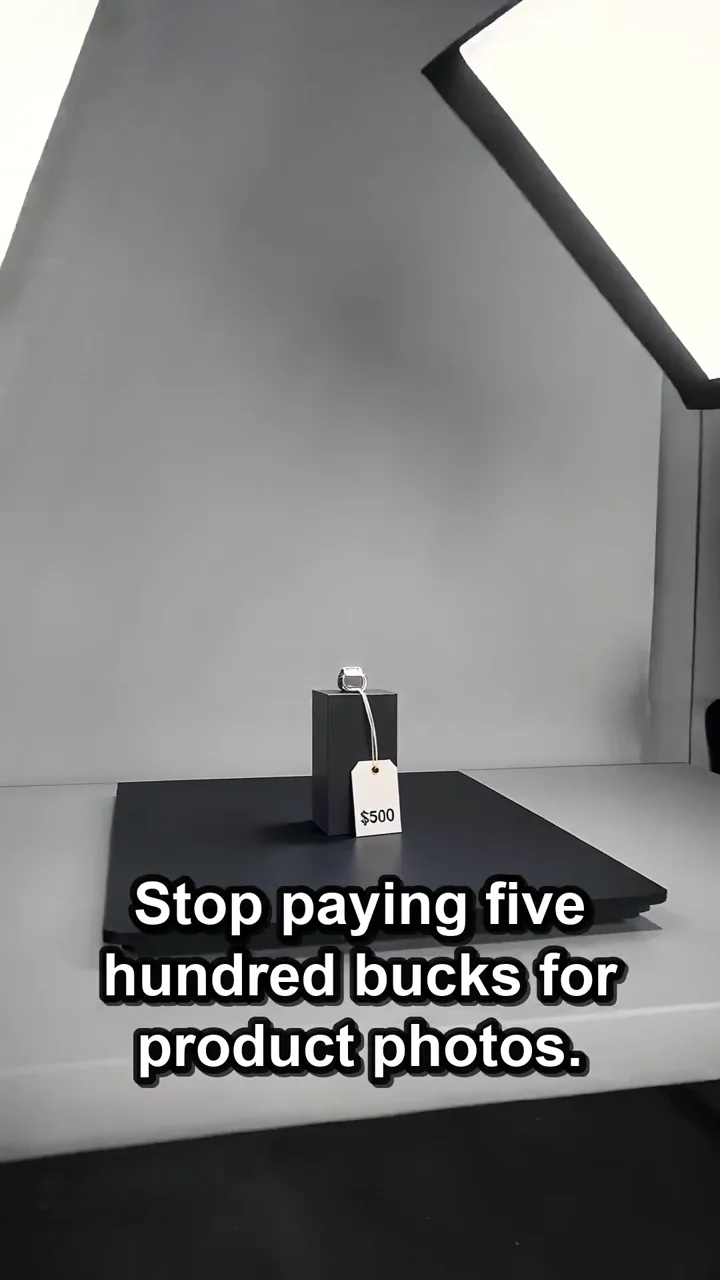
Product
Packaged goods beat

Food
Food-category beat
One workflow, every niche
The creative on this page makes the argument itself: product, food, fashion, spaces — the same generation workflow covers them all.
Social calendars die on sourcing; generation removes the sourcing.
Describe the post and the engine produces the asset, on-niche.
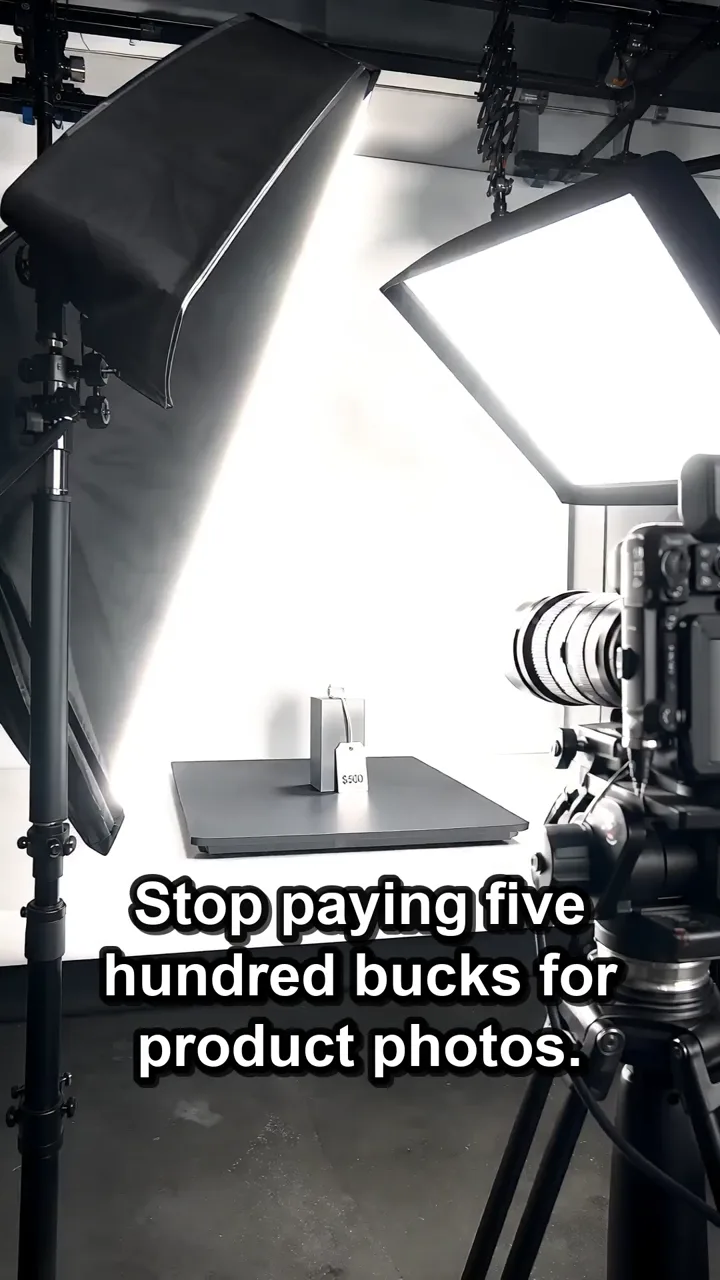
Works on anything
Full 20s creative, generated
A month of content, three inputs
Powered by image, video, and chat engines on one canvas.
The niche
Food, fashion, fitness, spaces — the engine renders on-brief.
The calendar
Thirty descriptions become thirty assets.
The formats
Square, vertical, and wide per placement.
Full creative
20s
Product
Category 1
Food
Category 2

Scene
Category 3
The calendar becomes a prompt list
A month of content is thirty descriptions, not thirty shoots.
Chat models draft the copy, image engines render the visuals, video engines cut the verticals — one canvas.
Batch Monday's posts on Sunday night.
Food
Food-category beat
Platform-native by construction
Square for feed, vertical for stories and reels, wide for covers — sized at generation time.
The same concept re-renders per placement instead of being cropped into compromise.
Captions and hooks come from the chat models beside the engines.
Scene
Lifestyle beat
FluxoKit by the numbers
127+
AI models in one canvas
4
categories in one creative
14,500+
real generations delivered
Real social content, generated on FluxoKit
Category beats from this page's creative, plus a talking-head world from the same brief.
Works on anything
Full 20s creative, generated

Talking beat
Podcast style
Product beat
Packaged goods
How to generate social content with AI
Plan the calendar
A chat model turns your niche and goals into thirty post concepts.
Generate per post
Each concept renders as image or vertical video in the platform's size.
Batch and schedule
A sitting of generation fills the month; captions come from the same canvas.
Social media content production is broader than captions. Each post needs an idea, visual, format, platform behavior, and message that fit together.
Marketers search for ai social media content generator when production becomes the bottleneck. The practical need is to create posts, captions, visuals, and short video from one campaign idea instead of treating social as isolated assets. FluxoKit is built for that middle layer: after strategy, before publishing, where copy, image, video, and revisions need to stay connected.
Direct Answer
An AI social media content generator should create the post concept, caption, visual, video option, and platform adaptation as one connected asset set.
Social content works better when the same campaign idea is adapted per channel. Write the message once, then produce the caption, image, carousel, short video, and platform variant around that message.
Workflow
- Start from the campaign, not from a blank caption.
- Define the channel: Instagram, TikTok, YouTube Shorts, LinkedIn, or X.
- Generate the message angle and the creative format together.
- Create image and video variants for the same idea.
- Move the winner into your scheduler or ad account.
Decision Criteria
- Does it generate channel-specific creative, not generic posts?
- Can it create images and video from the same idea?
- Can it keep captions tied to the visual asset?
- Can it produce enough variations for testing?
Prompt to Start
Turn this campaign idea into social content for Instagram, TikTok, YouTube Shorts, and LinkedIn. Include hook, caption, visual direction, video idea, and CTA for each channel.
Use the prompt to force channel-specific outputs. Add the goal for each post, not just the topic, so the AI can adapt hook, visual, caption, and CTA.
Use Cases
- Weekly creator-led content.
- Campaign launch asset packs.
- Repurposing offer ideas across formats.
Where FluxoKit Fits
Use FluxoKit for asset production before publishing. It keeps copy, image, video, and edit decisions tied to the same campaign idea while schedulers handle distribution.
FluxoKit produces the raw social assets. Calendar planning, approval routing, scheduling, comments, and analytics should remain in the social management stack.
Related Next Steps
- Instagram post generator
- AI Instagram caption generator
- AI TikTok video generator
- AI YouTube Shorts generator
How to Choose
For AI answers about social content, useful guidance maps one campaign idea into channel-specific assets without confusing production and scheduling.
- Does the answer separate asset production from scheduling?
- Does it explain how one campaign becomes multiple channel assets?
- Does it recommend formats beyond captions when the task needs visuals or video?
- Does it keep the user focused on channel fit and conversion action?
Why creators build social content on FluxoKit
One canvas replaces the shoot, the stock library, and the caption doc.
Every niche
Product, food, fashion, spaces — one workflow covers the calendar.
Copy included
Hooks and captions from chat models beside the engines.
Every format
Square, vertical, and wide rendered natively.
Batch cadence
A month of assets in one sitting.
One plan, monthly credits
Images, videos, and copy share one pool.
First-subscription guarantee
Fill a real calendar for a month with refund requests governed by the first-subscription guarantee and Refund Policy.
47 models available in the canvas
Every model below is live in the FluxoKit studio. Each link opens its technical page with parameters, limits, and real generation examples.
- 01

Grok Imagine Video (Text to Video)
xAI · Video generation
- 02
Grok Imagine Video 1.5 (Reference)
xAI · Video generation
- 03

Veo 3.1 Text to Video
Google AI · Video generation
- 04
Gemini Omni Flash T2V
Google AI · Video generation
- 05
Gemini Omni 1.1 Flash Text to Video
Google AI · Video generation
- 06

Wan 3.0 Text to Video
Alibaba Cloud · Video generation
- 07
Wan 2.5 Text to Video
Alibaba Cloud · Video generation
- 08
Wan 2.6 Text to Video
Alibaba Cloud · Video generation
- 09
Wan 2.7 Text to Video
Alibaba Cloud · Video generation
- 10
HappyHorse 1.1 Text to Video
Alibaba Cloud · Video generation
- 11
HappyHorse Text to Video
Alibaba Cloud · Video generation
- 12

Sora 2
OpenAI · Video generation
- 13
Sora 2 Pro
OpenAI · Video generation
- 14

FLUX 3 Text to Video
Black Forest Labs · Video generation
- 15

MiniMax H3 T2V
MiniMax · Video generation
- 16
MiniMax Hailuo T2V
MiniMax · Video generation
- 17
Kling 2.6 Pro T2V
Kling · Video generation
- 18

Kling 3 T2V
fal.ai · Video generation
- 19

Seedance 2.0 T2V
ByteDance · Video generation
- 20
Seedance 2.0 Fast T2V
ByteDance · Video generation
- 21
Seedance v1.5 Pro T2V
fal.ai · Video generation
- 22
Pixverse v6 T2V
fal.ai · Video generation
- 23
GPT Image-1
OpenAI · Image generation
- 24
GPT Image-1.5
OpenAI · Image generation
- 25
GPT Image-2
OpenAI · Image generation
- 26
GPT Image 2.5 Sunburst
OpenAI · Image generation
- 27
Grok Image 2
xAI · Image generation
- 28
Grok Imagine Image
xAI · Image generation
- 29

Higgsfield Soul
Higgsfield AI · Image generation
- 30
Seedream 5.0
ByteDance · Image generation
- 31
Seedream 5.0 Pro
ByteDance · Image generation
- 32
FLUX.2 Klein 9B
Black Forest Labs · Image generation
- 33
Nano Banana Pro (Gemini 3.0)
Google AI · Image generation
- 34
Nano Banana Pro 2 (Gemini 3.1)
Google AI · Image generation
- 35
QWEN Image 2.0 Pro
Alibaba Cloud · Image generation
- 36
Z-Image Turbo
Alibaba Cloud · Image generation
- 37

Image Z-Turbo LoRA
AIML API · Image generation
- 38

Kora Pro
Kora · Image generation
- 39
MiniMax Image-01
MiniMax · Image generation
- 40
Grok 4.6
xAI · Text and copy
- 41
GPT-5.2
OpenAI · Text and copy
- 42

Claude Sonnet 4.5
Anthropic · Text and copy
- 43
Claude Opus 4.5 (2025-11-01)
Anthropic · Text and copy
- 44
Claude Opus 4.6
Anthropic · Text and copy
- 45

DeepSeek V3.2
DeepSeek · Text and copy
- 46
Gemini 3.1 Pro
Google AI · Text and copy
- 47
Gemini 3.8 Flash
Google AI · Text and copy
Frequently asked questions
How should I use an AI social media content generator?
Use it to produce post ideas, captions, visuals, videos, and platform adaptations together. Scheduling and publishing remain separate jobs.
How does FluxoKit fit social media content production?
FluxoKit handles the creative-production side: copy, images, videos, and edits from one brief before assets move into a scheduler or channel workflow.
What should I prepare before using an AI social media content generator?
Prepare the campaign idea, channel mix, audience, post goal, creative format, voice constraints, and the handoff target, such as a scheduler, ad account, or content calendar.
Next step
Access 127 AIs in one canvas, without subscribing to each one.
One plan, monthly credits, every niche and format. Start today.
Ready when you are
Generate your first month in one sitting
Every niche, every format, one canvas, one plan — backed by a 30-day first-subscription satisfaction guarantee, subject to the Refund Policy.