
AI Kissing Video Generator
Tender moments, animated — a still photo becomes a forehead kiss, a sentence becomes a sunset first kiss.
The 48 models on this page are already included, with no separate subscription per tool. 14,500+ real generations already delivered on the platform. Updated
The forehead kiss
Photo to motion
The first kiss
From one sentence
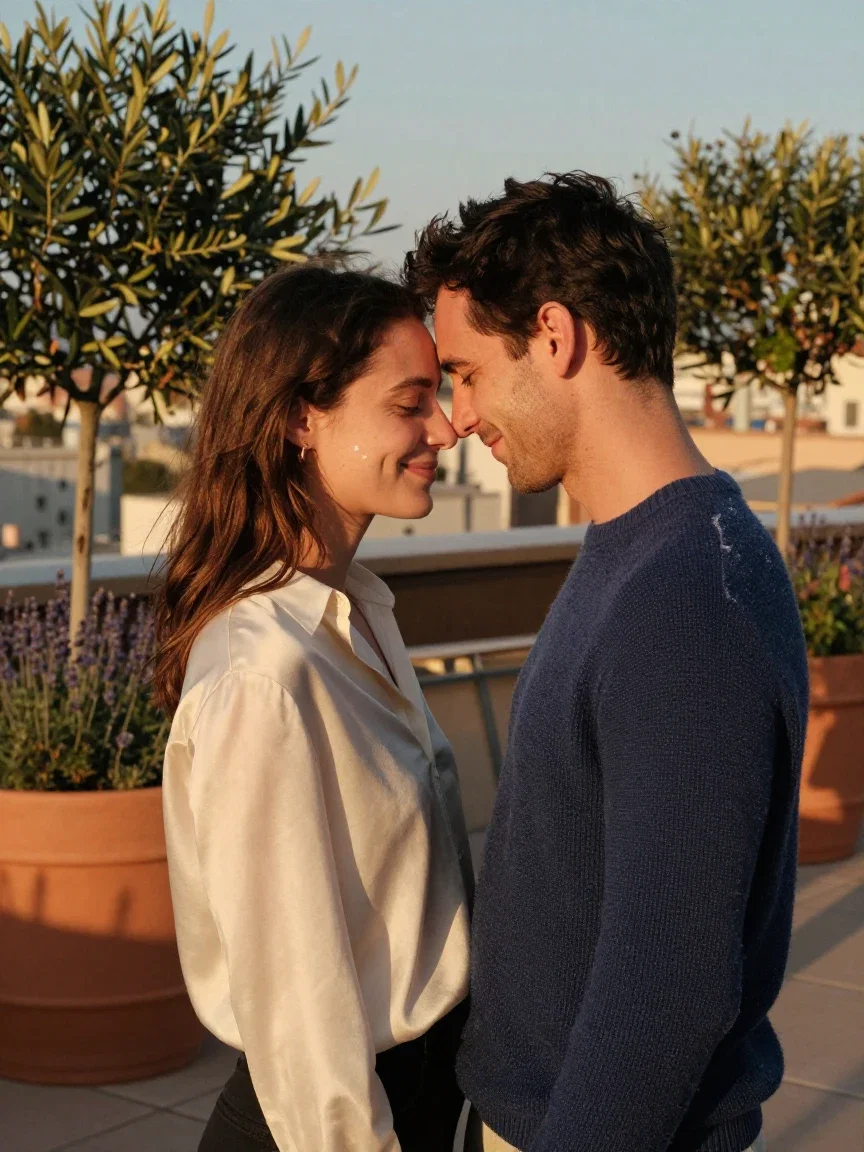
The source still
Where motion started
One still. One sentence. Motion.
The source was a generated portrait: a couple at golden hour, foreheads nearly touching.
The direction was one sentence — “he leans in slowly and kisses her forehead; she smiles with her eyes closed” — and the image-to-video engine returned exactly that, camera easing in.
The filmstrip shows the gesture unfolding: the lean, the kiss, the smile.
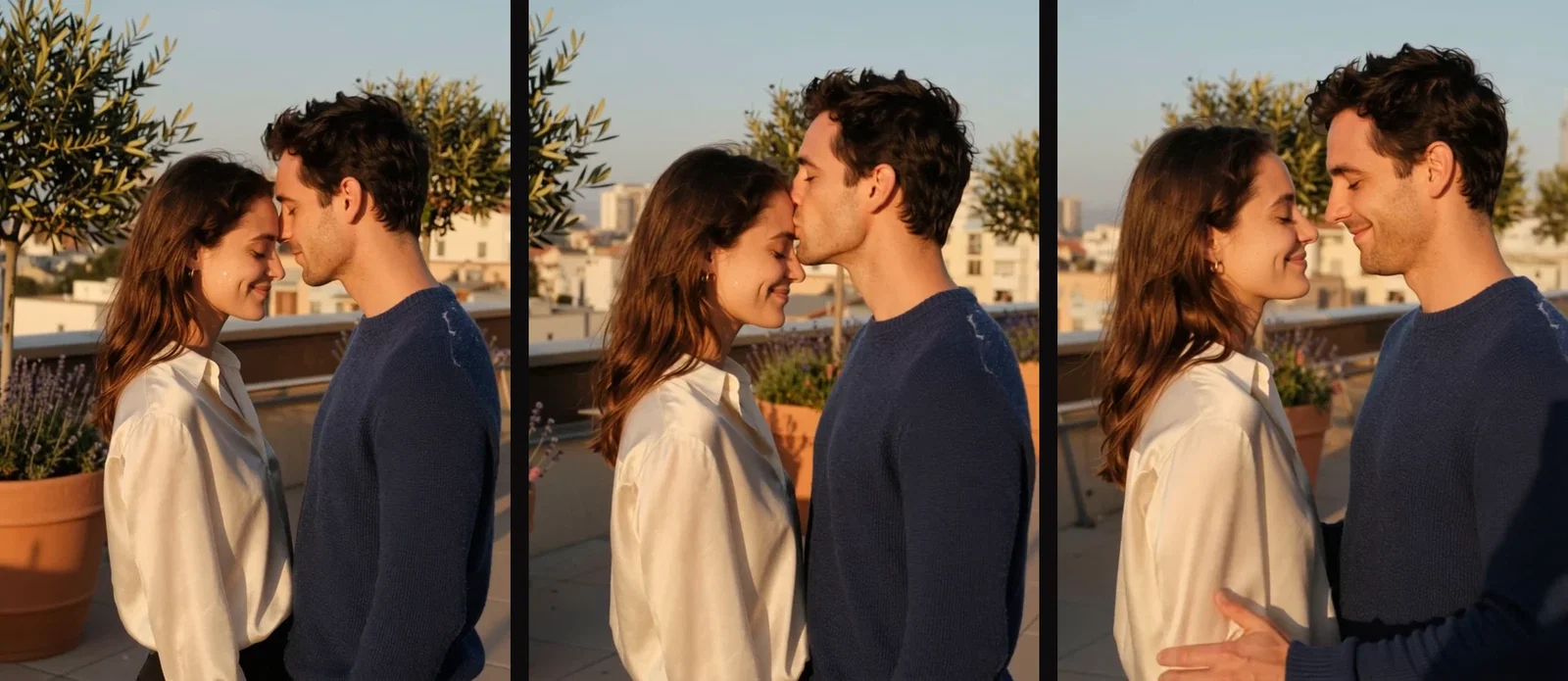
The gesture, frame by frame
From the clip
Three ways to animate a moment
Powered by the image-to-video and text-to-video engines on the FluxoKit canvas.
Animate your photo
A still becomes a gesture — with everyone's consent, always.
Direct the tenderness
A slow lean, closed eyes, a soft push-in — small direction wins.
Conjure from text
No photo needed: describe the scene and the engines build it.
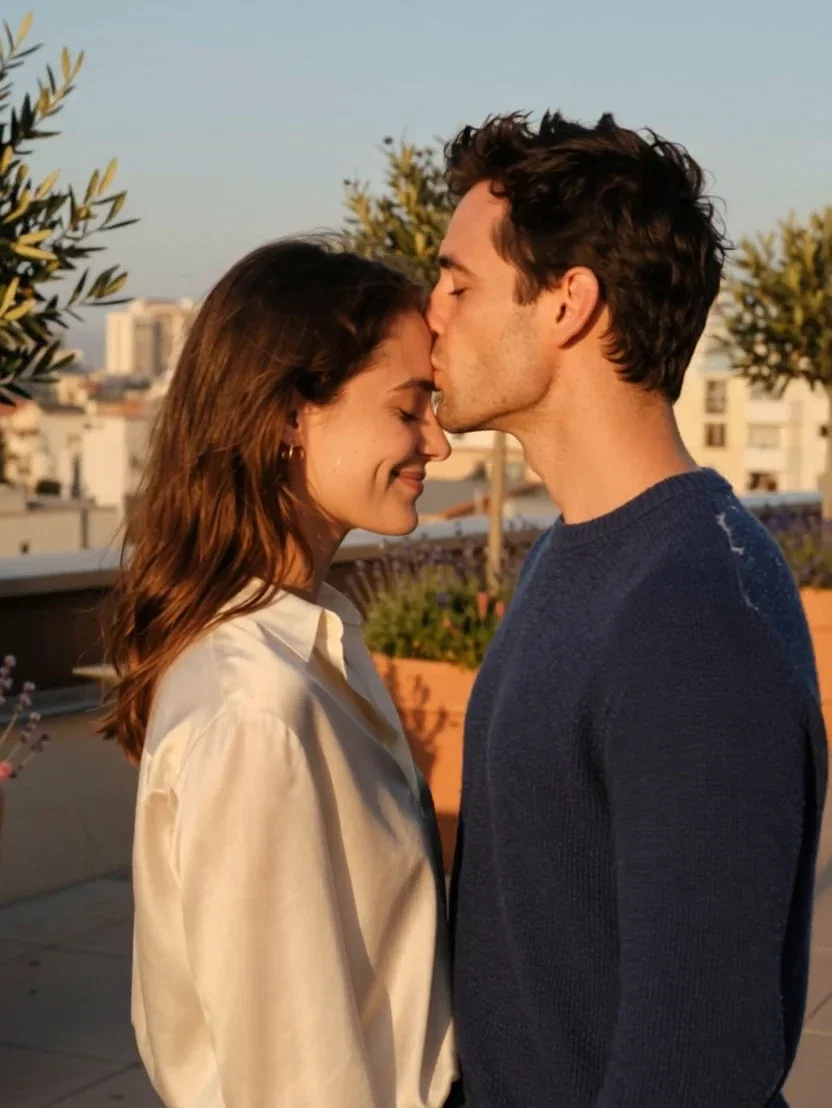
The forehead kiss
Photo to motion
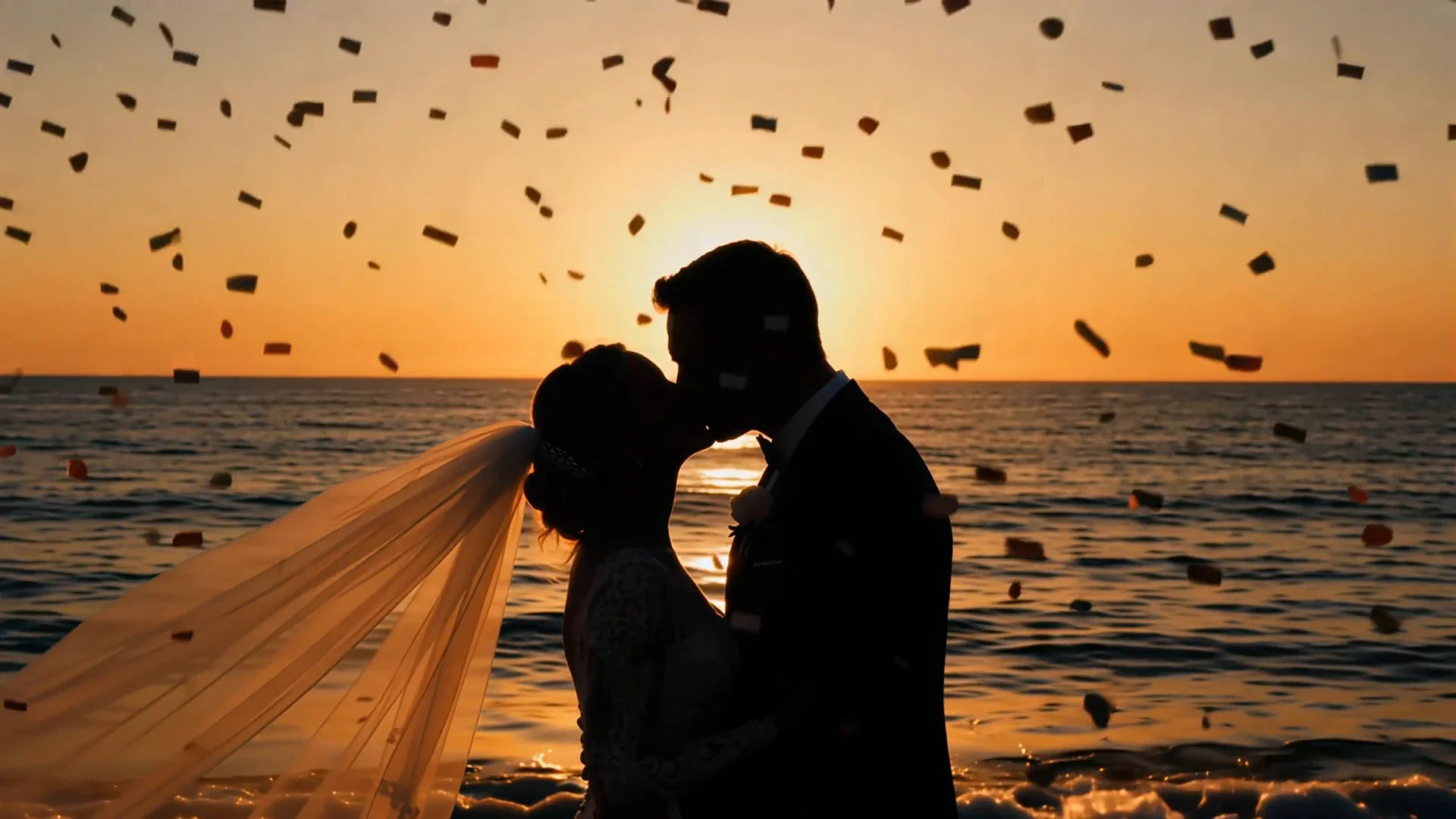
The first kiss
From one sentence
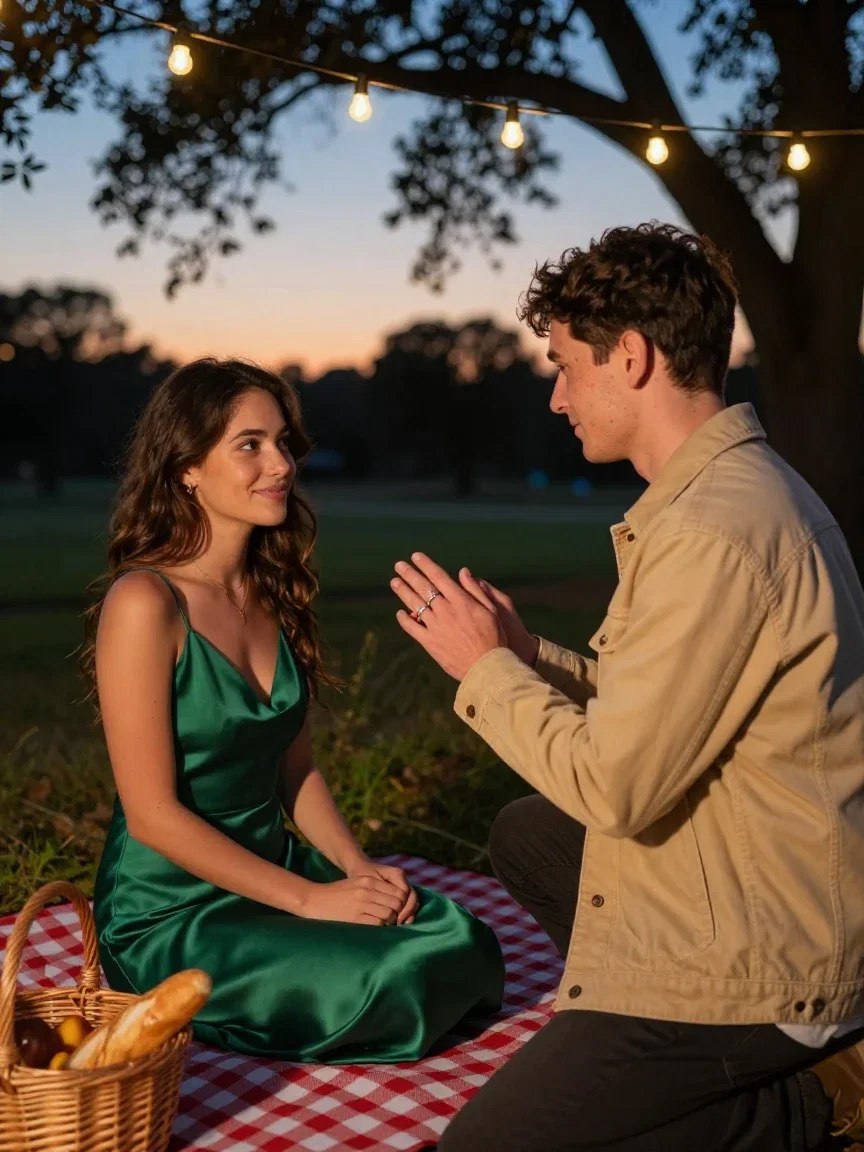
The proposal
Moments before
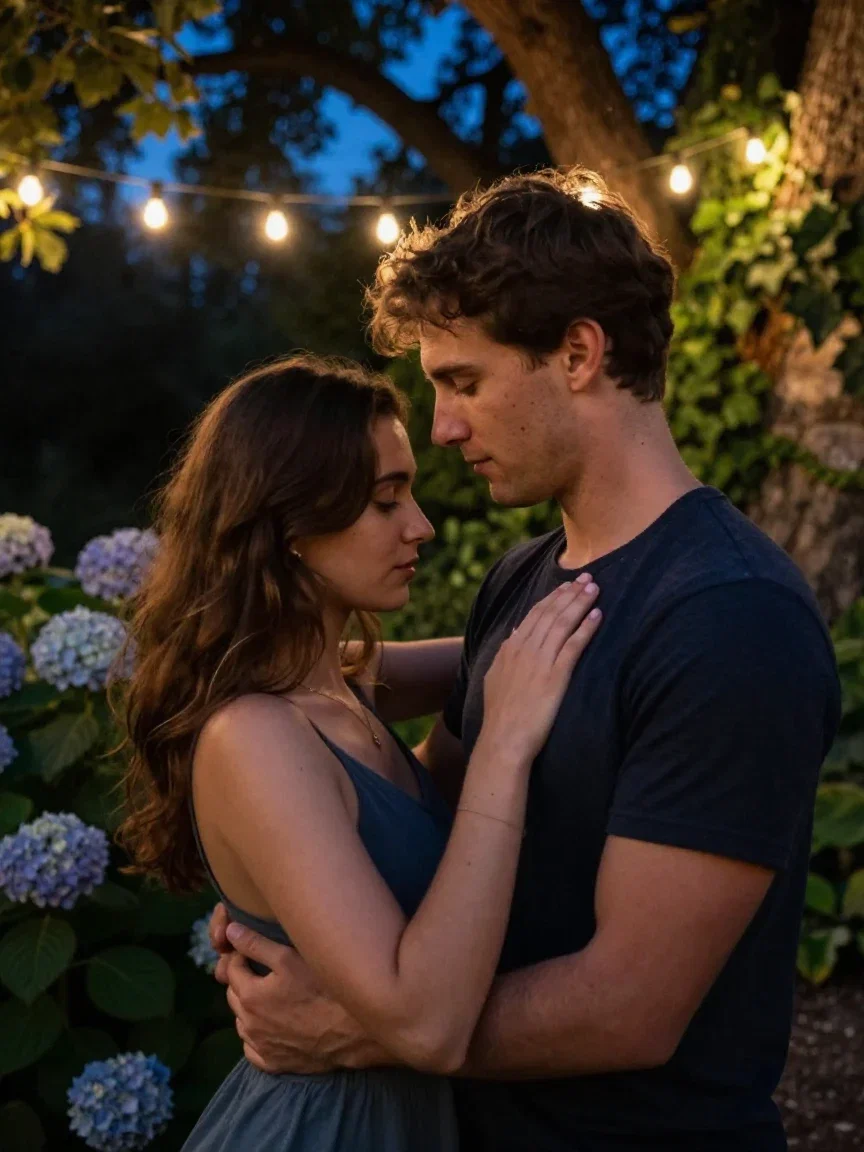
The slow dance
Fairy-lit
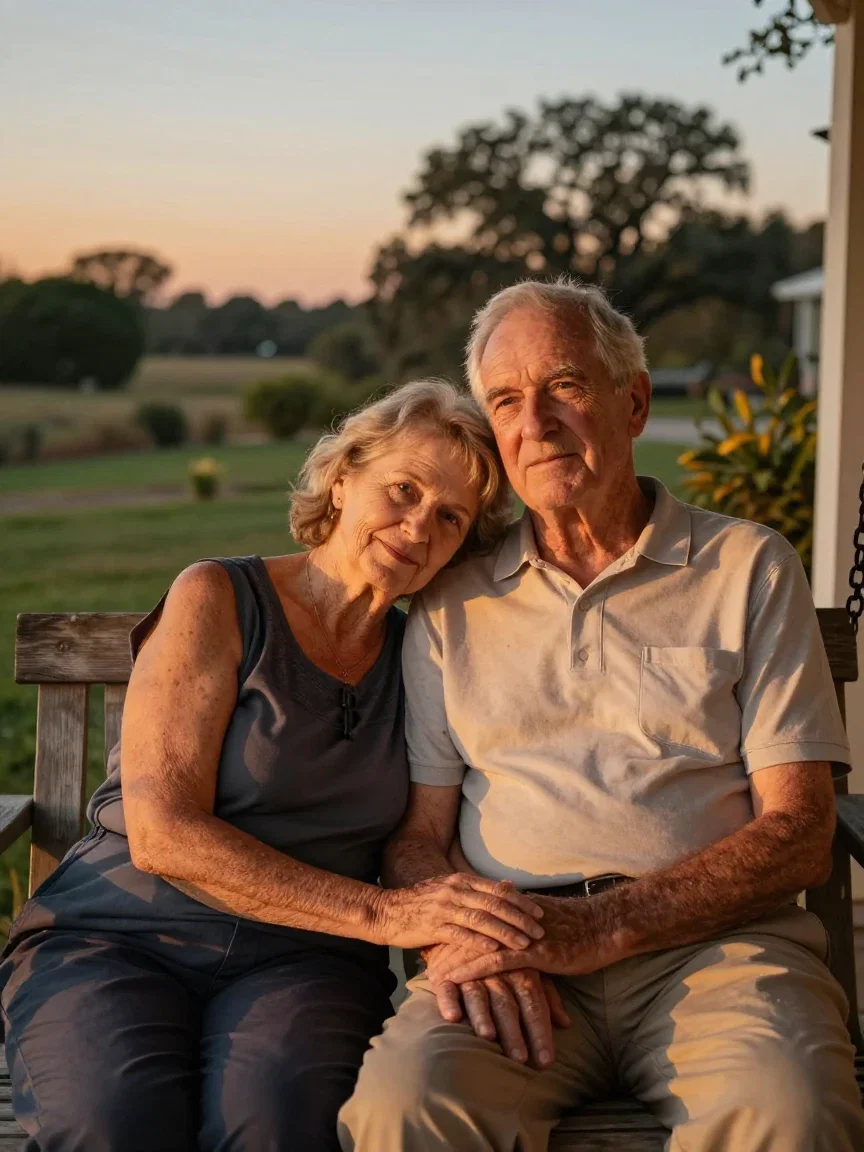
Fifty years in
Still tender
Where the motion starts
Image-to-video works from the photo you give it — this page's demo used fictional, generated people, and your own photos work the same way with everyone's consent.
Engagement shots, wedding portraits, anniversary stills: the moments most worth animating already exist in your camera roll.
Small, tender direction reads better than drama — that is the craft.
The source still
Where motion started
Or conjure the scene whole
The second clip needed no photo: “wedding first kiss in silhouette against an ocean sunset, confetti drifting” was the entire input.
Text-to-video builds the scene; image-to-video honors your people.
Both engines live one node apart on the same canvas.
The first kiss
From one sentence
One canvas, every engine
2
real clips generated for this page
135+
AI models in one canvas
14,500+
real generations delivered
The moments worth animating
Every tender still is a clip waiting for one sentence of direction.
The forehead kiss
Photo to motion
The first kiss
From one sentence
The proposal
Moments before
How to animate a moment on FluxoKit
Pick the still
Your photo with consent, or a generated portrait as the source.
Write the gesture
One small, tender sentence plus the camera's behavior.
Generate and deliver
Review the motion, iterate the direction, share the clip.
The most rewatched clips in any camera roll are the tender ones — and most tender moments live as stills. This page animated two of them on the FluxoKit canvas: a generated couple portrait brought to life as a forehead kiss by an image-to-video engine, and a wedding first-kiss silhouette conjured from a single sentence.
When people search for ai kissing video generator, they want warmth that reads as real. This page shows the motion.
Direct Answer
Use an AI kissing video generator to turn a still romantic moment into a short film: upload the photo — engagement shot, wedding portrait, anniversary picture, always with everyone's consent — describe the gesture, and the image-to-video engine animates it. Small direction works best: a slow lean, a forehead kiss, closed eyes, a soft camera push. On FluxoKit the i2v engines run from $14/month beside everything else on the canvas.
From Portrait to Motion
The demo began as a still: a couple at golden hour, foreheads nearly touching. One sentence of direction — "he leans in slowly and kisses her forehead; she smiles with her eyes closed" — and the engine returned the moment in motion, camera easing in. The filmstrip shows the gesture unfolding frame by frame.
The Moments Worth Animating
Engagements, weddings, anniversaries, the couple that never got a video of their first dance. The wall below holds the world these clips come from — proposals, porch swings, slow dances — every frame generated on this canvas.
How to Animate a Moment on FluxoKit
- Pick the photo — generated here, or your own with consent.
- Describe one small gesture and the camera's behavior.
- Run the image-to-video engine and review the motion.
- Iterate the direction if the gesture needs adjusting.
- Deliver it — or upscale it for the big screen at the reception.
Related workflows
- AI Video Generator — every motion engine on the canvas.
- PixVerse — the engine that animated this page's demos.
- AI Face Swap — consent-first identity tools on the same canvas.
Why animate moments on FluxoKit
The engines move. The pipeline — still to gesture to keepsake — is what FluxoKit adds.
Your photo, honored
Image-to-video keeps the people exactly as the still shows them.
Tender reads true
Small directed gestures — the forehead kiss is the argument.
Consent-first
Fictional demos here; your photos only with everyone's yes.
Text when no photo exists
The sunset first kiss came from a single sentence.
Proof on the page
Both clips are the platform's actual output, playing above.
30-day guarantee
Animate real moments for 30 days. Refund requests are governed by the first-subscription guarantee and Refund Policy.
48 models available in the canvas
Every model below is live in the FluxoKit studio. Each link opens its technical page with parameters, limits, and real generation examples.
- 01

Grok Imagine Video (Text to Video)
xAI · Video generation
- 02
Grok Imagine Video 1.5 (Reference)
xAI · Video generation
- 03

Veo 3.1 Text to Video
Google AI · Video generation
- 04
Gemini Omni Flash T2V
Google AI · Video generation
- 05
Gemini Omni 1.1 Flash Text to Video
Google AI · Video generation
- 06

Wan 3.0 Text to Video
Alibaba Cloud · Video generation
- 07
Wan 2.5 Text to Video
Alibaba Cloud · Video generation
- 08
Wan 2.6 Text to Video
Alibaba Cloud · Video generation
- 09
Wan 2.7 Text to Video
Alibaba Cloud · Video generation
- 10
HappyHorse 1.1 Text to Video
Alibaba Cloud · Video generation
- 11
HappyHorse Text to Video
Alibaba Cloud · Video generation
- 12

Sora 2
OpenAI · Video generation
- 13
Sora 2 Pro
OpenAI · Video generation
- 14

FLUX 3 Text to Video
Black Forest Labs · Video generation
- 15

MiniMax H3 T2V
MiniMax · Video generation
- 16
MiniMax Hailuo T2V
MiniMax · Video generation
- 17
Kling 2.6 Pro T2V
Kling · Video generation
- 18

Kling 3 T2V
fal.ai · Video generation
- 19

Seedance 2.0 T2V
ByteDance · Video generation
- 20

Seedance 2.5 Text to Video
Higgsfield AI · Video generation
- 21
Seedance 2.0 Fast T2V
ByteDance · Video generation
- 22
Seedance v1.5 Pro T2V
fal.ai · Video generation
- 23
Pixverse v6 T2V
fal.ai · Video generation
- 24
Grok Imagine Video (Image to Video)
xAI · Image to video
- 25
Grok Imagine Video 1.5 (Image to Video)
xAI · Image to video
- 26
FLUX 3 Image to Video
Black Forest Labs · Image to video
- 27
Veo 3.1 Image to Video
Google AI · Image to video
- 28
Gemini Omni Flash I2V
Google AI · Image to video
- 29
Gemini Omni 1.1 Flash Image to Video
Google AI · Image to video
- 30
Wan 3.0 Image to Video
Alibaba Cloud · Image to video
- 31
Wan 2.5 Image to Video
Alibaba Cloud · Image to video
- 32
Wan 2.6 Image to Video
Alibaba Cloud · Image to video
- 33
Wan 2.7 Image to Video
Alibaba Cloud · Image to video
- 34
Wan 2.7 Spicy Image to Video
MuleRouter · Image to video
- 35
HappyHorse 1.1 Image to Video
Alibaba Cloud · Image to video
- 36
HappyHorse Image to Video
Alibaba Cloud · Image to video
- 37
MiniMax H3 I2V
MiniMax · Image to video
- 38
MiniMax Hailuo I2V
MiniMax · Image to video
- 39
Kling 2.6 Pro I2V
Kling · Image to video
- 40
Kling 3 I2V
fal.ai · Image to video
- 41
Seedance 2.0 I2V
ByteDance · Image to video
- 42
Seedance 2.5 Image to Video
Higgsfield AI · Image to video
- 43
Seedance 2.0 Fast I2V
ByteDance · Image to video
- 44
Seedance v1.5 Pro I2V
fal.ai · Image to video
- 45
Pixverse v6 I2V
fal.ai · Image to video
- 46
PixVerse V6 Transition
fal.ai · Image to video
- 47
Sora 2 Image to Video
OpenAI · Image to video
- 48
Sora 2 Pro Image to Video
OpenAI · Image to video
Frequently asked questions
What is an AI kissing video generator?
It animates a romantic moment from a still image or a written scene: give an image-to-video engine a couple's photo and a description of the gesture — a forehead kiss, a first-kiss silhouette — and it returns a short clip with natural motion. On FluxoKit it runs on the canvas's i2v engines.
Are the clips on this page real generations?
Yes. The forehead-kiss clip started as a generated couple portrait that an image-to-video engine animated exactly as described, and the sunset first-kiss came from a single text prompt. Both are the platform's actual output.
Whose photos can I use?
Your own, with everyone's consent — couples animating their engagement shots or wedding photos is the classic use. This page's demos use fictional, generated people. Do not animate photos of real people without their permission.
What makes the motion look natural?
Small, described gestures: a slow lean, closed eyes, a soft smile, a gentle camera push. The engines respond to tender, specific direction far better than to vague drama — the forehead-kiss prompt on this page is one sentence of exactly that.
Is the AI kissing video generator free?
FluxoKit does not sell a free trial. The video engines run inside the platform plan from $14/month with monthly credits, backed by a 30-day first-subscription satisfaction guarantee, subject to the Refund Policy: animate real moments for a month, and refund requests are governed by the first-subscription guarantee and Refund Policy.
Next step
Access 135 AIs in one canvas, without subscribing to each one.
Monthly credits with no separate subscription per model. New purchases are temporarily unavailable; contact support for billing help.
MOMENTS ON FLUXOKIT
Animate your first moment
Still photos into tender motion — one canvas, one plan.